-
-
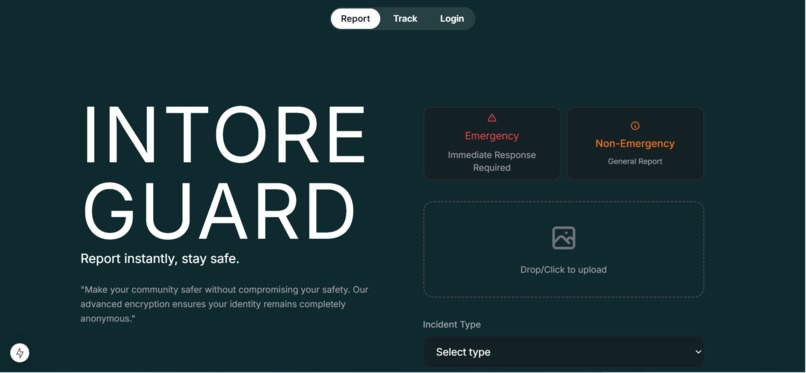
Homepage
-
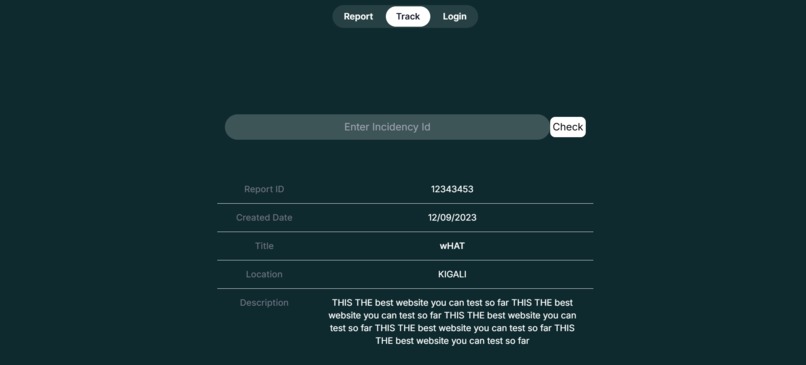
TrackingPage
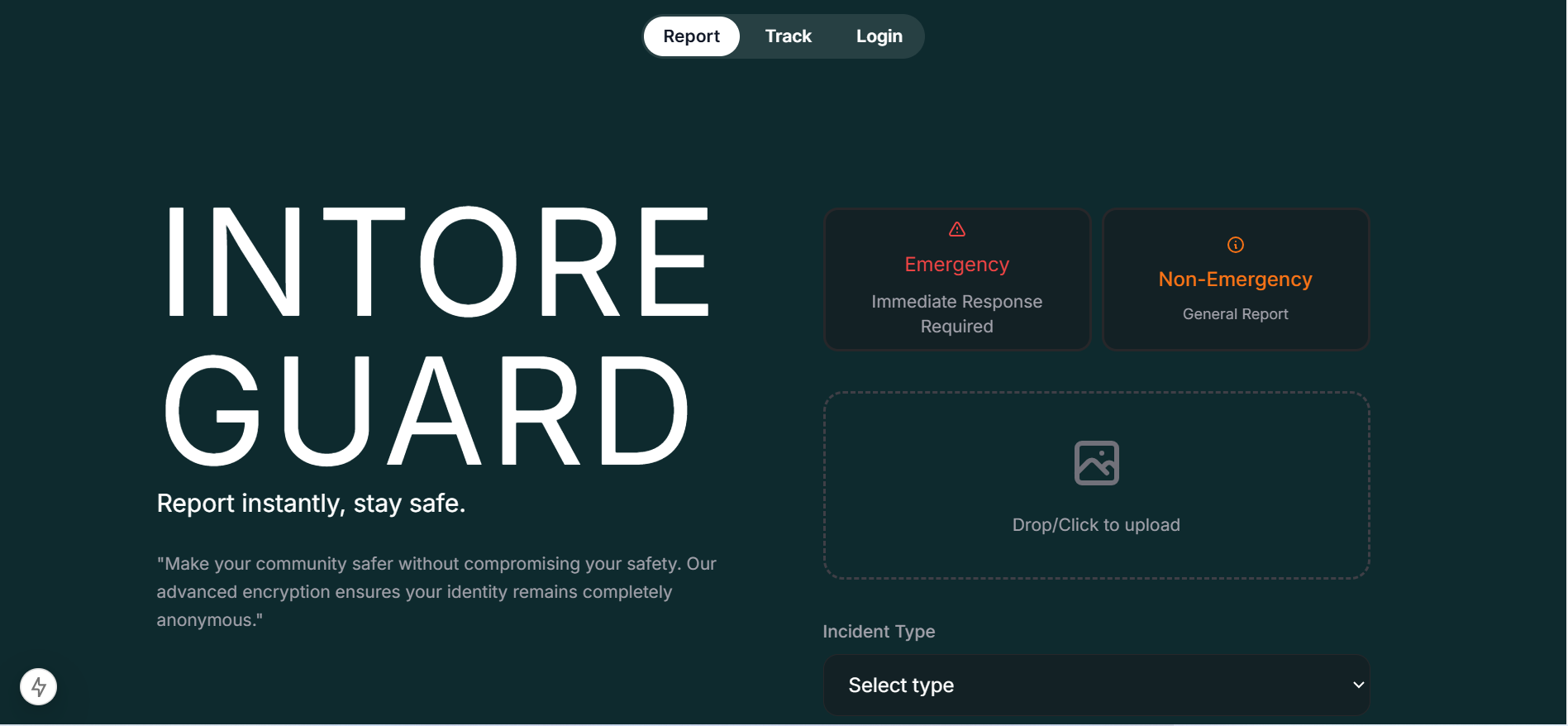
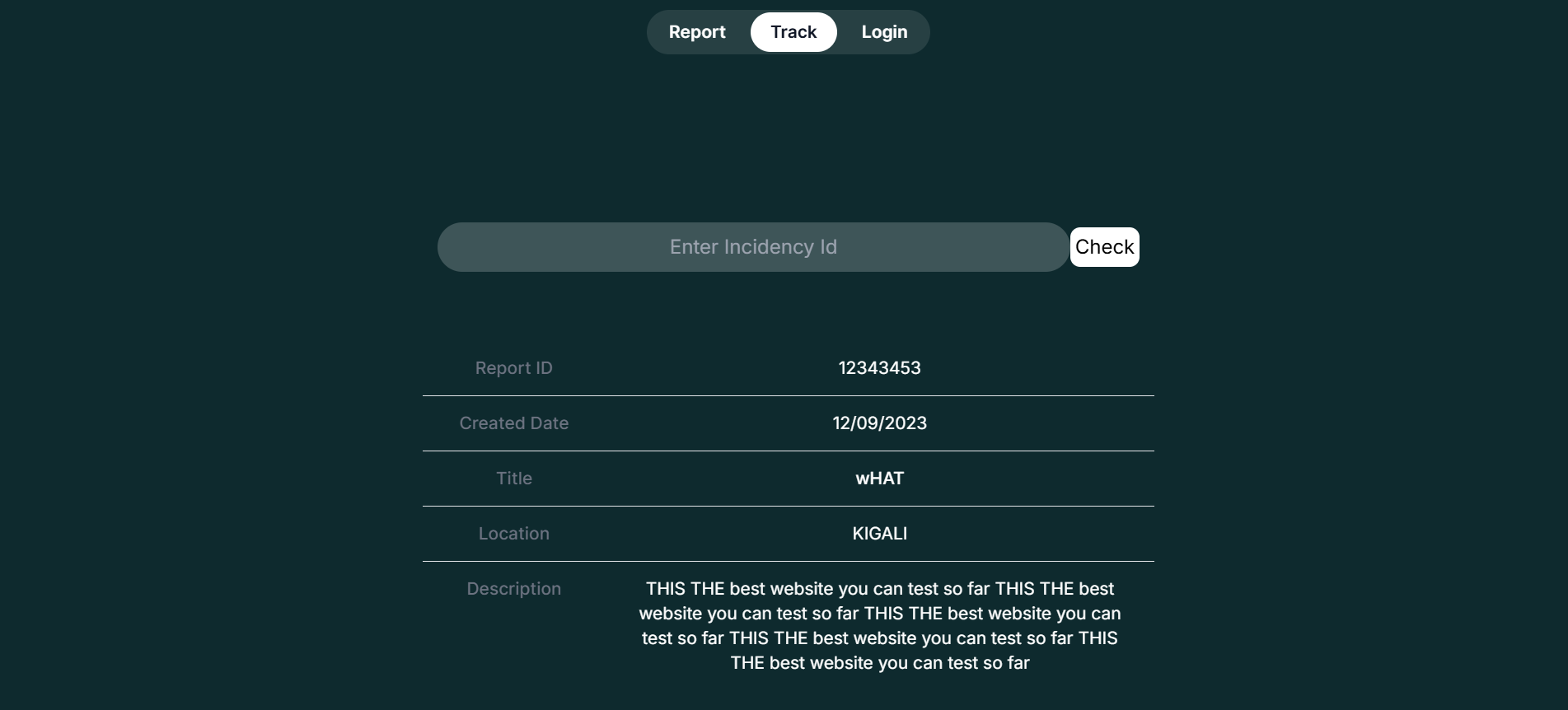
IntoreGuard
Inspiration
This project was inspired by the need to efficiently detect incidents in real-time using camera devices. We wanted to create a solution that can detect various incidents from images captured by cameras and automate the reporting to the respective departments. The use of AI enhances the system's capability to process the images and analyze incidents accurately.
What it does
This system enables users to capture images of incidents (like accidents, fires, or other emergency situations) through various devices that have a camera. After an image is uploaded, the system uses the AI to analyze the image, detect the incident, and automatically report it to the appropriate department for further action. The system simplifies incident detection, reporting, and enhances response times by automating the process.
How I built it
Frontend: The frontend of the application is built using Next.js, allowing for a fast, server-rendered experience. Users can upload images of incidents and interact with the system in real-time.
Backend: The backend of the system handles requests, processes the images, and communicates with the Gemini API for image detection. It is built using Node.js, utilizing REST APIs to handle requests from users.
Image Detection: The system integrates with the Gemini API to analyze images for incidents. The Gemini API provides accurate detection of various emergency-related incidents by analyzing image features.
Deployment: The application is deployed on Vercel
Challenges I ran into
Image Processing Performance: Optimizing the system for processing large image files efficiently was challenging, especially when multiple users are uploading images simultaneously.
Integration with Gemini API: Ensuring accurate communication between the backend and the Gemini API was tricky, especially handling edge cases where the image might not be easily detected.
Handling Multiple Devices: Ensuring that the system could scale and handle uploads from different devices with varying network speeds was a key challenge.
User Interface Design: Designing a simple and intuitive user interface for incident reporting was challenging, as it needed to cater to users who might not be tech-savvy.
Accomplishments that I'm proud of
- Successfully integrating the Gemini API to detect and report incidents accurately.
- Developing a solution that works seamlessly across multiple devices, making it versatile for real-world usage.
- Implementing a robust image upload system that can handle high volumes of images and process them quickly.
- Automating the reporting process to designated departments, which improves response times and reduces manual effort.
What I learned
- How to integrate an external API (Gemini) for image detection and process the results effectively.
- How to handle and process large image uploads efficiently while maintaining system performance.
- How to deploy and scale applications on platforms like Vercel.
- The importance of user-centered design when building solutions for people who might not be familiar with technology.
What's next for Intoreguard
- Mobile App: Develop a mobile version of the application to make incident reporting and detection more accessible and user-friendly.
- Real-Time Image Processing: Improve the system to process images in real-time as they are captured, rather than relying solely on uploaded images.
- Expand Incident Detection: Integrate more advanced detection algorithms for other types of incidents beyond the current scope, such as natural disasters or security breaches.
- Enhanced Notifications: Add more advanced notification features, such as SMS alerts or integration with other communication channels, for faster and more efficient incident reporting.
- Machine Learning Model Improvement: Continuously improve the accuracy of the image detection system through machine learning, making it more precise over time.
What's next for intoreguard
Built With
- gemini
- javascript
- mapbox
- nextjs
- tailwindcss
- typescript
- vercel

Log in or sign up for Devpost to join the conversation.