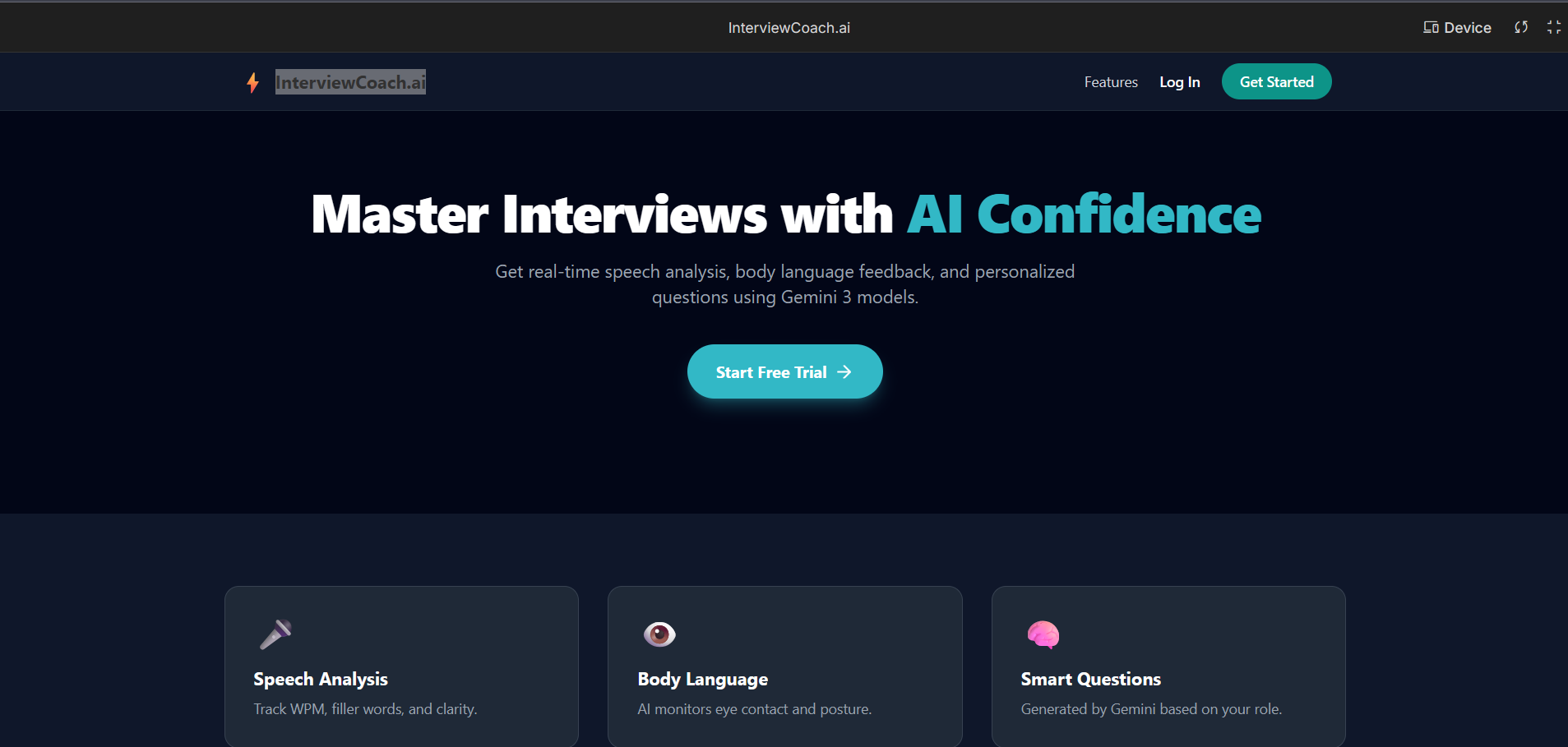
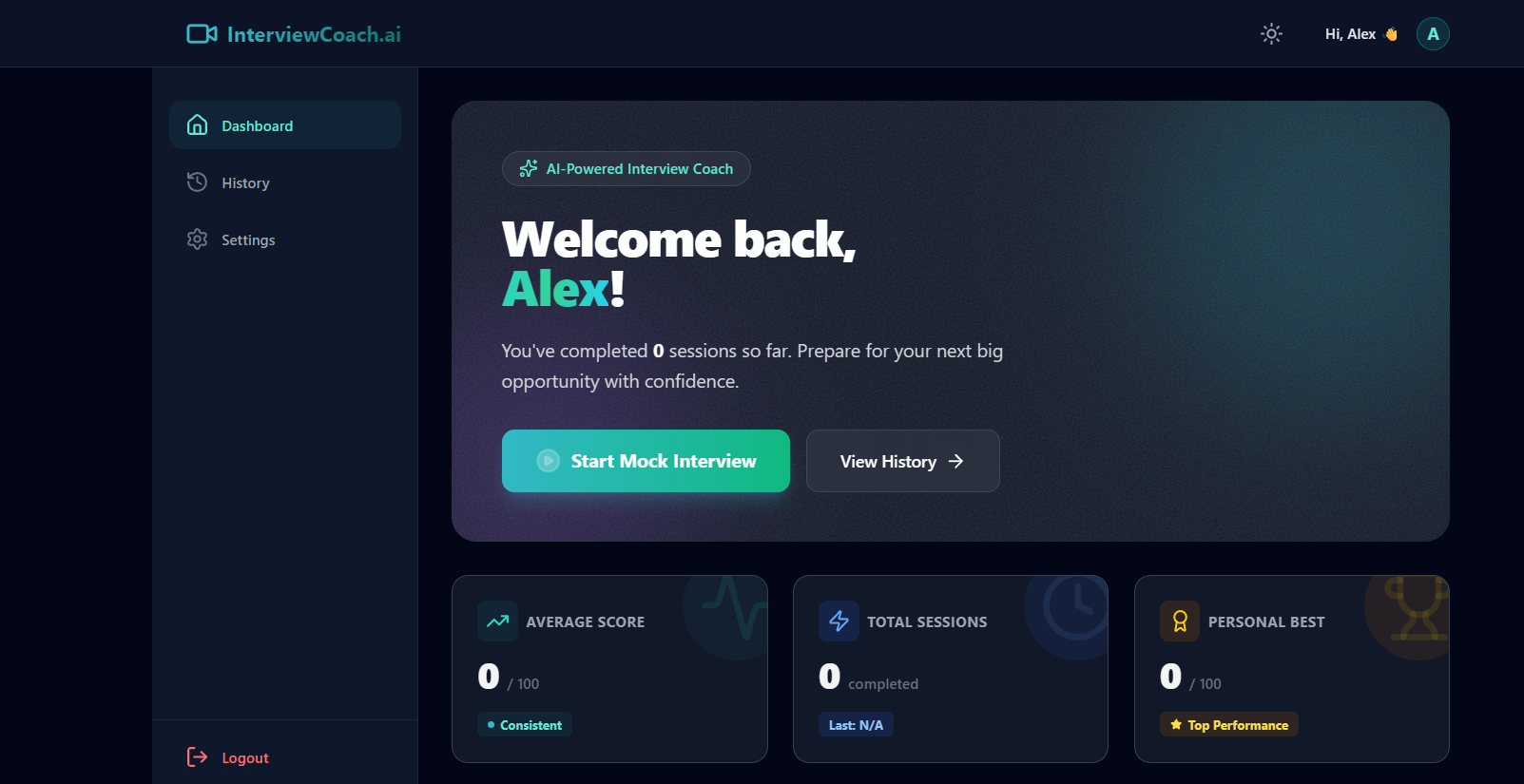
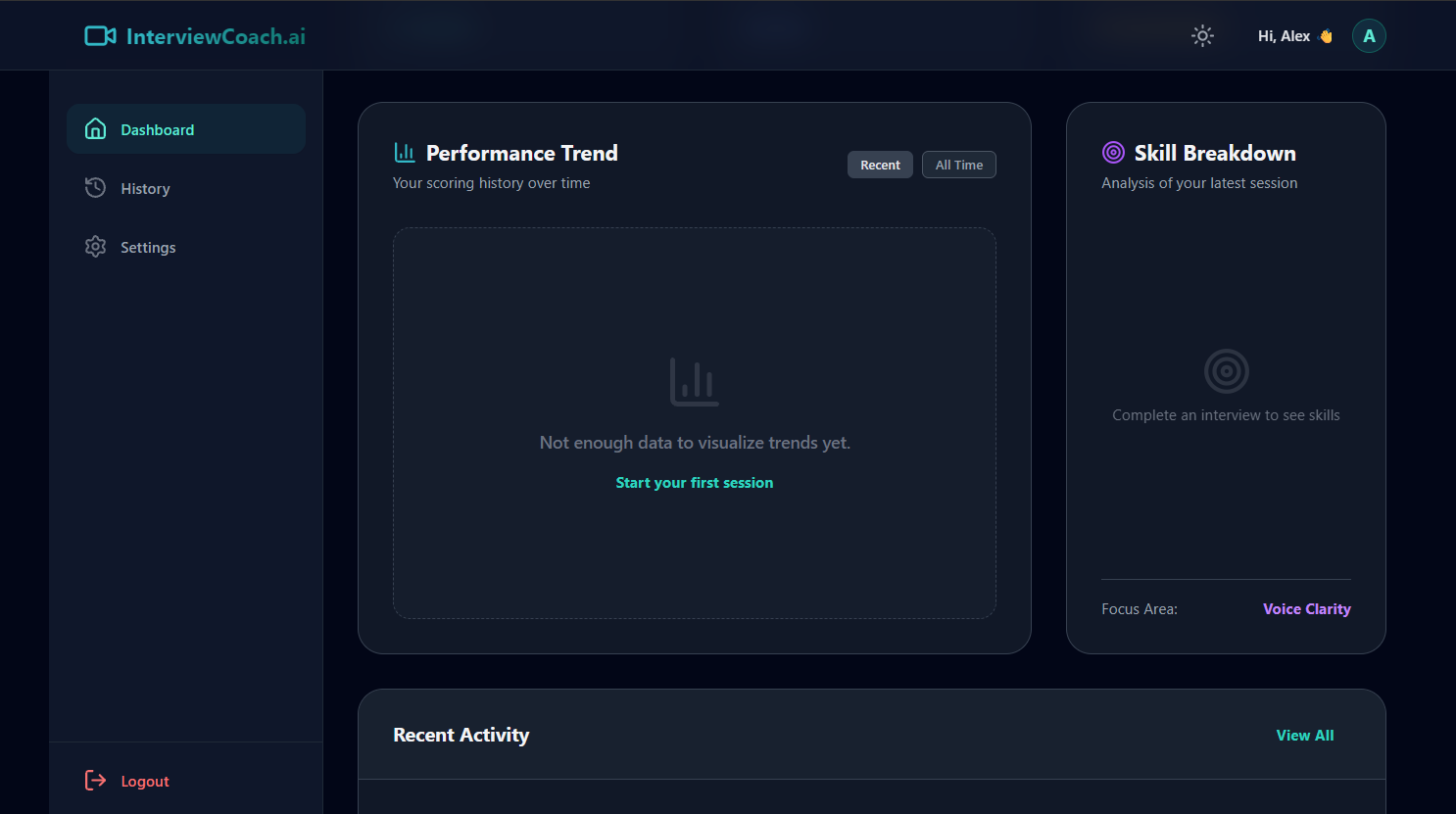
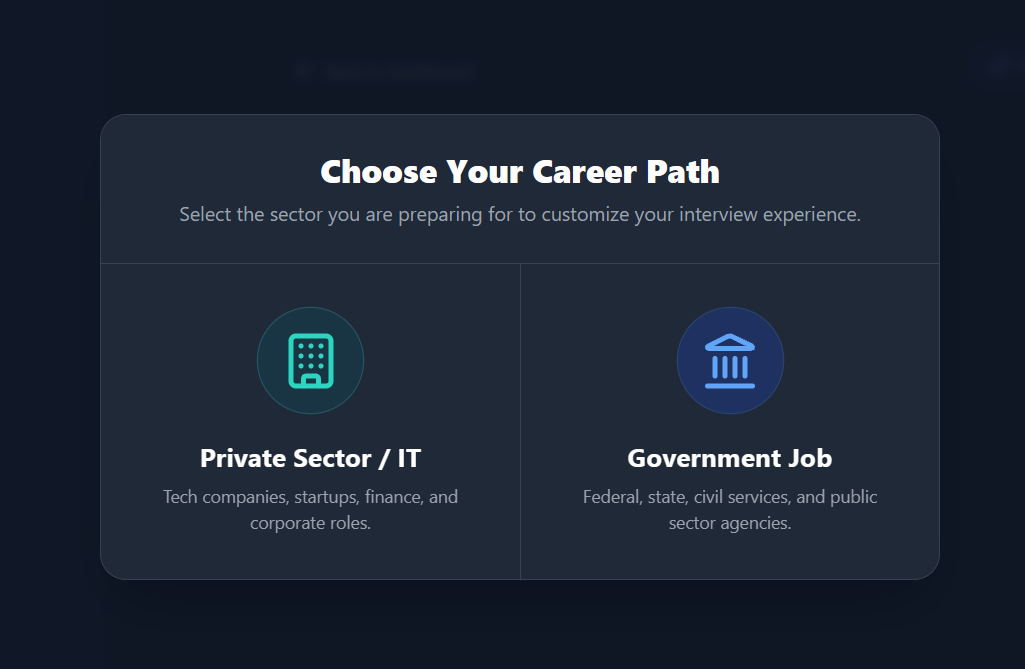
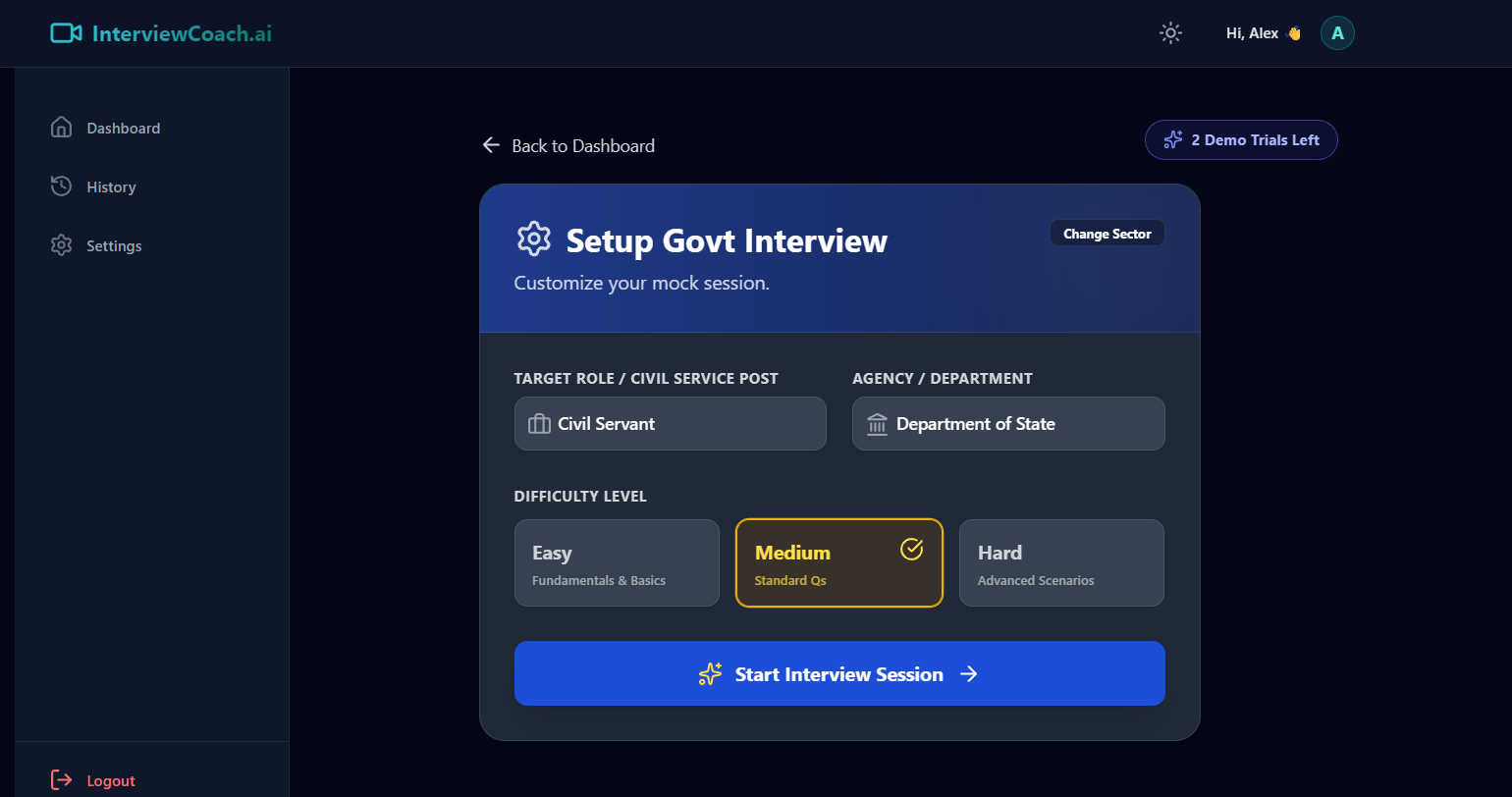
Inspiration The current job market is more competitive than ever, and for many candidates, the anxiety of the interview process is the biggest barrier to success. We noticed that existing solutions were polarizing: they were either expensive human coaches or text-based chatbots that failed to capture the pressure of a real-time conversation. We wanted to bridge this gap by building a tool that democratizes high-quality interview preparation. We were specifically inspired to create a "dual-track" system—recognizing that a Software Engineer interview at Google requires a completely different demeanor and skill set than a Civil Service interview at the Department of State. We built InterviewCoach.ai to be the rigorous, available-24/7 partner that helps users practice until they are perfect. What it does InterviewCoach.ai is a full-stack, immersive interview simulator that mimics a real video conference call (similar to Google Meet). Customizable Personas: Users can select between a "Private Sector" track (focusing on tech/corporate roles) or a "Government" track (focusing on protocol and public service). Video Interaction: Instead of a text chat, users interact with AI video avatars ("Sarah" or "David") that maintain eye contact, listen, and respond verbally. Real-Time Speech Processing: The app listens to the user's voice using the Web Speech API, transcribes it in real-time, and generates context-aware follow-up questions using Google Gemini 3. Instant Feedback Loop: It tracks critical metrics like Words Per Minute (WPM), filler word usage (um, uh), and answer clarity. Smart Analytics: After the session, users get a detailed dashboard with a 0-100 score, a radar chart of their soft skills, and specific, actionable advice generated by Gemini on how to improve their answers. Frictionless Access: A robust "Demo User" system allows new users to try 2 full interview sessions before needing to sign up. How we built it We built the application as a modern, responsive web app using React 19 and TypeScript, prioritizing a fast and fluid user experience. AI Engine: We leveraged the Google GenAI SDK (@google/genai) and the gemini-3-flash-preview model. We utilized complex System Instructions to force the AI to stay in character (e.g., acting as a strict hiring manager) and to ensure it asks only one question at a time. Frontend Architecture: We used Tailwind CSS for a polished, dark-mode-ready UI that replicates professional video conferencing software. Recharts was used to visualize performance data dynamically. Audio/Video Handling: We integrated the browser's native MediaStream API for camera access, SpeechSynthesis for the AI's voice, and webkitSpeechRecognition for converting user speech to text. Backend & Auth: We used Supabase for secure authentication and a PostgreSQL database to store interview history, scores, and user profiles. State Management: We implemented a hybrid storage solution, utilizing LocalStorage for the anonymous "Demo" mode and Supabase for authenticated users, ensuring data persistence across sessions. Challenges we ran into Latency & "Dead Air": One of the biggest hurdles was managing the delay between the user finishing a sentence and the AI responding. To solve this, we implemented dynamic "Thinking..." states where the AI displays transparent logic (e.g., "Evaluating your code snippet...", "Checking for STAR method"). This keeps the user engaged and masks the API latency. Prompt Engineering for Roleplay: Initially, the AI was too helpful—it would answer the interview questions for the user! We had to rigorously tune the system prompts to ensure the model stayed in the role of an interviewer, pushing the candidate for details rather than offering solutions. Browser Speech API Limitations: The native Web Speech API can be inconsistent across browsers. We had to implement robust error handling, silence detection timers, and "nudge" logic to restart the listener if it cut out prematurely. Handling Quotas: We implemented an exponential backoff strategy in our service layer to gracefully handle 429 Quota Exceeded errors from the AI API, ensuring the app doesn't crash during high traffic. Accomplishments that we're proud of The "Human" Feel: We are incredibly proud of the UI. The video avatars, combined with the audio visualizers and real-time captions, create an experience that feels genuinely like a Zoom or Meet call, not a chatbot. Sector-Specific Logic: Successfully implementing distinct logic for Government vs. Corporate interviews makes the tool useful for a much wider demographic than standard coding interview platforms. The Demo System: We built a seamless "Try before you buy" flow that tracks trial usage locally, allowing instant value for new users while protecting our API costs by enforcing a hard limit of 2 trials. Visual Analytics: The dashboard is beautiful and functional, providing users with tangible evidence of their improvement over time through Area and Radar charts. What we learned Multimodal Complexity: Synchronizing video loops, audio synthesis, and text streams is complex. We learned a lot about React's useEffect lifecycle to prevent memory leaks and echo loops. The Power of Context: Passing the full transcript history to Gemini allowed for surprisingly deep follow-up questions. We learned that the model excels at "callback" questions (referencing something said 3 turns ago), which drastically increases immersion. User Feedback is Key: We learned that users need reassurance. Adding "Nudges" (where the AI says "Go on..." if the user pauses) transformed the experience from a test into a conversation. What's next for InterviewCoach.ai Live API Integration: We plan to upgrade from the standard generateContent API to Gemini's Live API for even lower latency and the ability to interrupt the AI naturally. Resume Parsing: Adding a feature where users can upload a PDF resume, and the AI generates questions specifically tailored to the skills and gaps found in that document. Technical Whiteboard: Integrating a shared code editor so the AI can conduct technical coding interviews with syntax highlighting and execution. Mobile App: Porting the experience to React Native to allow users to practice in their car or on the go.
InterviewCoach.ai
AI-powered interview preparation coach offering real-time speech and body language feedback using Gemini 3.
Updates

Leave feedback in the comments!
Log in or sign up for Devpost to join the conversation.