-
-
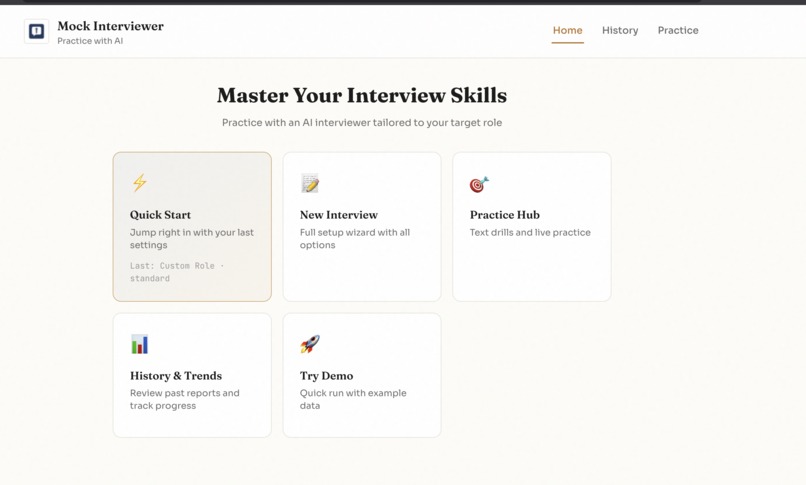
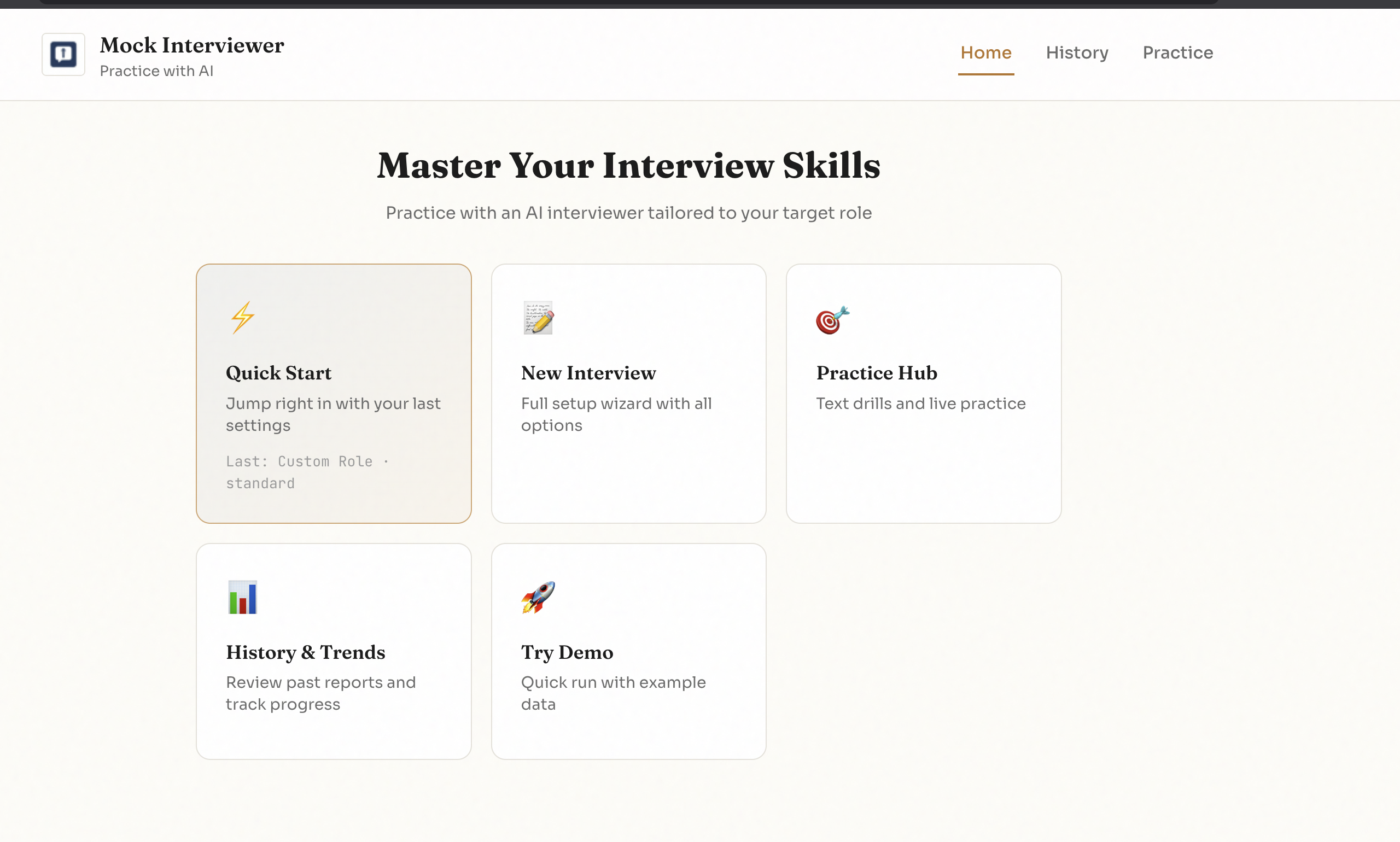
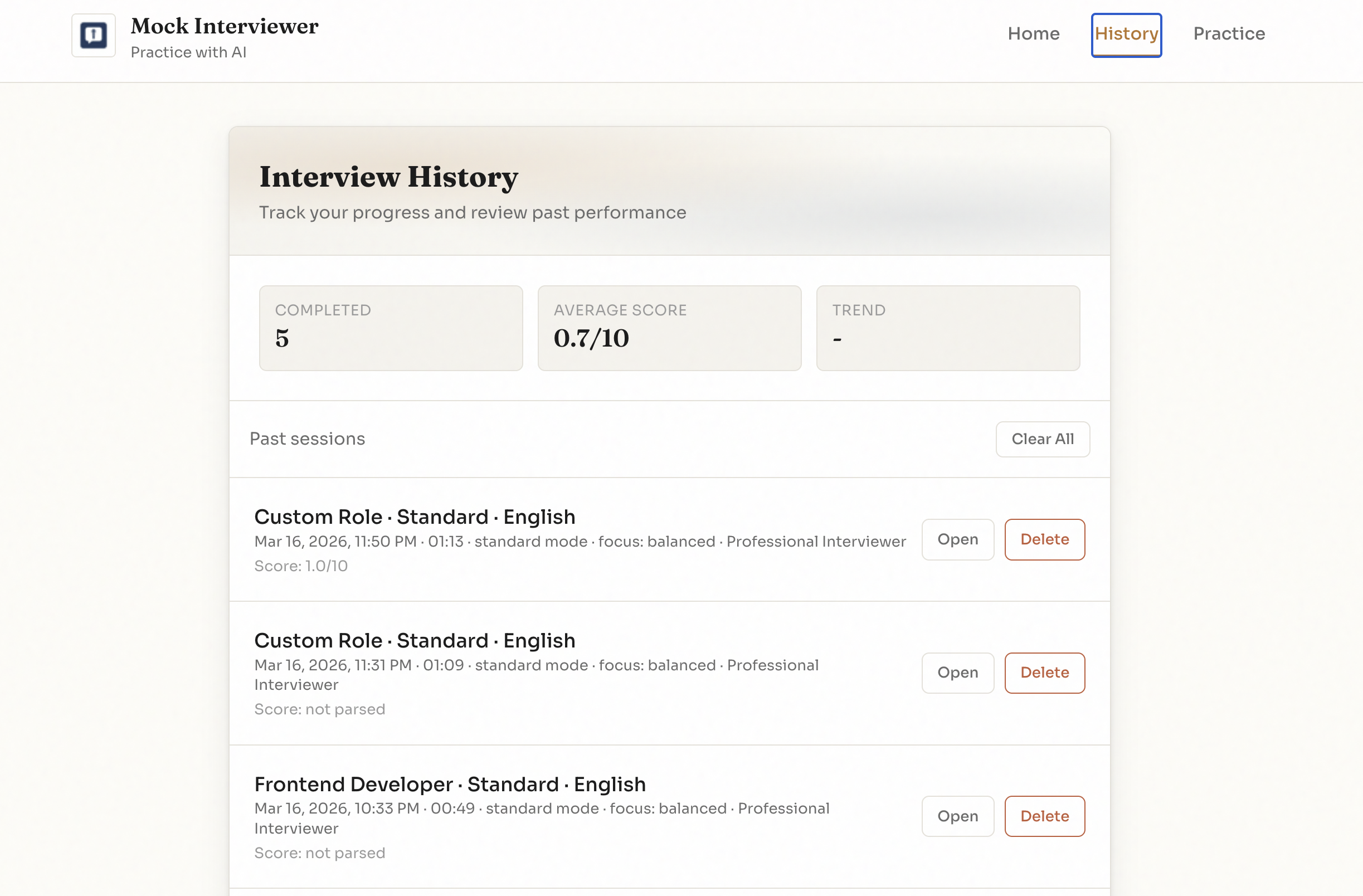
Landing page
-
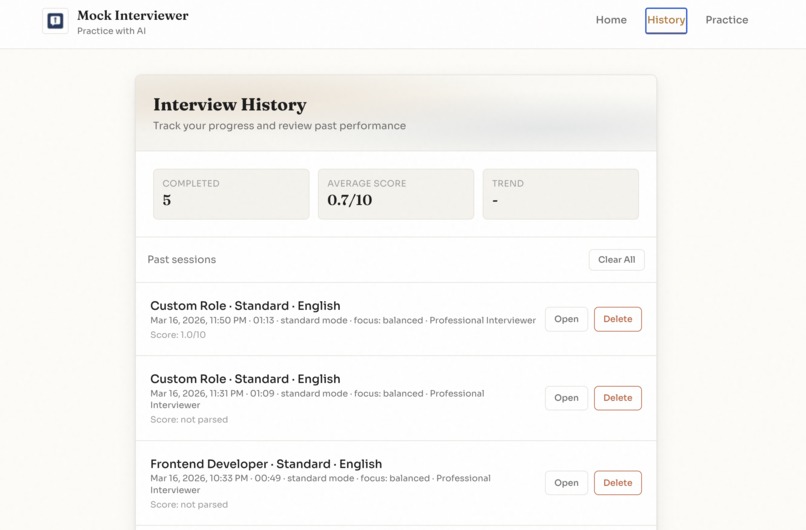
-
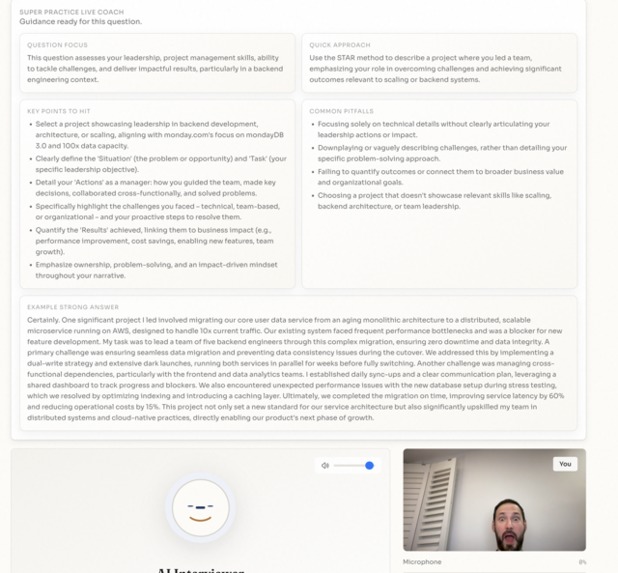
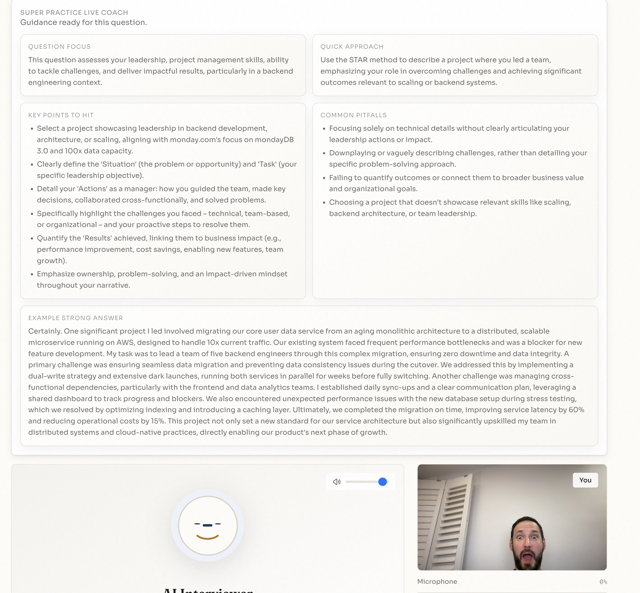
Super practice mode
-
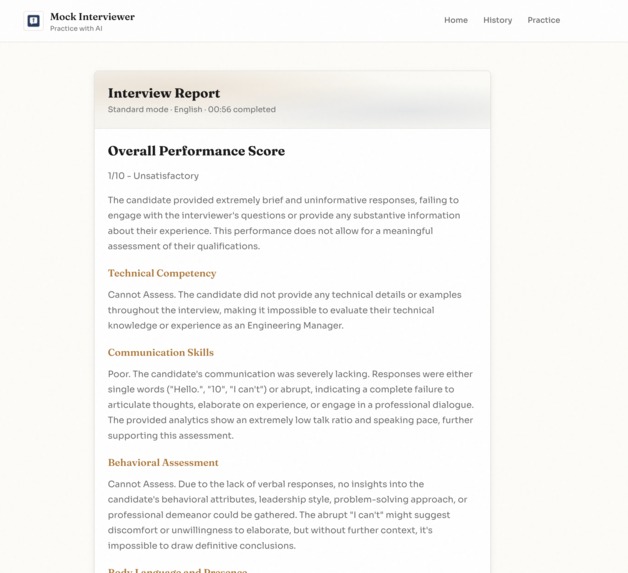
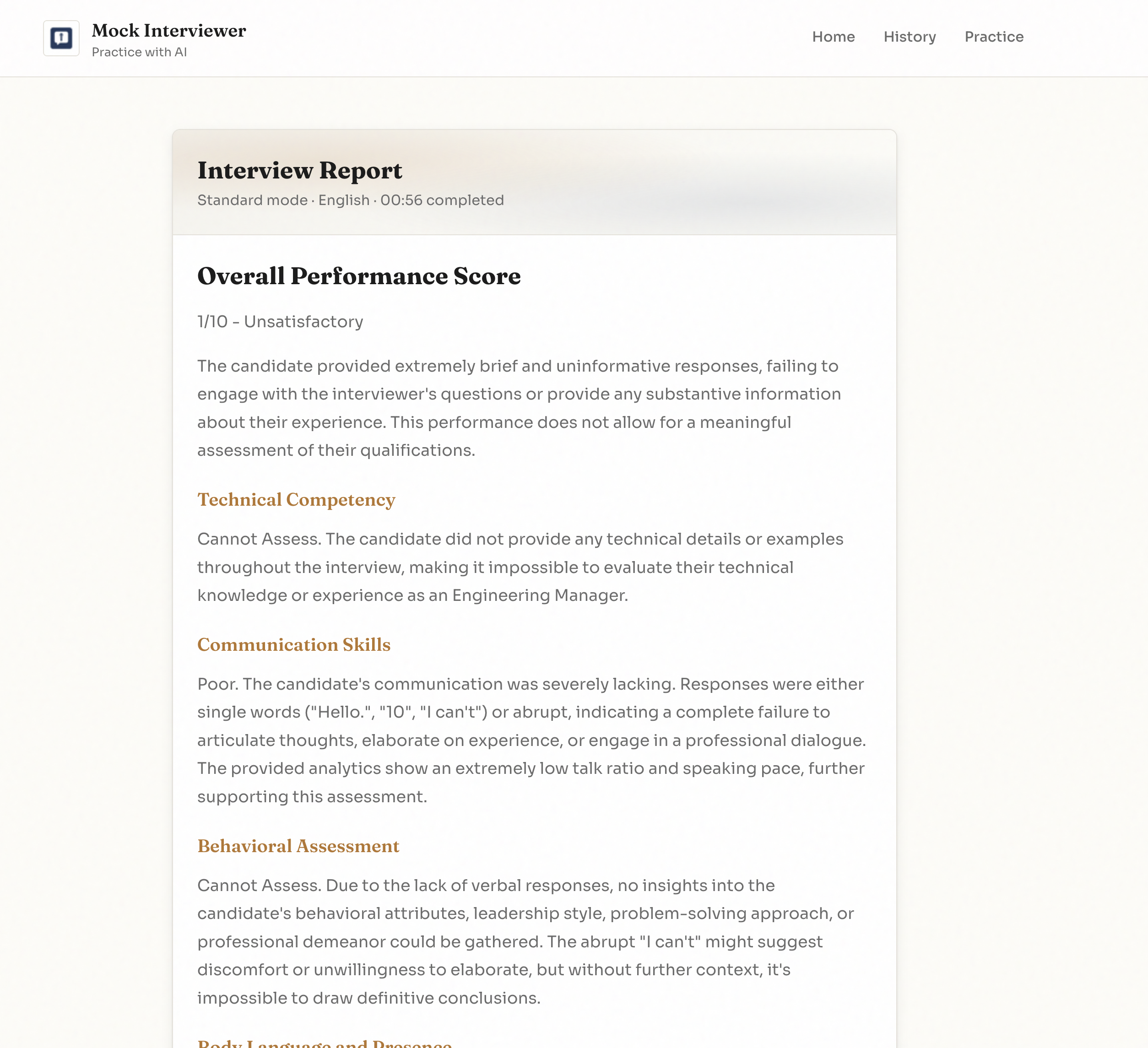
Report
Inspiration
Most interview prep tools still feel like chatbots: text-in, text-out, no pressure, no interruption, and no realistic communication signals. I wanted to build something that feels like a real interview room—where you speak naturally, can be interrupted, and are evaluated on both content and delivery.
What it does
Interview Companion Live is a real-time multimodal AI interview agent powered by Gemini Live API.
It can:
- hear the candidate through microphone input
- see the candidate through webcam frames
- speak back with low-latency conversational audio
- handle interruption naturally
- ground questions in a job description (and optional resume)
- generate a structured post-interview report with coaching insights I also added a live practice mode that gives focused guidance while keeping the interaction voice-first and realistic. ### How I built it The system has three layers:
- Frontend (browser)
- Captures webcam + microphone
- Streams audio/video to backend over WebSocket
- Plays streamed AI audio responses
- Shows transcript, live signals, and report UI
- Backend (Bun + TypeScript)
- Manages session lifecycle and reconnect/resume
- Bridges realtime media between client and Gemini Live API
- Applies request validation and endpoint rate limiting
- Generates final interview feedback/report
- Google Cloud
- Hosted on Cloud Run
- Uses Vertex AI Gemini Live API through the Google GenAI SDK
- Deployment scripted for reproducibility ### Challenges I faced
- Realtime audio reliability: balancing latency with smooth playback required buffering + sequencing logic.
- Interruption handling: keeping the experience natural while users and AI can overlap.
- Session resilience: supporting reconnect/resume without losing context.
- Safe rendering: preventing XSS when displaying model-generated feedback.
- Grounding quality: ensuring interview questions stay tied to the provided role/JD rather than generic prompts. ### What I learned
- Multimodal UX quality is mostly an orchestration problem (timing, buffering, state sync), not just prompting.
- Grounding with job-specific context dramatically improves relevance and trust.
- A strong “live loop” + clear post-session analysis creates a much better user experience than either alone.
- Production-style safeguards (validation, limits, safe DOM rendering) matter even in hackathon projects. ### Why this matters This project breaks the text-box paradigm and demonstrates a practical Live Agent: one that can see, hear, speak, and coach in real time for a high-value use case (interview preparation).
Built With
- api
- bun
- gemini
- genai
- html/css
- javascript
- live
- typescript
- vertex
- websocket


Log in or sign up for Devpost to join the conversation.