-
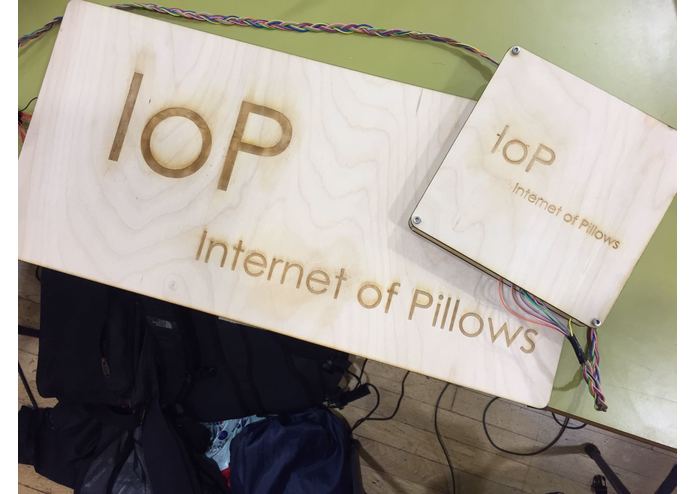
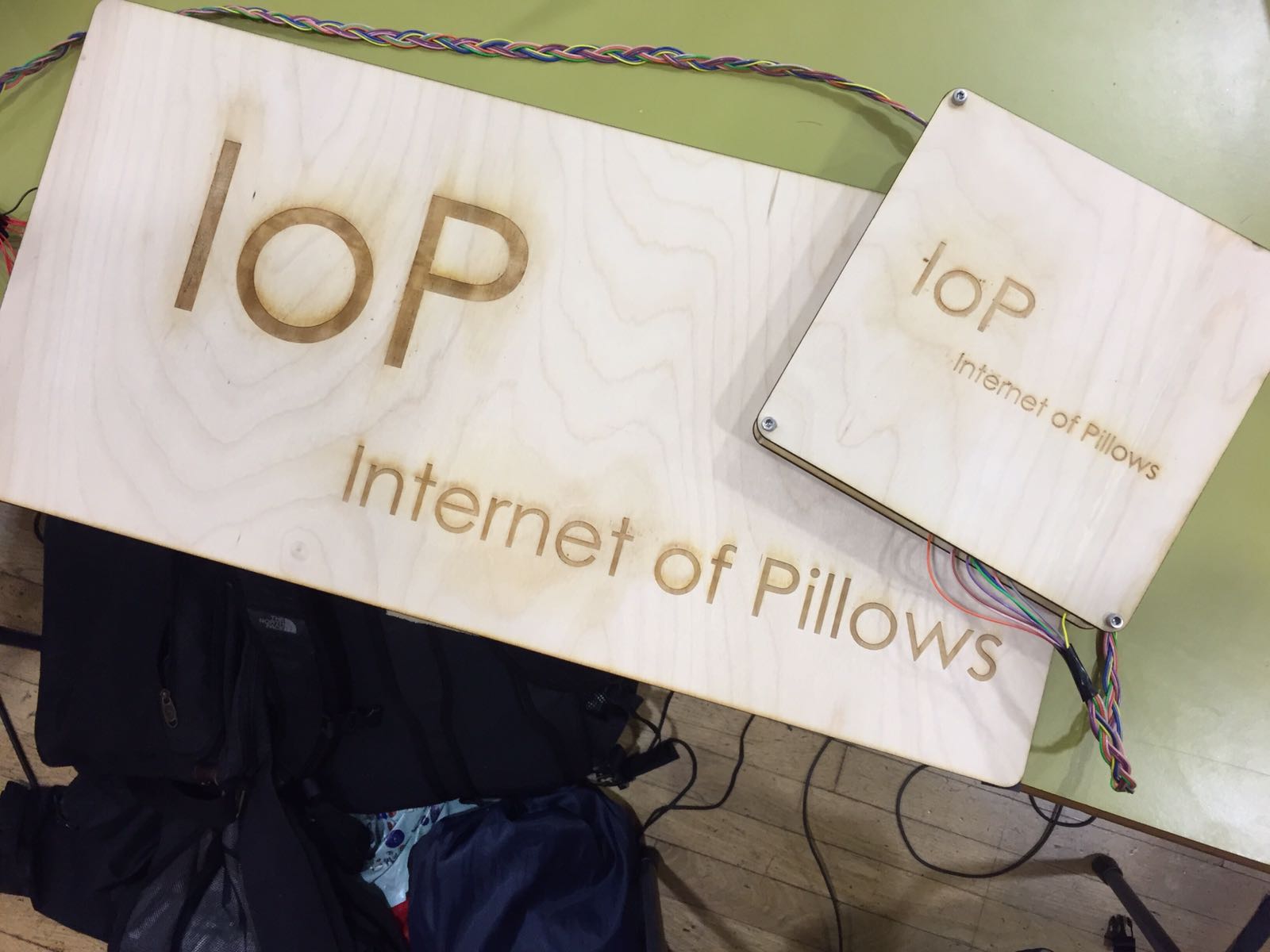
The pressure sensor (Bigger one) and a custom casing for the raspberry pi.
Inspiration
What does an Imperial student desire more than a good night's sleep? Sadly, nothing really. With members of this group struggling to wake up and struggling to sleep, what better way to tackle this issue than stick a circuit in your pillow.
What it does
A raspberry pi running a server is connected to a pressure sensors sitting below a pillow. A mobile app has been developed that can communicate with this server and more.
How we built it
We split the task evenly and dove head first into the work. Sleep is for the feeble. We used hardware labs and the laser cutters to design pressure sensors. We had to create and test our bluetooth server on the raspberry pi. We had to try to get a smart phone to talk to server and integrate it into the mobile app. After finalising how the server and client communicate, we tried to build some dynamic applications on top of this.
Challenges we ran into
All of the group members had to start from scratch with regards to server setup, bluetooth communications, Android development and hardware based pressure sensors.
We initially also planned to integrate this application with Android's base system alarm clock. However this was extremely challenging and API was kind of confusing too. The process itself is pretty simple, as behaviours for sleeping on the pillow has been defined. We were planning to implement some restrictions on a person sleeping on a pillow and turning of an alarm, or a person sleeping on a pillow and snoozing one too many times. Unfortunately time was a massive constraint.
Accomplishments that we're proud of
Several possible future integration. Highly reliable hand made sensors. Real time view of the 8 pressure points in the pillow.
What we learned
We learned how to setup a bluetooth server with sockets and how to connect a phone to it. We learnt the basics of mobile development. We got to play around with laser cutters.
What's next for Internet of Pillows
To have a webserver to backup logs and perform long term analytics on sleep patterns. Better integration of
Built With
- aluminium-foli-pressure-sensors
- android-studio
- java
- laser-cutters
- python
- raspberry-pi


Log in or sign up for Devpost to join the conversation.