-
-
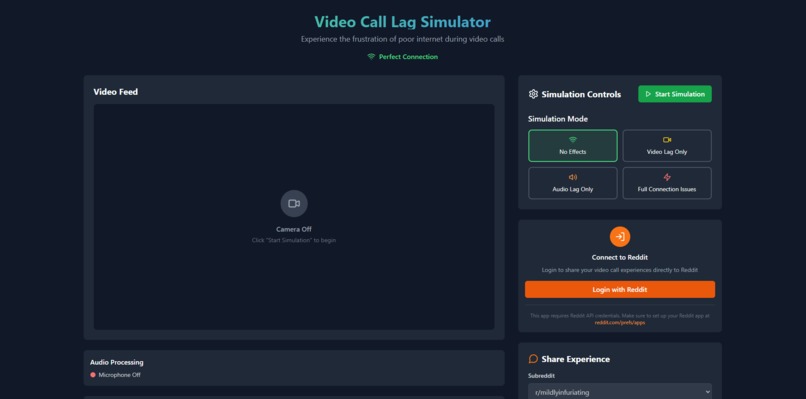
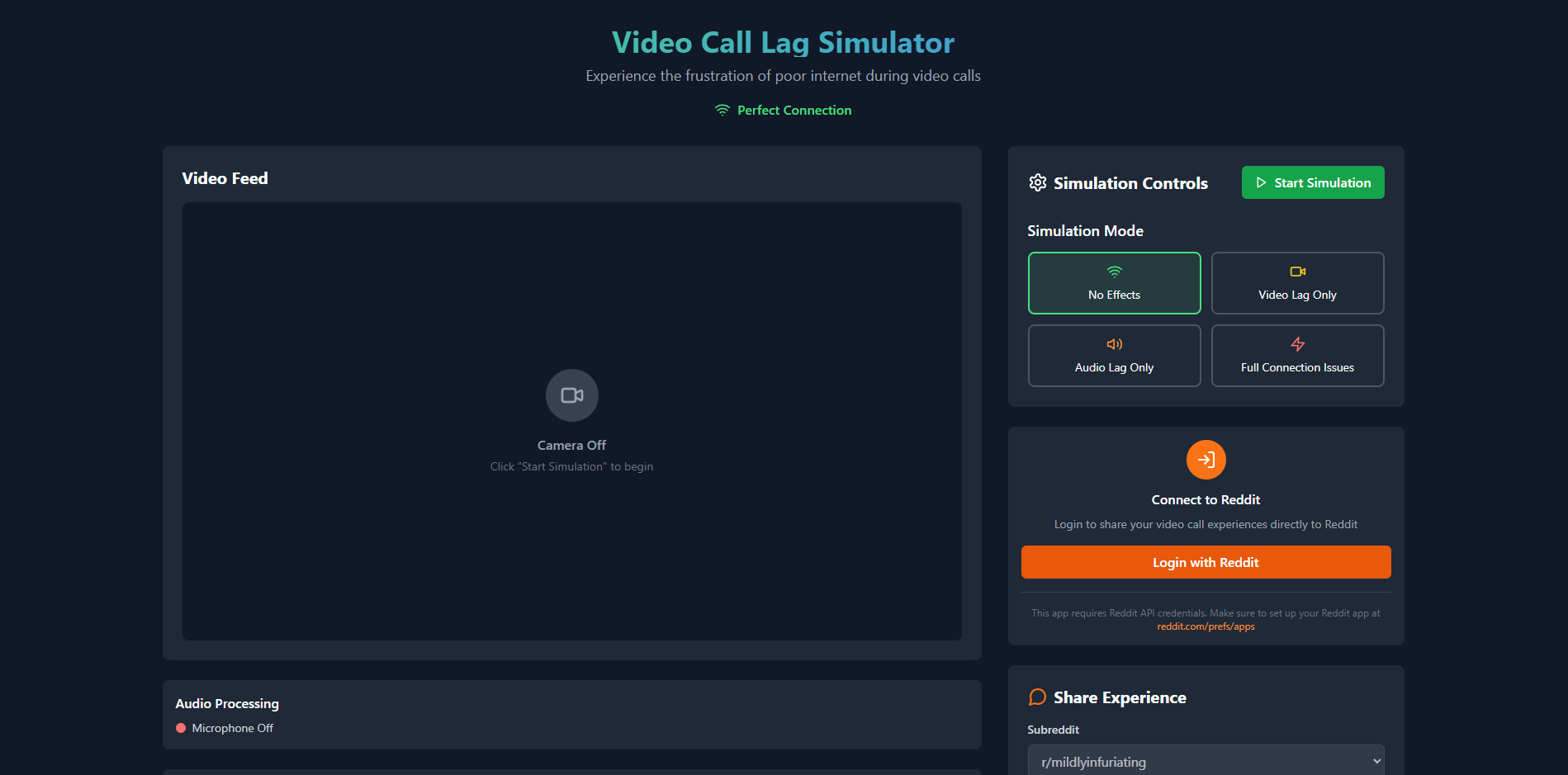
/\Web page
💡 Inspiration We were in a Zoom meeting, someone got called on, and they just froze—literally and figuratively. The classic:
“Sorry… I think my connection is unstable.”
That’s when we realized: faking bad internet is an art. So we made it a science.
📺 What it does Internet Lag Simulator lets you fake terrible internet during video calls.
Freezes your webcam at the worst moments
Makes your voice cut out or glitch like a robot
Gives you the power to vanish from meetings — without ever leaving
Perfect for students in class, workers in meetings, or introverts on a call.
🏗️ How we built it We combined:
A virtual webcam that drops frames, pixelates your video, and freezes you mid-sentence
A virtual mic that injects robotic distortion, dropouts, and lag
Toggleable modes: video-only, audio-only, or full disaster mode We used OpenCV, PyAudio, and virtual device drivers to pull off the chaos.
🐛 Challenges we ran into Making the lag feel just real enough to fool teachers and managers
Syncing audio and video glitches so it didn’t feel too fake
Getting Zoom, Teams, and Meet to accept our virtual devices
Accidentally pranking ourselves during testing. Oops.
🏆 Accomplishments that we're proud of It actually works — and people genuinely believed the lag
We made fake Wi-Fi a feature, not a flaw
We turned “technical difficulties” into a button
📚 What we learned How virtual cameras and microphones work under the hood
Real-time audio/video processing techniques
Bad UX is sometimes... the best UX (on purpose)
🔮 What's next for Internet Lag Simulator Mobile version (for “sorry, I’m lagging” on the go)
“Boss Mode”: instantly triggers lag when your name is called
Auto-detect boredom levels and lag accordingly Because sometimes, the best way to show up… is to not show up properly.
Built With
- bolt


Log in or sign up for Devpost to join the conversation.