-
-
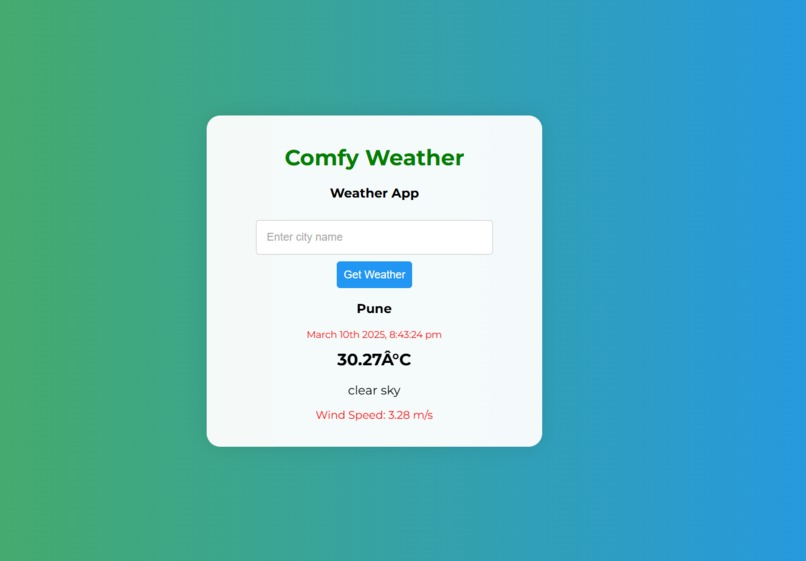
User Interface
Inspiration
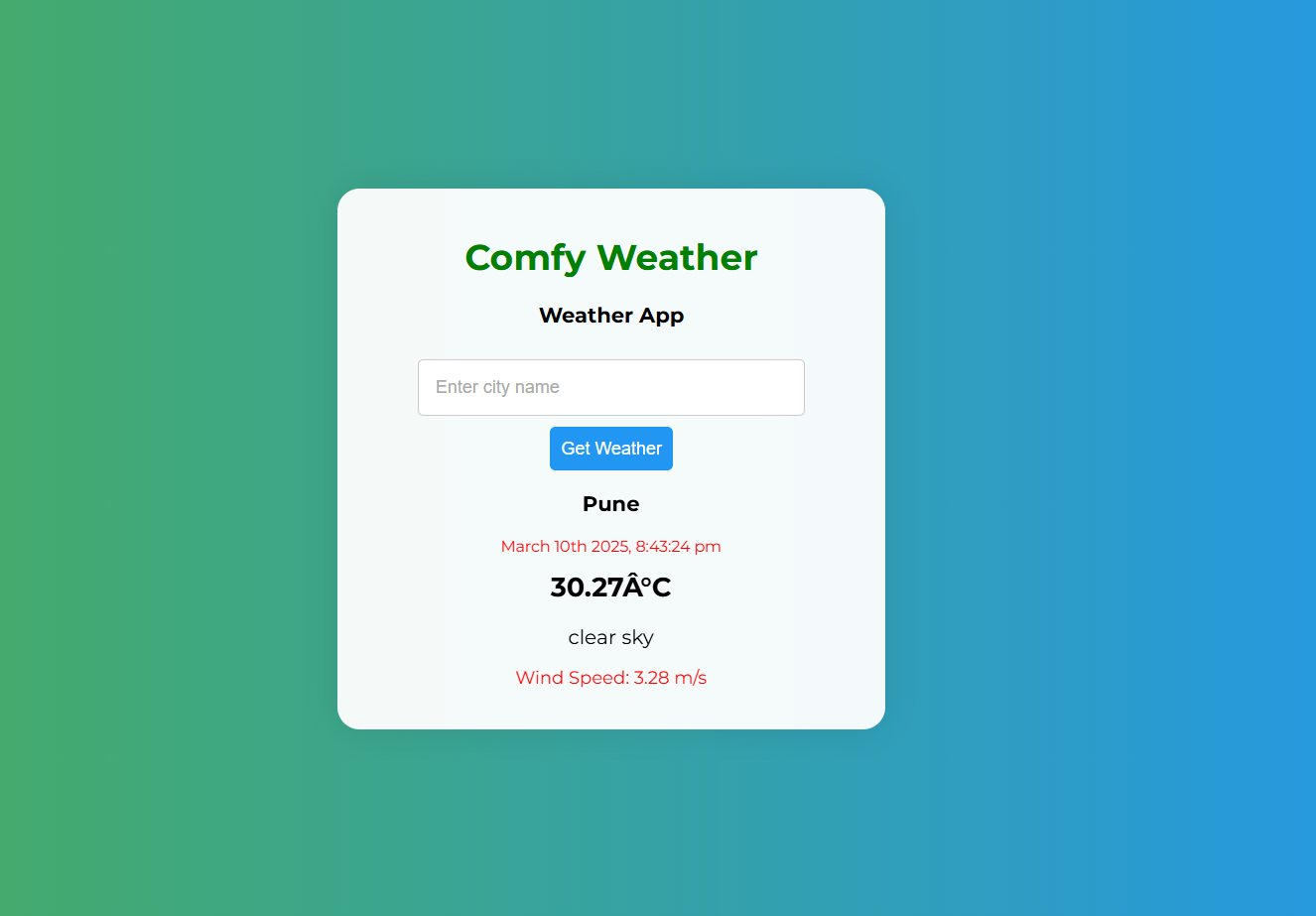
The concept of the International Weather Website stemmed from the necessity for a clean, dependable, and easily accessible weather-checking interface. Most available weather websites are filled with advertisements, it takes many clicks to retrieve simple information, or they have unsteady data feeds. I envisioned a clean and streamlined website where people can easily check the weather for any city in the world in one search.
What it does
The International Weather Website allows users to check real-time weather conditions for any city around the world. It provides:
- Current Weather Data – Displays temperature, humidity, wind speed, and weather conditions (e.g., sunny, rainy, cloudy).
- Search Functionality – Users can enter any city name to instantly get weather updates.
- Responsive Design – Works smoothly on desktops, tablets, and mobile devices.
- Error Handling – Shows appropriate messages for invalid city names or API issues.
How we built it
- Frontend: Developed using HTML, CSS, and JavaScript to create a responsive and user-friendly interface.
- Weather API: Integrated OpenWeatherMap API (or a similar service) to fetch real-time weather data.
- JavaScript Features: Used Fetch API to make asynchronous requests and display live weather updates dynamically.
- UI/UX: Designed a clean and minimalistic layout using CSS Flexbox/Grid for better responsiveness.
- Error Handling: Implemented validation for incorrect city names and handled API failures gracefully with appropriate messages.
Challenges we ran into
- Finding a reliable weather API with free access and sufficient data.
- Ensuring fast API response time for seamless user experience.
- Handling errors when users enter invalid city names.
- Making the UI visually appealing while keeping it simple.
Accomplishments that we're proud of
- Successfully integrated real-time weather data using an API.
- Built a clean, responsive, and user-friendly interface.
- Implemented error handling for invalid inputs and API failures.
What we learned
- How to fetch and display dynamic data using JavaScript and APIs.
- The importance of responsive design for better user experience.
- Handling API errors and optimizing performance.
What's next for International Weather Website
- Adding a 5-day weather forecast feature.
- Implementing location-based weather detection.
- Enhancing UI with animated weather icons for better visuals.
