-
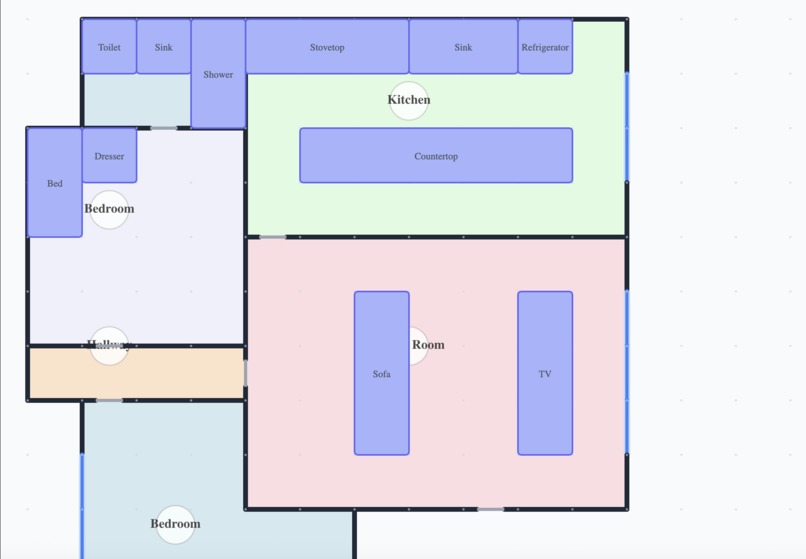
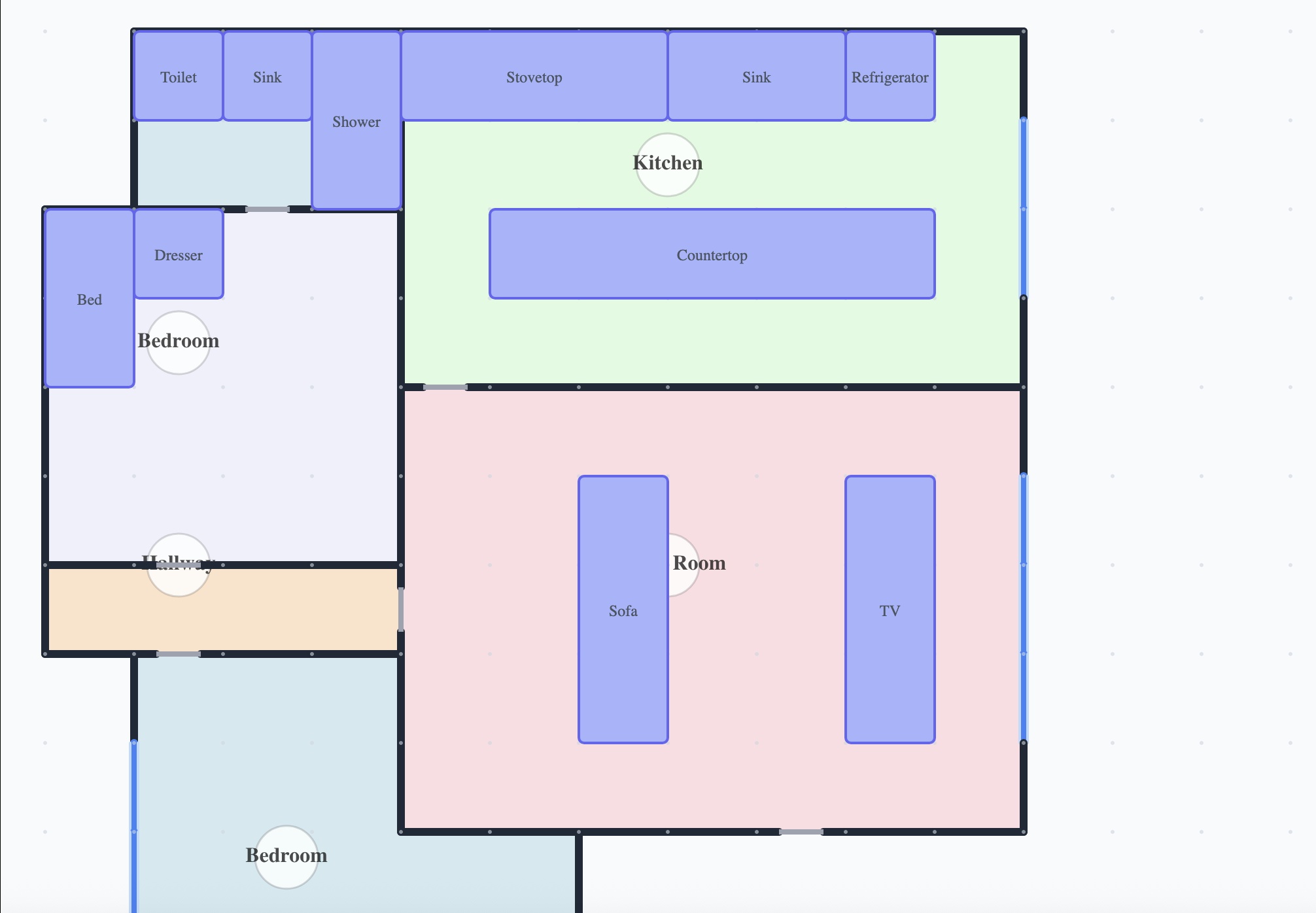
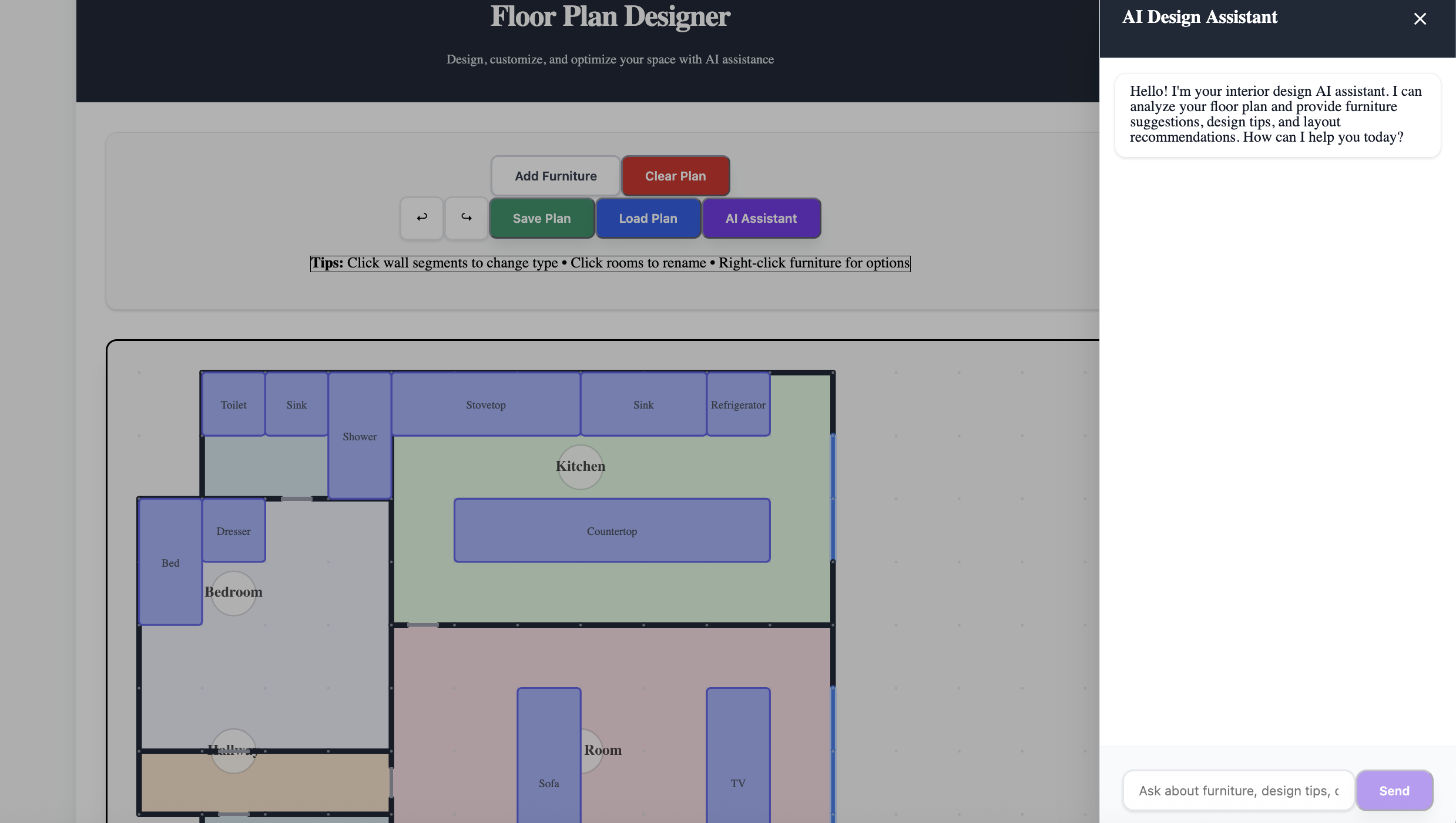
Example of a completed floorplan
-
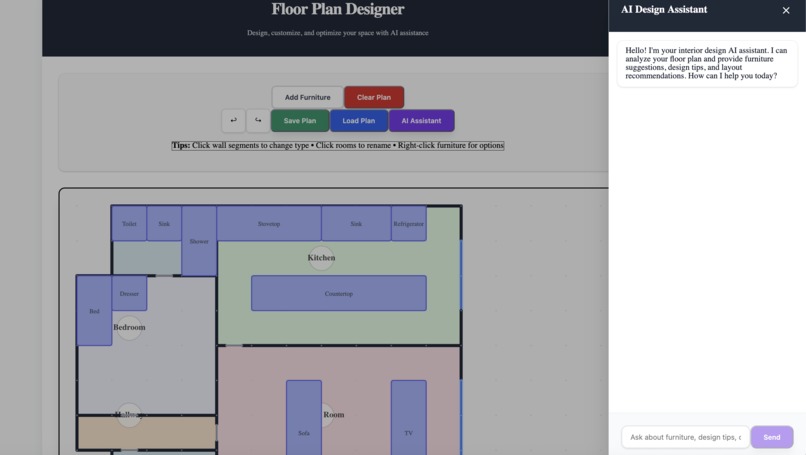
AI Chatbox Feature
-
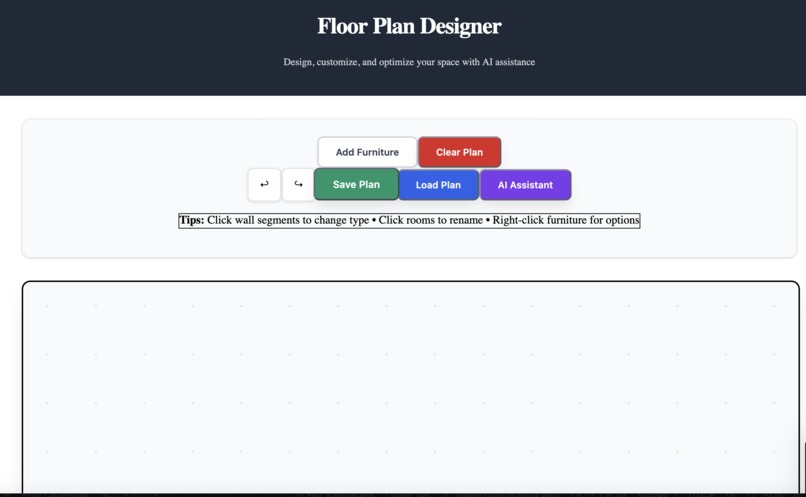
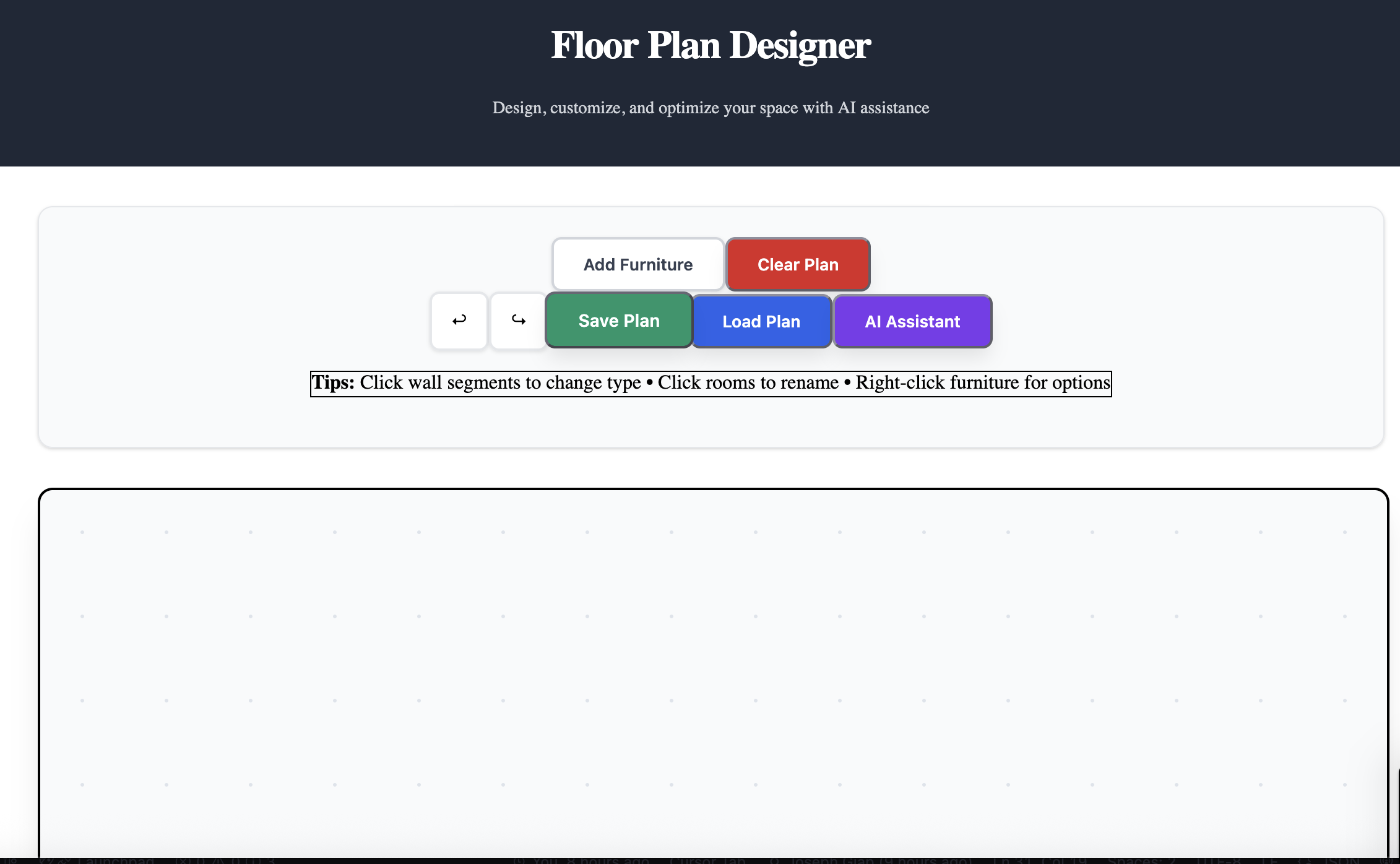
Showcase of the UI
Inspiration
Our project began as a home network optimization tool that would let users upload their house layout, mark device locations, and use an API call to Gemini to determine the best spot for their modem and router. We soon realized this concept was too complex—most people don’t have ready access to floor plans, and accurately calculating optimal network placement involves too many variables. To solve the first issue, we introduced a drag-and-drop “building block” workspace that lets users create their own home layouts. We later pivoted this feature into a home layout and furniture optimizer, keeping the interactive foundation while making the project more accessible and visually engaging.
What it does
The Home Layout Optimizer is an interactive web app that helps users design and arrange their living spaces. Using a drag-and-drop grid workspace, users can build custom floor plans from room blocks and then furnish them with predefined objects such as beds, desks, and tables. The app uses an integrated AI assistant to provide smart furniture arrangement suggestions based on user preferences, such as maximizing space in smaller homes or creating a fuller, cozier layout in larger ones.
How we built it
We built an AI-powered interior design floor plan application using a React frontend and Express.js backend. The frontend features a grid-based canvas where users can draw walls, doors, windows, and place furniture with real-time collision detection and room detection algorithms. The backend provides RESTful APIs for floor plan management and integrates with Google's Gemini AI to offer intelligent furniture suggestions. When users interact with the AI chatbot, it analyzes their floor plan, suggests appropriate furniture based on room types (living rooms get sofas and coffee tables, bedrooms get beds and nightstands, etc.), and automatically places the furniture in valid positions that respect wall boundaries and avoid overlaps. The entire system uses 80-pixel grid increments for precise positioning, includes error handling with user-friendly popups, and supports saving/loading floor plans as JSON files. The AI provides natural language design advice while handling the technical furniture placement behind the scenes, creating a seamless user experience that combines manual design control with intelligent automation.
Challenges we ran into
We faced several significant challenges during development. The most persistent issue was the wall collision detection system constantly breaking - furniture placement logic would work for right/bottom walls but fail for left/top walls, or vice versa, requiring multiple rewrites of the collision detection algorithms. We also struggled with the AI integration, where the chatbot initially returned generic error messages due to CORS configuration issues between the frontend and backend, and the AI wasn't making actual changes to the grid because it was only responding to explicit furniture requests rather than proactively suggesting appropriate items. The half-cell furniture system introduced numerous bugs with collision detection and placement, forcing us to revert to full-cell (80 pixel) increments. Room name positioning was problematic for irregular shapes like L-shaped rooms, where the centroid calculation would place names outside room boundaries. Overall, the error handling system required a lot of debugging to get popups working correctly, and we had to implement comprehensive furniture overlap validation to prevent invalid placements.
Accomplishments that we're proud of
We are most proud of the building block/drawing workspace system. That feature is the core of our project, and is what we believe makes it stand out over other projects. It was extremely difficult to implement and took extensive debugging. We are also proud of the logic and custom .json formatting in the backend, allowing us to save floor plan that we created, and upload it to Gemini for it to create a furniture layout for the user.
What we learned
We learned how to improve on our front end skills, as this project was extremely front end heavy. We learned how to implement Tailwindcss to simplify our coding experience by reusing commonly used components. The backend required a lot of mathematics and logical thinking, so we got the opportunity to apply many concepts we learned outside of computer science classes, for example, we used the centroid formula to determine the coordinates of the nametag of a newly created room block.
What's next for InteriorAI
We believe InteriorAI has a lot of room for improvement and scalability. There are many features that want to incorporate, and others that we want to expand upon. For example, adding more wall attribute types such as "electrical outlets" and height attributes of standing objects such as wardrobes, cabinets, beds, etc. We also want to look into more options that allow the user to upload floor plans, such as taking a picture with a phone camera and converting that photo into a json file following our custom format.
Built With
- express.js
- gemini-api
- javascript
- react
- tailwindcss


Log in or sign up for Devpost to join the conversation.