-
-
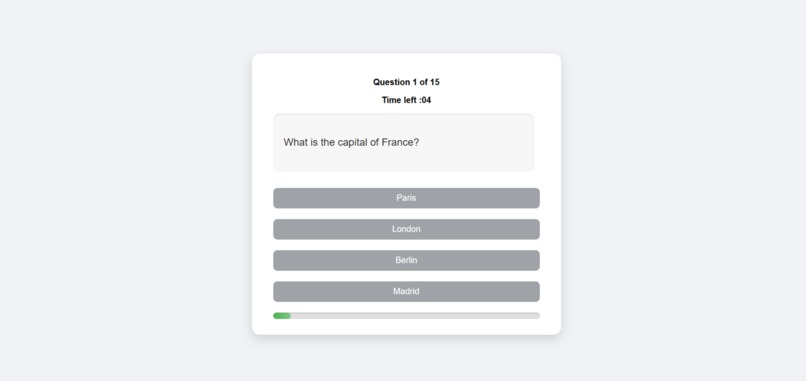
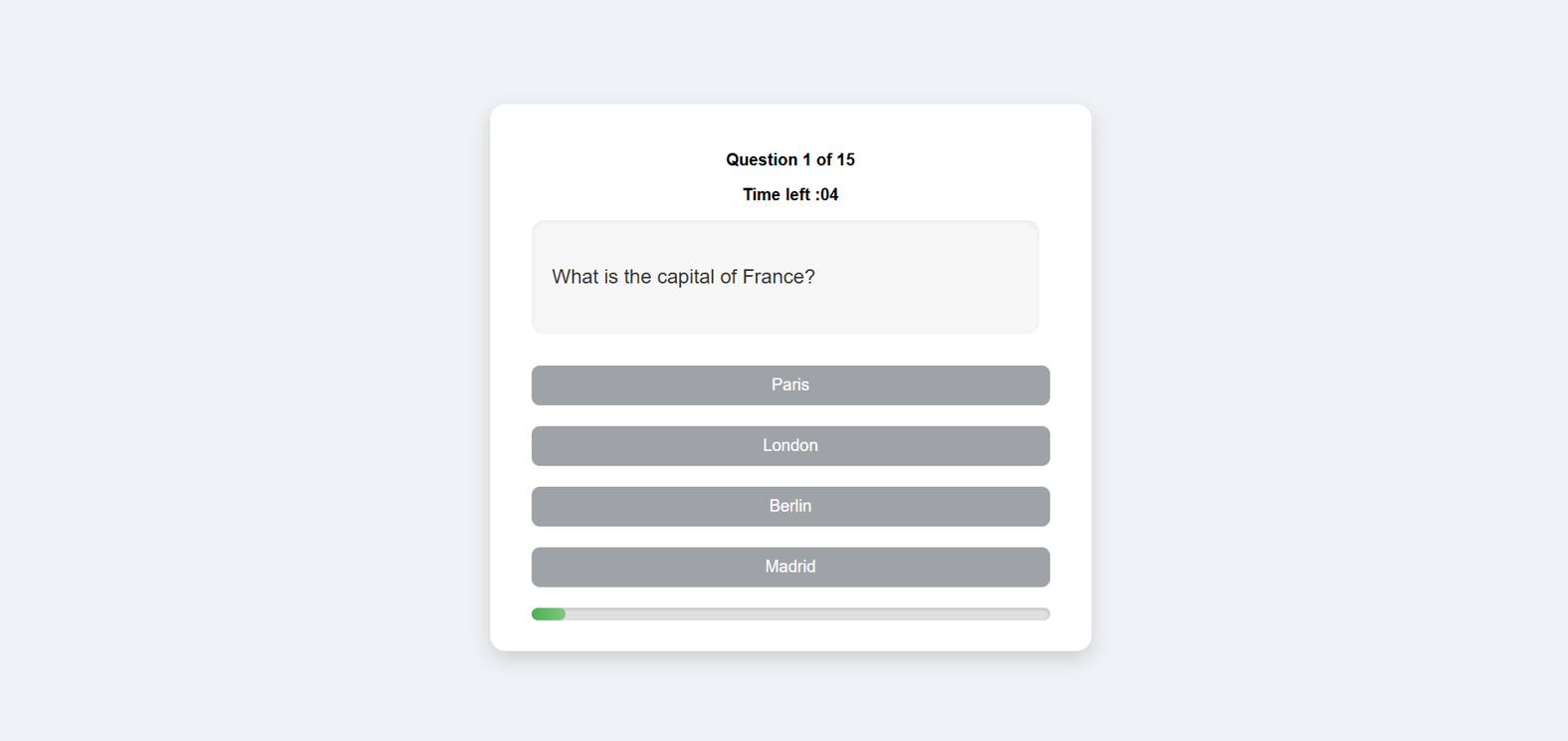
This screenshot shows a sample question in the Interactive Quiz App.
Inspiration
I wanted to create something simple yet impactful that could help people learn while having fun. Quizzes are one of the most engaging ways to test knowledge, and I thought, why not build my own interactive quiz platform? This project was inspired by my passion for web development and the desire to sharpen my problem-solving skills while building something useful.
What it does
The Interactive Quiz App is a fun and engaging platform where users can:
Answer multiple-choice questions from different topics.
Get instant feedback on whether their answers are correct or wrong.
Track their score in real-time.
Play against a countdown timer for added excitement.
See their final results at the end of the quiz.
It’s designed to make learning interactive, competitive, and enjoyable for anyone!
How i built it
I built the Interactive Quiz App using:
HTML for the structure of the app.
CSS to design a clean and responsive user interface.
JavaScript to handle quiz logic, such as switching questions, tracking scores, managing the timer, and showing results.
I started by planning the quiz flow — from question loading to result display. Then, I designed the layout to look simple and user-friendly. Finally, I connected everything with JavaScript to make the app interactive and functional.
Challenges i ran into
UI Issues: Initially, some elements overlapped or didn’t respond well on different screen sizes. Solved by revising CSS and using flexible layouts.
Timer Functionality: Ensuring the timer reset correctly for each question required careful handling of JavaScript functions.
Score Calculation Bugs: Initially, scores were not updating correctly due to logic errors. Fixed by restructuring the score update mechanism.
Optimizing User Experience: Making the app responsive, visually appealing, and easy to navigate was challenging but rewarding.
Accomplishments that i am proud of
Built a fully functional interactive quiz app from scratch using HTML, CSS, and JavaScript.
Designed a clean, user-friendly interface inspired by iPhone-style UI for an engaging experience.
Implemented dynamic features like instant feedback, score tracking, and countdown timers.
Solved challenging bugs related to UI responsiveness, timer functionality, and score calculation.
Improved my problem-solving and debugging skills while working under time constraints.
Created an app that encourages learning and engagement, which users can enjoy on multiple devices.
What i learned
Front-end development skills: Gained hands-on experience with HTML, CSS, and JavaScript.
UI/UX design principles: Learned how to make a clean, responsive, and engaging interface.
Problem-solving & debugging: Overcame issues with timers, score tracking, and layout responsiveness.
Project planning & execution: Learned how to break a project into smaller tasks and implement them step by step.
User-focused design: Understood the importance of making apps intuitive and enjoyable for users.
What's next for Interactive Quiz App
Add more question categories and difficulty levels to make the app suitable for a wider range of users.
Integrate a backend database to store user scores, progress, and quiz history.
Enable user accounts and profiles for personalized learning experiences.
Introduce leaderboards and achievements to encourage competition and motivation.
Add multimedia support such as images, audio, and video questions for richer quizzes.
Optimize for mobile and cross-platform use to reach more users.
Include analytics for quiz performance to help users track improvement over time.

Log in or sign up for Devpost to join the conversation.