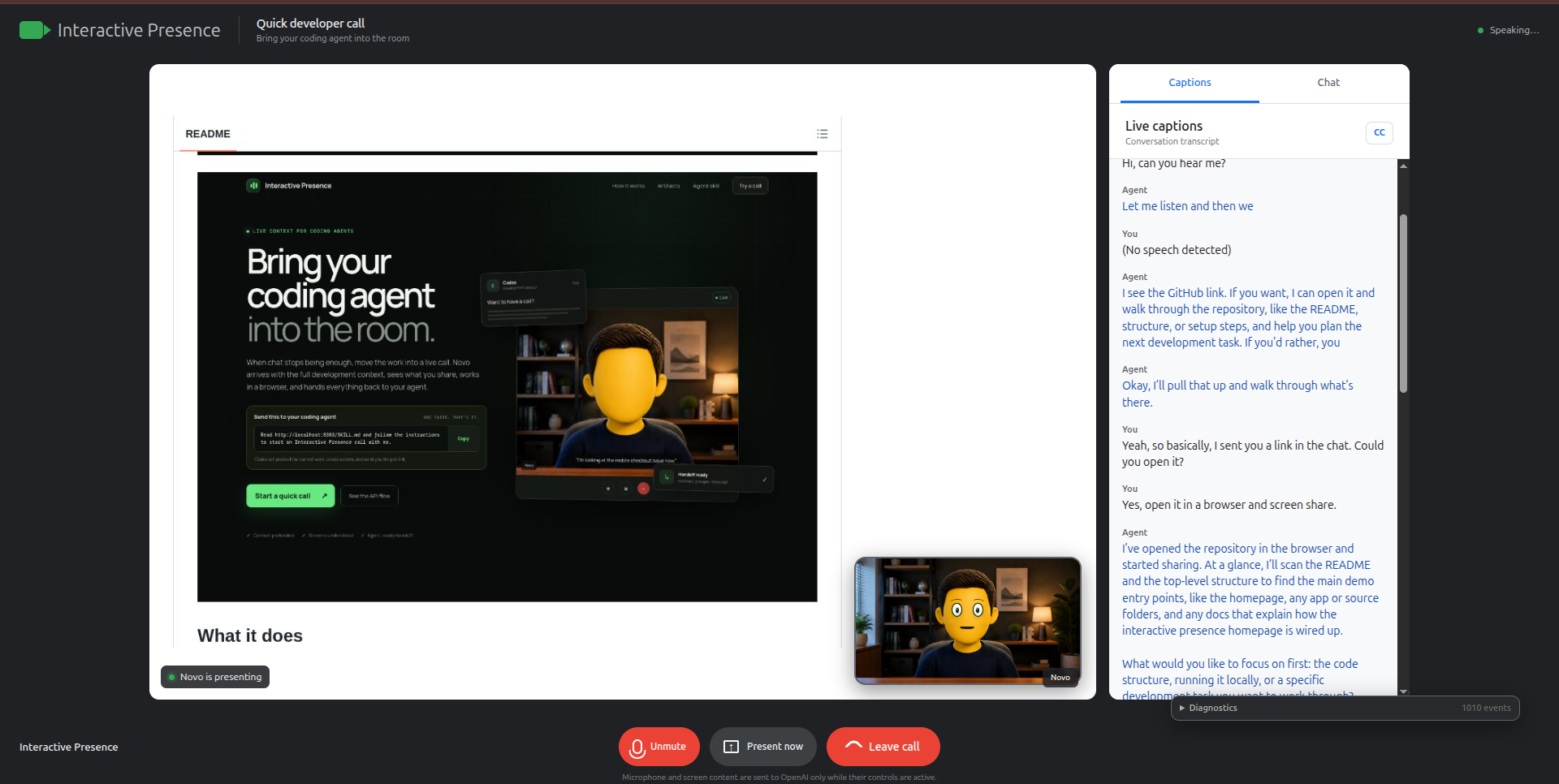
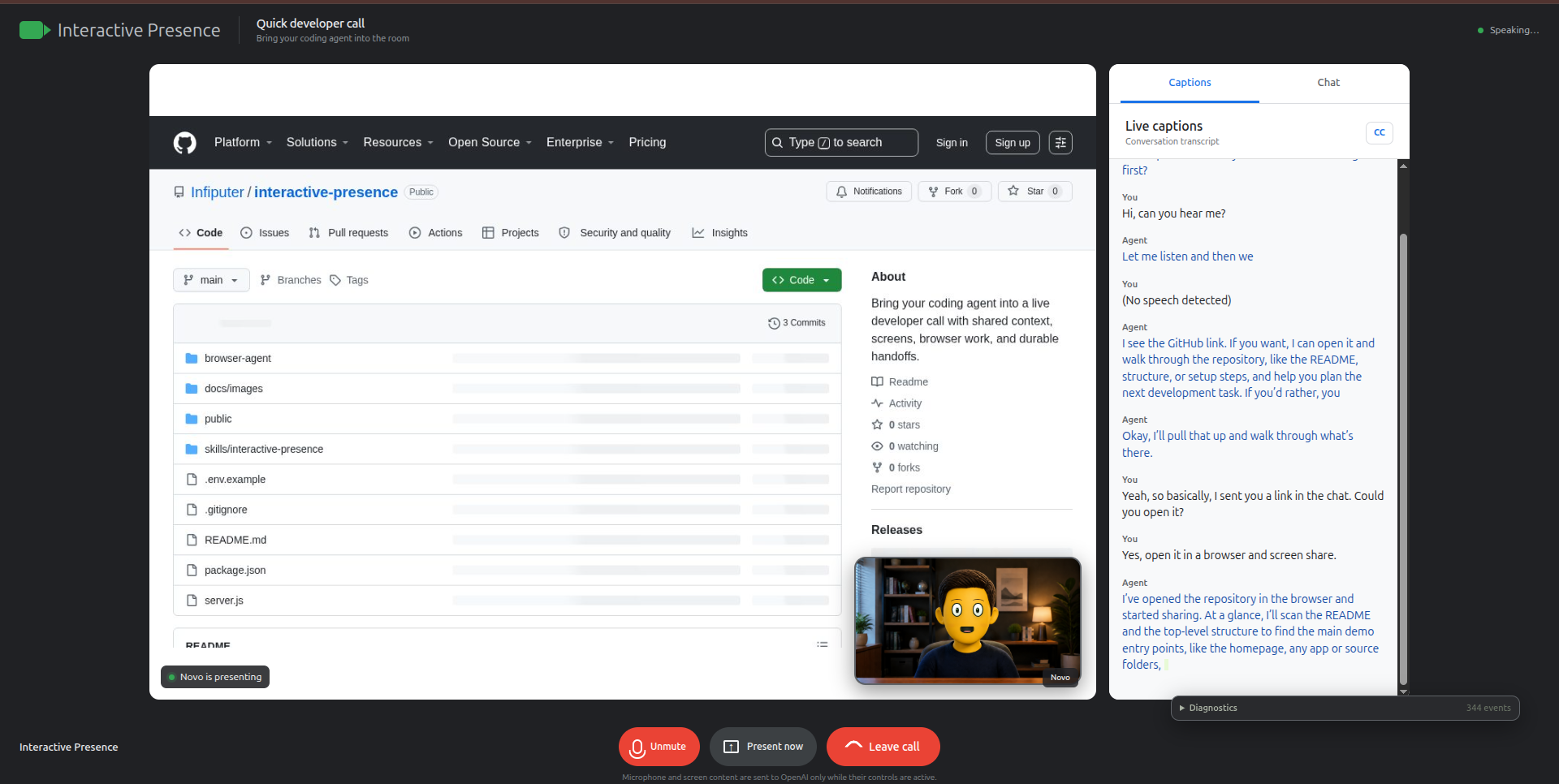
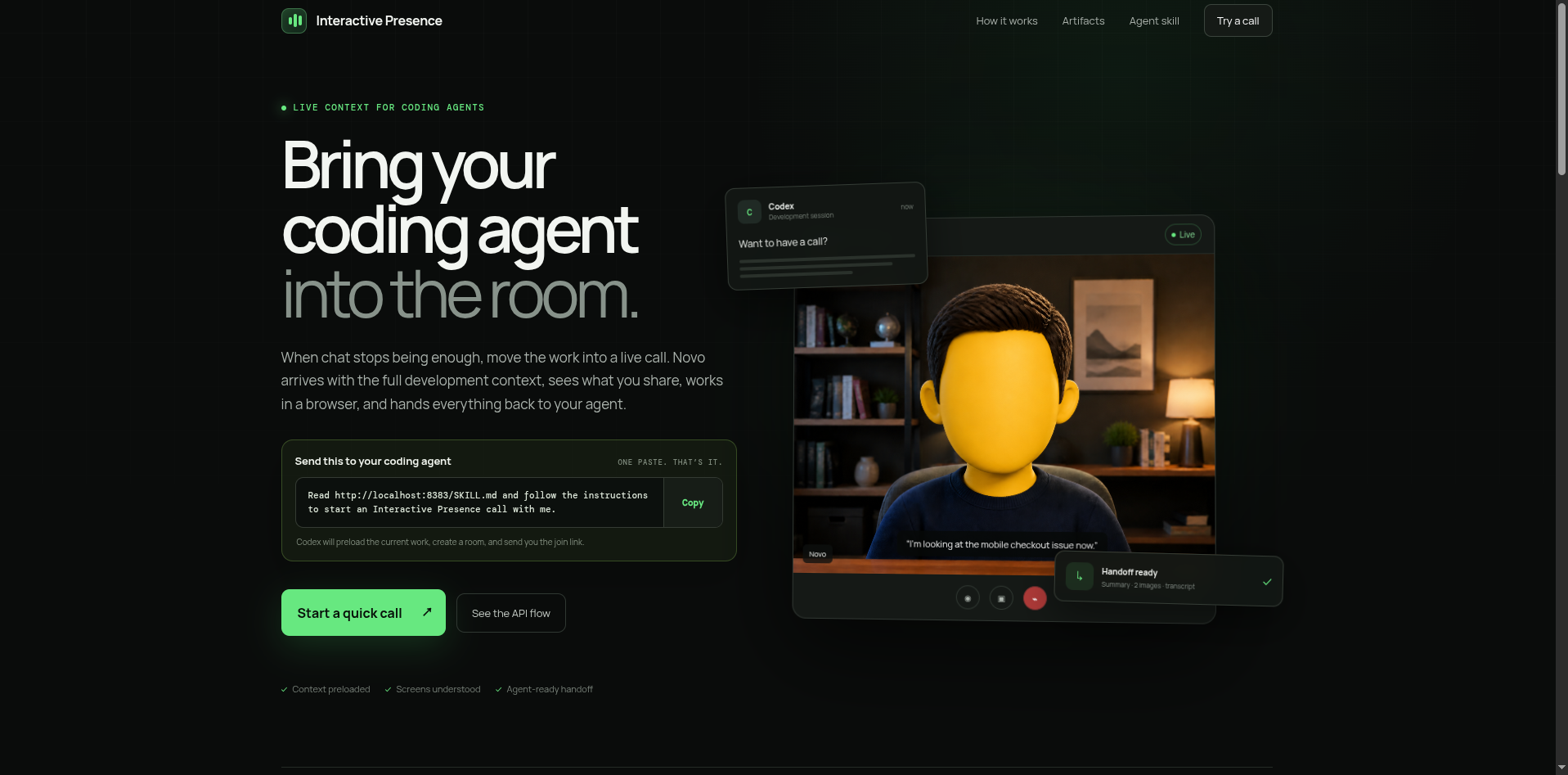
Coding agents are useful in chat, but some problems are much easier to explain out loud. When a layout breaks, an automation gets stuck, or a developer wants to demonstrate behavior, typing every detail into a prompt becomes slow and frustrating.
We wanted to make the transition from coding with an agent to talking with it feel natural. A developer should be able to say, "Want to have a call?" and receive a link to a room where the agent already understands the project, the conversation, and the problem being worked on.
What it does
Interactive Presence brings a coding agent into a live video call.
The agent, Novo, can:
- Talk with the developer using low-latency voice.
- Begin the call with context supplied by the coding agent.
- Understand a shared screen without sending images directly to the realtime voice model.
- Read messages and links posted in meeting chat.
- Open websites and operate its own browser.
- Share its browser while explaining what it is doing.
- Capture screenshots of visual bugs or useful milestones.
- Keep timestamped captions and conversation logs.
- Produce a post-call summary, transcript, and collection of screenshots.
After the call, the coding agent can retrieve these artifacts and continue working without asking the developer to explain everything again.
Interactive Presence also provides a SKILL.md file. A developer can paste one instruction into Codex:
Read http://20.84.59.27:8080/SKILL.md and follow the instructions to start an Interactive Presence call with me.
Codex then prepares the context, creates the room, and returns the join link.
How we built it
We built the meeting experience as a Node.js application with a browser-based interface inspired by familiar video conferencing tools.
OpenAI's Realtime API powers Novo's voice conversation. The server creates a separate realtime session for each call and adds the coding agent's handoff as private context before the conversation begins.
Screen understanding uses a separate vision pipeline. The client checks whether the shared screen has changed enough to justify another analysis. When it has, a lower-cost vision model describes the visible content in Markdown. Only that text is added to the realtime conversation, which keeps image tokens away from the more expensive voice session.
Novo also has access to an isolated Playwright browser. It can open links, click controls, fill forms, and report useful progress back to the conversation. A CDP-based browser inside the call so the developer and Novo stay on the same page.
Each call has a persistent UUID and API endpoints for:
- Creating and joining the call.
- Monitoring its status.
- Recording timestamped events and transcripts.
- Saving participant and Novo browser screenshots.
- Serving captured JPEG files.
- Retrieving the final summary and call artifacts.
When the call ends, a separate model turns the transcript, original development context, and screenshot metadata into a practical handoff for the coding agent.
We also created an animated 3D-style character for Novo. Its mouth responds to the outgoing audio, its eyelids perform a real closing blink, and the avatar becomes a small picture-in-picture tile while Novo presents its browser.
Challenges we ran into
Making the conversation feel natural was harder than simply connecting a microphone to a voice model. Early versions over-explained how screen understanding worked or responded like a customer support assistant. We adjusted the prompt and event format so Novo understands the meeting environment and responds more like a developer on a call.
Visual context required careful routing. Sending every screen frame to the realtime model would have been expensive and unnecessary. Static pages also produced duplicate descriptions. We added pixel-change detection, timed refreshes, and a small rolling visual context so the vision model runs only when the screen meaningfully changes.
Browser automation introduced another coordination problem. Novo needed to speak, operate a browser, and display that browser without the voice model pretending an action had completed too early. We separated browser execution from conversation, then sent concise progress updates back to Novo.
We also had to handle browser loading states, stale screenshots, malformed vision output, realtime interruptions, facial animation at different tile sizes, and calls that ended because a browser tab closed unexpectedly.
Finally, passing context through the system prompt alone was not always reliable. We fixed this by adding an explicit private handoff item when the realtime connection opens.
Accomplishments that we're proud of
The complete context loop works:
- Codex creates a call with the current development context.
- The developer joins and speaks with Novo.
- Novo can understand shared screens and operate a visible browser.
- Important visual states can be saved with timestamps and explanations.
- Codex receives a summary, transcript, and screenshots after the call.
- Development can continue from the decisions made during the conversation.
We are also proud that screen images never need to enter the realtime voice model. Novo still understands what is happening, while the architecture keeps visual processing separate and more cost conscious.
The project feels like one connected participant rather than a collection of unrelated AI features. Novo can hear a spoken request, follow a link from chat, work through the task in a browser, narrate useful progress, and preserve the result for later.
What we learned
Voice agents need to understand their interface as well as their task. They must know what users can see, which events are private, when another participant is sharing, and when silence is better than another status update.
We also learned that multimodal systems do not need one model to process every modality. A smaller vision model can turn images into focused text, while a realtime model handles conversation and another agent handles browser work. Clear boundaries between those components make the system cheaper and easier to debug.
Persistent artifacts matter as much as the live experience. A good conversation loses much of its value if the coding agent cannot use the outcome afterward. The transcript, screenshots, timestamps, and final handoff turn the call into part of the development workflow.
What's next for Interactive Presence
The next step is connecting Interactive Presence to existing meeting platforms such as Google Meet and Zoom. We also want the coding agent to initiate calls directly from an active development session and automatically resume work when the call ends.
Other planned improvements include:
- More reliable browser control for longer tasks.
- Better interruption and turn-taking behavior.
- Support for multiple participants and screen shares.
- Stronger visual change detection.
- Deployable call URLs instead of local-only rooms.
- More expressive but subtle avatar movement.
- Integrations with coding environments, issue trackers, and project documentation.
The long-term goal is simple: when chat is no longer enough, the agent should be able to join the conversation and keep working with you.
Built With
- agent
- agentic
- ai
- featherless
- image
- llm
- multimodality
- node.js
- openai
- voice

Log in or sign up for Devpost to join the conversation.