-
-
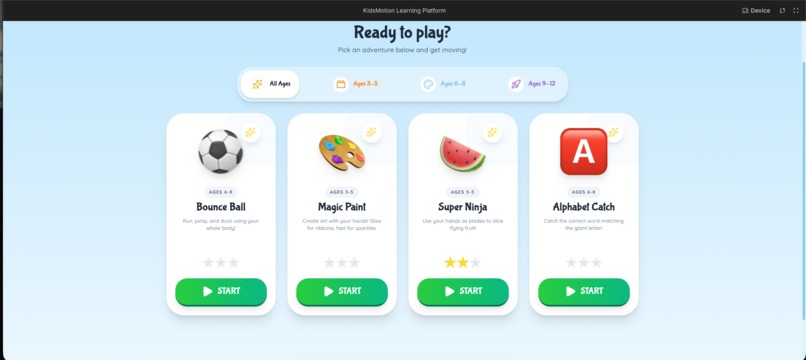
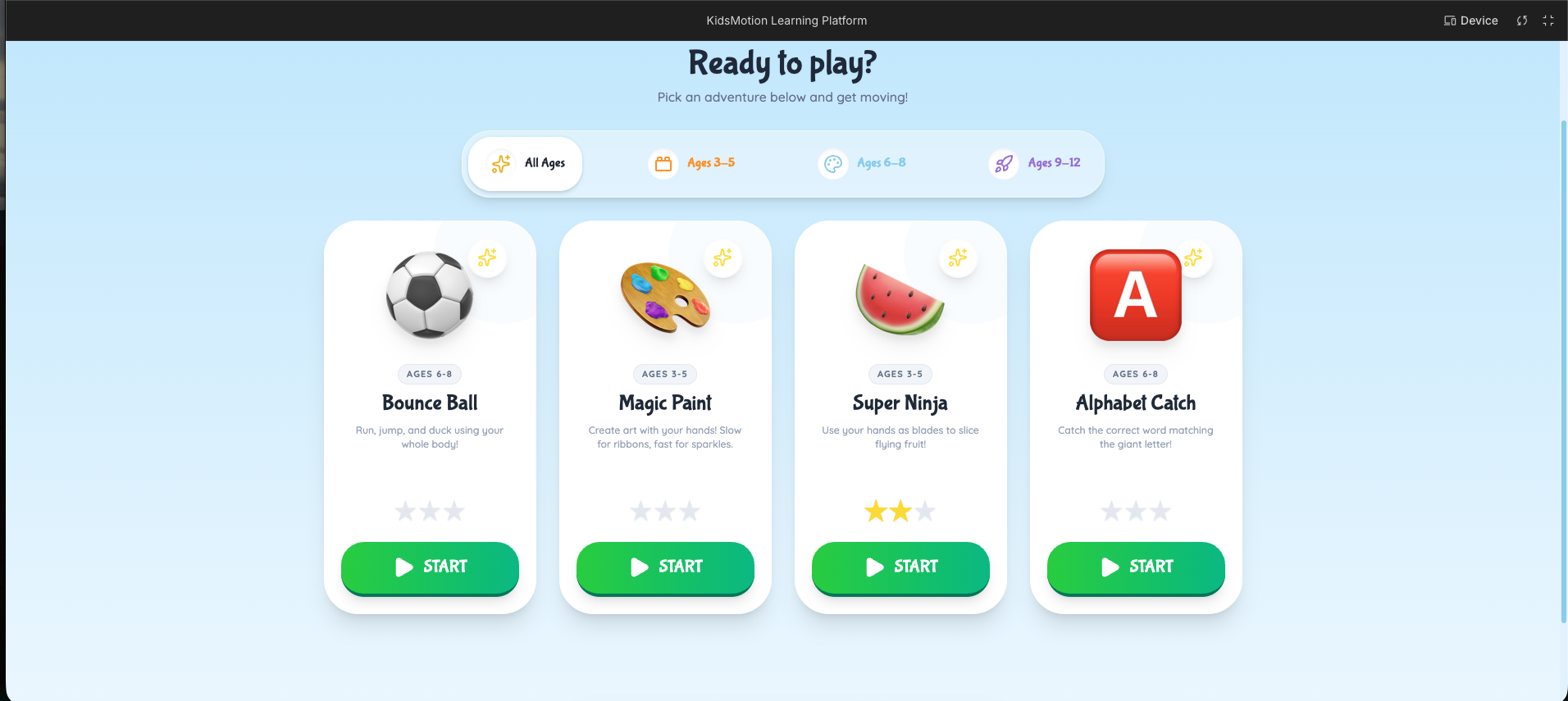
Landing page
-
-
I'll help you restructure this into a standard project cover format. The current version is quite lengthy, so I'll condense it while preserving the key points and emotional impact.
Inspiration At a family gathering, I watched a 3-year-old completely absorbed in his mother's phone—eyes glazed, body motionless, disconnected from the world around him. That image haunted me. Kids everywhere are developing mobile addiction at younger ages, losing touch with physical play that's crucial for healthy brain and body development.
I asked myself: What if we could flip the script? What if screens required movement instead of stillness?
After brainstorming 10 ideas and prototyping 5 of them, I had my breakthrough: a platform where the screen only works when children move their bodies. Learning the alphabet means jumping. Playing games means waving hands in the air. This became KidsMotion.
What it does KidsMotion is a web-based interactive learning platform that transforms any webcam-enabled device into an active learning experience. The webcam tracks children's body movements and converts them into game controls—no special equipment required.
Four Core Games:
Bounce Ball Adventure: Kids jump, crouch, and hold poses to navigate obstacle courses (builds coordination and balance)
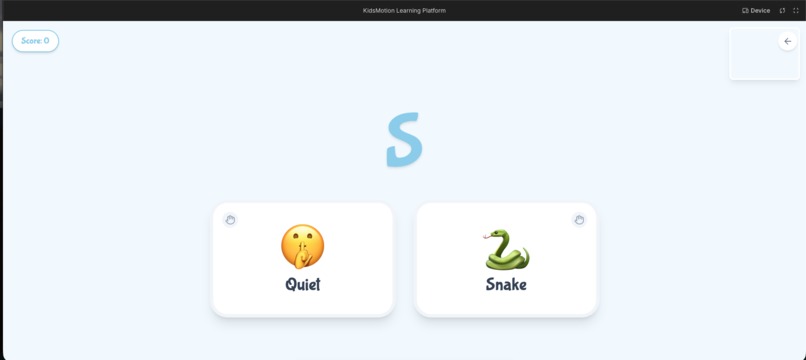
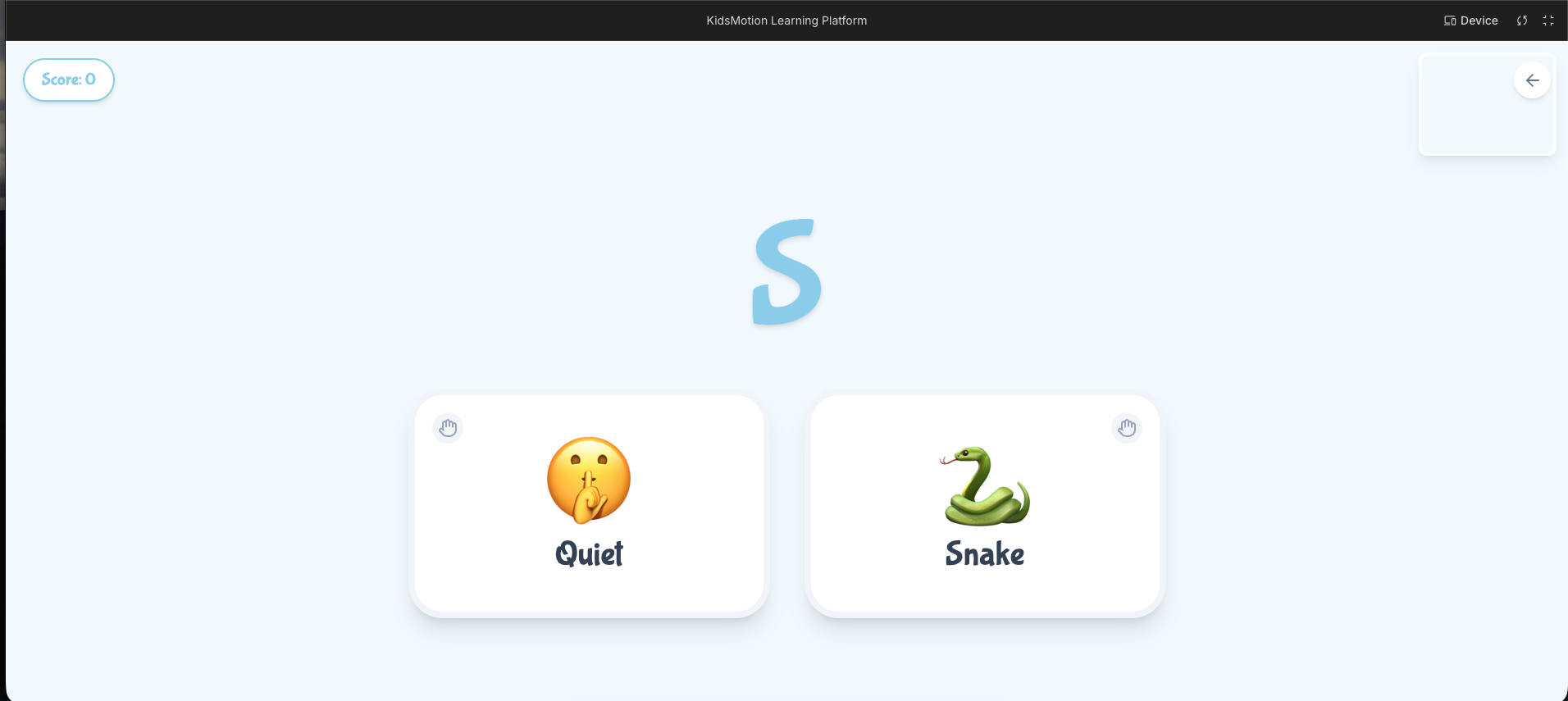
Alphabet Catch: Children raise their hands to catch falling letters matching target words (teaches letter recognition and spelling)
Fruit Slicer: Players swipe their hands to slice flying fruit while avoiding bombs (develops hand-eye coordination)
Magic Paint Splash: Kids wave their arms to create colorful art with sparkles and effects (encourages creative expression)
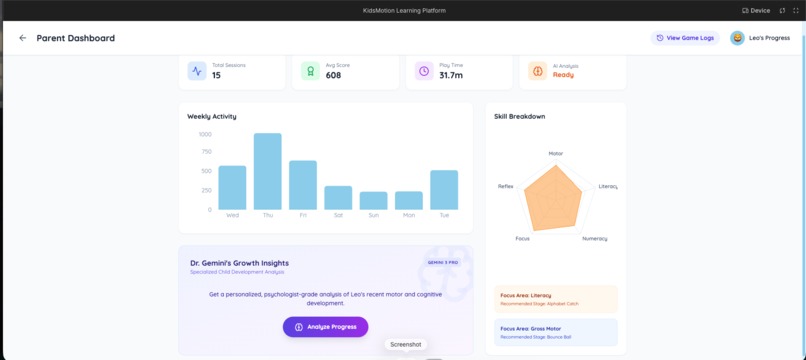
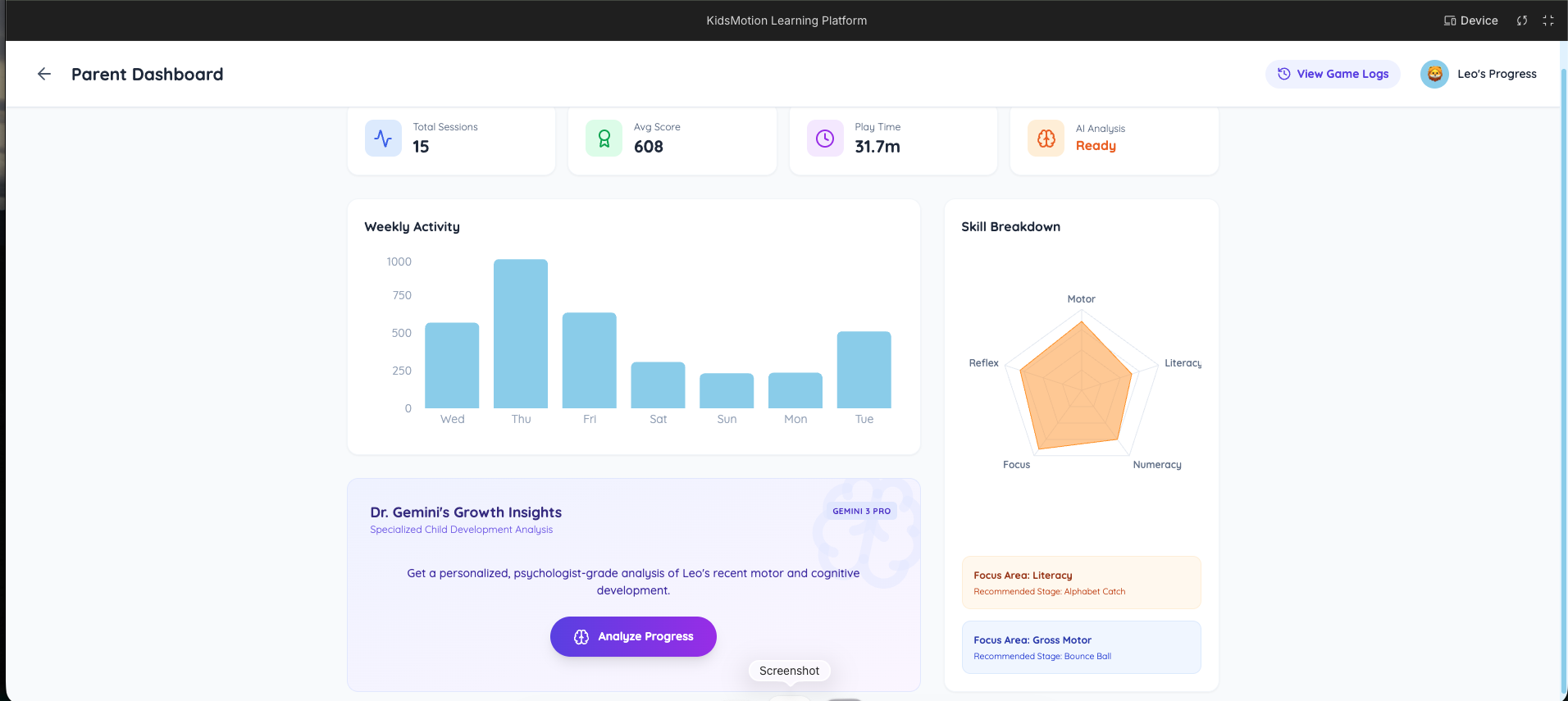
Parent Dashboard: Parents access a PIN-protected dashboard showing play duration, game performance, accuracy metrics, progress tracking, and AI-powered development reports. Instead of seeing "screen time," parents see active learning time with measurable progress.
How we built it Vision System: Google MediaPipe tracks 21 hand points and 33 body points through WebAssembly, running entirely in the browser for privacy, speed, and zero installation.
Game Loop: Webcam captures video (60 fps) → MediaPipe detects body positions → game responds instantly → child sees immediate feedback with sparkles, sounds, and points.
AI Feedback: Google Gemini generates two types of reports:
Gemini Flash creates quick, encouraging messages for kids
Gemini Pro generates detailed weekly reports for parents with skill analysis, improvement areas, and activity suggestions
Technology Stack: React, TypeScript, HTML5 Canvas, Google MediaPipe, Google Gemini AI, Tailwind CSS, and WebAssembly.
Challenges we ran into Environmental Variability: Early versions worked perfectly in controlled settings but failed in real homes with varying lighting, camera distances, and room sizes. I built an adaptive calibration system that learns each child's space and adjusts automatically.
Performance Optimization: Running AI vision detection alongside games is computationally intensive. I spent weeks optimizing code to eliminate delays—if kids notice lag, they lose interest.
Making Learning Fun: Kids detect "educational" content instantly. Through testing with real children, I learned to hide learning inside genuine fun, redesigning anything that felt like homework.
Near Quitting: Multiple moments of failure made me question if this was even possible. Encouragement from teachers, seeing a neighbor's child genuinely enjoy the game, and remembering my purpose kept me going.
Accomplishments that we're proud of Created a solution that fights mobile addiction using technology itself
Built a completely privacy-focused system—no video recording or uploading, everything processes on-device
Combined physical fitness, cognitive learning, and entertainment in one seamless experience
Designed an accessible platform requiring only a webcam, no expensive equipment
Transformed passive screen time into active development time with measurable outcomes for parents
What we learned Kids are brutally honest users: They abandon anything slow or boring instantly, teaching me to obsess over every detail—speed, sounds, colors, and feedback. This made me a significantly better developer.
Simple solutions work: I didn't need VR headsets or expensive sensors—just a webcam and smart AI could create powerful impact.
User feedback is invaluable: Conversations with teachers, parents, and friends shaped what actually matters versus what I assumed mattered.
Persistence is everything: Pushing through moments of wanting to quit made KidsMotion possible.
What's next for KidsMotion Immediate Roadmap:
Multi-language support (Spanish, Hindi, Mandarin, French)
Multiplayer mode for siblings to play together
Additional games targeting diverse skill sets
Long-term Vision:
Native mobile app for phones and tablets
Partnerships with schools and educational institutions
Collaboration with child development experts to validate benefits
Accessibility features for children with physical disabilities
Built With
- artificial
- computer-vision
- google-gemini
- html5
- intelligence
- mediapipe
- react
- recharts
- tailwind-css
- typescript
- webassembly

Log in or sign up for Devpost to join the conversation.