-
-
-
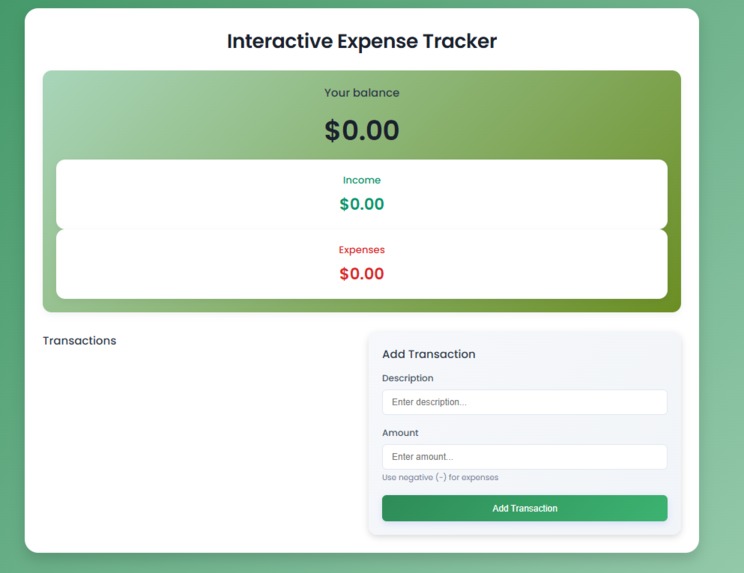
Starting page
Inspiration
I was inspired by the everyday struggles many young people face when trying to understand where their money goes. Budgeting tools often feel too complex or disconnected from beginner needs. I wanted to create something simple, visual, and interactive that encourages users to actively track their spending and become more mindful of their financial decisions.
What it does
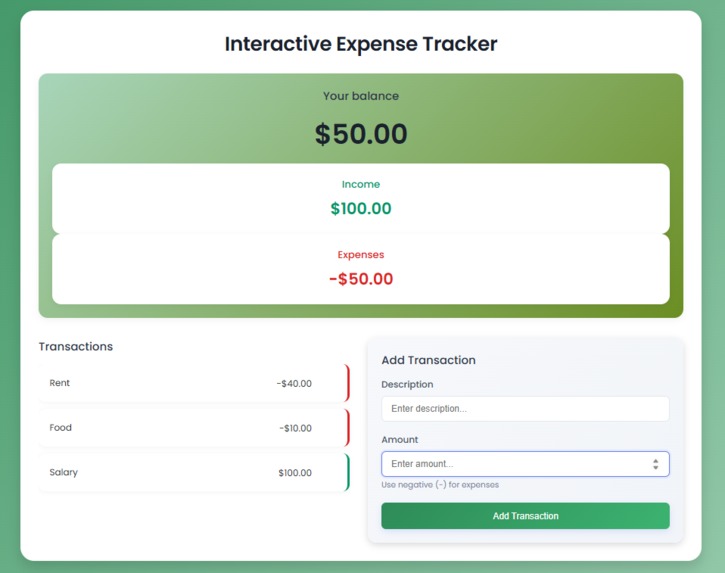
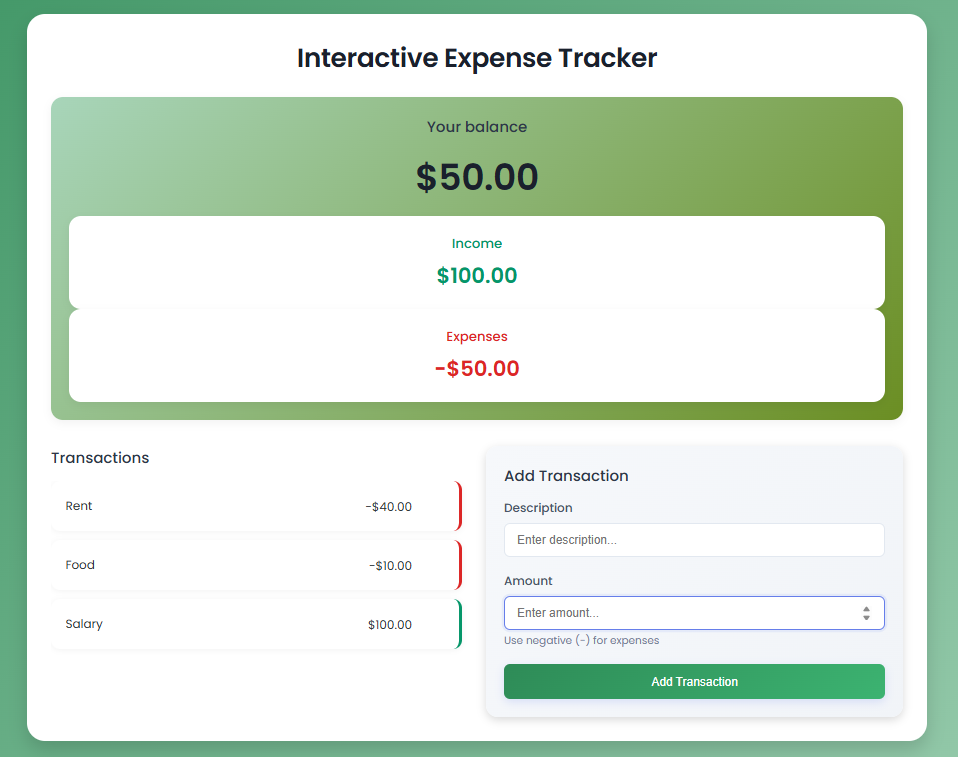
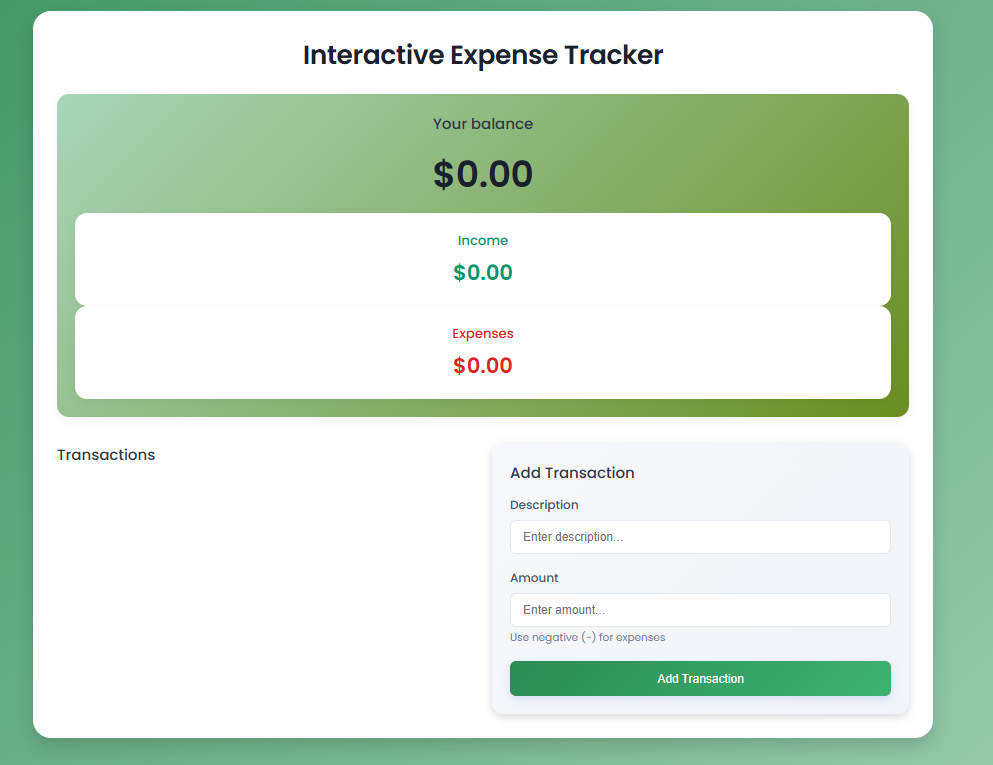
Interactive Expense Tracker is a web-based tool that allows users to log income and expenses, view real-time balance updates, and visualize their financial activity. It promotes personal accountability and builds foundational financial habits, perfect for those just starting their journey toward financial literacy.
How I built it
I used HTML, CSS, and JavaScript to build the app from scratch. The interface was designed with a clean and user-friendly layout using custom CSS styling. Local storage was implemented to persist user data across sessions. Key components include:
- Dynamic DOM updates based on transaction data
- Categorization and calculation of income and expenses
- Responsive design for mobile and desktop users
Challenges I ran into
One challenge was managing data persistence across sessions without using a database. I solved this using localStorage to store transactions. Another was creating an intuitive UI that displays real-time feedback without overcomplicating the user experience. Fine-tuning the design to ensure clarity while remaining engaging was a rewarding hurdle.
Accomplishments that I'm proud of
- Created a functional and responsive financial tool in a short timeframe
- Implemented clean UI/UX that supports accessibility and ease of use
- Developed a project that directly supports Hackonomics’ mission of spreading financial literacy
What I learned
I deepened our understanding of JavaScript event handling, DOM manipulation, and client-side storage. Additionally, I learned the importance of clear UI design in user engagement and how small details, like animations and form validation, enhance the experience.
What's next for Interactive Expense Tracker
- Add data visualization (charts/graphs) to help users better analyze spending patterns
- Integrate savings goals and budgeting categories
- Enable cloud-based storage for cross-device support
- Introduce financial tips and education modules for beginners
My goal is to evolve this tool into a comprehensive platform that not only tracks expenses but teaches users how to grow their financial knowledge.
Built With
- css
- google-fonts
- html
- javascript
- localstorage

Log in or sign up for Devpost to join the conversation.