-
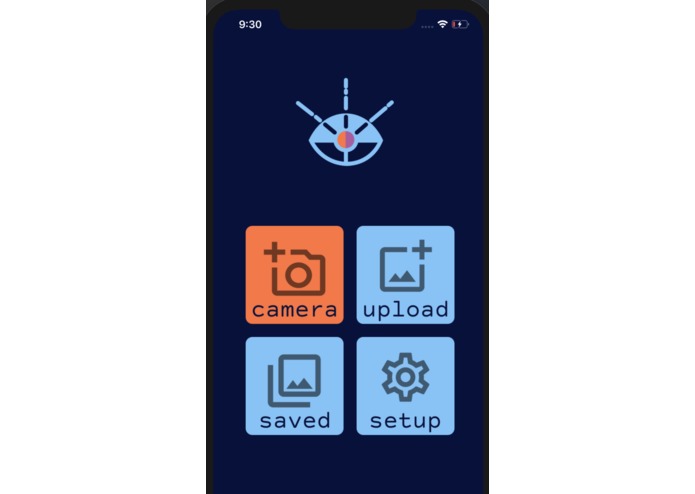
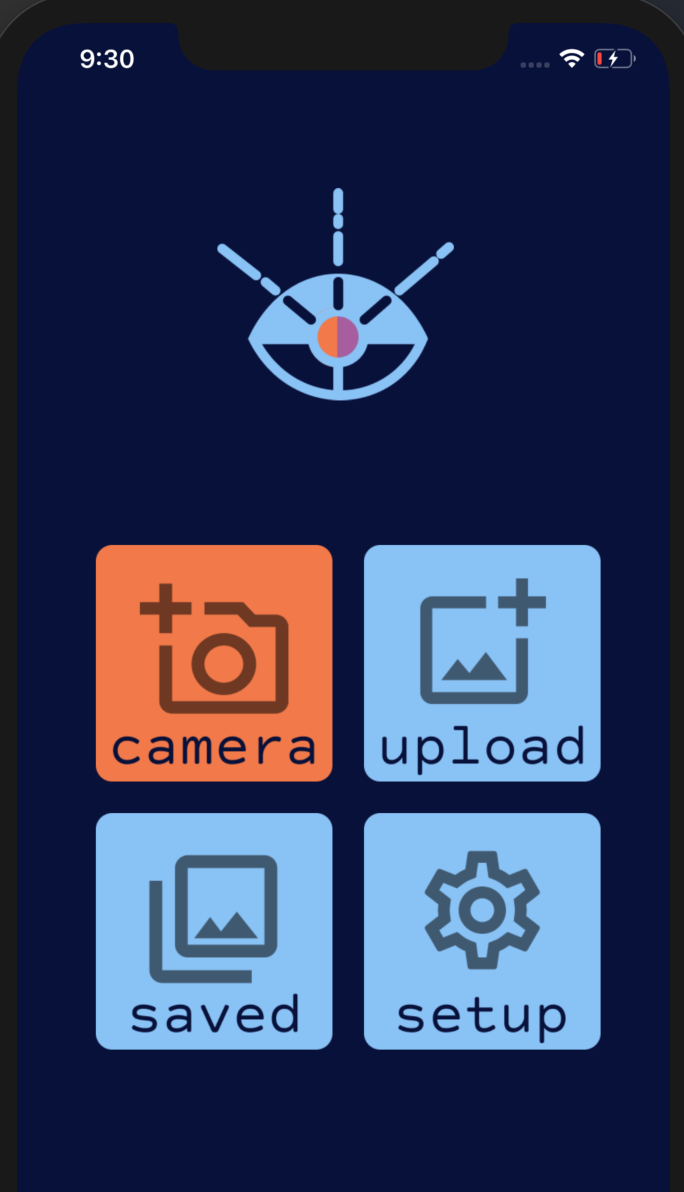
Home screen - accessible fonts and colors for color blindness and other impairments
-
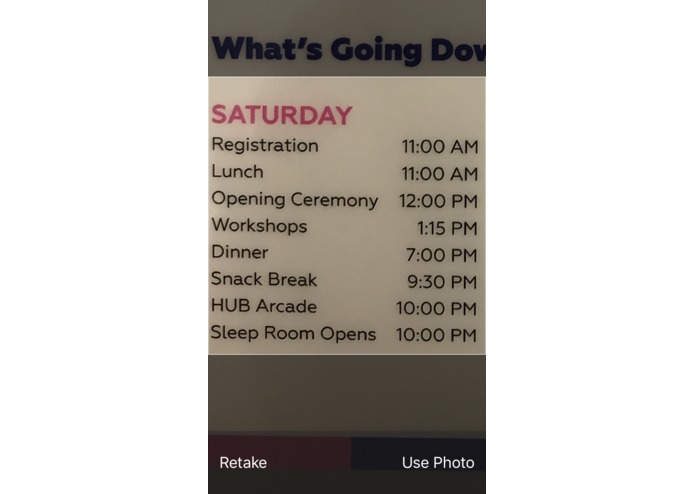
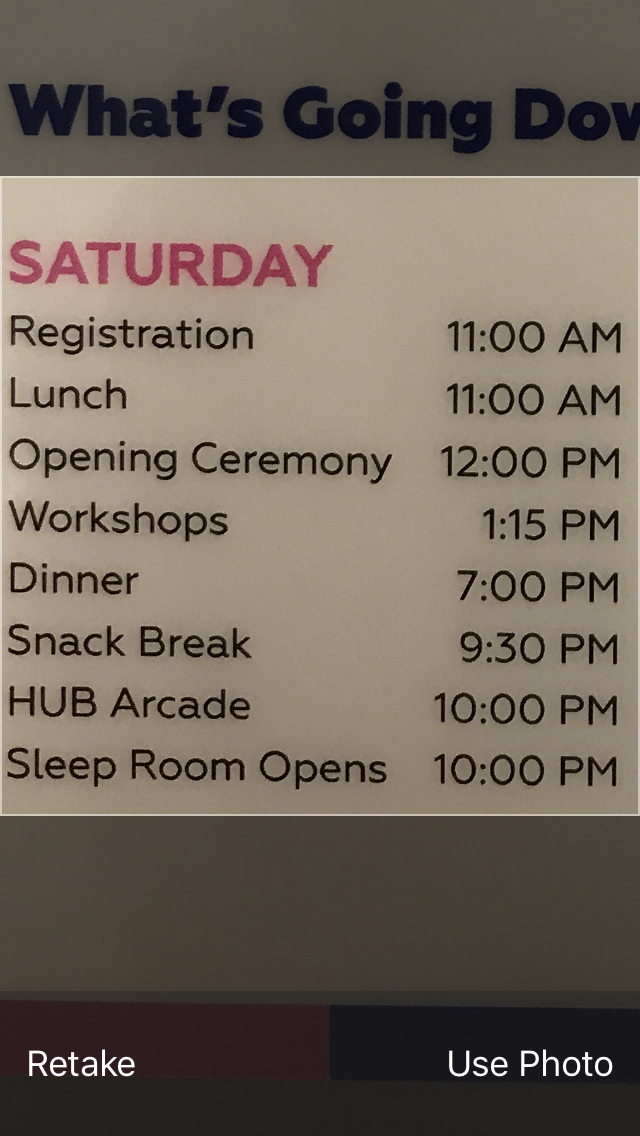
Hit the Upload button and take a picture! This is a saved picture of our event name tags.
-
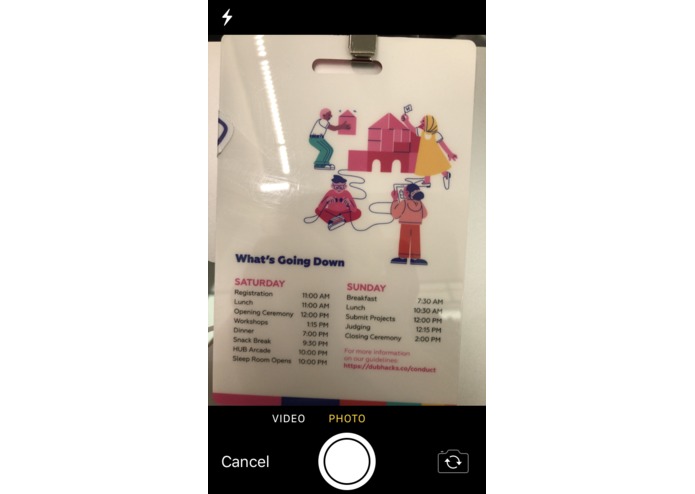
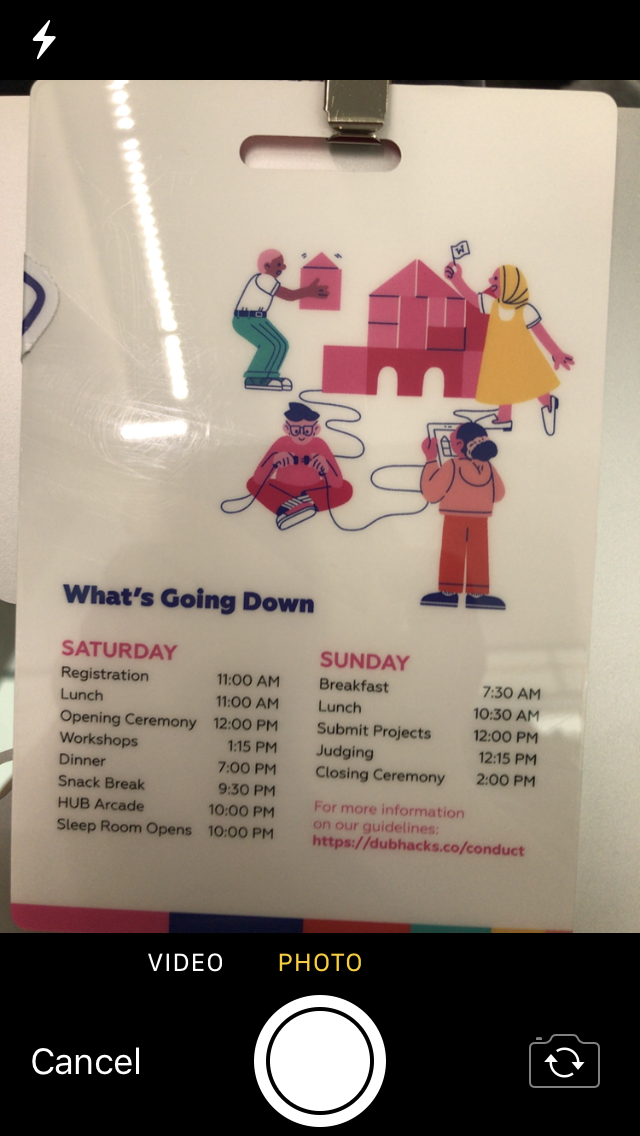
Hit the Camera button and take a picture! We took a picture of our event name tags.
-
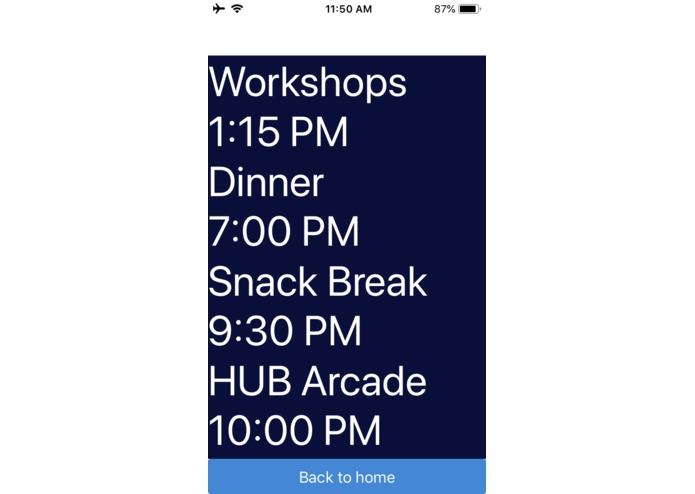
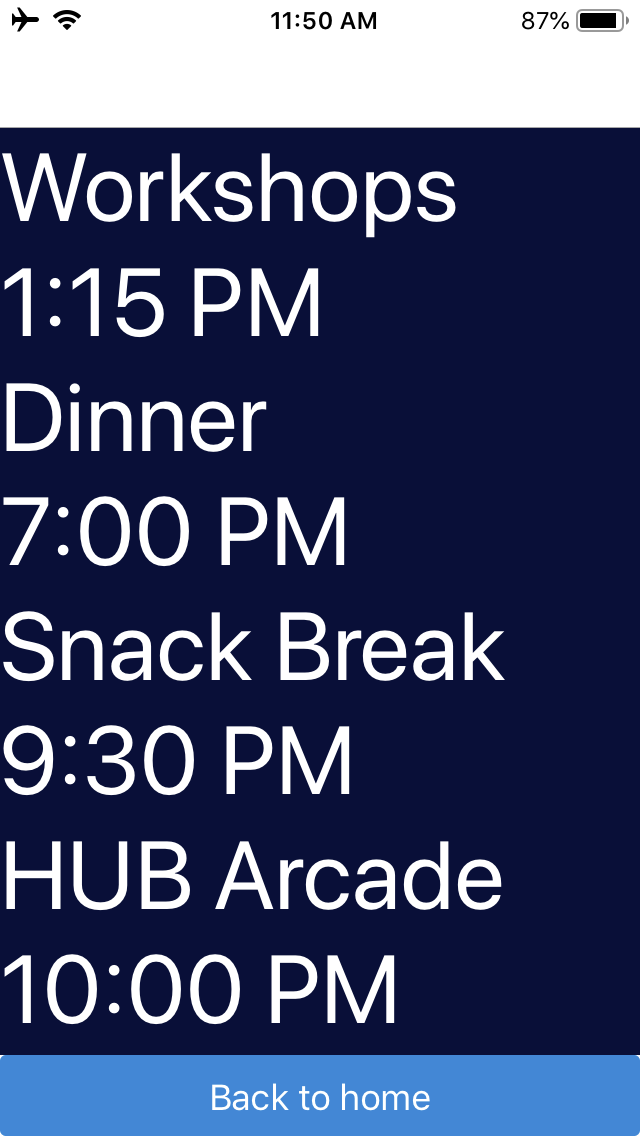
Once you upload a picture, we use ocular character recognition (OCR) to transcribe the image text to plaintext that you can read or copy!
Inspiration
Nearly everyday we are required to read small text, whether it be on a medication bottle, or a menu at a restaurant. This creates a barrier to critical information for individuals with visual impairments, as extracting information from this fine text can be nearly impossible.
With team members who have struggled with low vision, we decided to create this app to help people with low vision impairments including:
- Farsightedness (hyperopia) - Farsightedness with more than 3 million US cases per year, common, lifelong affliction
- Age-related farsightedness (presbyopia) - also more than 3 million US cases per year, can start as early as 30-35yrs of age
- General hard-of-sight in low light situations - which go unreported since it's not generally a cause for vision health concern
As of 2019, 81% of Americans own a smartphone. With the convenience of smartphones which grant access to the internet and options to customize the screen for accessibility, we look to smartphones as a means to provide a solution to this problem.
What it does
We designed a system to be used by individuals that are visually impaired that will allow them to read small fonts in less than 30 seconds that will not compromise their experience.
- Envision an individual suffering from farsightedness, who forgot what steps to follow in order to take their medication and cannot read the prescription independently.
- Our app requires the individual to pick up their phone, access our app, and click the Camera button inside the app.
- Then our app, upon taking a picture, will stabilize the image for maximum clarity for easy viewing.
- The app can also further transcribe the text in the image into plaintext that is accessible to the user using ocular character recognition (eg. artificial intelligence), if they would like to view the text generated from their image clearly in an accessible font or copy and paste the text that has been generated.
How I built it
We leveraged:
- React Native and simulation tools such as Expo for the iOS app development
- Google Cloud Platform's Vision AI API for ocular character recognition
- Firebase to upload assets and generate URLs
- Github and GitKraken for version control and collaboration development processes
- Figma for initial vector asset creation and prototyping
- Adobe Photoshop for GIF
Challenges I ran into
- Creating a holistic user story which aims to better a significant portion of the visually impaired community but also cater to the general public
- Familiarizing ourselves with new tech to leverage tools such as Firebase and AI
- Determining a project with scalable future ventures to expand for business
What we learned
Before this project, we were total strangers who made a ragtag team! We learned how to collaborate effectively through Git with consistent PR code reviews, merge conflict discussions, and overall extensive project communication. We spoke with sponsors and mentors throughout the night to determine our pitch, further extensions, and how to create the most impact with the tools at our disposal. We hope to be able to ignite more awareness for visual impairment and accessibility.
Where intensif-eye will look to, next!
Further extensions include:
- Machine learning training with text recognition with user inputs from different fonts, lighting, types of images (eg. menu, food ingredients, prescription, magazines etc)
- Advertisement applications by determining the user inputs and suggesting similar restaurants, stores, products
- User experience studies by completing focus group surveys with target audience (eg. low vision individuals such as seniors)
- Compatibility with a maximum number of phone/tablet devices
Our slide deck:
https://docs.google.com/presentation/d/194kRmFEYCNUtARd8mHtiqWjbNuEB_oaMDYlANlOI__s/edit?usp=sharing
Built With
- css
- expo.io
- figma
- google-cloud
- google-vision
- html
- ios
- javascript
- ocular-character-recognition
- react-native


Log in or sign up for Devpost to join the conversation.