Inspiration
Our inspiration came from a daily frustration: we're all drowning in information (research papers, business reports, dense articles) but can't use cloud-based AI to help us, because that data is often confidential. The idea of uploading a proprietary business plan or unpublished academic paper to a third-party server is a non-starter. We were stuck between the need for AI-powered productivity and the absolute requirement for privacy.
The Google Chrome Built-in AI Challenge was the lightbulb moment. The ability to run a powerful model like Gemini Nano 100% on-device meant we could finally build the tool we always wanted: a research assistant that's both brilliant and completely private.
What it does
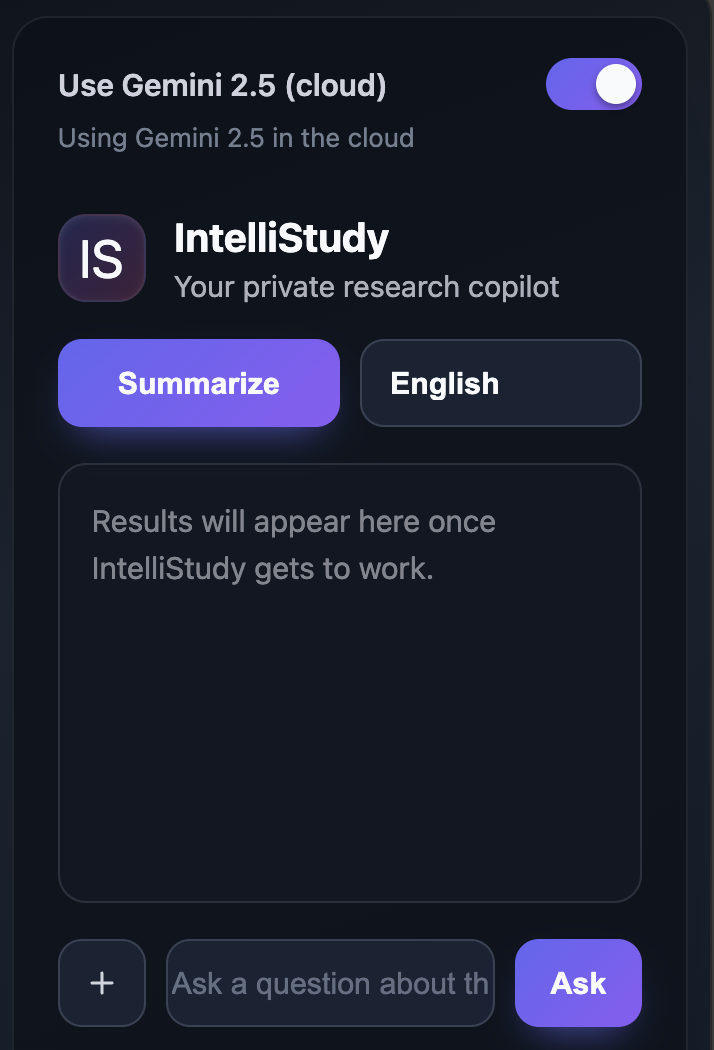
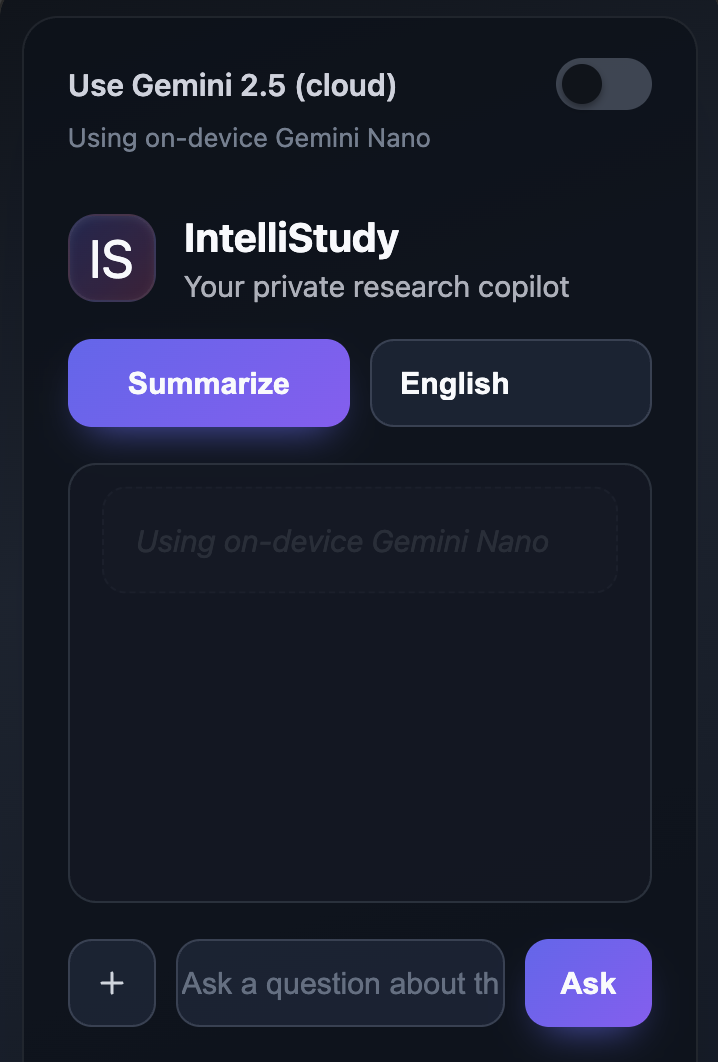
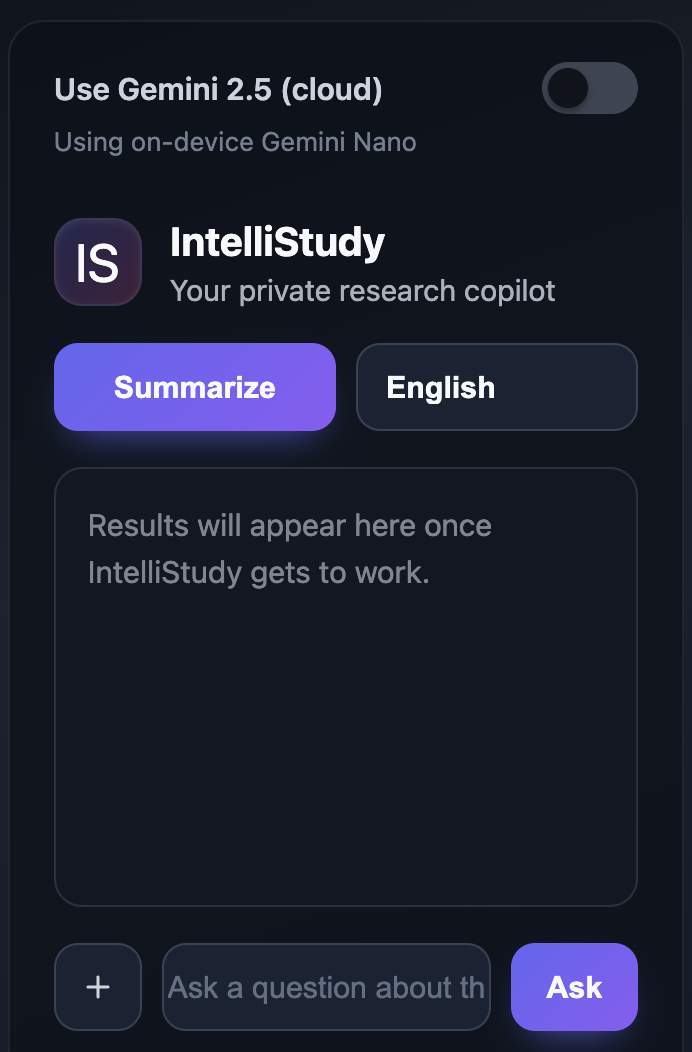
IntelliStudy is a Chrome Extension that acts as a private, on-device AI research co-pilot, living right in your browser's side panel.
100% Private On-Device Features:
- Smart Summarizer: Instantly summarizes any webpage or PDF using the
Summarizer API. - Audio Q&A: Lets you ask questions about the document with your voice. The AI listens and answers based on the document's content (
Prompt API - Audio). - Text Simplifier: Simplifies complex paragraphs or jargon-filled sections using the
Rewriter API.
- Smart Summarizer: Instantly summarizes any webpage or PDF using the
Optional Hybrid-Cloud Feature:
- For when you do need live web data, an optional "Ask & Search Web 🌐" button uses the Gemini Developer API via Firebase to answer questions (like "What are this company's latest competitors?") by combining your prompt with live search.
How we built it
IntelliStudy is a Manifest V3 Chrome Extension built with HTML, CSS, and modern JavaScript.
Core Extension UI: We used the
chrome.sidePanelAPI to create a persistent, accessible UI. Thechrome.contextMenusAPI adds the right-click "Explain Image" functionality.On-Device AI (The Magic): The new Chrome Built-in AI APIs are the core of our project.
- We used
chrome.ai.summarizefor quick summaries. - We used
chrome.ai.createSessionandsession.promptto handle the complex multimodal inputs, passing text,AudioStream(fromnavigator.mediaDevices), and imageBlobdata directly to the on-device Gemini Nano model.
- We used
Content Extraction (The Grunt Work): For HTML pages, we used
chrome.scriptingto inject a content script that readsdocument.body.innerText. For PDFs, which was much harder, we bundled and injectedPDF.jsby Mozilla to parse the PDF file, extract text from all pages, and send it to the side panel.Hybrid Cloud Functionality (The "Best of Both Worlds"):
- We created a simple HTTP-triggered function using Firebase AI Logic.
- When a user clicks our "Ask & Search Web" button, the extension securely calls this Firebase function.
- The function, running on Google's servers, calls the cloud-based Gemini Developer API (Gemini Pro), gets the answer, and sends it back to the extension. This keeps our cloud API key secure and off the client.
Challenges we ran into
Our biggest challenge, by far, was reading PDF files in the browser. document.body.innerText is useless on a PDF. We had to research, implement, and correctly bundle the entire PDF.js library into our extension and create a content script that could detect a PDF, parse its binary data, and extract the text.
Another challenge was designing an intuitive UI for the hybrid feature. We had to make it crystal clear to the user when a query was 100% private (on-device) versus when it was being sent to the cloud (hybrid). We solved this with clear button labeling ("Ask & Search Web 🌐") and icons.
Finally, working with brand new, experimental APIs meant we were learning as we went. Figuring out the exact data types the Prompt API expected for audio and image data (e.g., AudioStream vs. Blob) required careful reading of the preview docs and some trial and error.
Accomplishments that we're proud of
We're incredibly proud of the offline "wow" moment. The first time we summarized a 50-page PDF, asked a spoken question about it, and got a perfect answer with the Wi-Fi completely turned off was amazing. It proved the on-device promise was real.
Successfully integrating PDF.js was a huge technical win. It felt like unlocking the full potential of the extension, as so much important research lives in PDF format.
Finally, we're proud of the multimodal graph explainer. Right-clicking a confusing bar chart and getting an instant, plain-English explanation from the on-device AI felt like a truly next-generation feature.
What we learned
- On-Device AI is a Game-Changer: We learned that client-side AI isn't just a "lite" version of cloud AI. It's a completely different paradigm that unlocks a new class of privacy-first applications that were previously impossible.
- Multimodal is the Future: Combining text, audio, and image inputs into a single context (
session.prompt) is incredibly powerful and leads to a much more natural, human-like interaction. - Hybrid is the Smartest Approach: We learned that the "on-device vs. cloud" debate is a false choice. The best user experience uses on-device for speed and privacy and cloud for power and live data, letting the user choose the right tool for the job.
What's next for IntelliStudy - Your Private AI Research Agent
This is just the beginning. We have a clear roadmap for turning this hackathon project into a full-fledged product.
- Persistent Private Memory: We want to use on-device storage to let IntelliStudy remember and build connections between all the documents you've analyzed, creating a "second brain" that is 100% private to you.
- Proactive Assistance: Instead of waiting for a click, IntelliStudy could automatically detect complex terms on a page and add simplified definitions in the margin, or automatically generate flashcards from a study guide.
- Deeper Hybrid Integration: We plan to integrate with academic APIs like Google Scholar or ArXiv, so the hybrid search can pull in direct citations and related papers.
- Chrome Web Store Launch: Our main goal is to polish, performance-test, and publish IntelliStudy to the Chrome Web Store to get it into the hands of students and researchers everywhere.

Log in or sign up for Devpost to join the conversation.