-
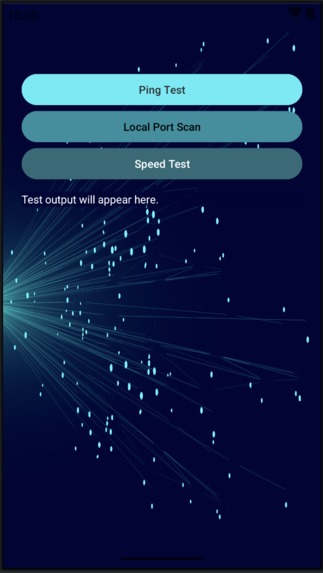
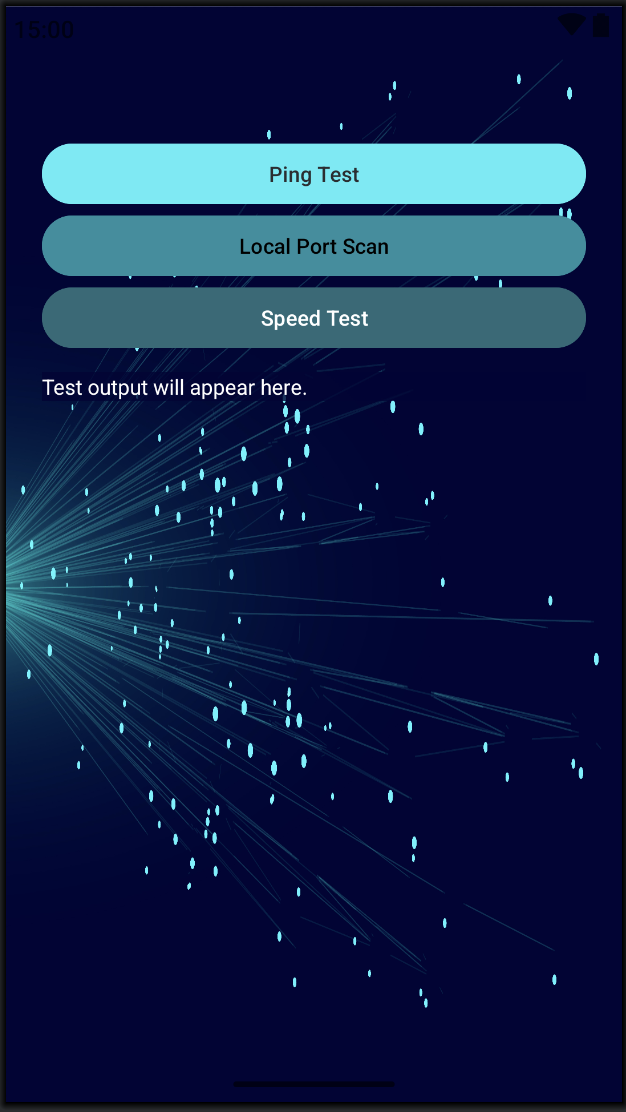
Main Activity Vertical Layout
-
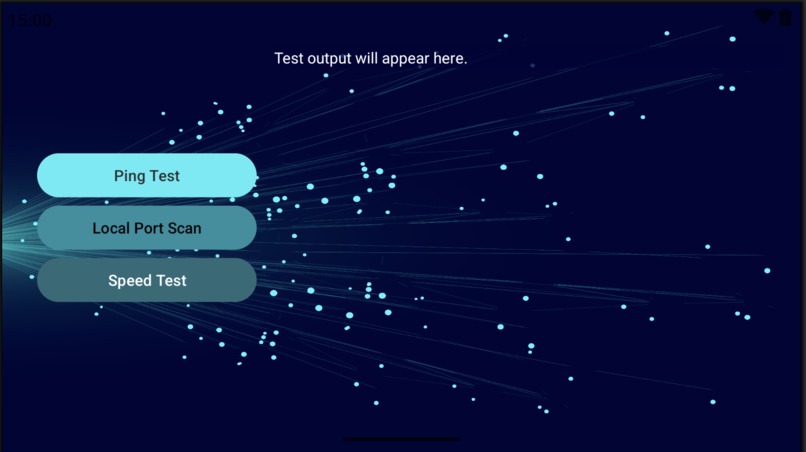
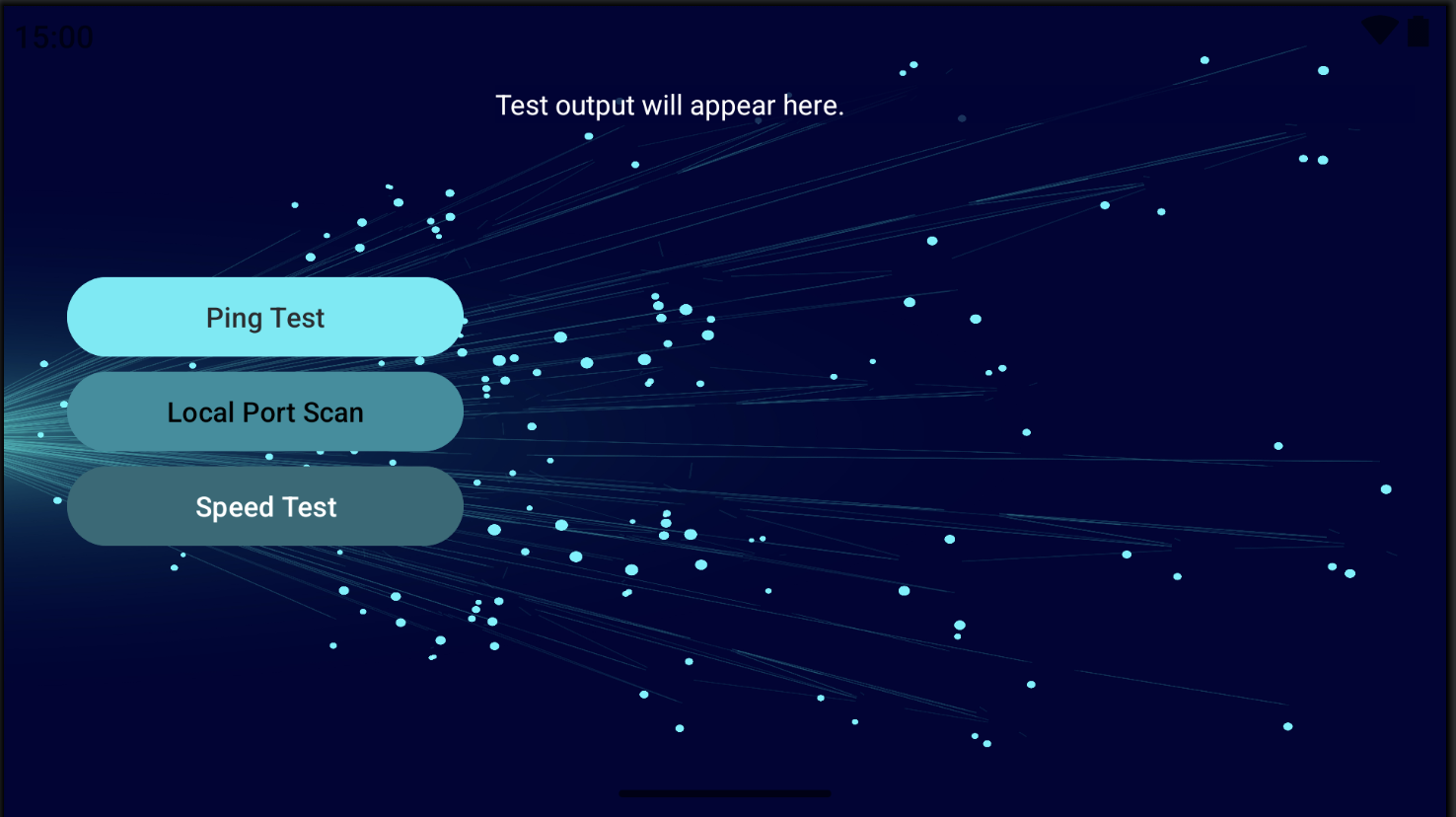
Main Activity Landscape Layout
-
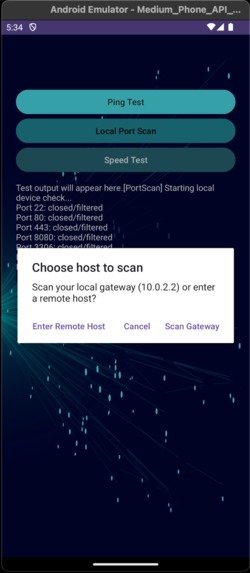
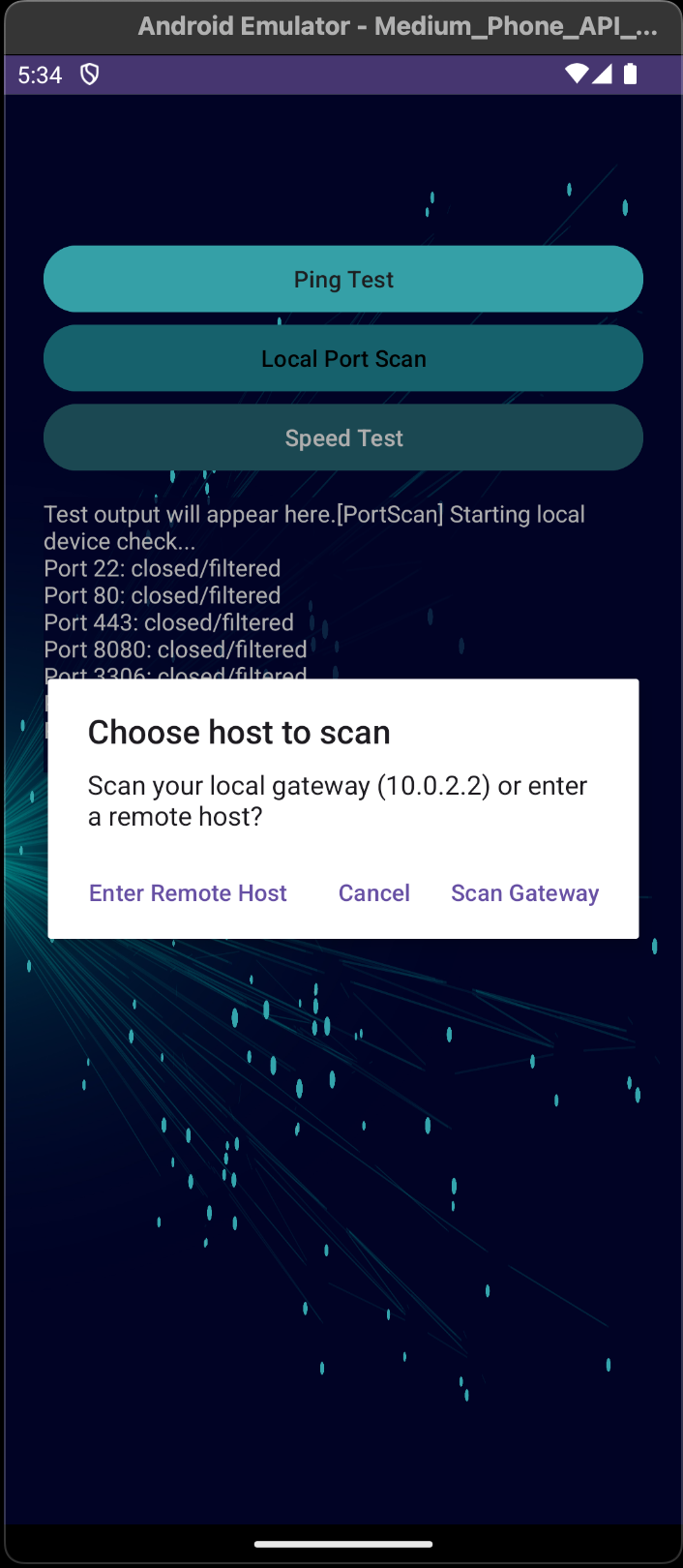
Port Scan Options
-
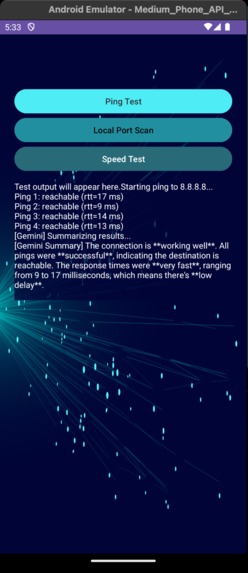
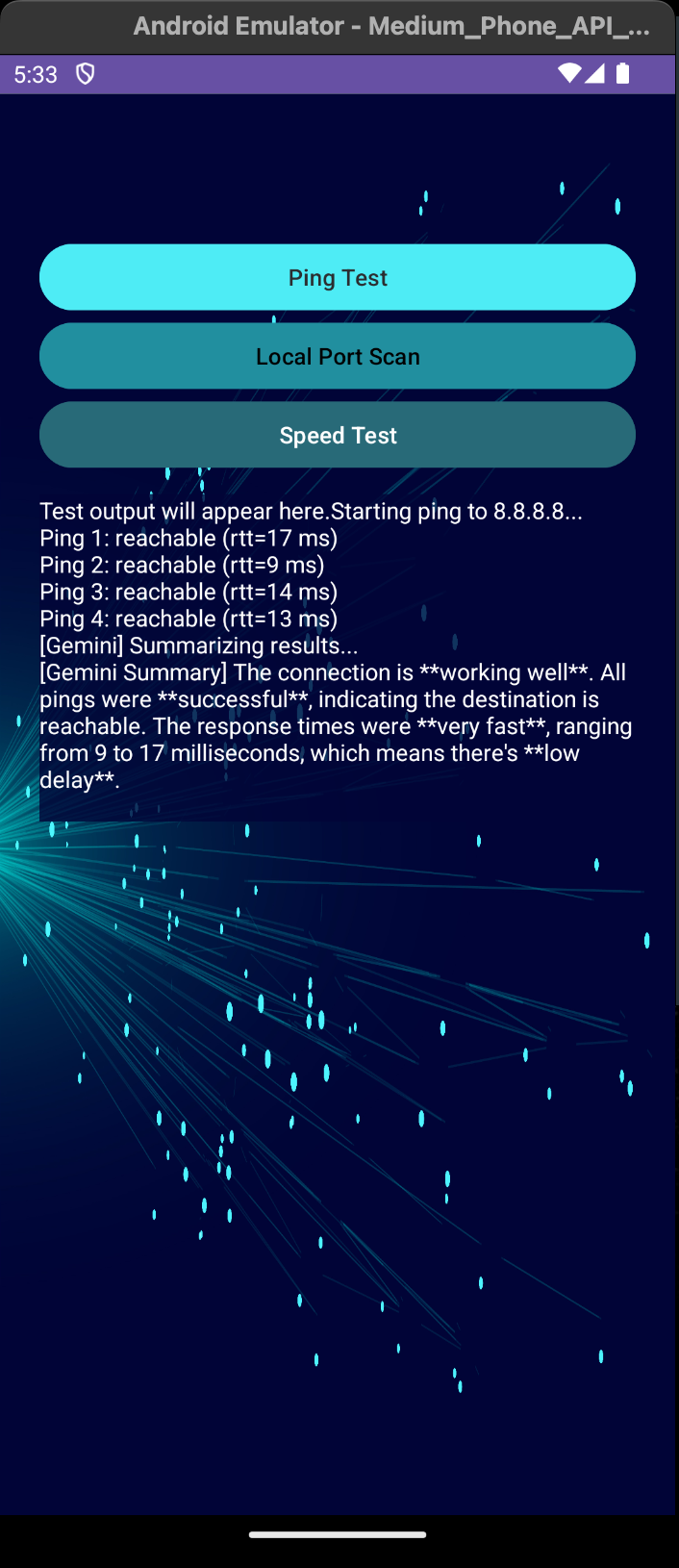
Ping Test
-
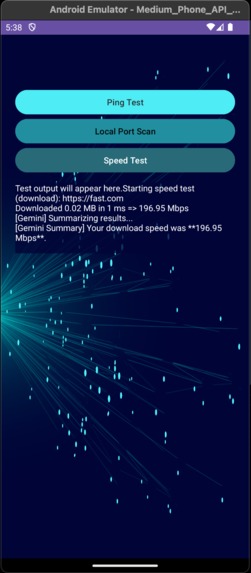
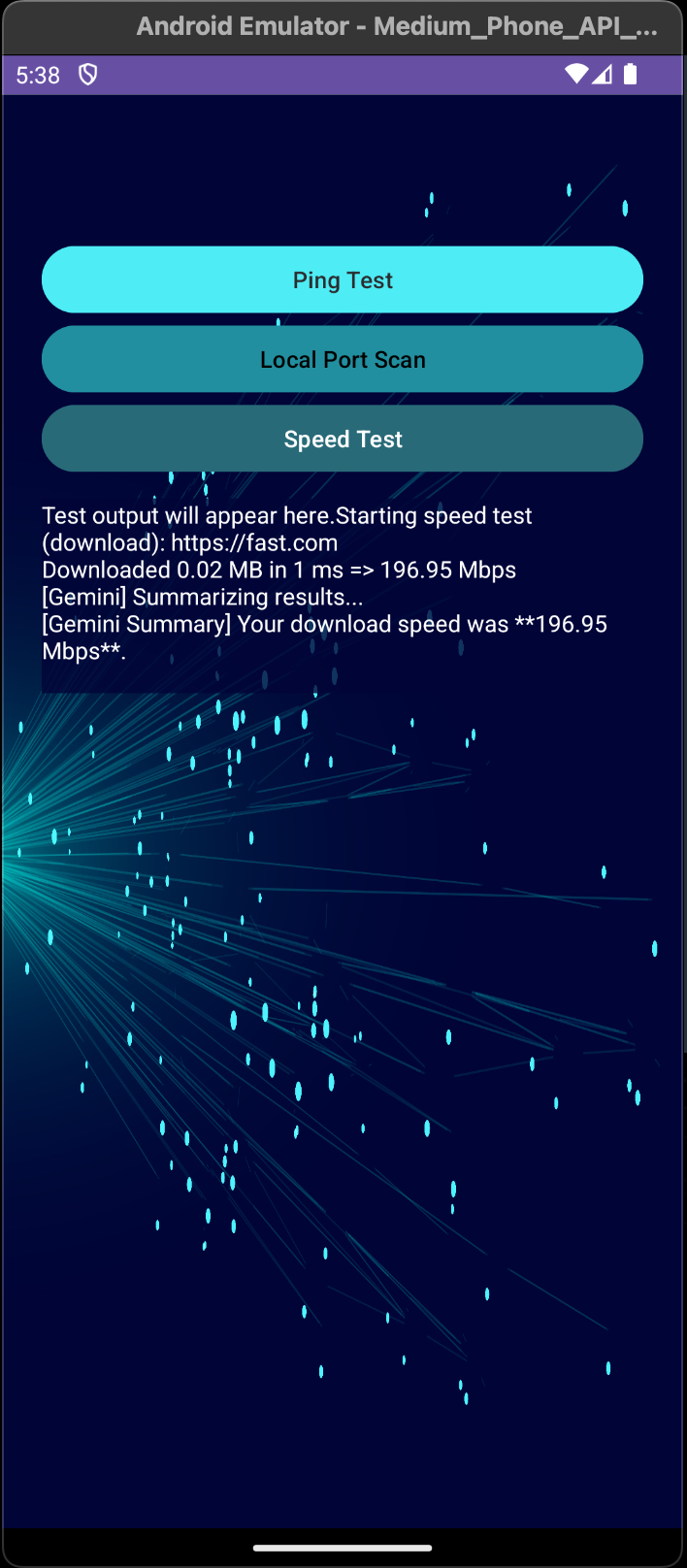
Speed Test Result (Success)
-
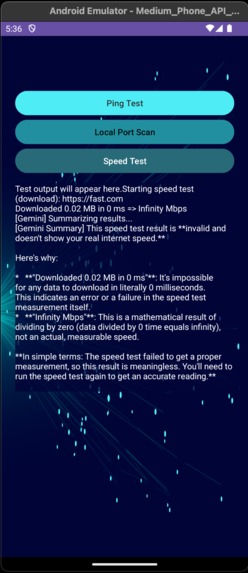
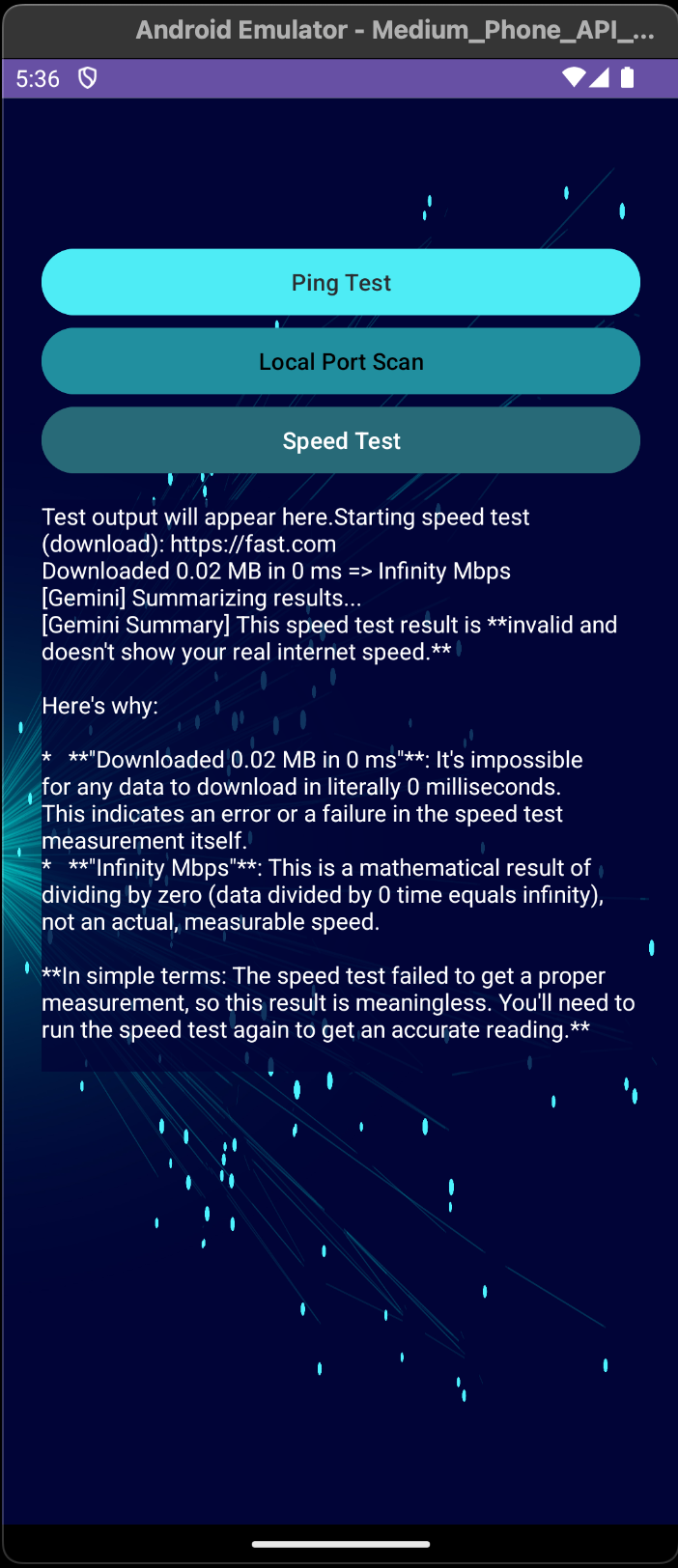
Speed Test Results (Failure)
-
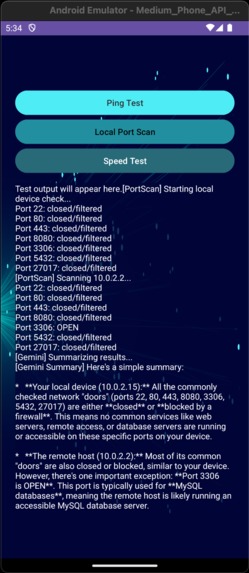
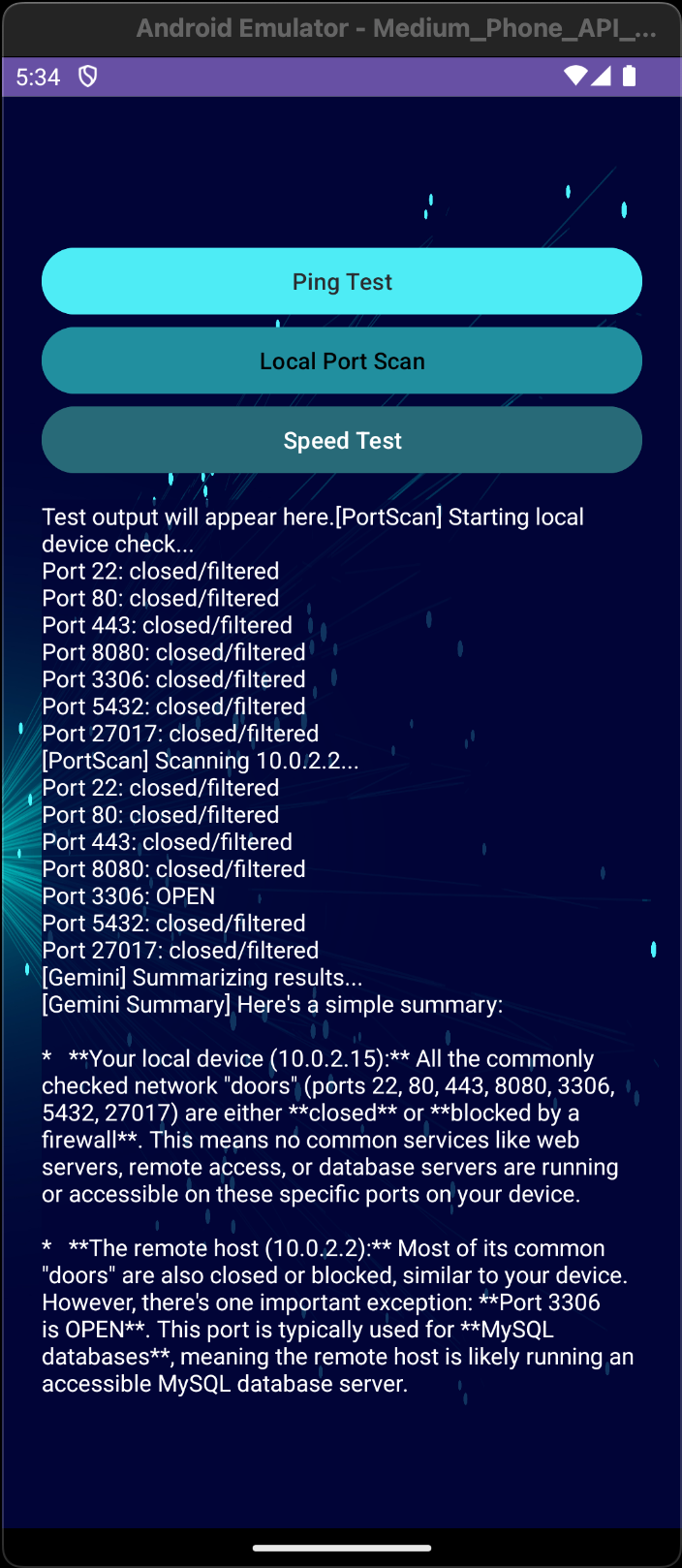
Port Scan Test Results
Inspiration:
As a Cybersecurity student, I enjoy looking for innovative and educational solutions to assist end users of all levels. Everyone, in every Cybersecurity role, knows that the our first, and best, line of defence is human awareness and vigilance. We affectionately refer to this as the "human firewall." Educating end users with a simple network scanning tool does just that!
However, most mobile networking apps are aimed at those with high technical skills. I wanted to introduce a network scanning app that is simple and utilizes Google's Gemini API to output results in a user-friendly and verbose way. Additionally, Google uses a very robust set of guardrails with the Gemini LLM. This ensures that the results provided are, in a manner of speaking, sanitized against potential misuse using Gemini. I very much liked this, and adding the Gemini API to a mobile app ensures portability and increases usefulness overall.
What it does:
IntelliScan Mobile pilot version includes the following key features:
- Local network scanning
- AI-powered interpretation and learning feedback
- Safe, anonymized summaries
- Designed for mobile usability
How we built it
A more detailed post in the technical documentation on the GitHub repo.
The app was built with:
- Android Studio (Narwhal 2025.1.3)
- Using Android Gradle Plugin (AGP) 8.9.3
- OkHttp for HTTP network requests
- Gemini API for AI summarization
Challenges I ran into:
- I ran into some challenges integrating the Gemini API, but this was resolved by reading Google's documentation on the developer page.
- I ran into some challenges with the network speed test, several popular sites have invalid security SSL/TLS certificates.
- I initially began building the app in Android Studio Ladybug, but gradle required AGP 8.9.1 minimal, so I needed to update my IDE and rebuild the project with the updated gradle build.
Accomplishments that I'm proud of:
I'm very pleased by the output results. The integration of Gemini and its responses, even when it fails to get a proper response from the speed test, were very thorough and well-summarized.
What I learned:
Adding Gemini to a mobile app was entirely new for me. But it was very convenient and the results were above my expectations, although I suppose I should expect that from LLMs now.
What's next for IntelliScan Mobile App:
More details can be reviewed in the GitHub Wiki page entitled "Testing Results & Future Innovations". In the development of the app, I considered potential options for innovating the current pilot. Time constraints prevented me from adding graphical outputs to the scans, such as a line chart showing response times per ping. Additionally, I would consider adding a user login with cached data to store ping test history, preferences, or custom scan ranges linked to user account. I might like to increase the features by adding a customizable port scan range options. And finally, I was considering improving Gemini's summarization to teach networking concepts, and include tips or “did you know?” notes for educational context, and improving smart steps to stay secure on networks.
Built With
- android-studio
- gcp
- gemini
- okhttp


Log in or sign up for Devpost to join the conversation.