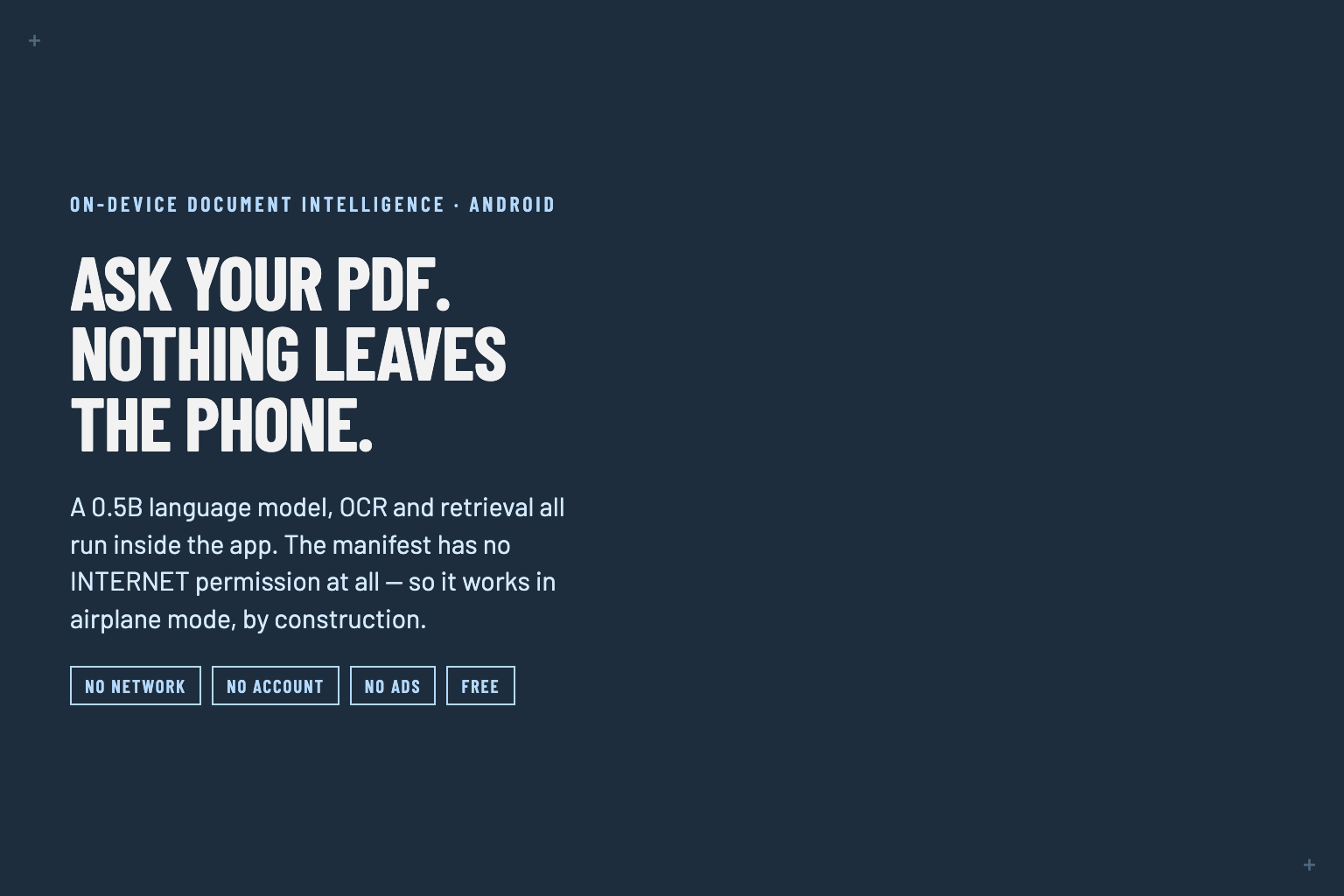
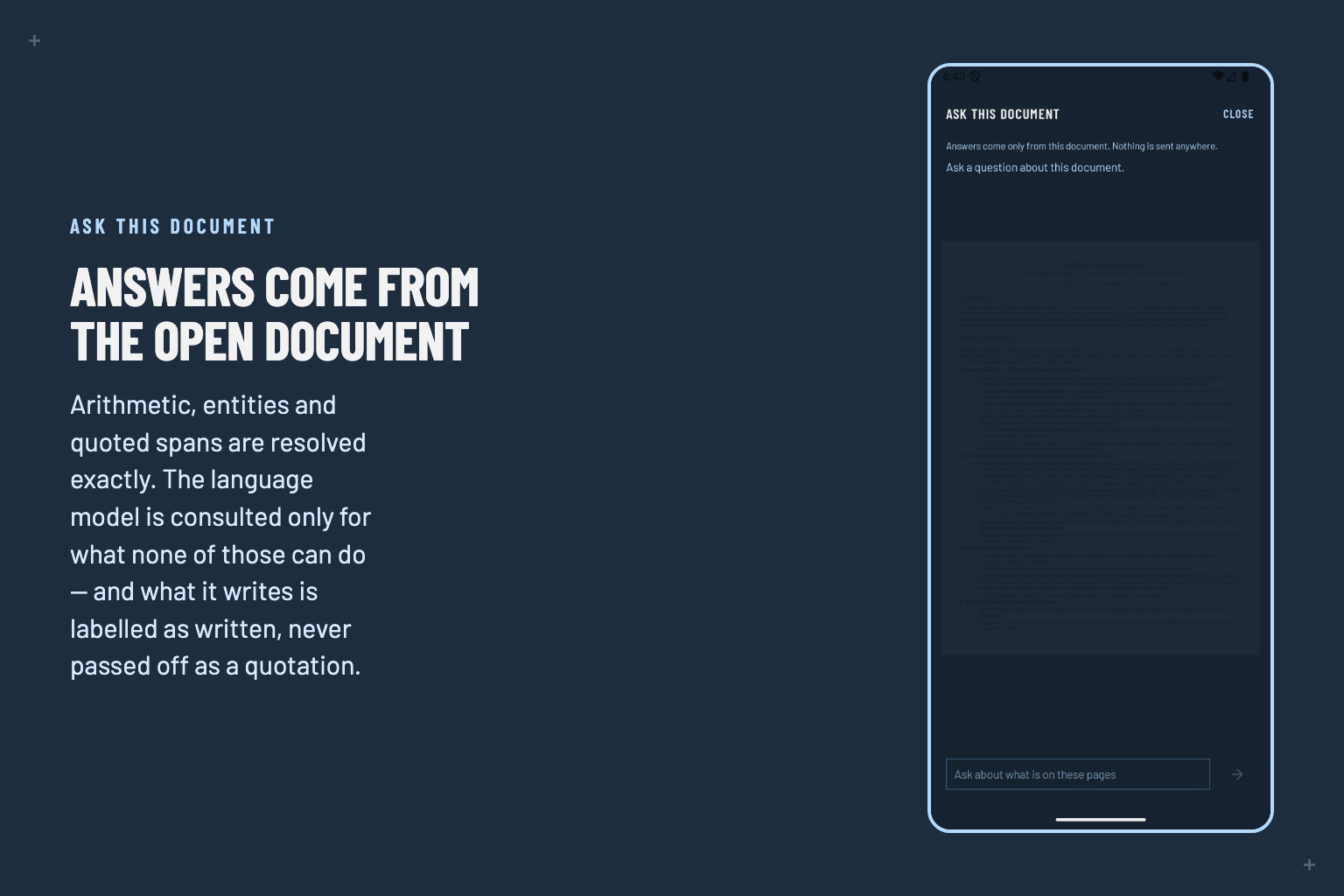
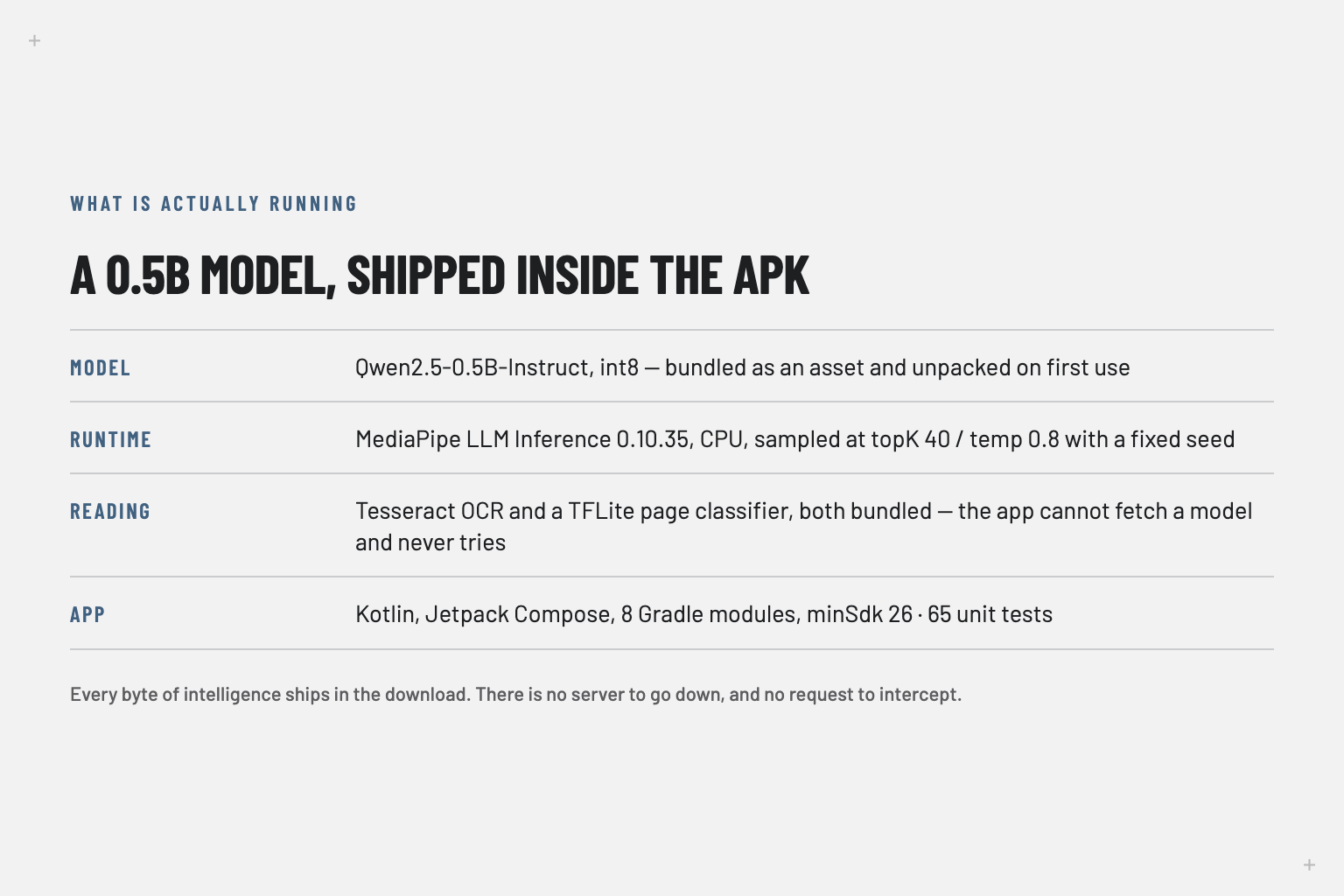
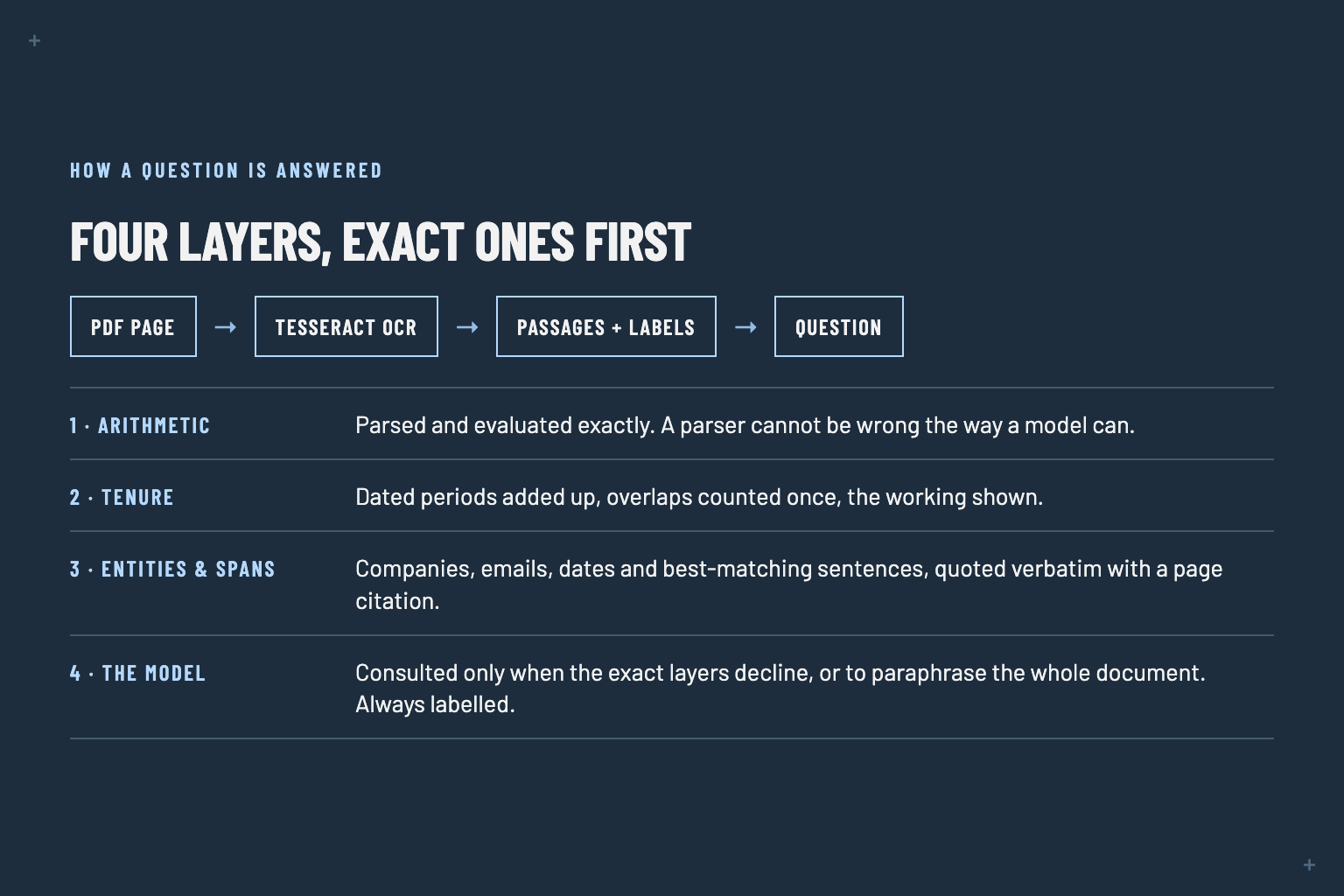
IntelliPDF — From Static Documents to Intelligent Conversations
Inspiration
PDFs are everywhere — study material, research papers, resumes, reports, invoices, manuals, and documentation. But most PDF applications still treat a document as something you simply open, read, and scroll through.
I wanted to change that.
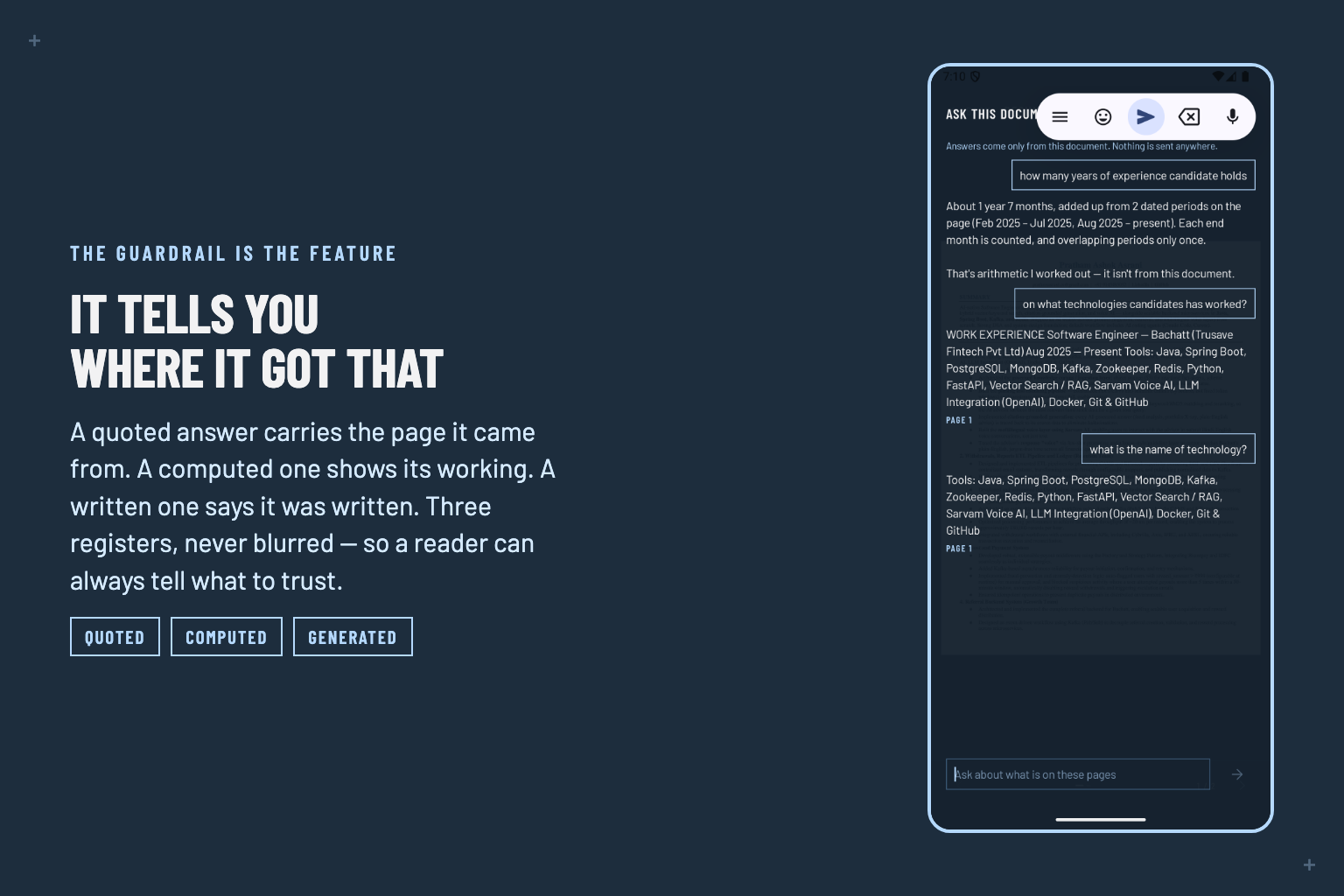
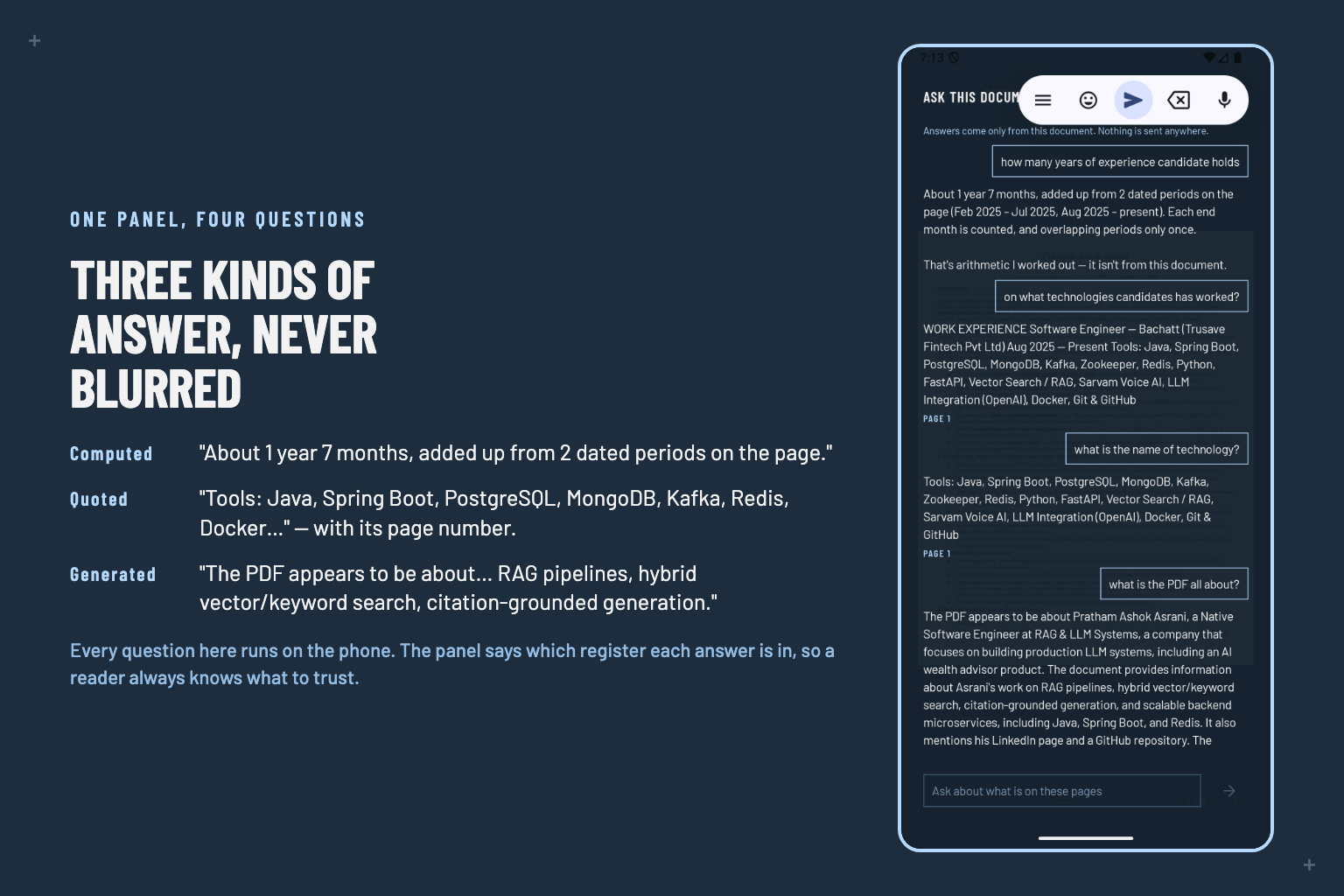
Instead of making users manually search through dozens of pages to find one piece of information, IntelliPDF turns a static PDF into an interactive AI-powered knowledge assistant.
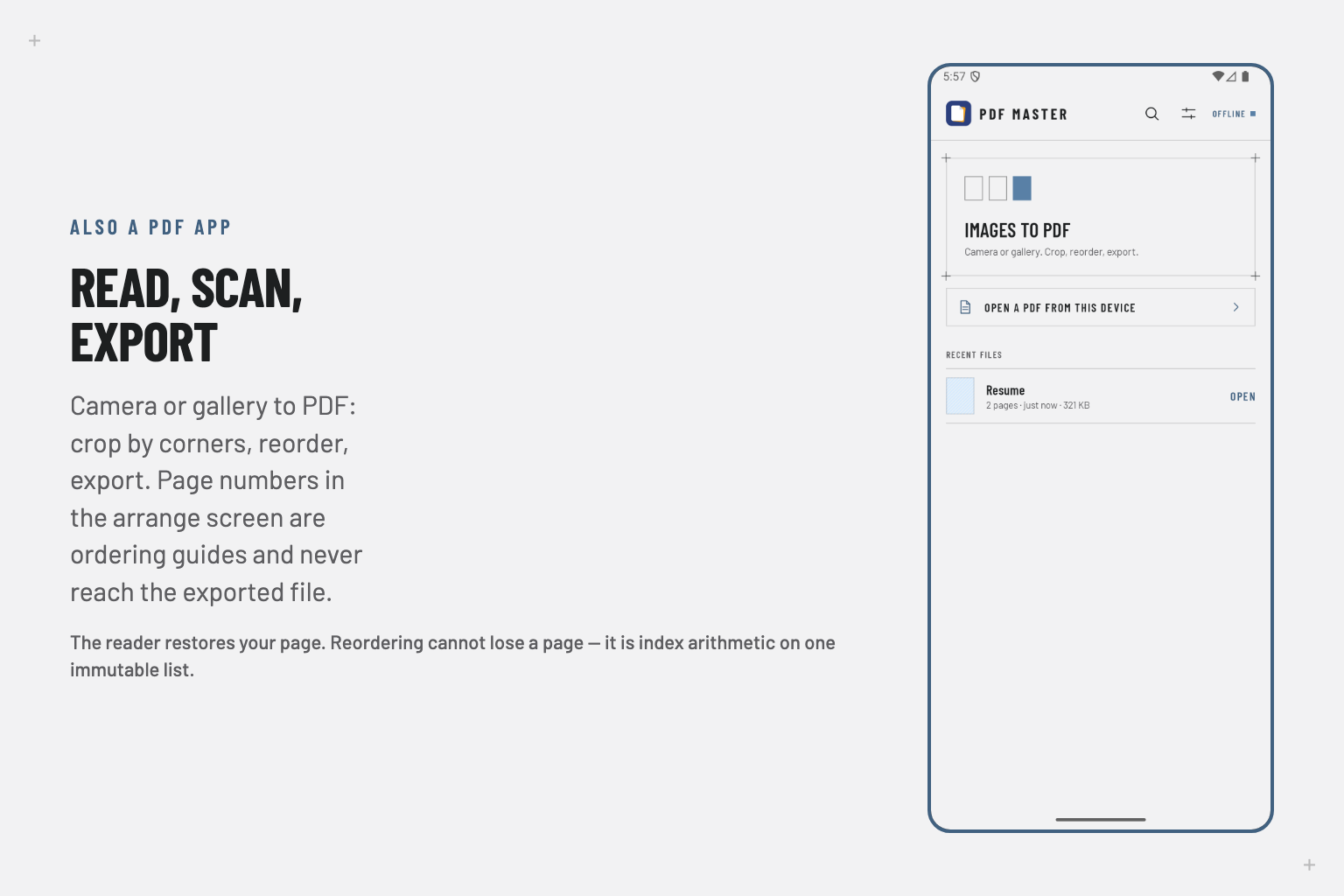
The idea grew from my existing PDF utility, PDF Master. Rather than building another generic chatbot, I wanted to bring AI directly to the documents people already use every day.
What IntelliPDF Does
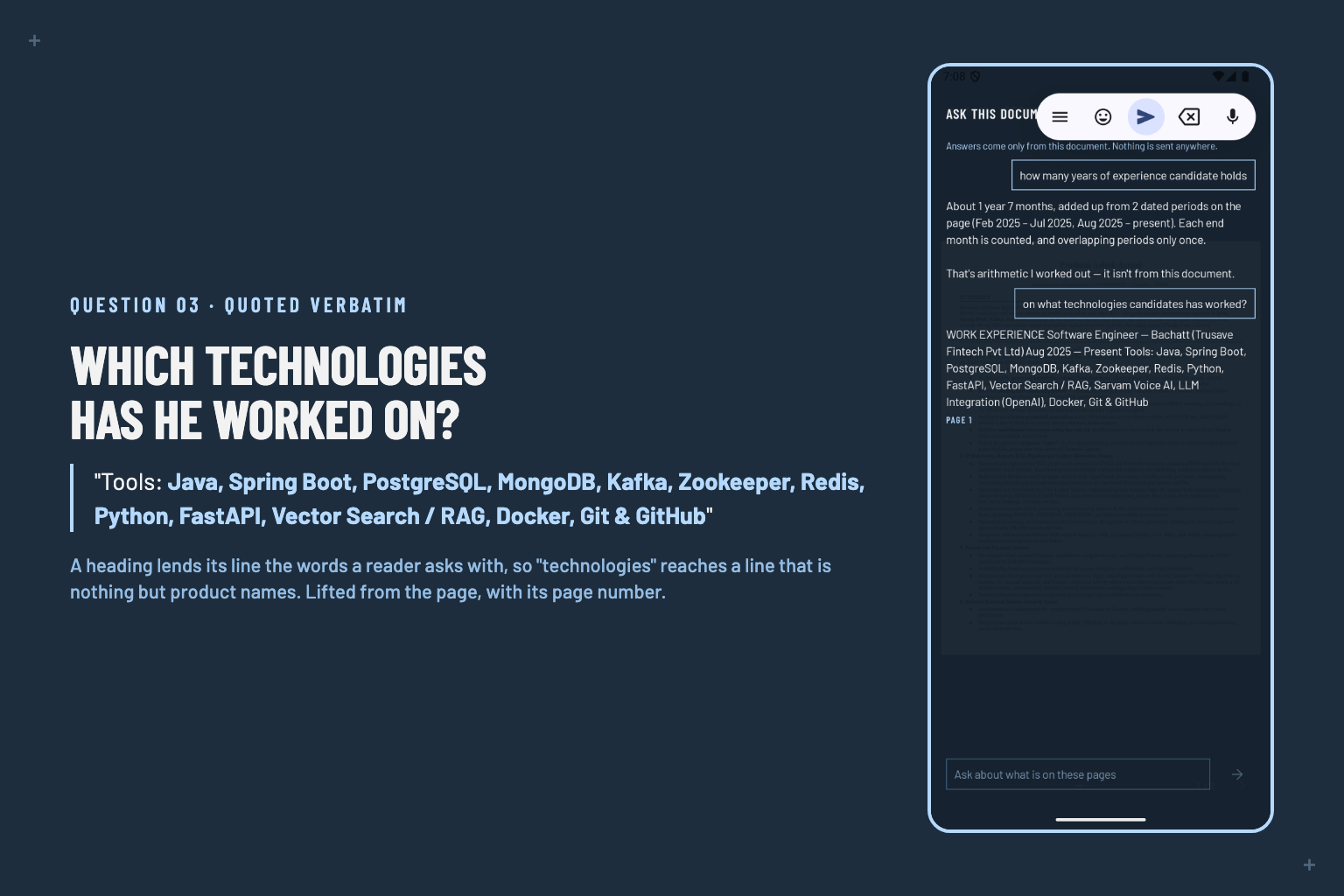
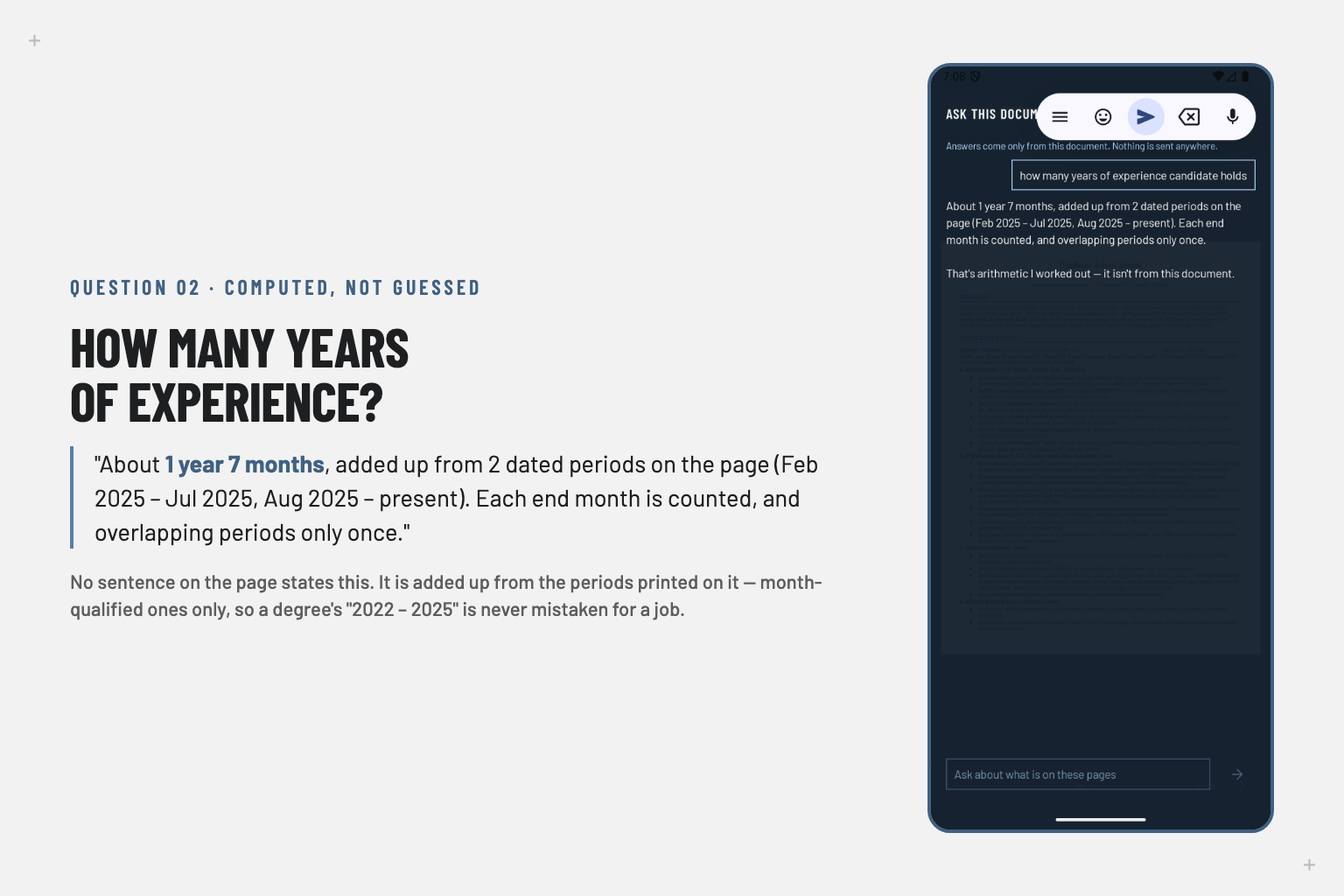
IntelliPDF allows users to provide a PDF and interact with its content using natural language.
Instead of manually searching through a document, users can ask things like:
- "Summarize this document."
- "Explain this like I'm a beginner."
- "What are the most important points?"
- "Find all the important dates."
- "Create interview questions from this document."
- "Compare these two sections."
- "What should I study first?"
The goal is simple:
Don't search through your documents. Talk to them.
How I Built It
The application combines a PDF processing layer with an AI-powered question-and-answer workflow.
The general pipeline is:
PDF
 ↓
Text Extraction
 ↓
Document Processing
 ↓
Relevant Context
 ↓
User Prompt
 ↓
AI Model
 ↓
Context-Aware Response
 ↓
IntelliPDF UI
The important part isn't simply sending a question to an AI model. IntelliPDF uses the document as the source of context so that the AI can respond based on the user's actual document.
I also designed prompts to make the AI behave differently depending on the user's intent — whether they want a summary, explanation, extraction, questions, or deeper analysis.
Why It's Useful
A 50-page document shouldn't require a user to read all 50 pages just to find one answer.
IntelliPDF can turn lengthy documents into something much more accessible and interactive.
For students, it can become a study assistant.
For developers, it can help understand documentation.
For professionals, it can help analyze reports and documents.
For anyone dealing with large PDFs, it provides a faster way to understand, search, and extract knowledge.
What I Learned
Building IntelliPDF helped me understand that creating an AI-powered application is not just about connecting an AI model to an interface.
The real challenge is designing the workflow around the model:
- How document content is extracted
- How relevant context is provided
- How prompts are structured
- How user intent is translated into an AI task
- How the response is presented in a useful way
I also learned how much better an AI experience becomes when it is focused on a specific problem instead of being another general-purpose chatbot.
Challenges
One of the biggest challenges was making the AI useful while keeping the interaction simple.
Documents can be long, contain different types of information, and have very different structures. A good response therefore depends heavily on how the document is processed and what context is supplied to the model.
Another challenge was designing prompts that consistently produced useful responses across different types of requests.
What's Next
I want IntelliPDF to evolve from an AI PDF reader into a complete document intelligence platform.
Future possibilities include:
- Multi-document conversations
- Automatic document comparison
- AI-generated quizzes
- Citation-backed answers
- Voice interaction
- Smart document search
- Structured data extraction
- Personalized study modes
The long-term vision is:
Any document should be something you can interact with, not just something you read.
Built With
IntelliPDF • PDF Processing • AI/LLM • Prompt Engineering • Android


Log in or sign up for Devpost to join the conversation.