-
-

1024x1024 uncropped app icon
-
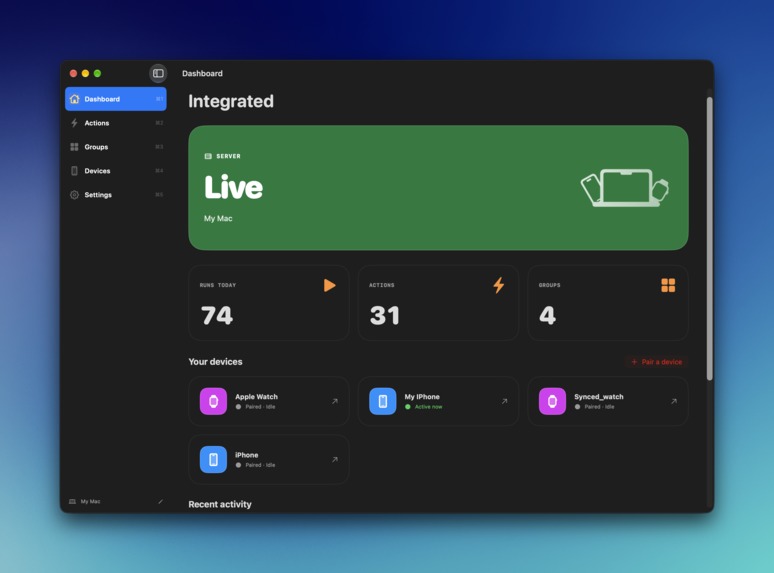
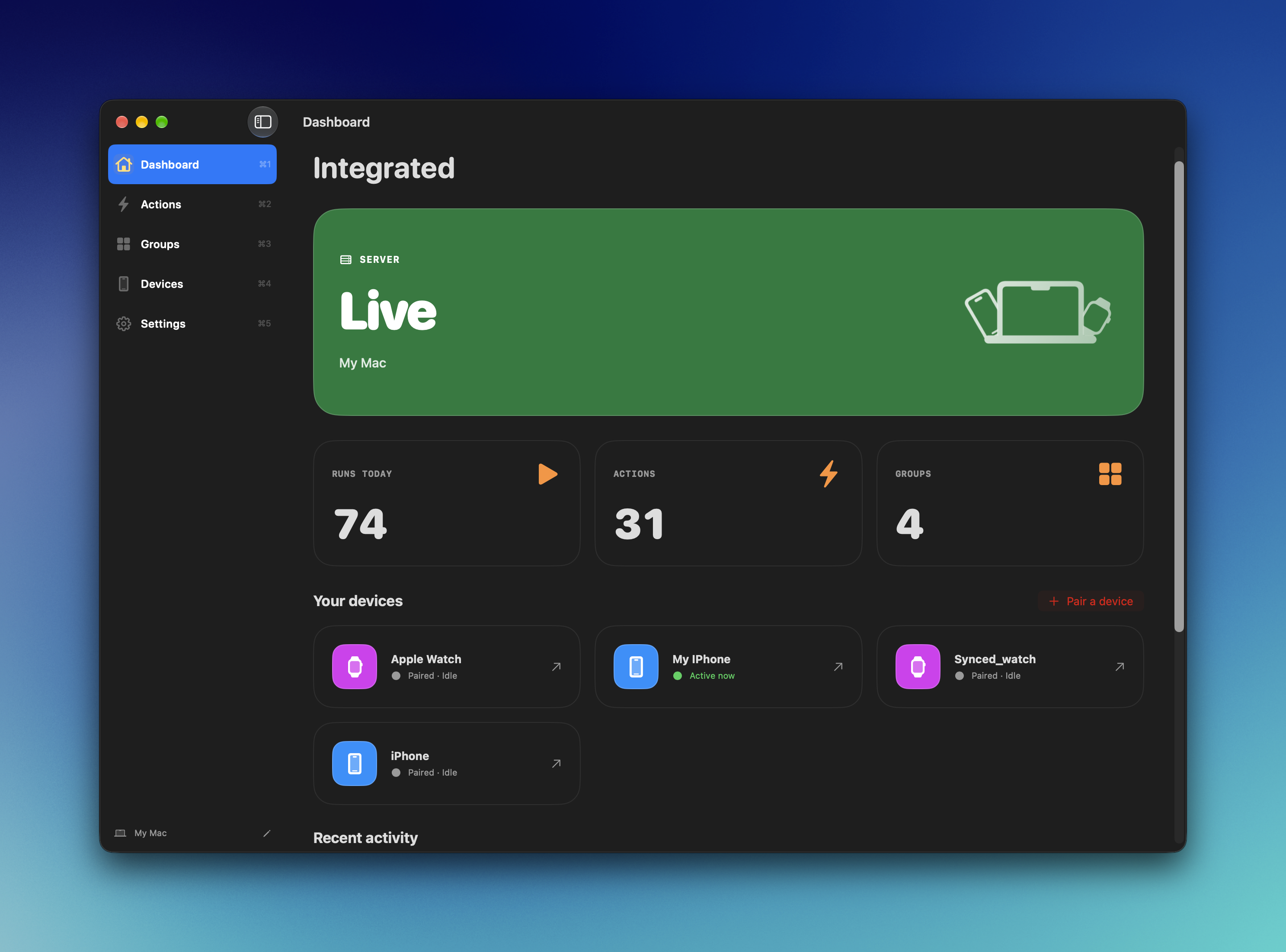
Mac App's Dashboard
-
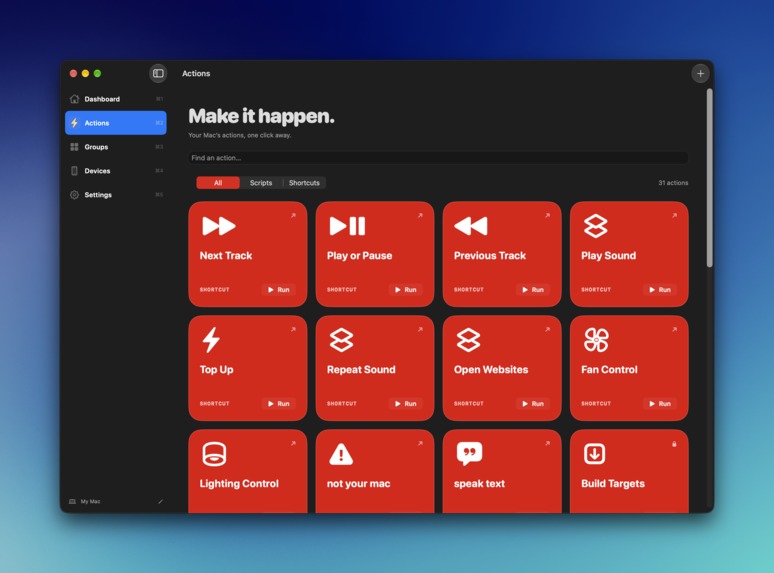
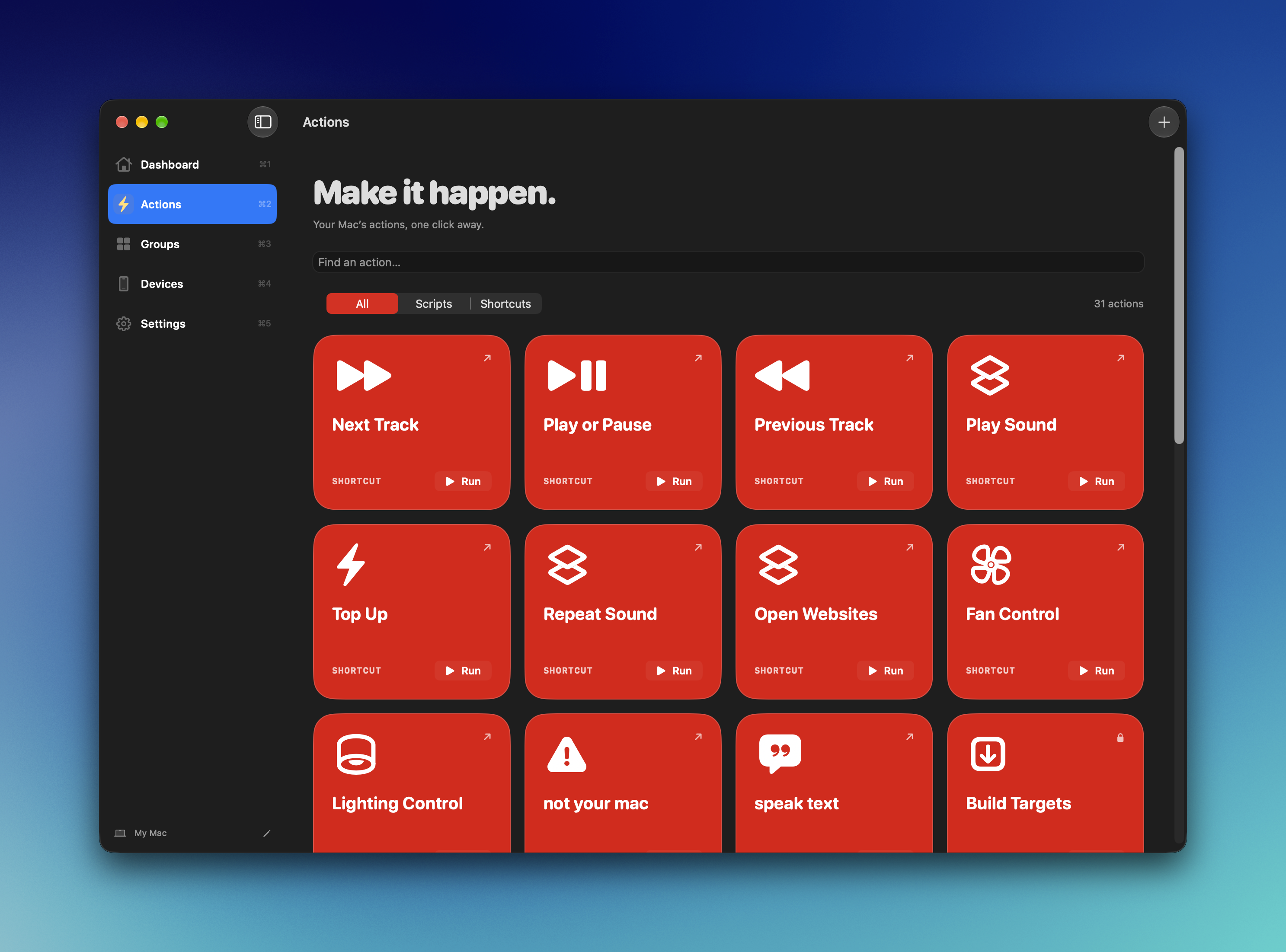
Actions can be created/managed here
-
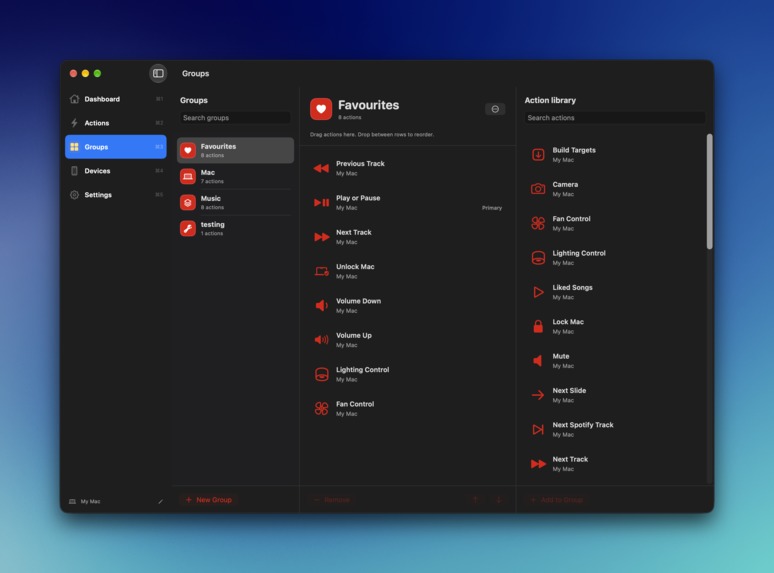
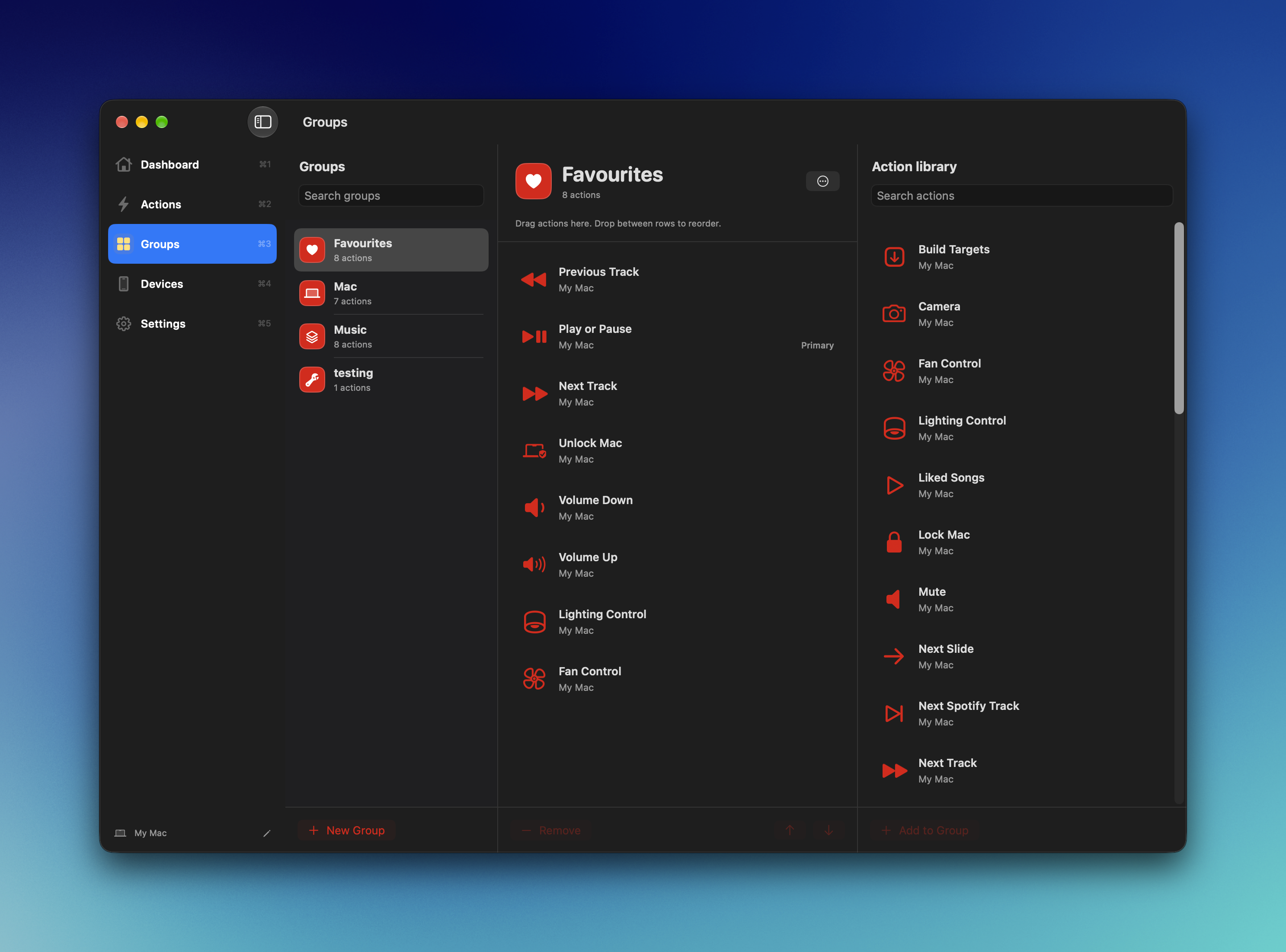
Groups can be created/managed here
-
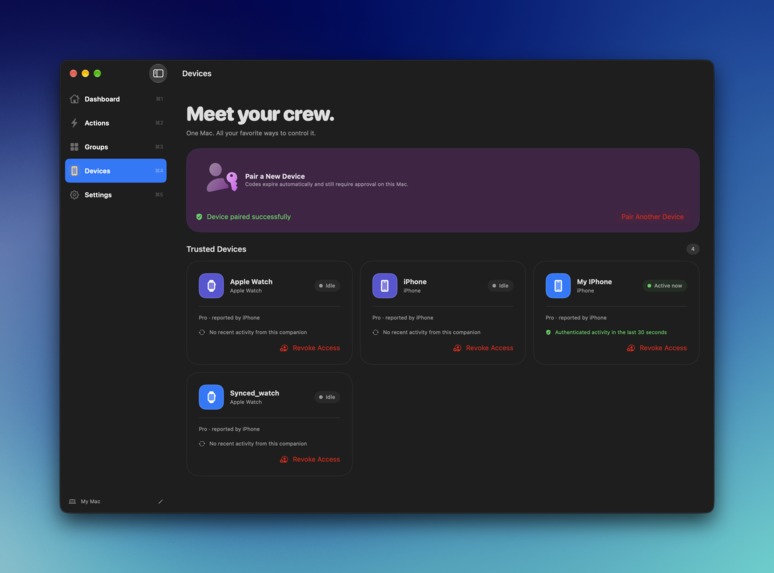
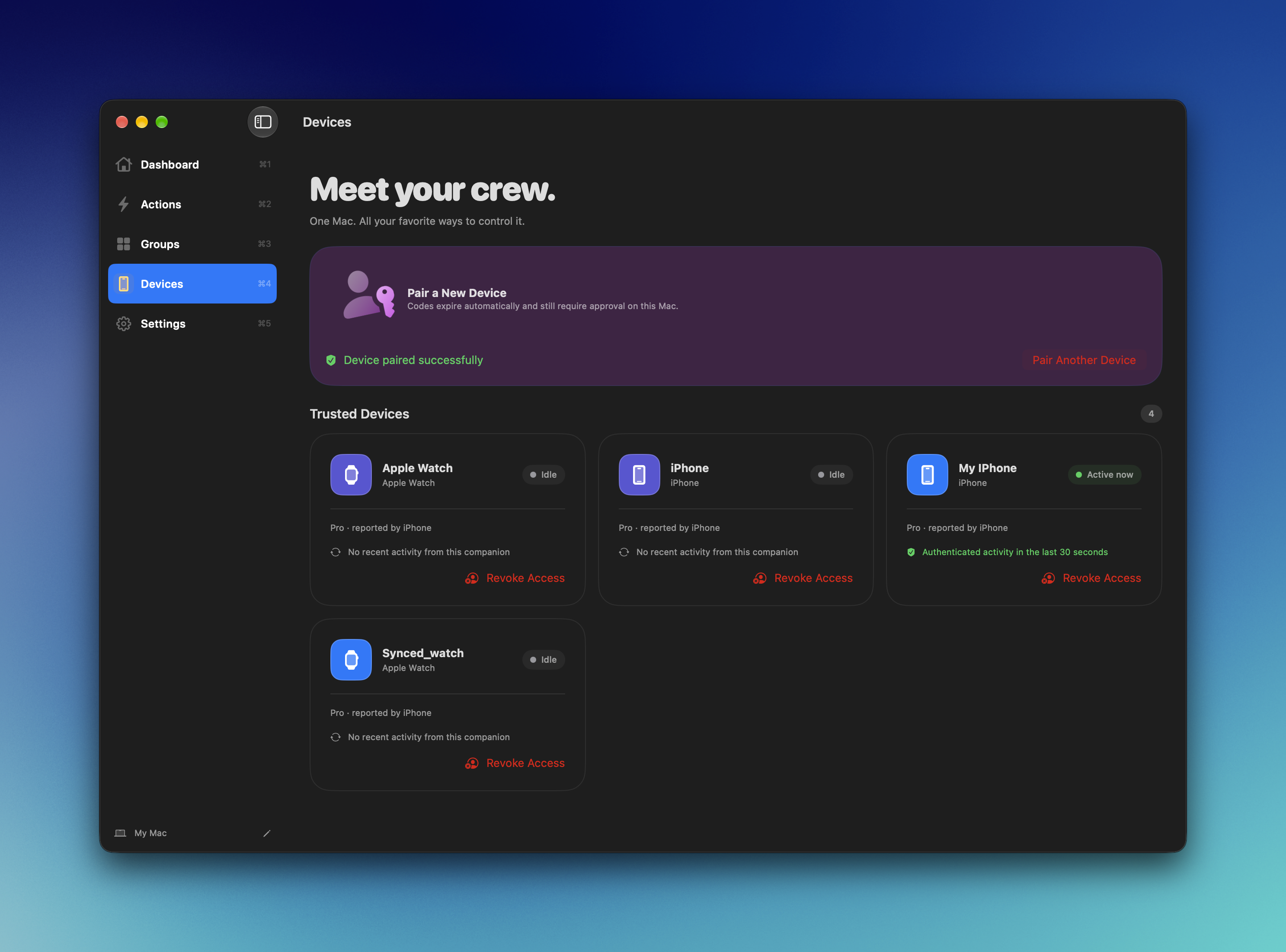
Devices can be paired/unpaired here
-
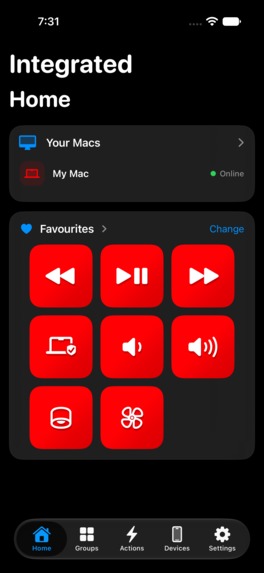
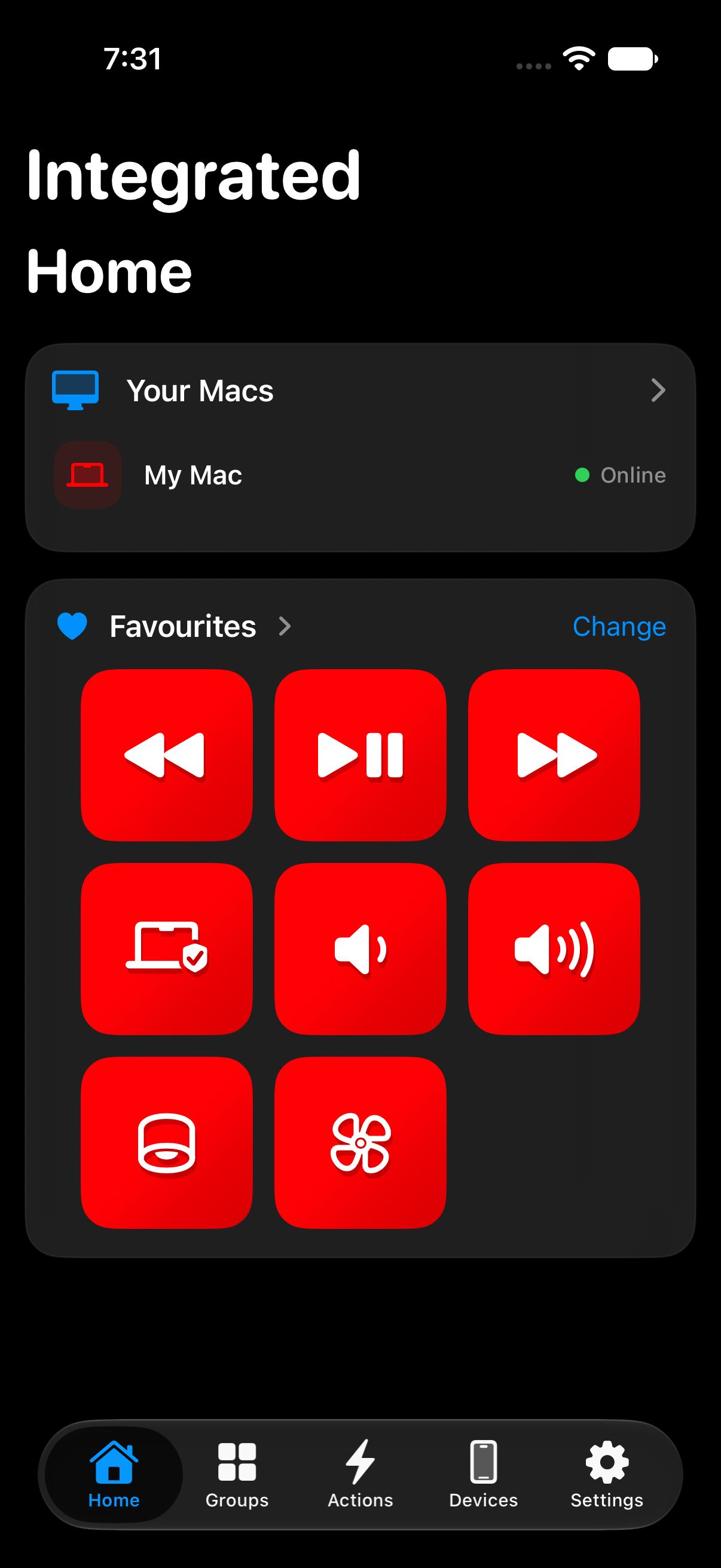
Home page, with a user selected group
-
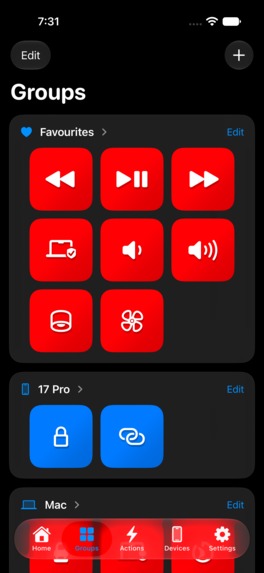
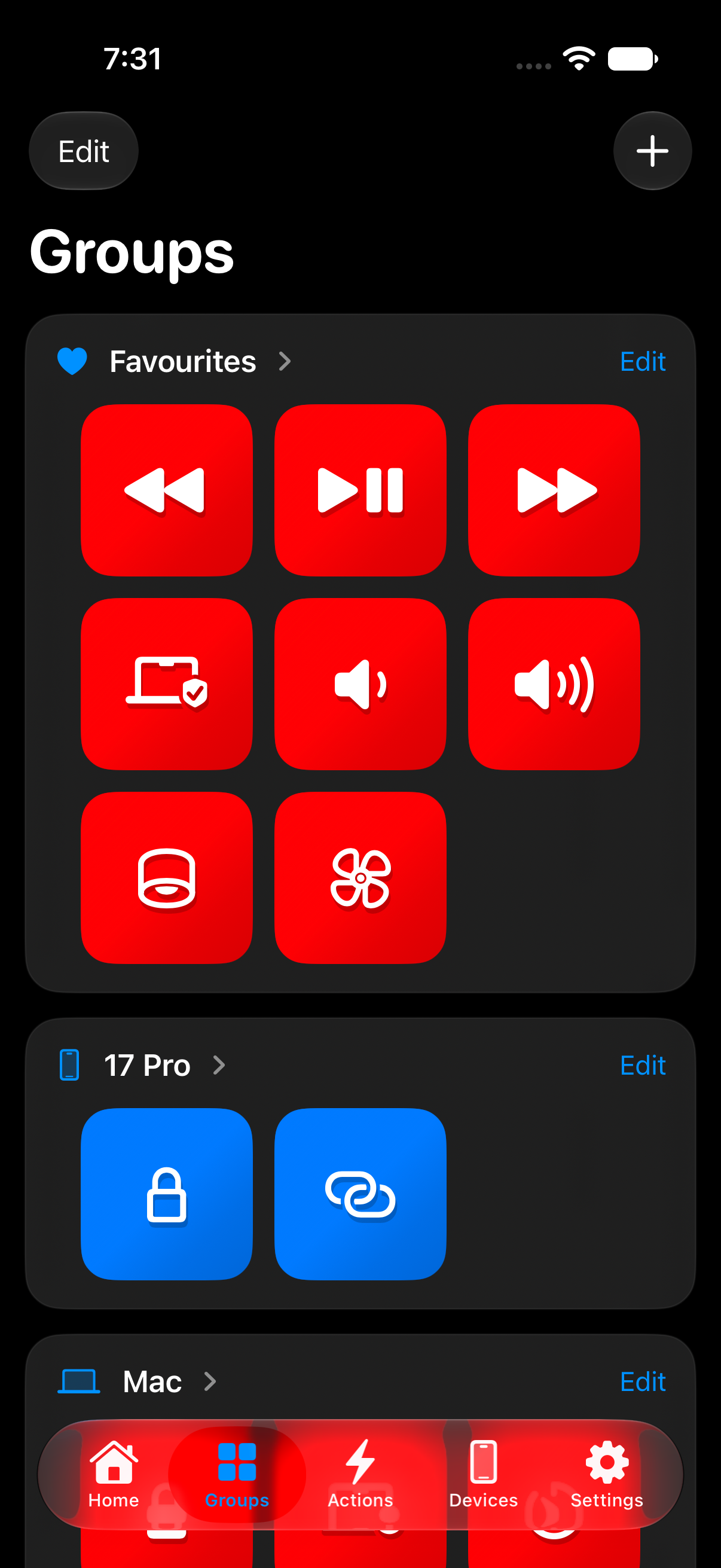
All the groups are present here, a group can be full screened
-
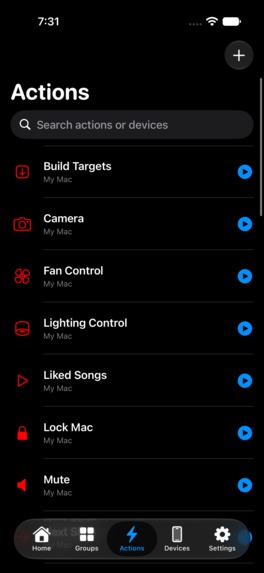
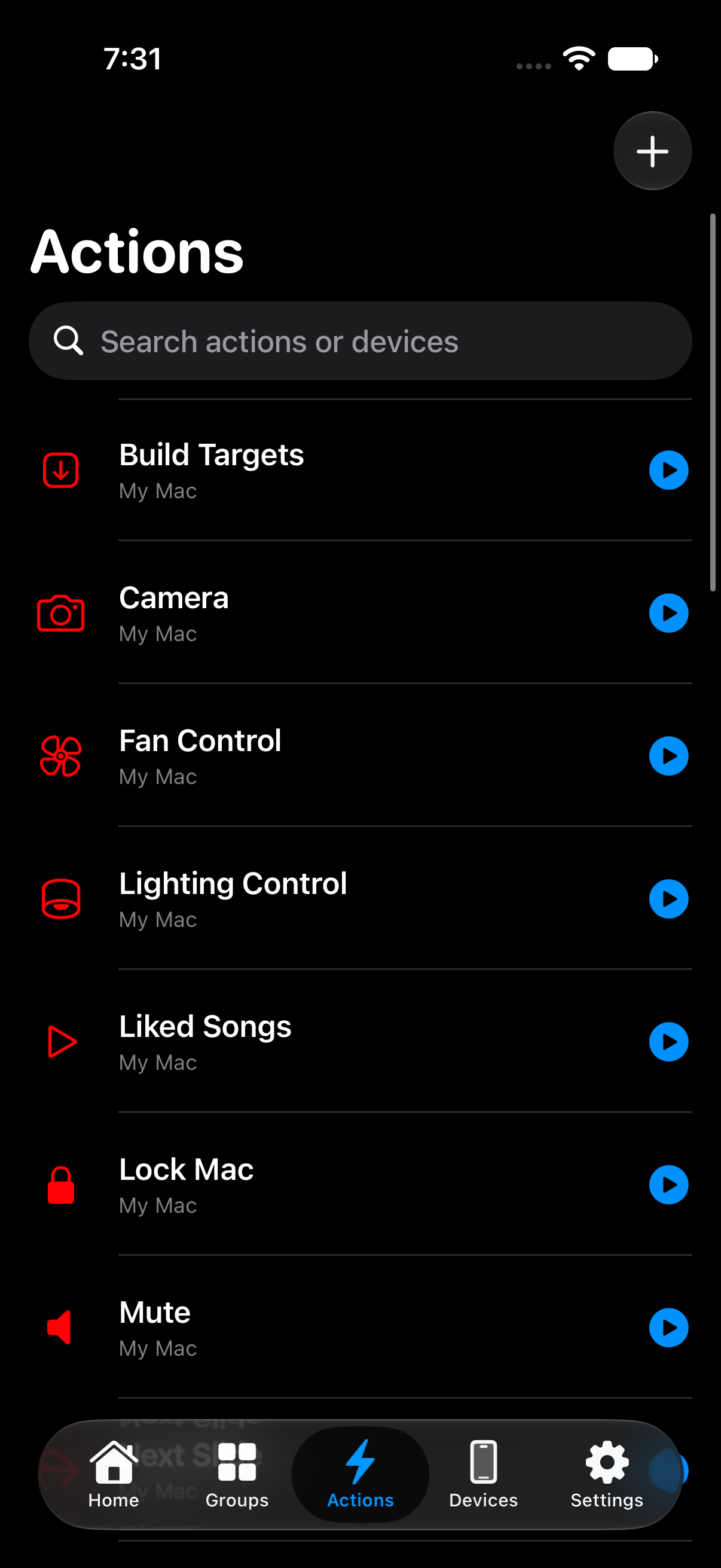
All the actions from all the paired devices
-
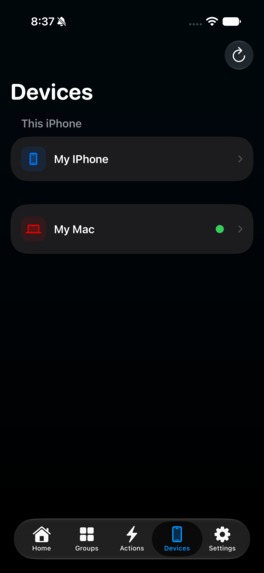
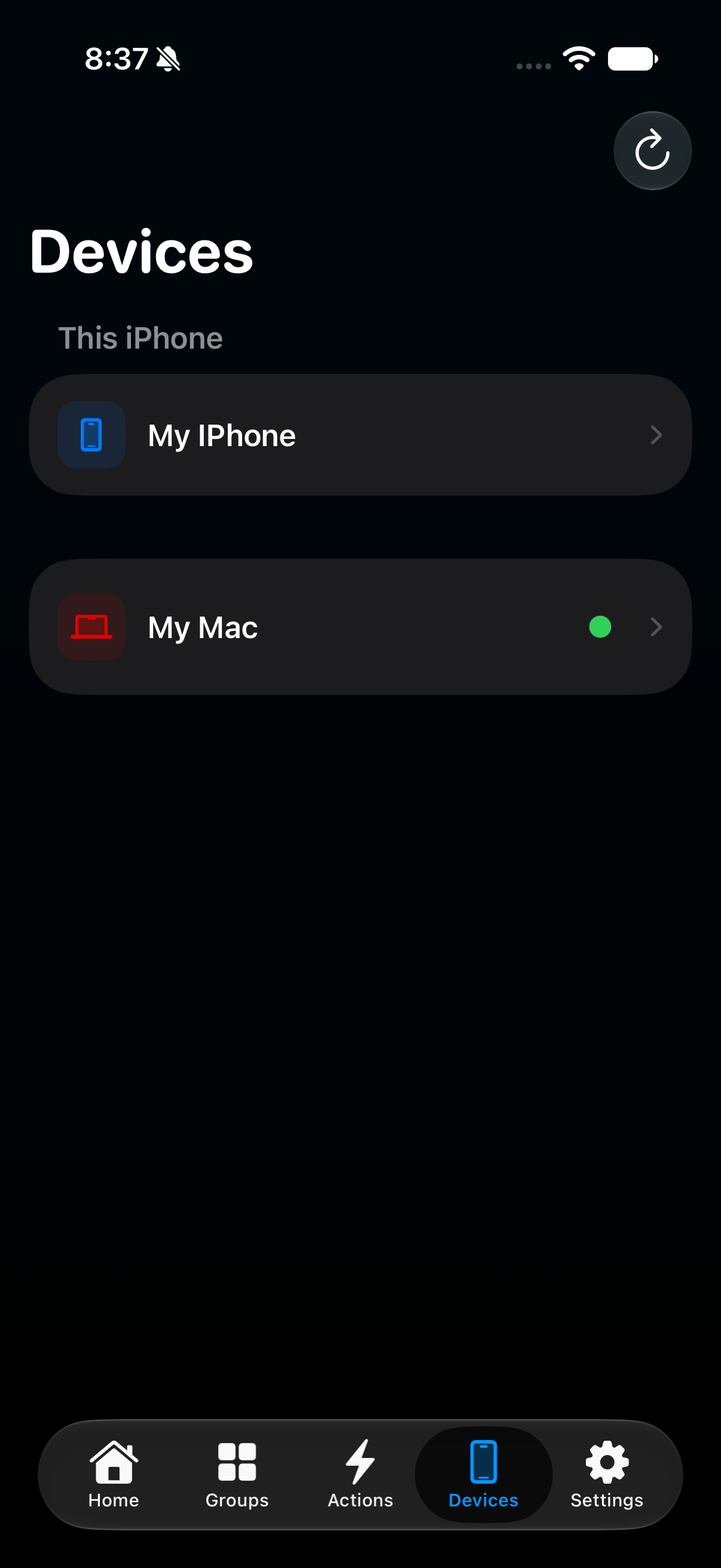
Devices can be paired and customized here
-
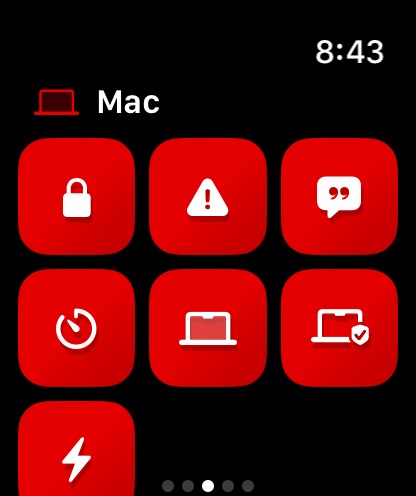
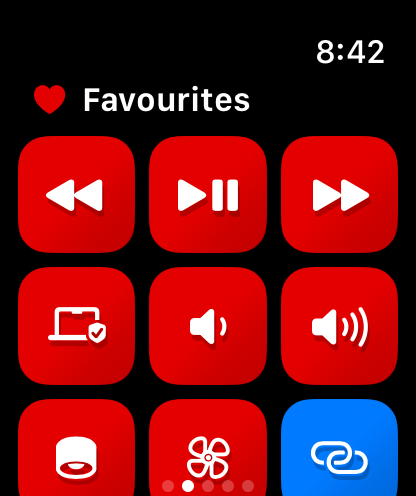
Group 2 on apple watch
-
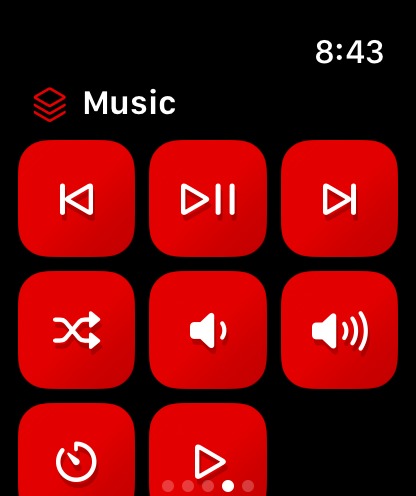
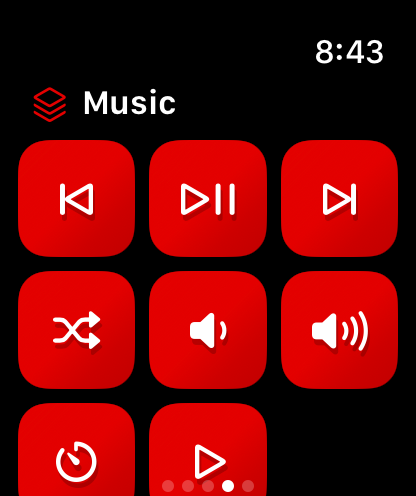
Group 3 on apple watch
-
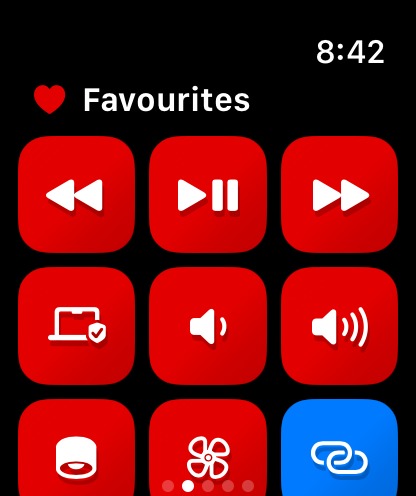
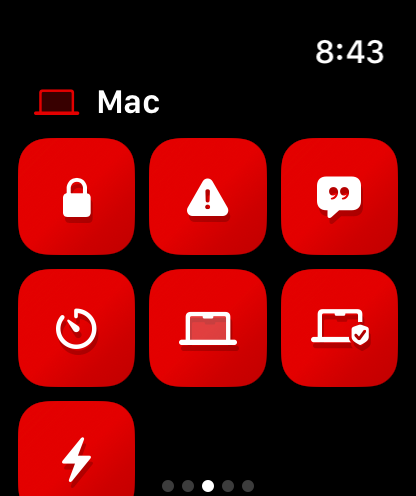
Group 1 on apple watch
-
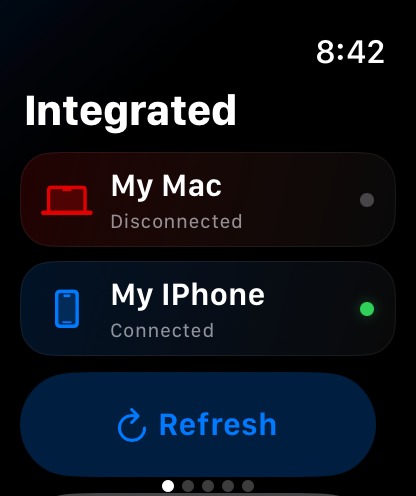
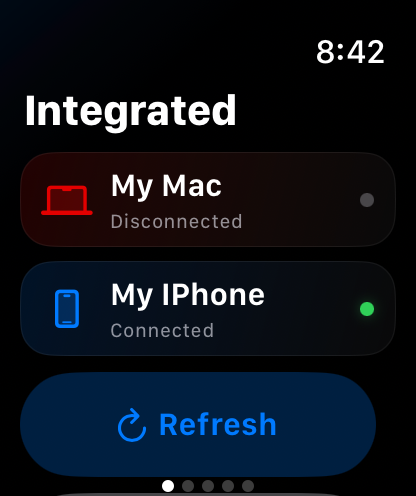
Apple watch's Home page

Inspiration
I use my Mac to listen to music, but I couldn't control it reliable and quickly from my Apple Watch or iPhone. I wanted to reach for my phone or tap my wrist and have my Mac respond.
That everyday frustration became Integrated. It started with music, but the idea grew: why stop at music controls when I could make other Mac actions just as accessible?
What it does
Integrated lets you trigger actions on your Mac from your iPhone and Apple Watch.
You create actions on your Mac, organize them into Groups, and access them from your companion devices. Widgets put frequently used actions within easy reach, making Integrated a personal control panel for everyday Mac tasks.
How I built it
I built native apps for macOS, iOS, and watchOS using Swift and SwiftUI, with shared models and logic across the three platforms. The Mac hosts and executes actions, while the iPhone and Apple Watch act as companion controllers.
The iPhone discovers the Mac on the local network using Bonjour and communicates over authenticated HTTPS. The Apple Watch connects directly when possible, with WatchConnectivity providing a fallback through its paired iPhone.
Pairing, certificate pinning, and signed requests help keep control limited to trusted devices. WidgetKit and App Intents make actions accessible outside the main app, while RevenueCat handles purchases and entitlement management in the iPhone app.
Challenges I ran into
Apple Watch networking was the biggest challenge.
Getting a request to work once was very different from making it work reliably during everyday use. The Watch has different networking constraints from the iPhone, and device availability can change between interactions.
Working through direct connections, the iPhone relay fallback, and connection recovery took a lot of iteration. Behind a simple tap were several decisions about how to reach the Mac and what to do when a connection failed.
The challenge was making that complexity feel simple to the person using the app.
Accomplishments that I'm proud of
I'm most proud of the double tap gesture and how just pinching my thumb and index finger could trigger an action on my mac. I am also pleased with the low latency to trigger an action on the apple watch.
It's fulfilling to use something I built to solve the exact frustration that inspired it.
What I learned
I learned that a remote-control app depends on much more than sending a command. Discovery, trust, connection recovery, and clear feedback all shape whether an interaction feels reliable.
Building for Apple Watch also taught me to design around each platform's constraints. Shared code helps, but the Watch still needs a networking approach suited to how it operates.
Above all, I learned how much engineering goes into making a small interaction feel effortless.
What's next for Integrated
- An action marketplace: A place to discover and share useful actions, making it easier to get started and find new uses for Integrated.
- Better Mac and iPhone connectivity: More reliable connections and smoother reconnection during everyday use.
- Live action progress: Progress tracking for running actions, with a live action widget on iPhone and Apple Watch so you can follow what happens after you tap.

Log in or sign up for Devpost to join the conversation.