-
-
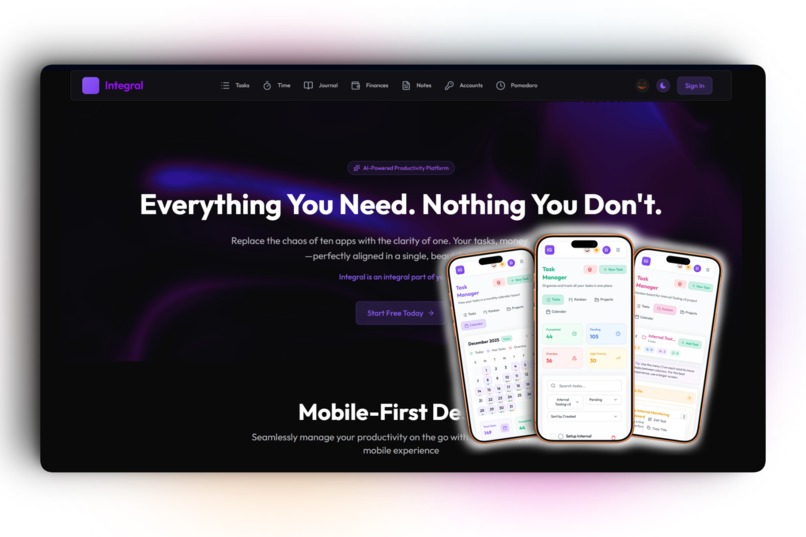
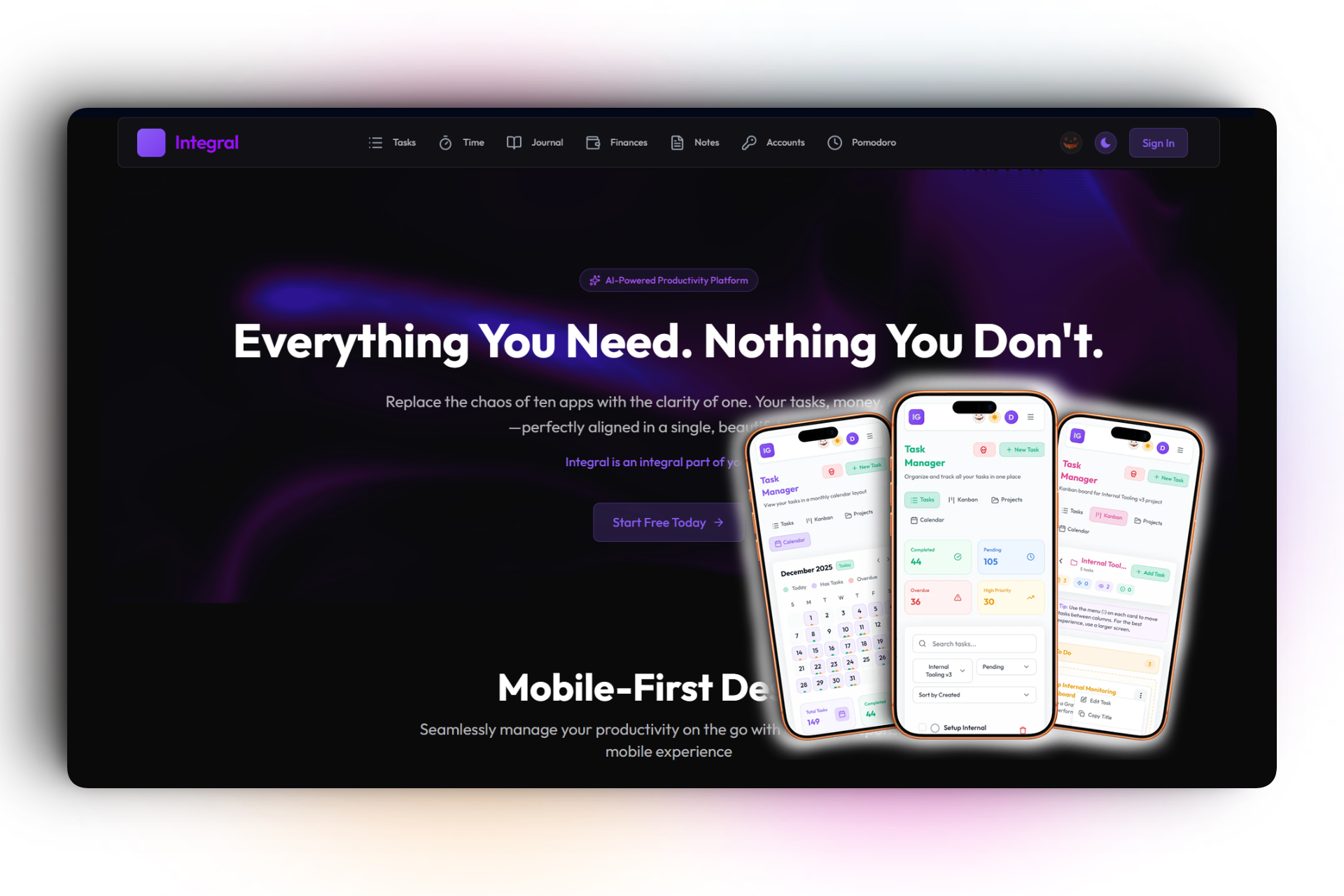
Sleek Dark Mode: Landing page
-
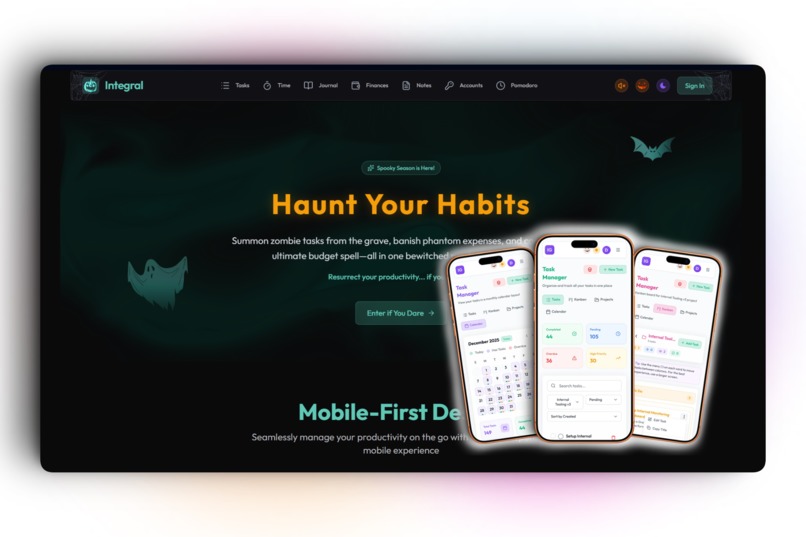
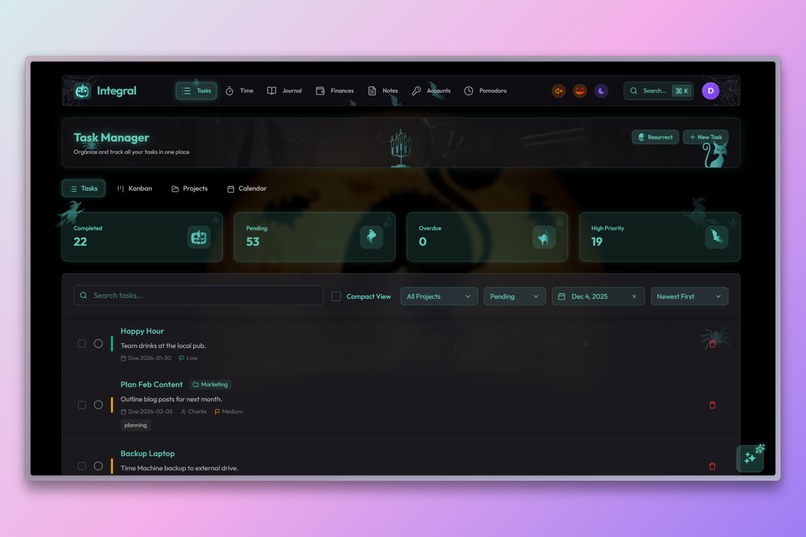
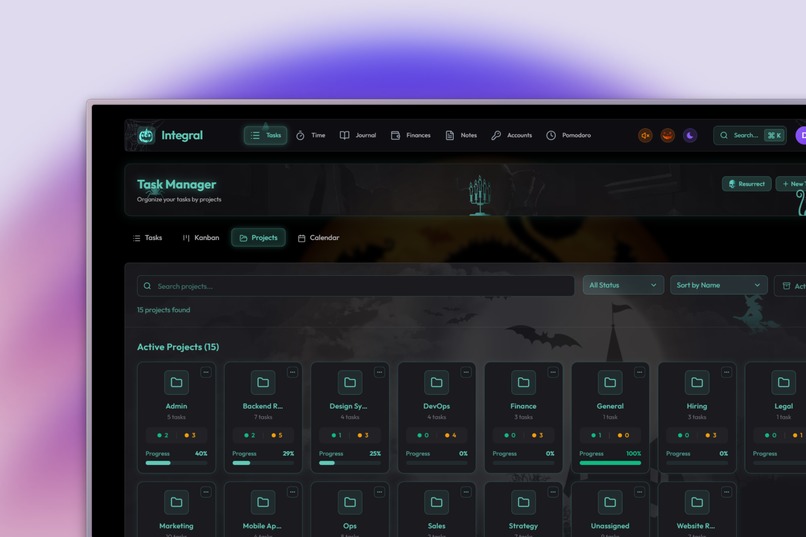
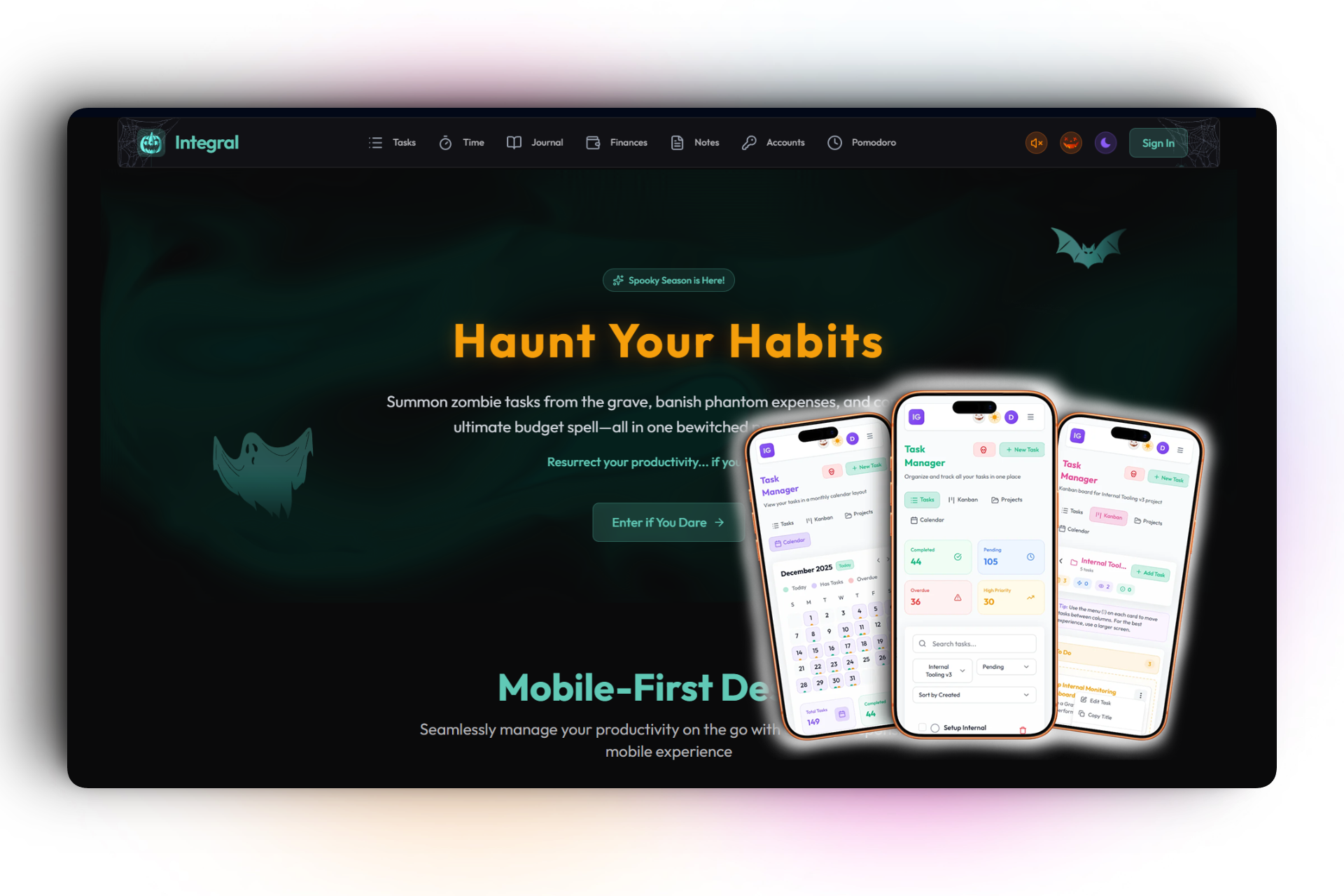
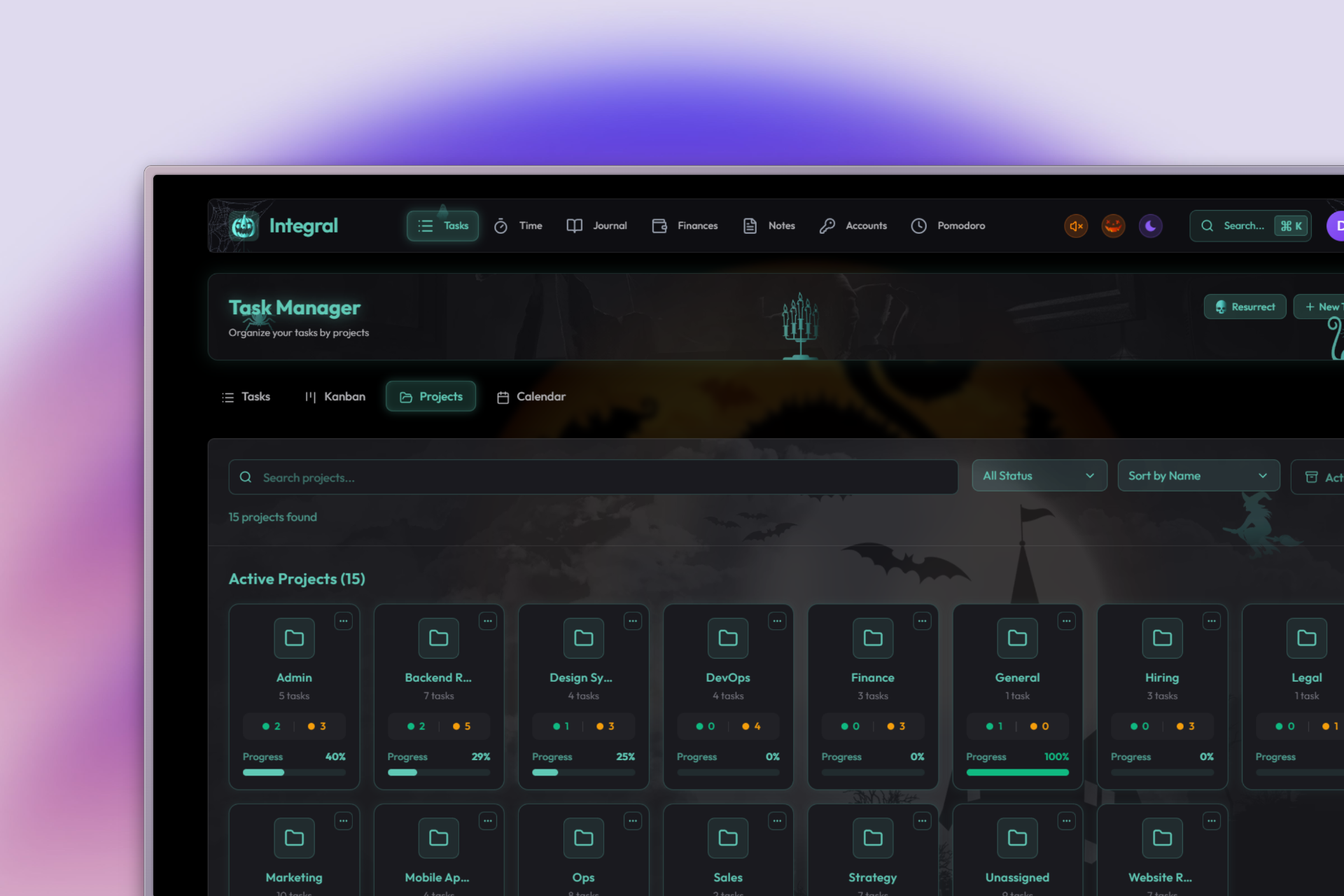
'Spooky Mode' which transforms the entire UI, components page.
-
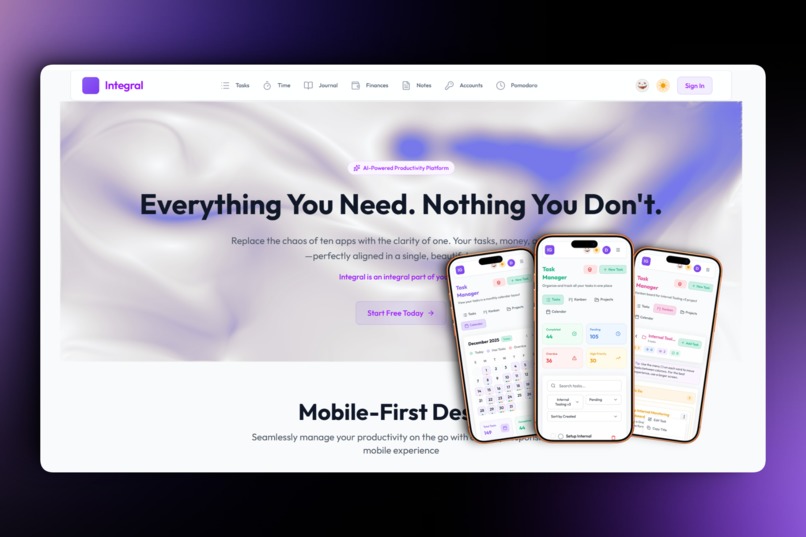
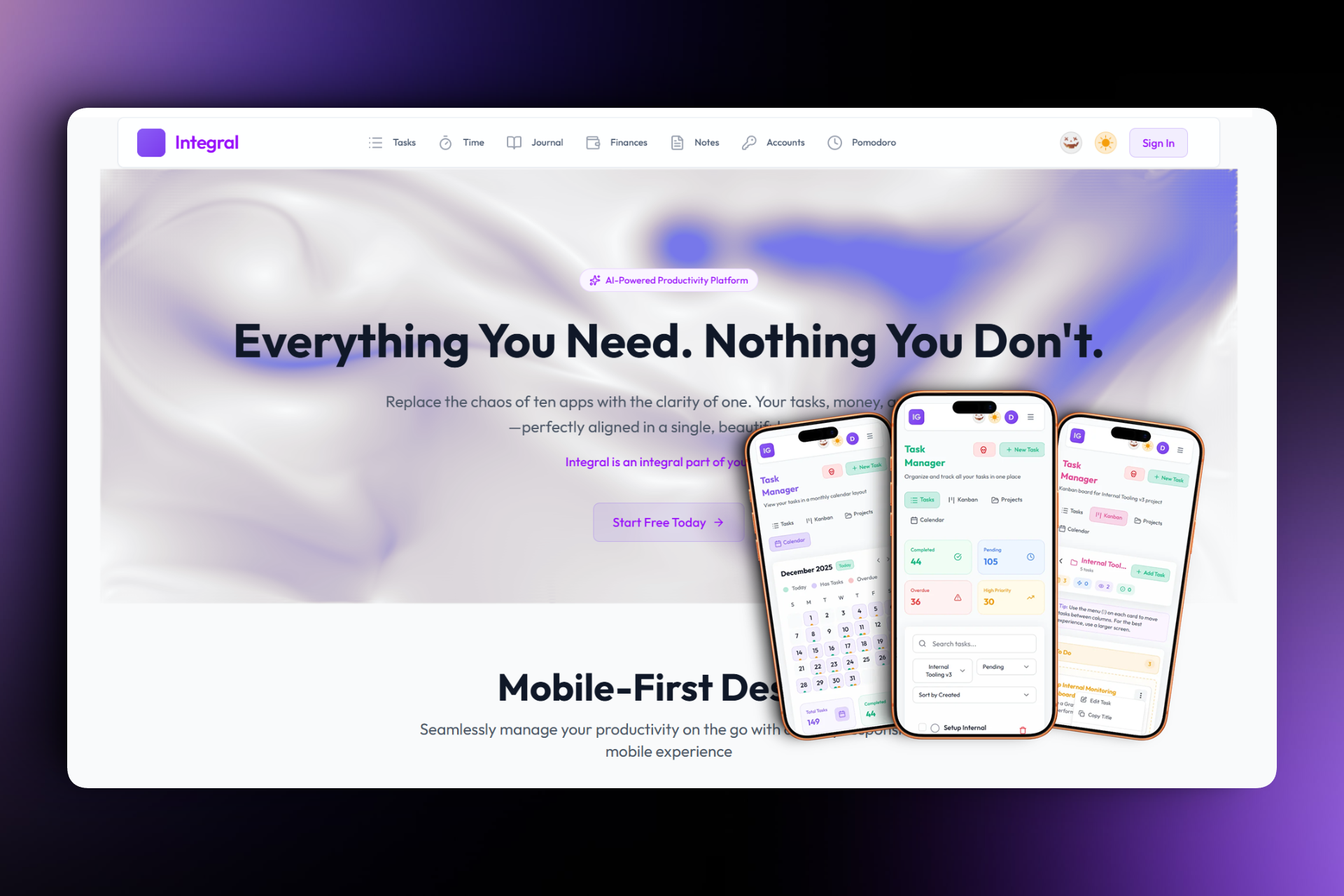
Clean Light Mode: For clarity and daylight usage.
-
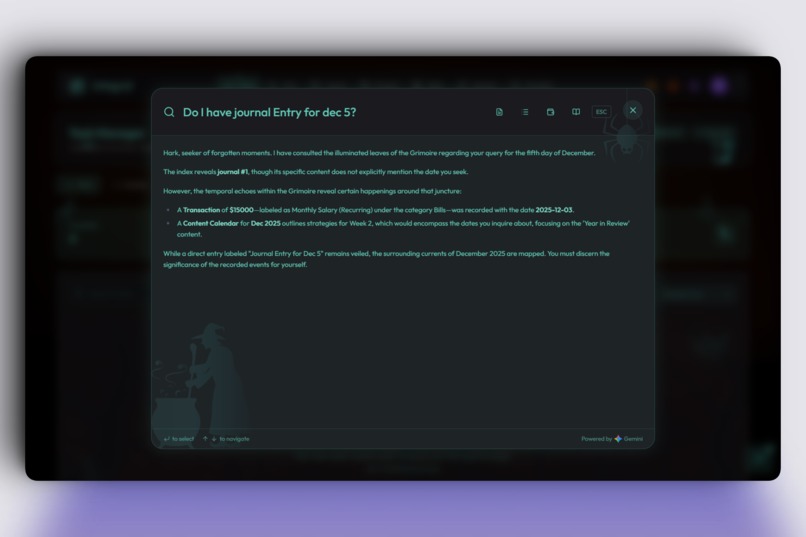
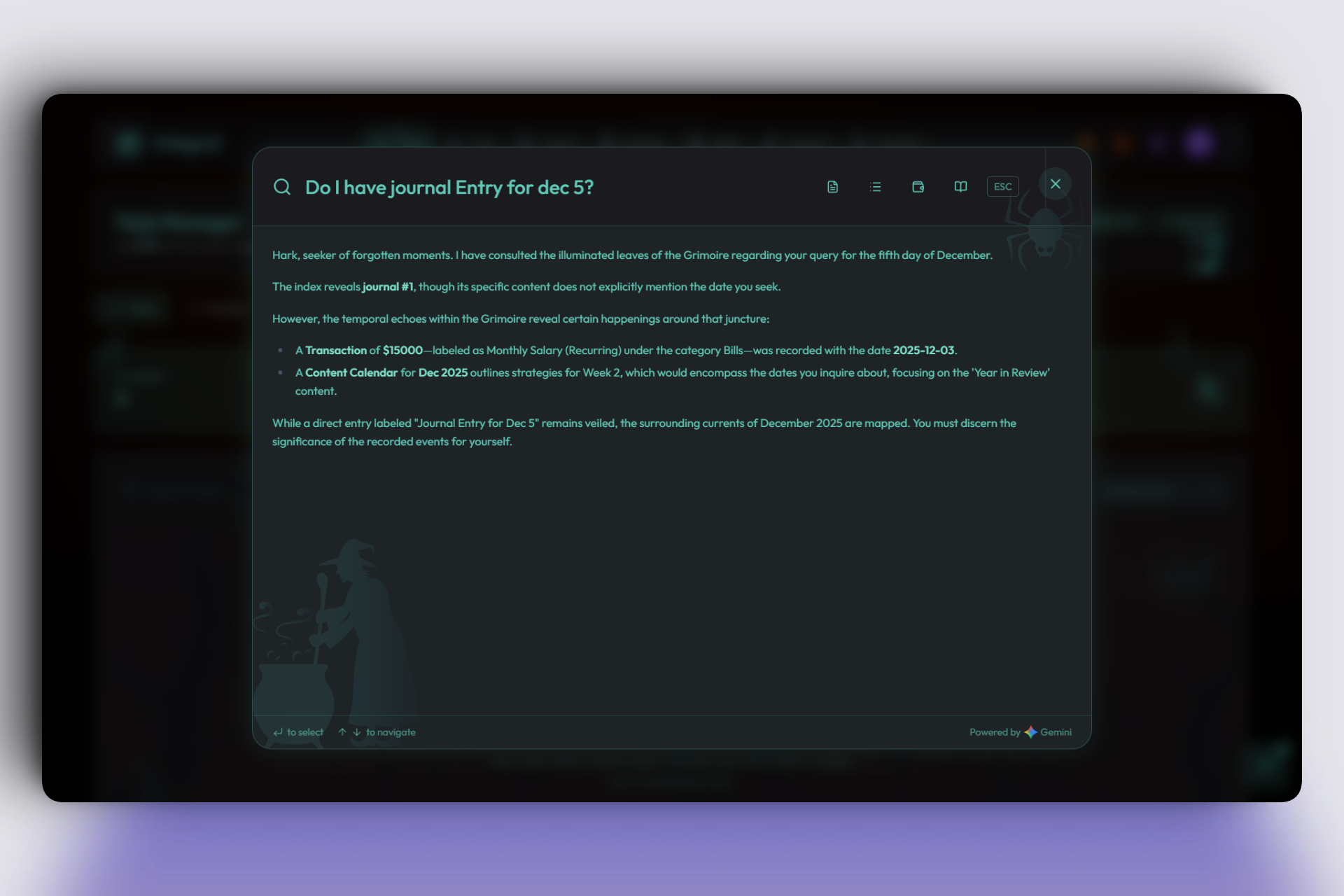
Retrieval-Augmented Generation Search Halloween
-
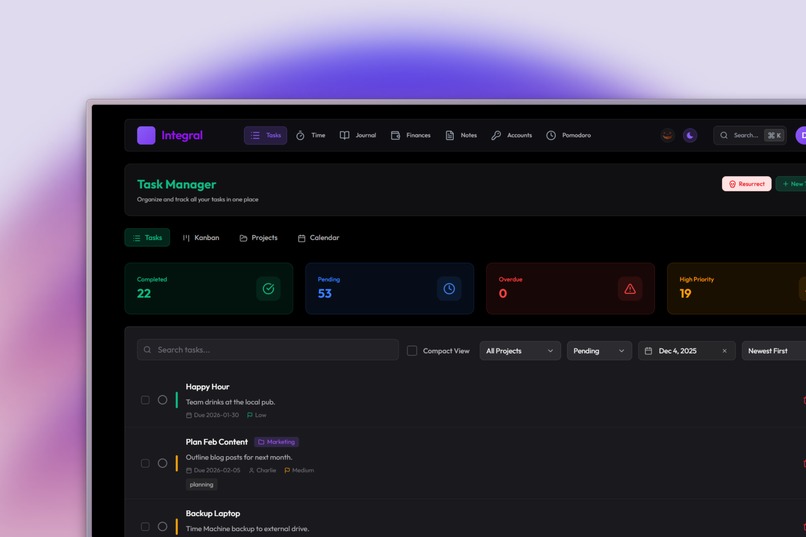
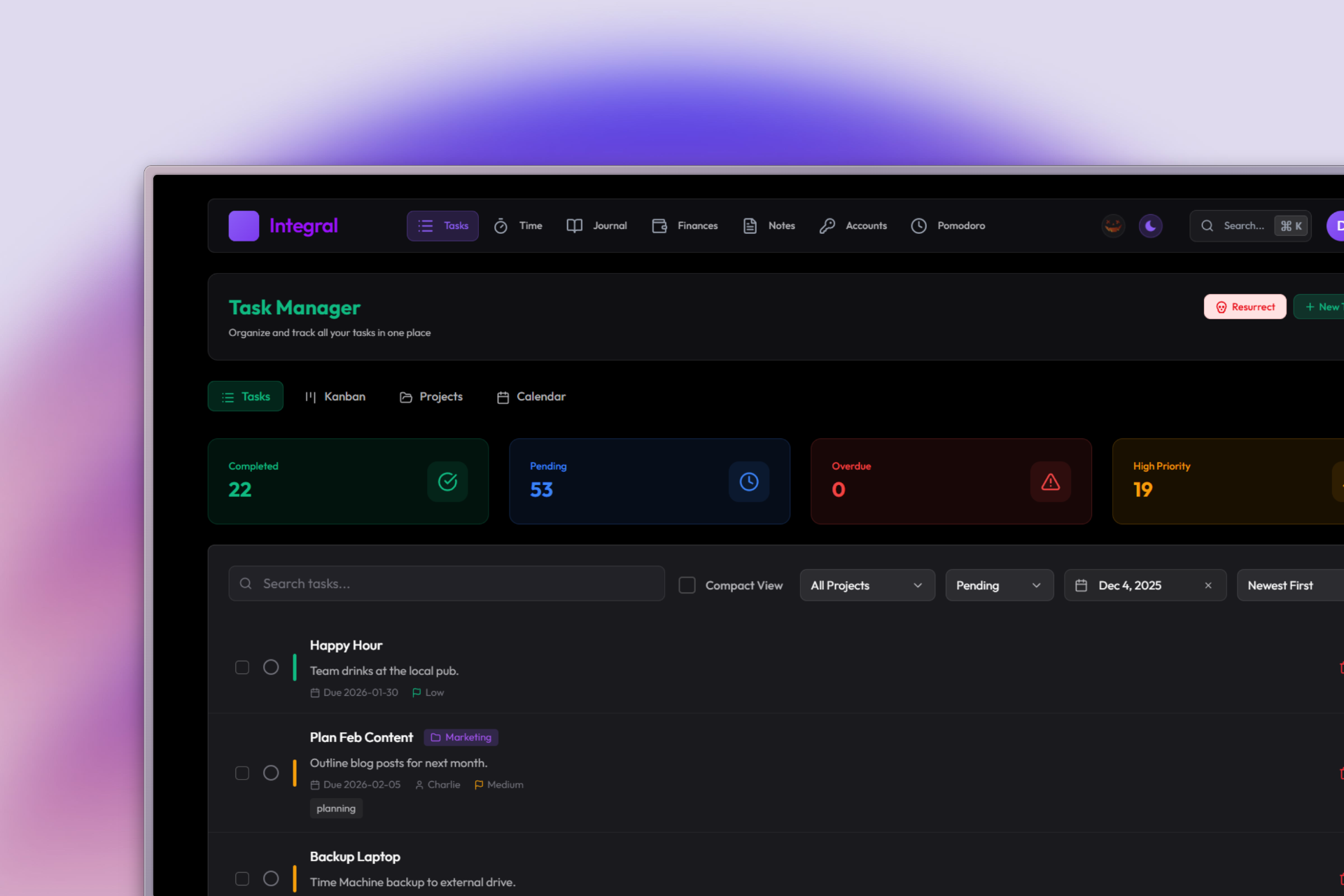
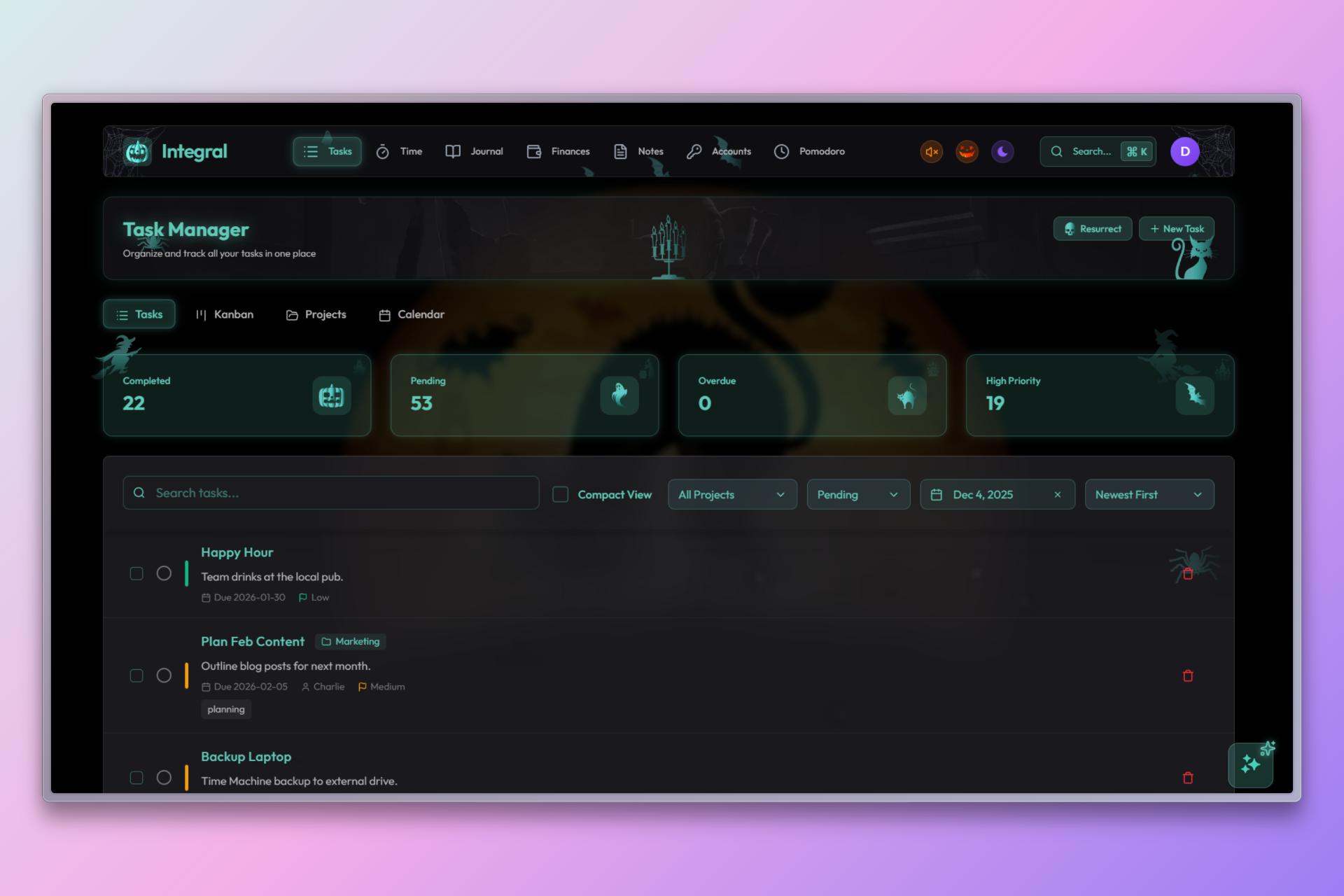
Dark Mode Tasks
-
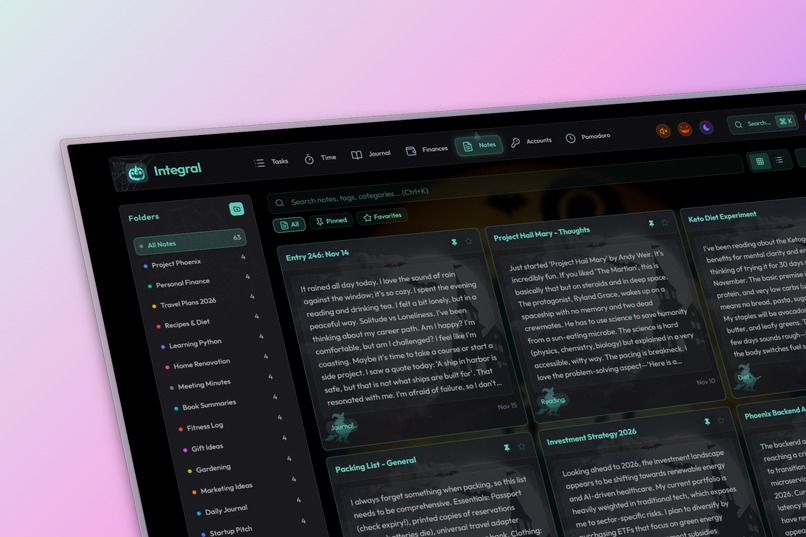
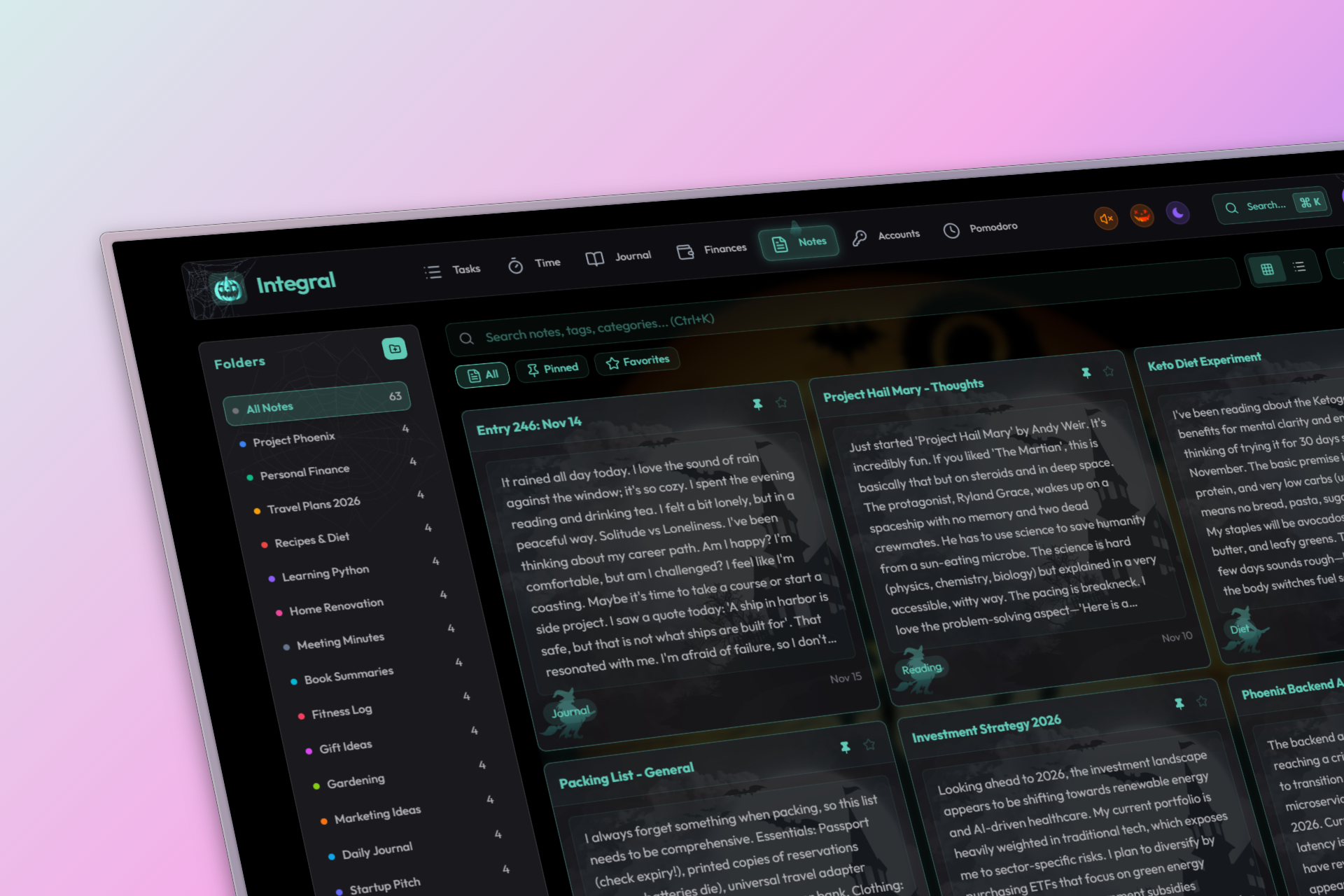
'Spooky Mode' for the Notes page featuring spooky teal accents and background art.
-
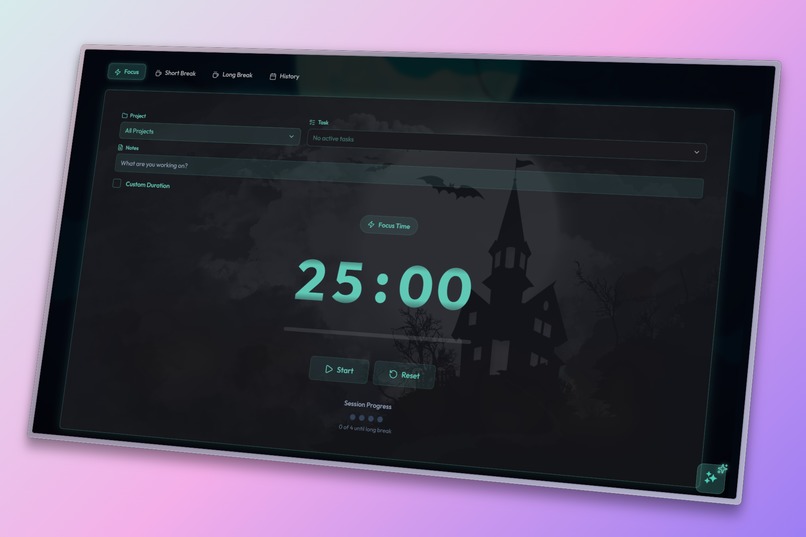
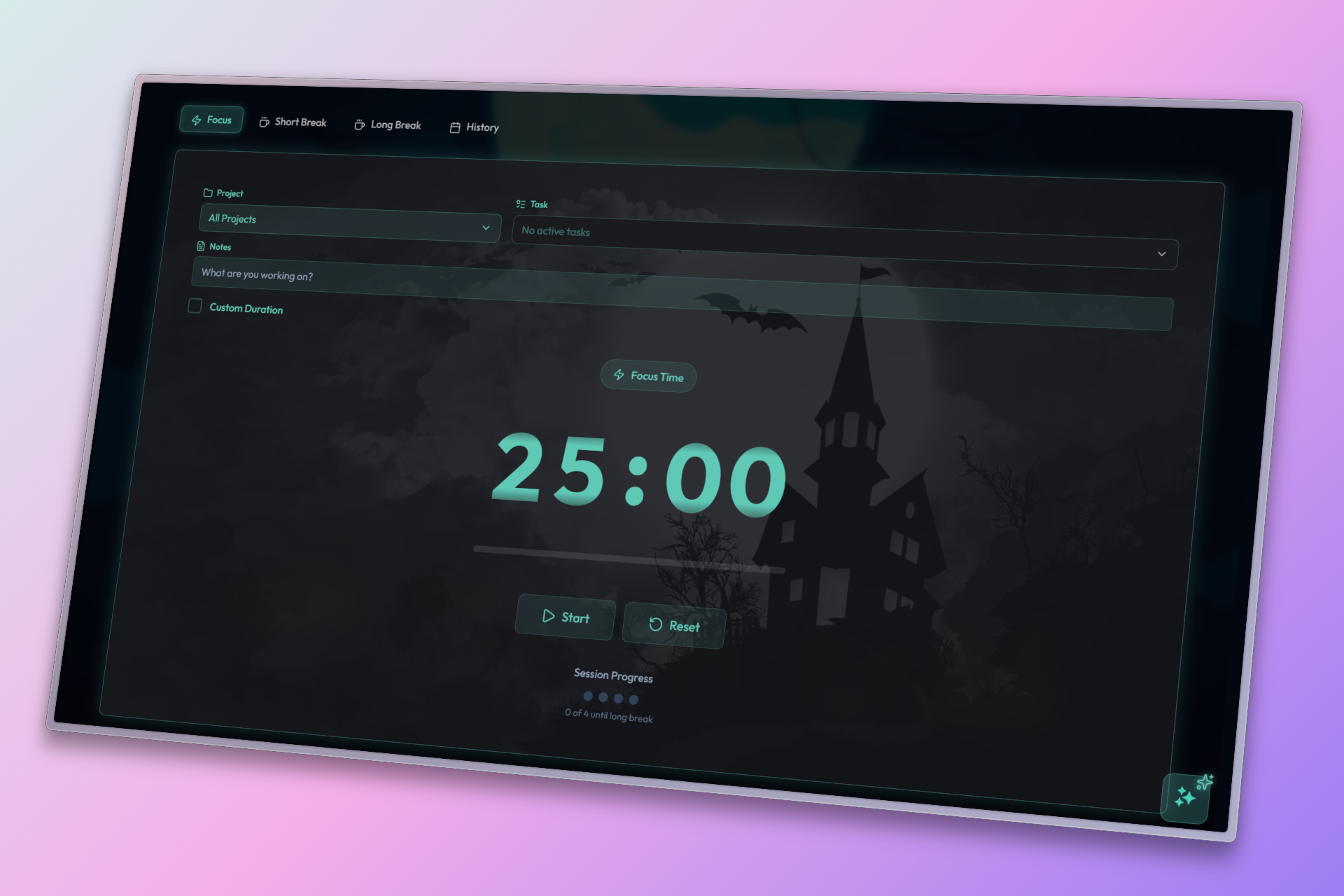
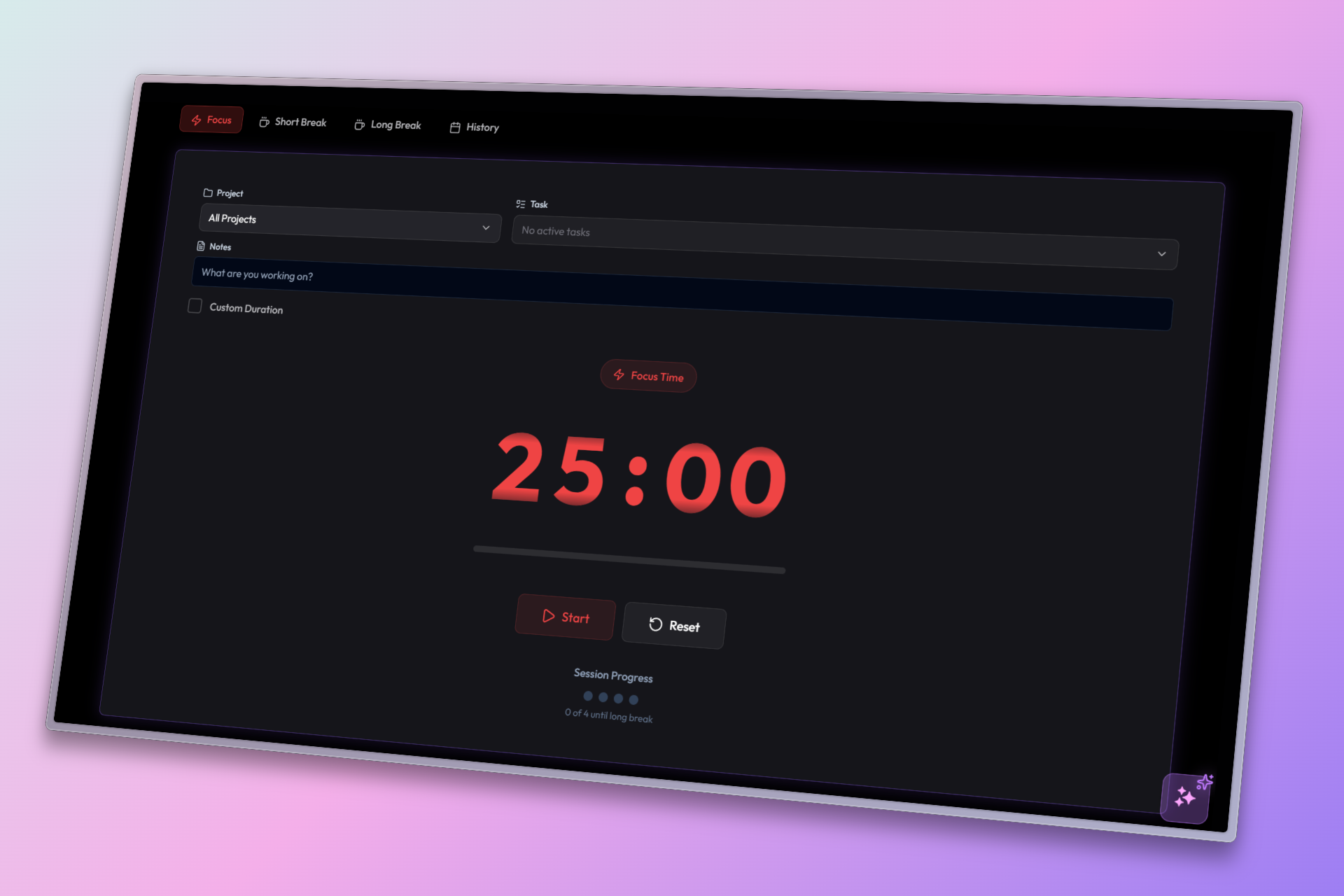
'Spooky Mode' Pomodoro Focus Mode interface designed to reduce eye strain during break sessions.
-
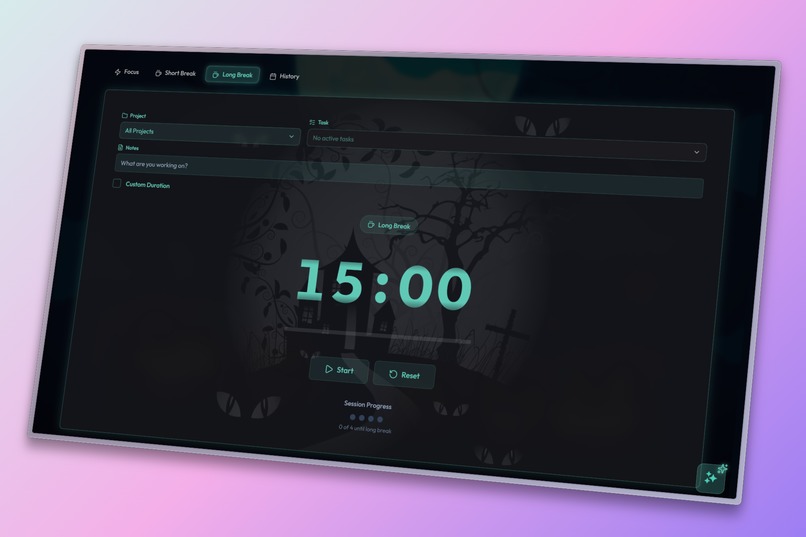
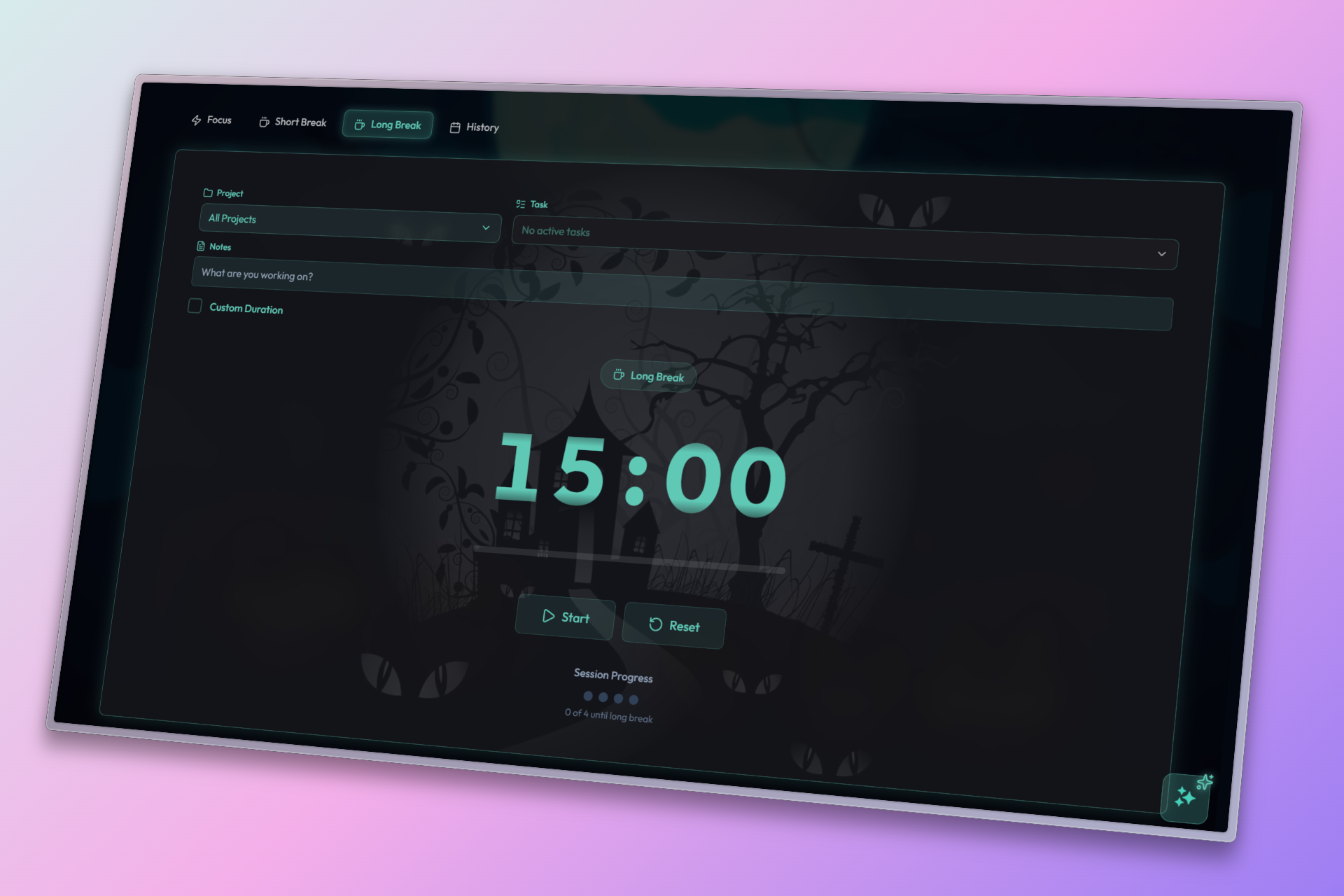
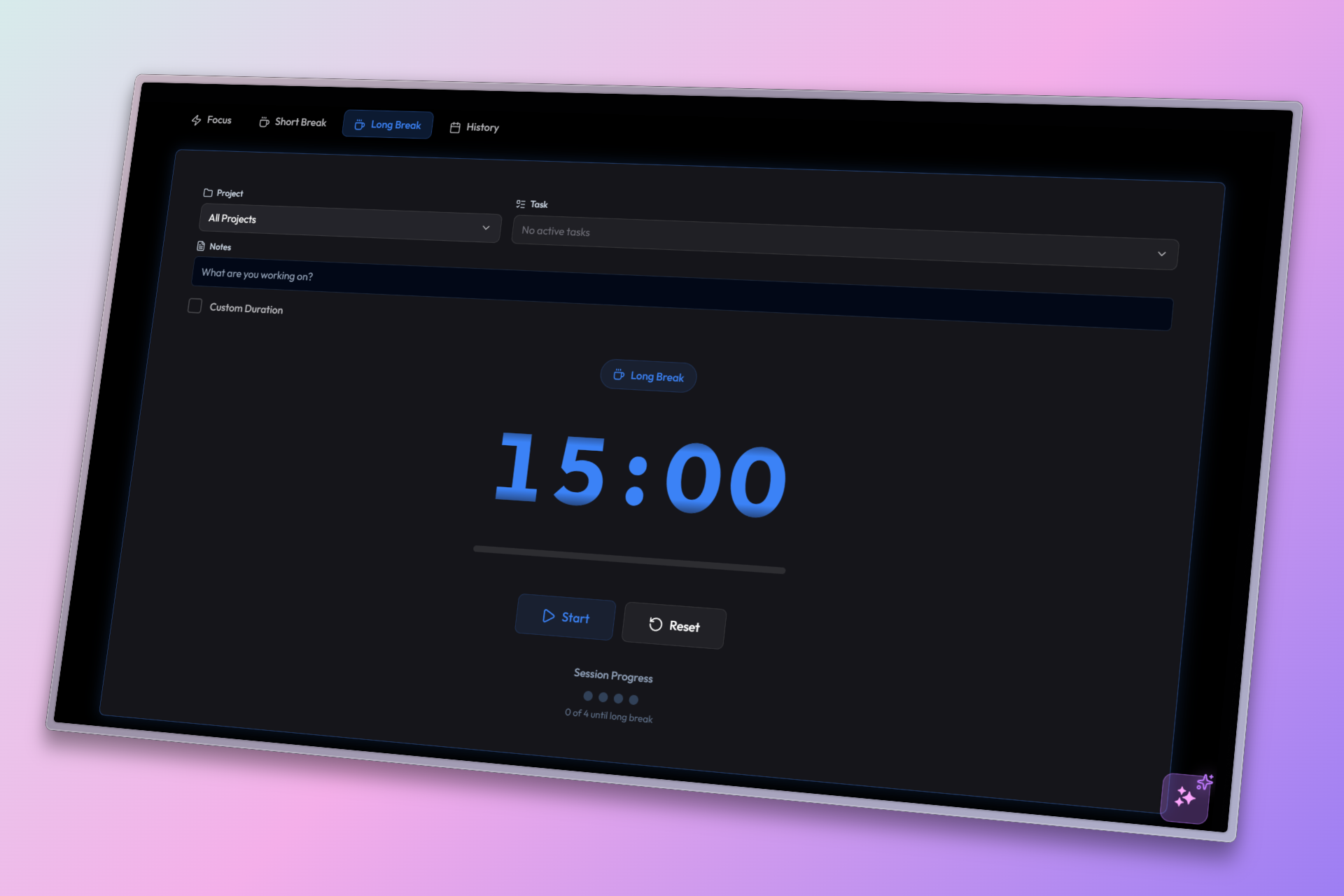
'Spooky Mode' Pomodoro Long Break Mode interface designed to reduce eye strain during break sessions.
-
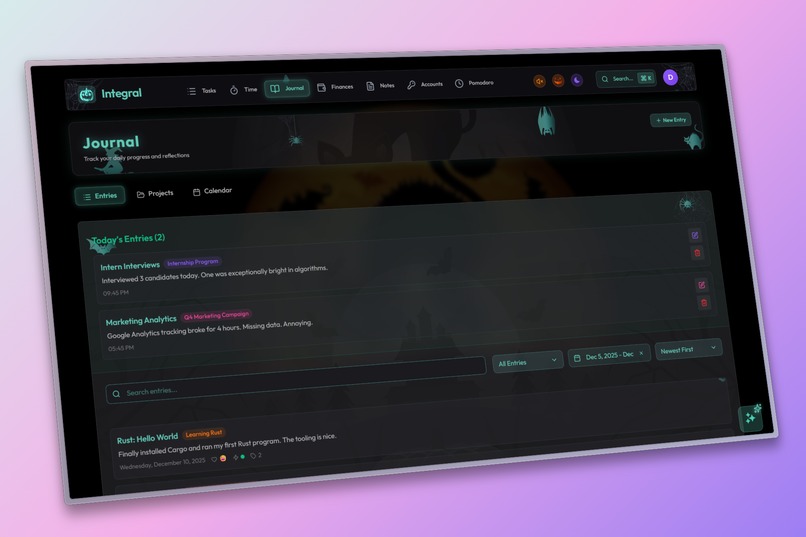
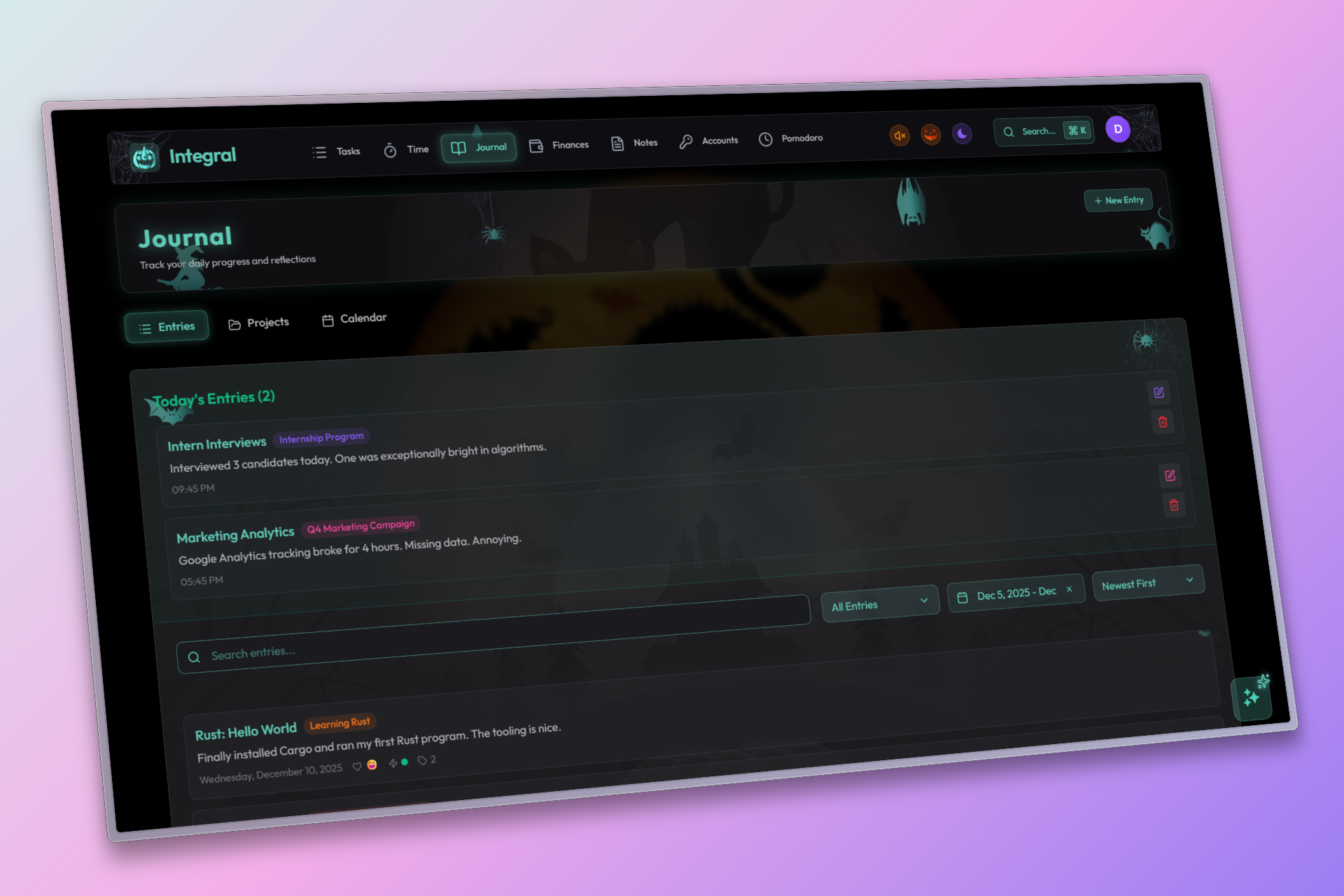
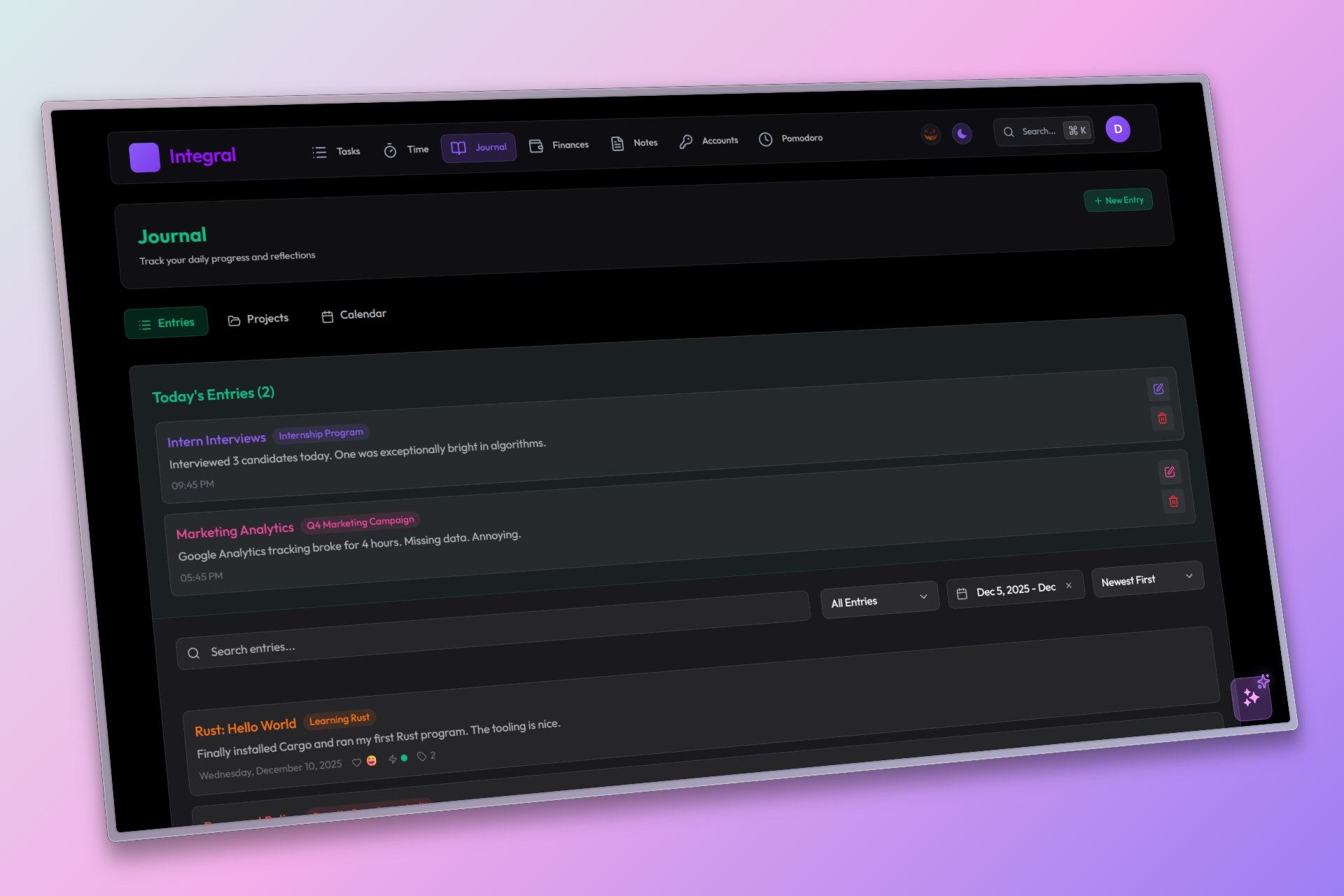
Journal page in 'Spooky Mode' with custom teal accents and spooky background art.
-
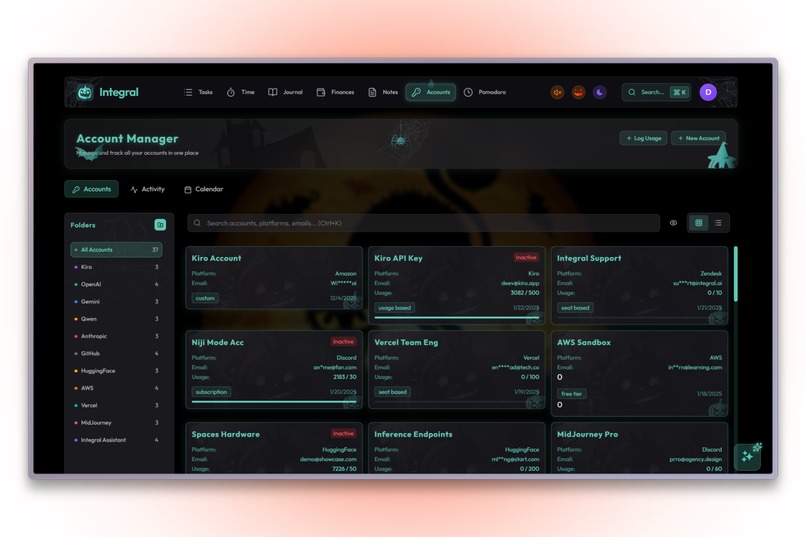
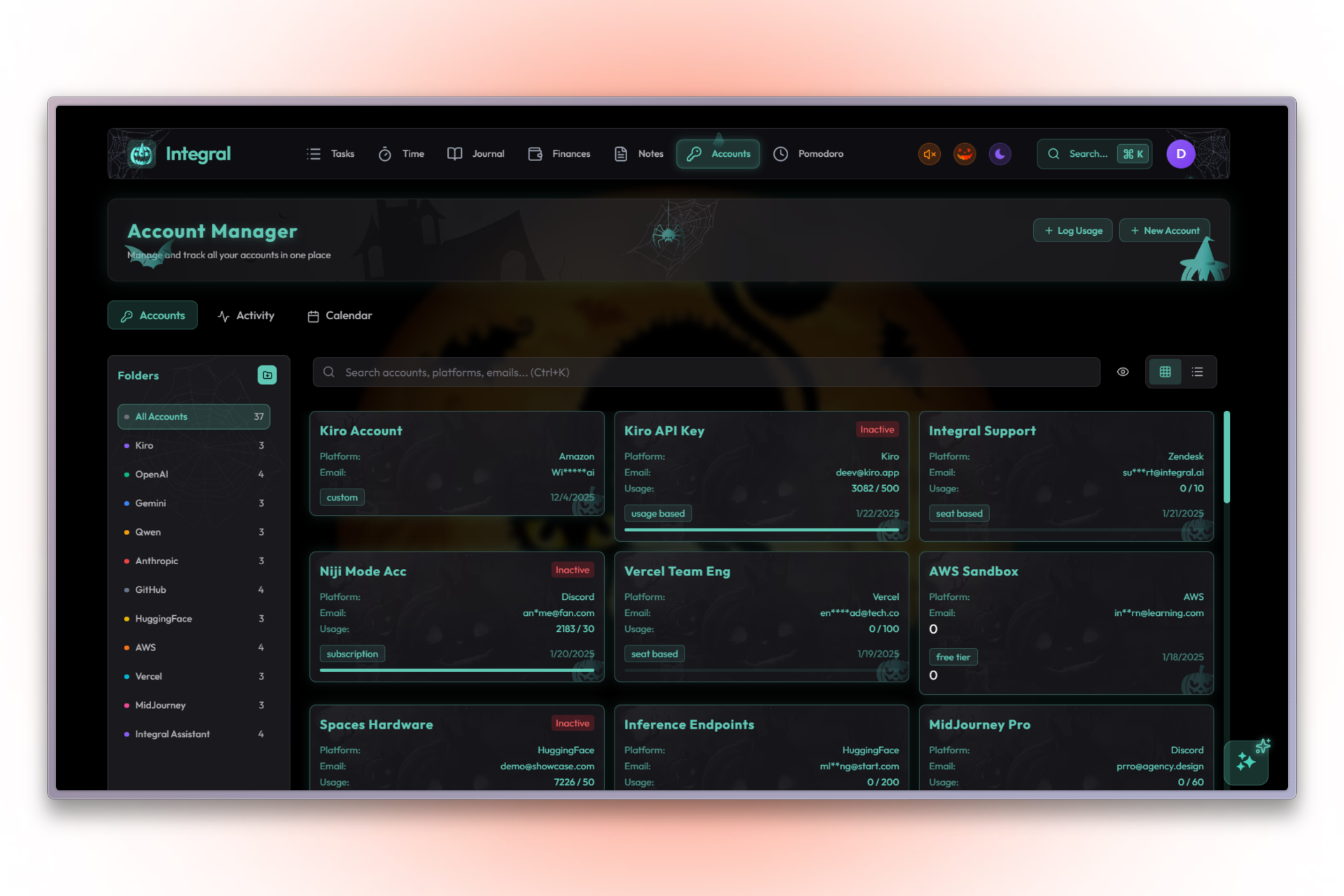
Account Manager featuring spooky background assets and teal styling.
-
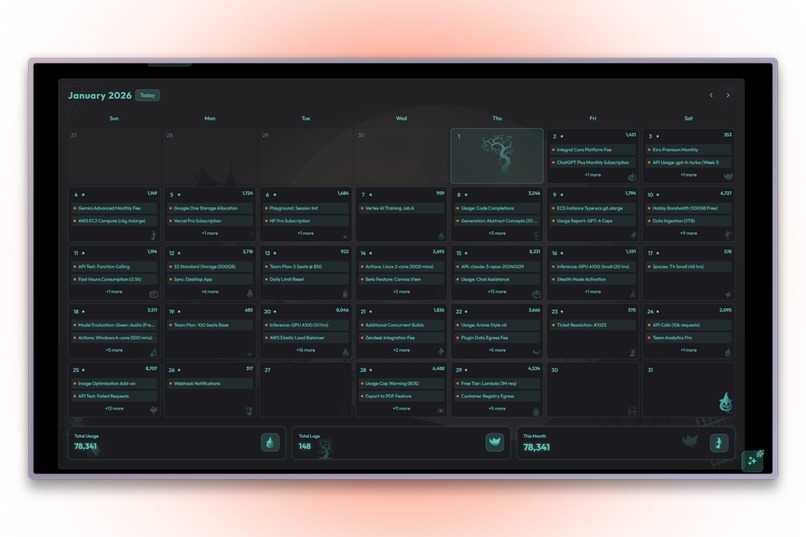
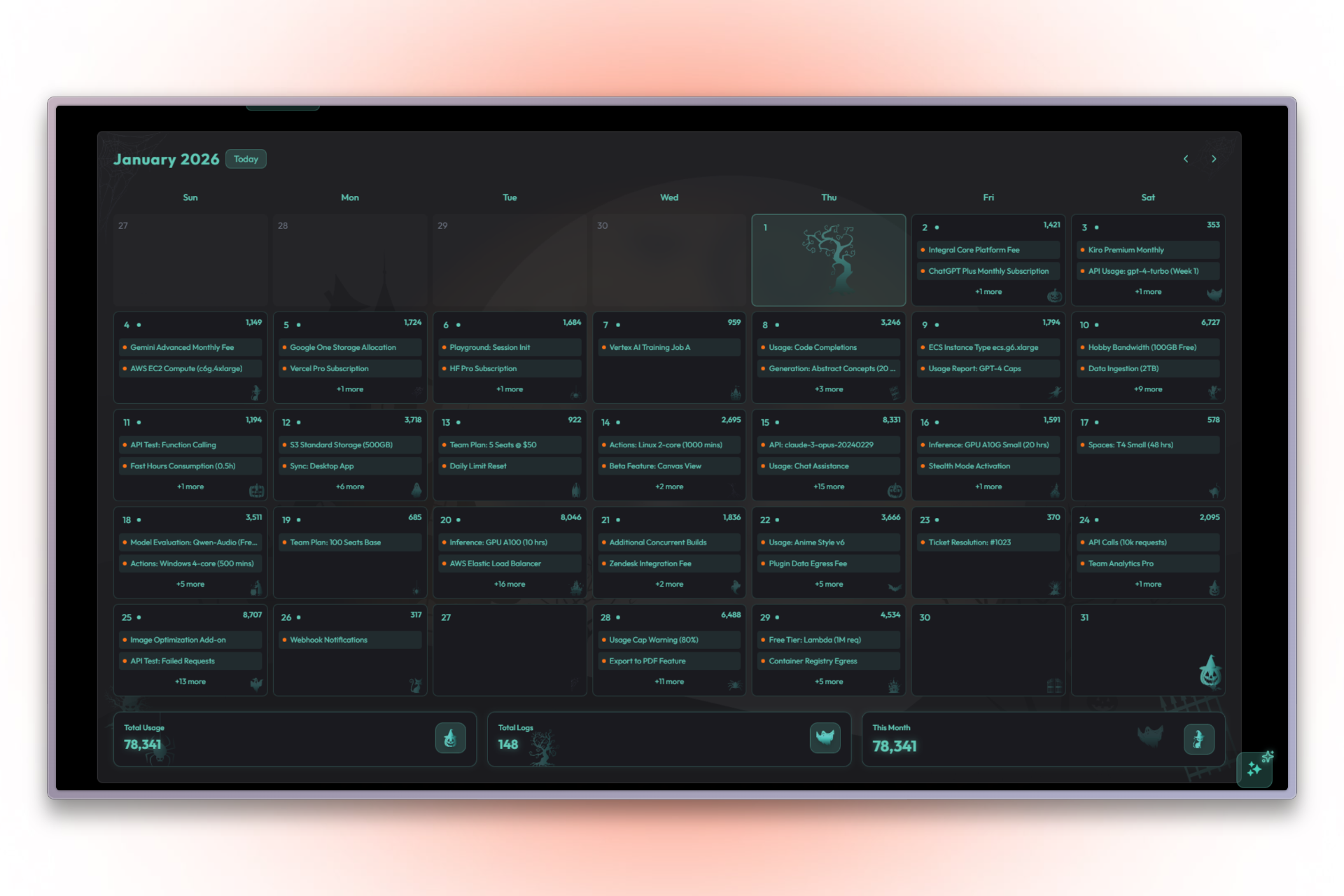
Spooky Halloween Calendar view with custom art and teal accents for tracking events.
-
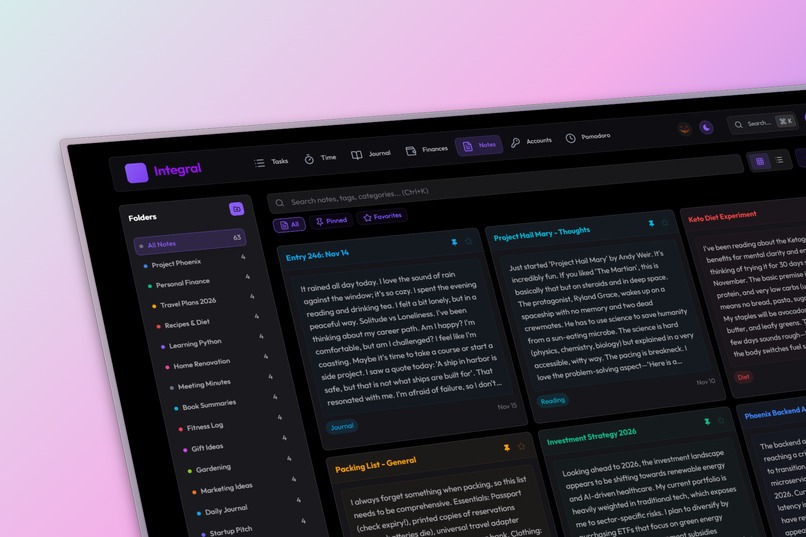
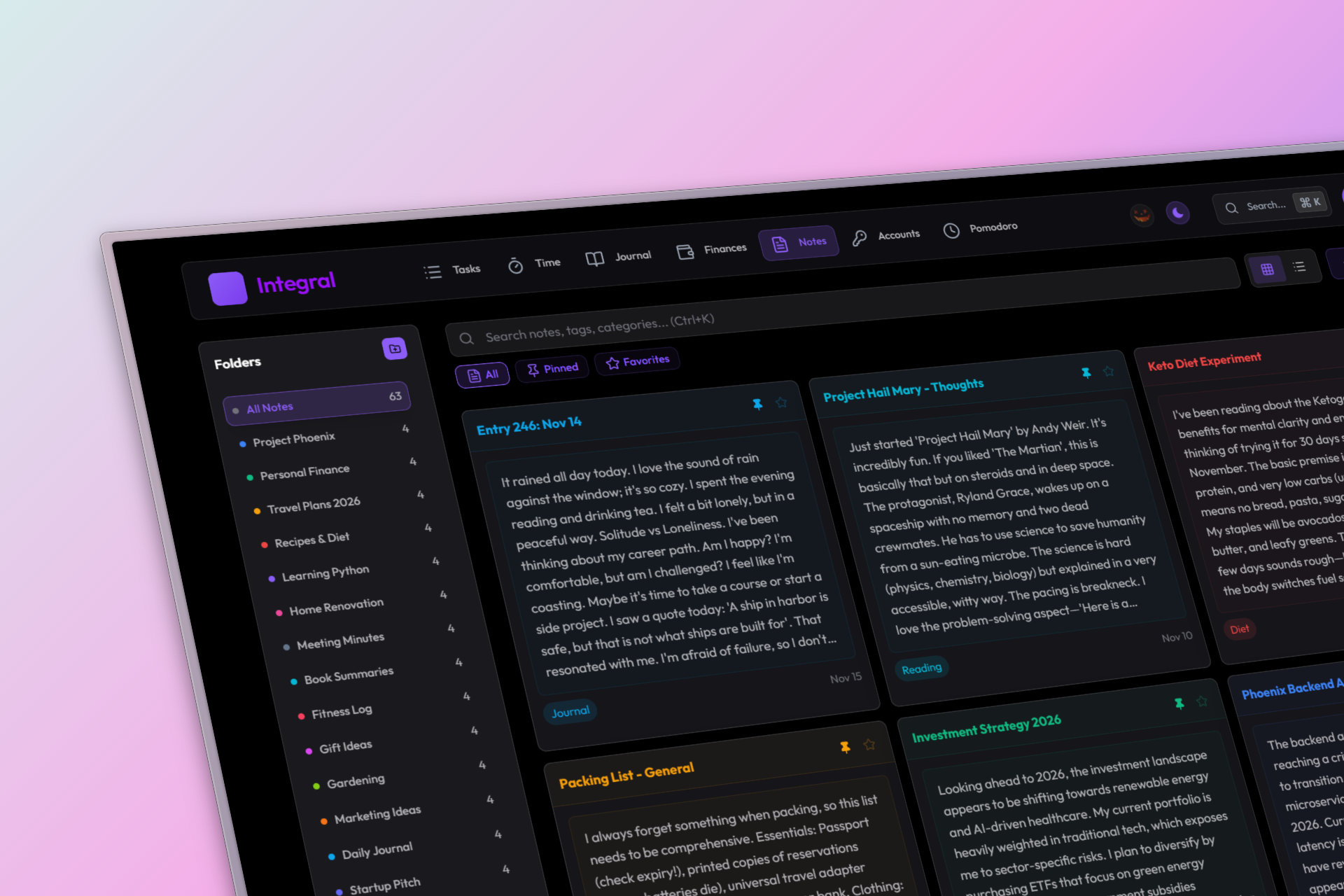
Dark Mode version of the Notes page with signature purple accents for low-light focus.
-
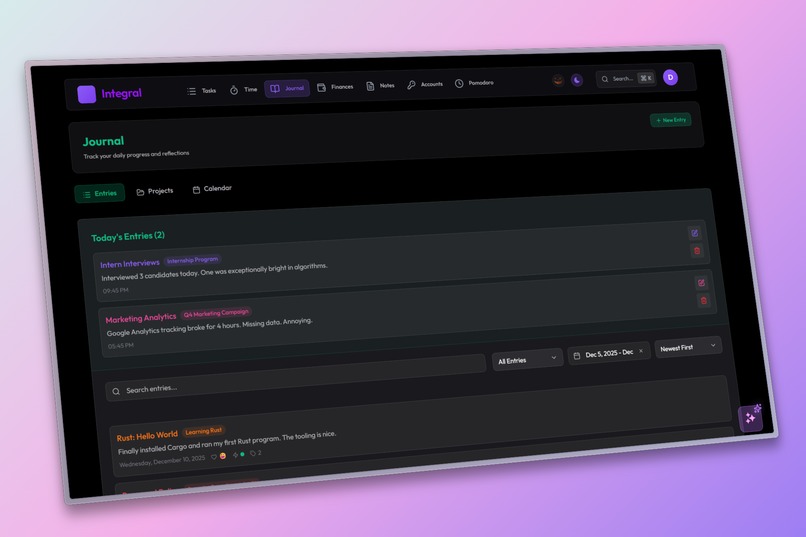
Dark Mode Journal page designed for comfortable writing in low light conditions.
-
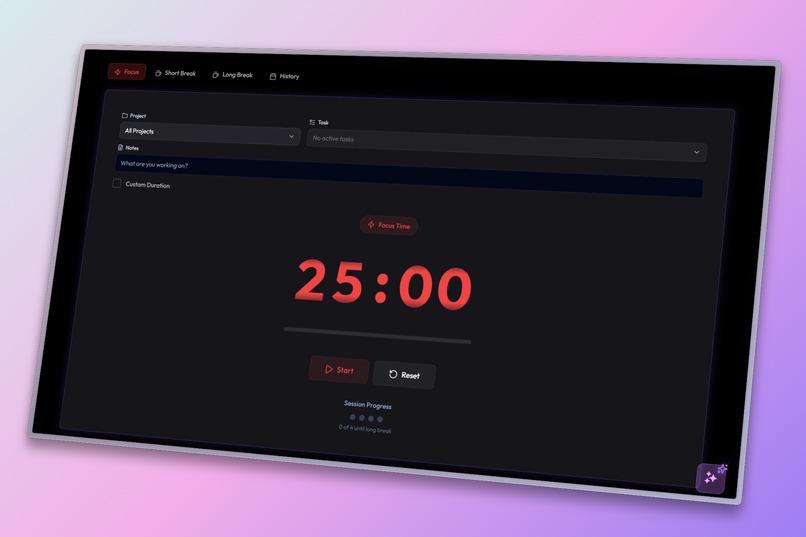
Dark Mode Pomodoro Focus Mode interface designed to reduce eye strain during break sessions.
-
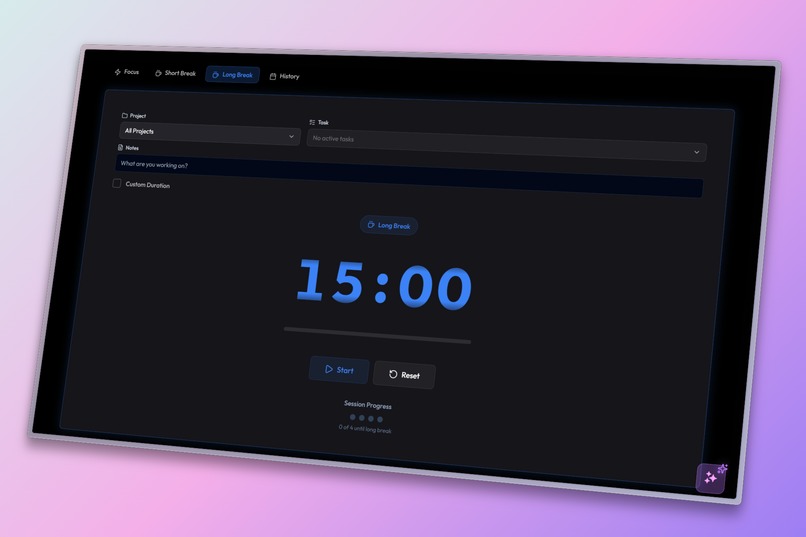
Dark Mode Pomodoro Long Break Mode interface designed to reduce eye strain during break sessions.
-
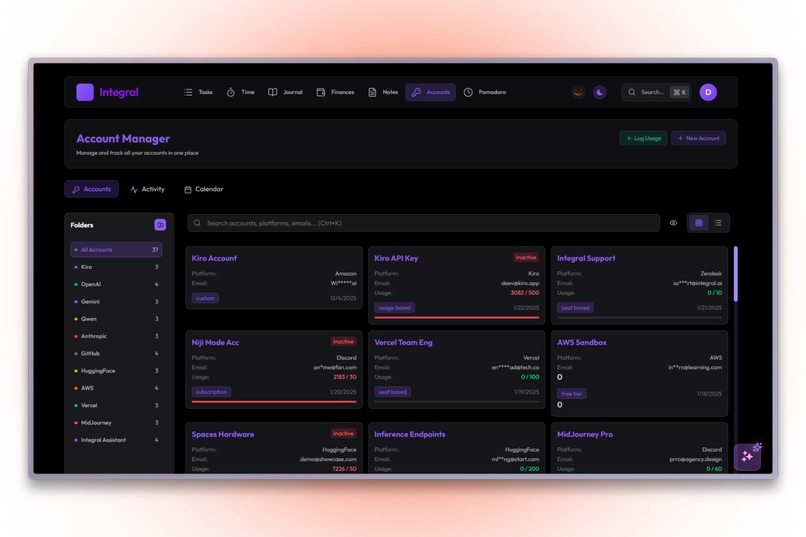
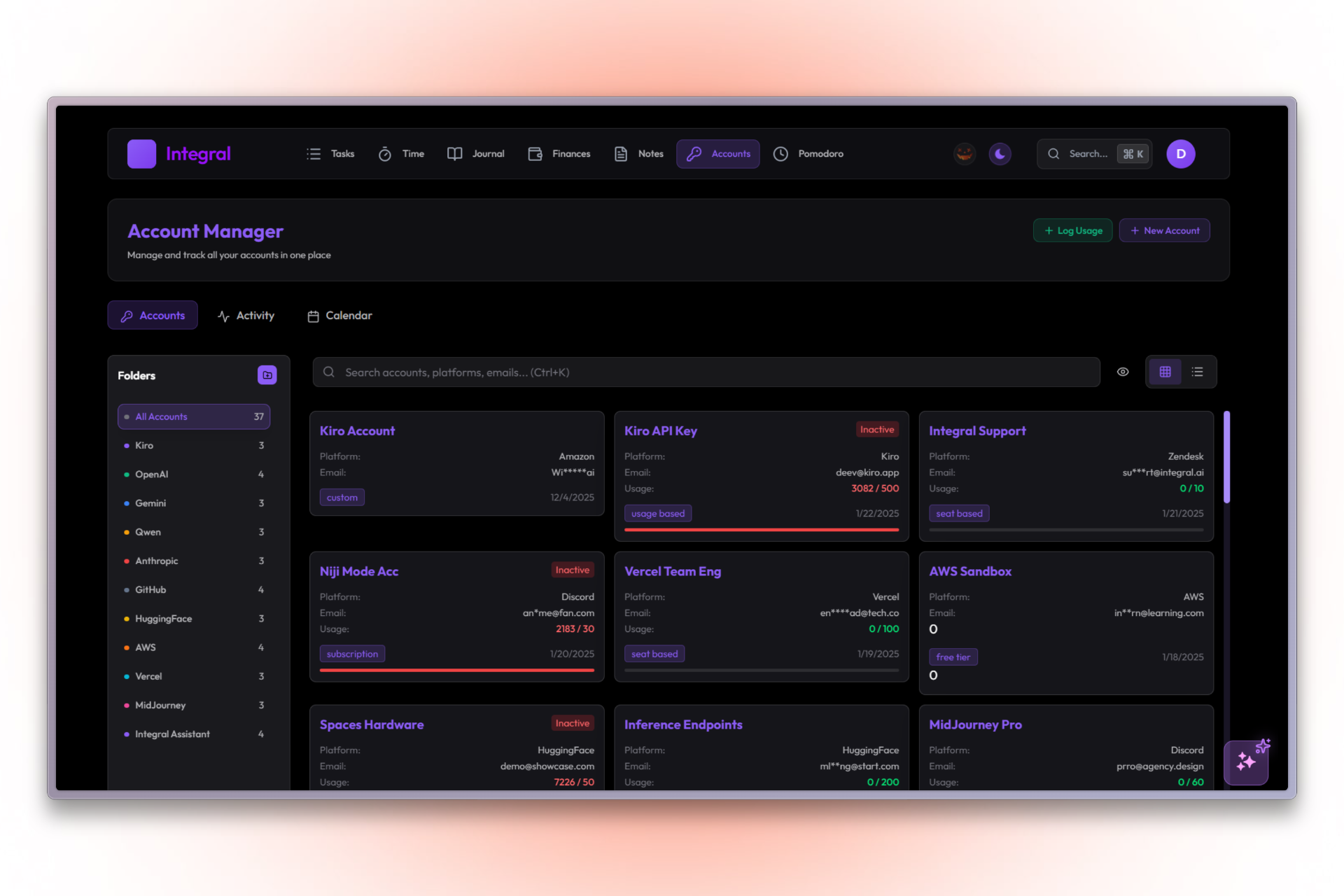
Dark Mode Account Manager interface for tracking services without eye strain.
-
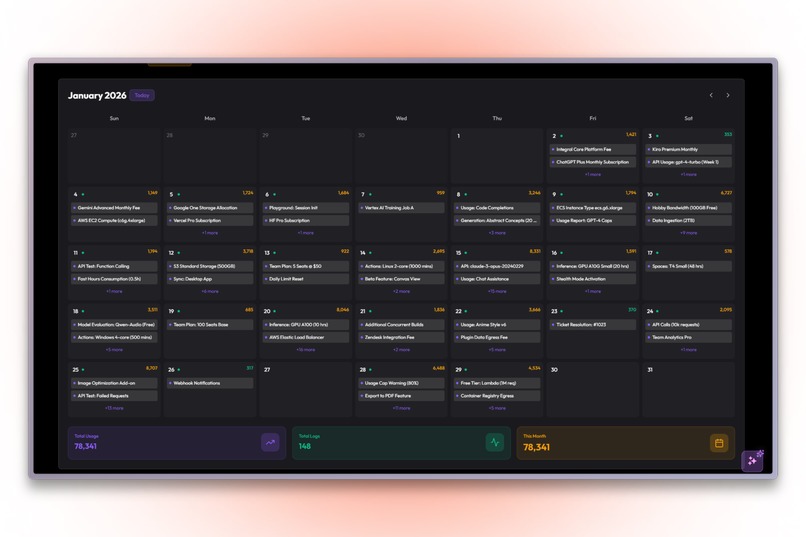
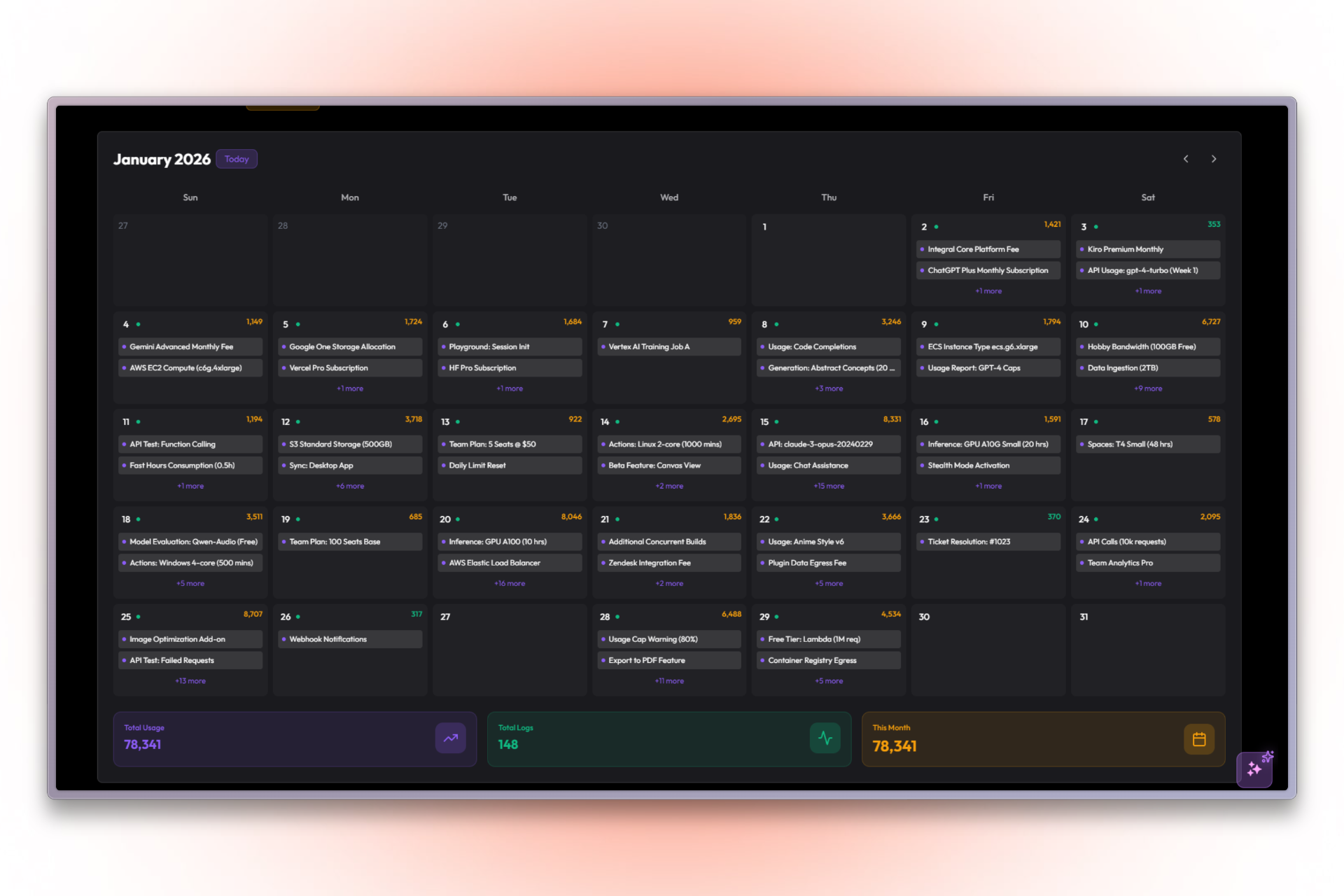
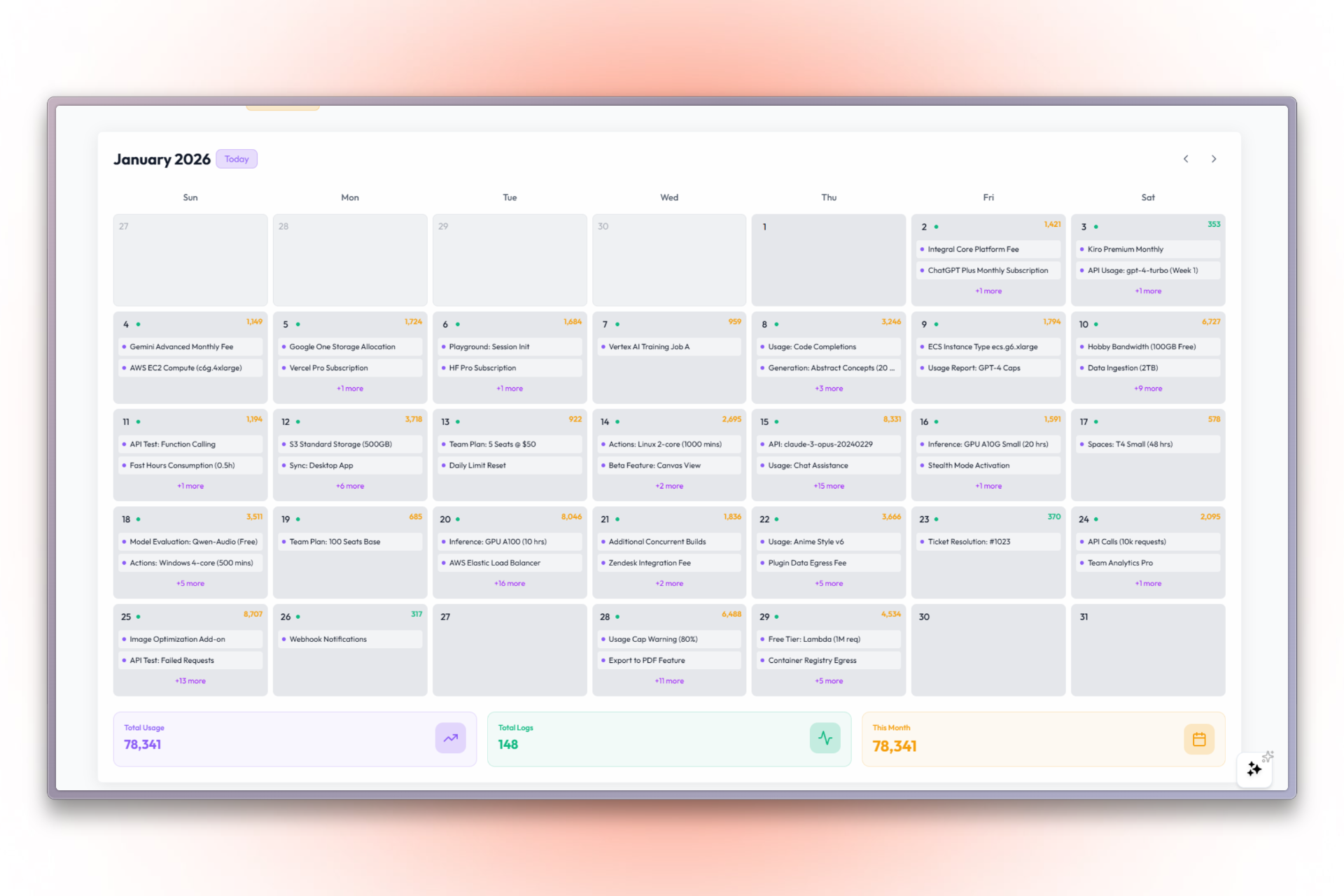
Dark Mode Calendar designed for easy scheduling and planning in low light.
-
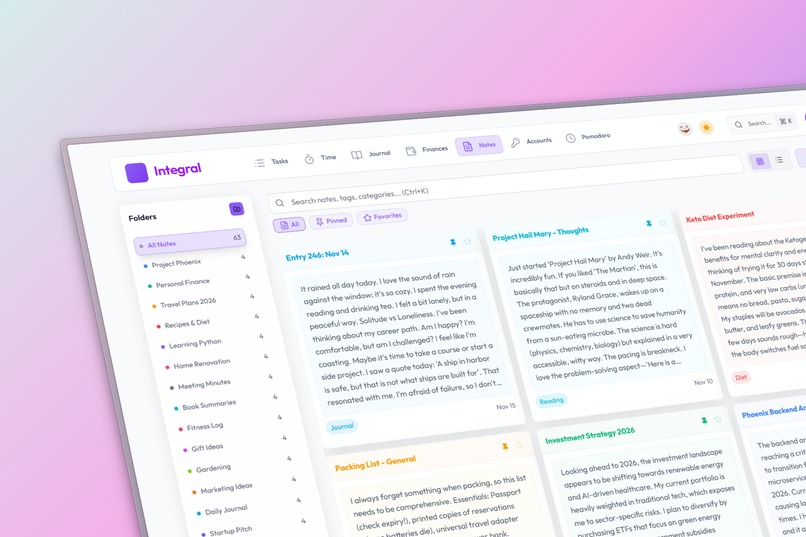
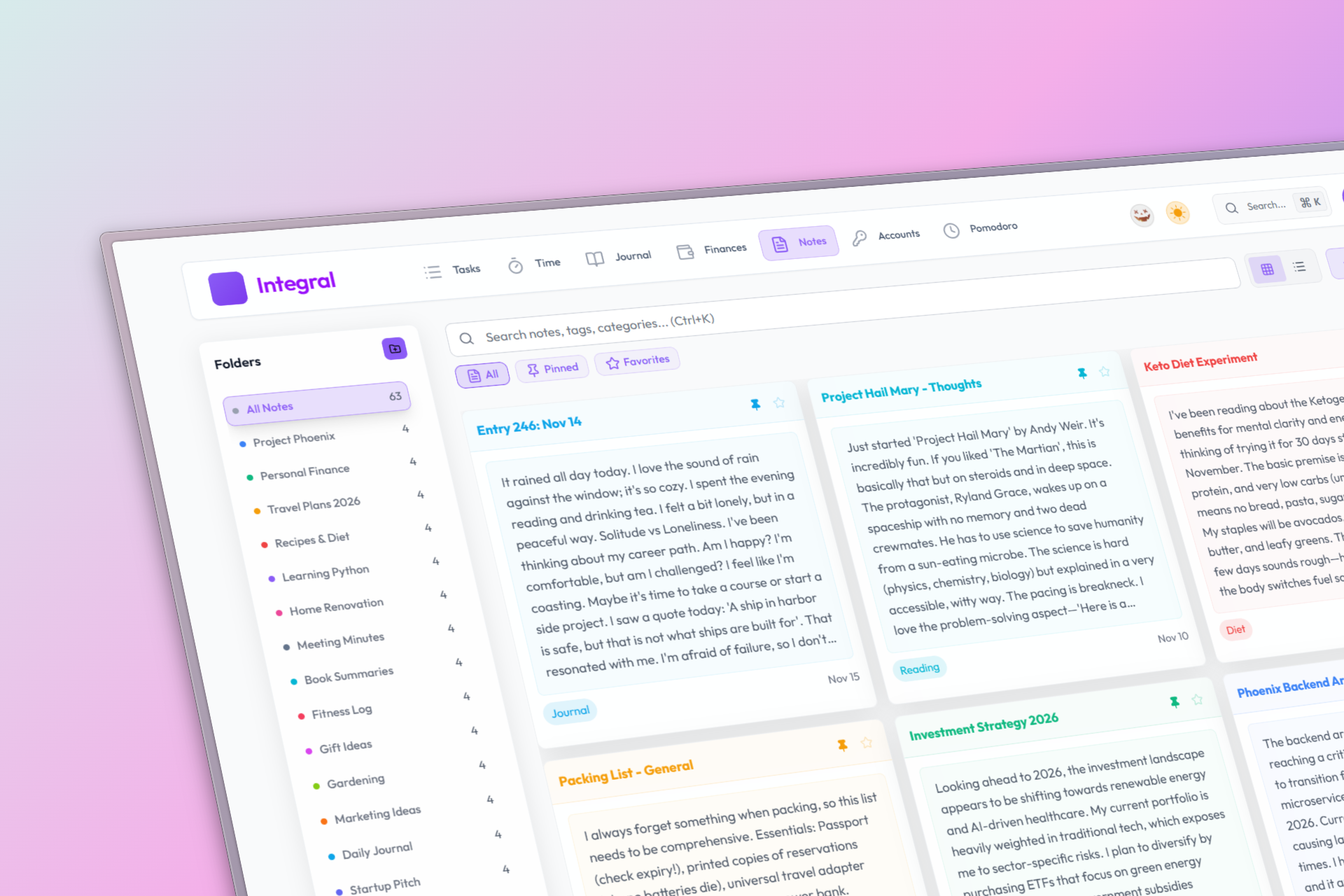
Light Mode: Notes page providing a clean and minimalist workspace for daytime productivity.
-
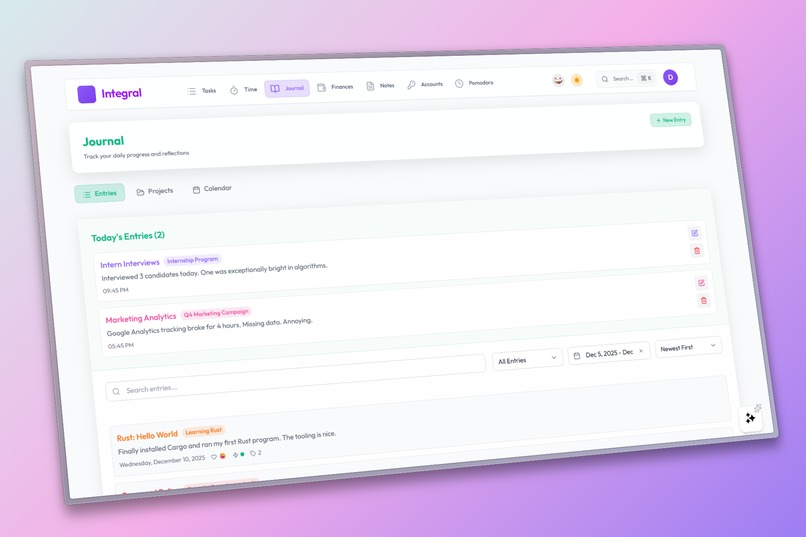
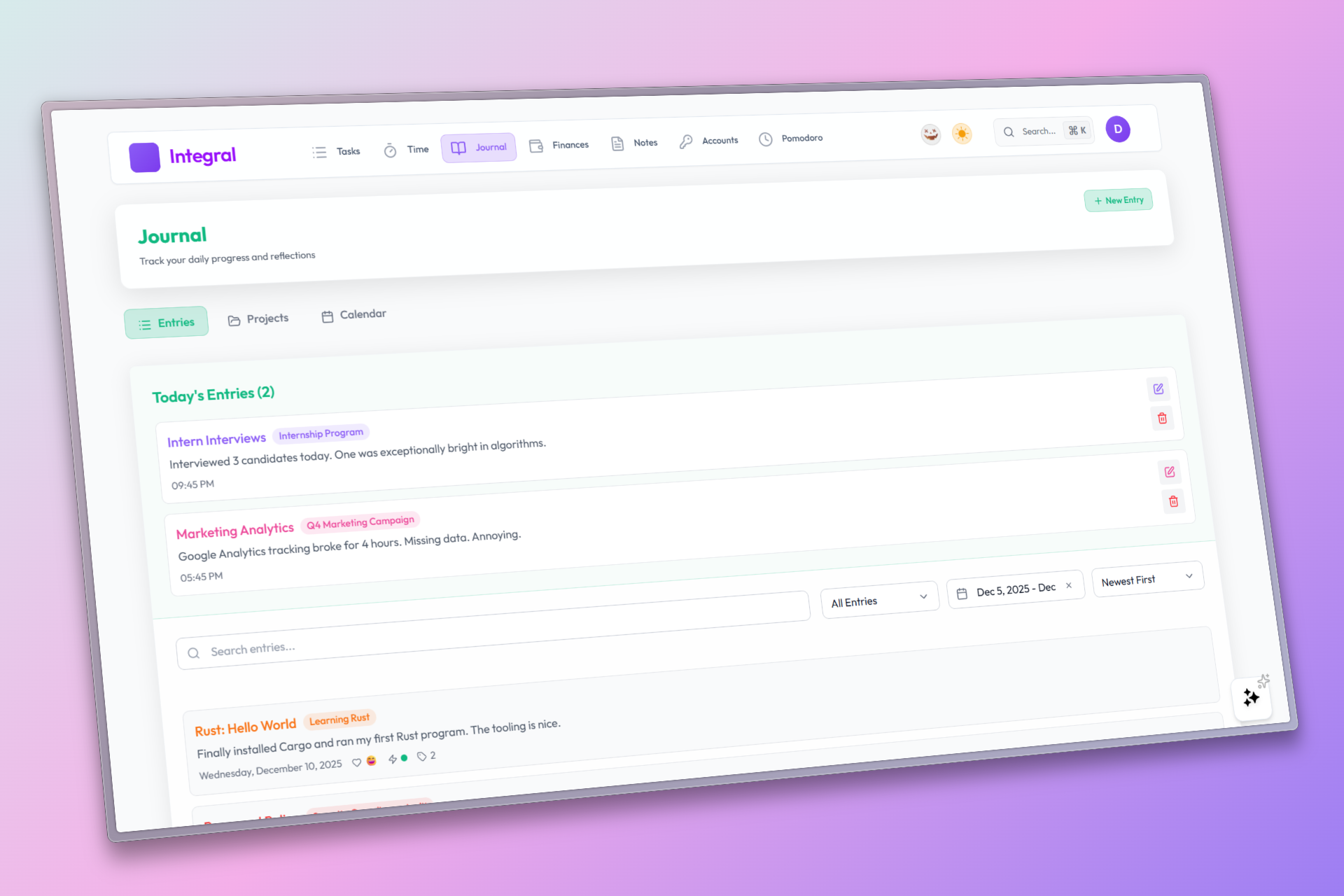
Light Mode Journal page offering a clean interface for daily reflections.
-
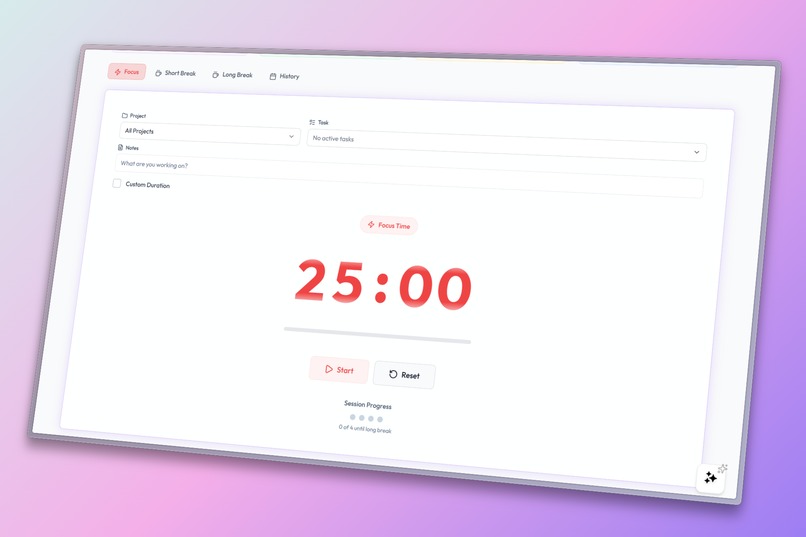
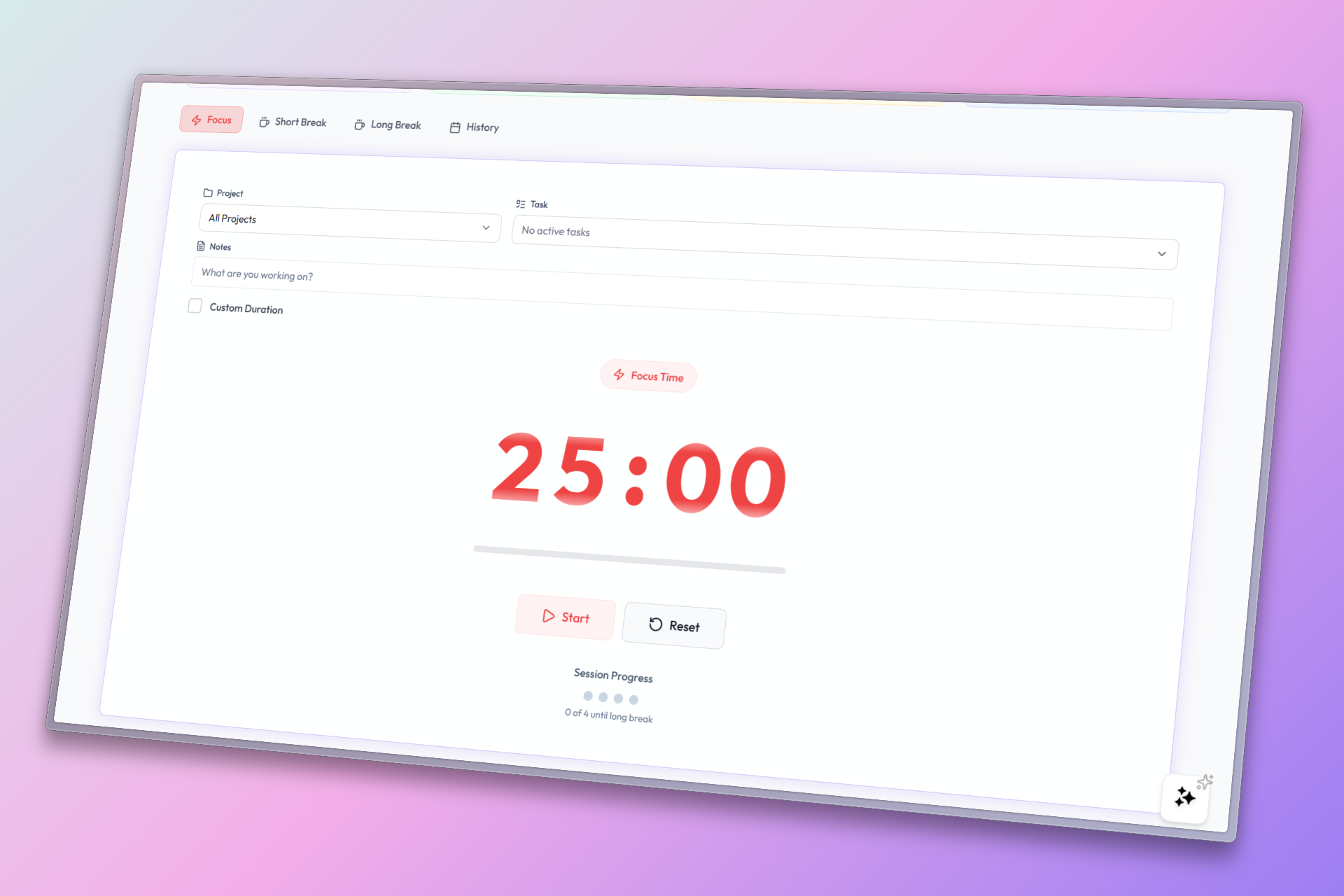
Light Mode Pomodoro Focus Mode interface designed to reduce eye strain during break sessions.
-
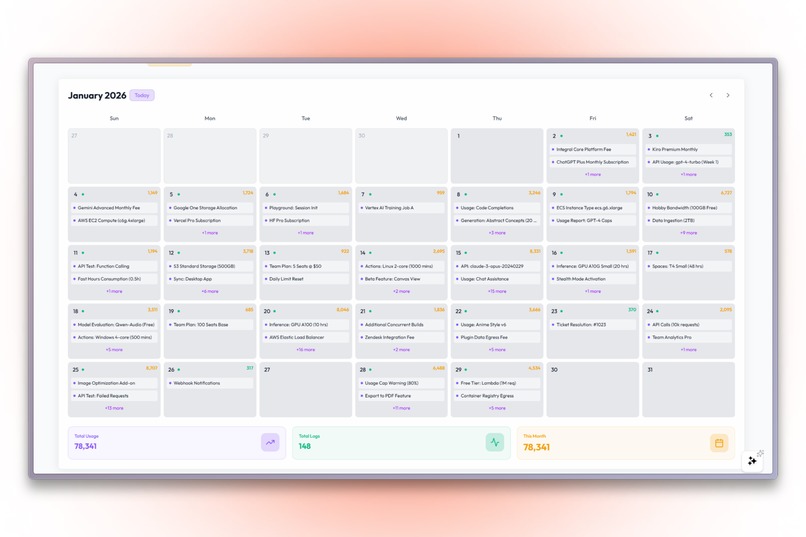
Light Mode Account Manager for tracking subscriptions and usage limits clearly.
-
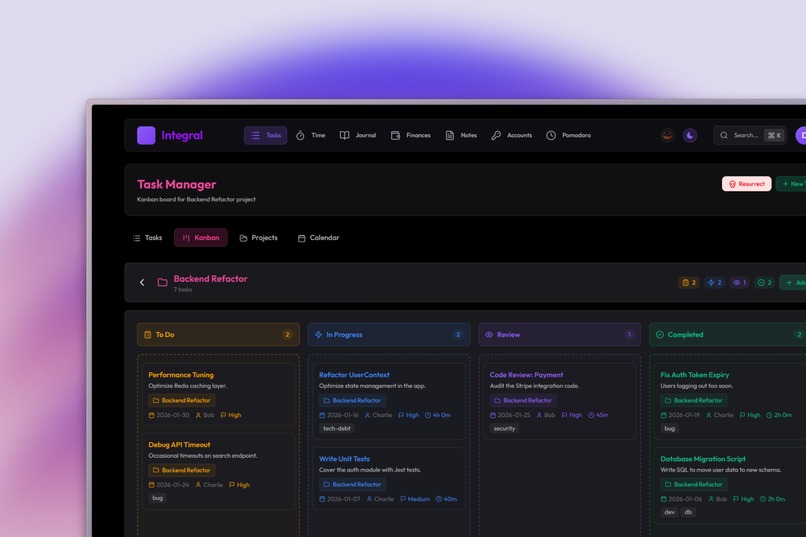
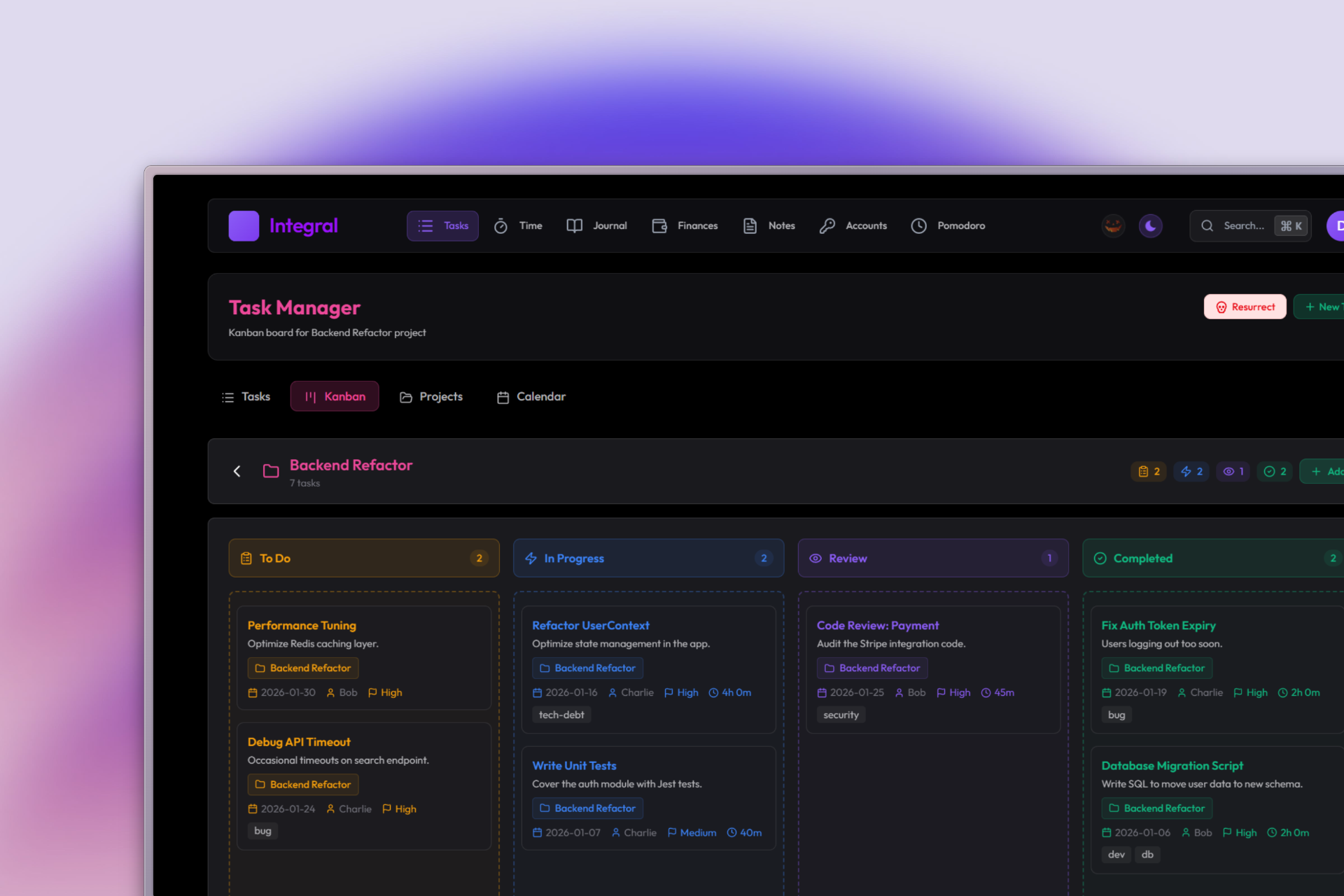
Dark Mode Tasks Kanban Board
-
-
Integral

Integral is an integral part of your Life
About Integral
Inspiration
Integral was born from the frustration of fragmentation—we were tired of juggling five different apps. But we didn't just want another static list; we wanted an intelligent partner. We built a "second brain" where your data isn't just stored, but interconnected. And the Halloween theme? That was our way of proving that productivity software can have a soul (even a spooky one!) and doesn't have to be sterile to be powerful.
What We Learned
We learned that the true power of AI lies in context. Generic LLMs are useful, but an AI that knows your schedule, budget, and journal is transformative. We mastered Retrieval-Augmented Generation (RAG) to ground AI in user reality, while also diving deep into Context-Aware Agents to create the "Integral AI Assistant"—proving that a global command center can significantly enhance productivity by reducing friction and making complex tasks feel effortless.
How We Built It
Integral is built on a modern, high-performance stack:
- Frontend: React 19.2 + Vite 7.2 for blazing fast interactions, styled with Tailwind CSS 4.1.
- Backend: Supabase for authentication, real-time database, and vector storage.
- AI Engine: Google Gemini Flash & Embedding 001 for generating embeddings and intelligent insights.
- State Management: TanStack Query v5 & React Context for seamless global state and optimistic updates.
- Vector Search: Implemented HNSW Indexing with
halfveccompression for 100x faster query performance.
Challenges Faced
- Testing AI Interactions: Manually testing every possible natural language permutation was time-consuming. We had to build robust error handling and fallback mechanisms to ensure the AI Assistant could gracefully handle ambiguous requests without breaking the user flow.
- Unified Data Schema: Designing a database schema that could flexibly handle diverse data types (financial transactions, rich text notes, recurring tasks) while keeping them all searchable via a single RAG interface was a complex architectural puzzle. We solved this by creating a polymorphic "memory" layer that sits above the specific data tables.
Accomplishments that we're proud of
We are incredibly proud of the Integral AI Assistant, a global command center that transforms how users interact with their productivity data. Instead of navigating menus, users can simply say "Remind me to buy milk" or "Spent $50 on lunch," and the AI handles the rest. Successfully integrating this Natural Language Interface across eight distinct modules (Tasks, Notes, Finance, etc.) while maintaining a unified context was a significant technical achievement.
What we learned
We learned that Context is King. Building a truly helpful AI assistant required more than just hooking up an LLM; it demanded a sophisticated RAG (Retrieval-Augmented Generation) pipeline that could understand the user's current "location" in the app and retrieve relevant data from a polymorphic vector store. We also mastered the intricacies of Vector Embeddings to ensure that a search for "groceries" finds both your budget transaction and your shopping list task.
What's next for Integral
The future of Integral is ubiquitous and offline-first. We are working on Native Mobile and Desktop Apps that offer full Offline Support, ensuring you can stay productive even without an internet connection. We are also doubling down on our AI capabilities, polishing the RAG Engine for even faster, more accurate insights, and expanding the "Ghost Writer" features to help you write better notes and journals.
Live Demo
Check out the live application:

- Website: https://integral-beta.scntix.com
Demo Account
Use these credentials to explore the platform:
- Username:
[email protected] - Password:
integral
Built with ❤️ by exyness for productivity enthusiasts
Experience the future of productivity with advanced grids, floating widgets, and glass morphism design
Built With
- biome
- bun
- date-fns
- framer-motion
- lexical
- lucide-react
- radix-ui
- react
- react-hook-form
- react-router
- recharts
- sonner
- supabase
- swiper
- tailwind-css
- tanstack-query
- typescript
- vaul
- vite
- zod


Log in or sign up for Devpost to join the conversation.