-
Integra
-
Problem
-
Architecture
-
Technologies
-
Solution Highlights
-
Future Plans
Our Presentation
Inspiration
We were inspired by Children's Health's sponsor challenge, which provided many prompts about problems in the healthcare field which we could tackle. At first we wanted to create an extension, since our team is not very keen on front-end development, but our application ended up being expanded to a complex, cross-platform structure. Excited by previous coursework in web sockets and pipes, we aimed to implement these types of communications in a practical setting.
What it does
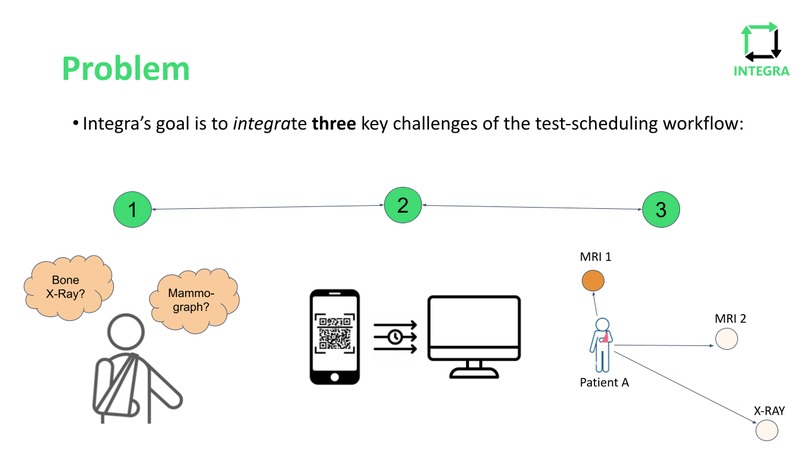
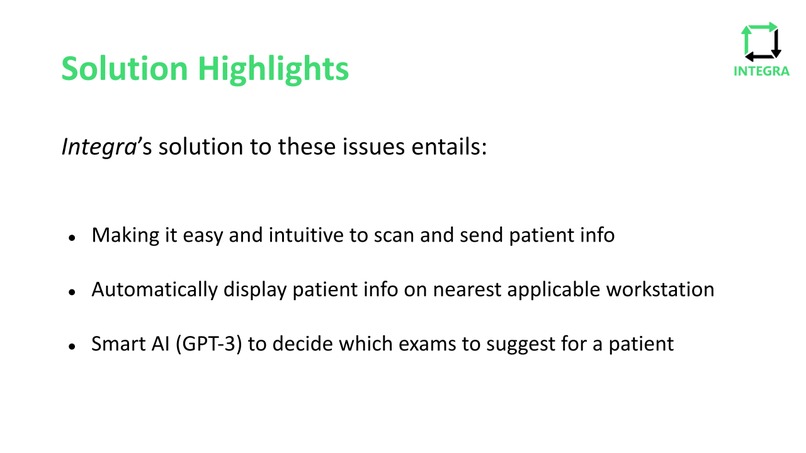
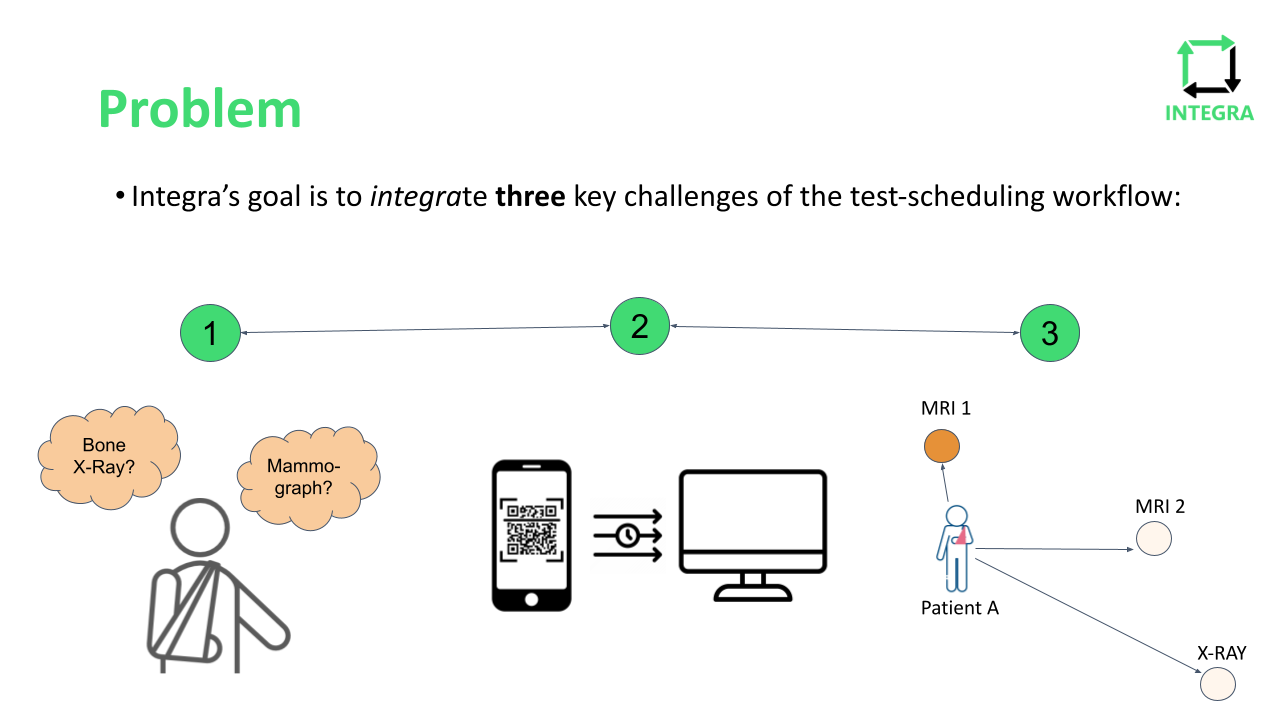
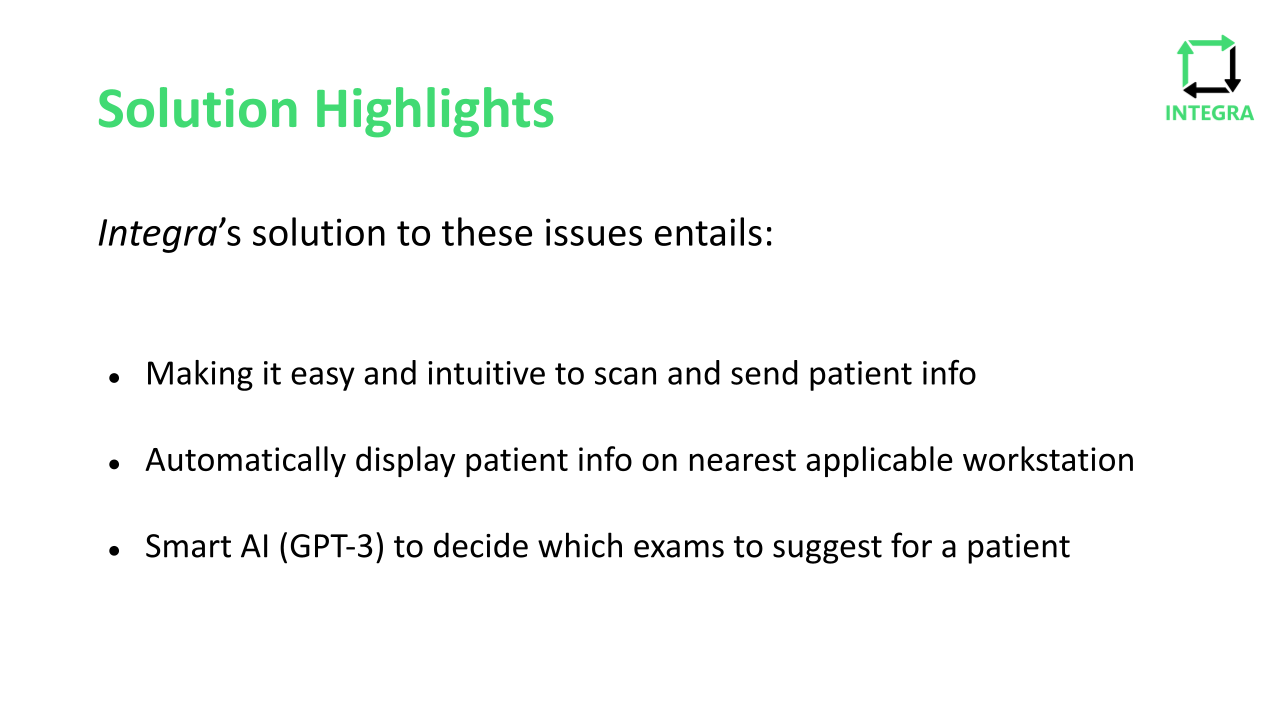
Our solution, Integra, strives to solve three key challenges that medical professionals face every day in their workplace: Determining which exams are needed for each patient, determining which tests would be most convenient location wise for the patient, and making sure to effectively use the time of medical professionals. It was important for us to make sure that our application considered all three of these challenges. Integra’s solution to these issues entails making it easy and intuitive to scan and send patient info, automatically displaying patient info on nearest applicable workstation using location info, and using artificial intelligence (GPT-3) to decide which exams to suggest for a patient.
How we built it
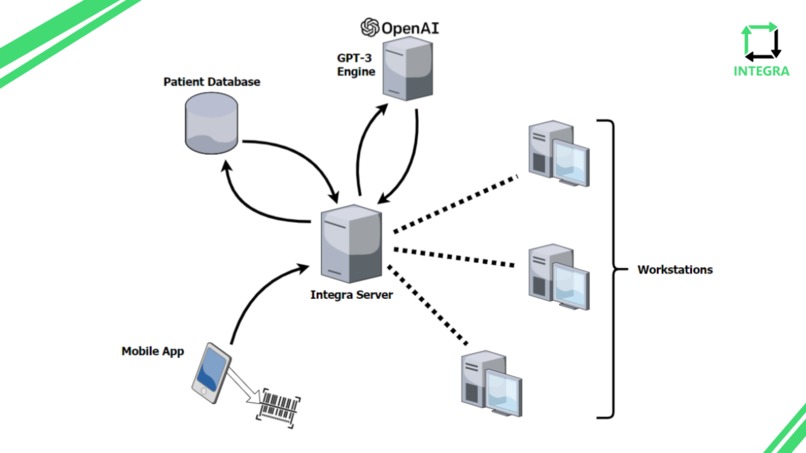
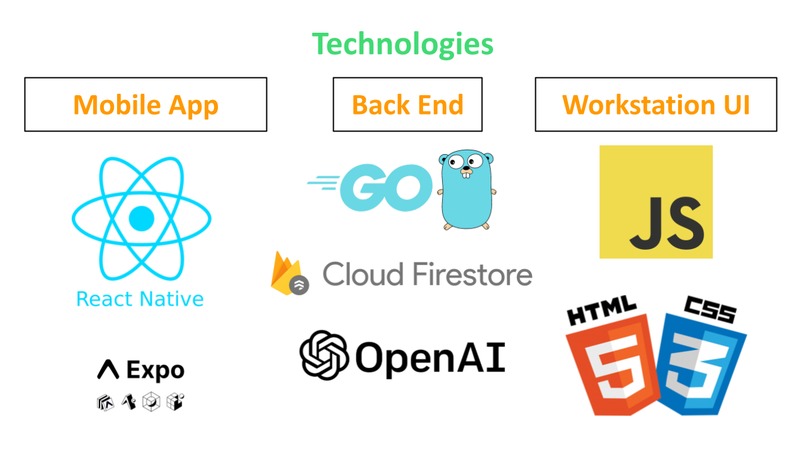
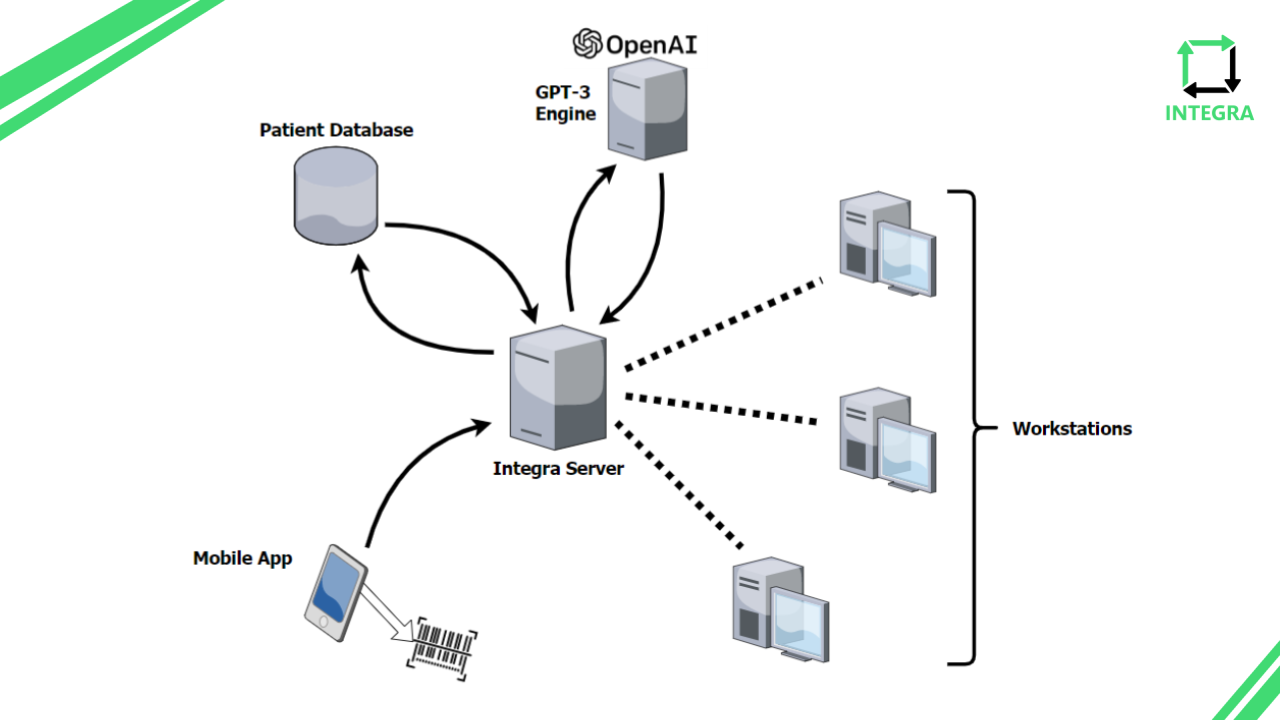
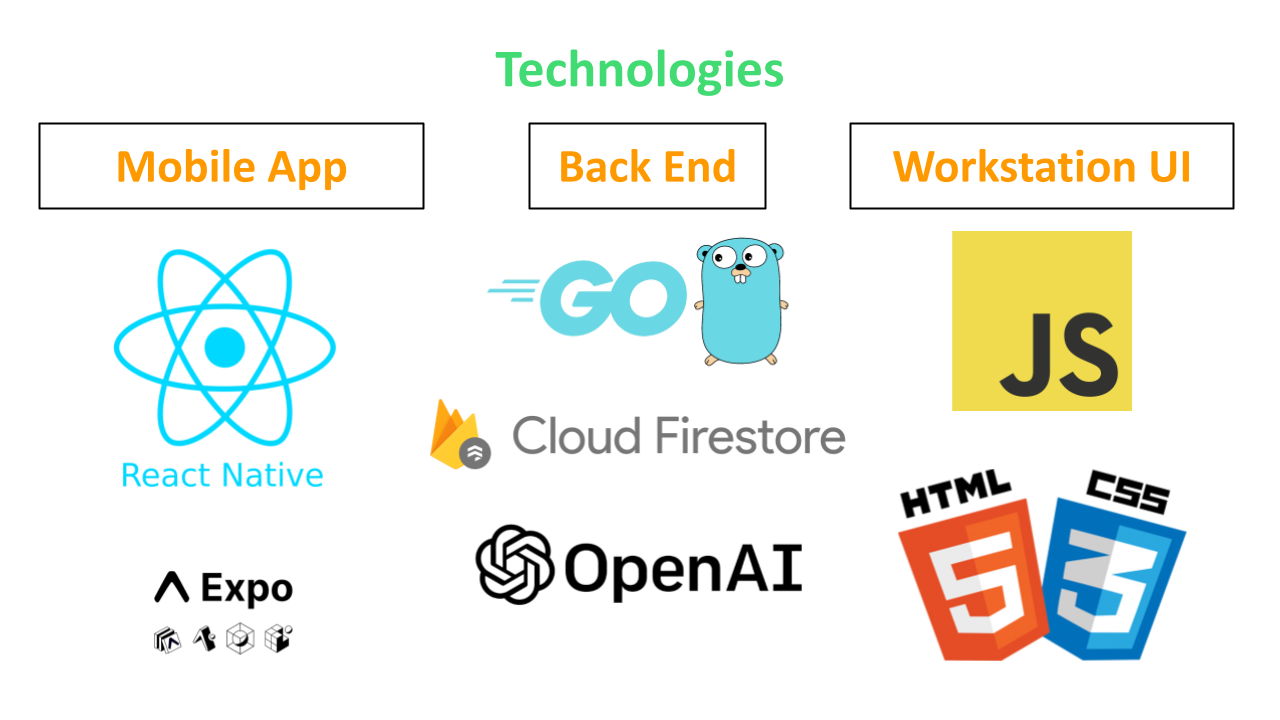
Part 1 of our project, The Mobile App, uses React Native and Expo to capture a patient's barcode and send their patient ID to our server. Part 2, the Backend server, uses Go, Cloud Firestore, and OpenAI. The Go server receives the patient ID and looks up the patient data from the patient database using the patient ID. Then, the server passes the patient's diagnosis and modality through the OpenAI GPT-3 model API, which analyses their diagnosis and suggests exam workups for the patient. Part 3, the Workstation, uses JavaScript and HTML/CSS to simulate a stripped-down version of a workstation that a medical technician may use on a daily basis. The workstation is connected to the main server through a web socket connection, and displays the patient exam worklist after the patient's armband is scanned through the mobile app.
Challenges we ran into
The main challenges we faced resulted from dealing with multiple different processes interacting with one another in real time. Because of this, the deployed production code could end up behaving differently than in our local development environment, and it was difficult to debug at times. Another challenge was that we were using React Native for the first time. Some of our developers already had experience with React and Ionic mobile app development, but not with React Native. The transition to React Native brought some difficulties in testing the mobile app code, which we were not used to from before. However, we think we turned out a pretty great looking app for having learning React Native for the first time.
Accomplishments that we're proud of
Our group is proud of being able to successfully integrate 3 different modes of software. Allowing a phone app communicate with a server that also communicates with multiple other workstation UI is a great accomplishment that we are all very proud of. We are also proud of the smoothness of our data transferring process from app to computer.
What we learned
We learned about how to integrate multiple different types of software to communicate efficiently with one another. We also learned about JavaScript and React Native by using them for the front end of our website and app respectively. Additionally, we learned how to pick up location data on one device and send it to a server for processing.
What's next for Integra
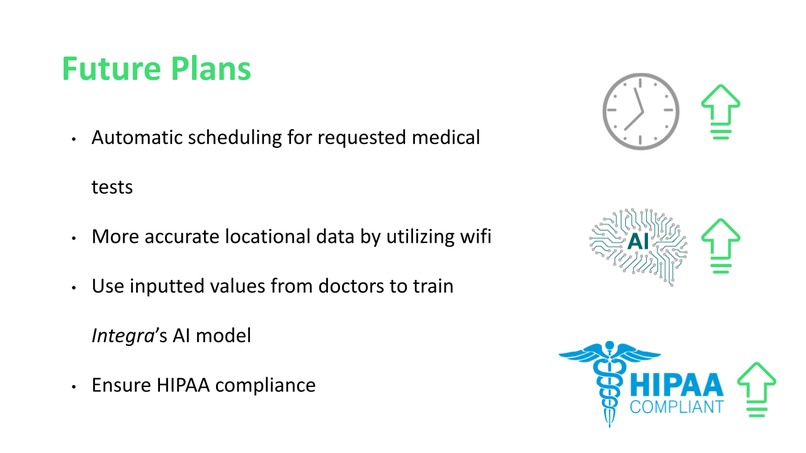
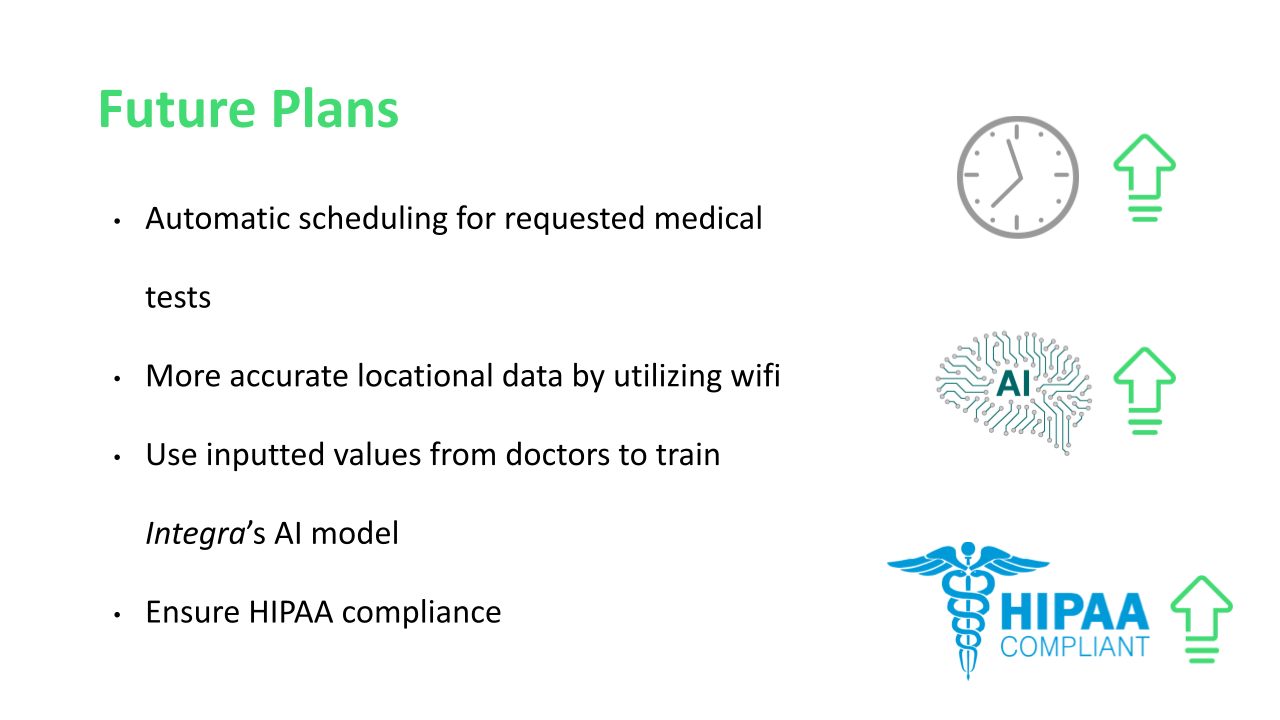
To follow up with the project, it would be beneficial to use the same scanning system for employees of the hospital to help them clock in and out and make sure they don't enter the hospital with metal in their bodies (which was also a request of Children's Hospital). We also want to continue working on location tracking and applying it to ease of location for patient testing, as well as improving our AI model.
Built With
- cloud-firestore
- css3
- expo.io
- go
- html5
- javascript
- openai
- react-native


Log in or sign up for Devpost to join the conversation.