-
-
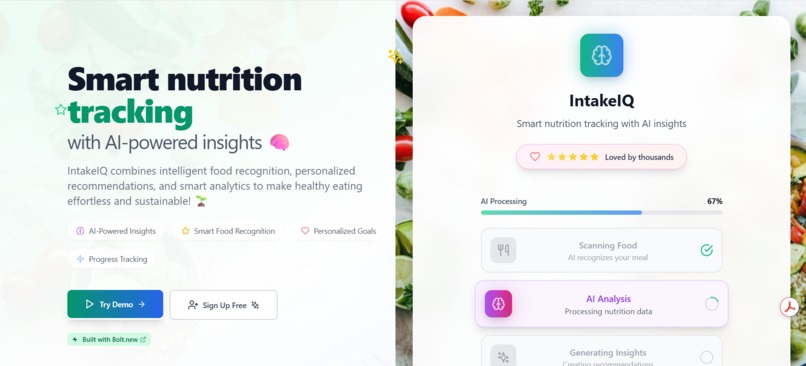
IntakeIQ
-
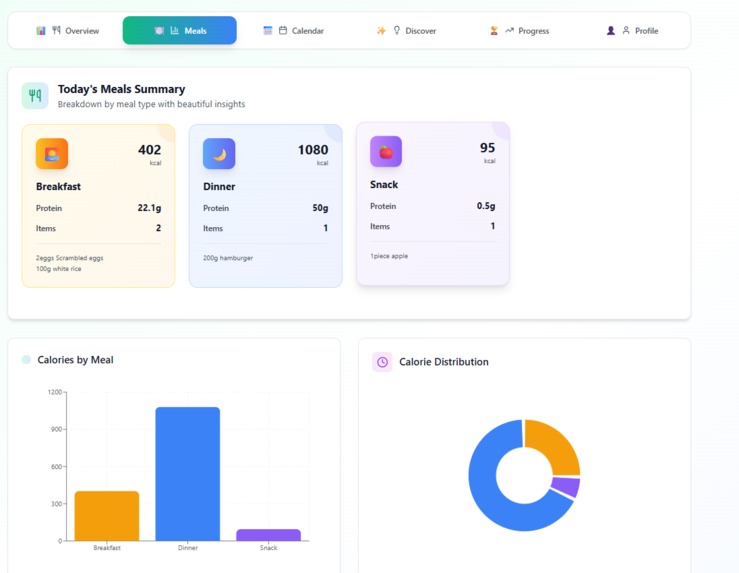
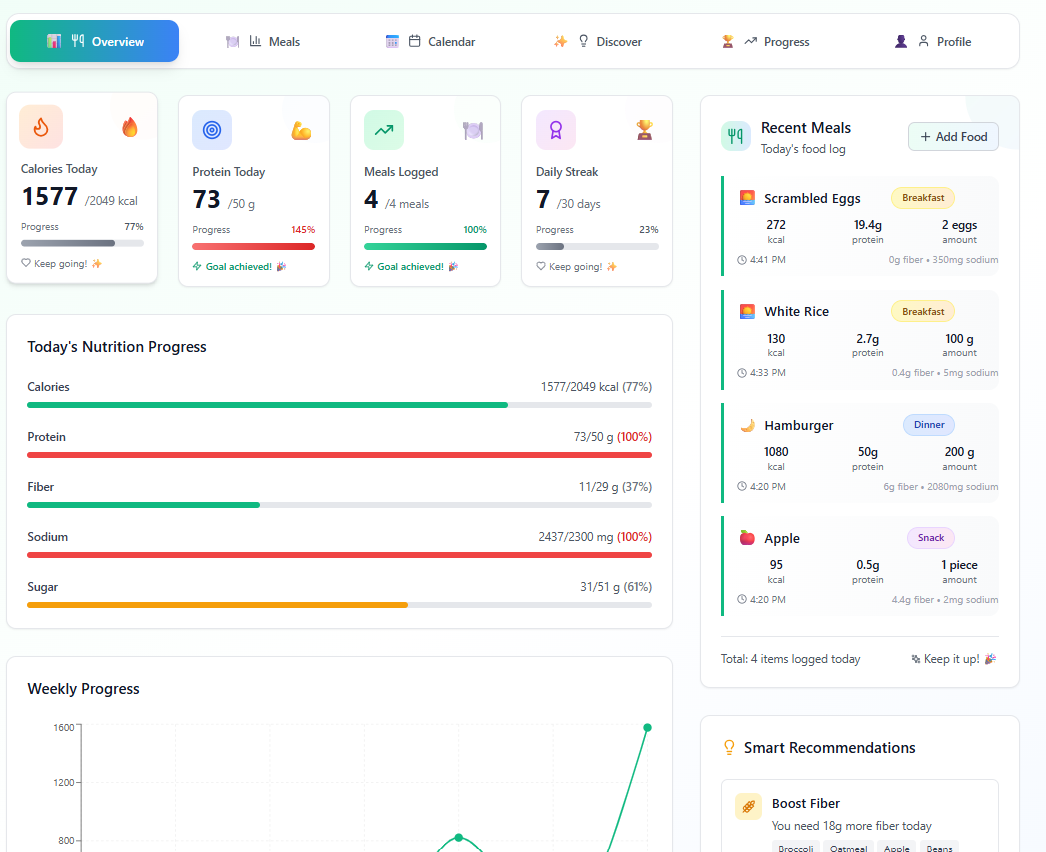
Meals Summary
-
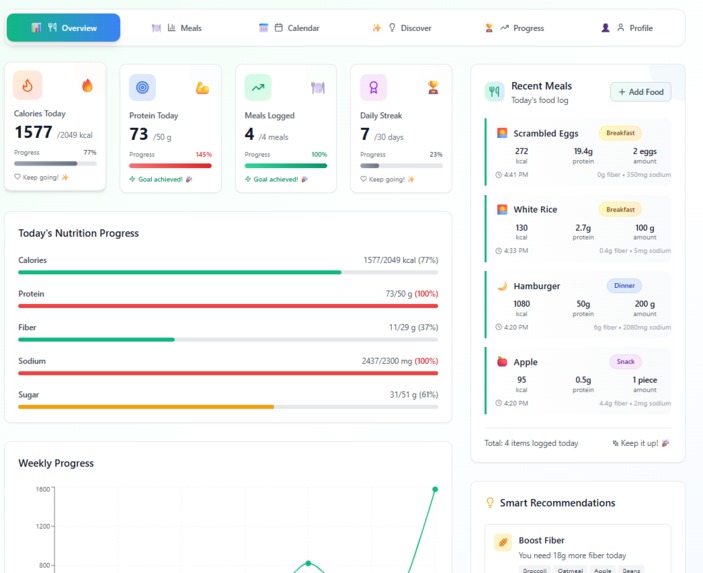
Meals
-
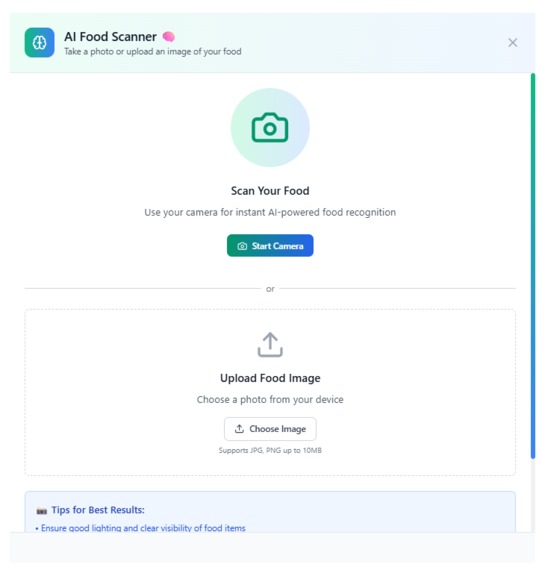
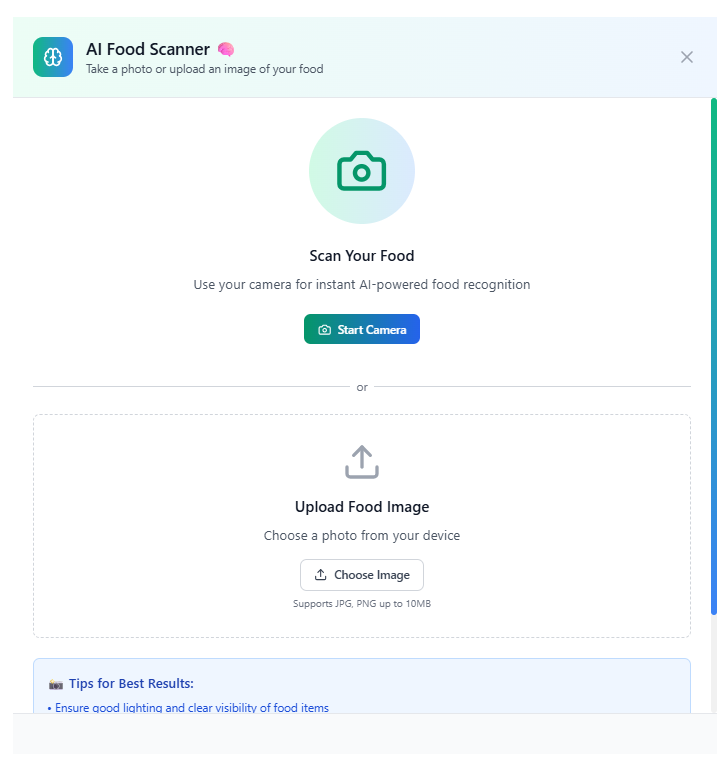
AI Food Scanner
-
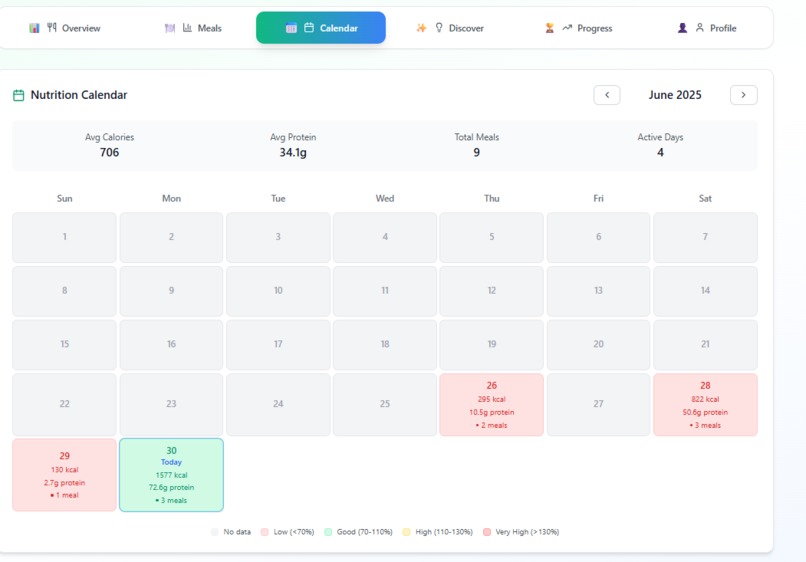
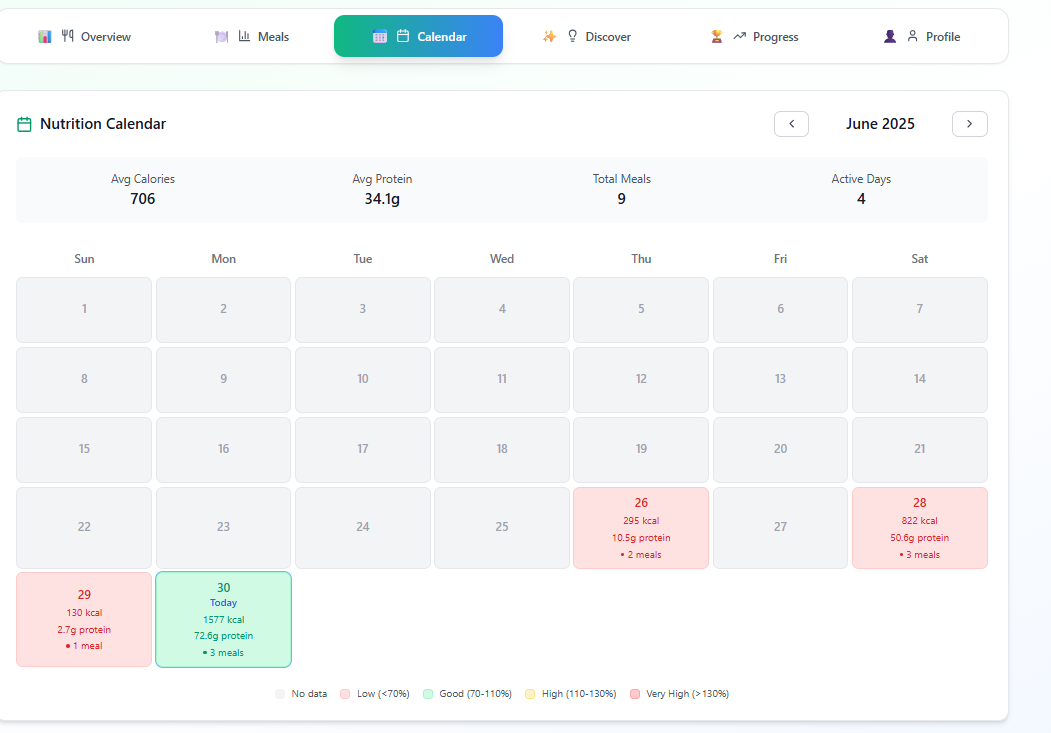
Nutrition Calendar
-
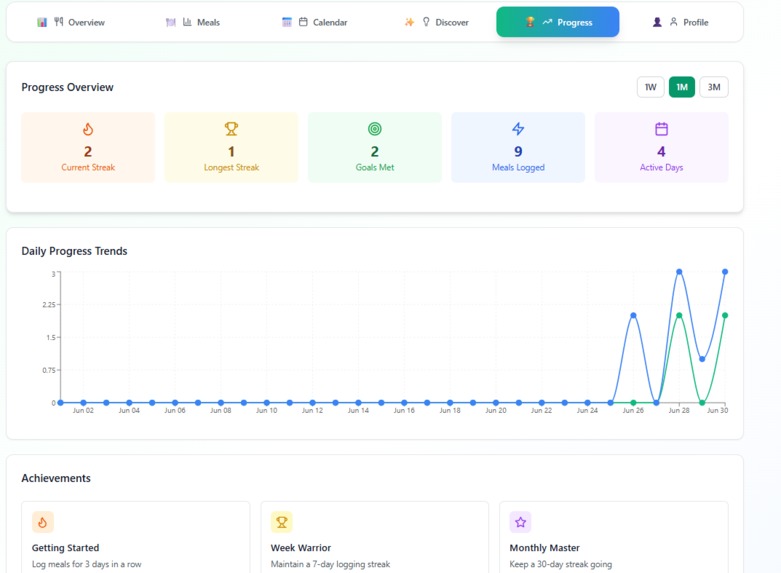
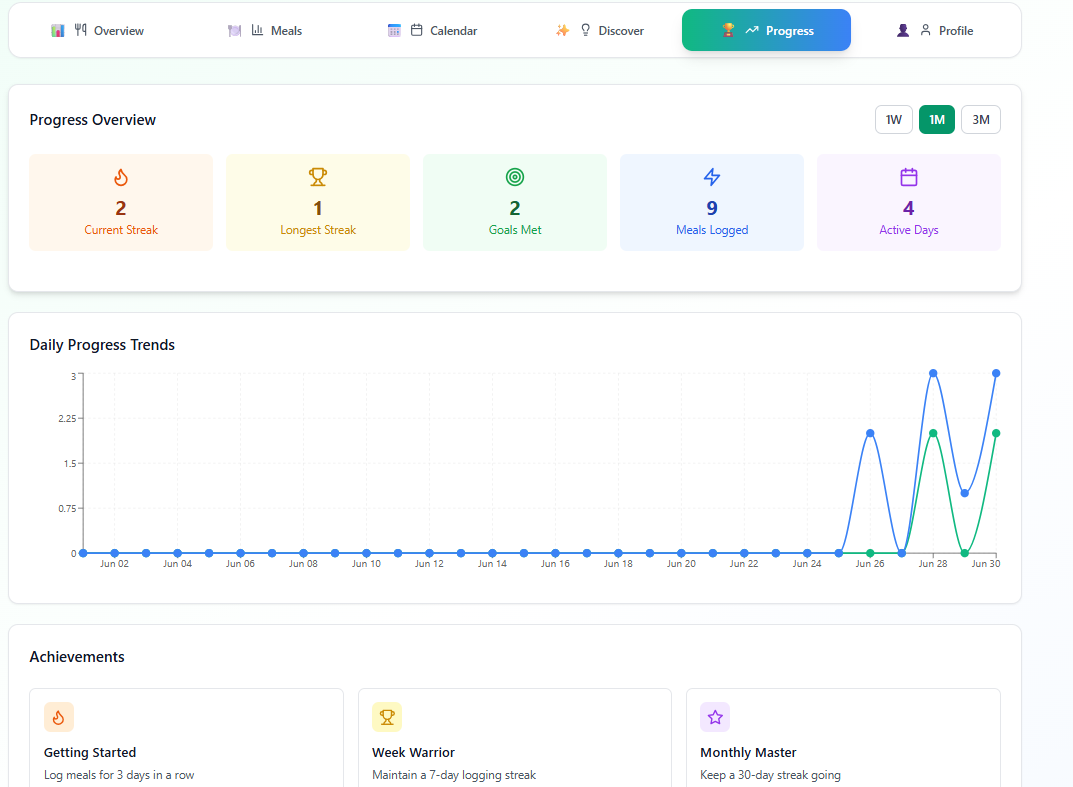
Progress Overview
-
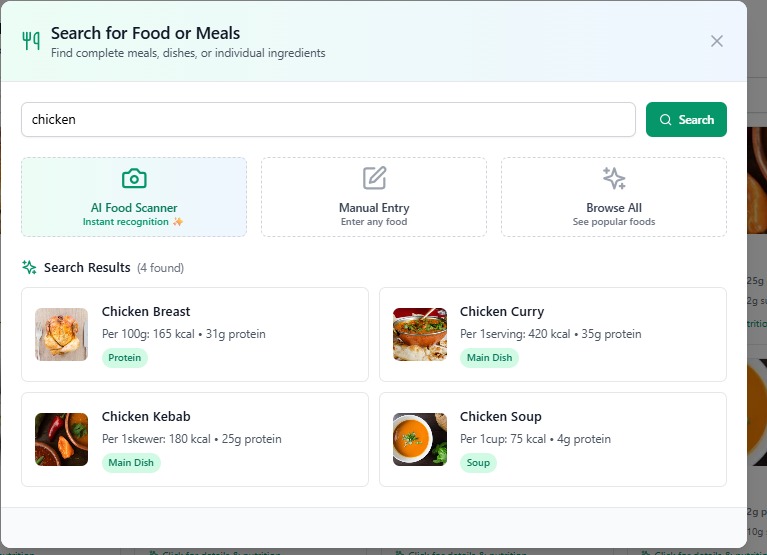
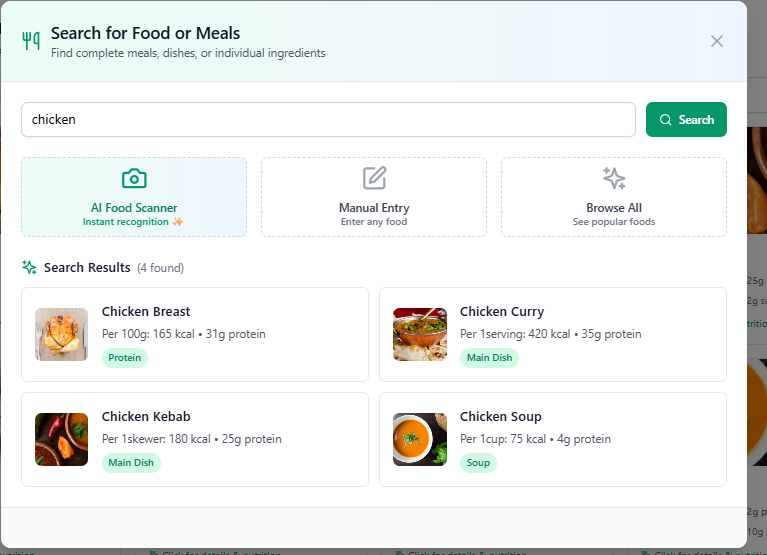
Search for Food or Meals
-
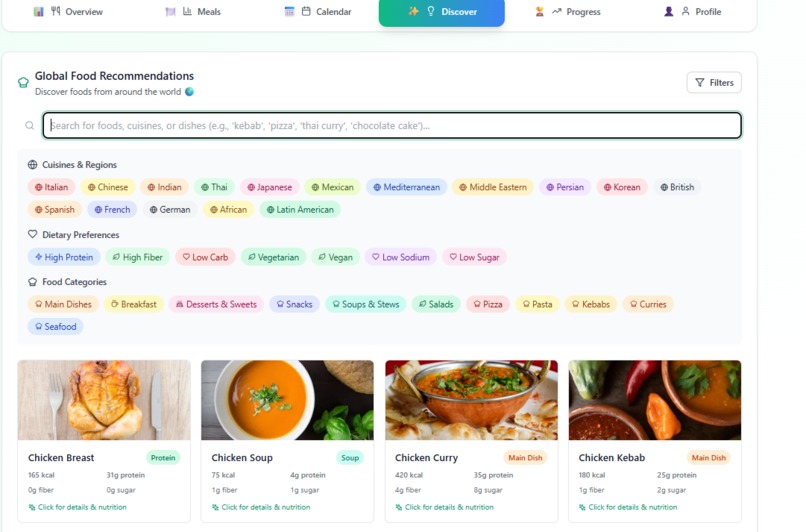
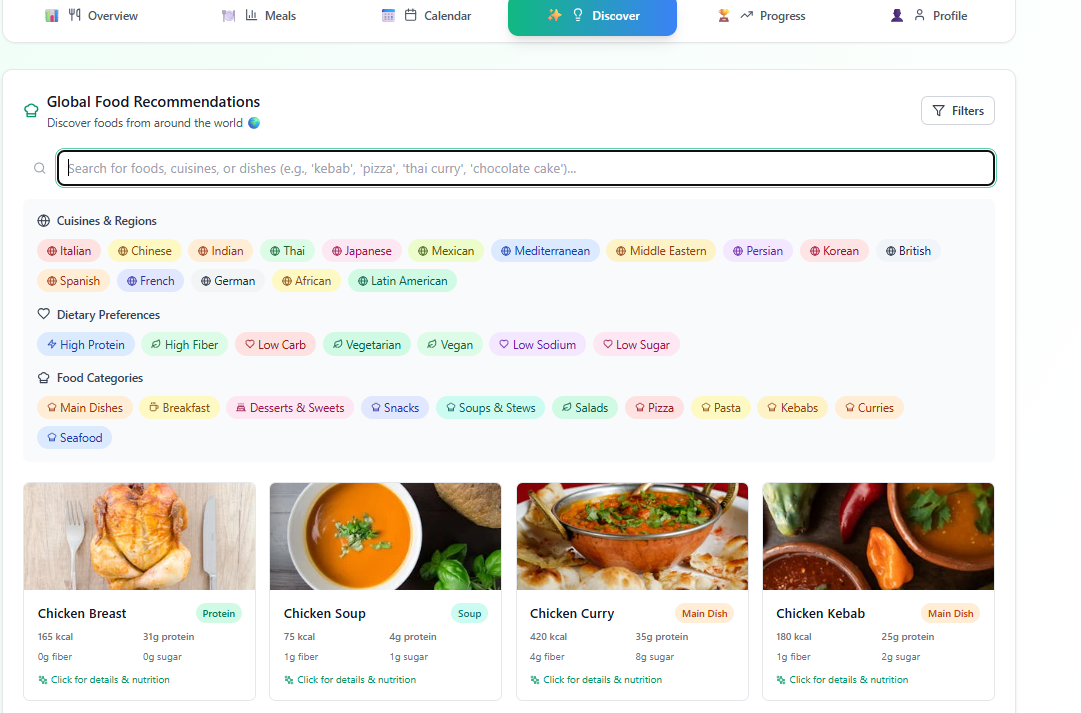
Global Food Recommendations

Inspiration
This project was born from a personal journey. I'm currently working on improving my health, losing weight, and staying consistent with the gym. While doing that, I kept facing the same issue: most fitness/nutrition apps start free, but then block meaningful features behind a paywall.
I found myself bouncing between apps, websites, and even back to free tools like ChatGPT just to calculate how many calories or nutrients I’d had in a day. It was frustrating. I also knew friends going through the same, trying to build better habits, but struggling to track meals, get clear guidance, or stay consistent.
So I thought: why not build the app we wish existed? One that’s free, accurate, easy to use, and actually helpful. That became the core inspiration for this project.
What it does
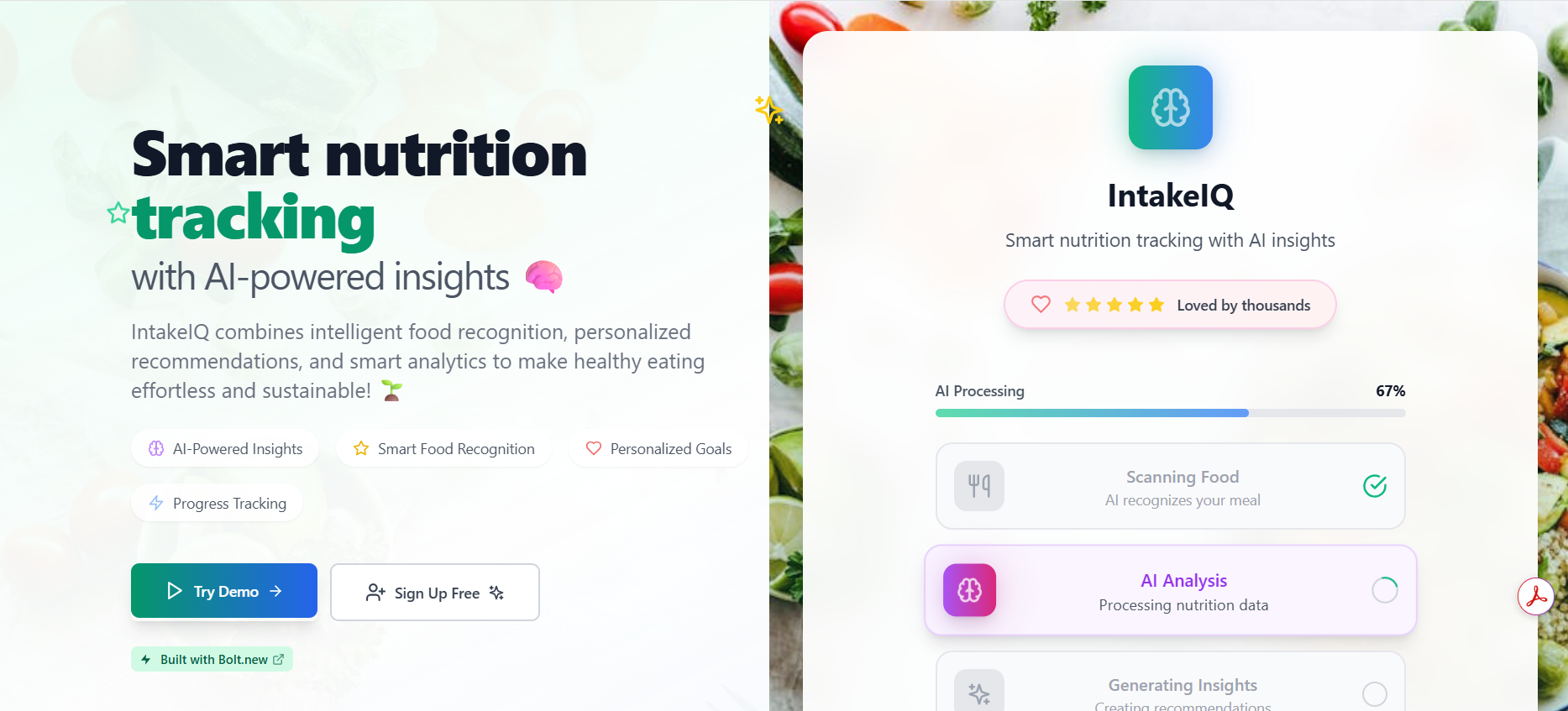
IntakeIQ is a personalised nutrition and meal-tracking app designed for people who want to take control of their health, without the paywalls.
- Users can search or add foods and meals they’ve eaten (including custom/manual entries).
- The app calculates daily needs (calories, protein, sugar, sodium, fibre) based on personal info.
- It logs meals with meal types (breakfast, lunch, dinner, snack) and tracks nutritional intake.
- Provides smart food recommendations based on user favourites, goals, and deficiencies.
- (Coming Soon) Users will be able to scan food with their camera to recognise it and analyse nutrition.
- Offers calendar-based progress tracking, with visual feedback and advice.
- Includes an editable user profile, so weight/age changes can be updated anytime.
- Displays ingredients + standard recipes so users can learn how to cook what they eat.
How we built it
I built this app using Bolt.new, with Supabase handling the backend (auth, database, and storage). Bolt helped me move quickly while Supabase gave me the flexibility and scalability I needed. Here’s what powers the core functionality:
- Bolt.new for app UI, flow, and logic.
- Supabase for user authentication, real-time data updates, and scalable database storage.
- APIs for food/nutrition data, AI-based recommendations, and image recognition.
- AI prompting and automation to personalise user interactions.
- Calendar-based tracking to give users a clear view of progress.
- Netlify for deployment.
Challenges we ran into
Some of the major challenges I tackled:
- Connecting the Supabase database correctly and making sure updates sync across the app.
- Allowing users to register/login, handle email confirmations, and store their preferences securely.
- Getting the right APIs for food data and ensuring they return accurate and rich results..
- Building a nutrition engine that could track calories, macros, and generate recommendations dynamically.
- Handling edge cases like missing foods, customising meals, or tracking partial ingredients.
- Creating a responsive and delightful UI that feels like something users would want to return to every day.
Accomplishments that we're proud of
- Built and deployed a fully functional nutrition app during the hackathon using Bolt.new and Supabase.
- Designed a user experience that’s actually usable for real people (especially those like me, managing fitness goals).
- Implemented AI-powered food suggestions and tracking.
- Made the nutrition tracking flexible enough to handle real-life scenarios, like partial meals or missing foods.
- Learned how to connect APIs, handle authentication, and manage user sessions cleanly.
- Created a clean and scalable architecture to support future features like 3D visuals, food scanning, and more.
- Focused on keeping the app free and inclusive — no hidden fees, just honest value.
What we learned
This was a truly hands-on experience where I learned:
- How to write precise, structured prompts to work with AI effectively.
- How to combine multiple AI tools to serve real user needs.
- How to use Supabase to handle real-time database updates and authentication.
- The importance of UX and simplicity when dealing with personal health and nutrition.
- And most importantly, how to build something that actually helps people, not just impress judges.
What's next for IntakeIQ
This is just the beginning.
- Improve food recognition using more powerful (non-free) APIs to enhance accuracy.
- Allow users to scan meals via camera for instant nutrition analysis.
- Expand the recipe and ingredients database to support global cuisines.
- Add user community features like shared meal plans, likes, or support groups.
- Improve visuals with dynamic AI animations and a more “alive” homepage.
- Make the recommendation engine smarter using AI-driven pattern recognition.
- Launch on mobile to make tracking faster.
- Keep everything free and accessible to all users, especially those starting their fitness journey.
IntakeIQ is built for people like me, and many others, who are tired of paywalls, want to track meals easily, and need something real and helpful.
Additional Information
Accessing the App:
Anyone can create a free account on IntakeIQ using any valid email address. Upon registration, a confirmation email will be sent (usually within 20 minutes). Simply click the link to activate the account.
If you prefer not to use your personal email during judging, feel free to use the test account I've created for demonstration:
Email: f.setinaz@gmail.com
Password: 123456
You're welcome to log in, explore all features, modify the profile, or even create a new account from scratch.
Built With
- bolt.new
- css
- html
- javascript
- netlify
- openai
- supabase

Log in or sign up for Devpost to join the conversation.