-
-
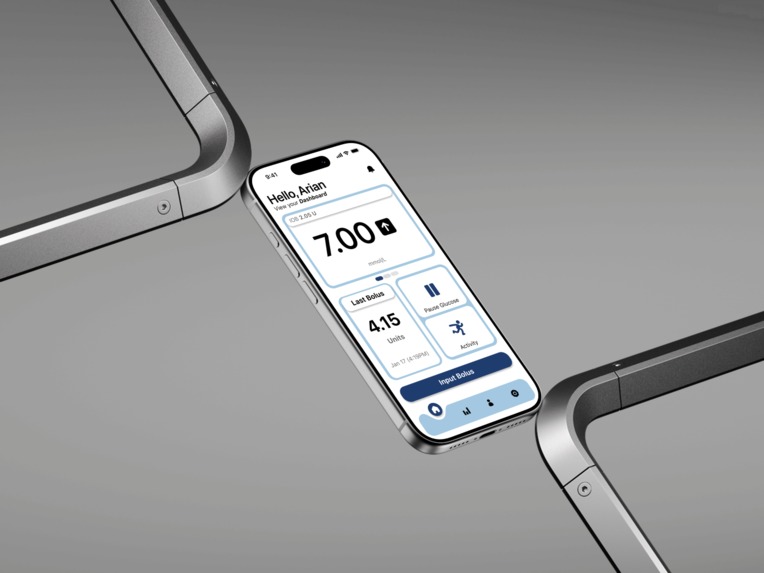
mockup 1
-
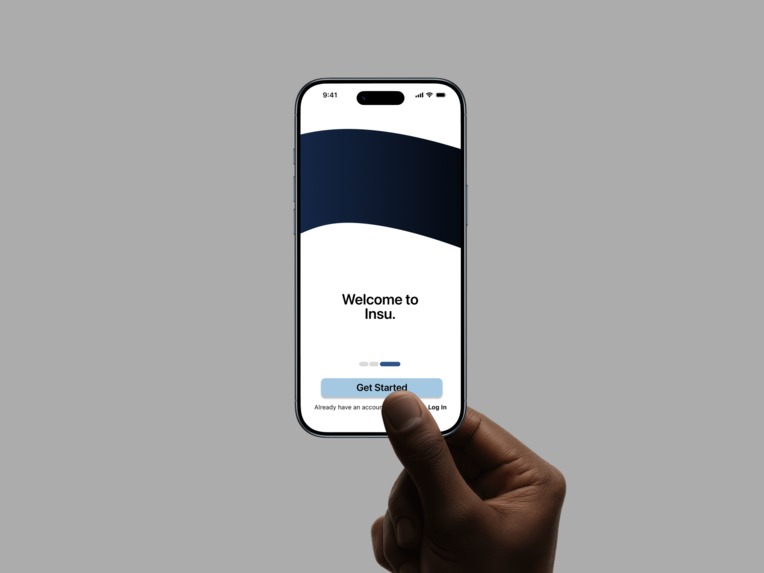
mockup 2
-
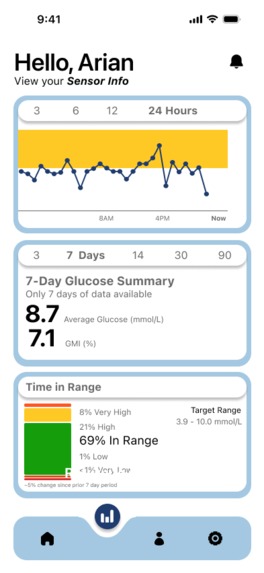
home page
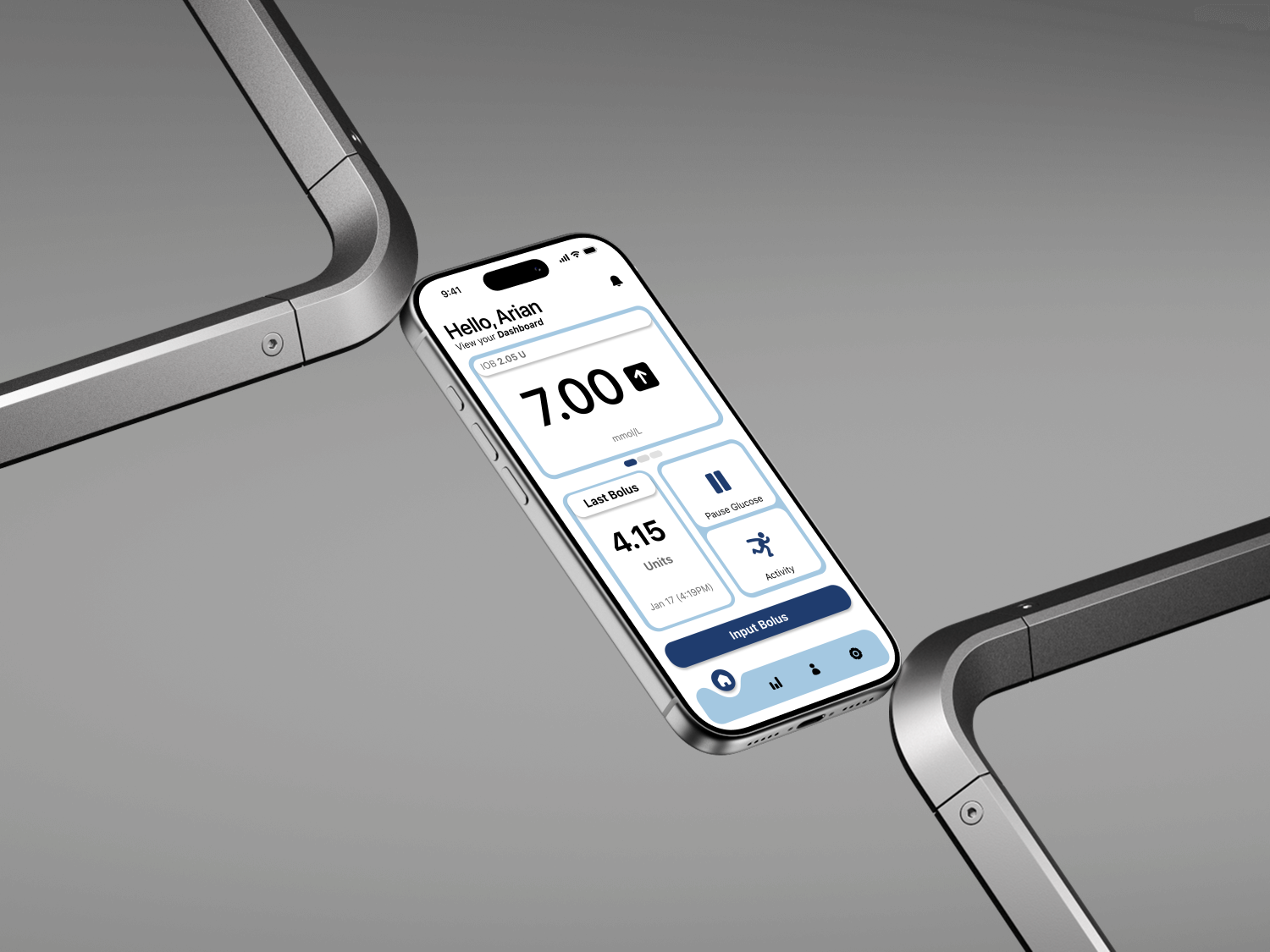
Inspiration
Managing Type 1 Diabetes is a 24/7 job that requires making over 180 health-related decisions every single day. While the open-source Loop project revolutionized automated insulin delivery, the interface often felt like a clinical utility rather than a lifestyle app.
We were inspired by the 9.5 million people who’s daily lives are affected by Type 1 diabetes who deserve a tool that is as intuitive as a fitness tracker but as powerful as a medical device. Our goal was to take the proven reliability of the Loop algorithm and wrap it in a high-fidelity, user-centric experience optimized for the Dexcom G7 and Omnipod DASH.
What it does
Insu is an integrated "Artificial Pancreas" system that bridges the gap between your CGM and insulin pump.
Closed-Loop Automation: Automatically adjusts insulin delivery every 5 minutes based on real-time blood sugar trends and user-defined targets.
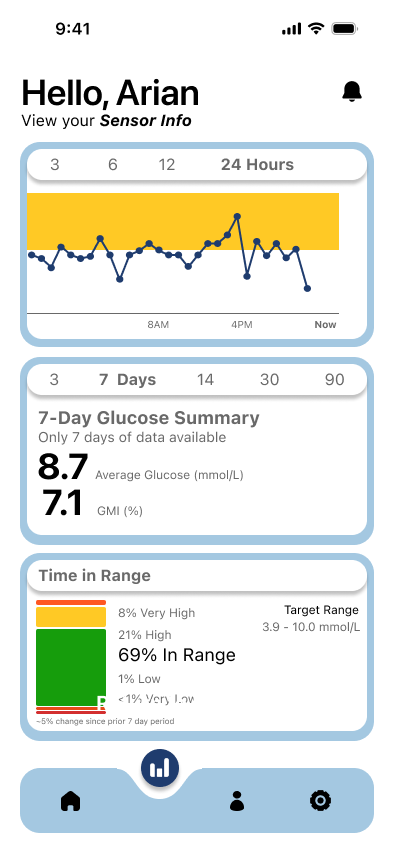
Dual-View Dashboard: A modern, split-screen interface that simultaneously shows your live sensor data (G7) and your pump status (DASH).
Smart Bolusing: A simplified flow for manual insulin entry that accounts for "Insulin on Board" (IOB) and current glucose to prevent dangerous stacking.
Wood Wide Insights: A specialized data visualization suite that maps glucose patterns across long timeframes, helping users identify hidden environmental triggers in their routine.
How we built it
Frontend: Crafted a completely new UI using SwiftUI for a smooth, card-based interface that supports dark mode and high-contrast accessibility.
Communication: Leveraged CoreBluetooth to maintain the "safety-critical" connection between the iPhone, the G7 sensor, and the Omnipod DASH.
Data Layer: Integrated HealthKit to ensure medical data is synced securely across the iOS ecosystem.
Reactive Logic: Used the Combine framework to handle the constant stream of glucose data, ensuring the UI updates instantly without lag.
Challenges we ran into
The biggest challenge was the "Safety vs. Style" trade-off. In medical software, the background logic (the algorithm) cannot be interrupted by UI refreshes. We had to carefully architect our SwiftUI views to ensure they were "read-only" reflections of the core medical logic, preventing any visual customization from interfering with life-saving insulin delivery. We also spent significant time refining the Bluetooth handshake to ensure the G7 and DASH didn't drop connection during the demo.
Accomplishments that we're proud of
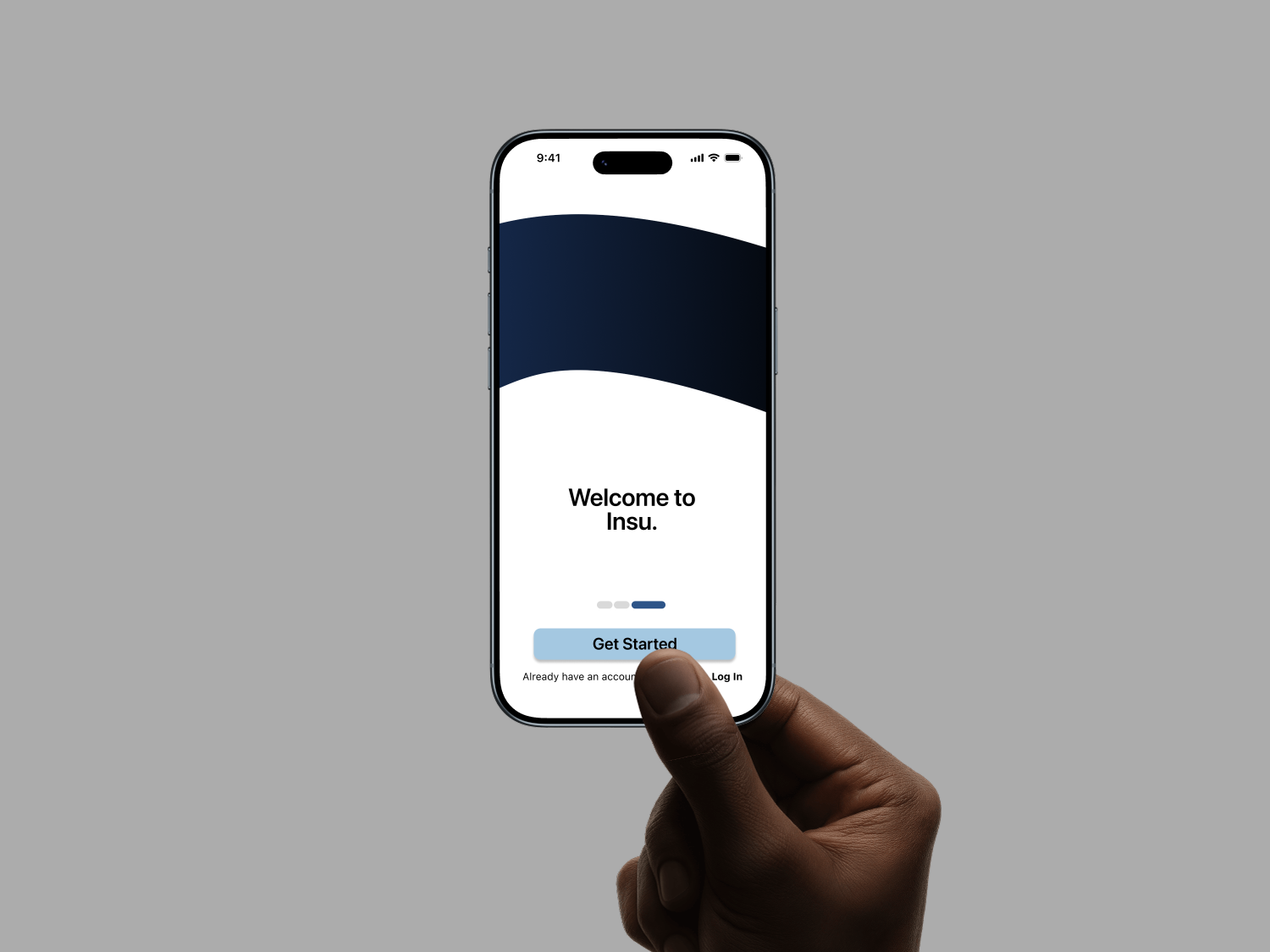
Seamless Onboarding: We built a carousel-based onboarding flow that makes a complex medical setup feel as easy as setting up a pair of AirPods.
The "Split Screen" Feature: Successfully implementing a UI that displays the physical sensor location and the pump status in one cohesive view.
Algorithm Integration: Maintaining the high-stakes integrity of the Loop system while completely changing how the user interacts with it.
What we learned
We learned that medical UX is human UX. When a patient is "hypo" (low blood sugar), they lose cognitive function; therefore, buttons need to be larger, colors need to be clearer, and the "Pause Insulin" action needs to be instantaneous. We also learned the technical intricacies of insulin pharmacokinetics—how insulin doesn't work instantly, and how software must "predict" the future to be effective.
What's next for Insu
Predictive Activity Mode: Using the iPhone’s accelerometer to automatically suggest a "Workout Temp Target" before blood sugar begins to drop.
Expanded Hardware Support: Bringing the Insu UI to the Dexcom G6 and older Medtronic pumps.
AI Meal Recognition: Integrating the camera to estimate carbohydrate counts for meals, further reducing the "math burden" on the user.


Log in or sign up for Devpost to join the conversation.