Inspiration
MLH - LHD
What it does
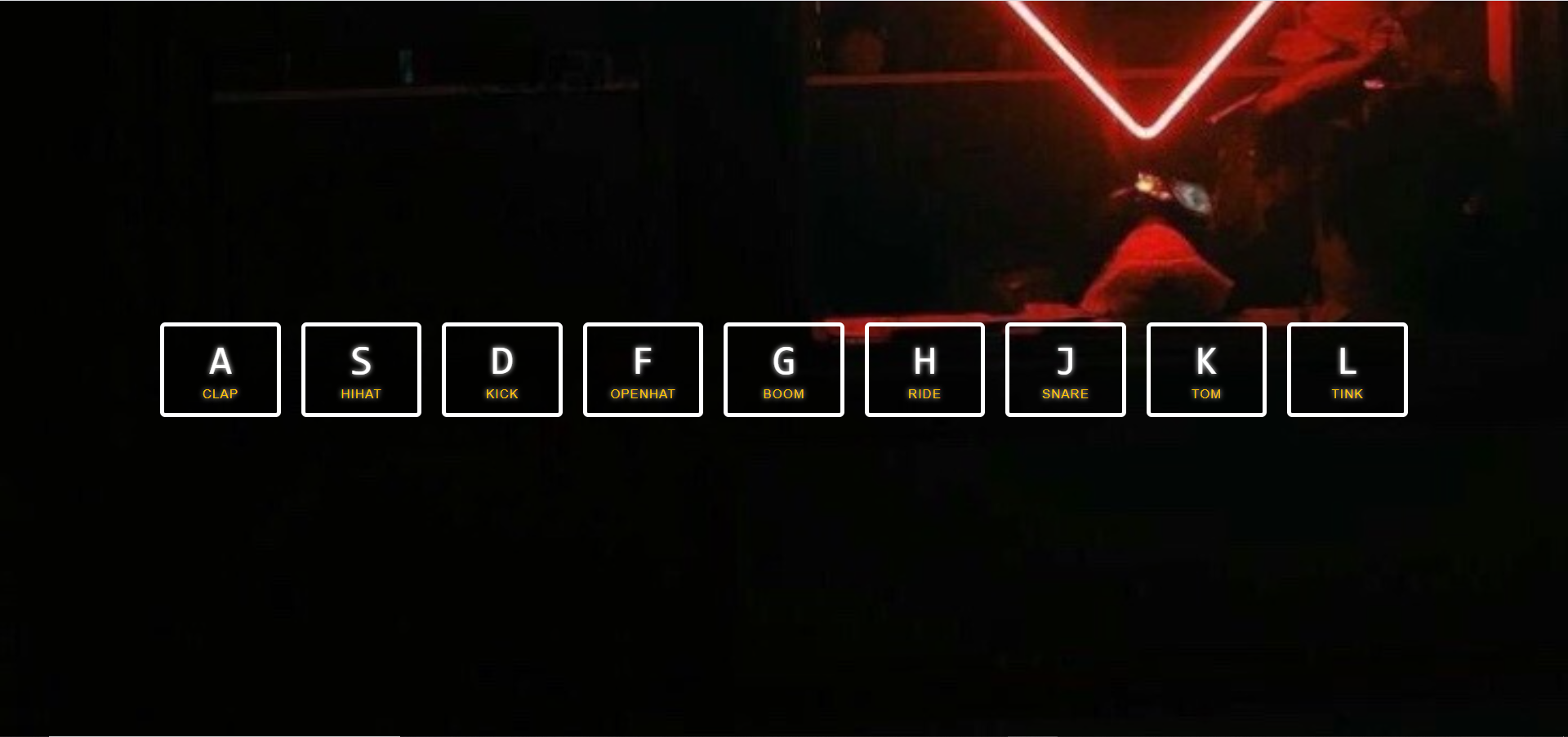
It has 7 different keys and each will produce different sounds when we press the keys on our keyboard.
How we built it
We built it with HTML , CSS , data-key in CSS and JavaScript DOM. First we create 7 divs for 7 keys
<div data-key="65" class="key">
      <kbd data-key="65">A</kbd>
      <span data-key="65" class="sound">clap</span>
    </div>
Like key A we did the same for key S, D , F , G, H, J , K , L and key is the ascii value of all the letters. Now we add all the 7 audios-
<audio data-key="65" src="sounds/clap.wav"></audio>
  <audio data-key="83" src="sounds/hihat.wav"></audio>
  <audio data-key="68" src="sounds/kick.wav"></audio>
  <audio data-key="70" src="sounds/openhat.wav"></audio>
  <audio data-key="71" src="sounds/boom.wav"></audio>
  <audio data-key="72" src="sounds/ride.wav"></audio>
  <audio data-key="74" src="sounds/snare.wav"></audio>
  <audio data-key="75" src="sounds/tom.wav"></audio>
  <audio data-key="76" src="sounds/tink.wav"></audio>
And for play the sound we wrote some javascript code-
  function playSound2(e) {
    const audio = document.querySelector(`audio[data-key="${e.target.getAttribute("data-key")}"]`);
    const key = document.querySelector(`div[data-key="${e.target.getAttribute("data-key")}"]`);
    if (!audio) return;

    key.classList.add('playing');
    audio.currentTime = 0;
    audio.play();
  }
Challenges we ran into
It was fun to make
What we learned
More about JavaScript DOM manipulation and event listener
What's next for Instrument Emulator
We can add more functionalities and improve the UI


Log in or sign up for Devpost to join the conversation.