-
-
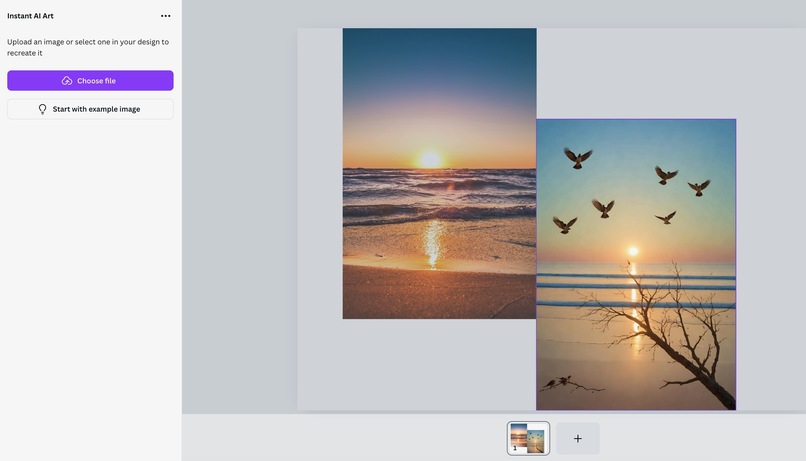
OverallView
-
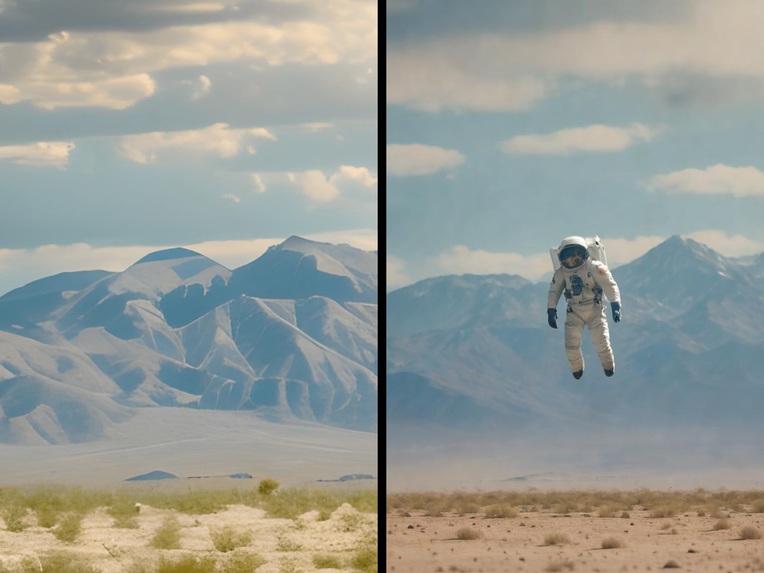
generatedIMG_2
-
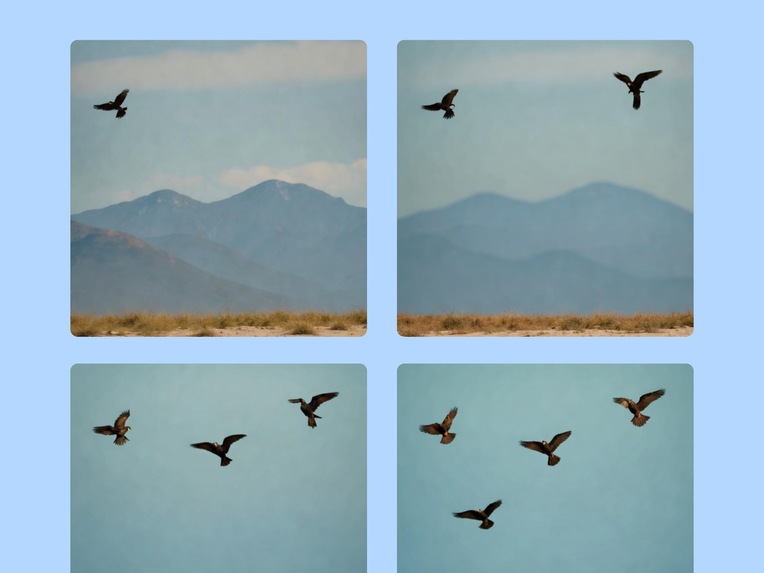
generatedIMG_1
-
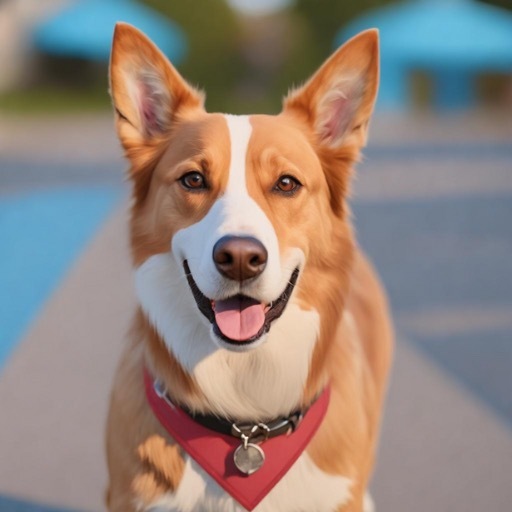
generatedIMG_3
Inspiration
- Easier access to creativity
What it does
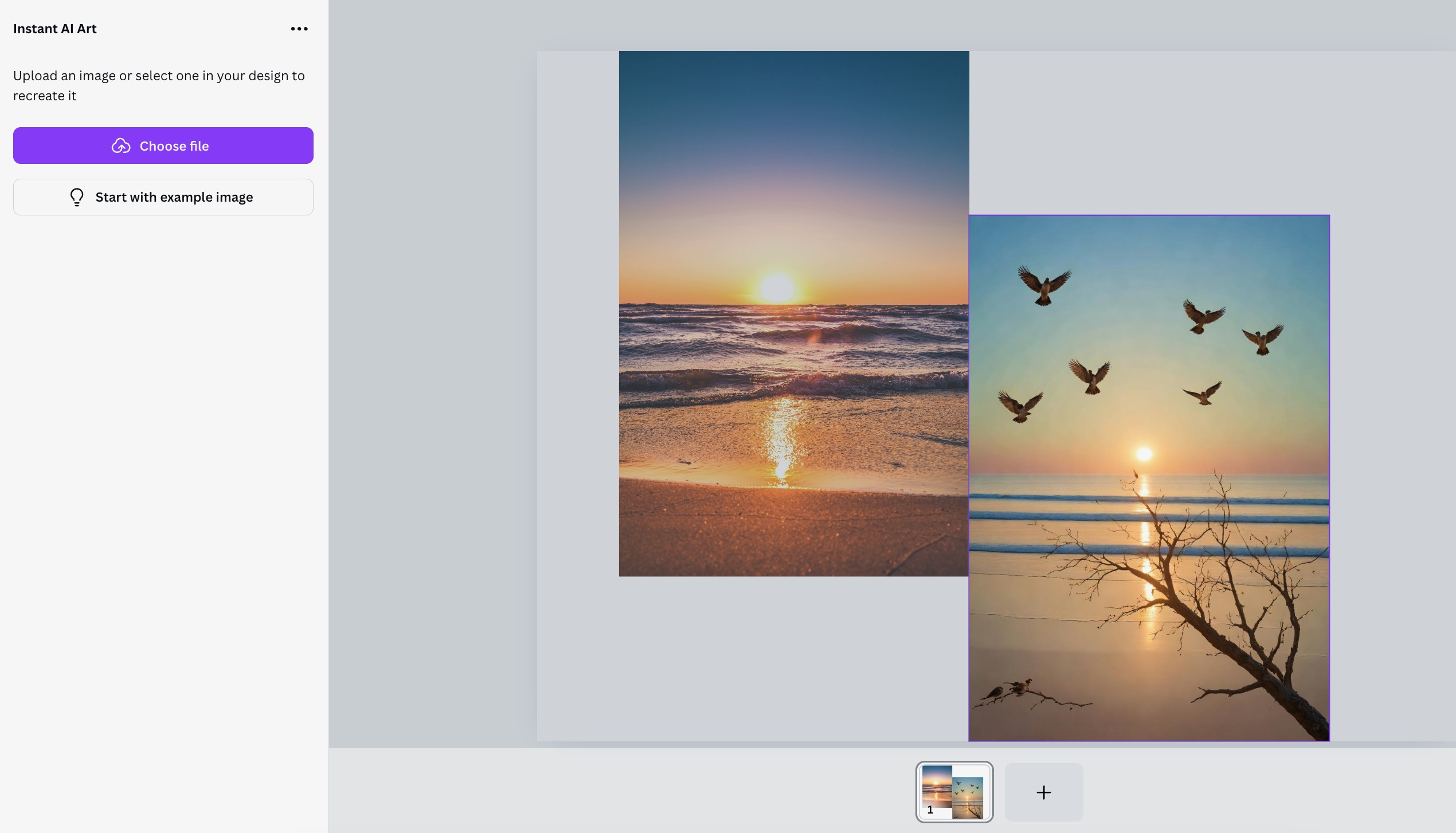
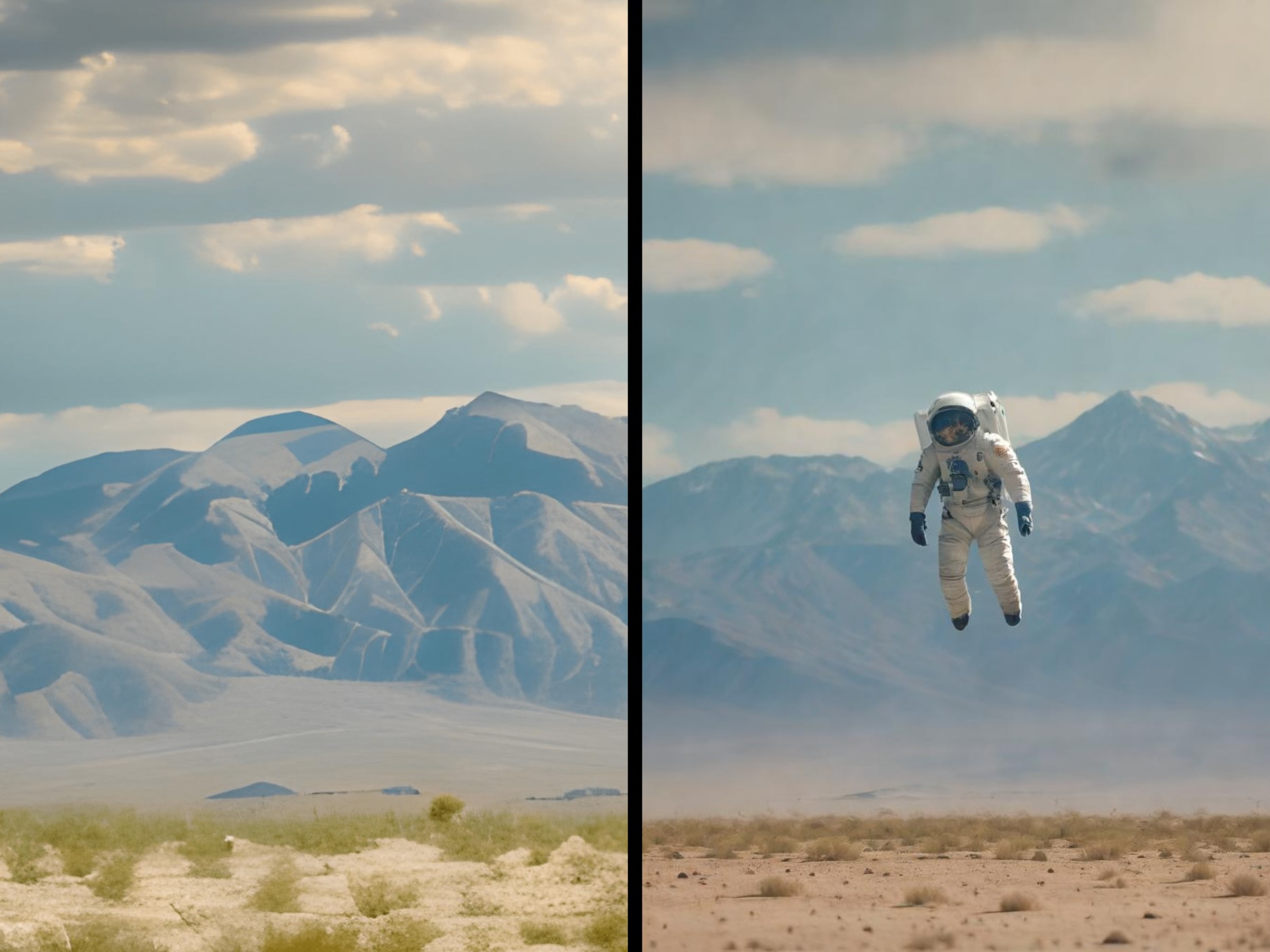
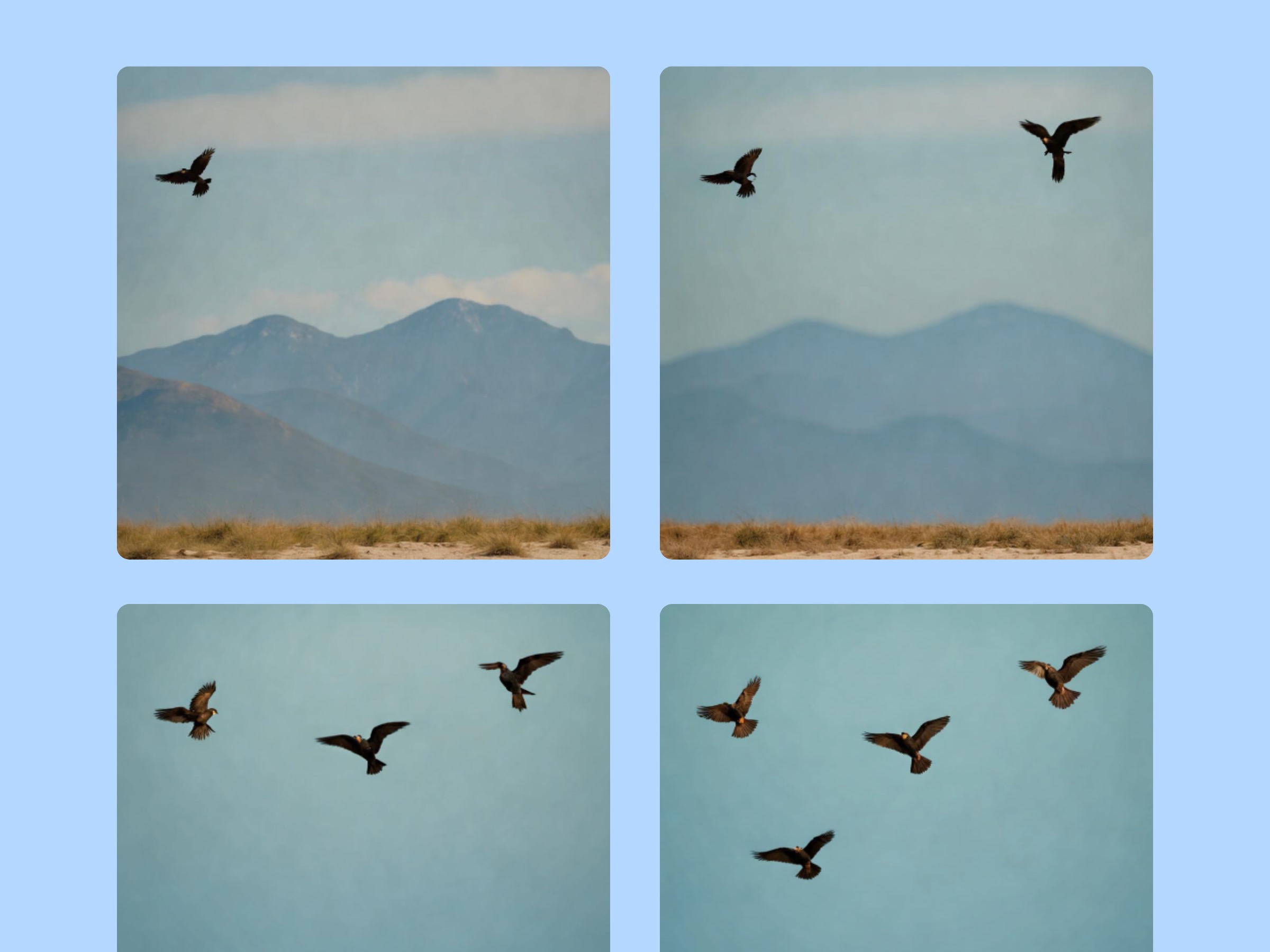
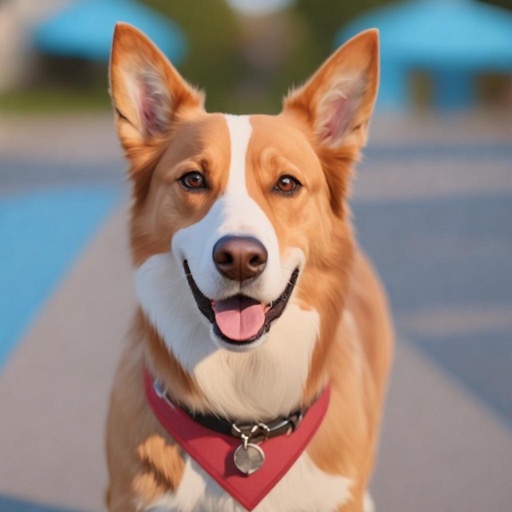
- Take an existing image and transform it with strokes and a text description
How we built it
- Started with the Canva Apps SDK using the image_editing example, tested it thoroughly and integrated the stable diffusion model using a backend API
- @Imagineers AI dev did the rest
Challenges we ran into
Challenges, Technical
- sharing states between the object panel (iframe) and the image canvas
- choosing the color of the stroke so it can better blend with the image
- selecting the optimal the brush size
- finding an on-demand GPU cloud to lower costs before the app goes live
UI challenges
- Generation trigger (after clicking on canvas or primary button)
- how to handle strokes if the user drags outside of overlay canvas
Accomplishments that we're proud of
- Integrating Overlays API with image generation model
- Seamless interface to edit and recreate images
- Low cost model hosting during review process
- Providing design/creative opportunity to broader community
What's next for Instant AI Art
- Undo/Redo buttons (implemented before submission)
- An interface to view all prior generations and choose any one of them as a template
- Better output quality with more fine-grain control for enterprise use cases
Built With
- canva-apps-sdk
- diffusers
- diffusion
- fastapi
- gpu-cloud
- jwt-auth
- model
- overlays-api
- postgresql
- python
- pytorch
- react-typescript
- selection-api
- torch


Log in or sign up for Devpost to join the conversation.