-
-
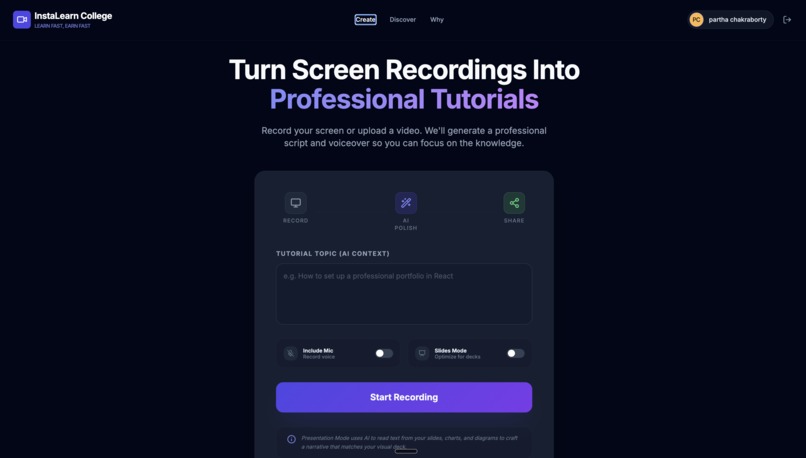
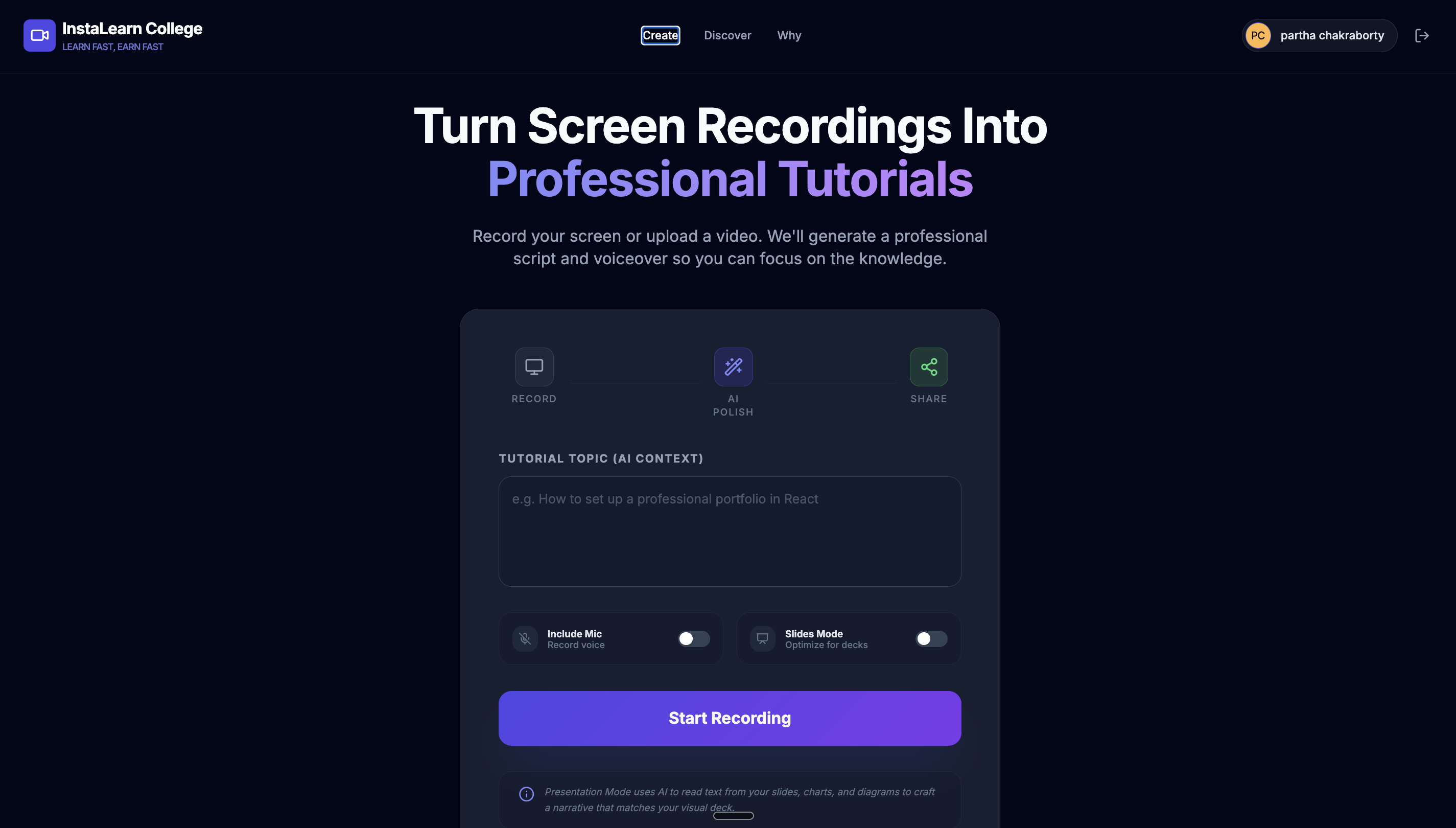
AI screen recording tool
-
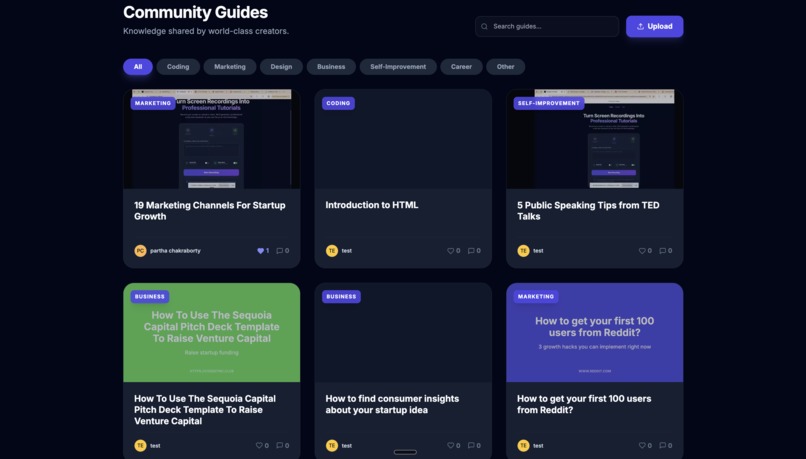
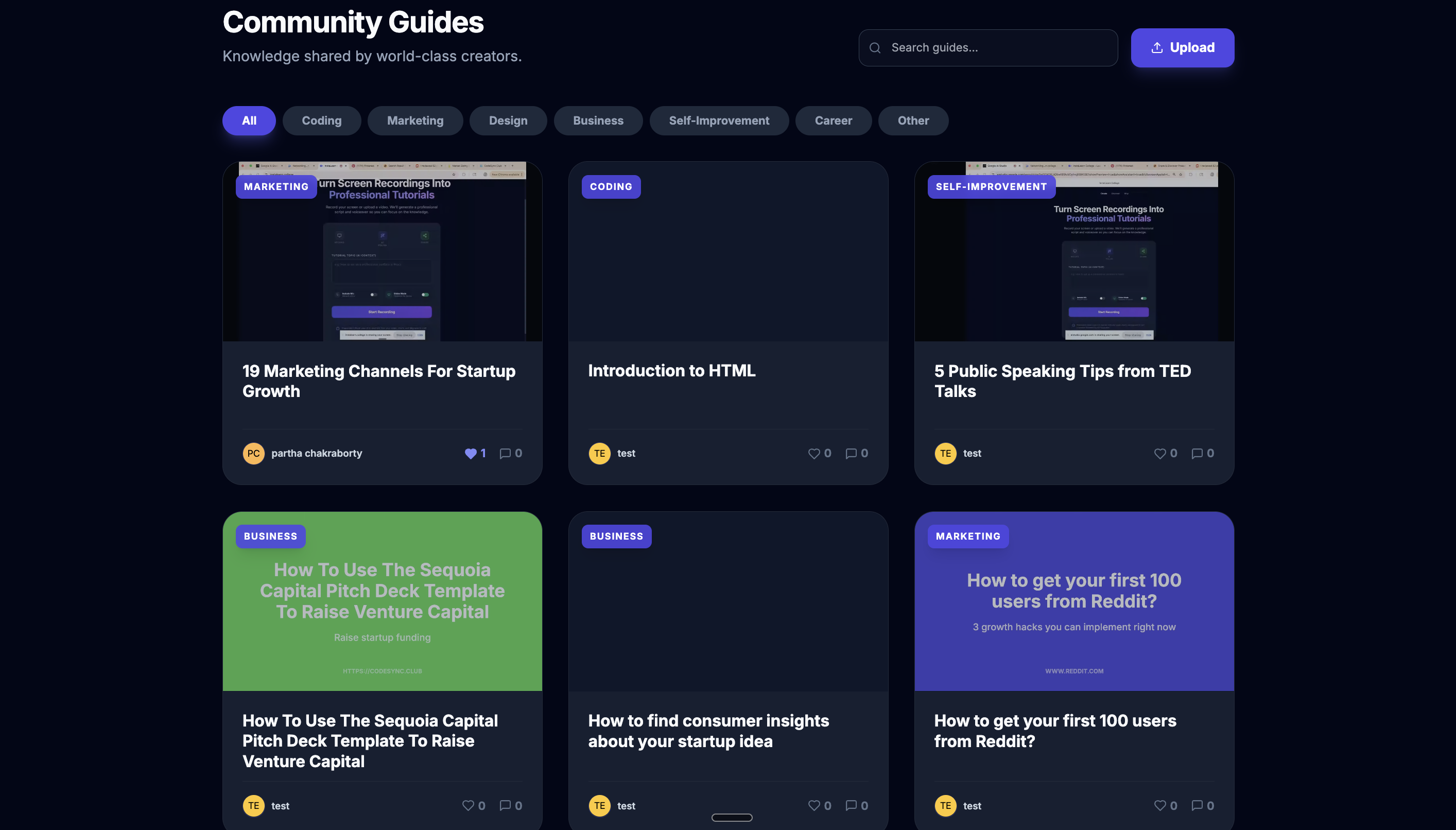
Tutorial marketplace
-
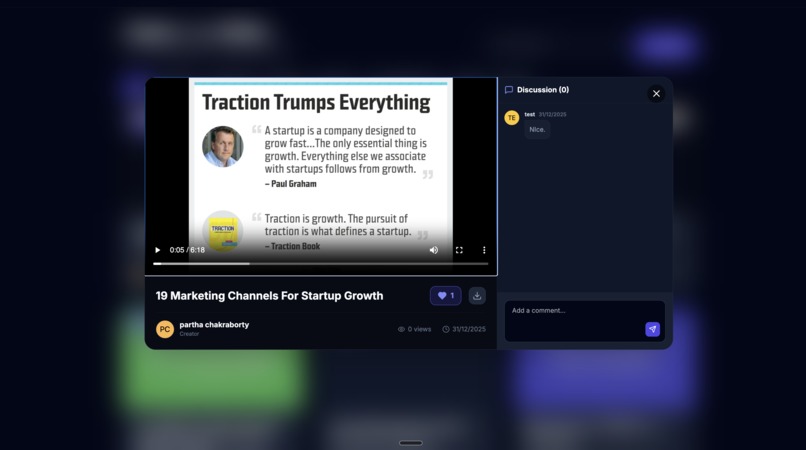
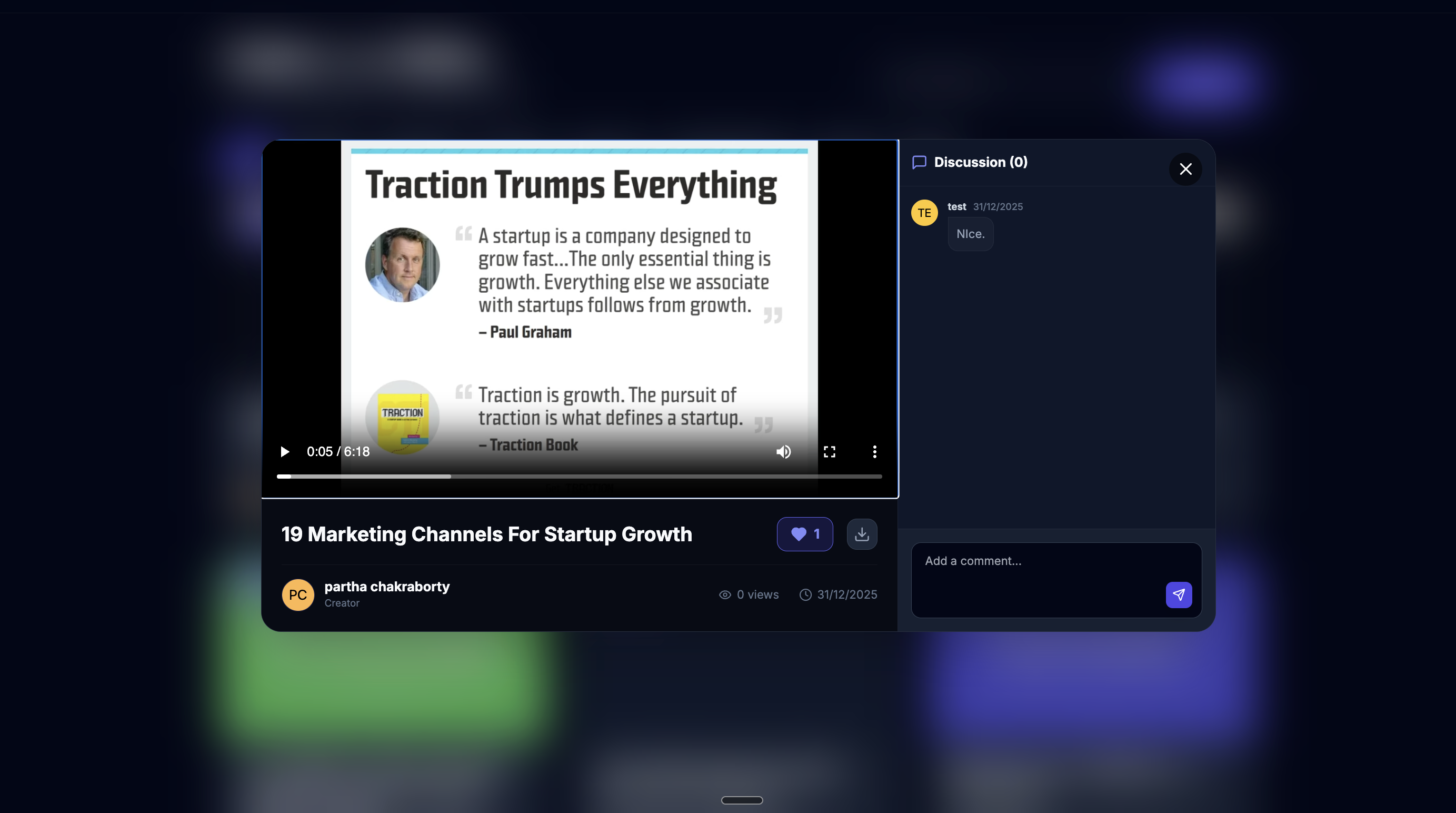
Tutorial
-
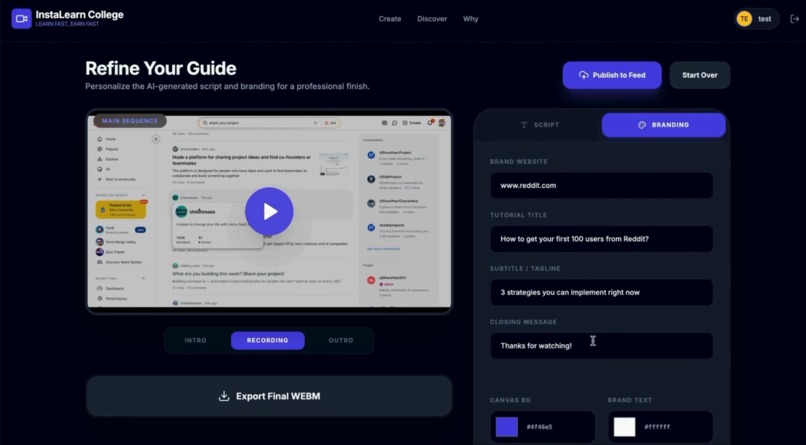
Tutorial Editing
-
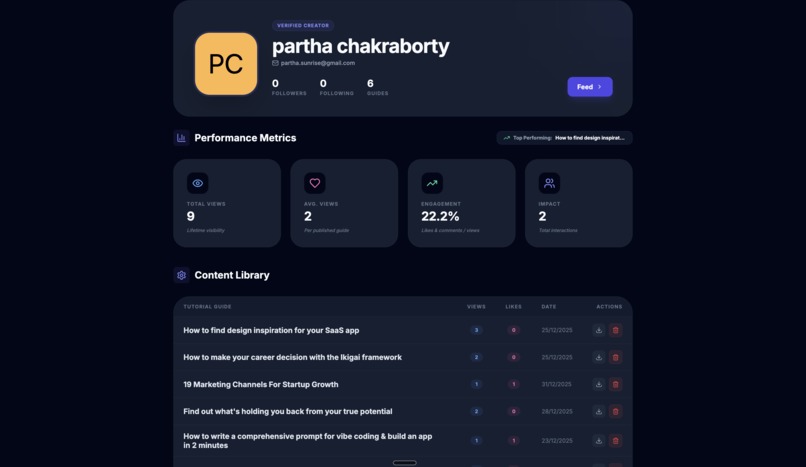
Analytics
Inspiration
The inspiration came from my own problem. I am a teacher and a student. I love learning new things and sharing my learnings with others. But becoming a creator has been a struggle because there are many steps and tools required to record videos, edit them, publish them, building a follwer base and finally, monetizing. Like me, there are millions of people with skills but don't know how to share & monetize them. So, what if there was a tool that could help anyone with digital skills become teachers?
What it does
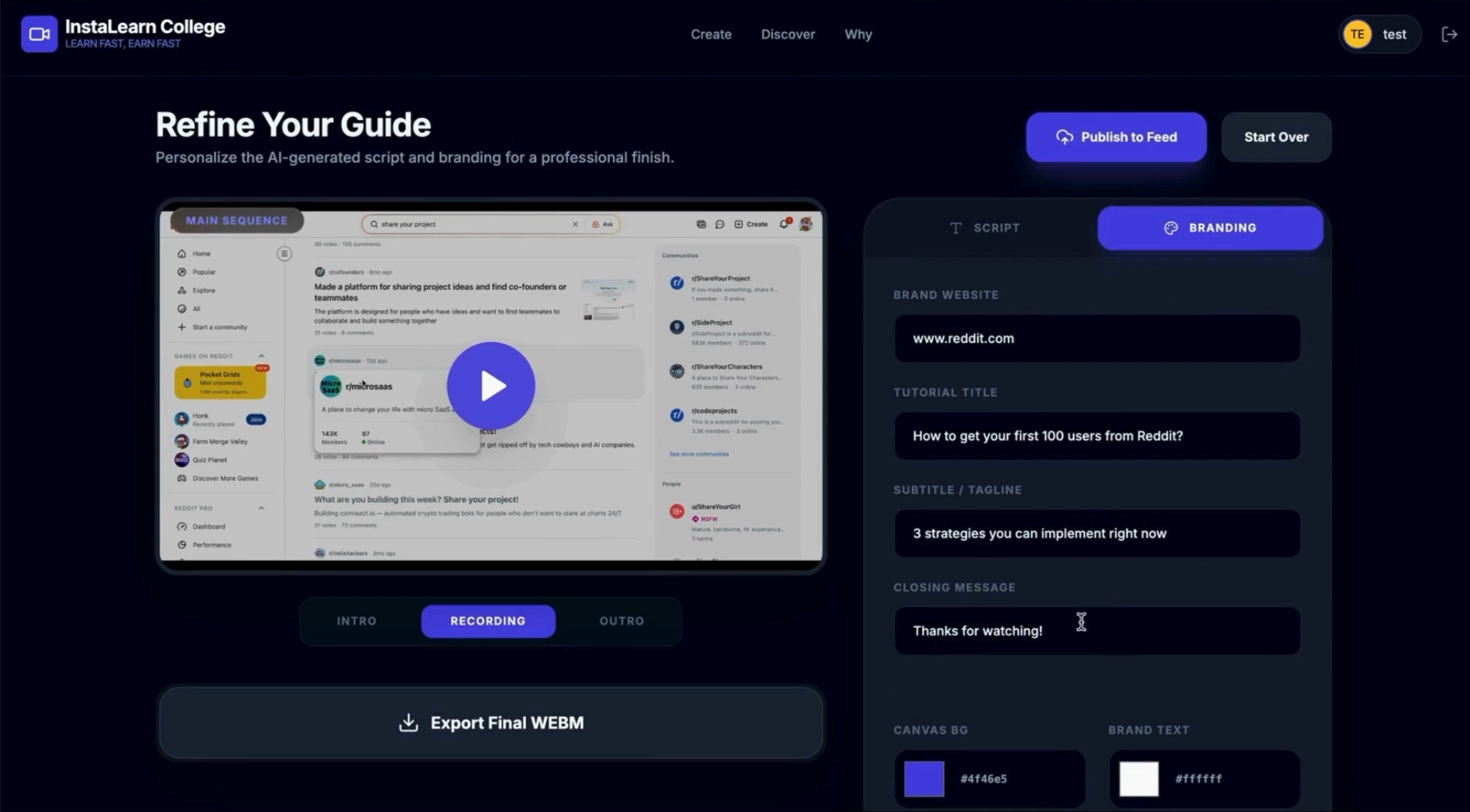
Instalearn College is a an AI screen recorder & marketplace for digital skills. Users with digital skills can record their screen workflows and turn them into professional tutorials with AI voiceover and custom branding, and share on our marketplace to get followers and earn money. Think of Loom meets Skillshare.
How we built it
Built the app with Google AI Studio.
Core Frontend React 19 (ESM): Utilizing the latest React version for component-based UI, managed via native browser ES modules (no-build architecture). TypeScript: Deeply typed state management for tutorial configurations, user profiles, and branding settings. Tailwind CSS: Utility-first styling with a custom theme featuring glassmorphism, high-contrast typography (Inter), and smooth "fade-in" animations.
Artificial Intelligence (Google Gemini API) Multimodal Reasoning (gemini-3-flash-preview): Used to analyze video frames extracted from screen recordings to perform OCR and synthesize instructional scripts. Native Text-to-Speech (gemini-2.5-flash-preview-tts): Generates high-quality, professional audio voiceovers directly from the generated scripts using the Kore prebuilt voice.
Backend & Infrastructure (Firebase Suite) Firebase Authentication: Handles secure user identity via Google OAuth and Email/Password providers. Cloud Firestore: A real-time NoSQL database managing the community feed, likes, follows, and threaded discussions (comments). Firebase Storage: Scalable cloud hosting for the .webm tutorial video files.
Media & Audio Engineering MediaRecorder API: Captures high-definition system video and microphone audio streams. Web Audio API: Processes raw PCM audio data, handles decoders, and manages real-time audio/video synchronization. Canvas API: Used for complex frame extraction (multimodal input) and serverless video composition (merging intros, recordings, and outros into a final master file).
Utilities & Design Lucide React: A comprehensive icon library for the dashboard and editor UI. esm.sh: CDN-based module resolution, enabling a modern development workflow without a local bundler. Native Web APIs: Utilizing navigator.mediaDevices for screen capture and URL.createObjectURL for real-time video previewing.
Challenges we ran into
Getting AI to generate scripts that actually make sense from raw screen recordings was tricky. We iterated on prompts and added context detection to improve output. We are still improving the app to get better scripts for the screen recordings.
Syncing the video recording & AI audio.
Accomplishments that we're proud of
All the features are working as of now:
- Screen recording
- AI editing (voiceover & branding)
- Publishing/downloading tutorials
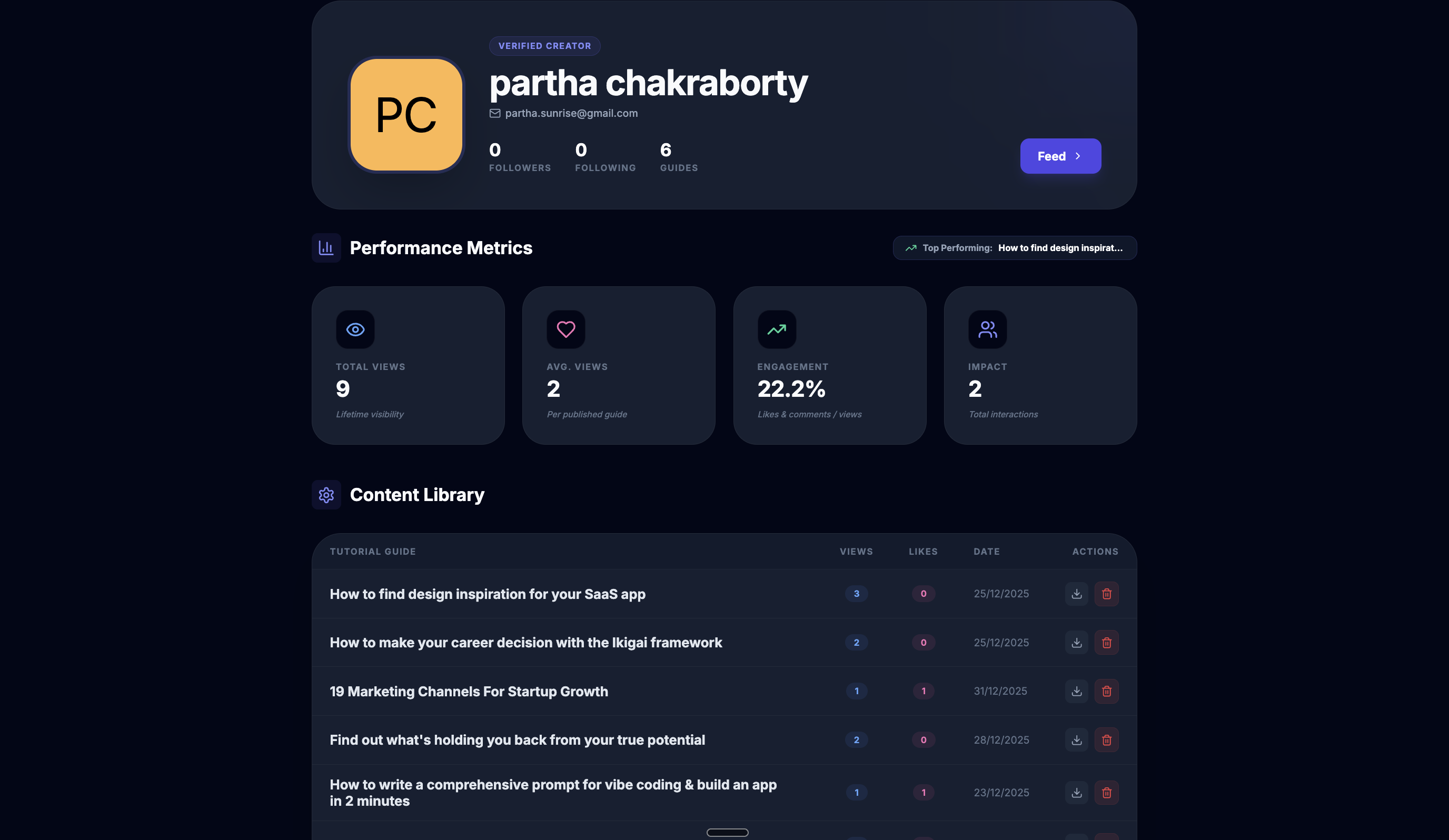
- Analytics
- Tutorial playback with social features e.g like and comments
- AI moderation feature so that creators cannot upload inappropriate videos. Also added moderation at an admin level so that an admin can delete a video from the dasboard
What we learned
Everyone really does have knowledge to share. The barrier isn't expertise—it's the effort of packaging that expertise. Remove the friction, and people will create.
Marketplaces need liquidity on both sides. We learned that charging creators before there's buyer demand doesn't work. The tool needs to be valuable independent of the marketplace.
AI can democratize content creation. Auto-generating scripts and voiceovers isn't just a nice feature—it's what makes the entire model possible. It turns anyone into a professional tutorial creator.
What's next for Instalearn College - Record.Share.Earn
- Create 50 videos to understand roadblocks and how improving the recording tool.
- Setup analytics - GA, GSC, Hotjar
- Onboard 100 creators and 1,000 learners
- Focus on tutorial verticals - prompting, vibe coding, marketing, productivity, startups.
- Measure user engagement
- Add subscription for recording tool and courses
- Strategies for converting free to paid users
Built With
- firebase
- firestore
- gemini
- react
- tailwind
- tts
- typescript

Log in or sign up for Devpost to join the conversation.