Inspiration
The goal was to aid users in managing their possessions and easily locating them when lost. More specifically, we targeted owners of large homes who lose items frequently and need to find missing possessions without the effort required to search manually.
Components
The product includes:
- Object Tags: Users can attach these tags to frequently lost objects, for example - wallets, keys etc.
- Landmark Tags: Users can place these near specific landmarks inside the house, for example - TV, Desk etc.
- Central Hub: This hub should be placed in a central location. The hub communicates with the landmarks and objects and relays them to the iOS Application.
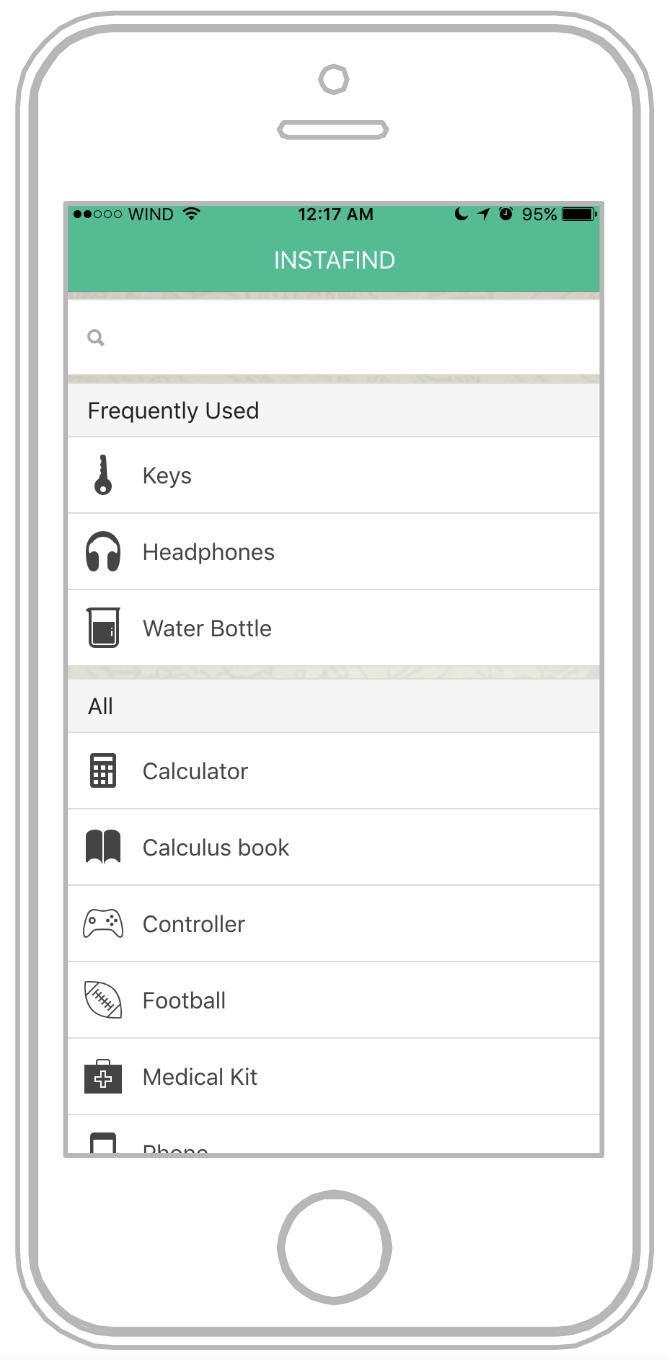
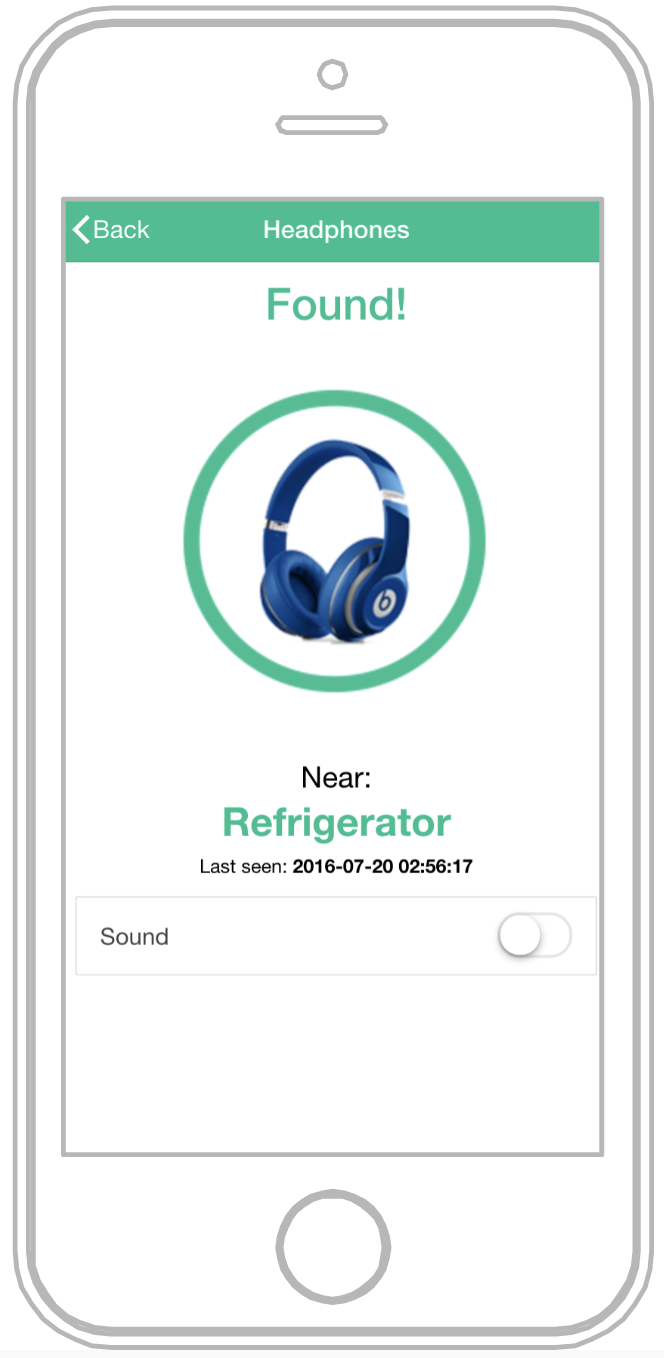
- iOS Application: The visual layer for the product which the users interact with to look for specific items and display the location of the item to the nearest Landmarks.
How I built it
The landmarks have a finder attached to it which transmits a search RF signal to locate the desired object within a 6 feet radius. The tags receive the search RF signal and responds to the finder by signaling, which may be by transmitting a found RF signal if the transmitted and stored tag identification codes match. The finder signals to the central hub and the user informing that the object has been located, and indicates the landmark it was located near.
How Instafind works
- User searches for item on the app which triggers the hub to send out a signal to search for the tag.
- Hub sends signal to individual tag being searched for
- Tag alerts all landmarks in range
- Landmarks that are in range that have received the tag’s signal indicate to the hub that the item is near
- Hub updates app to show landmarks that have indicated that they received a signal from the tag

Log in or sign up for Devpost to join the conversation.