Inspiration
I'm a frontend dev who never built anything with AI agents or chat interfaces before. Found the Auth0 hackathon on Devpost kind of by accident and thought - why not, Token Vault sounds interesting, let me see what this whole "agent acting on your behalf" thing is about.
The idea came from a very real problem: I waste unreasonable amounts of time on Pinterest looking for nail designs, outfit ideas, dance aesthetics, you name it. So I wanted to build a chat that could just find me pretty pictures and save them somewhere useful. Originally planned to use the Pinterest API, but the developer verification didn't go through. Pivoted to Pexels + Unsplash instead. Not Pinterest-level photos, but the APIs are open and the concept works.
What it does
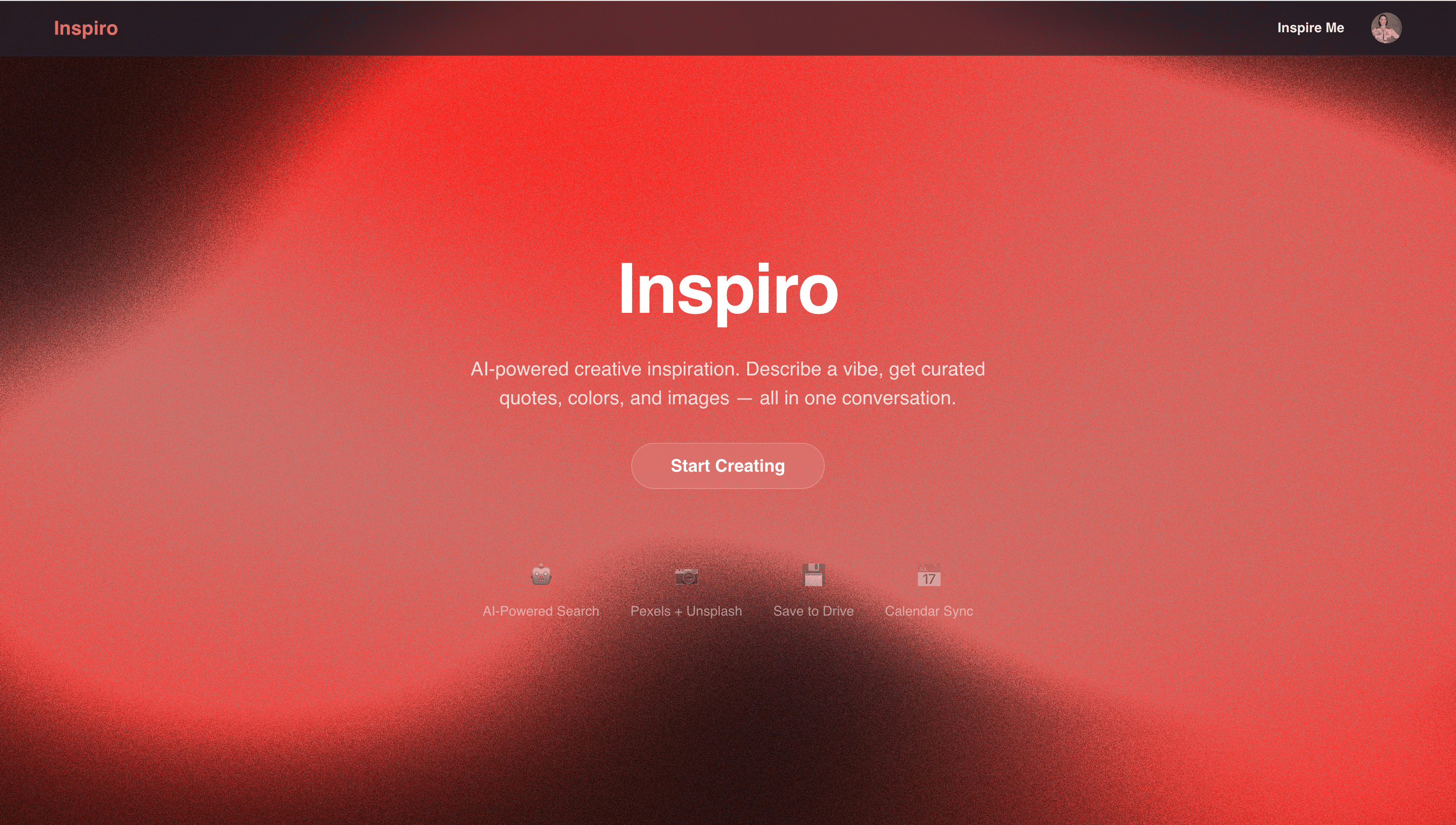
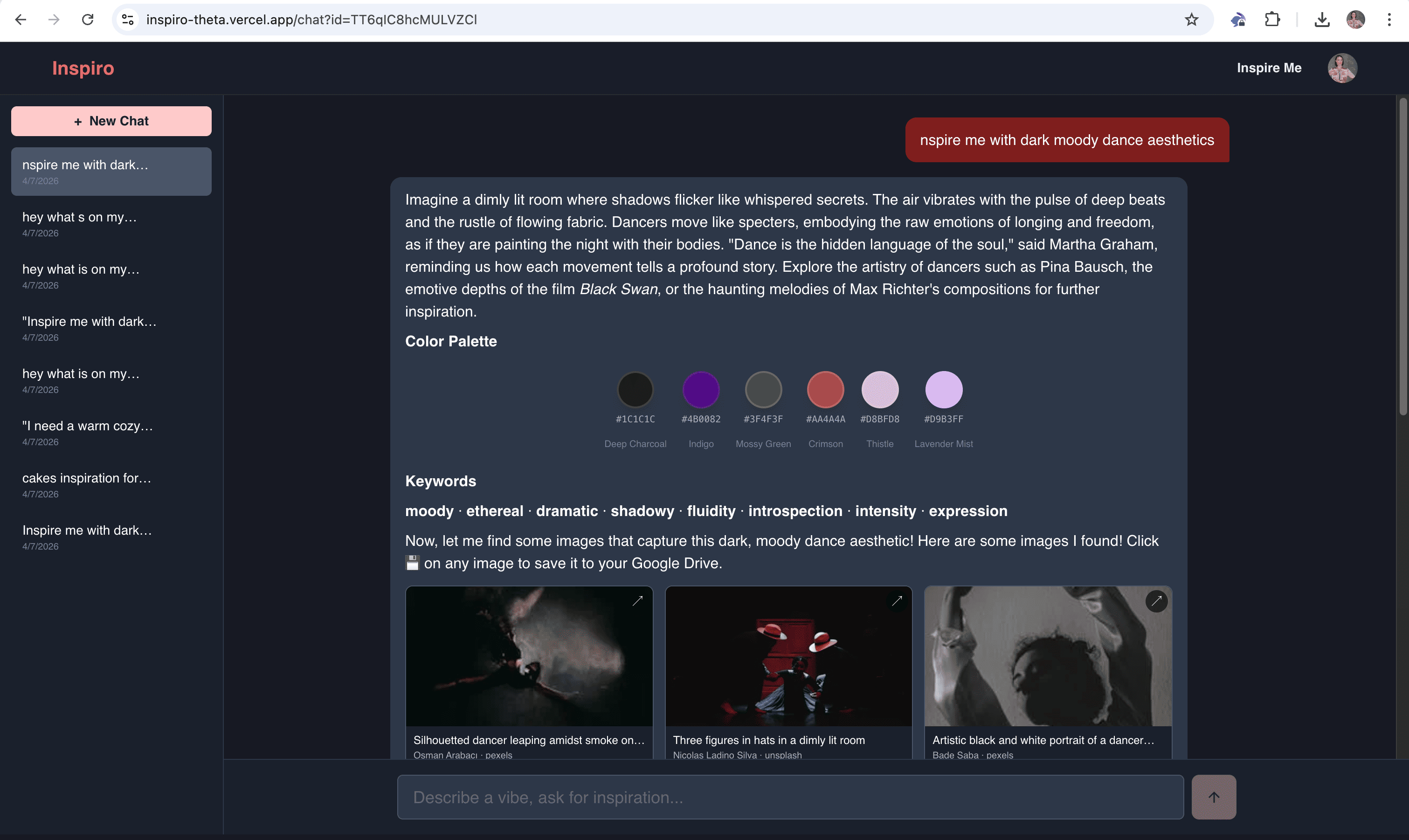
Chat-based mood board generator. You describe a vibe - "dark moody dance aesthetics", "warm cozy autumn" - and the agent gives you:
- Quotes and references (books, films, music, artists)
- A color palette with hex codes, rendered as swatches
- Aesthetic keyword tags
- A grid of images from Pexels and Unsplash
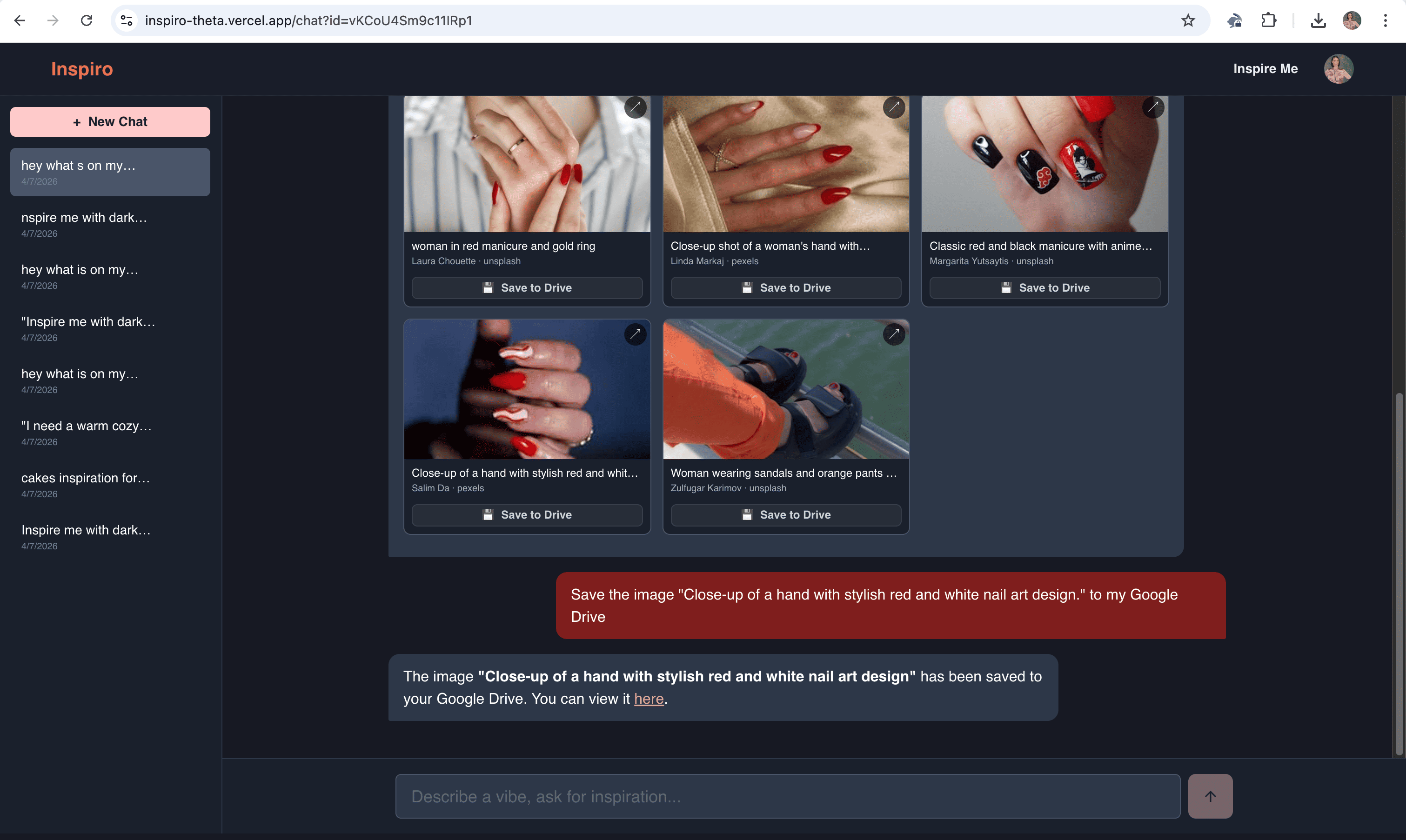
Then you can save images to Google Drive (auto-organized into topic folders), check your Google Calendar, create events, manage Drive files - all from the chat.
How we built it
| Layer | Tech |
|---|---|
| Framework | Next.js 16 (App Router) |
| Auth | Auth0 (identity + Token Vault) |
| AI | OpenAI GPT-4o-mini via Vercel AI SDK |
| Database | Supabase (chat persistence) |
| UI | Chakra UI, Three.js (landing page animation) |
| Media | Pexels + Unsplash APIs |
| Drive API, Calendar API (via Token Vault) |
The agent has seven tools: image search, save to Drive, list/delete Drive files, create text files, read/create calendar events. Google access goes through Auth0 Token Vault with step-up authorization - scopes are requested only when the agent actually needs them, not upfront at login.
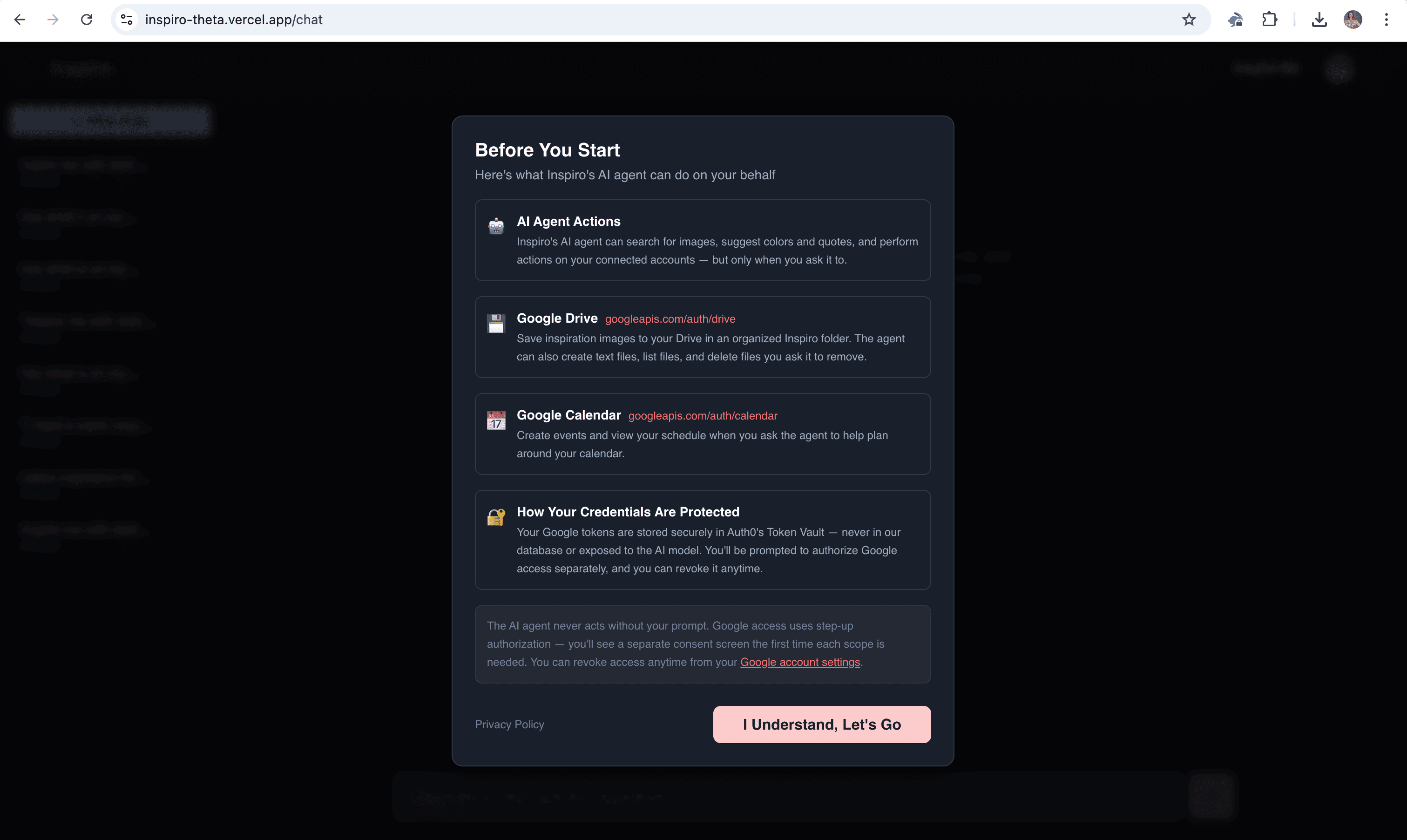
There's a consent dialog before you start chatting that explains what the agent can access. Chats auto-save to Supabase.
Challenges we ran into
- Auth0 console - took me a while to figure out I needed a separate M2M client for Token Vault on top of the regular web app client. Not obvious if you're new to the platform.
- Tooling confusion - coming in with zero AI SDK experience, understanding why Vercel AI SDK sits on top of OpenAI, how tool calling works, what "interrupts" are in the Auth0 AI library - that all took real time.
- Token exchange - getting the OAuth flow to work through Token Vault so the agent could hit Google APIs on behalf of the user. Lots of back and forth with the samples.
Accomplishments that we're proud of
- The whole thing actually works end to end - you type a mood, get images, save them to Drive, and the tokens are handled securely through Token Vault without ever being exposed to the AI model.
- Built a working AI agent with tool calling, streaming, and step-up authorization from scratch with no prior experience in any of this!
What we learned
- How Auth0 Token Vault and token exchange work - storing OAuth tokens securely so the agent can act on behalf of the user without ever seeing raw credentials.
- The Vercel AI SDK ecosystem - streamText, tool calling, interrupts, and how it all connects with Auth0's AI libraries.
- How to build an agentic chat interface from zero, including streaming responses, tool result rendering, and chat persistence.
What's next for Inspiro
- Better design and overall UI polish
- More powerful image search and AI image generation
- Teach the assistant to give better, more contextual responses
- More integrations beyond Google (Spotify, Notion, etc.)
- Pinterest API once they approve my developer access
- Style recommendations, collaborative boards
Bonus Blog Post
So I found out about this hackathon on April 1. April Fools Day. And honestly that set the tone for the whole experience. I am a frontend dev who had never touched AI SDKs or Auth0 staring at consoles trying to understand what Token Vault even is.
First thing that tripped me up was the Auth0 setup. You need a regular web app client for login, which makes sense. But then you also need a separate machine-to-machine client for the token exchange part of Token Vault. Three hours later.... I finally found the needed doc to set this up correctly.
Then I was really confused. Why do I need Vercel AI SDK if I already have OpenAI? Why can I not just use it without anything? The next step was realizing I need to teach my model to delete and create a file and add special methods for it. You can't just write in the chat "please delete the file."
And yes... all these things were not obvious to me from the start. I was really happy when I managed to understand the sample apps. Building something for the hackathon was really fun. It was ups and downs but I really enjoy the process and would like to learn more about agentic assistants and the Auth0 features. The moment it all came together was when the agent saved an image to my Google Drive for the first time. Like I typed "save this to Drive" and it just did it. Through Token Vault, through the OAuth exchange, into a neat little folder. That felt pretty cool.
Built With
- auth0
- chakra-ui
- google-calendar
- google-drive-api
- next.js
- node.js
- openai
- pexels-api
- react
- supabase
- three.js
- typescript
- unsplash-api
- vercel-ai-sdk


Log in or sign up for Devpost to join the conversation.