-
-
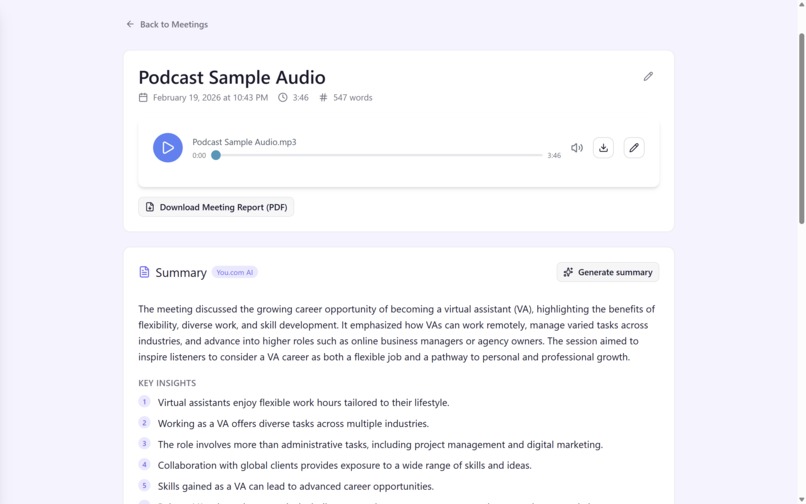
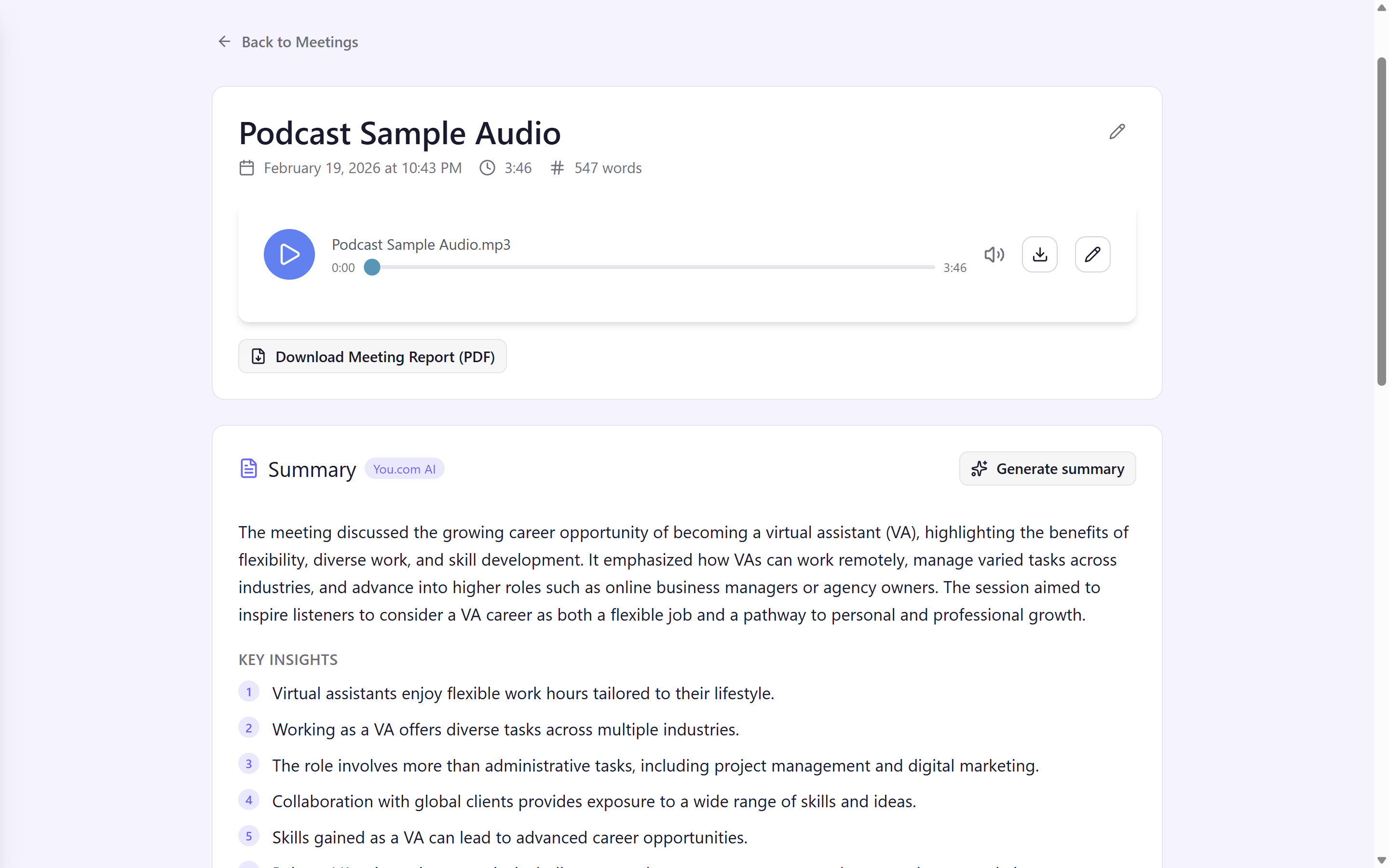
The summary page for a sample podcast upload
-
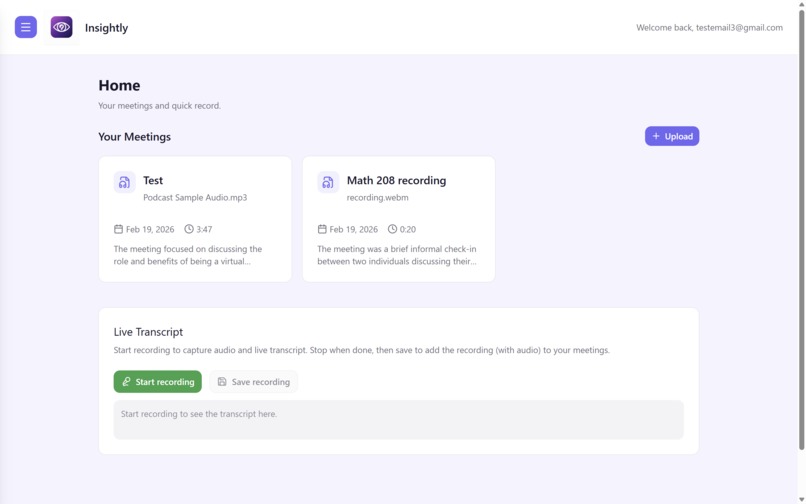
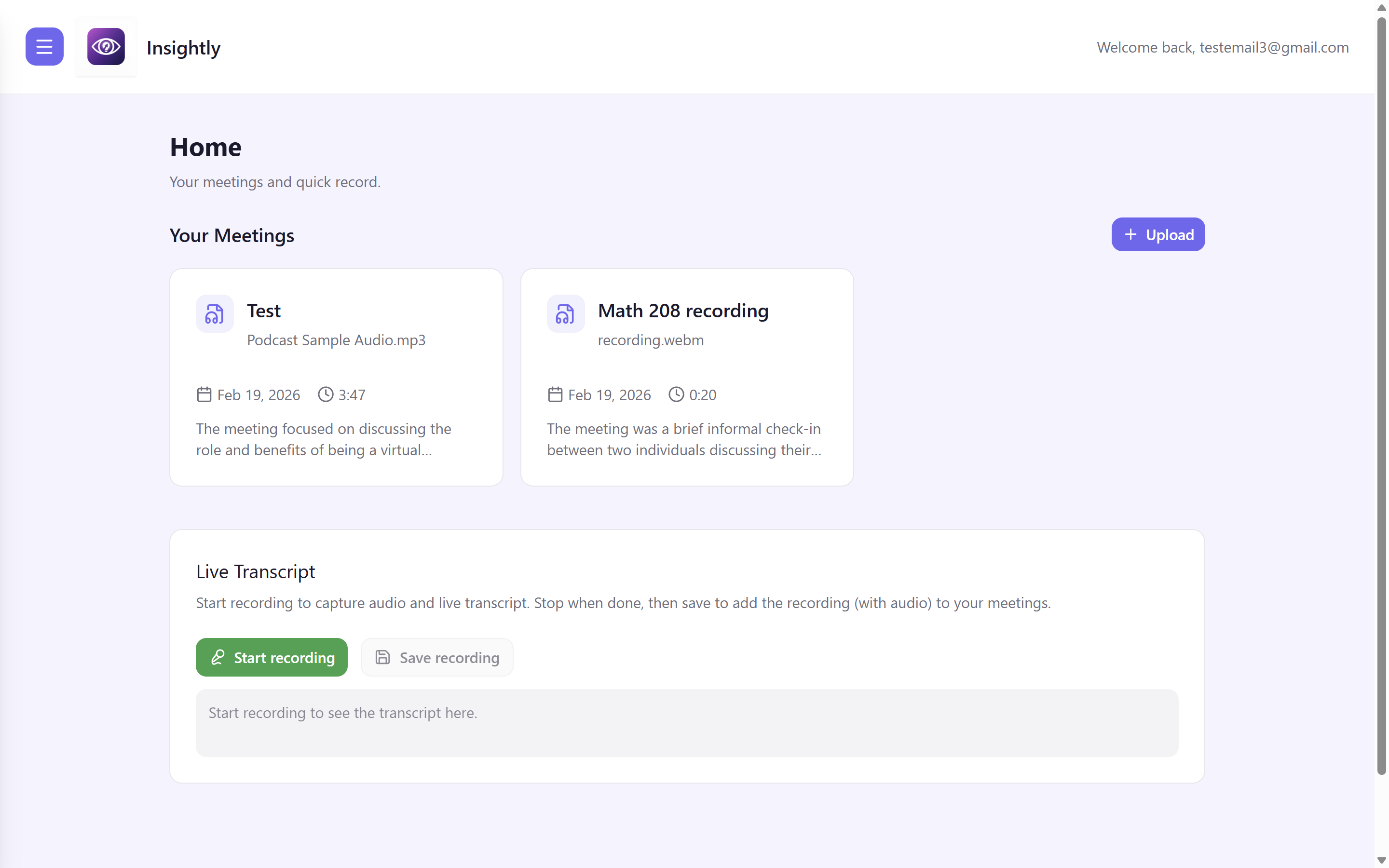
The home page for recordings uploaded
-
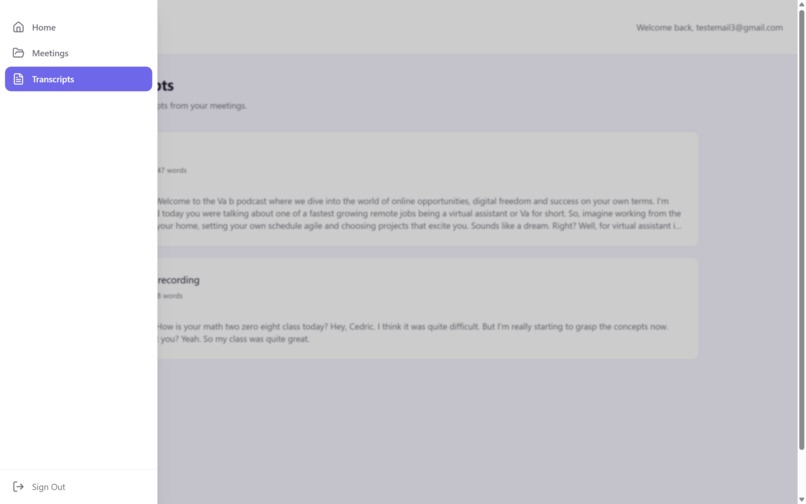
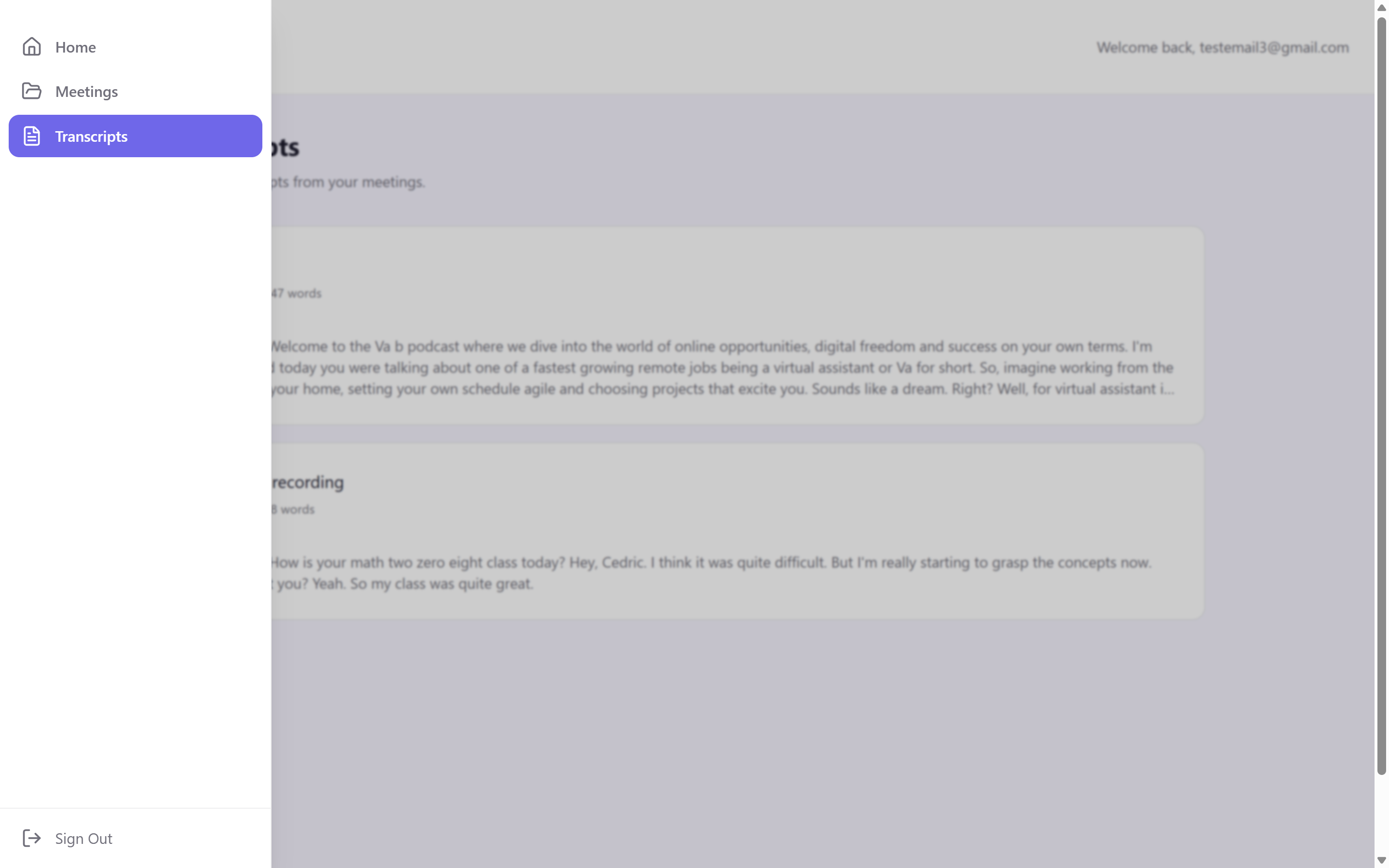
Photo of navbar
-
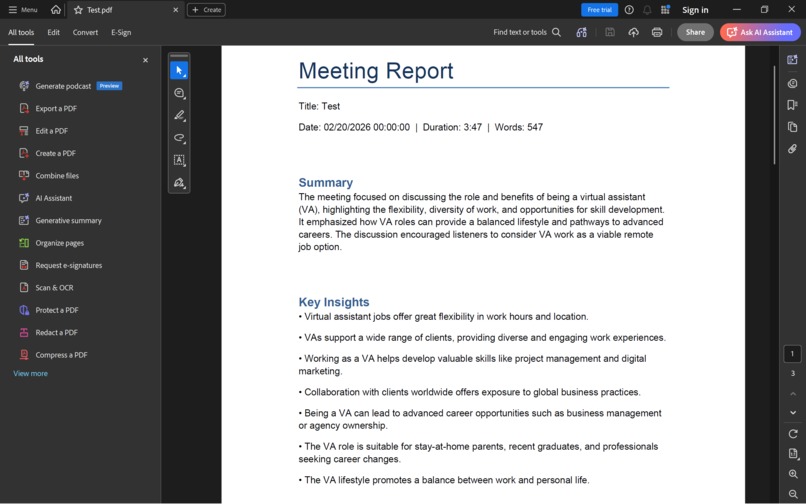
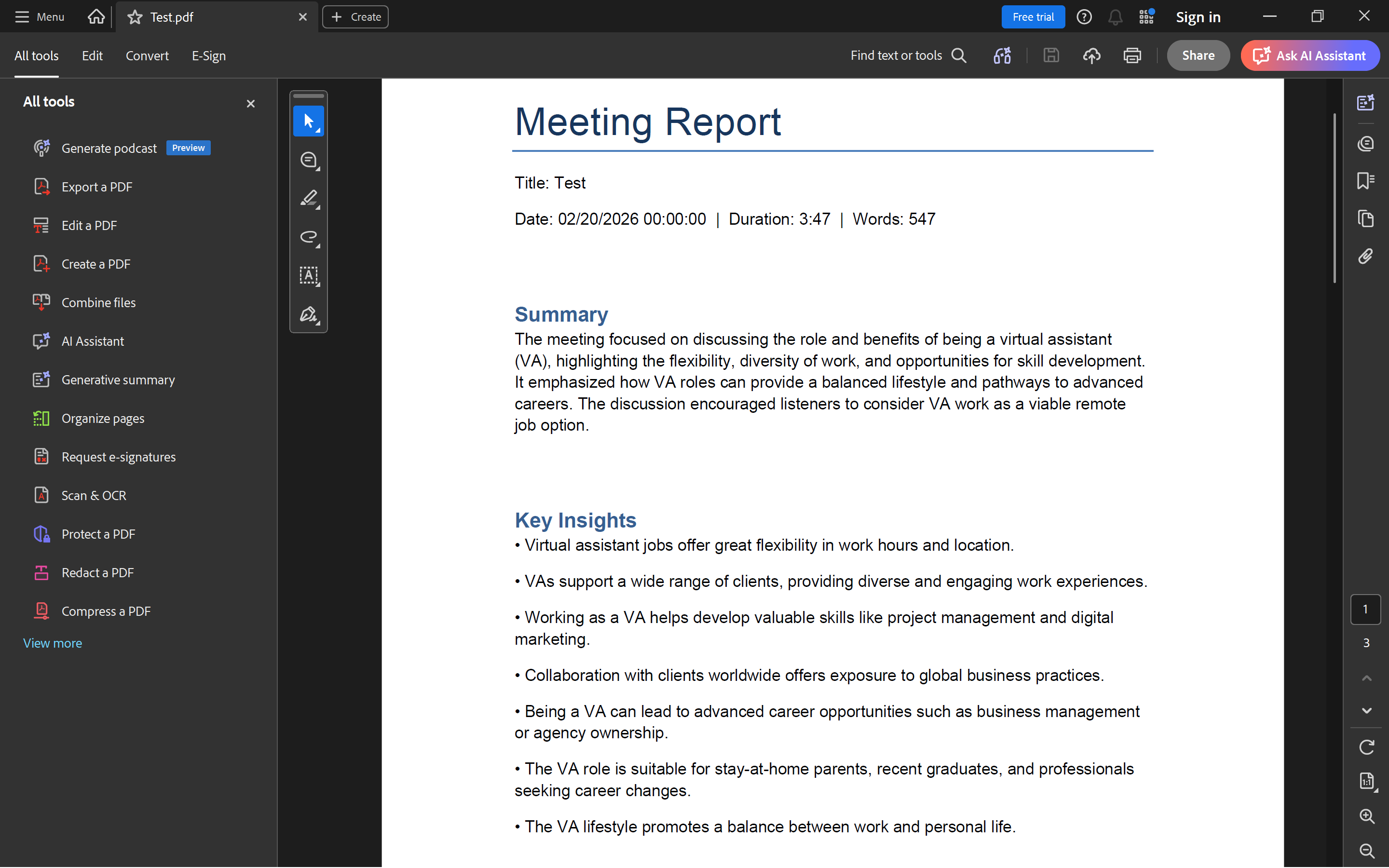
Example Foxit report
Inspiration
We wanted to turn meeting recordings into something more useful. Most people record meetings but rarely review them; when they do, they waste time scanning through long audio. We wanted an app that captures meetings, transcribes them, and surfaces summaries, insights, and action items so teams can focus on decisions instead of playback.
Insightly is built around the idea that AI can turn raw meeting audio into structured, shareable knowledge in real time.
What it does
Insightly is an AI meeting transcription and analysis app:
- Live recording & transcription – Use your browser mic to record meetings. Speech is streamed to Deepgram for live transcription with speaker diarization, shown in the UI as you speak.
- File upload – Upload recorded audio (WebM or other formats) and get it transcribed on demand.
- AI summaries – After transcription, You.com’s Express Agent produces structured summaries: overview, key insights, decisions, and action items with optional assignees.
- Meeting reports – Export polished PDF reports using Foxit Document Generation and PDF Services: summary, key insights, decisions, action items, and transcript excerpt.
- Audio playback & download – Play recordings in the browser, or download as WebM or MP3.
- User accounts – Sign up and sign in with JWT. Each user has their own meeting history stored in MongoDB.
How we built it
Frontend: React with Vite, TypeScript, and Tailwind CSS. The Web Audio API captures mic input; Socket.IO streams audio to the backend and receives live transcripts. Components handle meetings list, recording modal, audio player, summary view, and PDF download.
Backend: Flask with Flask-SocketIO. The real-time flow is: browser → Socket.IO → Deepgram WebSocket for live transcription; uploaded files go to the Deepgram REST API. Auth is JWT-based (register/login). Meetings and users are stored in MongoDB; audio is in GridFS. ffmpeg converts WebM to MP3 on download.
AI & PDF: Summaries: You.com Express Agent (POST to /v1/agents/runs). PDF reports: Foxit Document Generation (Word template → PDF) plus PDF Services (compression/linearization).
Infrastructure: Docker Compose runs MongoDB, backend, and frontend together. Works with local MongoDB or Atlas via MONGODB_URI.
Challenges we ran into
- Foxit API integration – Different auth and flows for Document Generation vs PDF Services meant managing two credential sets and coordinating steps. Handling template variables, long transcripts, and error paths took several iterations.
- Real-time transcription – Connecting browser mic → Socket.IO → Deepgram WebSocket with the right sample rate/encoding and keeping interim results in sync with the UI required careful debugging.
- Audio format handling – WebM from the browser needed reliable processing for Deepgram (file API) and ffmpeg (MP3). Ensuring correct content-type and conversion parameters for different inputs was tricky.
- Summary JSON parsing – You.com returns free-form text; extracting structured JSON (summary, insights, decisions, action items) needed robust parsing and fallbacks when the response format varied.
Accomplishments that we're proud of
- Full end-to-end flow – Live recording, upload, transcription, AI summaries, PDF reports, and audio playback all integrated in one app.
- Production-grade PDFs – Foxit integration produces clean reports with summaries, insights, decisions, action items, and transcript excerpts.
- Flexible deployment – Single docker compose up --build for local dev; easy switch to MongoDB Atlas for team use.
- Real-time UX – Live transcription with speaker labels lets users see what’s being captured as they talk.
What we learned
- How to combine Flask-SocketIO, Web Audio API, and Deepgram WebSockets for real-time speech-to-text.
- Foxit’s Document Generation and PDF Services APIs, including templates, OAuth, and multi-step PDF workflows.
- Designing prompts and parsing logic for You.com’s agent responses to get consistent structured summaries.
- Storing and streaming large audio files in MongoDB GridFS and managing format conversion with ffmpeg.
What's next for Insightly
- Calendar integration – Connect to Google Calendar or Outlook to associate meetings and auto-record scheduled calls.
- Team workspaces – Shared meeting libraries per team or organization.
- Search – Full-text search across transcripts and summaries.
- Meeting templates – Presets for standups, retrospectives, 1:1s with tailored summary prompts.
- Email digests – Optional summaries delivered by email for recurring meetings.
- Export options – Notion, Slack, or Confluence integration for summaries and action items.
Built With
- bcrypt
- css
- date-fns
- deepgram
- docker
- ffmpeg
- figma-make
- flask
- flask-cors
- flask-socketio
- foxit
- gridfs
- html
- javascript
- jwt
- lucide
- mongodb
- node.js
- python
- radix
- react
- tailwind
- typescript
- vite
- websockets
- you.com


Log in or sign up for Devpost to join the conversation.