✨ Inspiration
Of course. Here is a project summary for InsightBot, formatted in Markdown as you requested.
About InsightBot: From Information Overload to Actionable Insights What Inspired Me The inspiration for InsightBot came from a universal pain point in today's professional and academic worlds: information overload. Like many others, I found myself spending countless hours sitting through long meetings or trying to catch up by watching lengthy recordings. It was inefficient and frustrating to sift through an hour of conversation just to find a few key decisions or action items.
I realized that with the recent advancements in AI, we could solve this problem. The idea was simple yet powerful: create a tool that could "watch" or "listen" for you and deliver the essential information, freeing up valuable time for more productive tasks. This project, based right here in Pune, Maharashtra, is my answer to that challenge.
What it Does?
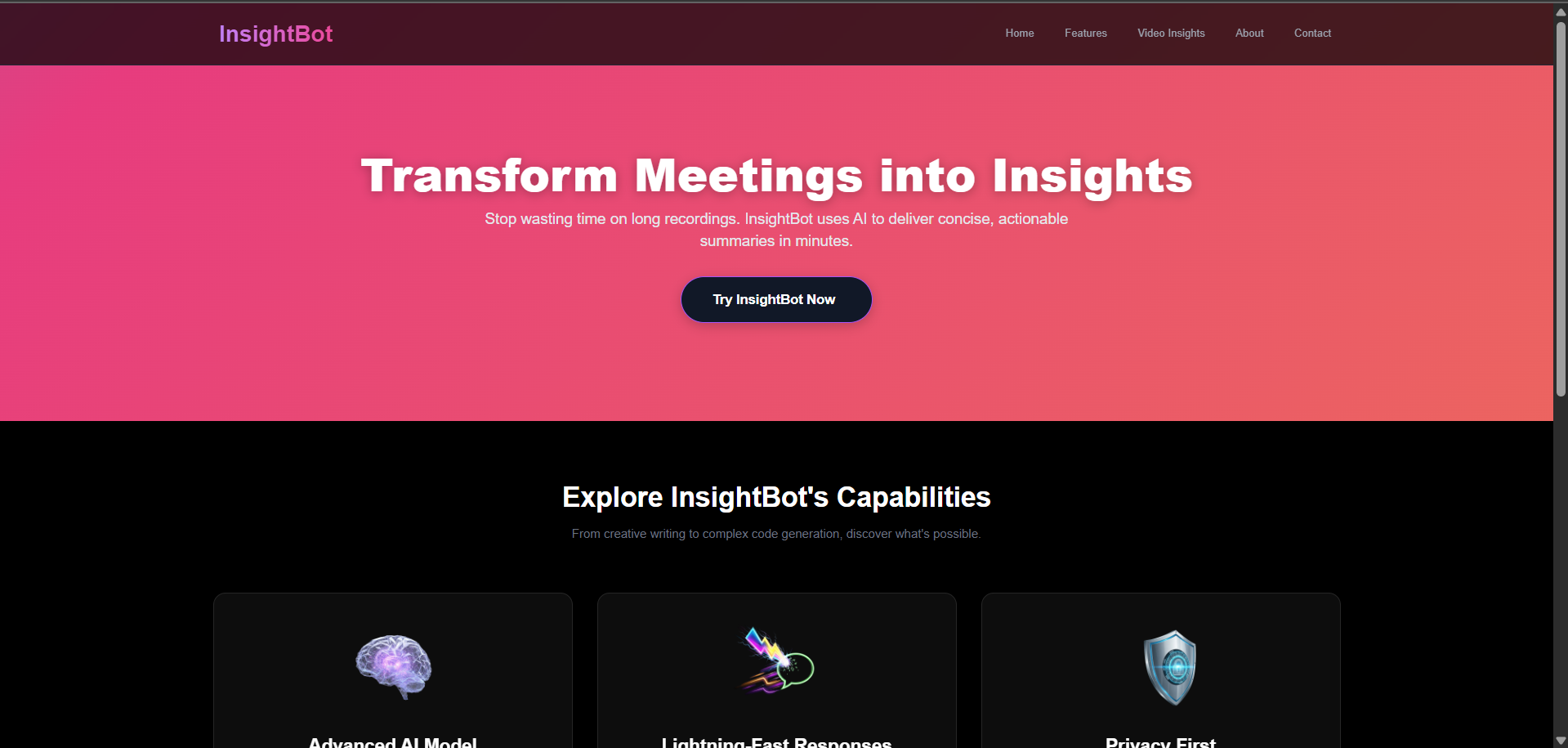
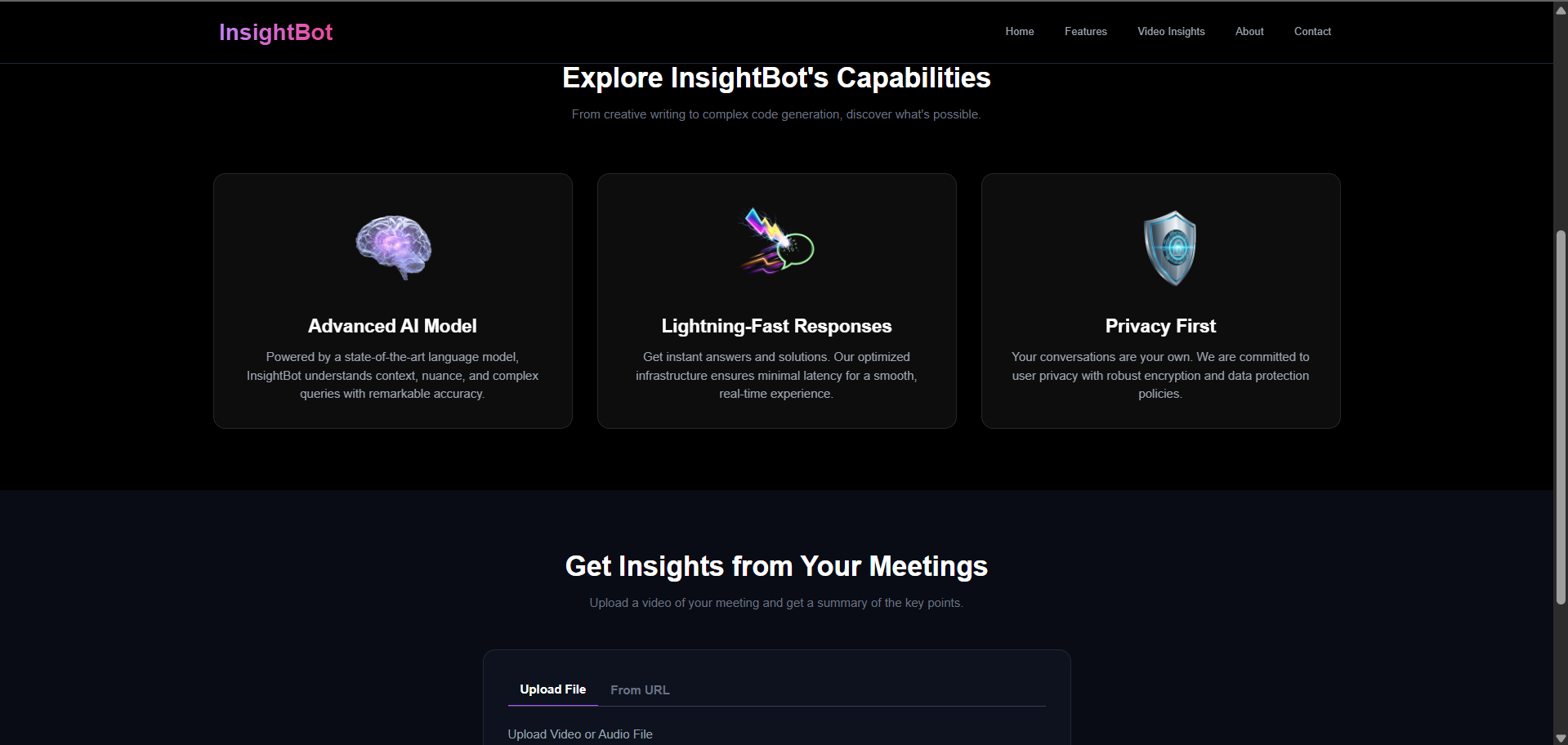
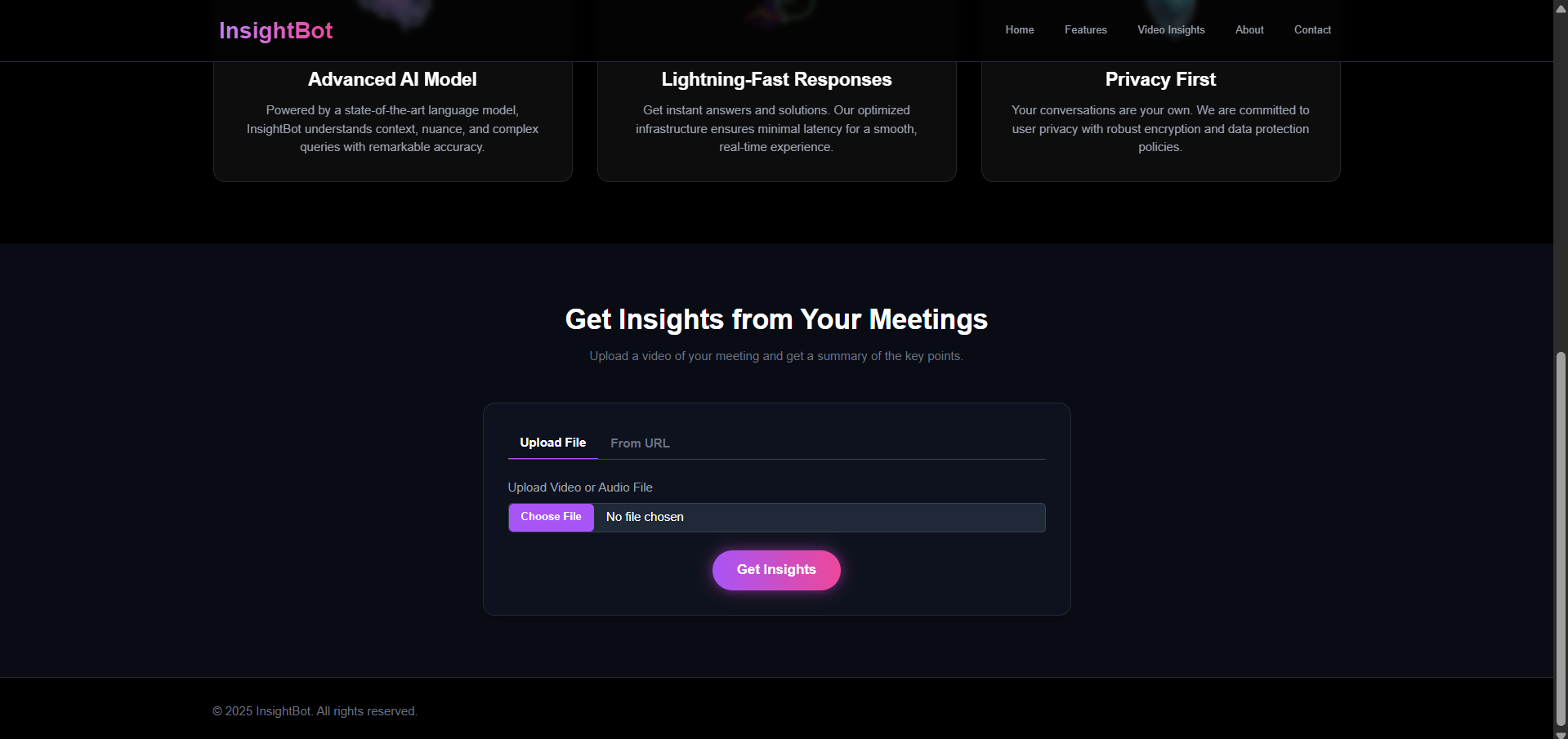
InsightBot is a web application that automatically summarizes long video or audio meetings into short, readable notes.
You can either upload a media file directly from your computer or paste a link from a site like YouTube.
The application then uses a powerful AI workflow:
First, it transcribes the entire conversation and identifies who was speaking.
Next, it analyzes the transcript to understand the context and pulls out the most important information.
The final result is a clean, structured summary organized into Key Points, Decisions, and Action Items. This allows you to understand the critical outcomes of a meeting in minutes instead of listening to the entire recording.
Essentially, it saves you a significant amount of time by making the information from long meetings easy to access and act upon.
🛠️ How we built it
InsightBot is a full-stack web application built with a modern, scalable architecture. The entire process is designed to be a smooth, automated pipeline:
Frontend: A dynamic and responsive user interface built with React. It handles user interactions, file uploads, and the final presentation of the summary. I used Tailwind CSS for styling to create a clean, modern aesthetic.
Backend: A robust server built with Node.js and the Express framework. This is the core of the application, managing all the heavy lifting, from handling API requests to processing files.
The AI Workflow:
Input: The user uploads a media file or provides a URL (e.g., from YouTube).
Audio Extraction: For URL inputs, the backend uses yt-dlp-wrap and ffmpeg to extract the audio.
Transcription: The audio is sent to the AssemblyAI API, which provides a highly accurate transcript complete with speaker identification (diarization).
Summarization: This detailed transcript is then sent to the OpenAI API (using the GPT-4 model) with a carefully crafted prompt. The AI's task is to analyze the conversation and structure it into Key Points, Decisions, and Action Items.
Output: The final, structured summary is sent back to the React frontend to be displayed to the user.
🧱 Challenges we ran into
Building InsightBot was not without its challenges. The most significant hurdles were related to the backend environment and dependencies:
The ffmpeg and yt-dlp Puzzle: A major challenge was ensuring that the backend could reliably access the ffmpeg and yt-dlp command-line tools. Initially, my code failed because these tools weren't installed or accessible in the server's PATH. The solution was to use npm packages like @ffmpeg-installer/ffmpeg and yt-dlp-wrap's built-in downloader, which automated the setup process and made the application more portable.
API Authentication Errors: I initially faced 401 Unauthorized errors from the AssemblyAI API. This was a subtle but critical bug caused by the order of operations in my server.js file. I learned the importance of loading environment variables (dotenv.config()) at the absolute top of the entry file, before any other modules that might need them are imported.
Frontend State Management: Displaying the summary correctly was a challenge. The initial version just dumped the text into a single block. I solved this by creating a dedicated SummaryDisplay component in React that parses the text based on keywords ("Key Points:", "Decisions:") and dynamically renders it into a structured, readable format. This separation of concerns made the UI much cleaner and more maintainable.
🏅 Accomplishments that we're proud of
Our biggest accomplishment is creating a fully functional, end-to-end application that solves a real and pressing problem: information overload from long meetings. We successfully built a tool that transforms hours of video or audio content into a concise, structured, and actionable summary in just a few minutes, directly addressing our initial inspiration.
We are particularly proud of the sophisticated AI workflow we engineered. InsightBot doesn't just rely on a single model; it intelligently orchestrates a multi-step pipeline between two powerful, specialized AI services. It first uses AssemblyAI for highly accurate transcription and speaker identification, then feeds that structured data to OpenAI's GPT-4 for nuanced, context-aware summarization. This multi-stage process results in a final output that is far more detailed and useful than a simple transcript.
Finally, this project is a testament to resilient, real-world engineering. We successfully navigated and solved complex backend challenges, from managing server-side media processing dependencies like ffmpeg and yt-dlp to debugging intricate API authentication and data parsing issues. We transformed a powerful but complex technical process into a simple, intuitive tool that delivers immediate value to the user.
📚 What we learned
This project was a fantastic learning experience, bridging the gap between frontend development, backend logic, and third-party AI integration. Key takeaways include:
Integrating Multiple AI Services: I learned how to orchestrate a multi-step AI pipeline, where the output of one service (AssemblyAI's transcript) becomes the input for another (OpenAI's summarization).
Handling System Dependencies: I gained practical experience in managing server-side dependencies like ffmpeg and yt-dlp, which are essential for media processing.
Full-Stack Communication: I deepened my understanding of how to create a seamless connection between a React frontend and a Node.js backend, handling things like file uploads (formidable) and asynchronous data fetching.
Problem-Solving in a Real-World Context: Moving beyond tutorials, I learned how to debug complex, real-world issues that arise from API changes, dependency conflicts, and environment setup.
🔮 What's next for InsightBot
Our vision for InsightBot is to evolve it from a powerful summarization tool into an indispensable, proactive meeting assistant. The current version is just the foundation, and we have an exciting roadmap ahead focused on collaboration, integration, and real-time intelligence.
Building a Collaborative Hub Our most immediate goal is to introduce User Accounts and Team Workspaces. This will transform InsightBot from a single-use tool into a persistent knowledge base for individuals and teams. Users will be able to save their entire meeting history, search past summaries for key information, and securely share insights with colleagues within a dedicated workspace.
Seamless Workflow Integration We plan to deeply integrate InsightBot with the tools you already use every day. The next phase of development will focus on creating connections with platforms like:
Slack: To automatically post meeting summaries to relevant channels.
Asana, Jira, & Trello: To convert "Action Items" from a summary directly into tasks in your project management software with a single click.
Google Calendar & Outlook: To link summaries directly to the calendar events they correspond to, making it easy to find context for past meetings.
The Future is Real-Time Our long-term vision is to make InsightBot a Live Meeting Assistant. We aim to develop the capability for InsightBot to "join" your live meetings on platforms like Zoom, Google Meet, and Microsoft Teams. It will provide real-time transcription and deliver the fully structured, AI-generated summary the moment the meeting concludes, eliminating the need for post-meeting uploads entirely.
Built With
- assemblyai
- express.js
- ffmpeg
- flask
- flask-cors
- gpt-4
- javascript
- node.js
- openai-whisper
- python
- react
- tailwind
- yt-dlp-wrap


Log in or sign up for Devpost to join the conversation.