-
-
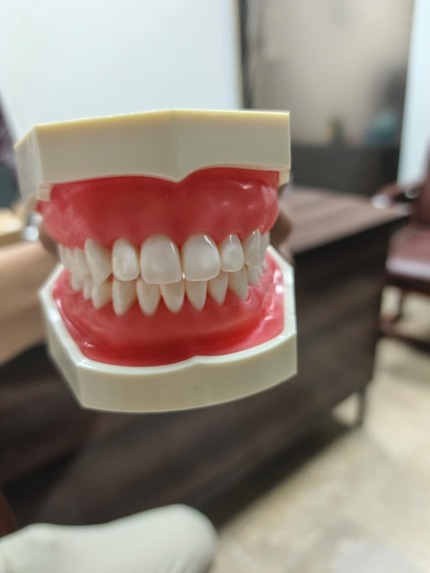
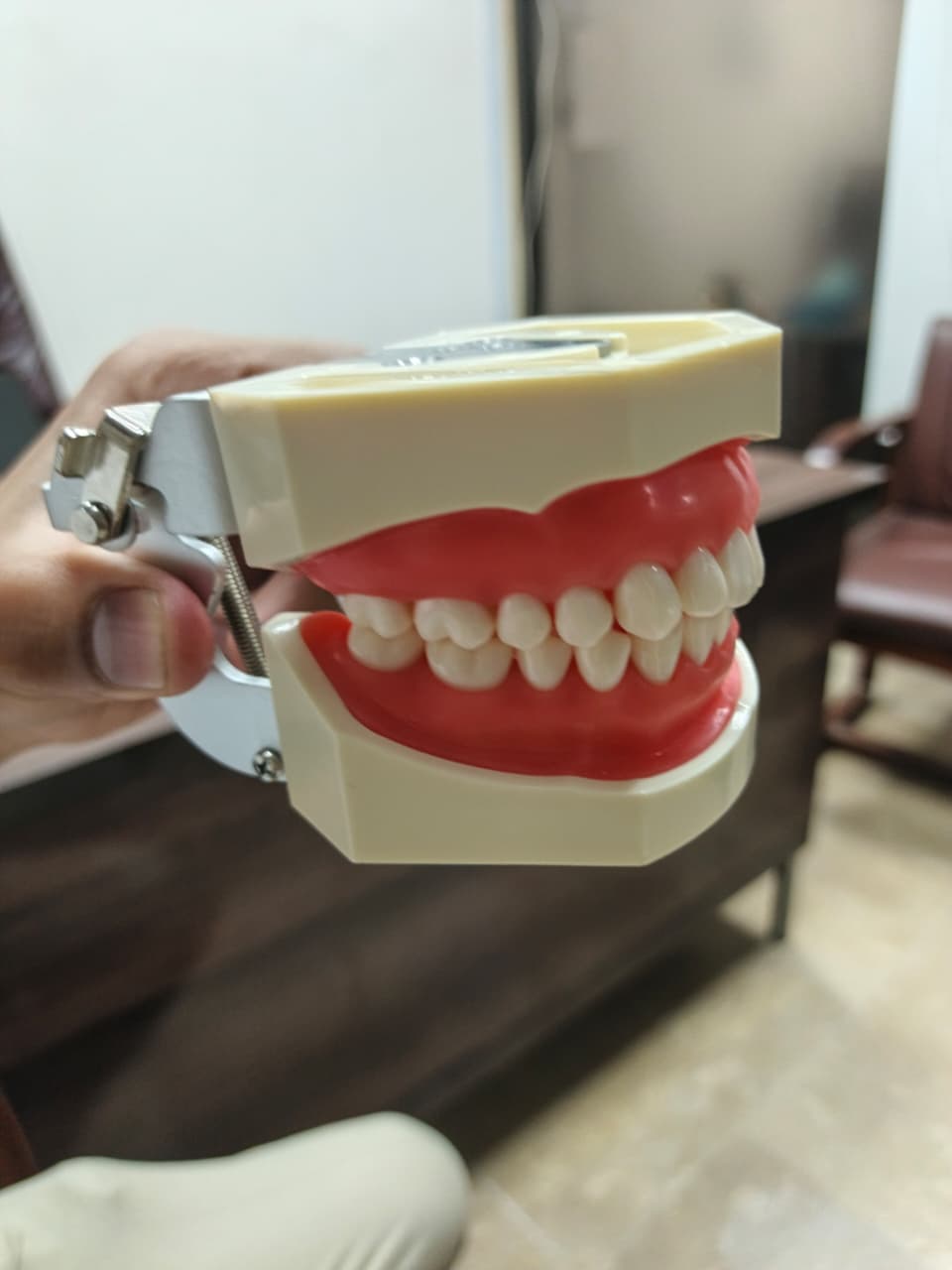
Input Image
-
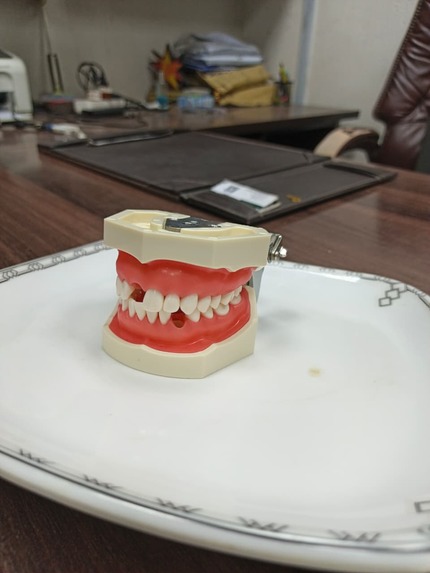
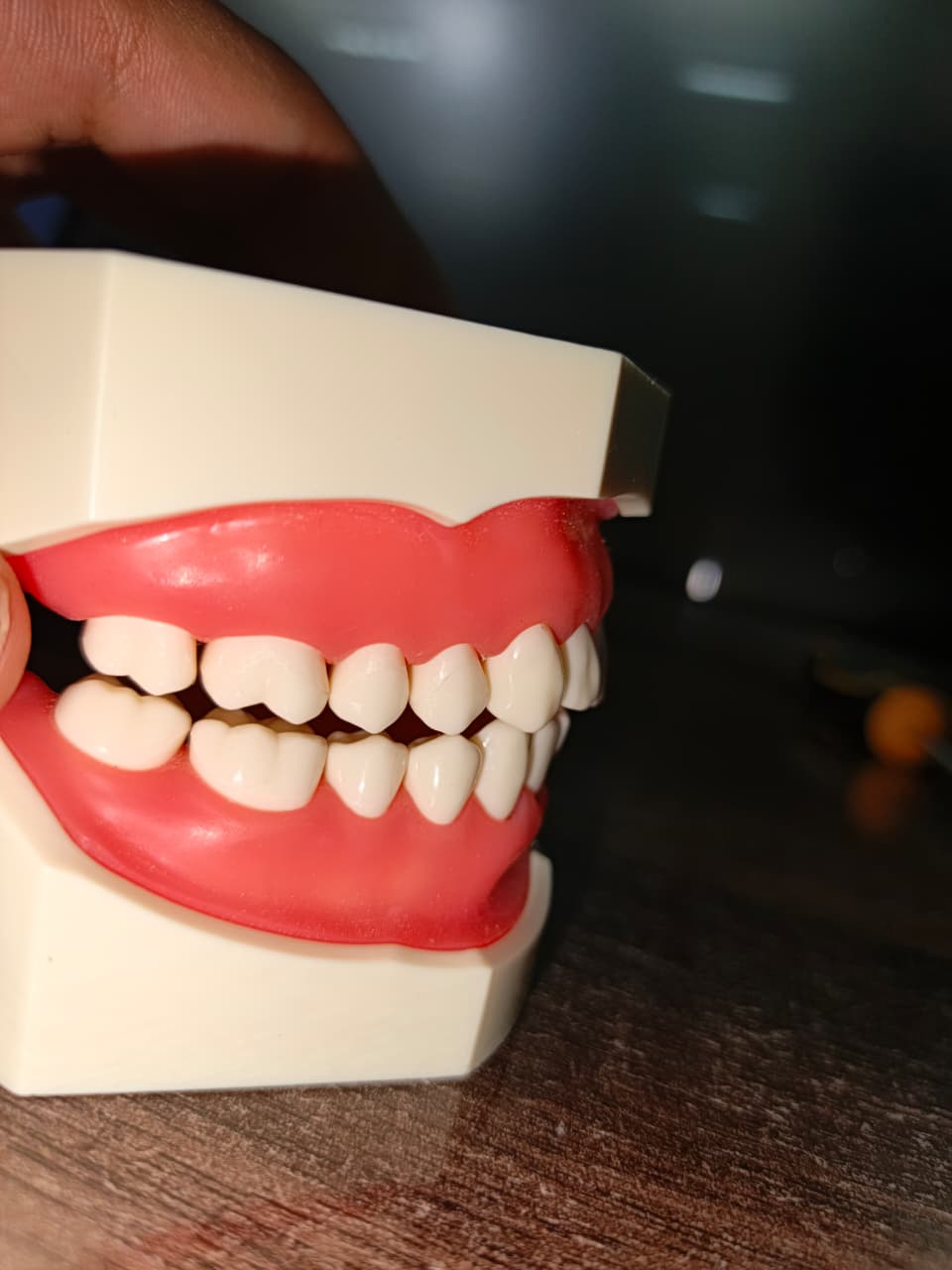
Input Image
-
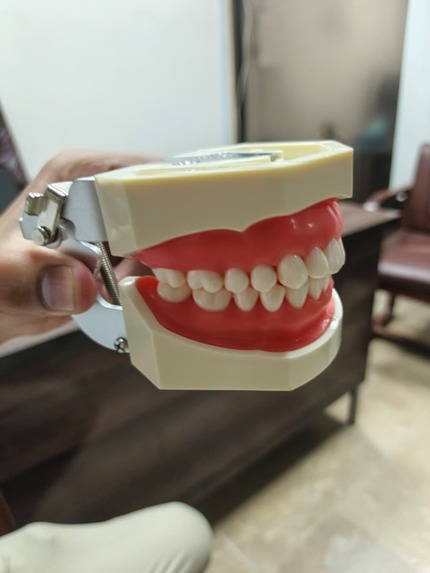
Input Image
-
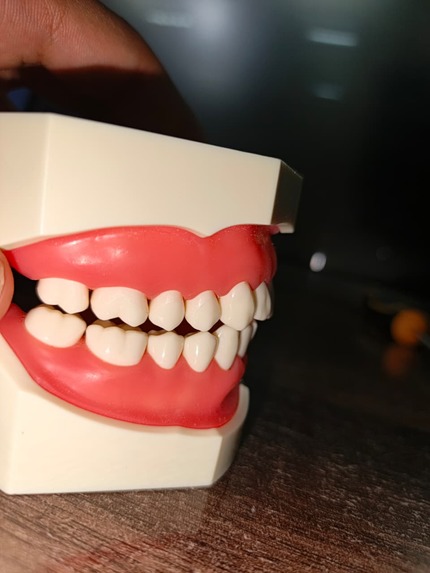
Input Image
-
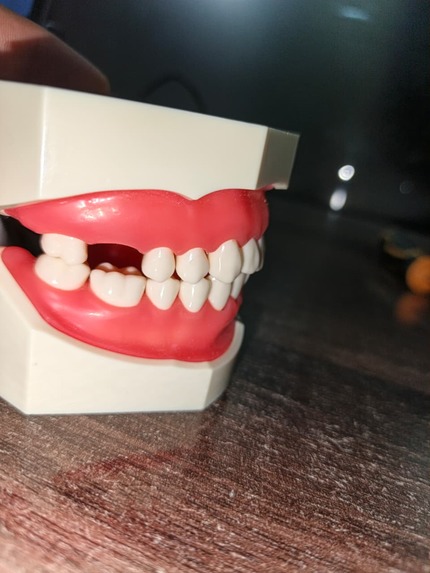
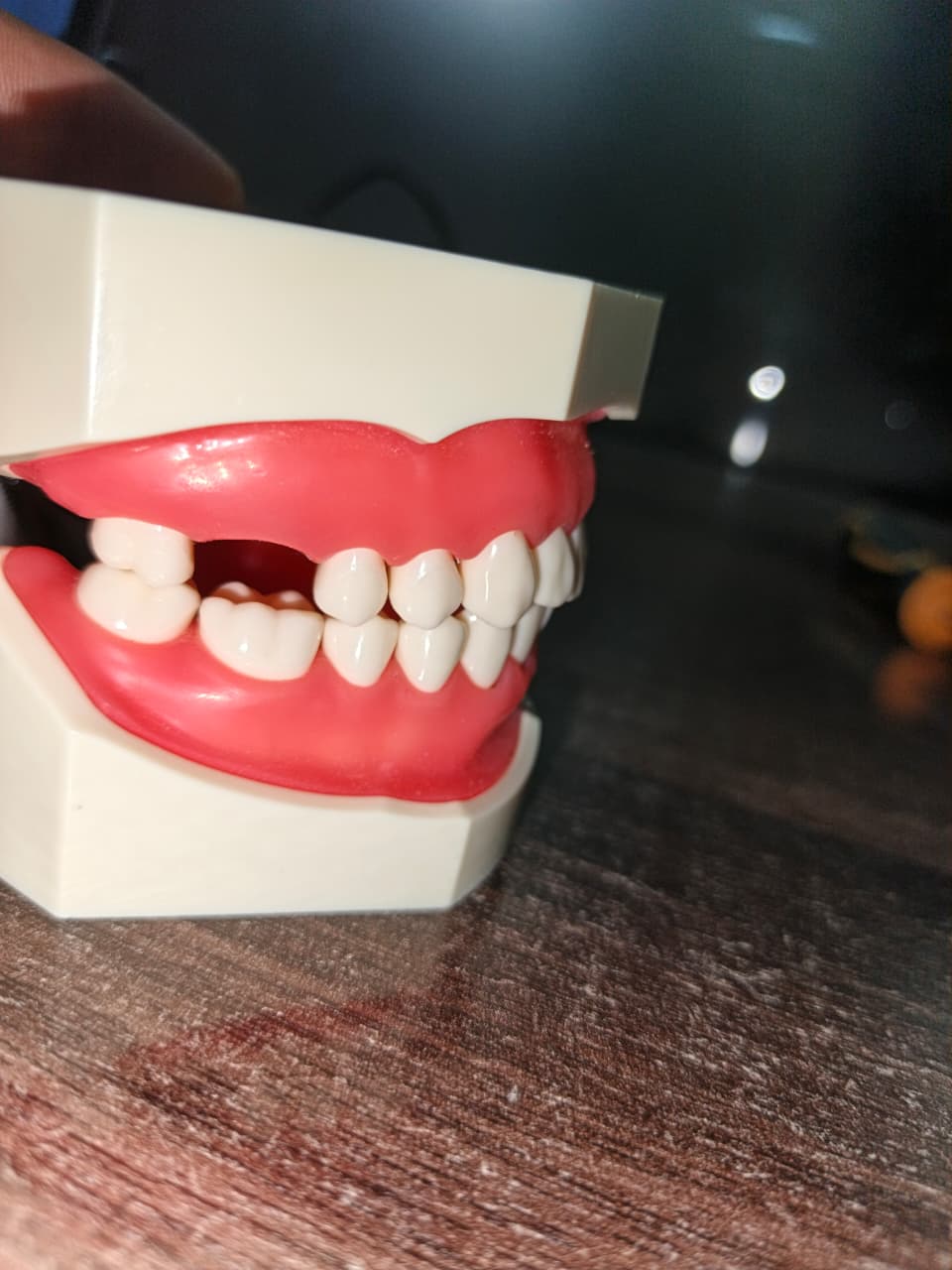
Defected Image
-
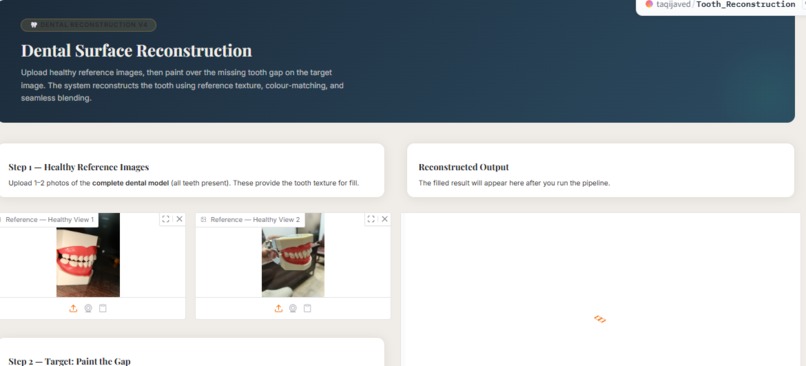
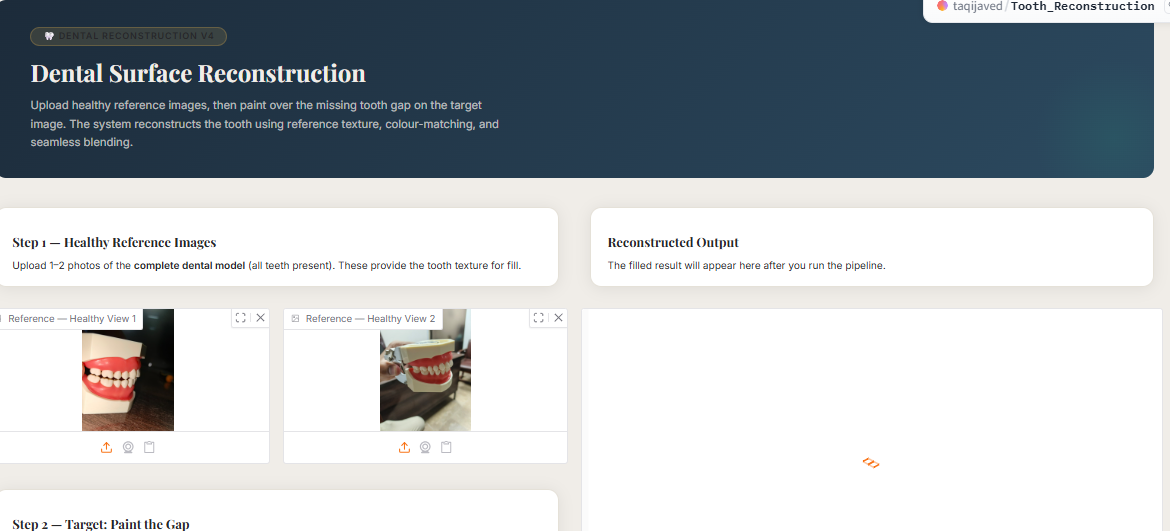
Application Interface
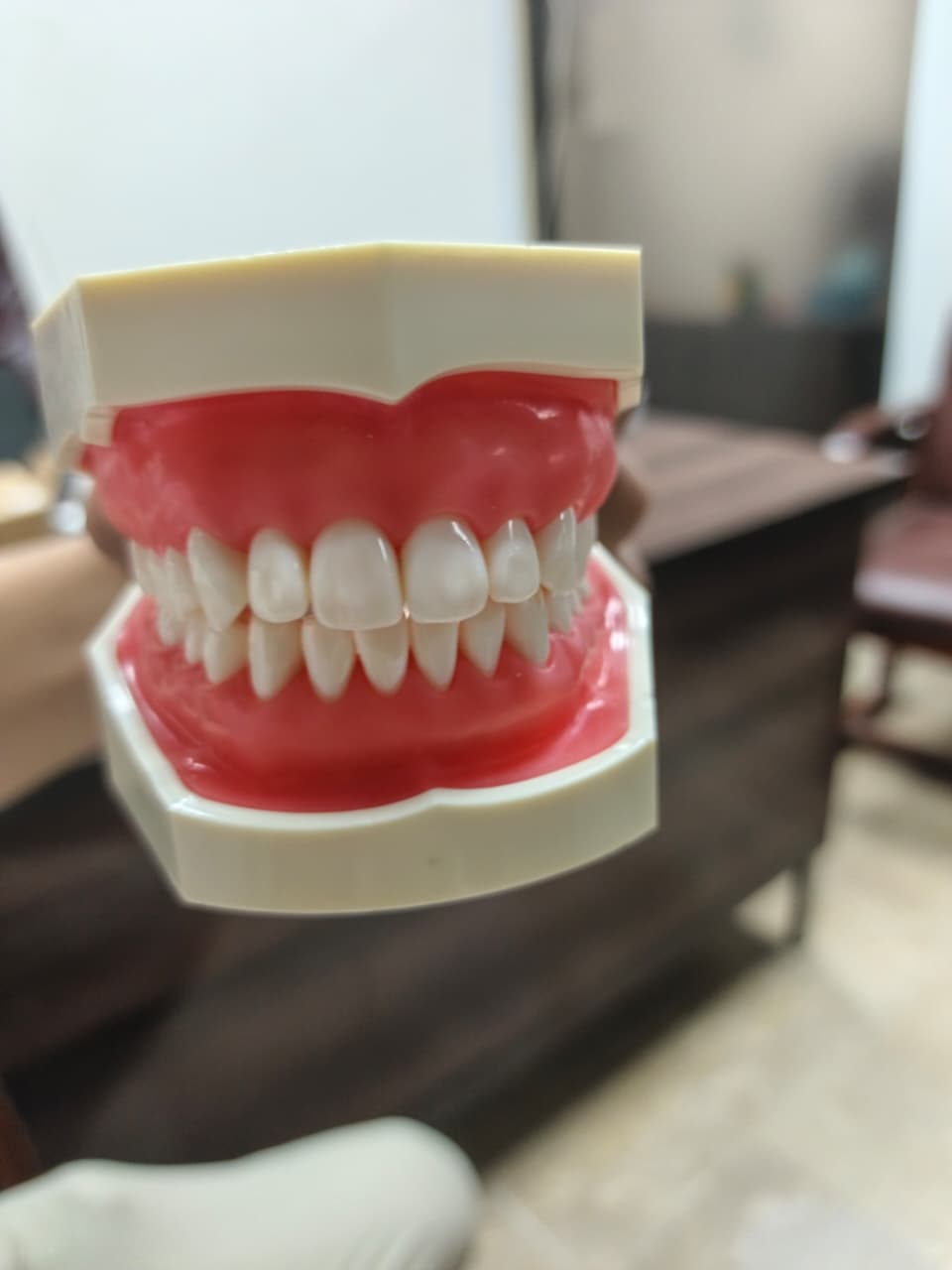
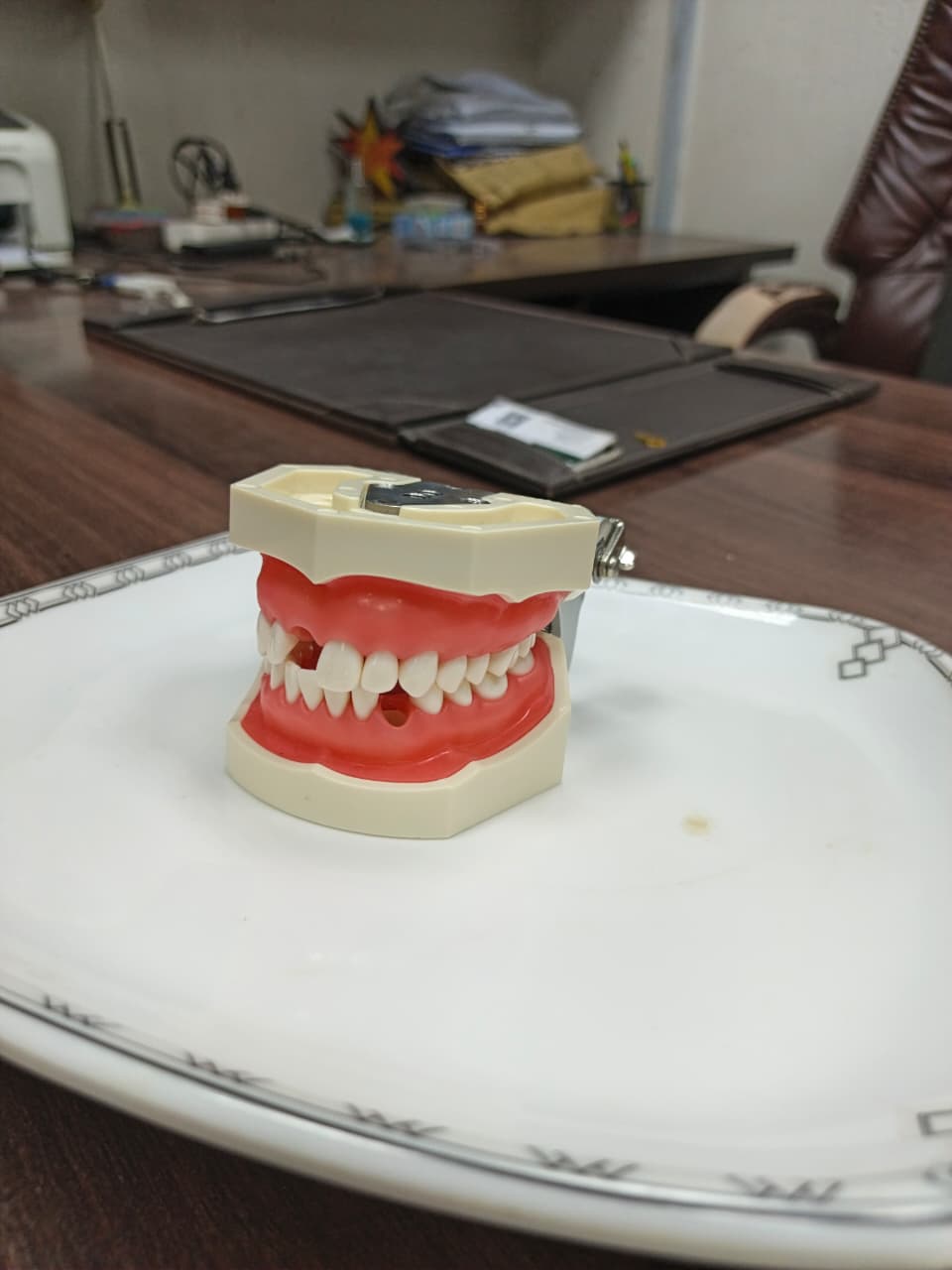
Inspiration
Dental education and research labs often work with physical tooth models — and a surprisingly common problem is documenting or digitally restoring those models when a tooth is missing or damaged. We kept asking: what if a student or researcher could take two photos of a complete model, then automatically reconstruct what a missing tooth should look like? No 3D scanner, no expensive software, just images. That question is what started this project.
What it does
You upload two reference photos of a healthy dental model, then a third photo of the same model with a missing tooth. You paint a quick brush stroke over the gap directly in the browser, and the app reconstructs the missing tooth — filling it in with naturally matched colour, texture, and shape. The output is a clean, seamlessly blended image that looks like the tooth was never missing. There's also a full processing log so you can see every step the pipeline took.
How we built it
The backend is pure Python — OpenCV handles image alignment (ORB feature matching + homography), colour matching happens in LAB colour space using statistics transfer, and the final blend uses Poisson seamless cloning which is the same technique professional photo editors use for invisible compositing. We also wired in Stable Diffusion inpainting as an optional GPU path. The frontend is a Gradio app deployed on Hugging Face Spaces, with the UI split into a completely separate ui_theme.py file so the logic and the design never mix. The interface uses a dark medical-grade aesthetic with animated panels and a terminal-style pipeline log.
Challenges we ran into
The hardest part by far was automatic gap detection. Our first three versions tried to find the missing tooth by comparing the reference and target images pixel by pixel — and it failed every time, because even small differences in camera angle or lighting made the diff useless. We detected background shadows, table surfaces, everything except the actual gap. The real fix turned out to be the simplest idea: just let the user paint it. Two seconds with a brush and the mask is perfect. Sometimes the right solution isn't more algorithm, it's better UX.
Accomplishments that we're proud of
Getting Poisson seamless cloning to work reliably with the symmetry patch was genuinely satisfying — the system mirrors the tooth from the opposite side of the arch, flips it, transfers the colour statistics, and blends it in. When it works well it looks remarkably natural. We're also proud of the clean architecture: the reconstruction logic and the UI are completely decoupled, which means you can swap out the entire visual design without touching a single line of computer vision code.
What we learned
LAB colour space is significantly better than RGB for any task involving human perception — skin tones, teeth, anything biological. We also learned that building a fallback chain (Stable Diffusion → symmetry patch → reference copy → OpenCV inpaint) is the right way to build robust image processing pipelines, because no single method works in every case. And honestly, the biggest lesson was that auto-detection is overrated when a two-second human annotation solves the problem cleanly and reliably.
What's next for
The most impactful next step would be training a small segmentation model specifically on dental images, so the gap can be detected automatically without user painting — even across different camera angles. Beyond that, we'd love to accept 3D scan inputs (OBJ or STL files) and do true surface mesh completion rather than 2D inpainting. On the clinical side, validating the output against real orthodontic cases with a dental professional would be the path toward making this genuinely useful in a research or educational context.
Built With
- gradio
- huggingface
- python


Log in or sign up for Devpost to join the conversation.