Inspiration
The frustration of endlessly scrolling through a cluttered browser history to find one elusive website inspired us to create Insight History AI—a smarter, more insightful way to manage and use your browsing history.
What it does
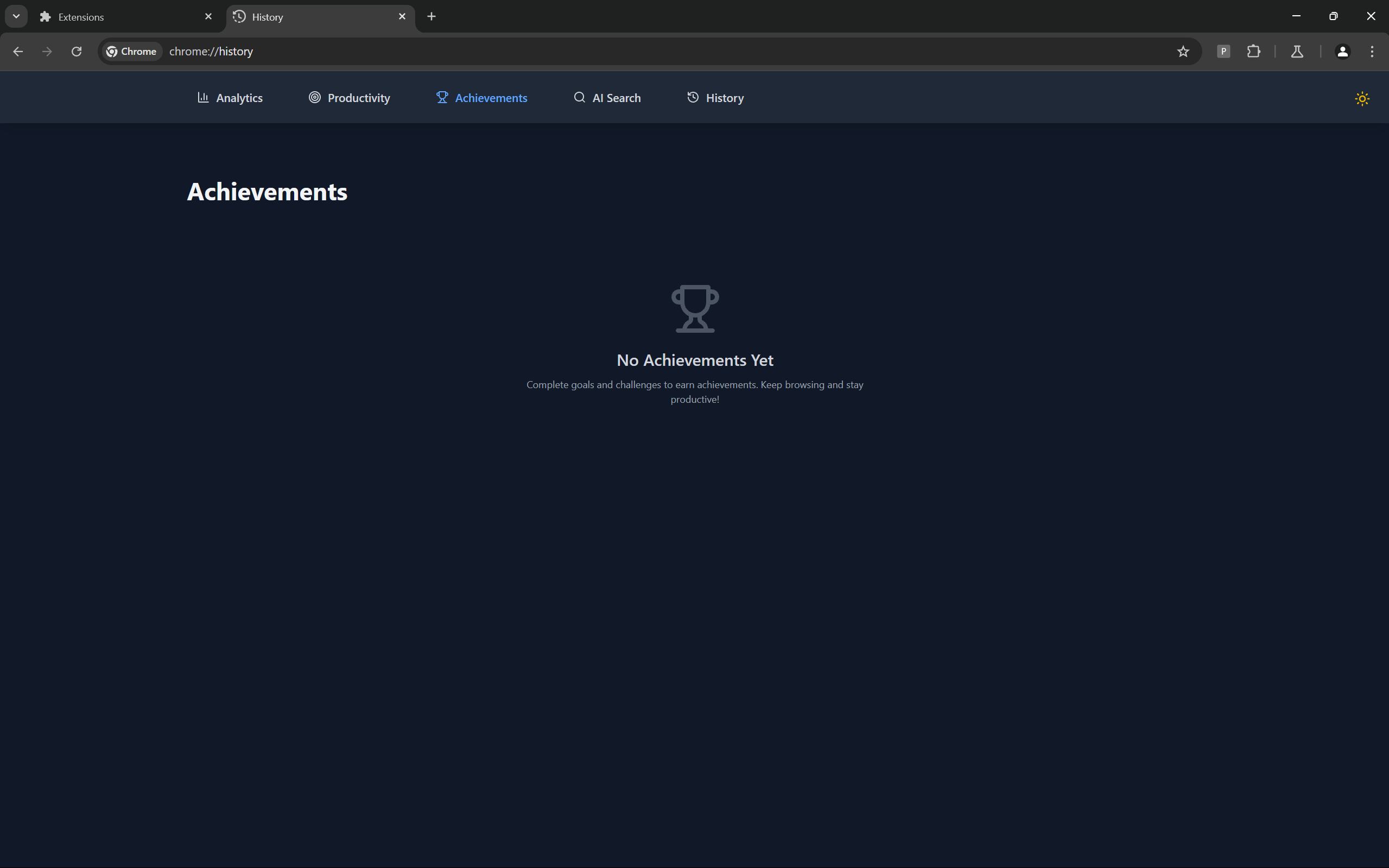
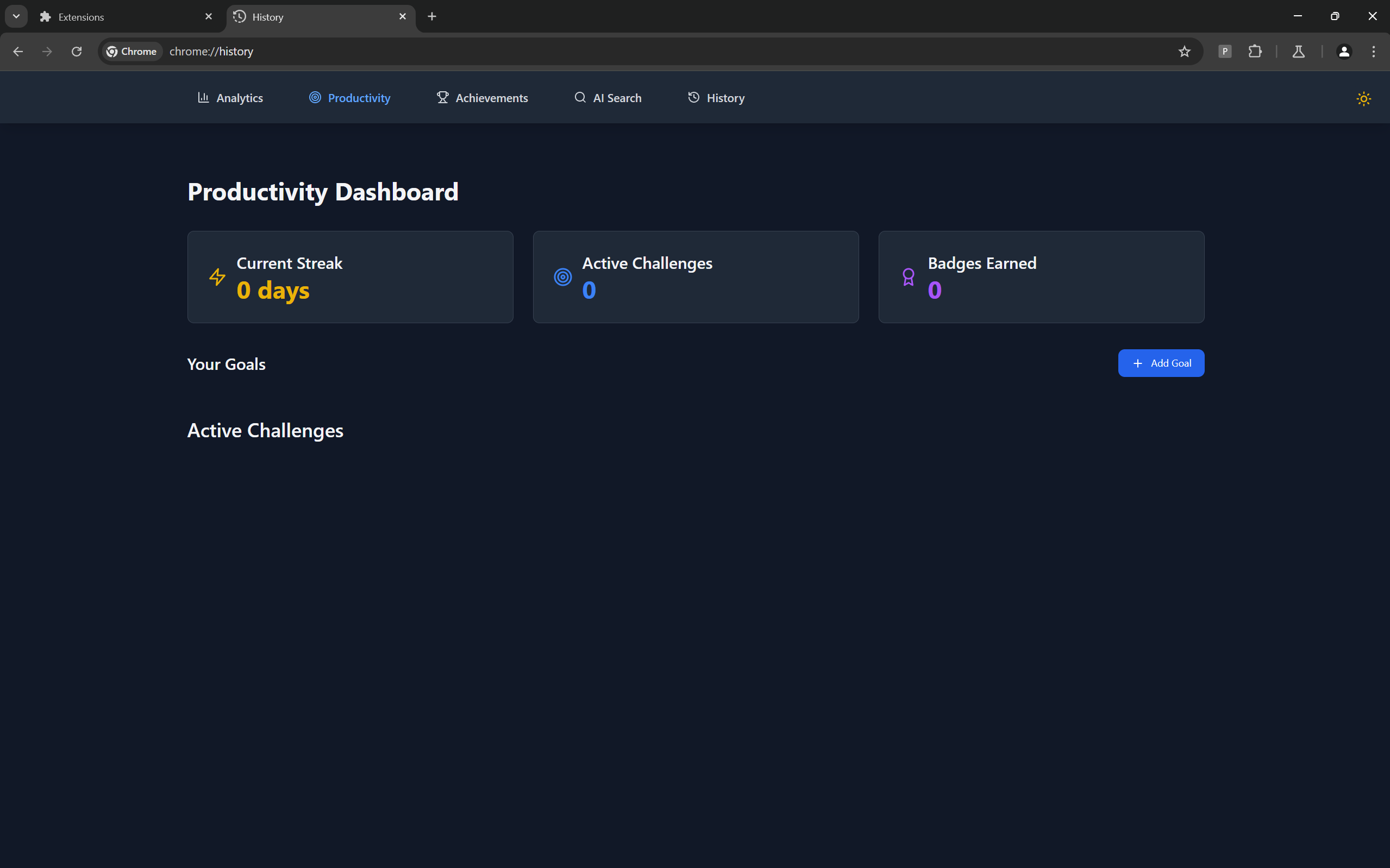
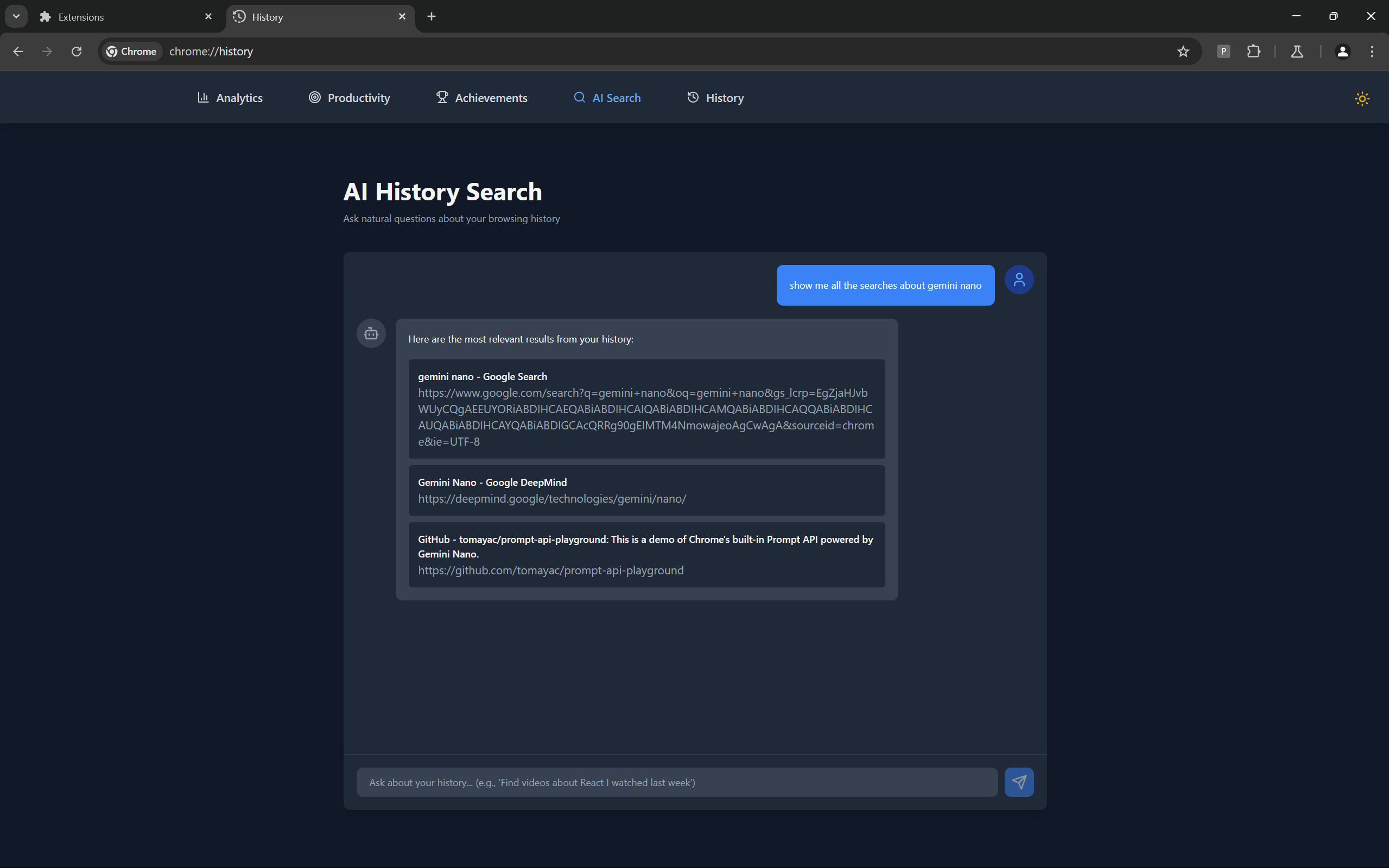
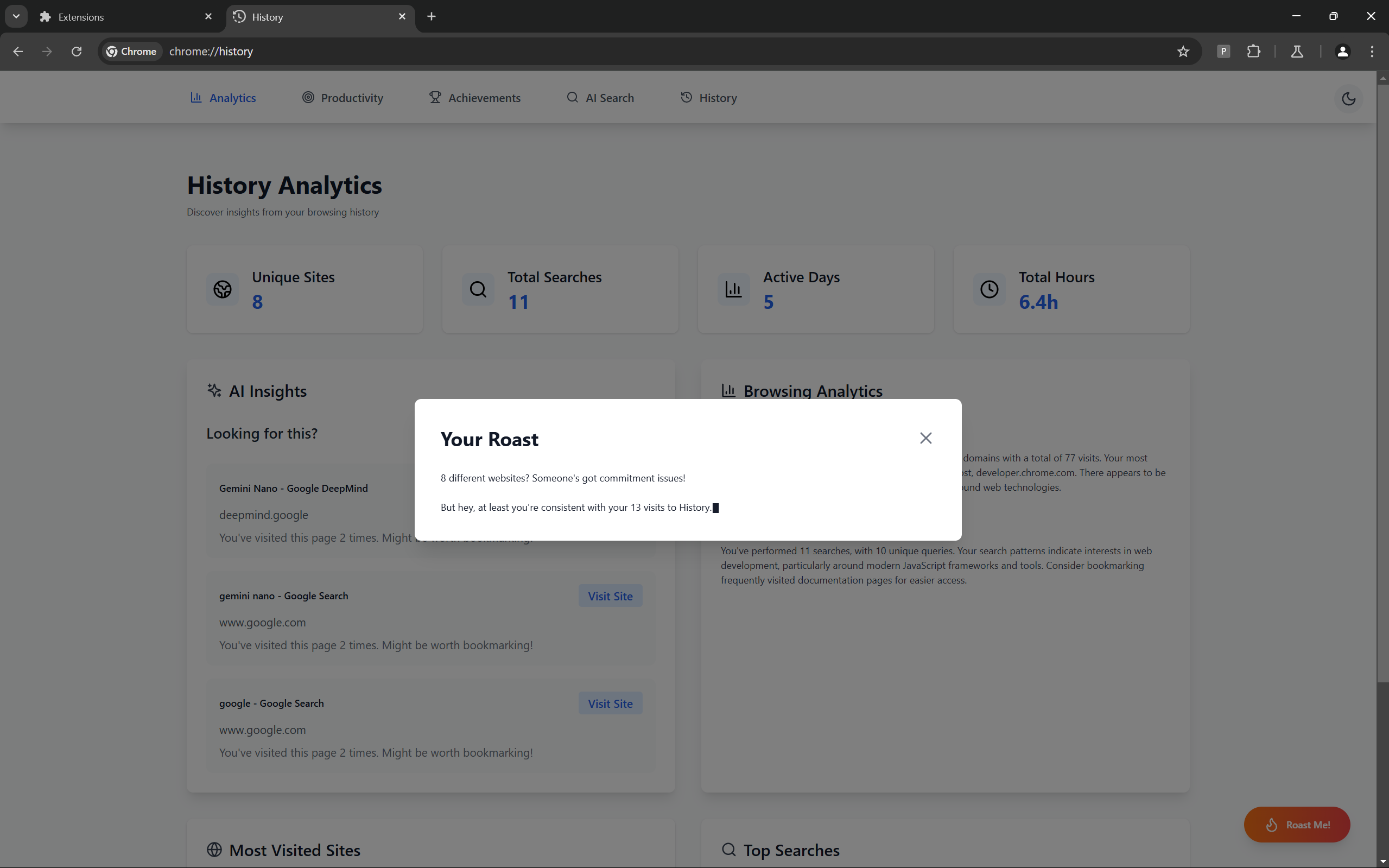
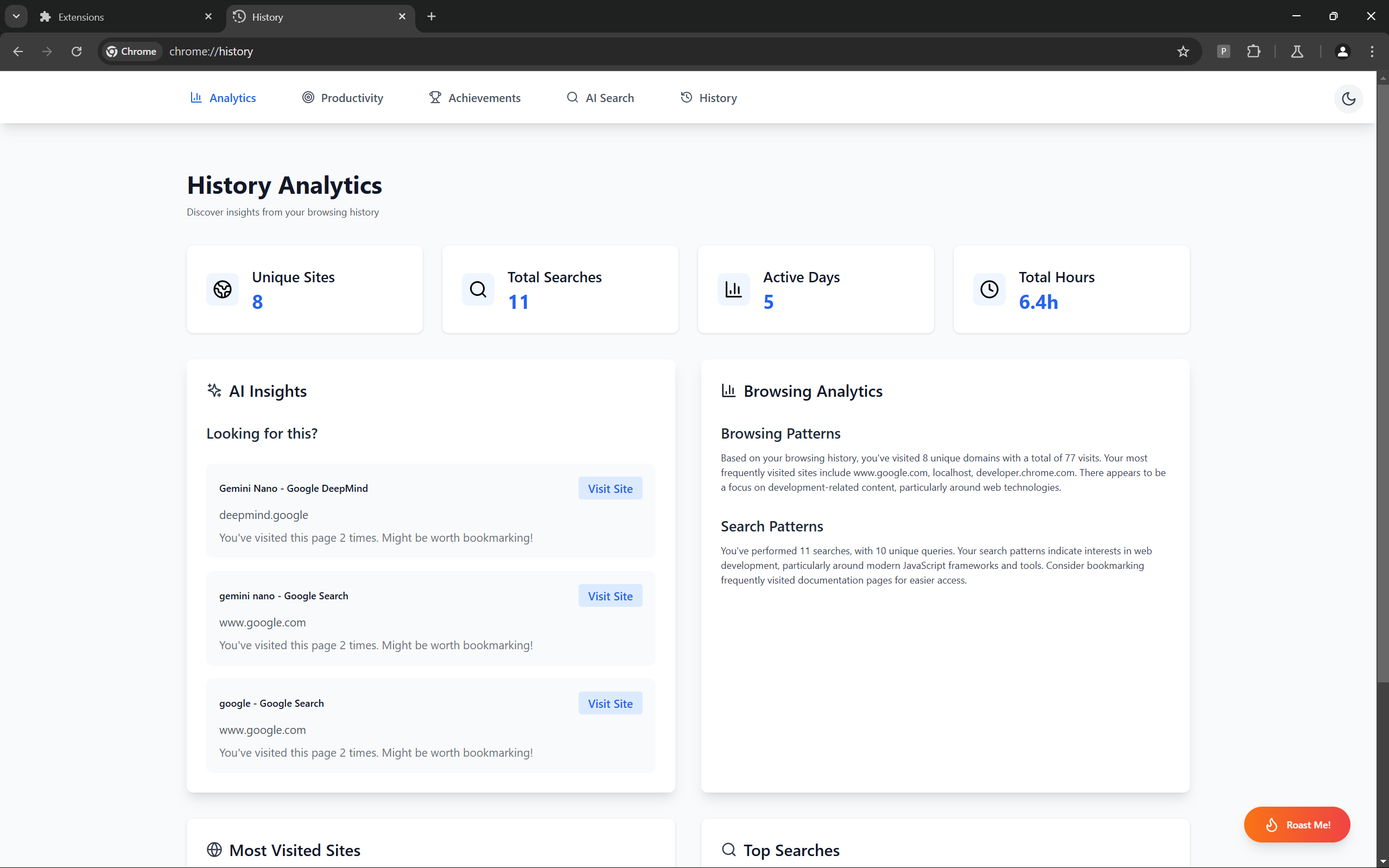
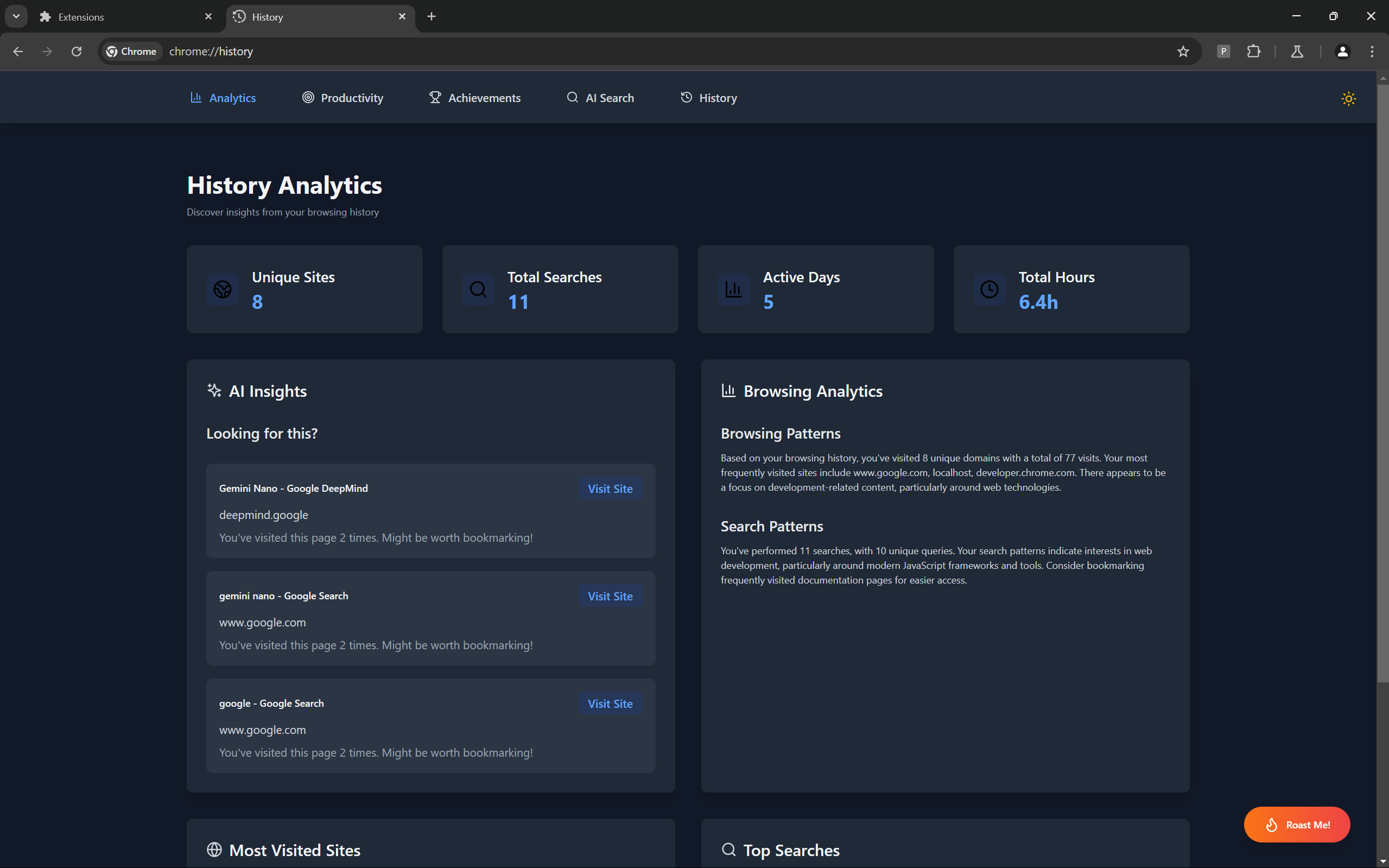
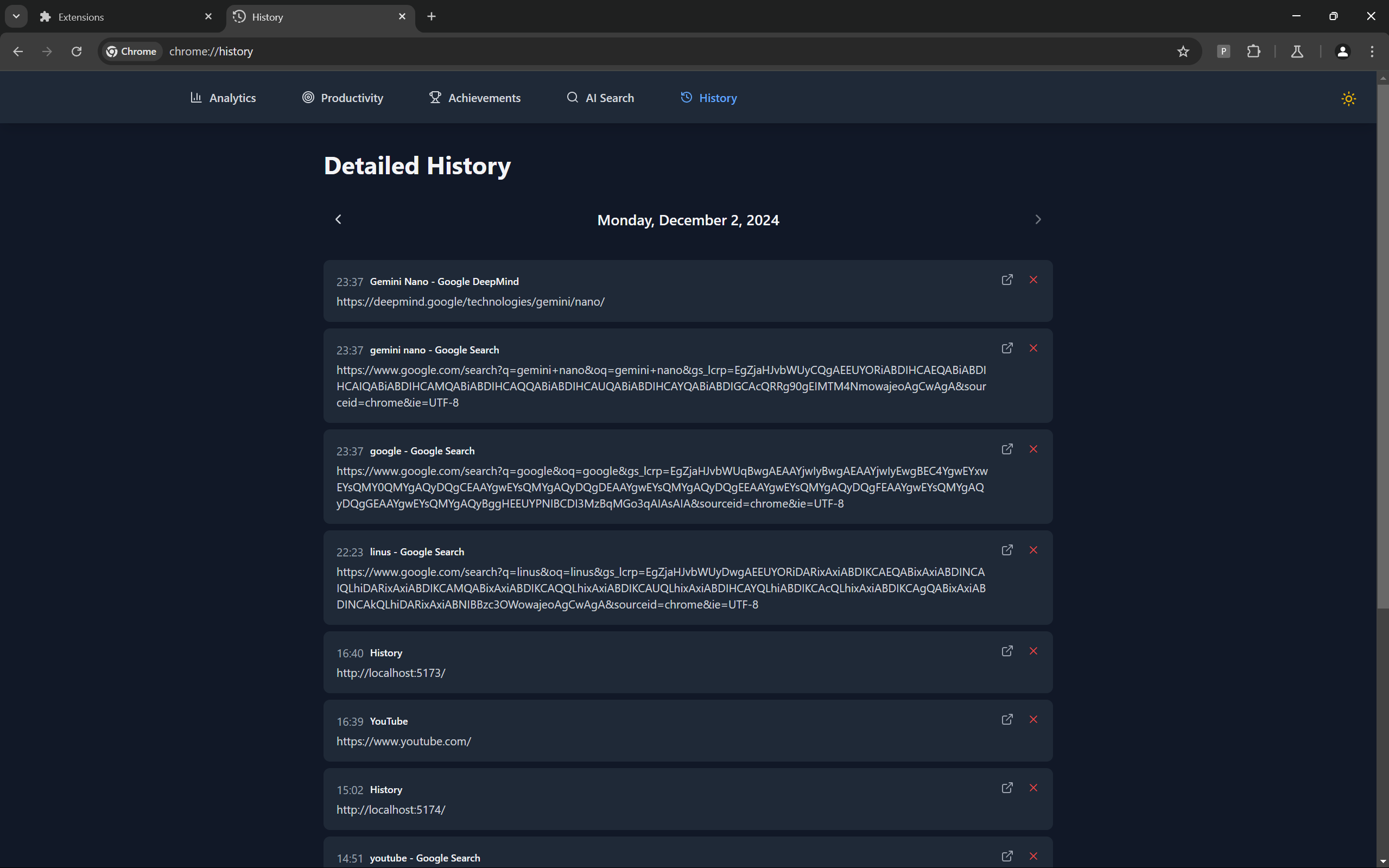
Insight History AI replaces the standard browser history page with an AI-powered interface. It not only organizes your history but also provides insights into your browsing patterns, top searches, and productivity trends. You can set goals, manage your online activities better, and even save website previews for future reference.
How we built it
We developed the extension using Vue.js with TypeScript, Gemini Nano, and Chrome AI APIs. The interface was designed with HTML and CSS, offering a seamless replacement for the browser history page. The AI processes browsing data locally to deliver search capabilities, actionable insights, and productivity tools.
Challenges we ran into
- Integrating AI functionality locally while maintaining performance.
- Providing accurate insights and predictions based on diverse browsing behaviors.
- Designing previews for saved websites and fetching missing data from the Web Archive.
Accomplishments that we're proud of
- Successfully building an AI-powered browser history page that enhances usability and privacy.
- Introducing productivity features like top searches, goal setting, and website clipping.
- Creating a functional and visually appealing extension that works seamlessly within Chromium browsers.
What we learned
- Efficient use of Vue.js and TypeScript in browser extension development.
- Leveraging Chrome AI APIs to process data locally for real-time insights.
- Balancing innovative features with performance constraints and usability.
What's next for Insight History AI
Our next steps include:
- Packaging the extension for the Chrome Web Store, refactoring the codebase to work with WXT.
- Enhancing clipping functionality with robust previews using Web Archive data.
- Adding support for Firefox and other browsers.
- Introducing advanced analytics, timeline views, and custom tagging for better history management.


Log in or sign up for Devpost to join the conversation.