-
-
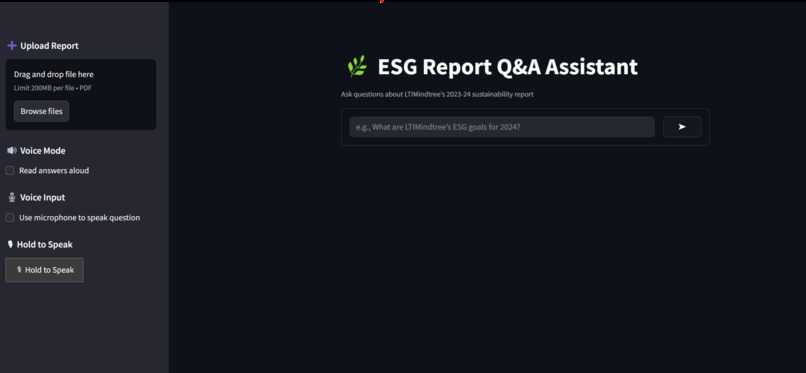
The UI
-
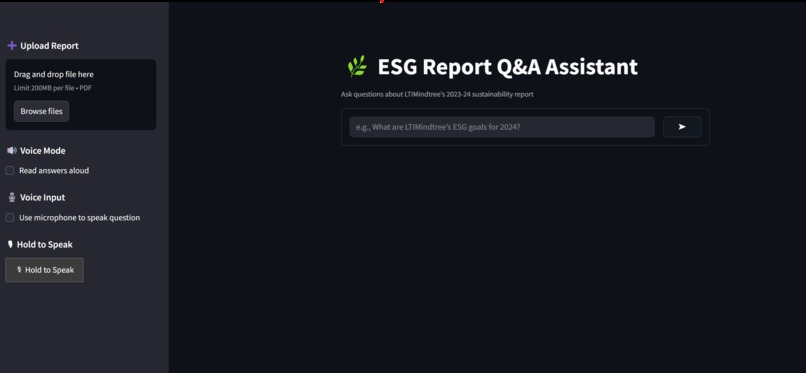
UI
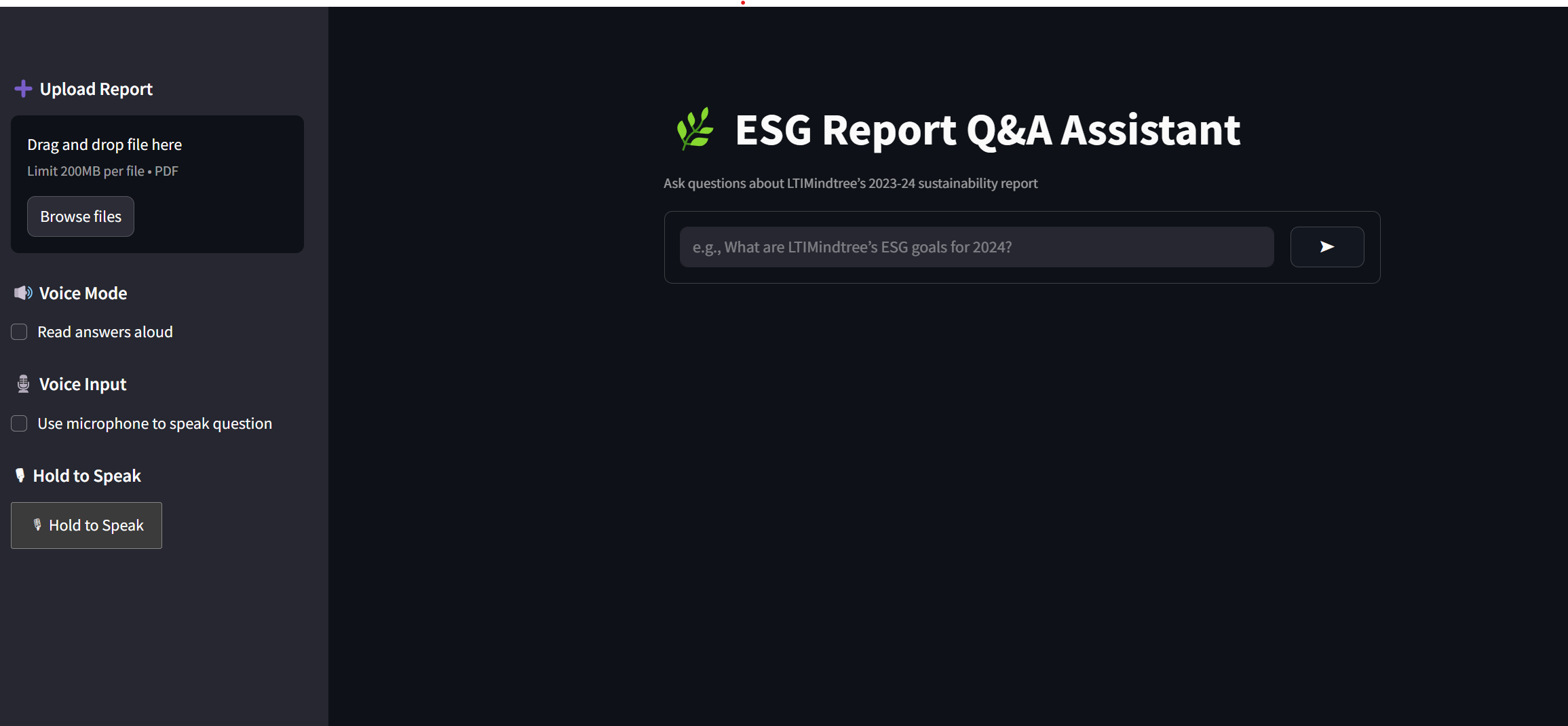
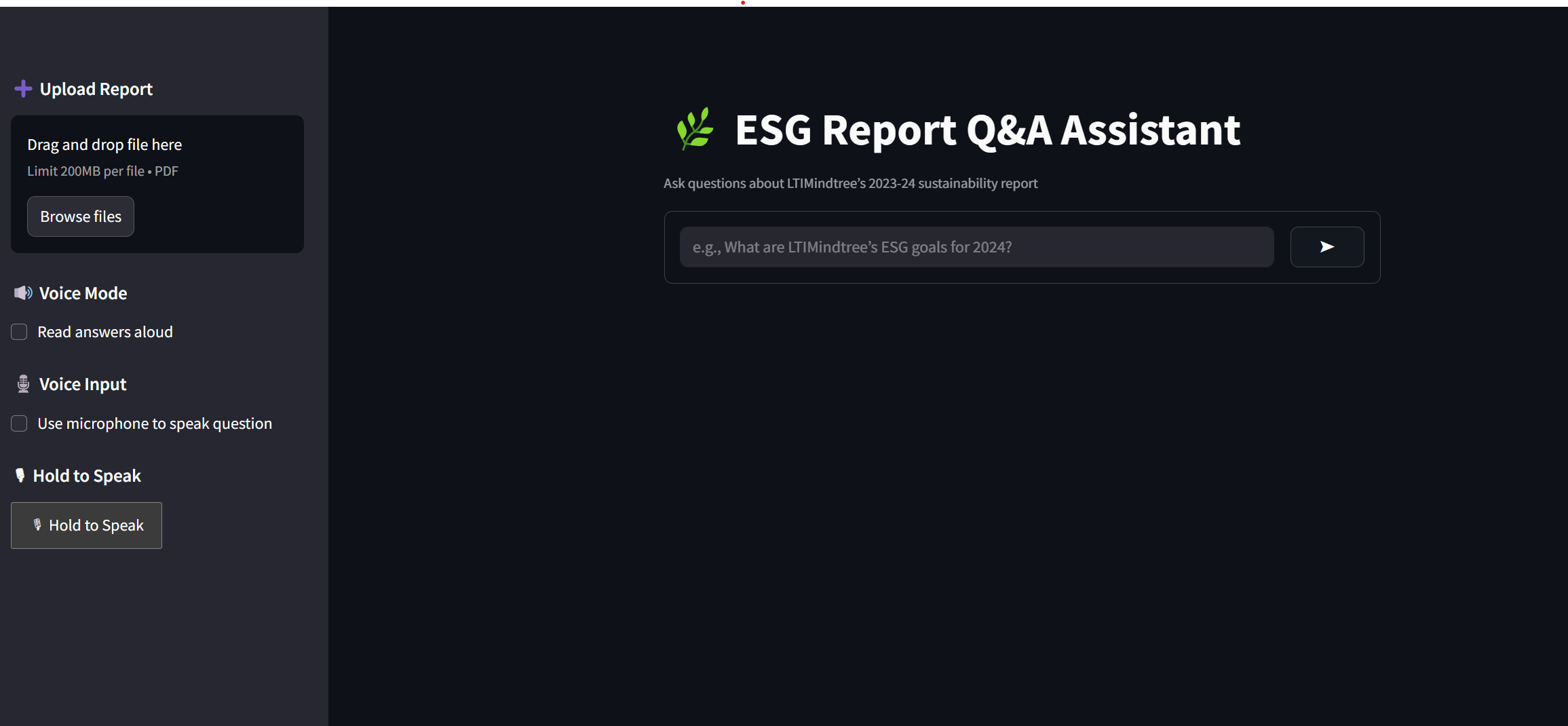
I was inspired to build a voice-activated AI assistant for ESG (Environmental, Social, and Governance) reports after realizing how difficult and time-consuming it is to extract meaningful insights from dense sustainability documents. I wanted to create a tool that allowed users—especially those less comfortable with technical documents—to simply speak a question and instantly get a relevant, AI-generated answer grounded in the actual report content.
To bring this idea to life, I used Streamlit for the frontend UI and integrated Google’s Gemini AI for question answering. I extracted and chunked the text from ESG PDF reports, then matched user queries to the most relevant sections. For the voice interface, I used streamlit-webrtc to capture live microphone input and implemented speech detection using webrtcvad. I used Google’s Speech-to-Text API to transcribe audio into queries and pyttsx3 for text-to-speech responses, enabling a complete voice-to-voice loop. I also added visual mic feedback with a pulsing gradient to give users real-time input confirmation.
Throughout the process, I learned a lot about audio processing in Python, real-time streaming, and integrating multiple asynchronous systems into a single Streamlit app. Debugging audio formats, resampling stereo to mono at the right bitrate and sample rate for transcription, and balancing speech sensitivity with noise rejection were all complex technical challenges. One particularly tricky issue was ensuring silence detection and automatic question submission worked seamlessly—something that required fine-tuning audio frame size, queue timing, and voice activity thresholds. Saving and inspecting raw audio files was another key learning moment that helped me uncover static and mic input mismatches.


Log in or sign up for Devpost to join the conversation.