-
-
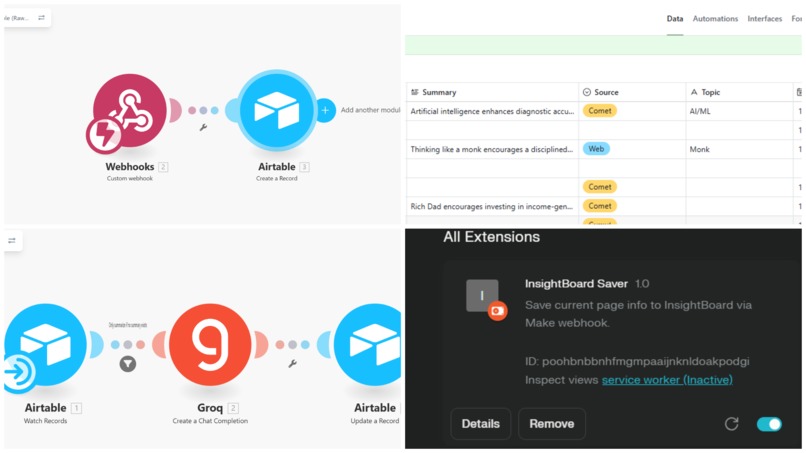
“InsightBoard: Your personal AI research hub — faster, smarter, automated.”
Inspiration
As a student, I constantly jump between articles, PDFs, and web resources while studying or researching. The biggest problem I face is:
saving topics properly
revisiting what I read earlier
getting short summaries to revise faster
The Comet Browser is great for exploration, but I felt something was missing — a personal research assistant that stays with me across topics, not only inside one page.
That sparked the idea:
“What if I could save any topic instantly and get an AI-generated summary stored in my own research board?”
That thought became InsightBoard.
I wanted to build something that actually helps students, researchers, and anyone who reads online — something fast, simple, and useful even during exam preparation. The hackathon gave me the perfect reason to finally build it.
What it does
InsightBoard turns passive browsing into active knowledge creation. Instead of manually copying and pasting research materials, users now get:
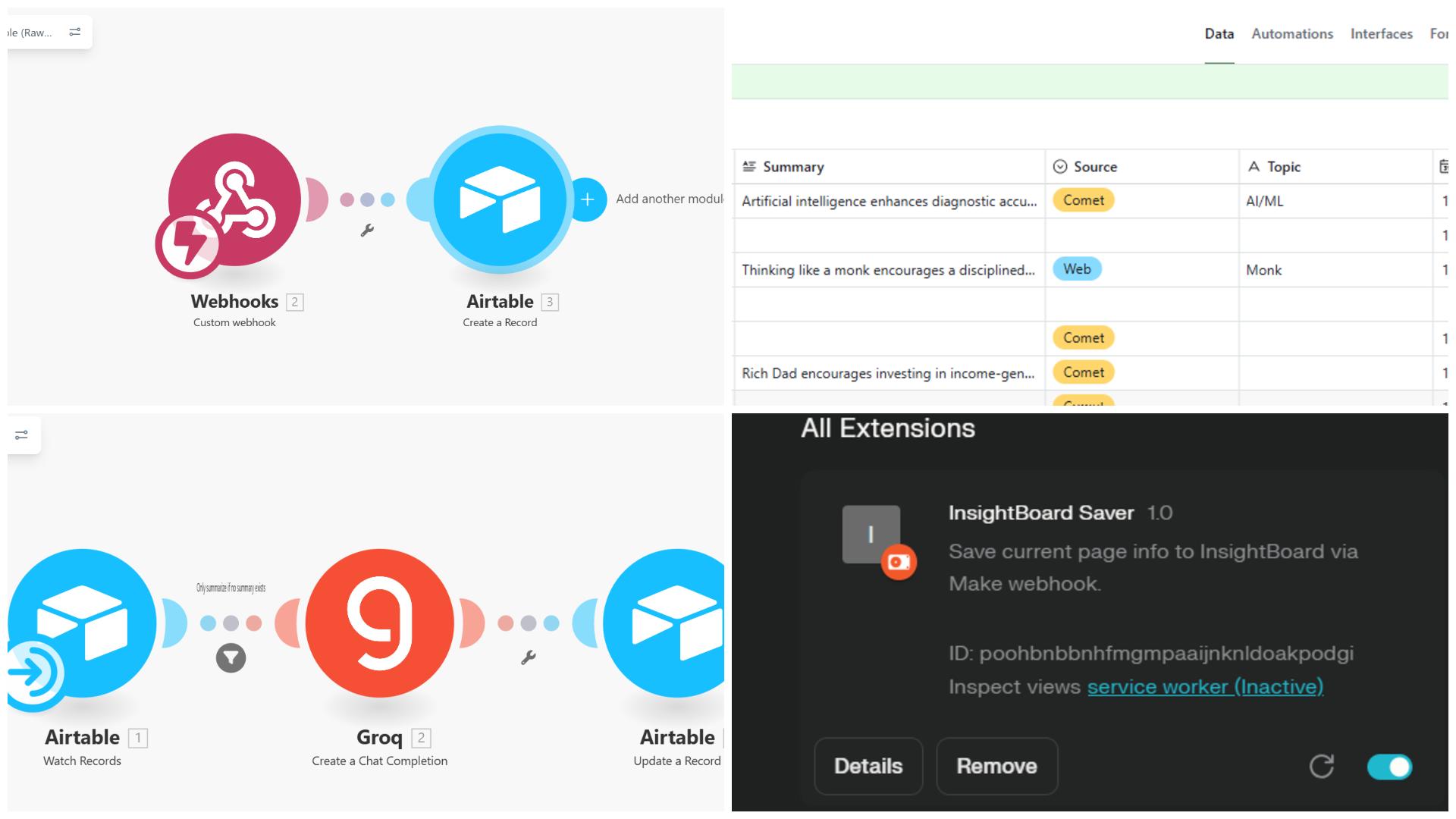
Automatic topic capture from the Comet browser using Chrome extension .
Instant AI-generated summaries for each entry.
Centralized research dashboard powered by Airtable.
Categorize the type of entry i the Airtable database.
How I built it
Chrome Extension: Built a lightweight extension that lets users right-click or select text in Comet to save it instantly.
Make (Integromat): Connected the extension to Airtable via webhooks to store titles, topics, sources, and timestamps.
Groq API Integration: Automatically generates AI summaries for each saved topic, stored back in Airtable in real time.
Challenges I ran into
Linking Comet (still in beta) with Airtable and Groq without a direct API was a puzzle.
Getting Make to pass structured data (title/topic) to Groq reliably took multiple iterations .
Accomplishments that I am proud of
Built a fully working Chrome Extension from scratch Before this hackathon, I had zero experience with browser extensions. I learned everything from manifest setup to messaging and successfully built an extension that captures any research topic from the Comet Browser with one click.
Created a completely automated AI summarization pipeline I designed an end-to-end flow using Airtable + Make.com + Groq that takes a topic, processes it, generates a summary, and stores everything automatically. No manual triggers, no backend servers — just clean automation.
Integrated Groq AI for real-time summarization I used Groq’s super-fast LLM inference to generate concise, factual summaries the moment a topic is added.
Built the entire project solo under strict time & study pressure Managing college exams while building a cross-platform tool was tough, but the final working system makes it worth it.
What I learned
Setting up no-code automations can be as powerful as traditional coding if planned logically.
Groq’s speed and Make’s flexibility made real-time data flows surprisingly smooth.
Browser extensions are powerful entry points for connecting human behavior to AI workflows.
What's next for Insight Board - Your AI Companion
Add voice-to-summary features for lecture or podcast summarization.
Introduce multi-source AI synthesis — combining summaries from multiple articles.
Enable collaborative boards for group research projects.

Log in or sign up for Devpost to join the conversation.