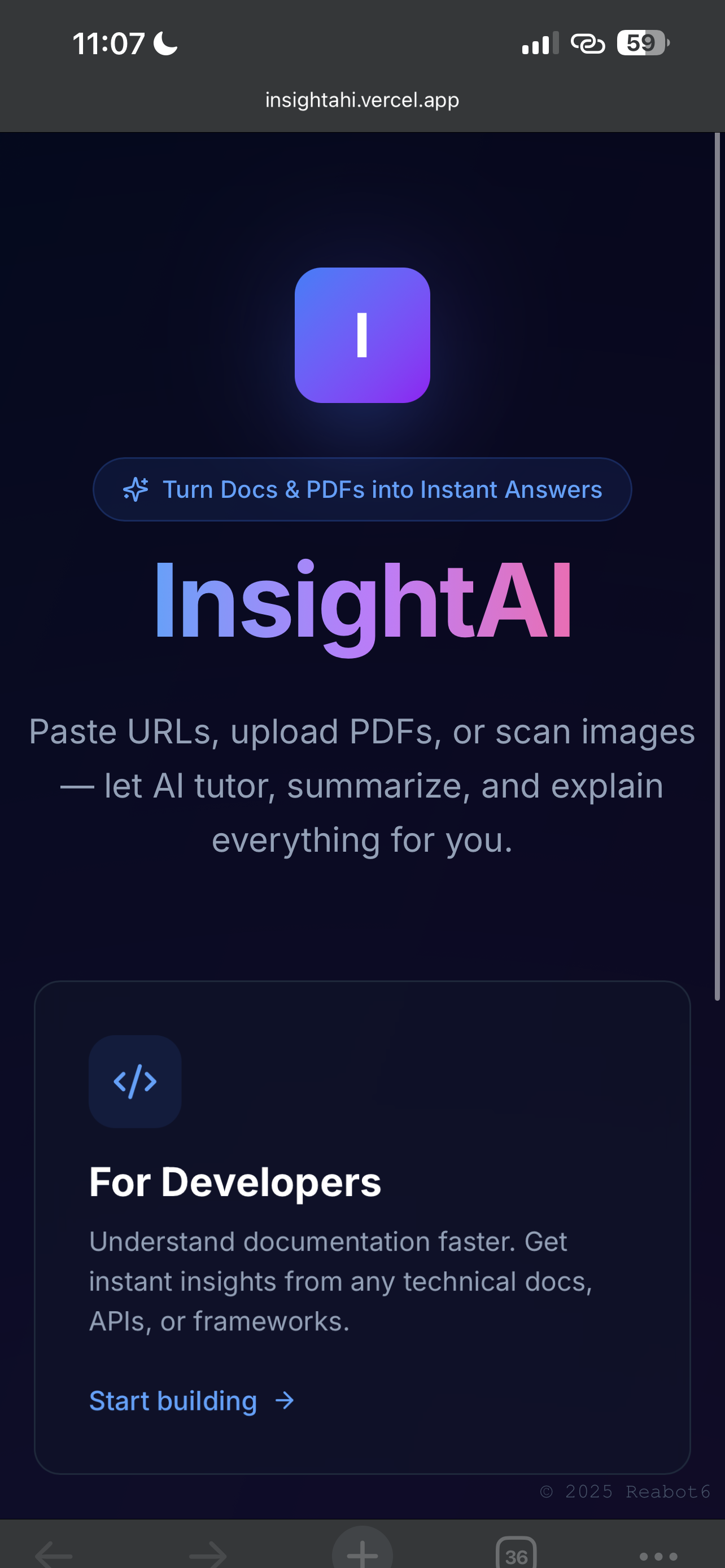
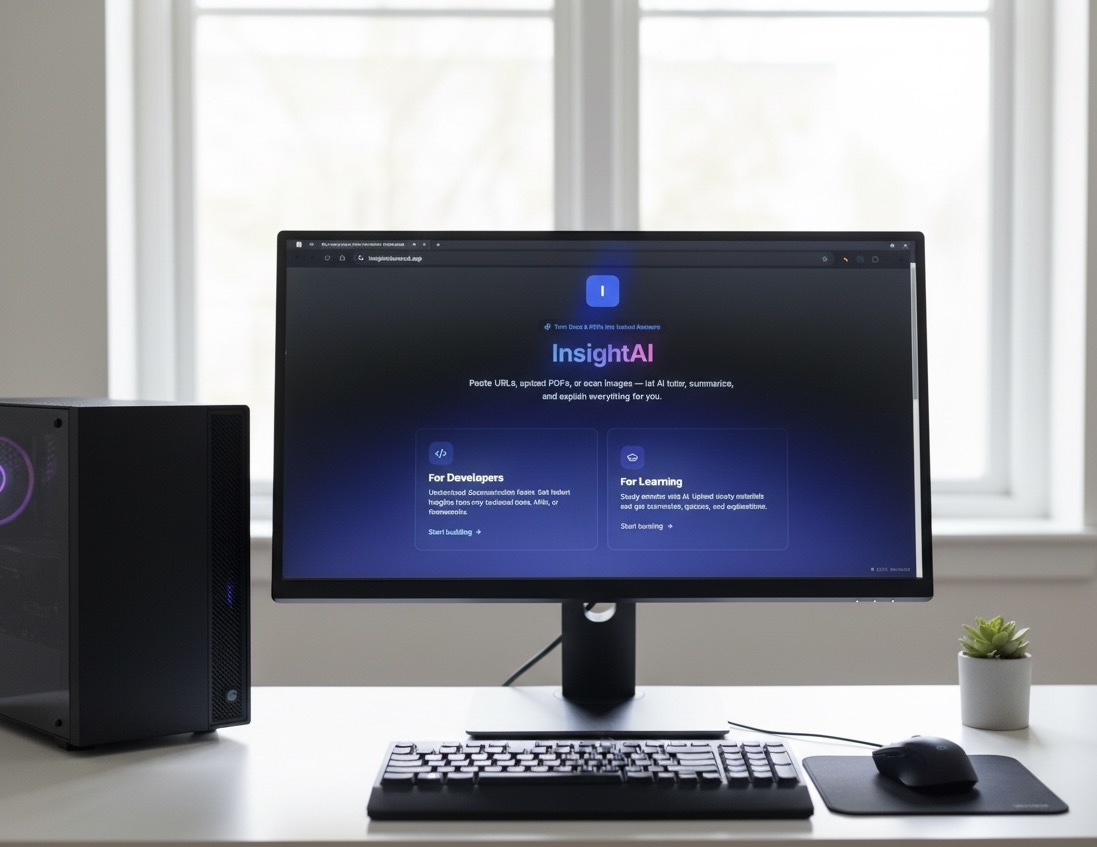
InsightAI

Stop reading lengthy documentation. Start chatting with AI.
InsightAI is an AI-powered documentation assistant that transforms the way developers and students interact with technical documentation and study materials. Simply paste a URL, upload a PDF, or scan an image — and get instant answers, summaries, and explanations.
Inspiration
We've all been there — staring at 300-page documentation, trying to find that one configuration option or API method. Or struggling through dense academic PDFs before an exam. Reading documentation is time-consuming, often confusing, and frankly, exhausting.
The problem: Developers waste hours reading through documentation just to implement simple features. Students struggle to extract key concepts from lengthy study materials.
Our solution: What if AI could read documentation for you, understand it deeply, and answer any question you have — in seconds?
That's how InsightAI was born.
What it does
InsightAI offers two specialized modes:
Developer Mode
- Documentation Assistant: Paste any documentation URL and AI crawls the entire site, indexing all pages
- Instant Answers: Ask questions about APIs, configurations, best practices — get code examples and implementation guides
- Multi-format Support: Upload PDFs, paste URLs, or scan screenshots of code/diagrams
- Intelligent Crawling: AI reads up to 50 documentation pages, extracting clean content while ignoring navigation and ads
Learning Mode
- AI Tutor: Upload study materials (PDFs, lecture notes) and get comprehensive summaries
- Auto-Generated Study Tools:
- Flashcards with spaced repetition
- Practice quizzes with timed mode
- Summary notes highlighting key concepts
- Interactive Q&A: Ask follow-up questions and get step-by-step explanations with examples
- Visual Learning: AI generates diagrams and visual aids to explain complex topics
Core Features
- Conversational Text-to-Speech: Messages convert to natural, conversational audio (not robotic)
- Message Editing: Edit your questions and regenerate AI responses
- Syntax Highlighting: Code blocks rendered beautifully with copy buttons
- Separate Chat Histories: Dev and Learning modes maintain independent conversation histories
- Mobile Responsive: Fully optimized sidebar that collapses on mobile devices
- Export & Settings: Export chat history, customize themes, adjust text size
How we built it
Tech Stack
Frontend:
- Next.js 16 (React 19.2)
- TypeScript
- Tailwind CSS 4
- Radix UI (shadcn/ui components)
- React Markdown with syntax highlighting
Backend & APIs:
- Next.js API Routes (serverless)
- Groq API (llama-3.3-70b-versatile for chat)
- SiliconFlow API (DeepSeek-V3 fallback, image OCR, diagram generation)
- iFlytek API (high-quality text-to-speech)
- PDF.co API (PDF text extraction)
- Cheerio (HTML parsing for web scraping)
Storage & State:
- LocalStorage (client-side chat persistence)
- Session management with mode-specific histories
Architecture
Web Crawling Pipeline:
- URL submitted → Cheerio scrapes HTML → Extract clean text content
- Find all internal documentation links → Crawl up to 50 pages
- Chunk large content → Process each chunk with AI → Merge insights
AI Processing:
- Groq API generates comprehensive summaries with key points
- For education mode: Auto-generates flashcards, quizzes, and study guides
- For dev mode: Extracts code examples, API references, and best practices
File Processing:
- PDFs → PDF.co extracts text → Send to AI for analysis
- Images → SiliconFlow vision model (OCR) → Extract text → Process
Text-to-Speech Pipeline:
- User clicks "Read Aloud" → Message sent to Groq to generate conversational script
- Script removes code symbols (// becomes "comment", etc.)
- iFlytek TTS API converts to natural speech → Audio playback
Key Innovations
- Chunked Processing: Large documentation split into digestible chunks, processed in parallel, then merged intelligently
- Conversational TTS: AI rewrites technical content into natural speech before synthesis
- Mode-Specific Prompts: Different system prompts optimize AI responses for developers vs. learners
- Smart Caching: Chat histories persist locally with separate storage keys per mode
- Fallback Architecture: SiliconFlow (DeepSeek) kicks in when Groq hits rate limits
Challenges we ran into
Documentation Crawling at Scale
- Problem: Some docs sites have 1000+ pages. Crawling everything times out.
- Solution: Implemented intelligent prioritization (prioritize /docs/, /api/, /guide/ paths) and capped at 50 pages with 10-page chunking for AI processing.
API Rate Limits
- Problem: Groq API has rate limits; app would fail during heavy use.
- Solution: Built automatic fallback to SiliconFlow's DeepSeek-V3 model with seamless error handling.
Text-to-Speech Quality
- Problem: TTS reading code like "slash slash" for comments sounded robotic.
- Solution: Pre-process with Groq to convert technical syntax into conversational language before TTS.
Mobile Responsiveness
- Problem: Sidebar and chat layout broke on mobile screens.
- Solution: Implemented responsive breakpoints with collapsible sidebar overlay for mobile.
Security Concerns
- Problem: Initially exposed API keys in client-side code.
- Solution: Moved all API calls to server-side Next.js API routes with environment variables.
Accomplishments that we're proud of
- Production-Grade UI/UX: Not "AI-generated" looking — polished, modern design with smooth animations and micro-interactions
- Dual-Mode Intelligence: One app serving two distinct use cases (developers & students) with optimized experiences for each
- Multi-Modal Input: URLs, PDFs, images — handles everything seamlessly
- Real-World Testing: Tested with actual documentation (Next.js, React, Tailwind) and academic PDFs
- Performance: Fast response times even with large documents (50-page docs processed in ~15-20 seconds)
- Accessibility: Proper ARIA labels, keyboard navigation, high contrast ratios
What we learned
Technical Learnings
- Web scraping is hard: Not all documentation sites are structured the same. We learned to handle edge cases like JavaScript-rendered content, nested navigation, and dynamic routes.
- AI prompt engineering matters: Small changes to system prompts drastically improved response quality. Education mode prompts needed more patience and examples; dev mode needed conciseness.
- Chunking is essential: Large documents can't be processed in one API call. Smart chunking with context preservation is critical.
Product Learnings
- Users want instant value: The "upload and wait" pattern doesn't work. We show suggested questions and actions immediately after file upload.
- Context matters: Developers want code examples; students want explanations and practice materials. One-size-fits-all doesn't work.
- Audio quality matters: Bad TTS ruins the experience. We invested time in conversational script generation to make audio pleasant.
Design Learnings
- Sidebar UX patterns: Studied ChatGPT, Claude, and Perplexity to understand what works. Rename-on-hover, message previews, and drag-to-resize are table stakes.
- Loading states: Never show blank screens. Skeleton loaders, progress indicators, and suggested prompts keep users engaged.
What's next for InsightAI
Short-term (Next 2-4 weeks)
- Collaborative Chats: Share chat links with teammates or classmates
- Export Formats: Download conversations as PDF or Markdown
- Voice Input: Speak questions instead of typing
- Code Execution: Run code examples directly in the chat
Medium-term (1-3 months)
- Chrome Extension: Highlight any text on a webpage and ask AI to explain it
- Integrations: Connect with Notion, Google Drive, Dropbox for direct file access
- Team Workspaces: Organizations can share knowledge bases and chat histories
- Custom AI Models: Train on company-specific documentation
Long-term (6+ months)
- Mobile Apps: Native iOS and Android apps with offline support
- API Marketplace: Let developers build custom integrations
- Enterprise Features: SSO, audit logs, compliance certifications
- Multilingual Support: Support for 20+ languages beyond English
Getting Started
Prerequisites
- Node.js 18+ and npm/yarn/pnpm
- API keys (see Environment Variables below)
Installation
```bash
Clone the repository
git clone https://github.com/yourusername/insightai.git cd insightai
Install dependencies
npm install
Set up environment variables (see below)
cp .env.example .env.local
Run development server
npm run dev ```
Open http://localhost:3000 in your browser.
Environment Variables
Create a .env.local file with the following:
```env
Groq API (primary LLM)
GROQ_API_KEY=your_groq_api_key
SiliconFlow API (fallback LLM + vision + diagrams)
SILICONFLOW_API_KEY=your_siliconflow_api_key
iFlytek API (text-to-speech)
IFLYTEK_API_KEY=your_iflytek_api_key
PDF.co API (PDF extraction)
PDFCO_API_KEY=your_pdfco_api_key ```
Getting API Keys:
- Groq: console.groq.com
- SiliconFlow: cloud.siliconflow.cn
- iFlytek: www.xfyun.cn
- PDF.co: app.pdf.co
Build for Production
```bash npm run build npm start ```
Project Structure
``` insightai/ ├── app/ │ ├── api/ # Next.js API routes │ │ ├── chat-docs/ # Main chat endpoint │ │ ├── scrape-docs/ # Documentation crawler │ │ ├── extract-file/ # PDF/image processing │ │ ├── tts/ # Text-to-speech │ │ └── generate-tts-script/ # TTS script generation │ ├── page.tsx # Homepage with mode selection │ ├── layout.tsx # Root layout │ └── globals.css # Global styles ├── components/ │ ├── chat-interface.tsx # Main chat container │ ├── chat-sidebar.tsx # Conversation history │ ├── chat-view.tsx # Messages and input │ ├── message-bubble.tsx # Individual message rendering │ ├── settings-modal.tsx # App settings │ └── ui/ # Reusable UI components ├── public/ │ ├── favicon.svg # Site icon │ └── og-image.jpg # Social sharing image └── README.md ```
Contributing
We welcome contributions! Please see CONTRIBUTING.md for guidelines.
License
MIT License - see LICENSE for details.
Built with ❤️ by Reabot6
© 2025 Reabot6. All rights reserved.
Built With
- api
- cheerio
- groq
- javascript
- react
- tts
- typescript


Log in or sign up for Devpost to join the conversation.