-
-
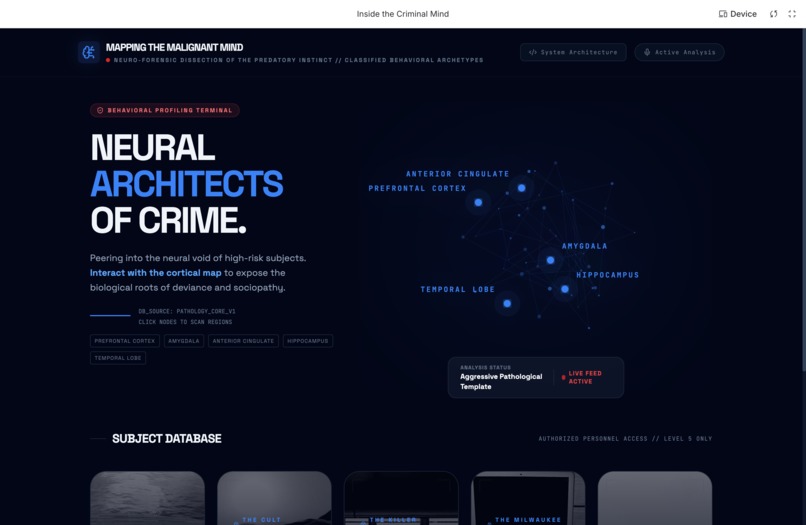
Home Page
-
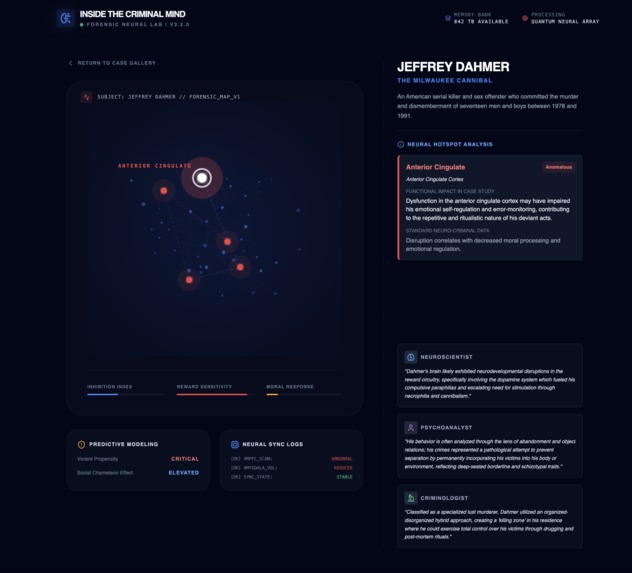
Dahmer's Brain Mapping
-
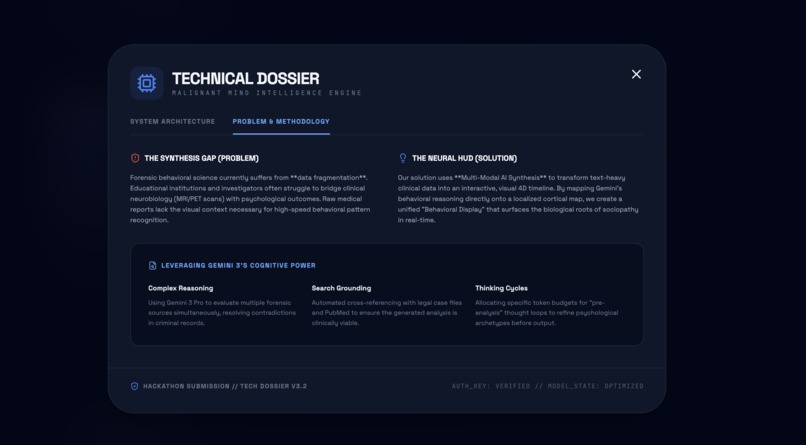
Problem and Solution Statement
-
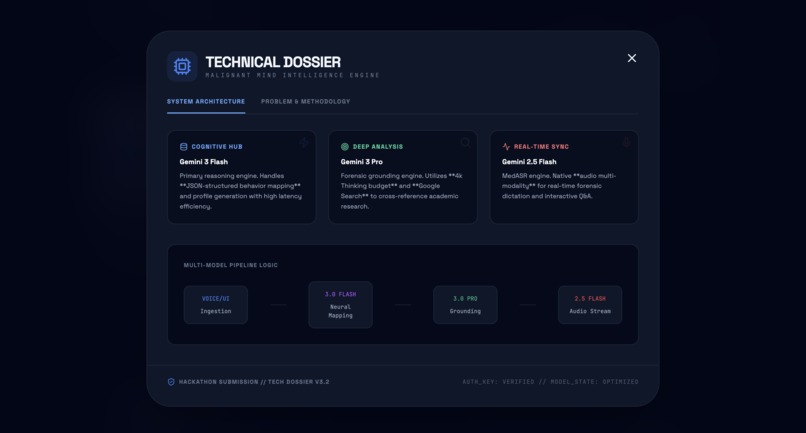
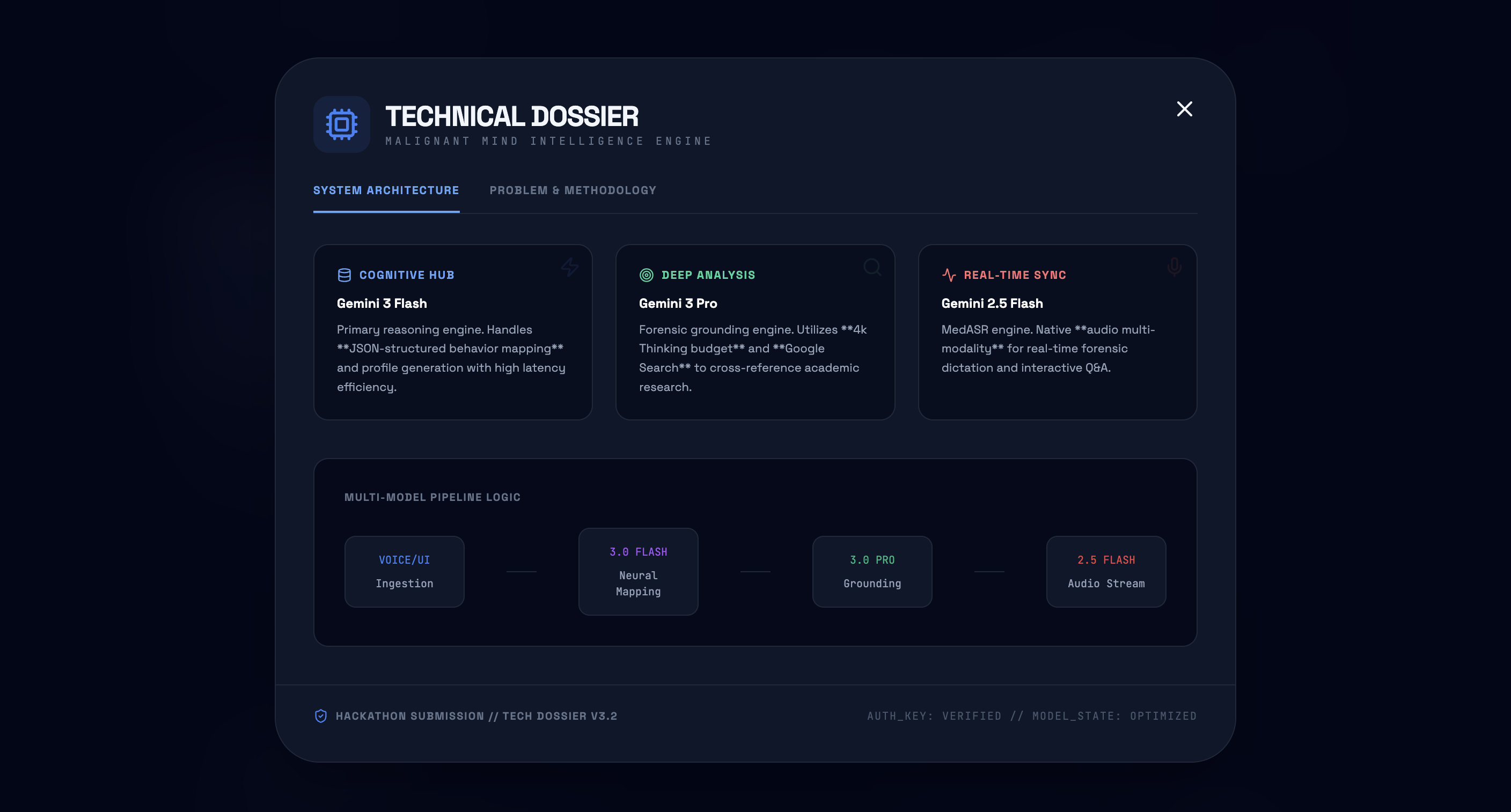
Glossary of Terms
-
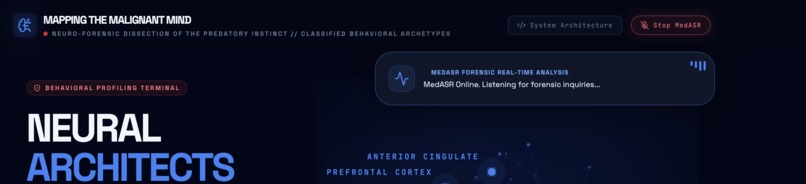
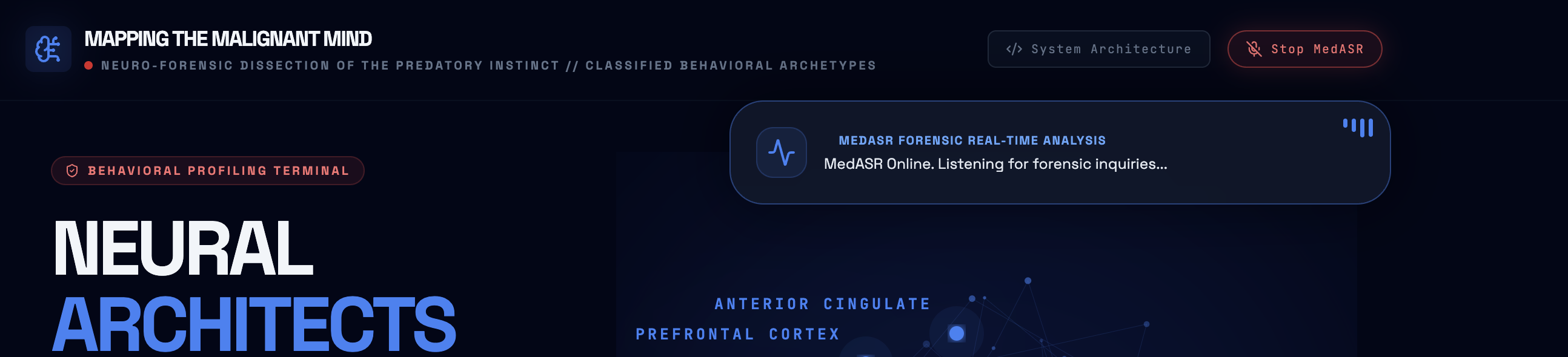
Voice Activated AI with MedASR
-
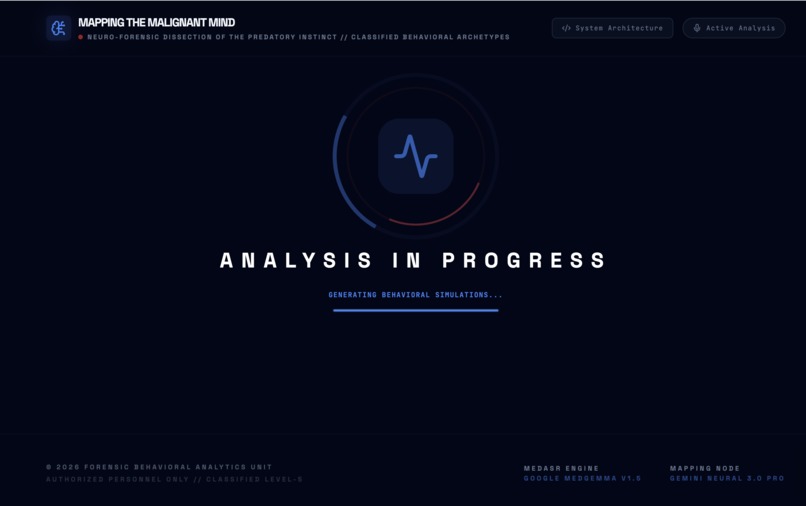
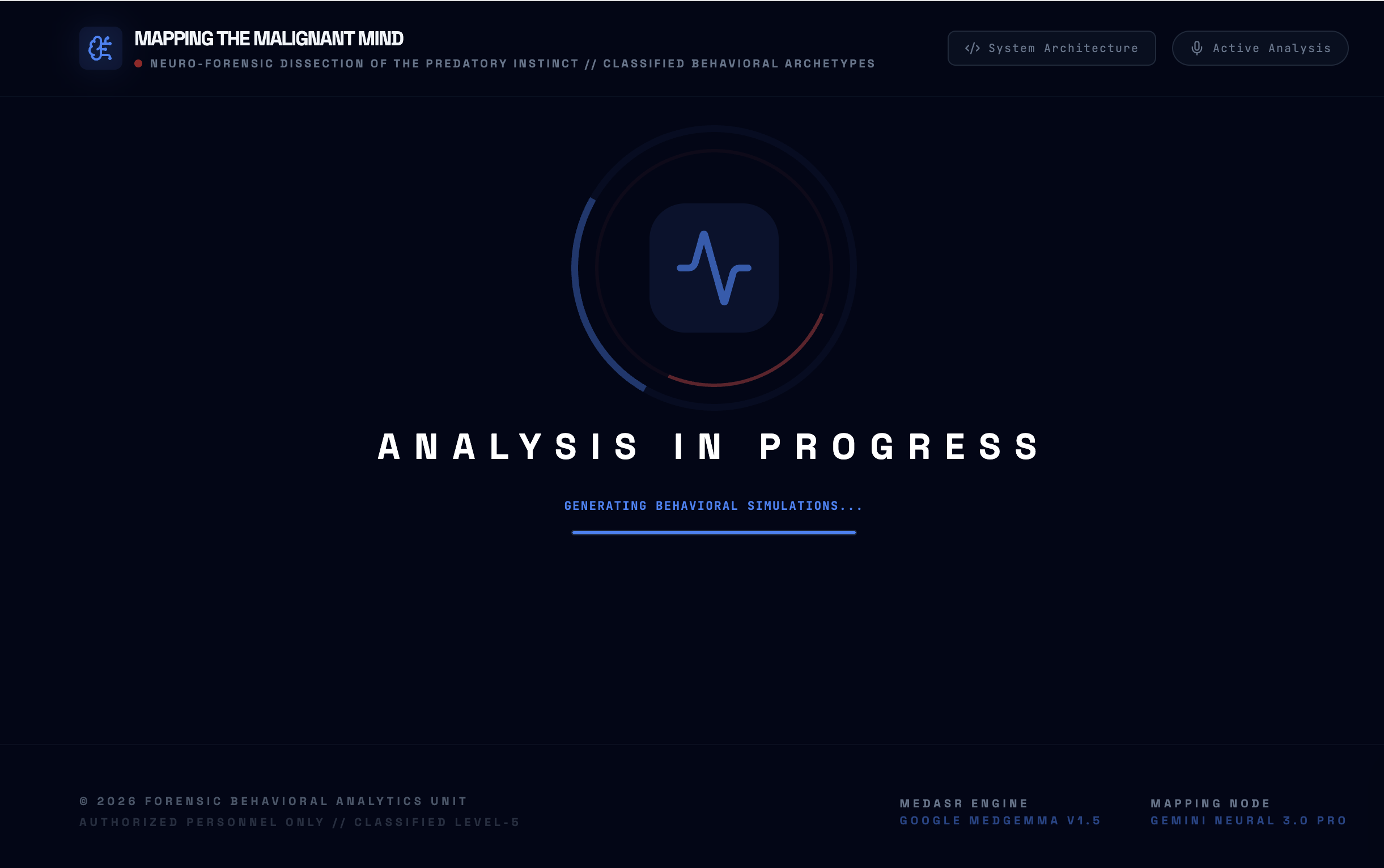
Analyzing In Progress
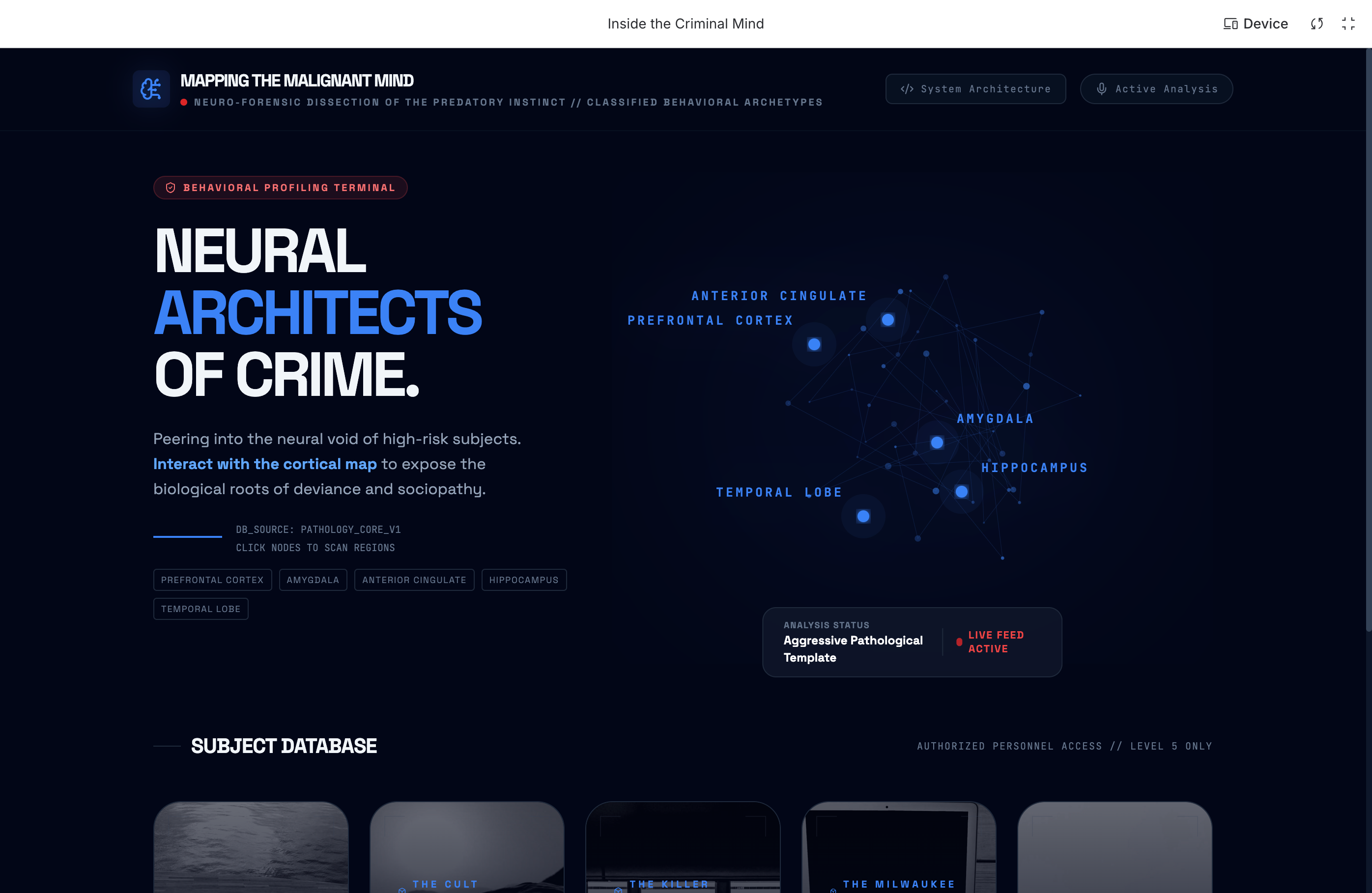
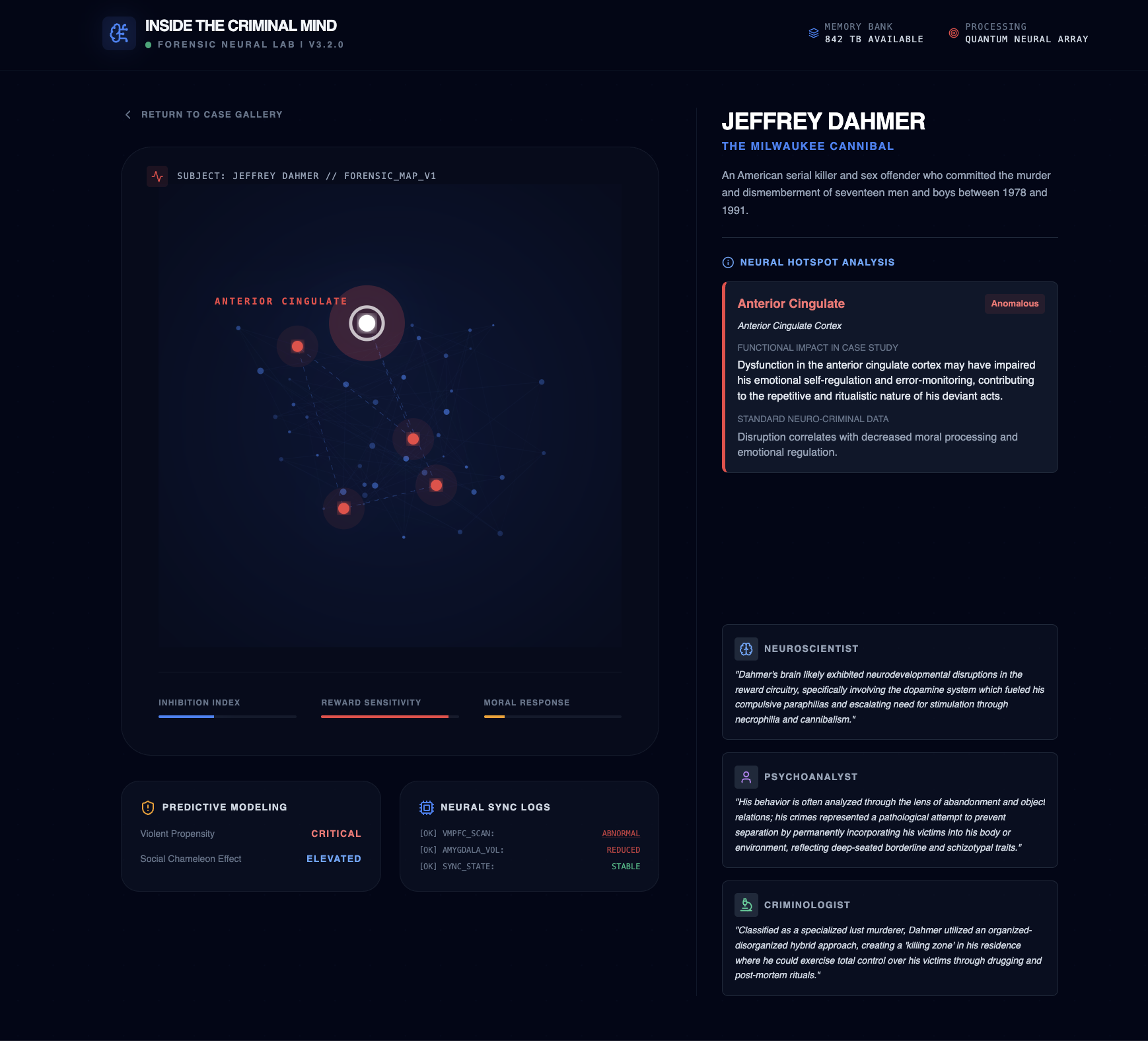
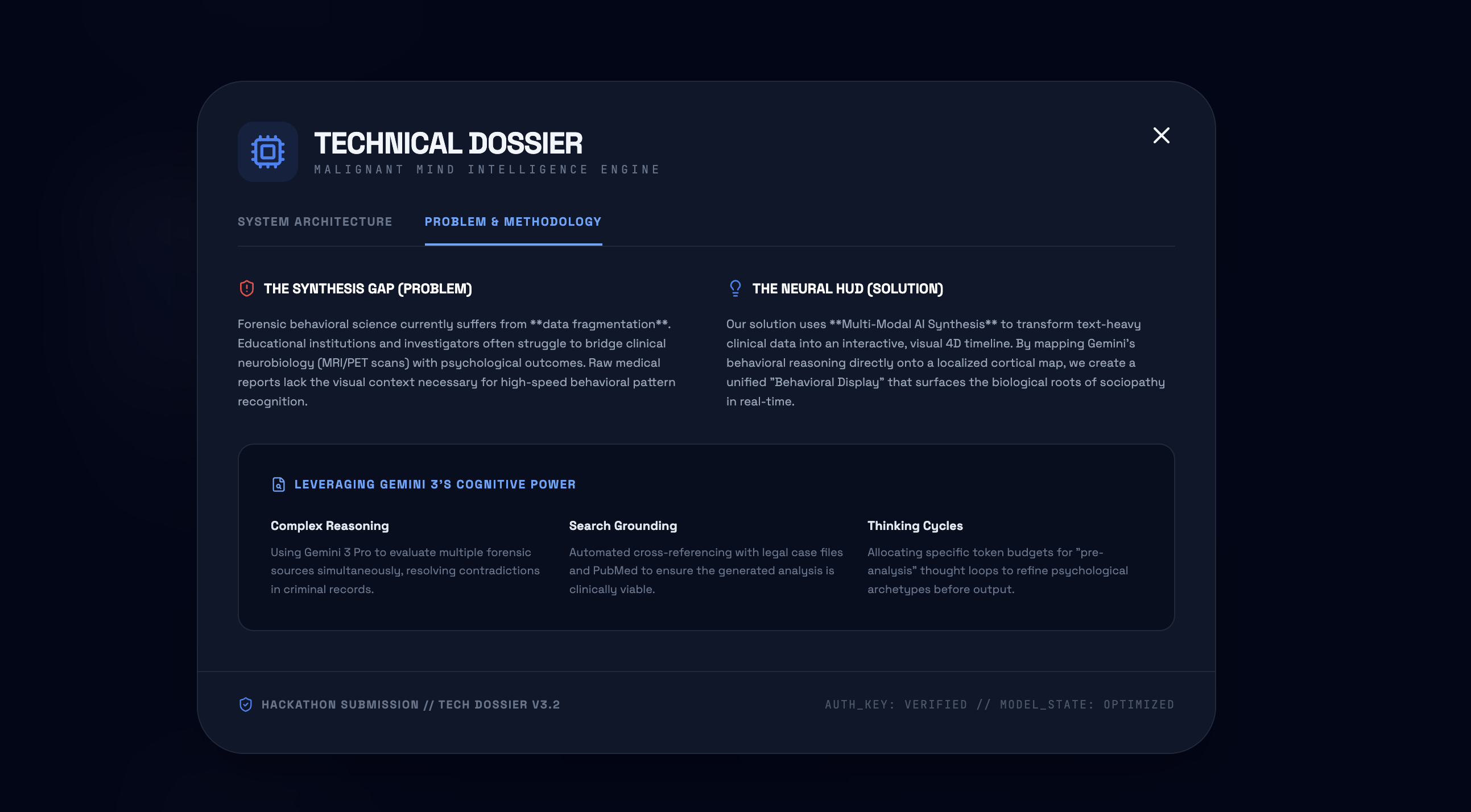
Inside the Criminal Mind: A Neural HUD
Inspiration
As a software engineer, my entire career has been driven by a fundamental passion for dissecting complex systems to understand exactly how and why they function. Inside the Criminal Mind was born from that same curiosity applied to the most complex machine of all: the human brain.
I realized that while forensic science has plenty of data on the "what" of criminal behavior, we lack accessible tools that explain the biological "why." I wanted to build a bridge between engineering and neuro-forensics, creating a "Neural HUD" that allows us to see the evolution of a predator's mind before the first crime is even committed.
What I Learned
Through this build, I gained deep, hands-on experience with the Google AI Studio and Cloud Run deployment ecosystem. A major highlight was mastering MedASR integration, which taught me how to bridge the gap between spoken medical terminology and digital forensic analysis in real-time.
How I Built It
This project started with a vision: combining a "True Crime" aesthetic with the clinical precision of neuroscience. To make this specialized data accessible to everyone, I implemented several key features:
- Explainability HUD: Since forensic concepts use highly technical language, I built a Forensic Glossary (available via the 'System Architecture' button) that translates complex data into layman's terms.
- Accessibility First: Recognizing that our users lead busy lifestyles and need answers fast, I integrated Voice Controls to allow for hands-free, high-speed interaction.
- Technical Stack:
- Gemini 3 Pro: Acts as our "Synthetic Consultant," using high-depth reasoning to synthesize multiple forensic sources and resolve data contradictions.
- MedGemma 1.5: Provides the medical "GPS," mapping AI-generated insights onto precise 3D brain coordinates.
- Nano Bananas: Generated consistent, high-fidelity 3D-style avatars for our criminal database.
- MedASR (Voice Integration): Allows users to query the database and brain regions using natural speech.
- Framer Motion: Created the "Wow Factor" through interactive, eye-popping transitions that help the data tell a visual story.
Challenges I Faced
While the output quality from Google AI Studio was exceptional, the deployment to Cloud Run presented a significant learning curve. I initially expected a seamless "one-click" experience, but I encountered issues with container permissions.
I had to dive into Google Cloud Storage to manually configure IAM roles for service account principals. Fortunately, I was able to use the Google Cloud Assistant within my Workspace to quickly identify the specific build failures and apply the necessary security fixes to get the app live. Lastly, balancing a high-fidelity 3D environment with the heavy processing requirements of deep reasoning cycles required rigorous performance optimization to ensure the interface remained fluid and responsive which is an area I would like to continue to optimize in future iterations.


Log in or sign up for Devpost to join the conversation.