-

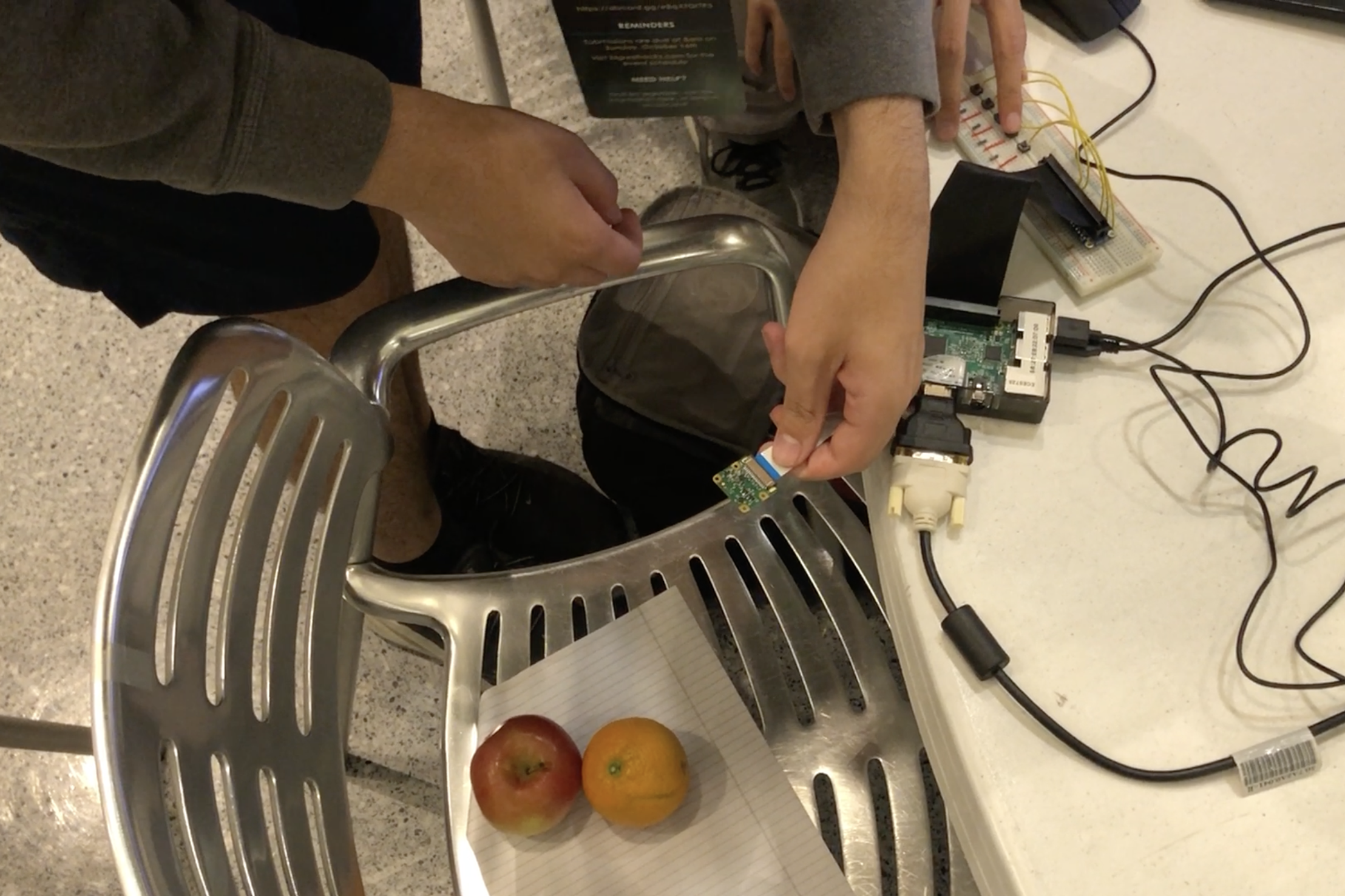
FWATE thumbnail photo. FWATE deals with the fate of food waste!
-
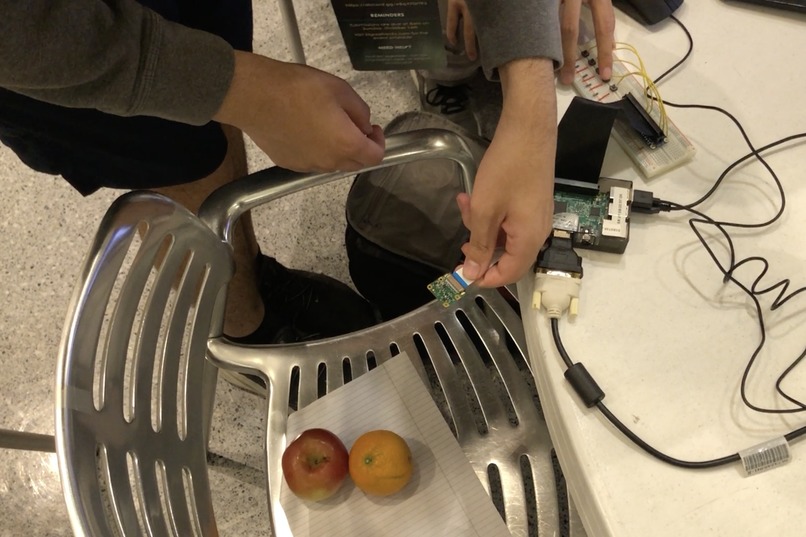
Taking a Pi Camera photo and entering data with the button interface
-
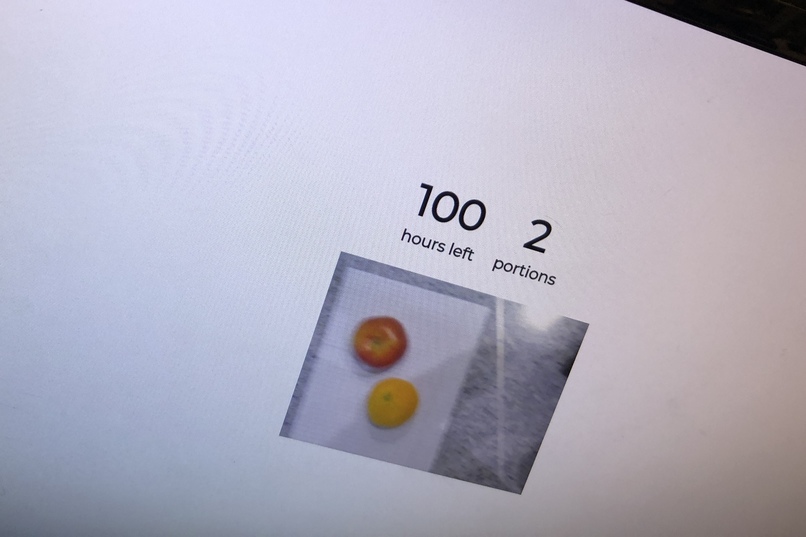
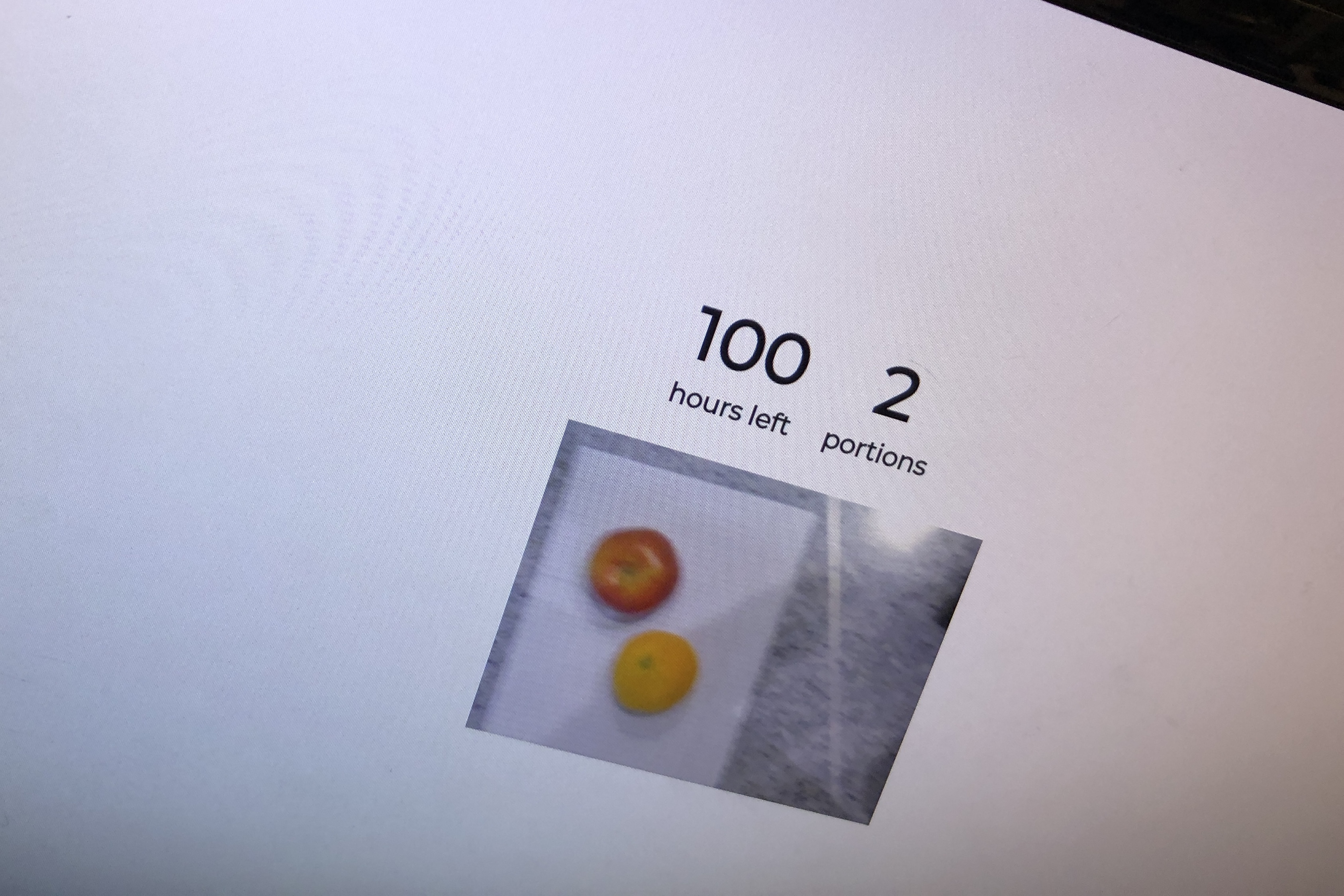
Successful communication between Pi and React frontend
-
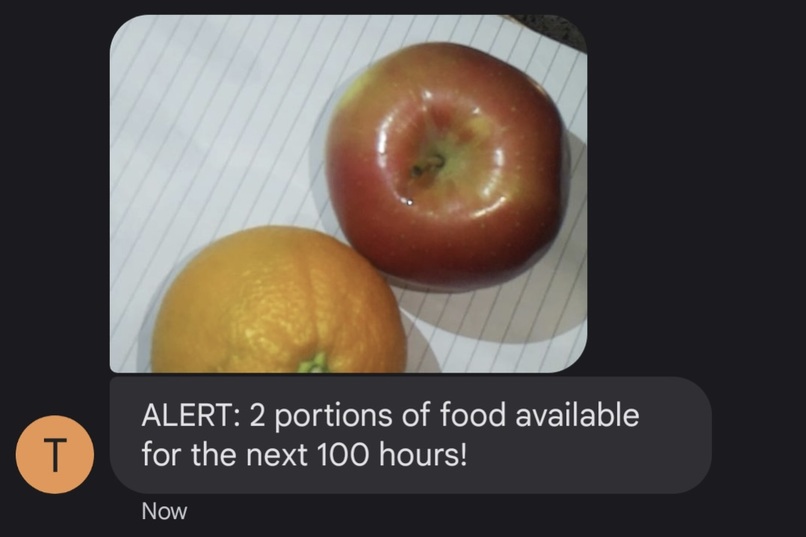
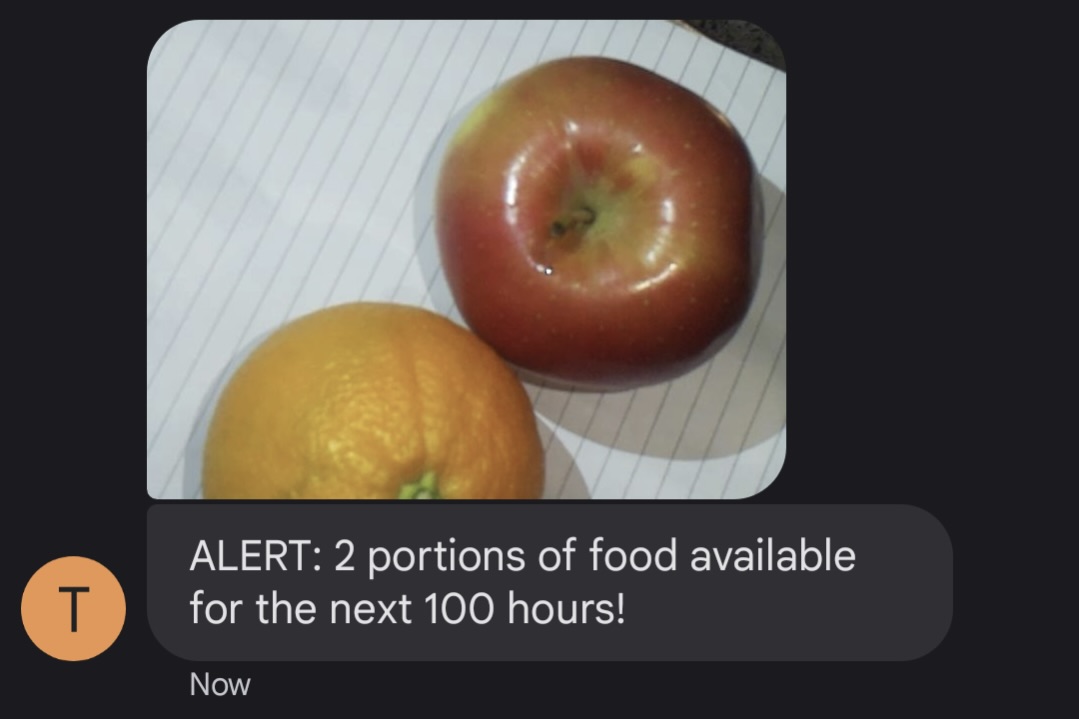
Related message sent to a subscriber by SMS using Twilio

Inspiration
Ordering the right amount of catered food for events is really hard, and leftovers tend to just get thrown away, wasting lots of untouched food. While currently attending a large catered event, we noticed first-hand how much food was possibly wasted. Here’s a story from earlier in the hackathon:
We walked by the food area an hour or two after the pizza dinner on the first night, looking in awe at the sheer quantity of unopened pizza boxes. One of us commented “wow that’s a lot of excess food. I wonder how much is going to get thrown away.” Nearby staff overhead and asked if we wanted some.
Taking this to the next level was precisely the outline of our solution: reach out to lots of people interested in unopened leftovers and ask “hey, do you want some?”
What it does
FWATE is a platform for event coordinators to redistribute leftover catered food in a sustainable manner—saving the food from a stinky fate. A stationary “FWATE Center'' location with broadcasting functionality allows event coordinators to simply press a few buttons and drop off the food. After doing so, the center sends a picture-accompanied text message describing the quantity of food and how long it will be there to people subscribed to an SMS service, who can then come and pick up the would-be-wasted food.
How we built it
We broke our project down into three parts: a hardware interface, a subscription-based messaging system to send alerts, and a display to give a preview for organizers. For our hardware, we connected a Pi camera to a Raspberry Pi to allow organizers to take photos of the food that they were leaving out.
To display how many portions they were leaving out and how long it was being left out for in hours, we incorporated 5 GPIO push buttons as a basic input system to act as a +1, +5 and +25 increment system for time and portion sizes, as well as enter and reset keys. Users can set the time and number of portions with the buttons. Hitting the enter button once more will prompt the Pi Camera to take a photo of the food in a set location and display it to the user. Hitting the enter key once more will send the photo, time and the number of portions to the messaging system. Hitting reset at any point during this process will reset the pi and the display and allow the user to input their information again.
The messaging system sends the picture of the food, the remaining time, and the number of portions to all SMS subscribers. We used the Twilio messaging API for this. To collect the list of phone numbers, we prompted users to send a text to our number and used Twilio SMS webhooks to receive data about incoming messages. The subscriber list is stored in a SQLite database.
Challenges we ran into
- SSH-ing into the Pi headless
- Finding hardware components like the camera
- Debugging WebSockets
- Fixing multiple-second Pi camera image capture
Accomplishments that we're proud of
- We got a working project from idea to prototype to demo product.
- Great group dynamic and use of time.
- Lots of jokes! Fun time.
What we learned
- How to send data to the web UI using WebSockets
- How to interface with and program a Raspberry Pi
- How to use the Twilio API
What's next for FWATE?
Mounting it and testing it in a real location!


Log in or sign up for Devpost to join the conversation.