Inspiration
In modern remote-first environments, real-time collaboration isn't just a luxury—it's an absolute necessity. We wanted to understand the underlying mechanics of popular collaborative platforms like Google Docs and challenge ourselves to build a production-ready, highly responsive document editor from scratch. Our goal was to create a clean, modern rich-text experience with real-time state synchronization, granular permission controls, and robust document history.
What It Does
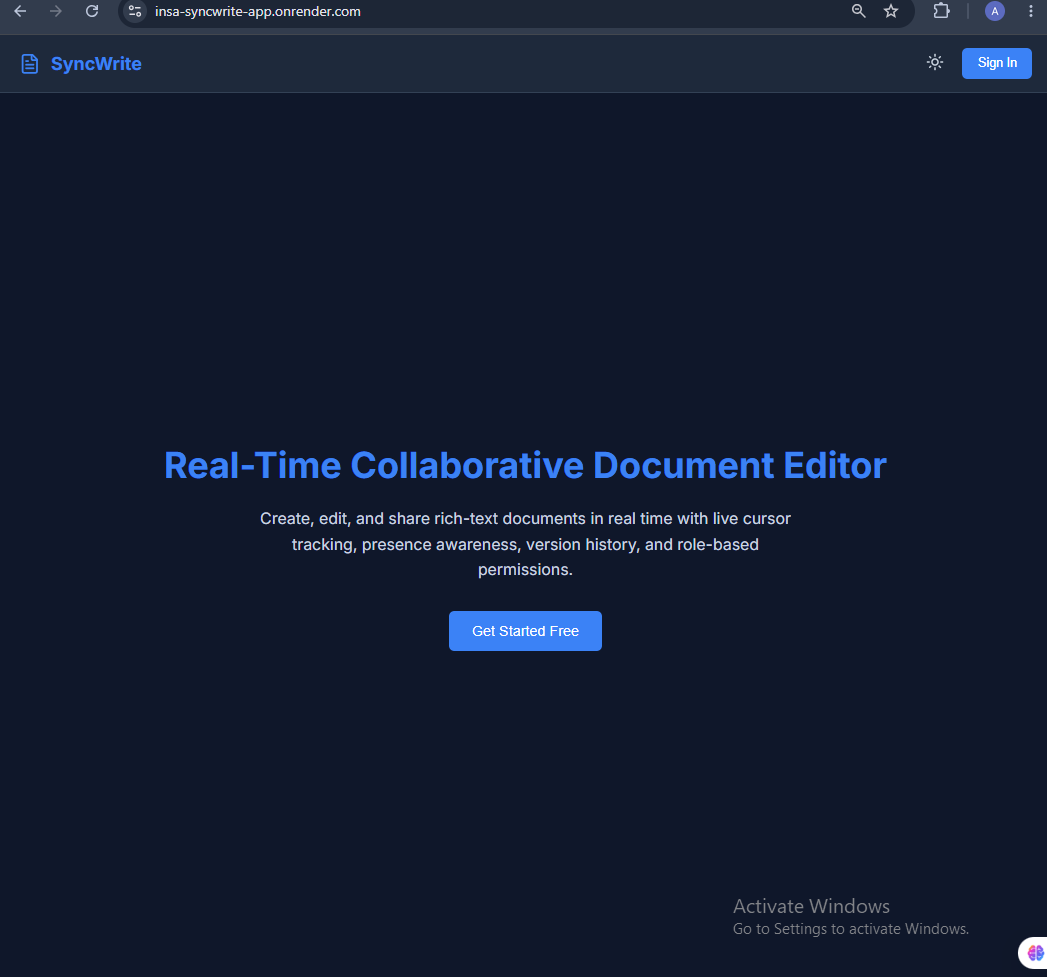
SyncWrite is a real-time collaborative document editor that enables multiple users to work together on rich-text documents simultaneously.
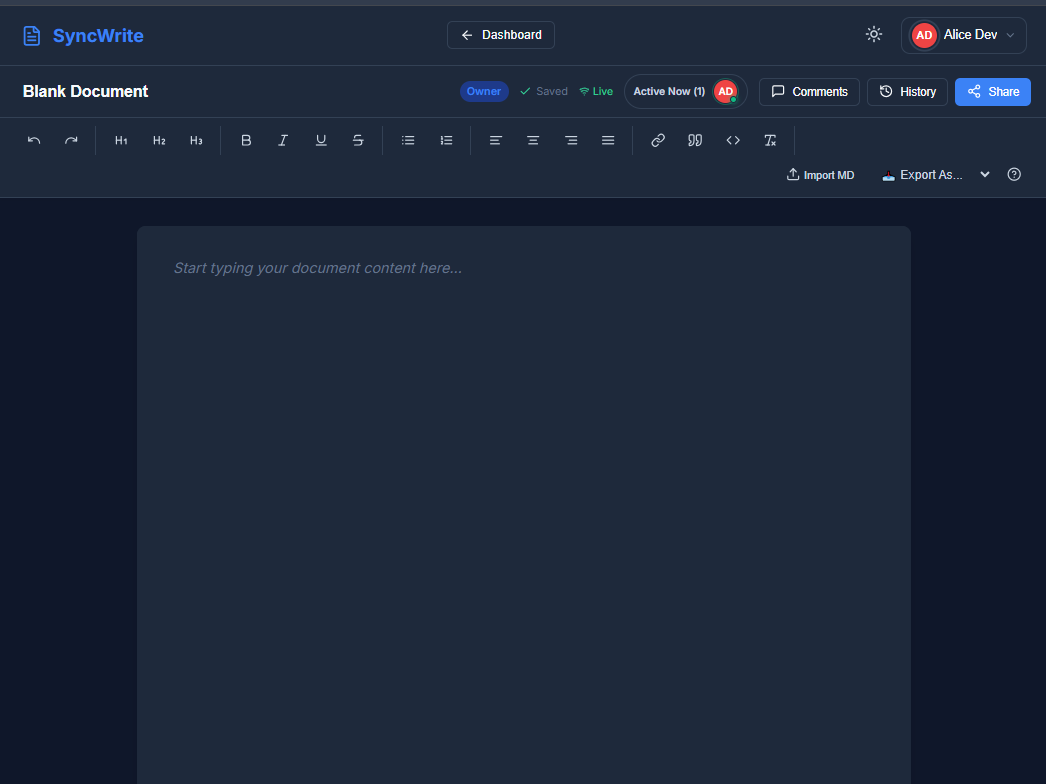
- Real-Time Collaboration & Presence: Multiple collaborators can edit documents at the same time with instant visual updates via WebSockets and live presence awareness.
- Rich Text Editing: Powered by Tiptap, supporting headings, bold, italics, lists, alignment, and hyperlinks.
- Granular Sharing & Permissions: Document owners can share files with specific role levels—Viewer, Commenter, or Editor.
- Auto-Save & Version History: Automatic background persistence ensures zero data loss, while structured revision snapshots allow users to view and restore previous versions.
- Interactive Commenting: Highlighted thread support enabling team members to post, reply to, resolve, and manage feedback directly within the document.
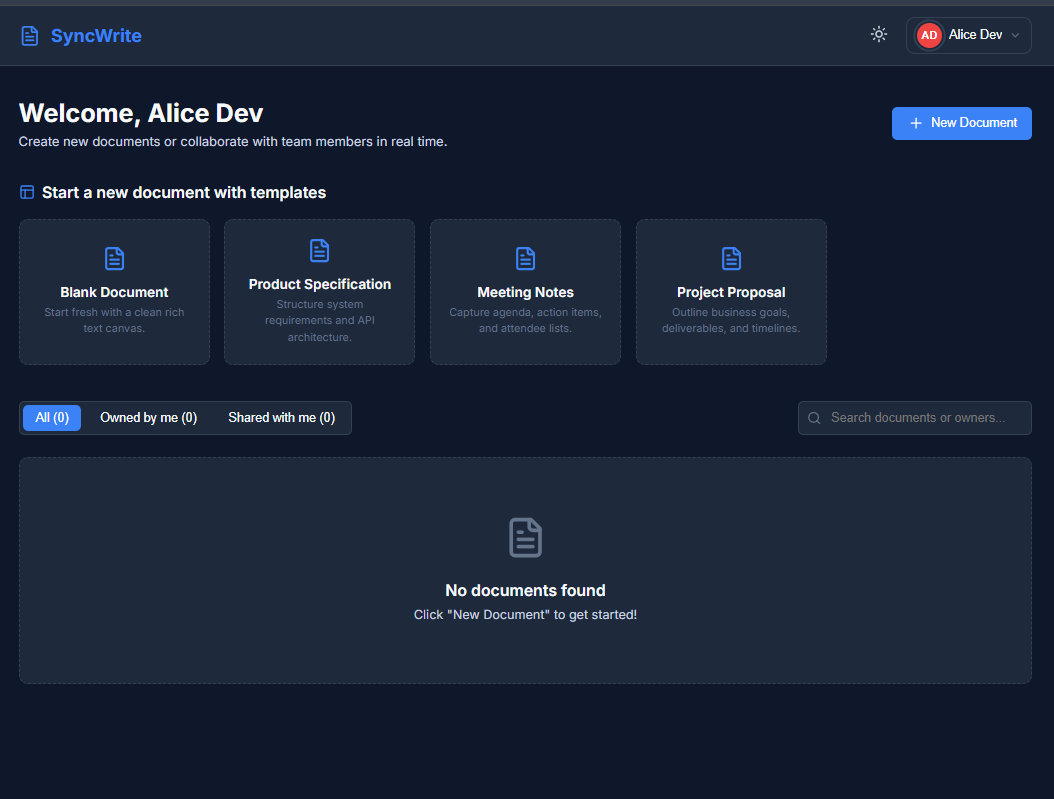
- Secure Authentication & Dashboard: Complete authentication flow with secure JWT sessions, allowing users to easily view owned, shared, and recently opened documents.
How We Built It
SyncWrite is built with a modern full-stack JavaScript/TypeScript architecture split into clean client and server micro-modules:
- Frontend: Built with React, TypeScript, and Vite for maximum rendering speed. Styled using Tailwind CSS with rich-text capabilities provided by Tiptap. Real-time updates are handled using Socket.IO Client.
- Backend: Powered by Node.js and Express.js managing RESTful API routes and WebSocket event listeners via Socket.IO.
- Database & Auth: SQLite3 paired with Prisma ORM for schema migrations and data persistence. Authentication is secured using JWT tokens and bcrypt password hashing.
Challenges We Faced
- Managing Real-Time State Conflicts: Synchronizing rapid, simultaneous rich-text edits across multiple clients over WebSockets without overwriting user input or causing UI flickering required careful event payload management and debounced auto-saves.
- Permission Middleware Granularities: Ensuring that socket listeners respected REST API permission states (Viewers attempting to edit, Commenters modifying content) meant implementing strict authorization checks on both socket handshakes and message streams.
- Smooth Document Presence: Tracking live socket session connections and mapping them reliably to online collaborators across page reloads and tab navigations without memory leaks.
Accomplishments That We're Proud Of
- Successfully delivering a fully featured, end-to-end collaborative editor complete with real-time sync, history tracking, and threaded comments within a tight build timeframe.
- Designing a clean, modular project architecture (
client/,server/,shared/) that makes adding future extensions effortless. - Achieving low-latency real-time synchronization with smooth auto-save recovery.
What We Learned
- Deepened our knowledge of WebSocket event-driven architectures, persistent connection handling, and presence detection using Socket.IO.
- Mastered rich-text AST structures and custom extensions in the Tiptap editor ecosystem.
- Gained hands-on experience structuring relational database schemas with Prisma to efficiently track document revisions and hierarchical comment threads.
What's Next for SyncWrite
- Live Cursor Tracking & Typing Indicators: Visual indicator highlights showing exact collaborator cursor positions in real time.
- Offline Editing: Local IndexedDB caching with deferred sync upon reconnection.
- Document Exporting: Direct export to PDF, Markdown, and DOCX formats.
- AI Writing Assistant: Integrated smart autocomplete and contextual summarization tools.
Built With
- bcrypt
- express.js
- jwt
- node.js
- react
- socket.io
- sqlite
- tailwindcss
- tiptap
- typescript
- vite


Log in or sign up for Devpost to join the conversation.