-
-
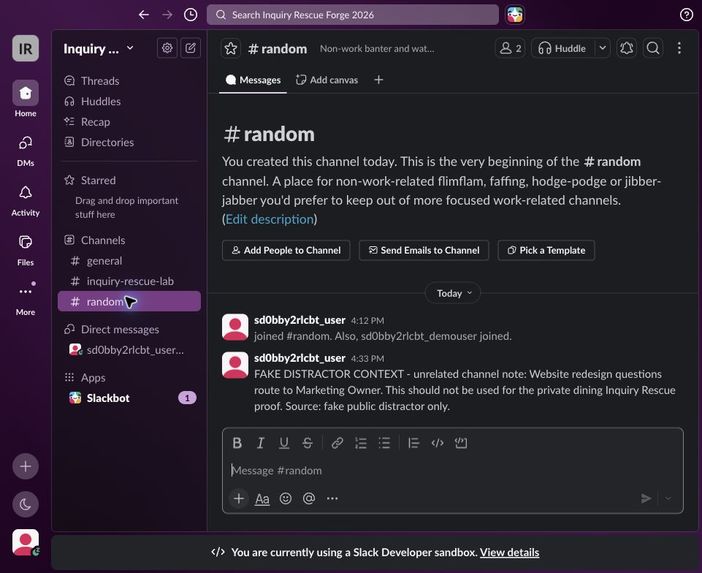
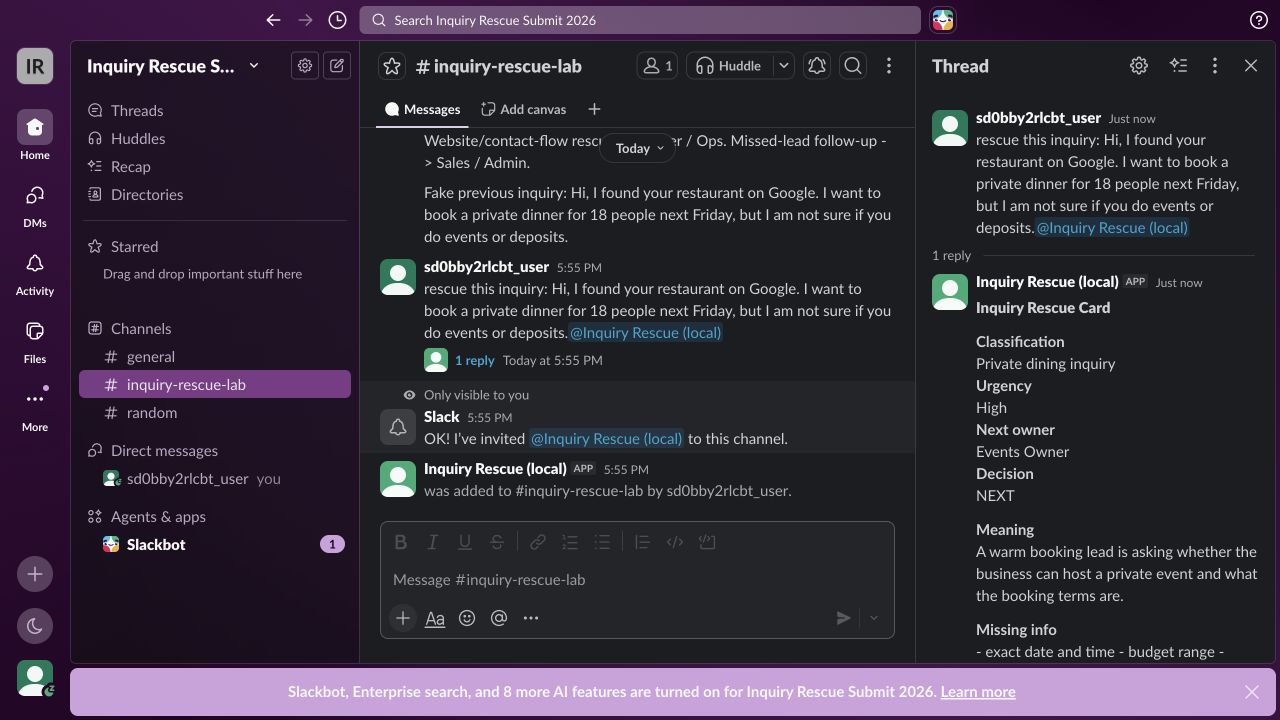
Fresh official sandbox proof: threaded Rescue Card with receipt IR-443359.
-
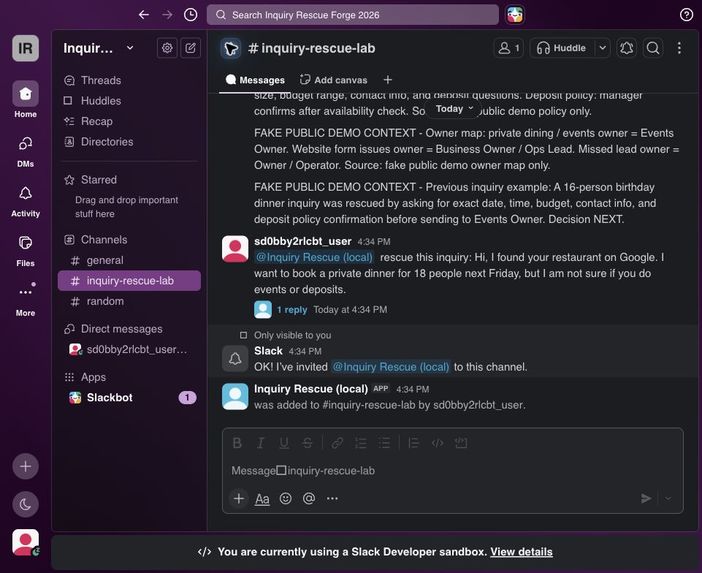
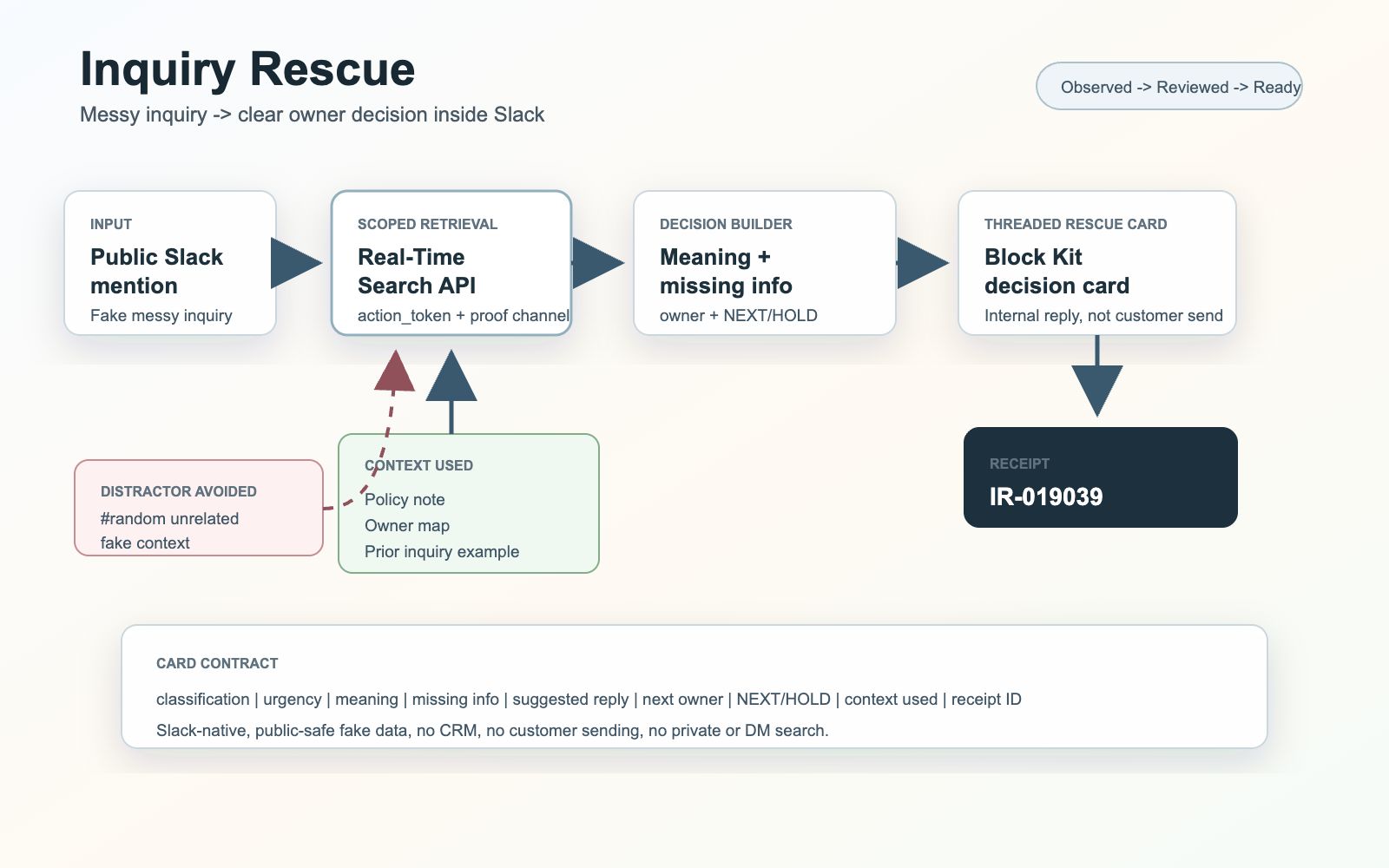
Architecture: app mention, action token, Real-Time Search, Rescue Card, receipt.
-
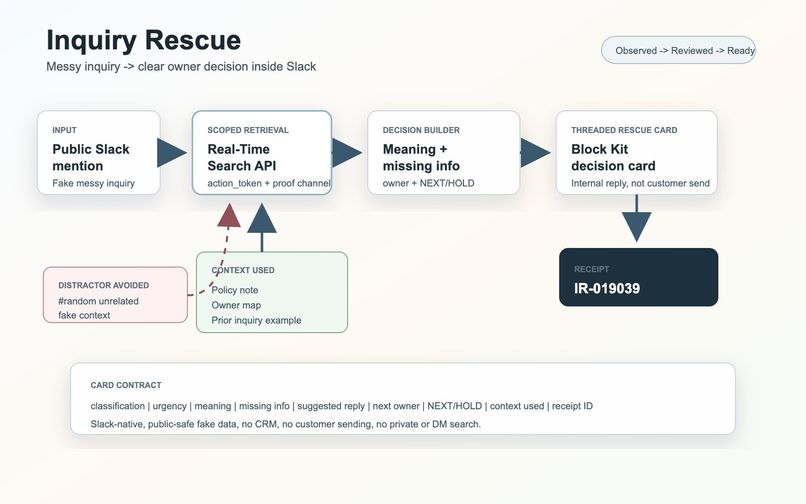
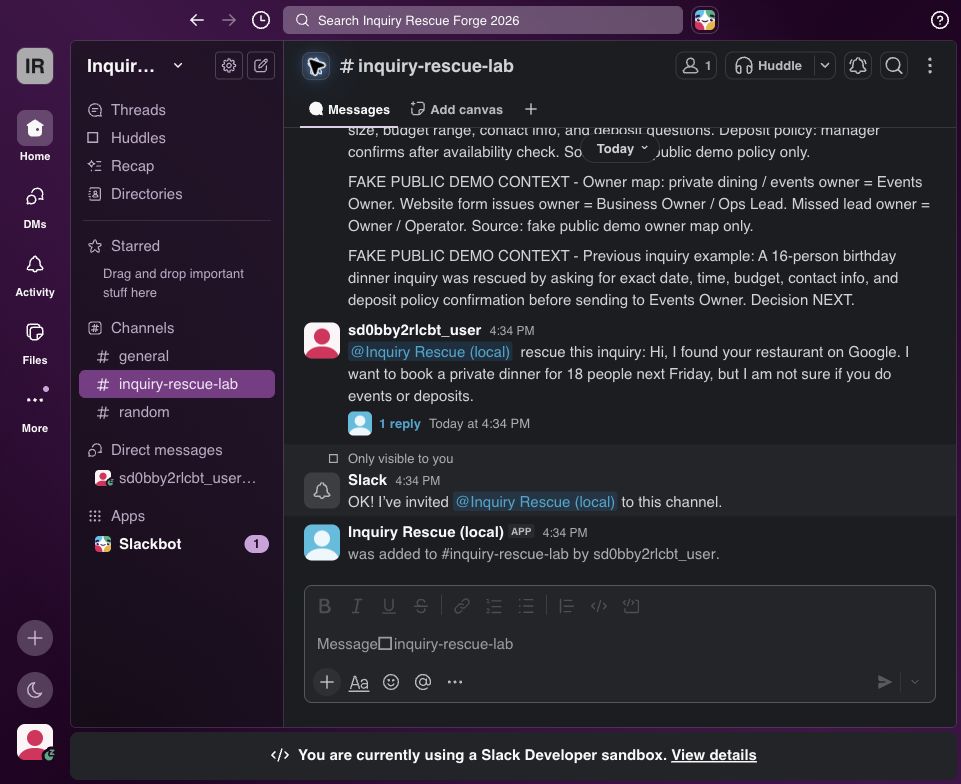
Seeded public-safe proof-channel context used by Real-Time Search.
-
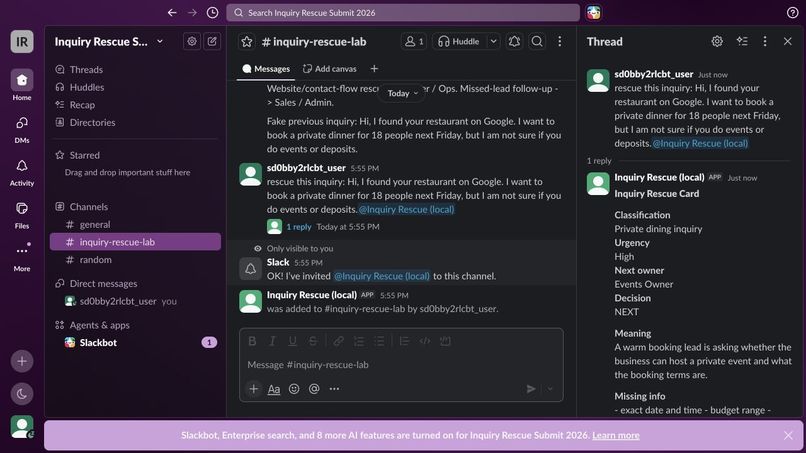
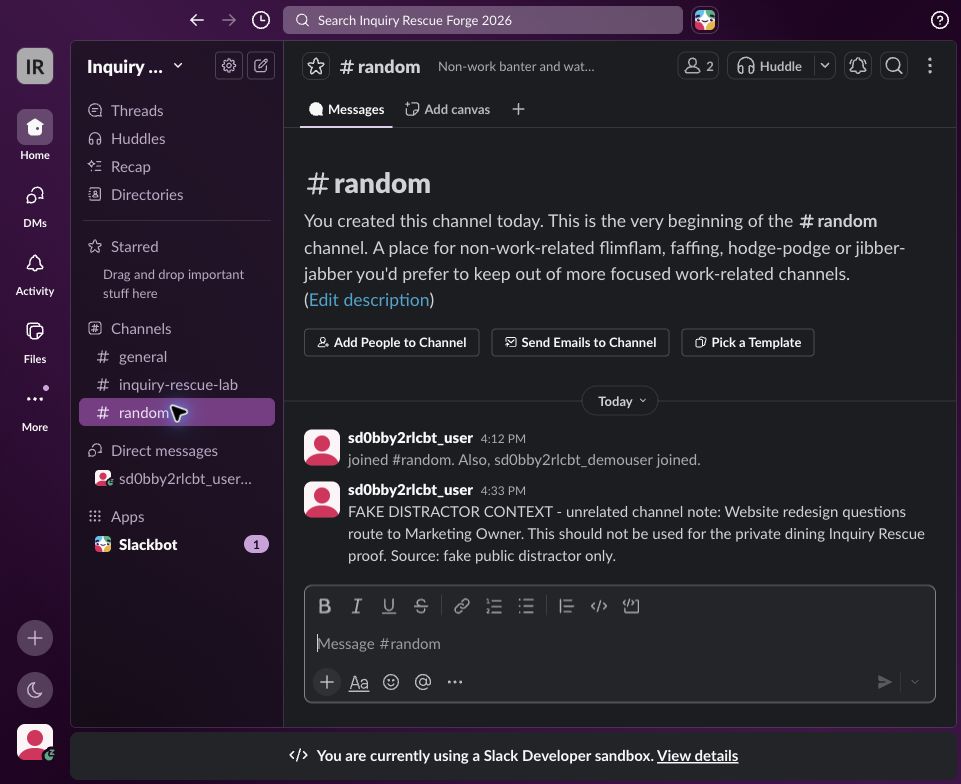
Unrelated #random distractor avoided during the proof.
Inspiration
Small businesses do not lose inquiries because they lack another inbox. They lose them in the tiny messy moment after a message arrives: someone asks about a private dinner, a deposit, a date, or a policy, and the team is not sure what the message really means or who owns the next move.
Inquiry Rescue is built for that moment. It is a small Slack-native helper that turns a fuzzy inbound message into a clear internal decision, while keeping the customer relationship human.
What it does
When the app is mentioned in a public fake-data Slack channel, Inquiry Rescue uses Slack Real-Time Search to pull the relevant public-channel context, then replies in-thread with one Rescue Card.
The card gives the owner what they need to act:
- what the inquiry is
- how urgent it is
- what it means
- what information is missing
- a suggested reply
- the next owner
- NEXT or HOLD
- the context used
- a receipt ID
It does not send customer replies. It does not pretend to replace judgment. It helps a busy owner slow the inquiry down just enough to make a good next decision.
How we built it
The proof uses the smallest serious Slack-native chain:
app_mention -> action_token -> Real-Time Search -> scoped context -> threaded Block Kit Rescue Card -> receipt
The official Slack Developer Program sandbox is active at https://inquiryrescue0707.slack.com. The app ID is A0BFRHCB3UN. The current proof receipt is IR-443359.
Public-safe proof
The sandbox uses fake public-safe content only: a policy note, owner map, previous inquiry, and an unrelated #random distractor. Real-Time Search returned context from #inquiry-rescue-lab and avoided the unrelated channel.
Checks passed on July 7, 2026:
- npm test
- npm run lint
- slack manifest validate
Judge sandbox invites were sent to [email protected] and [email protected].
What makes it different
Inquiry Rescue is not a generic support bot. It is a decision helper for the human inside the business: meaning -> missing info -> suggested reply -> owner -> NEXT/HOLD -> receipt.
