-
-
Logo/Icon
-
Landing Page
-
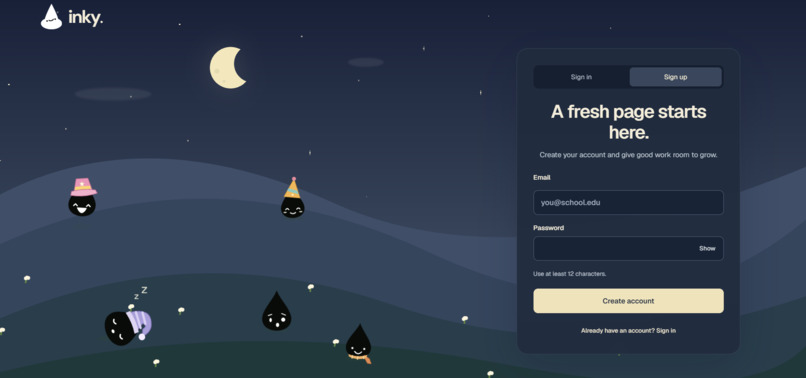
Sign Up Page
-
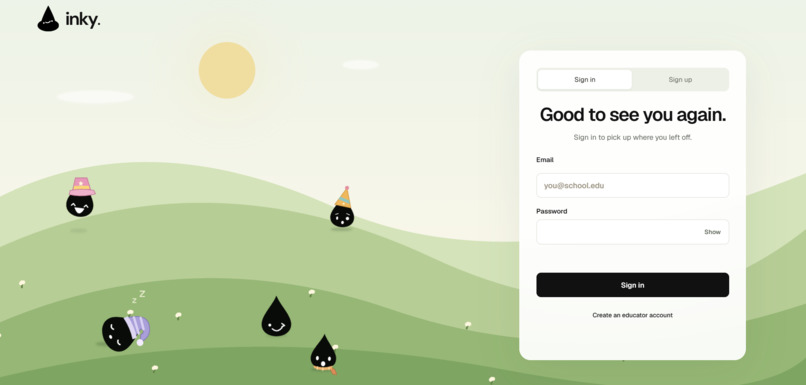
Sign in Page
Inspiration
“I don’t know if they are cheating.”
This is the unfortunate reality many educators face on a day-to-day basis. With students bypassing AI-detection software as teachers seek alternatives to preserve academic integrity, it almost seems impossible to tell if a student genuinely violated academic integrity.
Fear not, though! It seems like teachers found a promising alternative that deviates away from modern technology: handwritten assignments. However, with these attempts to preserve academic integrity, students will find loopholes to guarantee themselves that A+. From students sharing their work or peers blatantly copying off each other (maybe with AI, too!), many educators across Los Angeles found this rather troubling, and wondered, “Is there even a way to stop this?”
If a student’s work isn’t really their own, are they even learning? Noticing our teachers working from 7:00 am to 5:00 pm, while also having their own families and personal issues to deal with, do they really deserve reviewing hundreds of handwritten files to review one simple case of academic dishonesty?
So, rather than just acknowledging the problem, we began to investigate issues like plagiarism from the perspective of those who experience academic dishonesty firsthand, our teachers. During our daily fifteen-minute break, we traveled from classroom to classroom, going teacher to teacher, asking the same question: “What’s an issue in your classroom that you wish software could solve? Academic dishonesty?”
You can’t imagine how many teachers said “academic dishonesty” as one of them. Unfortunately, most of these cases were in handwritten assignments too, making it difficult to spot academic dishonesty, especially because there is a lack of feasible detection software. Sure, LockDown Browsers and AI detectors exist, but they are only solutions for typed-out/digital assignments. Meanwhile, the age-old issue of students reusing and sharing work is yet to be fixed with a convenient, modern solution.
That’s when we came up with the idea of inky., an app that helps teachers identify similarities between student submissions, specifically for handwritten assignments.
What it does
inky. helps teachers catch potential academic dishonesty in handwritten assignments, whether they're grading exams, essays, or everyday homework.
The app’s simple user interface, specifically designed from educator preferences, scans every handwritten assignment and checks for plagiarism between current classmates, past students, and even against AI. Instead of expecting teachers to remember what their students had submitted years ago, inky. automatically searches its archive for similar assignments and highlights matching passages. inky. accepts PDF, PNG, and JPEG files, and works across any page texture (lined pages, printing paper, etc.).
How can teachers accurately determine if a student actually cheated, though? That’s when our side-by-side comparison tool comes in. Teachers can take a look at annotation tools that can highlight text patterns, vocabulary consistencies, and matching percentages to other similar types of past work. Instead of simply labeling an assignment as “suspicious,” inky. provides ample evidence for teachers to make their own decisions.
Like Google Classroom, teachers can organize these scanned submissions by student and assignment, maintaining an accessible archive (instead of keeping files worth of handwritten work in their cabinets). Our handwriting recognition technology can also analyze current writing patterns, and enormous variations between the expected handwriting will help inform the teacher to take notice.
inky. can also analyze patterns potentially associated with AI-generated writing. We understand that AI detectors are never accurate 100% of the time, which is why we convert every assignment into editable text, allowing teachers to correct any transcription errors before running it through multiple other AI detectors for additional verification. Because most teachers have Post-it notes to document their assignments (which is popular in our San Gabriel Valley area), we also have a notes section for teachers to document any evidence or simple notes for future reference.
inky. isn't designed to accuse students of cheating because, as students ourselves, we understand how stressful false accusations can be. We specifically developed this platform so teachers can spend less time manually comparing hundreds of handwritten assignments and more time doing what they love and signed up for: teaching students.
How we built it
When we first developed inky., we assumed teachers needed better tools to combat academic dishonesty. Whether it’d be an embedded AI detector for Microsoft Word or a typing tracker, these ideas sparked an “Aha!” moment, particularly because of their perceived novelty. With these ideas, we built inky. as an AI-detection app for our school-issued Chromebooks. In other words, it would help identify cheating and unusual typing metrics on the spot and immediately flag it as “AI” for the teacher.
However, it turns out that none of the teachers needed any of this. In fact, most of these teachers already use tools like Formative or LockDown Browser to prevent plagiarism and cheating. Furthermore, teachers would rather rely on more “promising” software like GPTZero or Turnitin’s AI detection since it consistently boasted 95+% accuracy. After building our first prototype, we noticed that we had no differentiation (and our app was functionally worse), and the feedback we received confidently confirmed this.
Noticing our app’s lack of novelty, we decided to pivot towards tools that educators would use but simply don’t have the software for yet. Instead of building blindly, we began interviewing teachers across Los Angeles and asked about the bottlenecks in their encounters with academic dishonesty. After thorough discussions, we noticed that teachers all had the same concern: AI/plagiarism detection isn’t reliable in handwritten assignments. Given their insights, we were able to build inky. with an intended purpose rather than blindly following our interests.
We used Python and JavaScript to develop our web application. We incorporated TrOCR, a handwriting recognition model, and divided scanned pages into individual lines for processing. To identify suspicious similarities, we combined fuzzy matching, shared phrase detection, and semantic analysis.
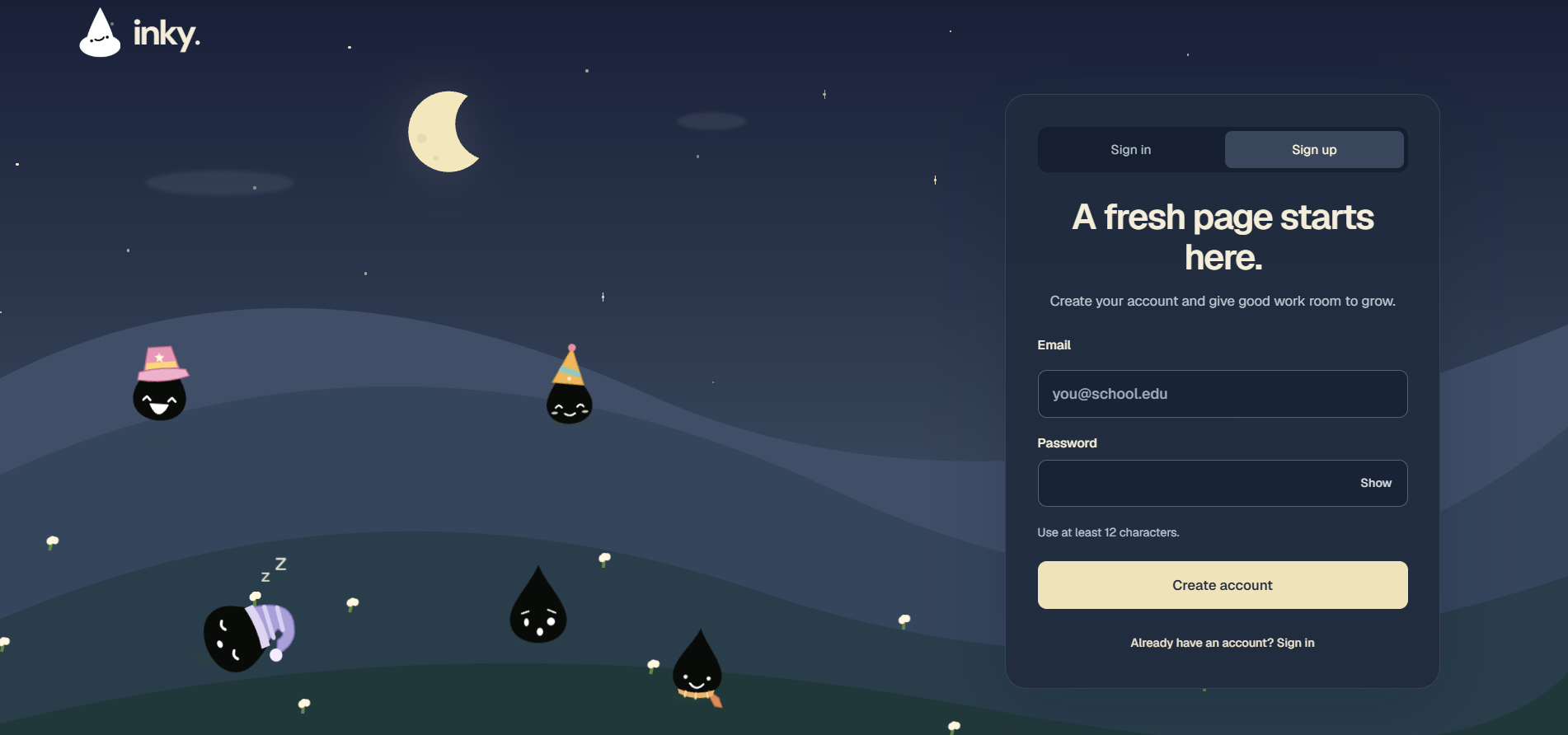
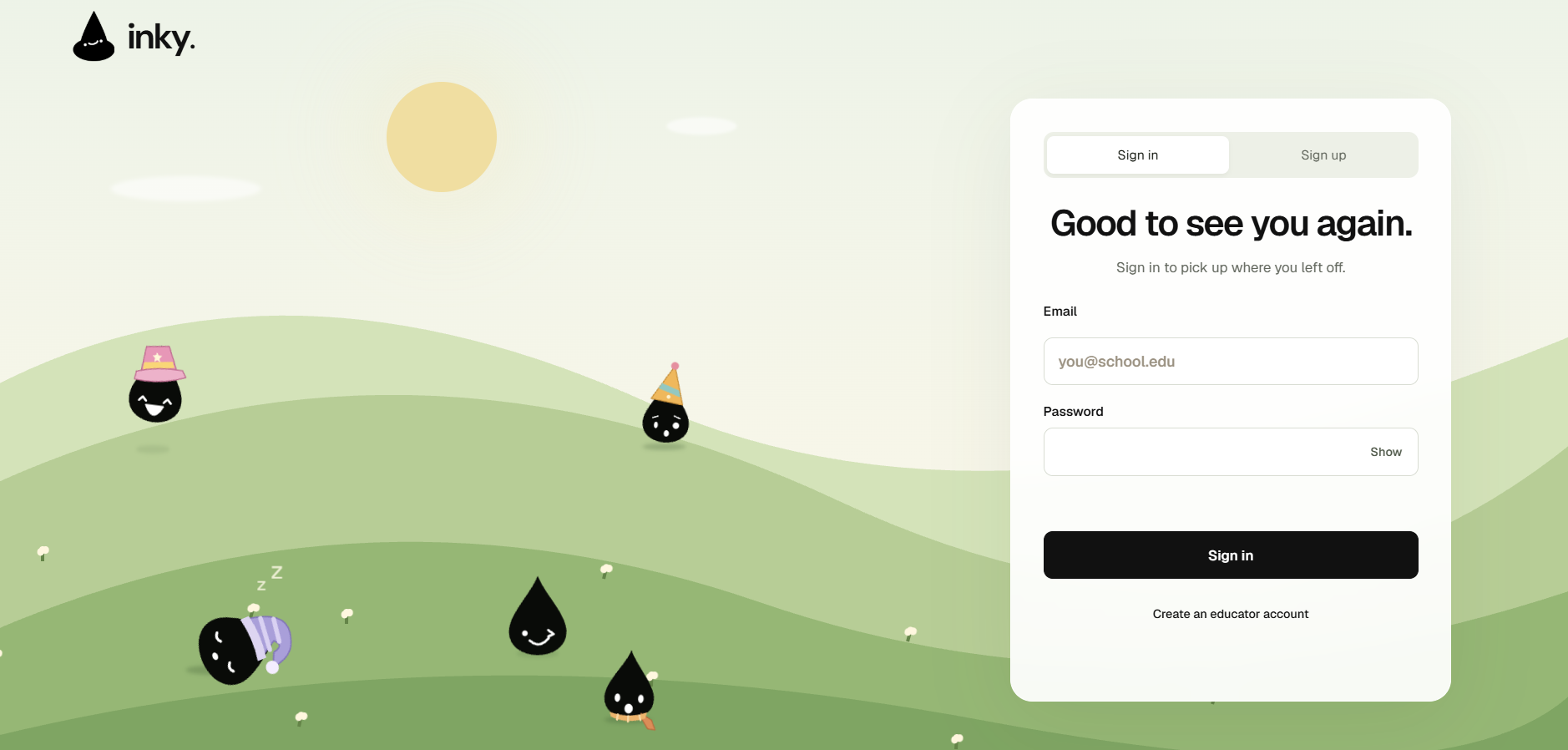
We also designed the app's visuals ourselves. From the space-themed landing page to the hand-drawn doodles and ink-drop mascot, these ideas started as our own sketches (on graphing paper) before we brought them to life in the app.
The only AI tool we used during development was OpenAI Codex. We primarily used it to assist with backend modifications, minor text and UI adjustments, debugging, and improving transitions on our landing page. Most of the remaining code, including the OCR implementation, was written manually by our team, occasionally with guidance from more experienced developers or YouTube tutorials. Although Codex helped us troubleshoot and refine certain features, our team made the final design decisions, reviewed the code, and tested the finished product.
Challenges we ran into
Like all great innovations, our product encountered many technical constraints throughout its development. The most glaring difficulty was our app's detection software. Our main goal was to create an efficient and effective handwriting analysis system that could identify potentially AI-generated writing, but accomplishing that had numerous challenges.
For example, one of our app's features included highlighting passages that the software flagged as suspicious. However, this was quite unreliable. Since many assignments are handwritten and uploaded to inky. as photographs, papers could be tilted, wrinkled, or improperly scanned. Consequently, our software might highlight a blank portion of the page or only half of a suspicious passage. To counter this, we used image orientation correction and scan straightening. We also developed a system that tracked image transformations, allowing us to map detected text coordinates back onto the original photograph and highlight passages more accurately.
Handwriting recognition itself was another obstacle. Everyone writes differently; some handwriting is perfectly legible, while others' writing resembles messy scribbles. Our software needed to interpret these variations and translate handwritten characters into digitized text. To improve recognition, we incorporated TrOCR, a handwriting recognition model, and divided scanned pages into individual lines for processing. We also encountered a peculiar bug where transparent images caused handwritten text to disappear. After heavy debugging, we resolved this by placing those images against white backgrounds. Recognizing that automated transcription remains imperfect, we incorporated a feature allowing teachers to manually correct mistakes.
Another challenge was determining whether two submissions contained suspicious similarities. Exact word matching was insufficient because students could express similar ideas using different language. We addressed this by combining fuzzy matching, shared phrase detection, and semantic analysis. We also filtered out assignment prompts and commonly used phrases to reduce misleading results.
Beyond the detection software, we faced difficulties ensuring our app operated well. Background processing occasionally failed, and outdated reports could persist after transcription changes. We implemented automatic retries, safeguards against duplicate processing, and systems that regenerated reports whenever teachers edited transcriptions. We verified these improvements through regression testing, real handwriting samples, and tests of the teacher interface.
Accomplishments that we're proud of
Through countless iterations, debugging sessions, and collaboration, we transformed inky. into a more reliable application while recognizing that AI detection still requires human judgment. We developed a system that can compare handwritten assignments with previously submitted work, highlight matching passages, and provide teachers with evidence to make their own decisions.
We also designed the app's visuals ourselves. From the space-themed landing page to the hand-drawn doodles and ink-drop mascot, these ideas started as our own sketches (on graphing paper) before we brought them to life in the app.
With the help of our teachers, we, as students, are starting to scratch the surface of eliminating academic dishonesty.
What we learned
Our team’s biggest takeaway from developing inky. was to always ask the consumer before building a product.
When we first developed inky., we assumed teachers needed better tools to combat academic dishonesty. However, after building our first prototype, we noticed that we had no differentiation (and our app was functionally worse). Teachers began telling us that they already have access to this type of technology, and students, on the other hand, had ways to bypass this type of detection.
Instead of building blindly, we began interviewing teachers across Los Angeles and asked for the bottlenecks in their encounters with academic dishonesty. Given their insights, we were able to build inky. with an intended purpose rather than blindly following our interests. These obstacles taught us that developing effective software requires careful attention in our code because one unfortunate mistake can ruin the whole infrastructure.
The next time our team decides to innovate anything meaningful, we need to ask ourselves one simple question: “Is this what they want or what WE want?” Because at the end of the day, we aren’t the ones using the software, they are.
What's next for inky.
inky. was created to solve a problem for teachers, but we believe its potential extends far beyond what we've built today.
As technology advances, we hope inky.’s detection capabilities will be able to expand. Our technology is currently unable to detect similarities within handwriting strokes consistently, so we would continue training our current model using a wider variety of handwriting samples to improve its accuracy and precision. We would also focus on reducing false positives, ensuring that students are not incorrectly flagged for academic dishonesty.
In addition, we would make inky. more accessible for users worldwide. For example, we could add screen reader compatibility, adjustable text sizes, different languages, text-to-speech functionality, and more. To make it more convenient for teachers, we would integrate inky. with other apps such as Google Classroom, Canvas, or Schoology, so students can submit their assignments and have them sent directly to their teacher’s inky. database.
We would also improve compatibility with different types of assignments. Currently, inky. works best with handwritten assignments and isn’t perfect when it comes to mathematical expressions or scientific notation. With a 2.0 design, we would try to make it applicable in math, sciences, and typed text by improving its ability to recognize equations, symbols, and different writing formats.
We would also implement more detailed similarity reports, highlighting suspicious sections of assignments and explaining why certain documents were flagged. This would allow teachers to make more informed decisions rather than relying solely on automated judgments.
Since inky. stores student assignments, we would improve its security through stronger access controls and encryption, ensuring that sensitive student work remains protected.
Finally, some of the most significant improvements would come from reviewing feedback from our users. As the creators of inky., we want to leave a positive, lasting impact in classrooms. By listening to teachers and incorporating features that address their everyday challenges, we could ensure that inky. continues to improve beyond our original vision. Ultimately, we hope these improvements would allow teachers to spend less time reviewing assignments and more time doing what matters most: teaching their students.
Built With
- celery
- css
- docker
- fastapi
- html
- hugging-face-transformers
- node.js
- opencv
- postgresql
- python
- pytorch
- rapidfuzz
- react
- redis
- sentence-transformers
- sqlalchemy
- trocr
- typescript
- vite
