-
-
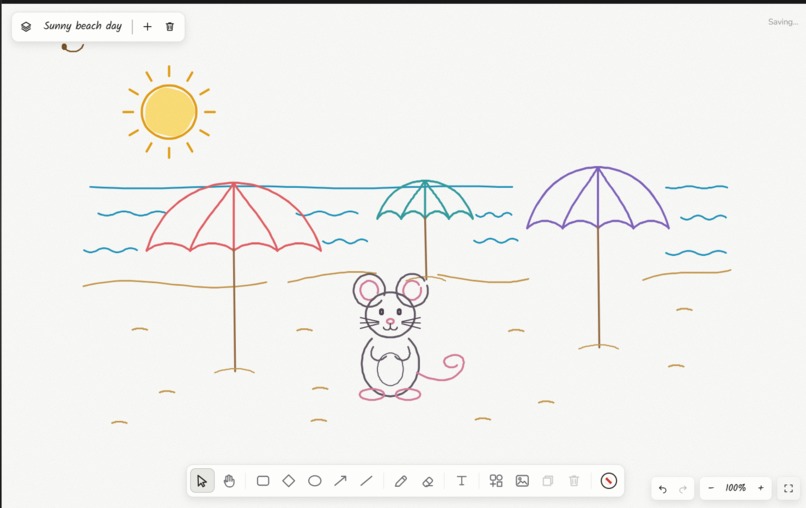
fun doodle made by ai
-
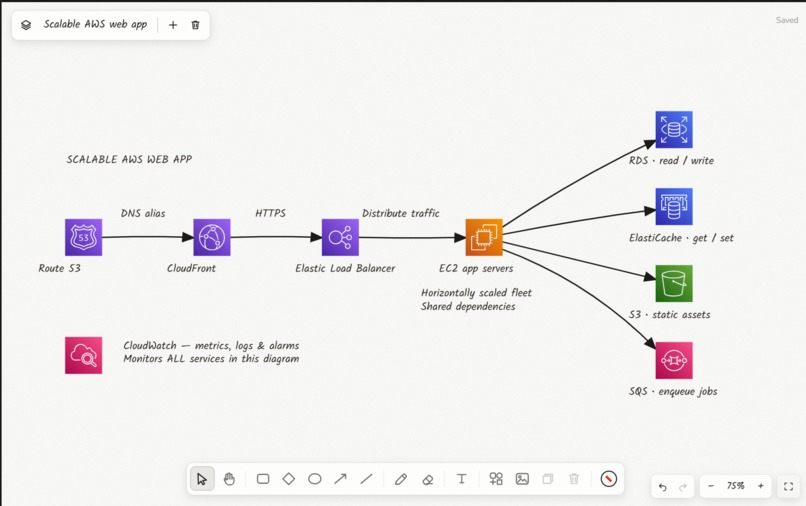
best diagrams with the help of ai
-
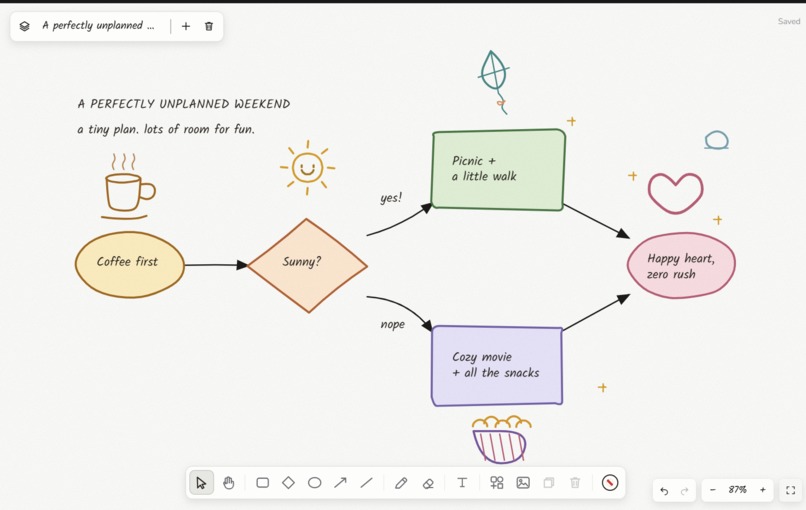
ai as a fun partner for your daily notes
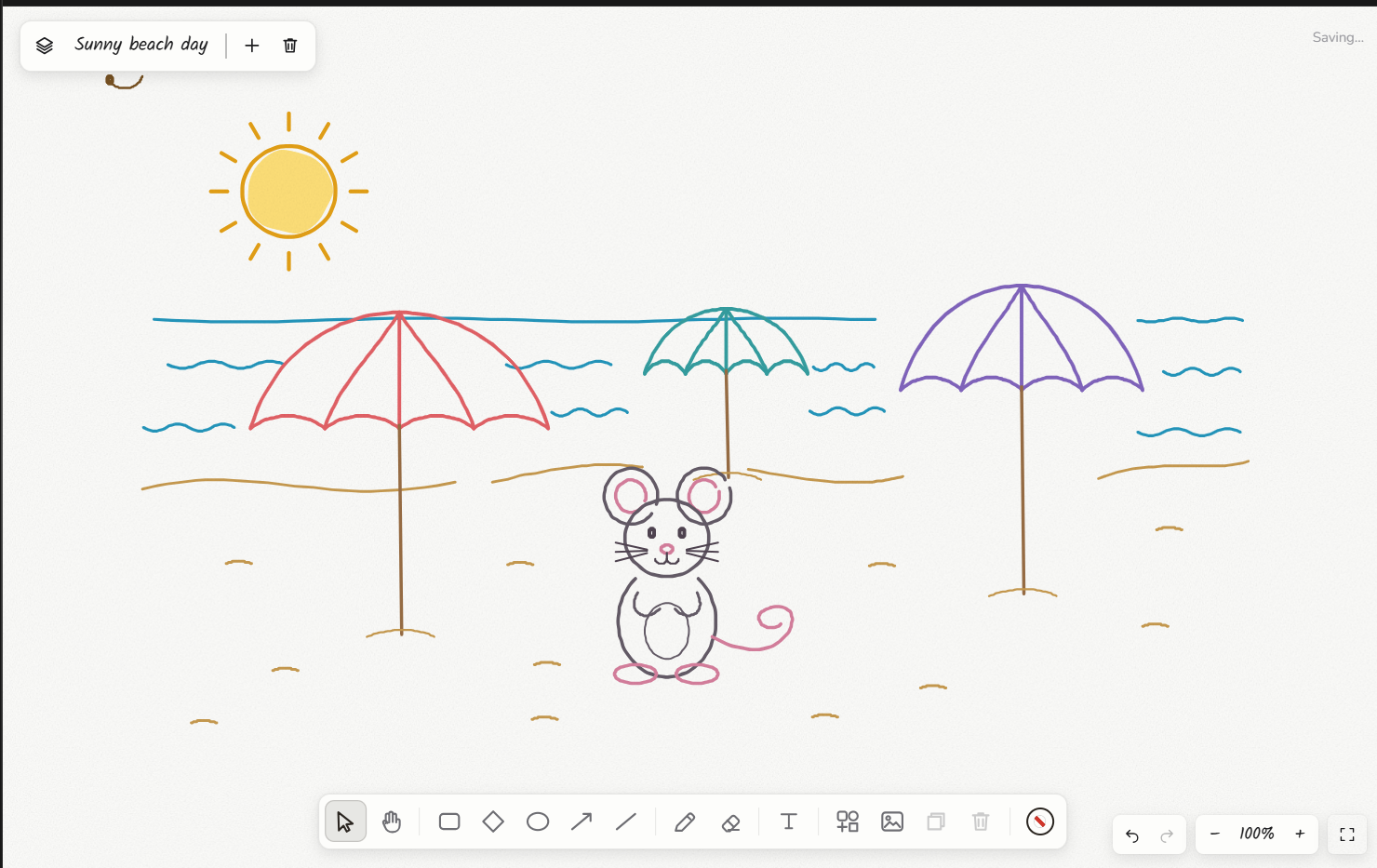
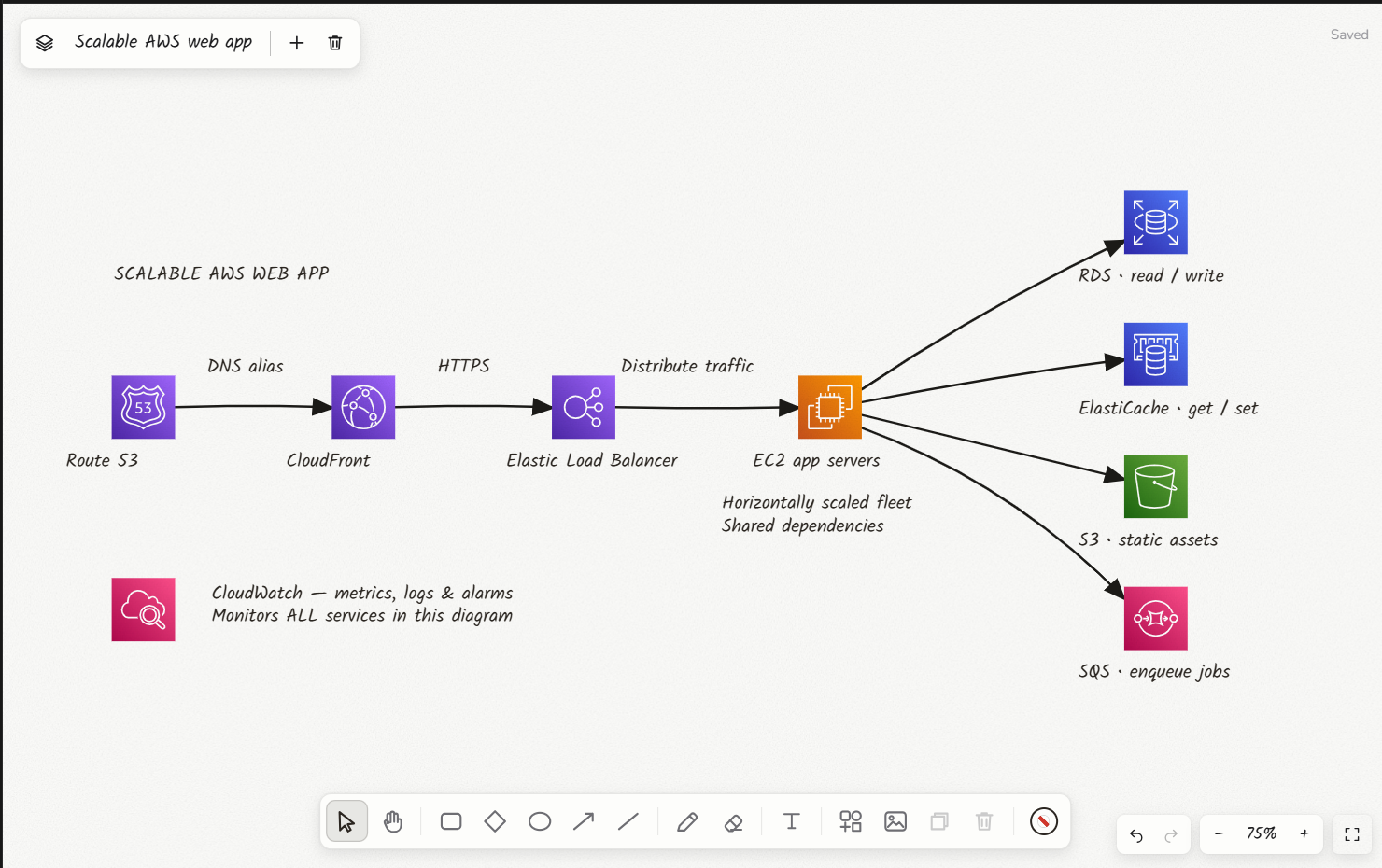
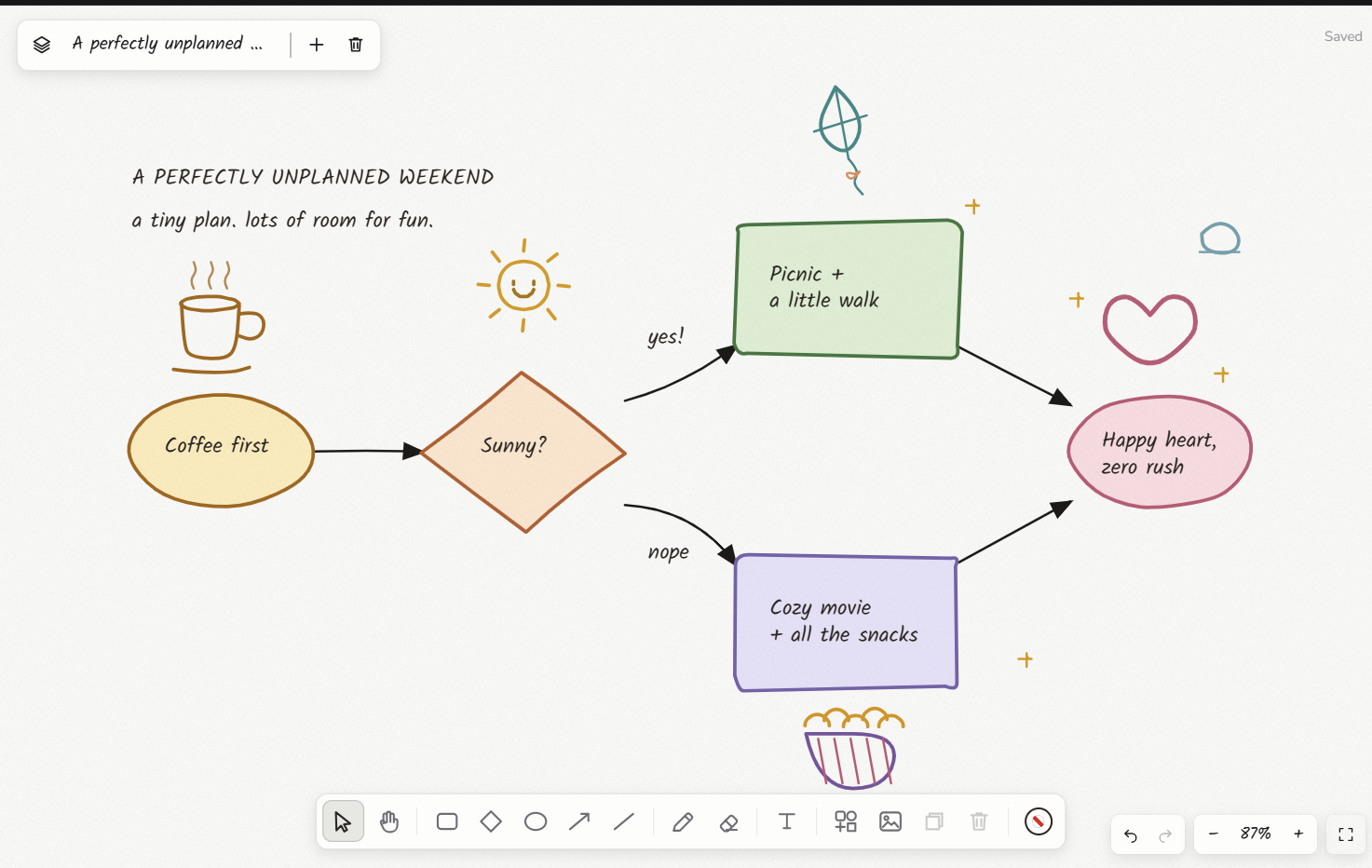
Inspiration
A canvas is the hardest thing to hand an agent. There's no form to fill in, no buttons to click, nothing textual to grab onto. Just position, size, spacing, and whether the result actually looks right.
That's what made it interesting. If WebMCP could handle a drawing surface, where the agent has to measure its own work and fix what it gets wrong, it could handle most things.
So I built one and gave the agent real eyes on it: not a screenshot, but the actual scene, with the ability to check its own overlaps, spacing, and alignment before calling it done.
What it does
Inkling is a hand-drawn canvas that an AI agent can see and draw on, live, on the same page you're looking at.
The agent can:
- See the real canvas. It reads actual element positions and sizes, not a picture of them.
- Check its own work. Built-in measurements catch overlapping shapes, crossing arrows, and clipped labels, so it can spot its own mistakes.
- Draw properly. Shapes, arrows, colored pen strokes, real service icons, and images. Describe a system in plain English and it builds the diagram, laid out automatically.
- React to you. If you edit something, it notices and responds without being asked again.
- Read comments off the canvas. Select a region, pin a note to it like "add a WAF here," and the agent picks it up with the exact elements it's attached to. No re-explaining what "this" means.
- Be undone. Every agent change is logged, and you can jump back to the state before any one of them.
Same tool for a scalable AWS architecture and for a weekend to-do list with a doodle next to the fun part.
How I built it
React and Next.js running on Cloudflare Workers, with D1 for saving canvases and R2 for uploaded images. The canvas is hand-rolled SVG with a rough, sketchy ink style. Used Chatgpt site to host the app.
The WebMCP tools are registered with document.modelContext.registerTool. Underneath sits a layered-graph layout engine and a small flowchart parser, which is what turns "a client hits a CDN, then a load balancer, then three app servers" into an actual arranged diagram in one call.
Challenges I ran into
There's no way for the page to notify the agent. WebMCP only goes one direction. So "react when the human edits something" had to be built as a journal the agent parks a call against, waiting to be woken. Same for comments.
Tool descriptions are the entire UX. There's no system prompt in WebMCP, so the tool descriptions are the only place to shape behavior. My first attempt at telling the agent a personal canvas could be "looser" produced scattered, disconnected layouts. It read "loose" as "messy." I had to separate "loose in style" from "loose in layout" explicitly.
fill="none" vs fill="transparent". Visually identical. But one is clickable and one isn't, and it silently made every uploaded image impossible to drag.
A CSS animation quietly broke a toolbar's position. A shared fade-in animation overrode the element's positioning transform for its entire lifetime, so it never anchored where the code said it did. I only found it by measuring the real rendered position against the math I expected.
What I learned
In WebMCP, the tool description is the product's personality. There's nowhere else to say "be precise here, playful there." Writing those turned out to be much closer to UX writing than API documentation.
I also underestimated the primitives. Given explicit permission to take its time, the agent drew a full colored illustration out of nothing but freehand pen strokes.
Built With
- chagpt
- chatgpt
- cloudflare
- nextjs
- react
- typescript
- webmcp

Log in or sign up for Devpost to join the conversation.