-
-
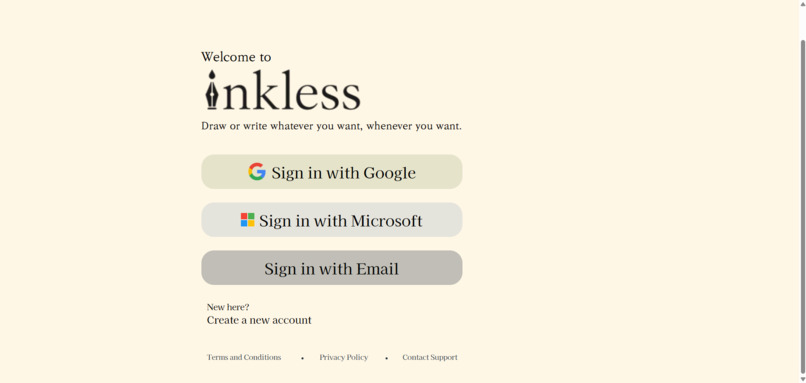
login screen
-
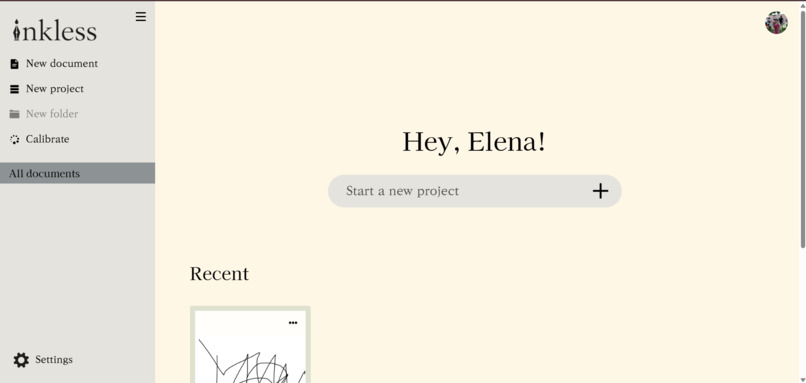
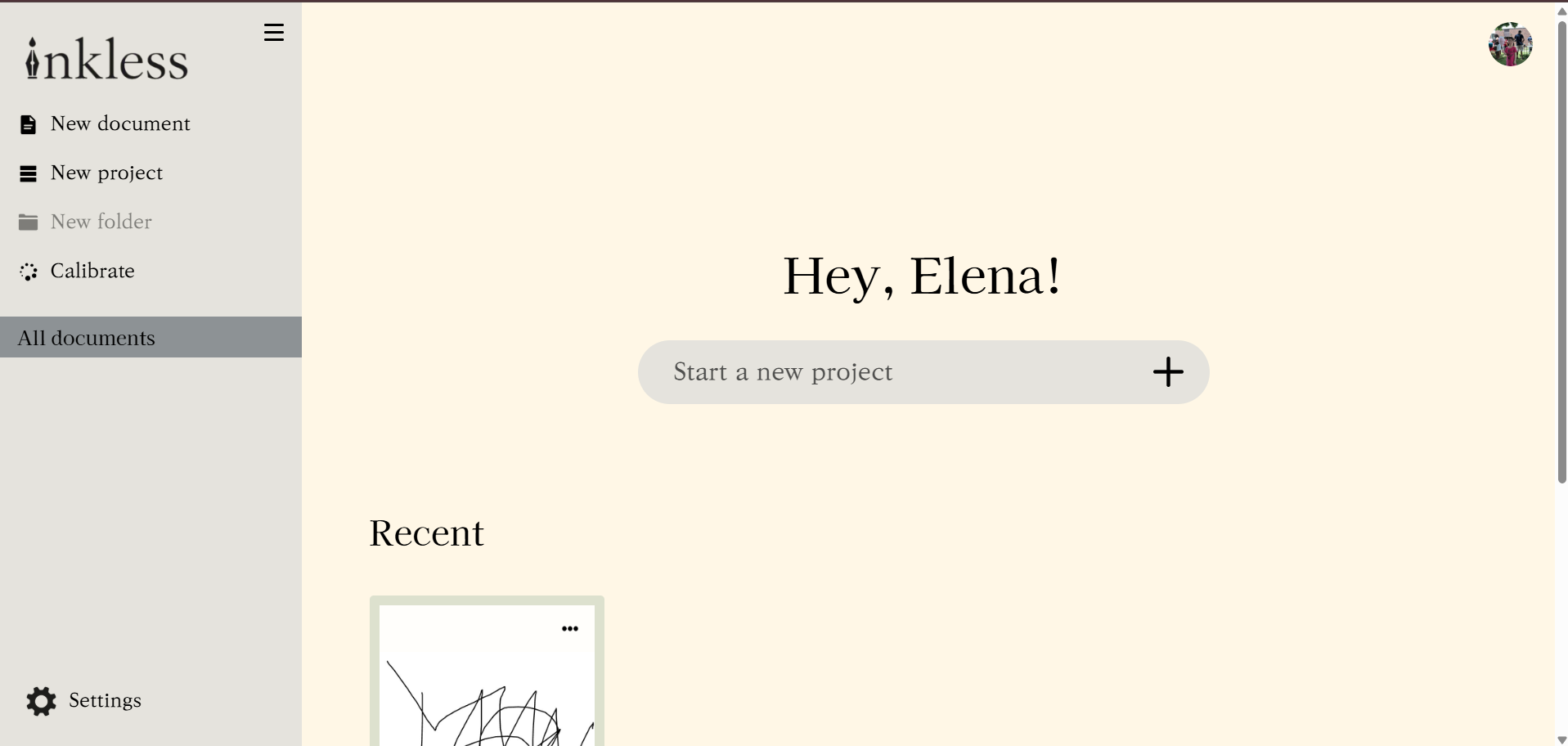
home screen
-
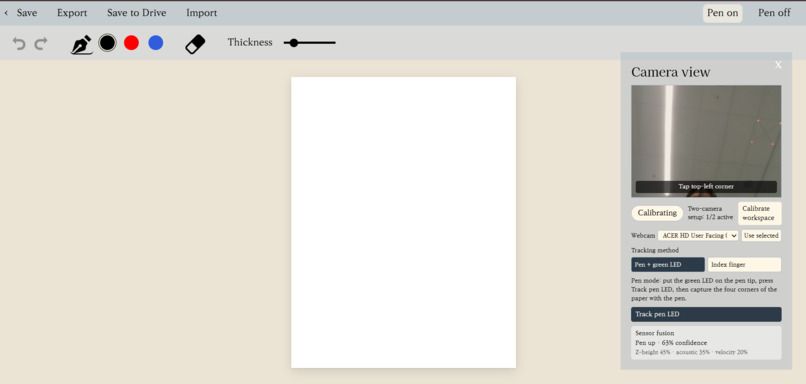
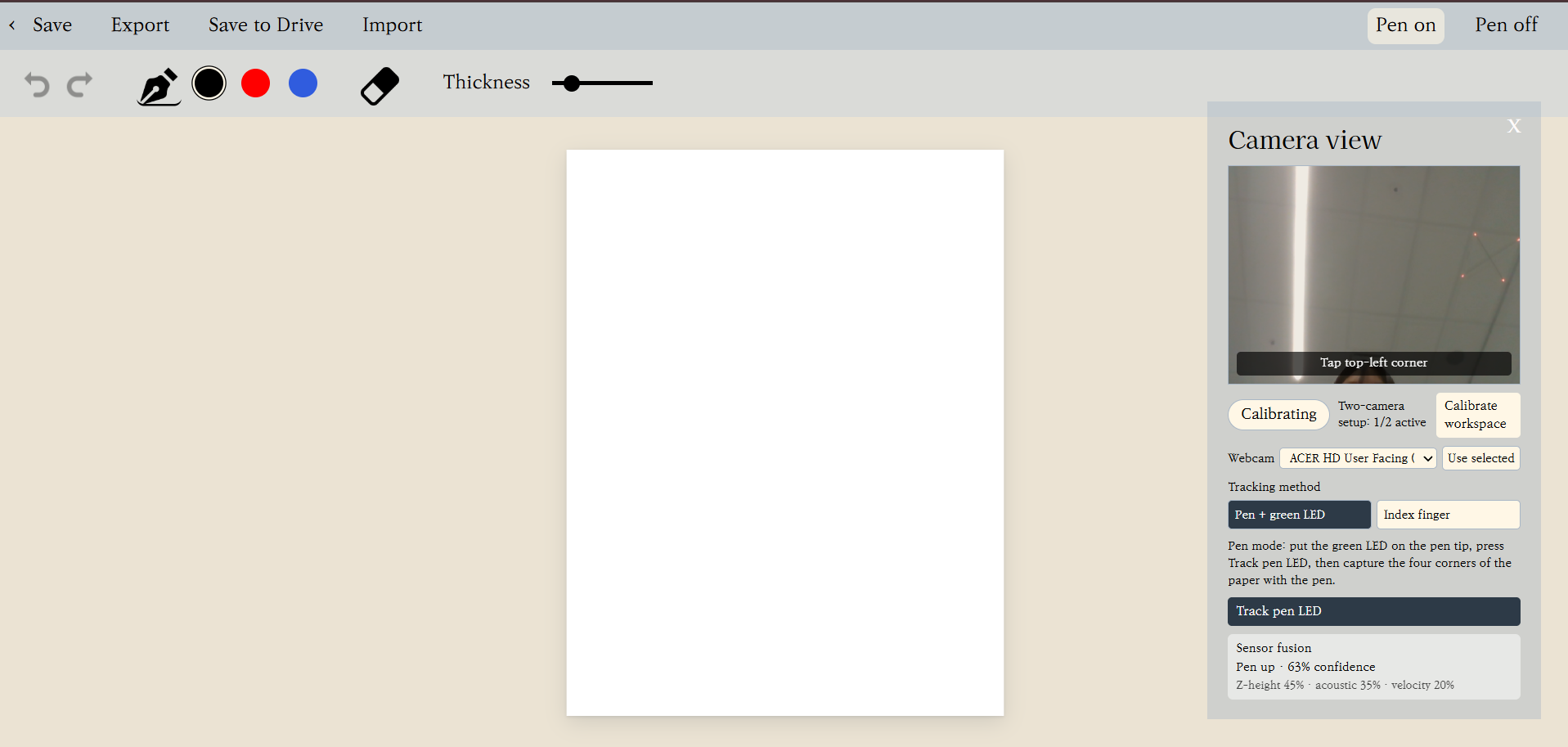
studio/notebook
Inspiration
Everyone takes notes differently. Some people like to take neat, organized notes, while others struggle with illegible handwriting and messy notes. Both have their pros and cons. For example, one person might lose out on a lot of notes as they NEED their notes to be perfect and neat, while the other may have trouble studying as they don’t exactly know what they really wrote. In addition, taking notes often causes strain on people’s wrists, but simply typing doesn’t actually help with memory and actual studying.
Well, we could solve all of the cons with an Ipad, right?
An Ipad at Costco, which is possibly one of the cheapest places to get stuff, costs from $1000 to $1600. An Apple Pencil Pro costs another $170. In total, it could often amount to over $1800! For an average student, this isn’t a small sum. And as high school students ourselves, with no access to the Apple Education Discounts, we truly feel all of the impacts listed above, from expensive tablets to difficult note-taking to wrist strain over long lessons.
But what if we didn’t need all that? What if we could write on any surface we wanted, without getting attacked for vandalisation?
And that’s where Inkless comes in.
What it does
Inkless is a web app that tracks the movement of the tip of a pen for effective note-taking. No paper required, and any pen works with the adjustable pen attachment. Simply log in with your Google Account, set up your webcam, open a document, and calibrate your canvas! Then, all your doodling and handwritten notes get compiled into neat, legible
Features:
- Notebook editor in-app with different colors and brush sizes
- Organization System for all your notes
- Sign-in to keep your work private
- Export to Google Docs to make the most of your notes
- Tracking on any surface
- Full-Mobility Camera (attach it anywhere!)
How we built it
Software:
Materials: React, Vite, JavaScript/TypeScript, browser camera APIs, ONNX Runtime Web, a YOLO LED-detection model, Supabase, and Google Drive integration.
- We started by deciding what the software needed to do. We needed something that could record the pen’s movement and translate it into a digital drawing. We decided to use a webcam to observe the workspace and a green LED attached to the pen as the object to track.
- We then built the basic drawing application. This included a digital paper canvas, drawing tools, colors, adjustable stroke thickness, erasing, undo/redo, document organization, and PDF export.
- We added a camera view and a calibration system. The user can select the four corners of the physical workspace so the software knows which area of the camera image should correspond to the digital paper.
- We implemented a homography transformation to translate camera coordinates into page coordinates. This was our way of accounting for perspective when the camera is not directly above the workspace.
- We connected an LED-detection model to the webcam feed. The software attempts to detect the green LED in real time, smooth its position, and use the calibrated coordinates to create drawing input.
- We experimented with using a second camera to determine whether the pen is touching the paper or lifted above it. This part is still being tested and tuned.
- We added an edit-area rectangle to show the calibrated workspace on the camera preview and on the digital paper. The rectangle is intended to make the relationship between the physical workspace and the software easier to understand.
- We also worked on making the interface less distracting when tracking is unreliable. The camera panel now has a stable size so it does not repeatedly move when the pen is temporarily not detected.
- And so, the software prototype is working as an ongoing experiment. The main interface, calibration system, LED tracking integration, and drawing workflow are in place, but the physical tracking still needs more testing and refinement before we can call it fully reliable.
Hardware:
Materials: Pen cap, coin-cell battery, LED, electrical tape, starburst wrapper, and a Logitech Webcam
- We started by deciding what exactly we needed our hardware to do. We needed something to record, and something that would show our computers WHAT to record. We decided to run with 2 webcams, and an LED that would be the object that got tracked.
- We then decided how we would mount the LED to a pen. This took a lot of brainstorming (aka walks around the building at 2am), and even a visit from a mentor.
- There is a lot of random trash in our room, so we decided to employ that, and a bit of electrical tape, to create a circuit system with an interruptor in order to conserve battery when the pen attachment wasn’t being used. We decided to also use pen caps that fit onto most pens as a simple prototype: it was the closest we could get to our requirement of our attachment being “adjustable”
- And so it worked.
Challenges we ran into
After 10 laps around the IA building, we still couldn't fathom an idea of how to get tracking to work. Our solution was and is to have a low-exposure camera track a bright LED light. However, that meant we had to attach an LED to a pen somehow, and make it adjustable.
At 2 am, we made the list of requirements for our part:
- must hold LED
- must have structural integrity
- must also hold battery and interruptor to power LED
- must be adjustable for most reasonably-sized pens
And how did we solve this? We accepted the fact that we can't make everything professional.
But little did we know this would soon be the LEAST of our worries. At 5:06 AM on Sunday, we were scrambling to get stuff working. Vercel wouldn’t deploy, the AI was lagging, and the only thing that worked was literally our hardware.
Accomplishments that we're proud of
We managed to sleep on the first night. AND got our resumes roasted at 1AM on the 2nd night.
What we learned
If you drink a lot of caffeine you won't go crazy. Probably not.
What's next for Inkless
Better Hardware: Due to lack of resources our current pen attachment can be considered somewhat unprofessional. In the future, we hope to experiment with different materials and designs in order to achieve our vision for the versatile pen attachment that works with everything.
Materials we hope to explore:
- Metal
- 3D Printed
- Rubber
Better Software: To recognize writing patterns, we trained models from scratch. This was a very time-consuming process for something that we'd already dumbed down to be feasible within 36 hours. If we were given more time, we would have a more efficient model that can track and be less streaky.
We also never got around to our text conversion feature, so that would be something to implement in the future as well.


Log in or sign up for Devpost to join the conversation.