Inspiration
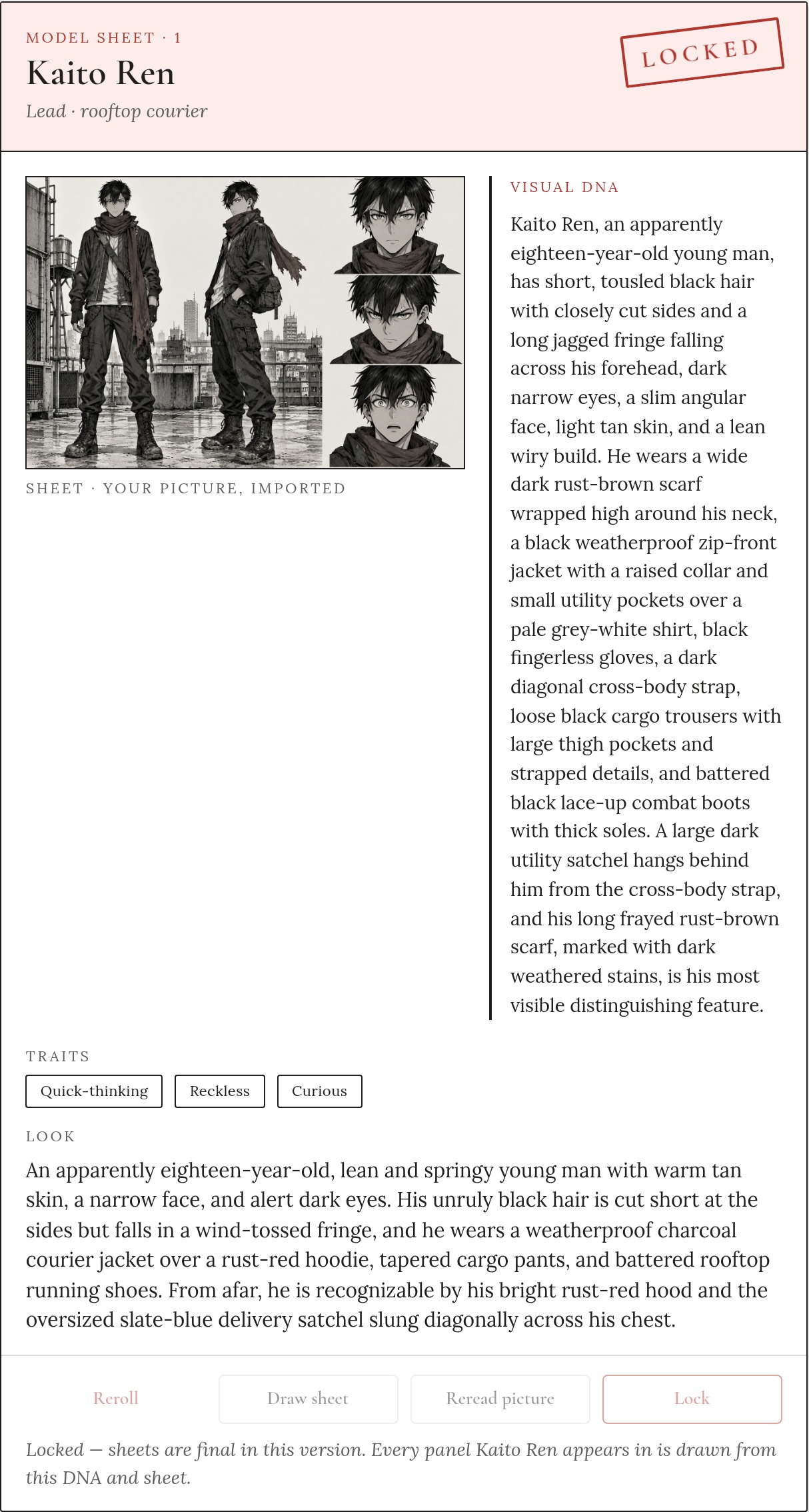
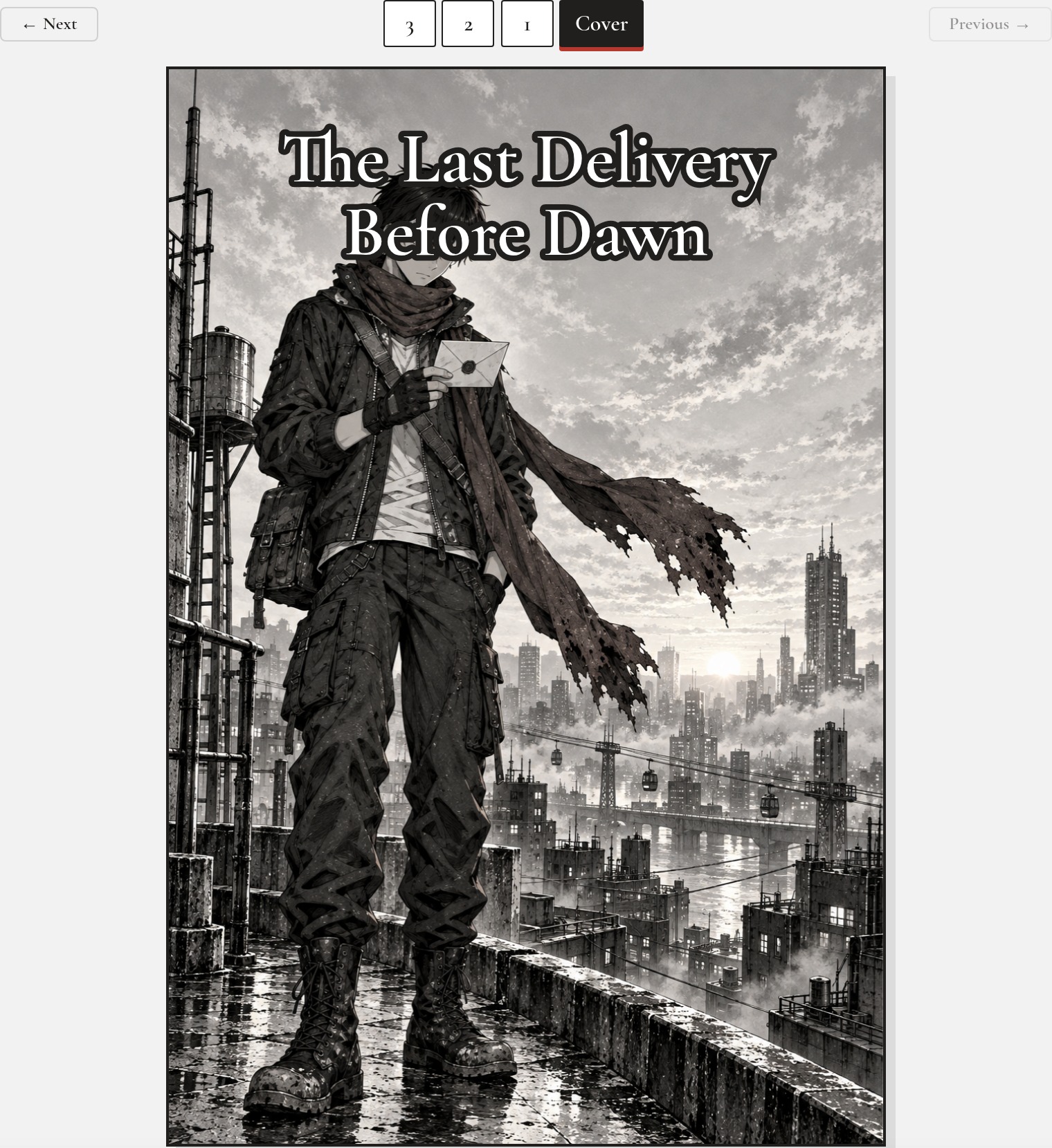
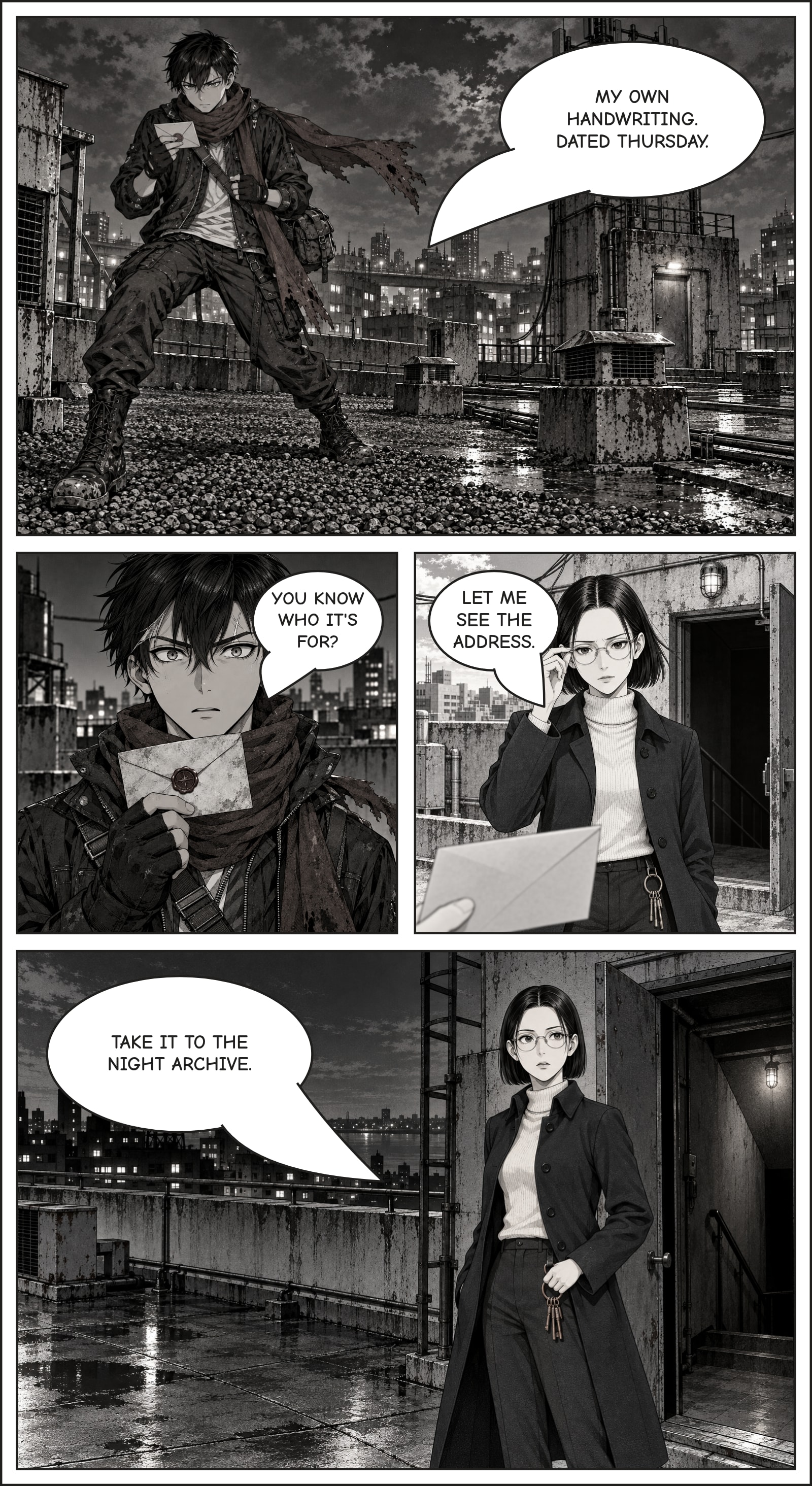
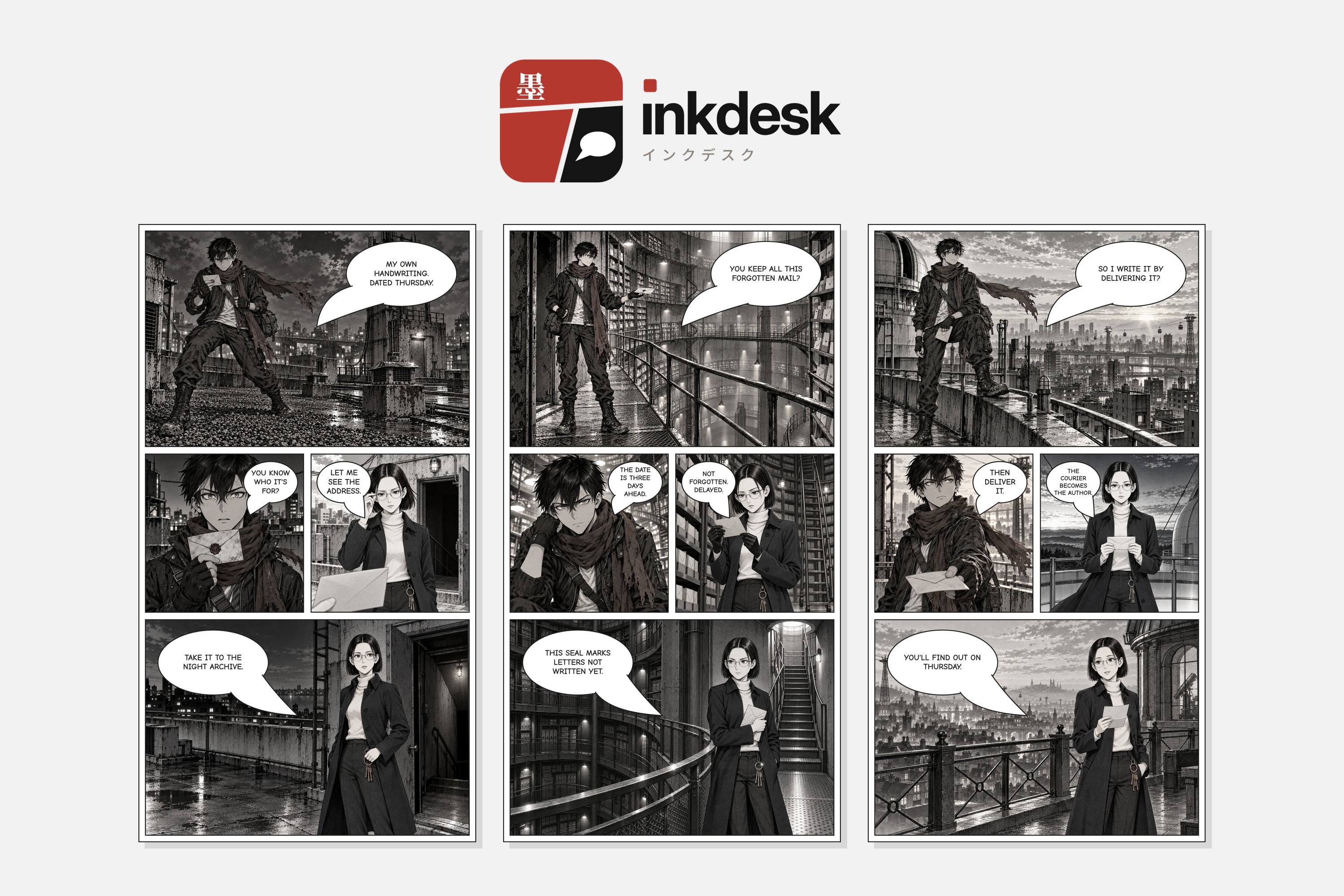
I have stories, but I can't draw. Every AI comic tool I tried had the same problem: ask for the same hero in four panels and you get four different people. Ink Desk is for storytellers and manga fans like me. It keeps one face, from the first panel to the cover.
I also teach web development, so I had a second reason to join. I wanted to find out if this flipped, interview-first way of working with AI is worth teaching to my students.
What I learned
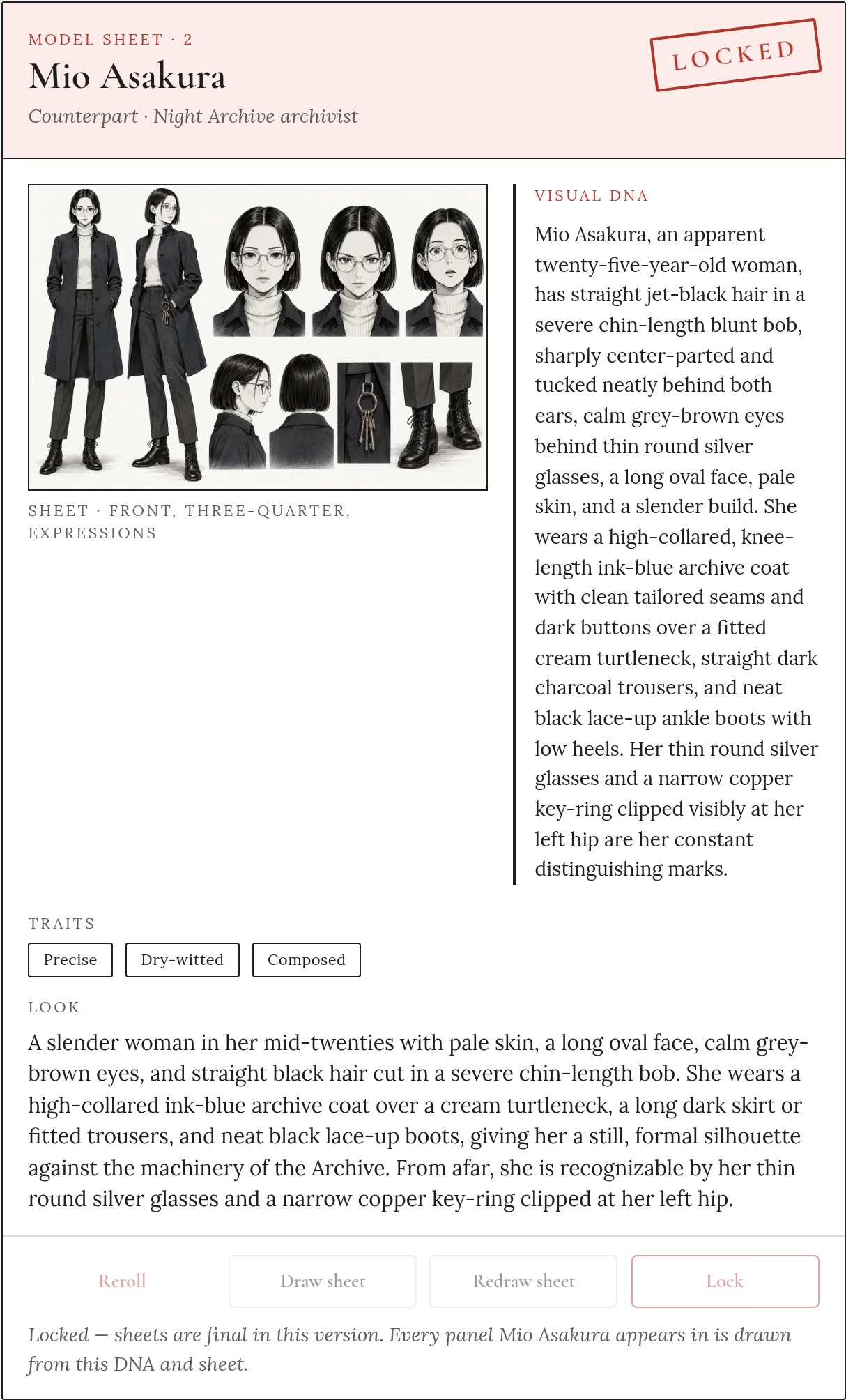
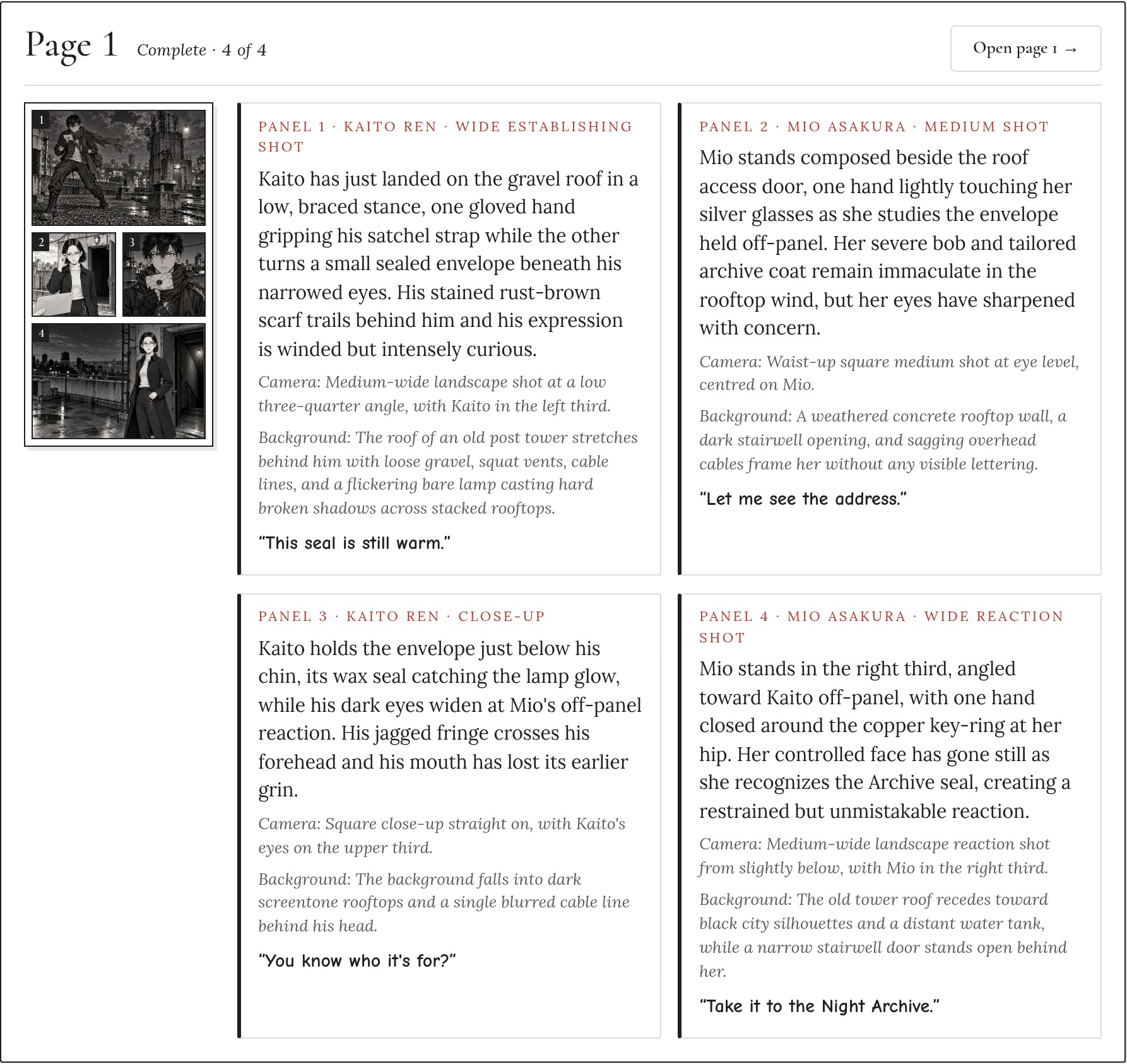
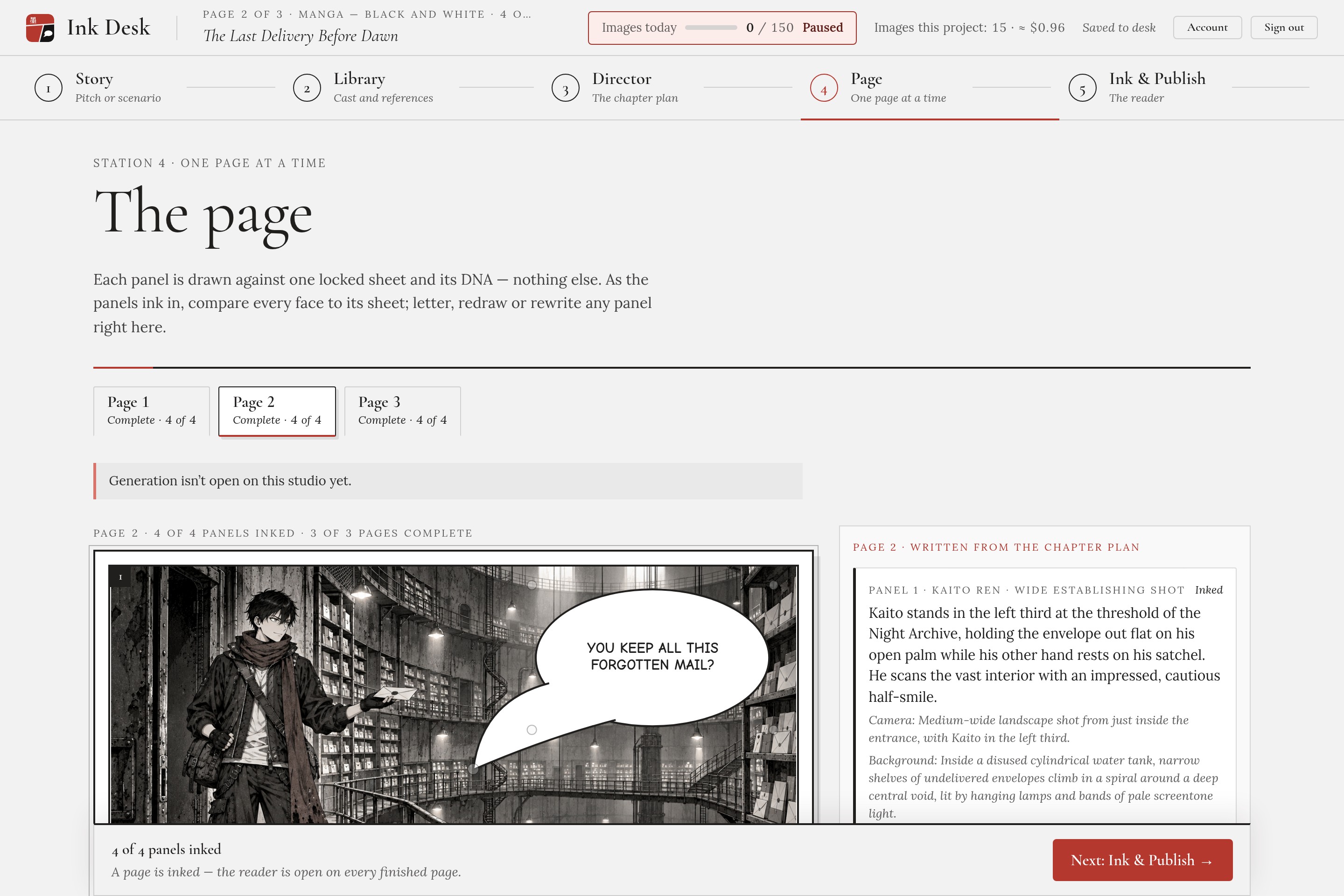
The face holds when the look is frozen and only the action is free. Every panel request carries two locked things:
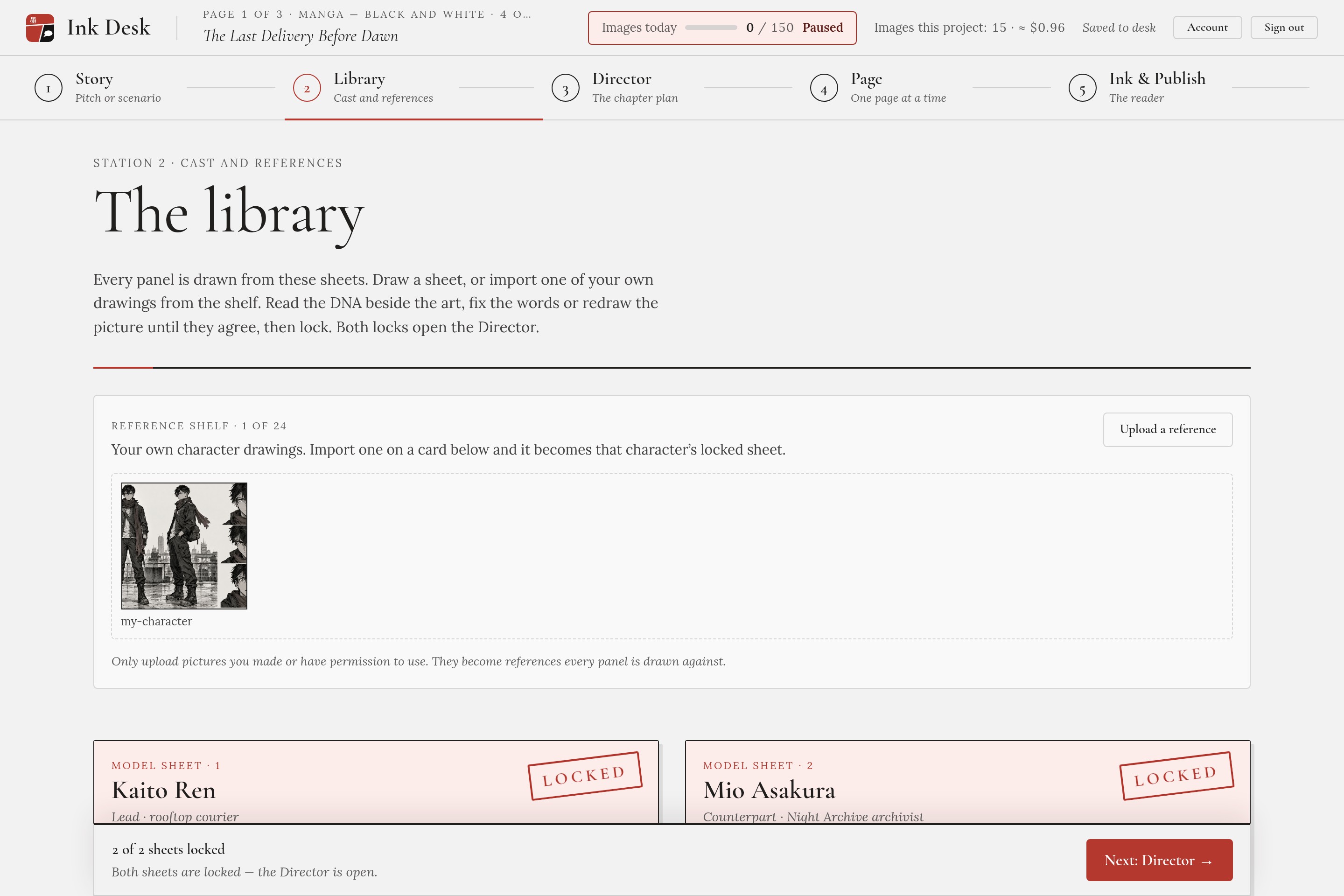
- The model sheet: the character's picture, generated or imported once, then locked.
- The visual DNA: a text description of the character, pasted word for word.
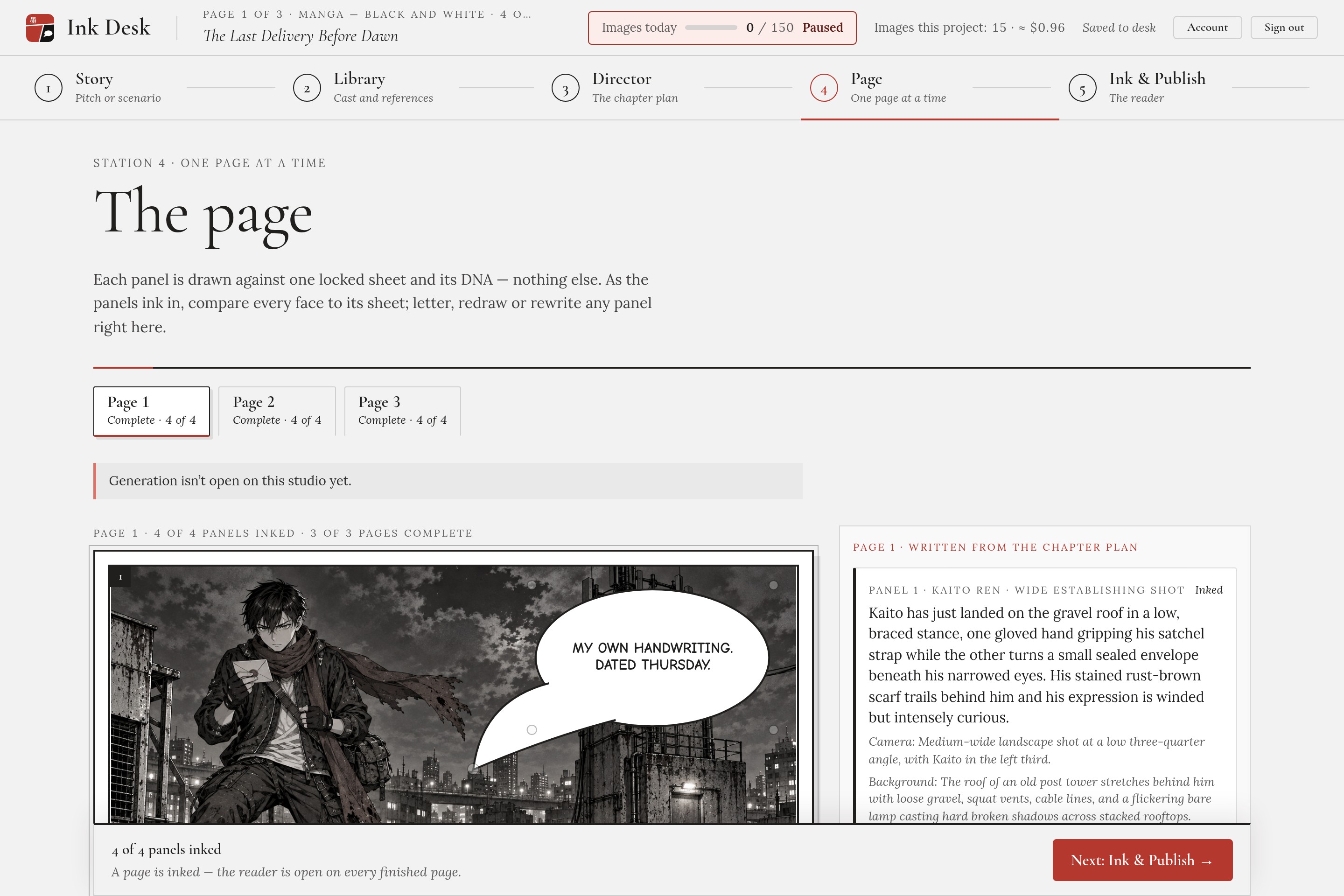
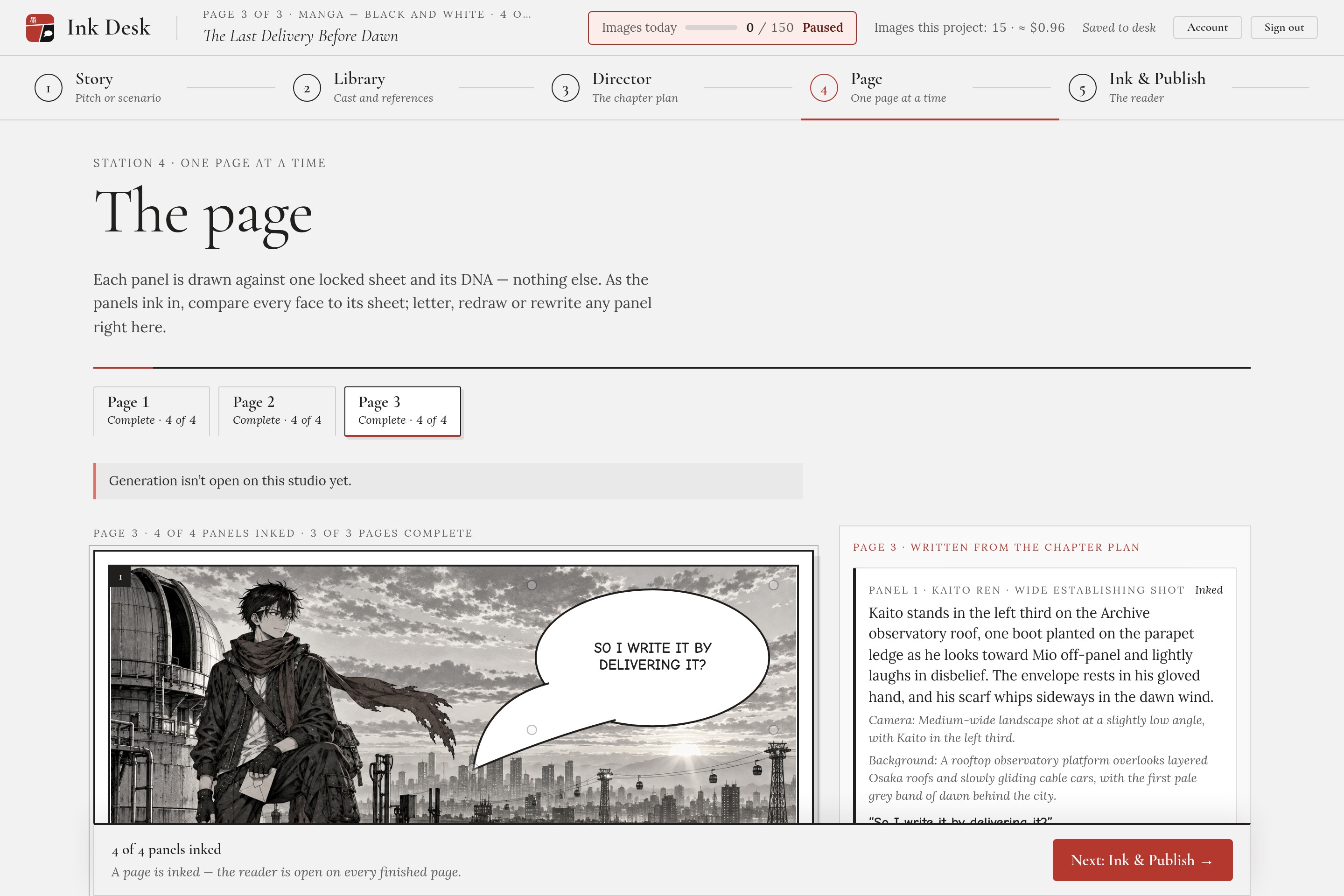
Only the action, the camera and the background change from panel to panel. Two more rules matter: one locked character per panel, and no text inside the image. Speech bubbles are added by the app, never drawn by the model.
I didn't guess this. Before building any screen, I ran a kernel test: one sheet, a close-up and a wide shot, side by side, for about 8 cents. The face held, and that test shaped the whole app.
On the workflow: yes, I'll teach it. The lesson I'll pass on is simple. Prove the risky idea first, then build.
How I built it
I used the hackathon's Learn Skill Pack from start to finish. The AI interviewed me, and nothing moved forward without my approval.
- Start: my background and my two learning goals.
- Scope: my big idea cut down to one kernel, the locked character.
- PRD: every behavior and edge case, in plain words.
- Spec: the stack, the data, the files, and the assumptions to test first.
- Build: 23 slices, each verified by a check script, tested by me hands-on, then committed.
- Ship: final review, demo video, submission.
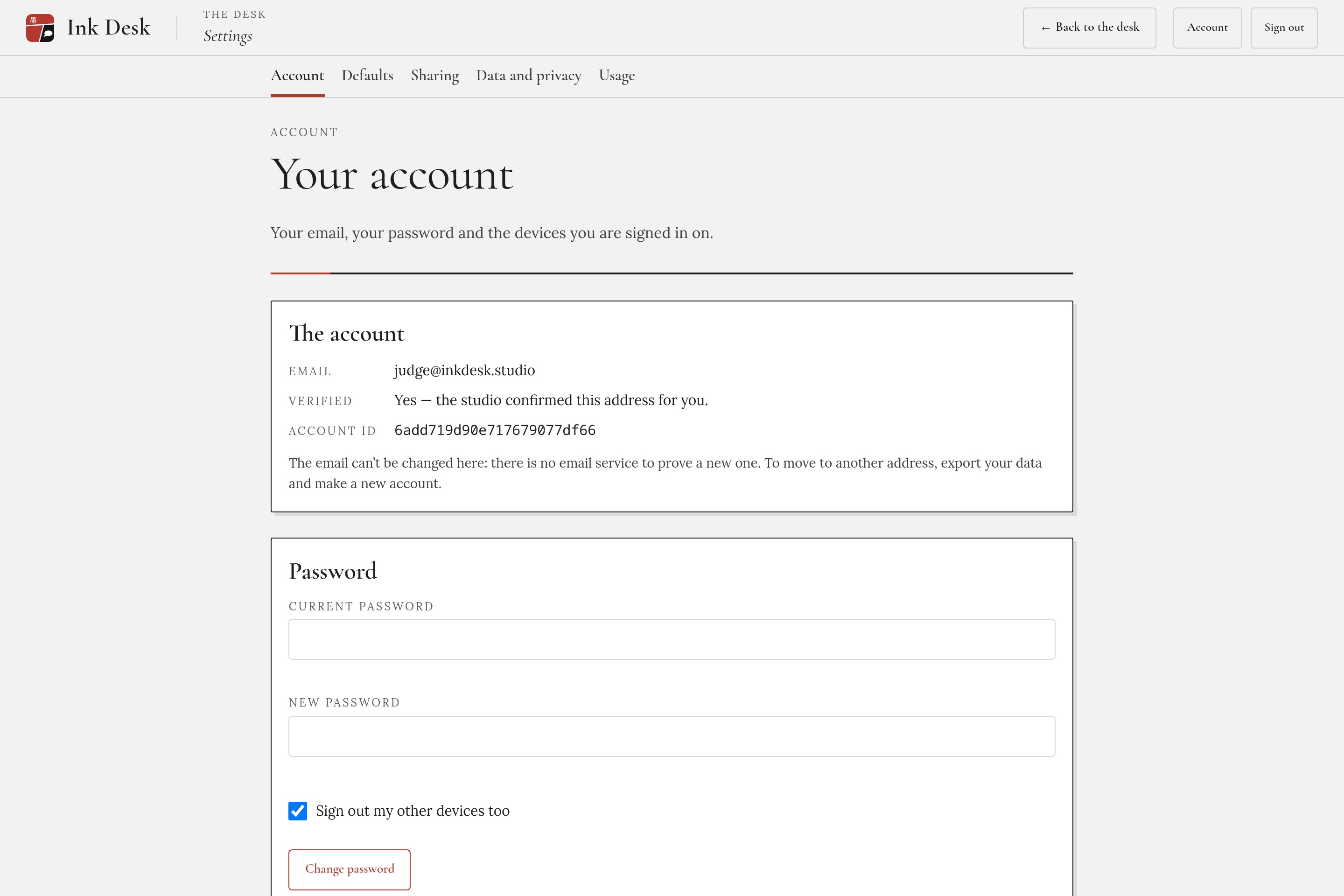
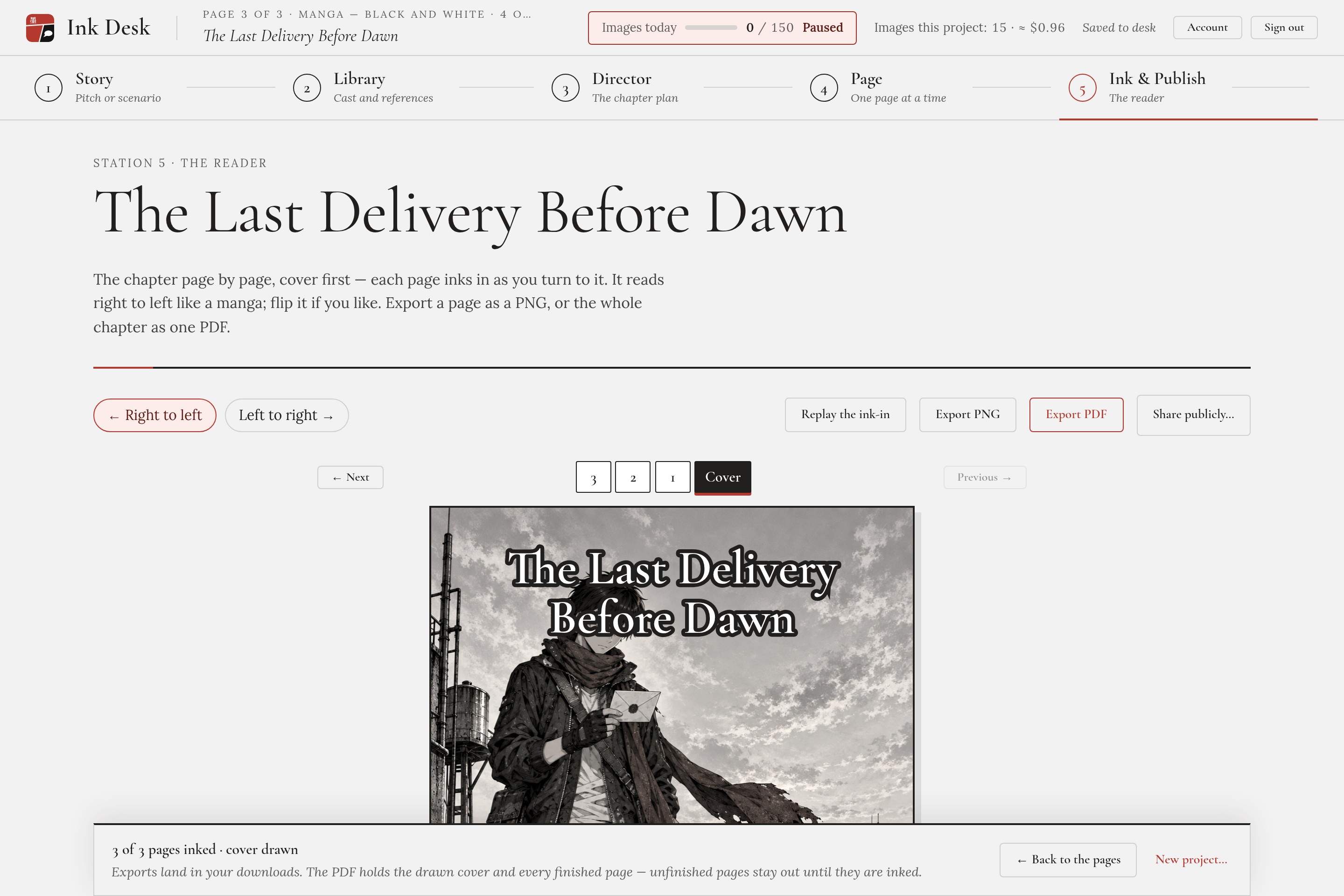
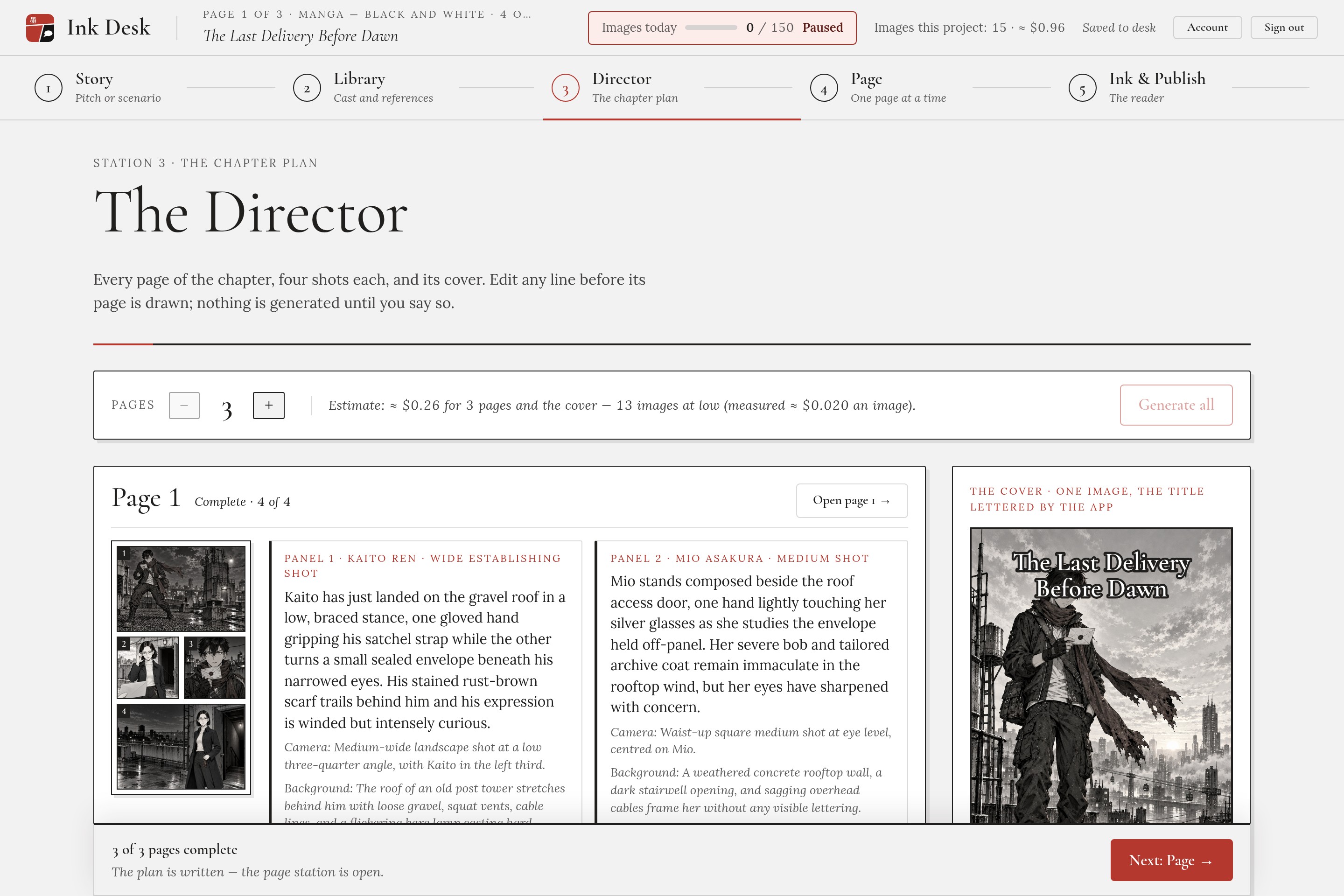
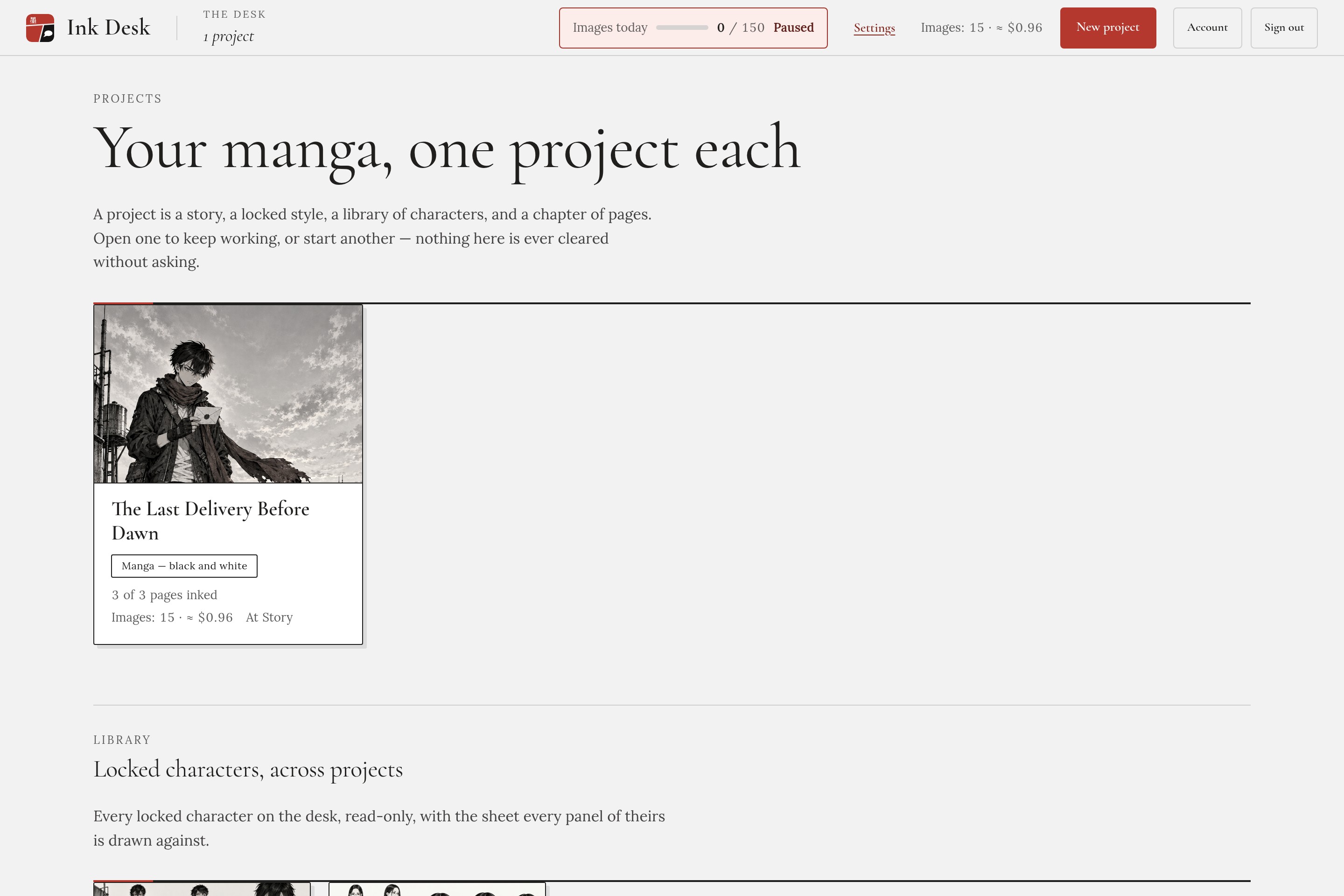
The app grew in three versions. Version 1 was one manga page with four panels. Version 2 became a chapter studio: projects with a locked style, a character library, a Director that plans the pages and a cover, a reader and PDF export. Version 3 made it a real studio: sign-in, daily limits, a background worker queue, public share links with Report, and a layout that works on phones.
The Director shows a cost estimate before anything is drawn, so you always know what you'll spend before you press Generate all.
Even the demo video is code, cut from a recording of the real app. Every generation on screen really happened. Long waits are sped up, never faked.
Challenges
- The UX wasn't good enough. After slice 5 the lock worked, but I judged the app unusable. Redraw was hard to find, long generations gave no feedback, and the bubbles looked broken. That verdict became a slice of its own.
- Silent failures. One request parameter was silently dropped, and another returned an error. Listing the assumptions to test during planning caught both before they reached a screen.
- The agent made mistakes too. Once, two builds of the same slice ran in parallel. Another time, a restarted session ticked a checkpoint it hadn't earned. Verification caught both, and both are recorded.
- Not every lock is proven. I also tested style and setting references as extra locks. The style reference's subject bled into the backgrounds, so neither is in the app. Ink Desk only claims what was proven: the character's face.
- Budget and safety. A public studio that pays for every image needs limits. I added quotas, rate limits and a global daily spending cap that pauses generation for everyone when it's reached.
- Changing direction mid-build. I changed the project twice. Each time I went back through the scope, PRD and spec and wrote down what changed in my own words. That's why the docs still match the code.
Ink Desk is an honest proof of concept, not a guarantee. But the face holds.
