-
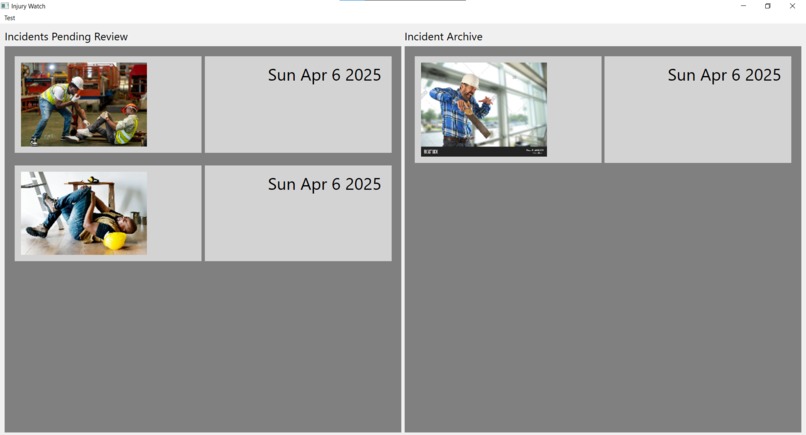
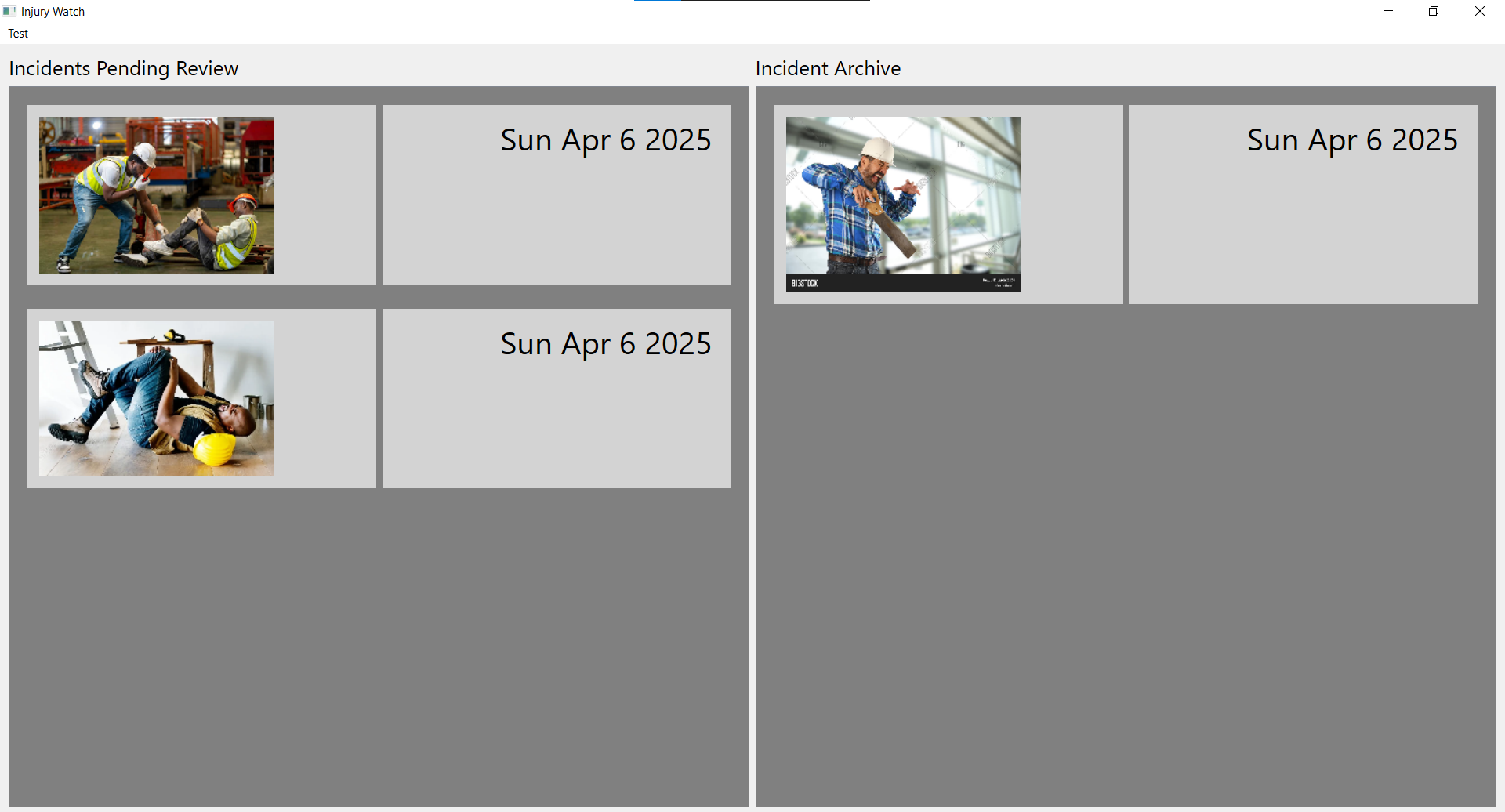
Main interface, showing pending and archived reports
-
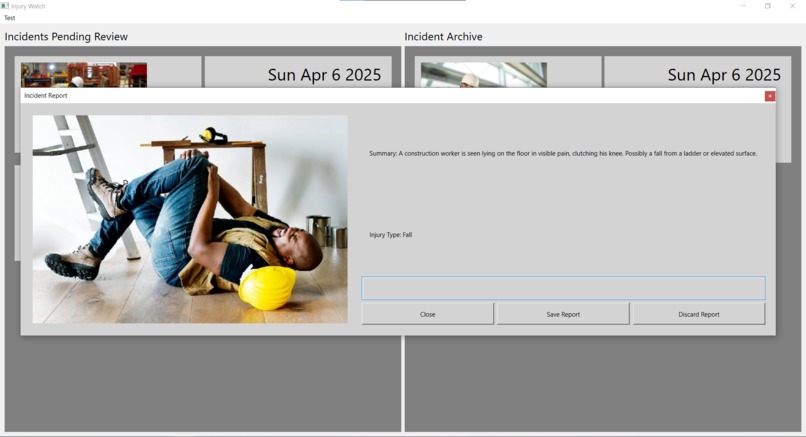
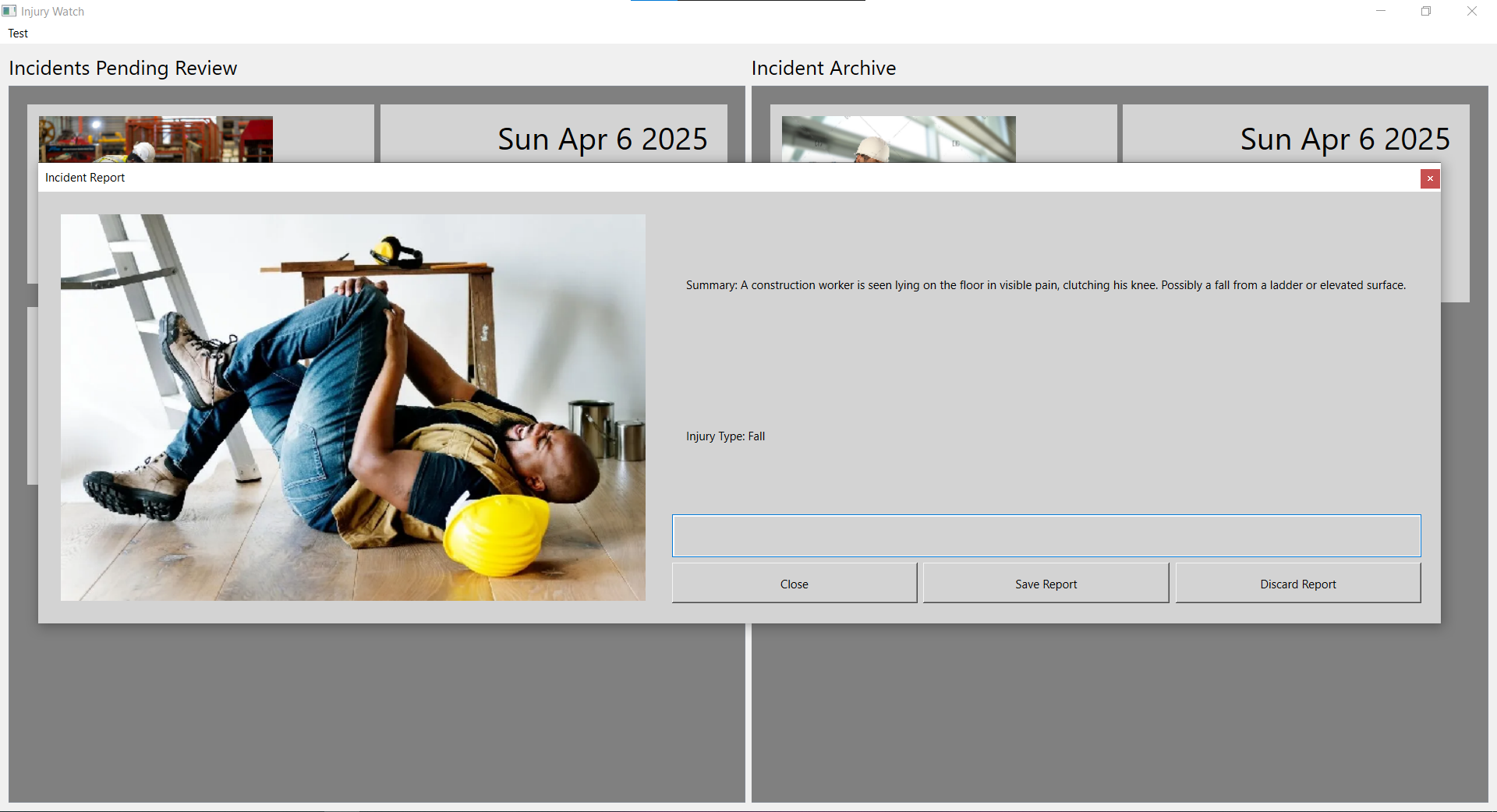
Window for Reviewing a Report
-
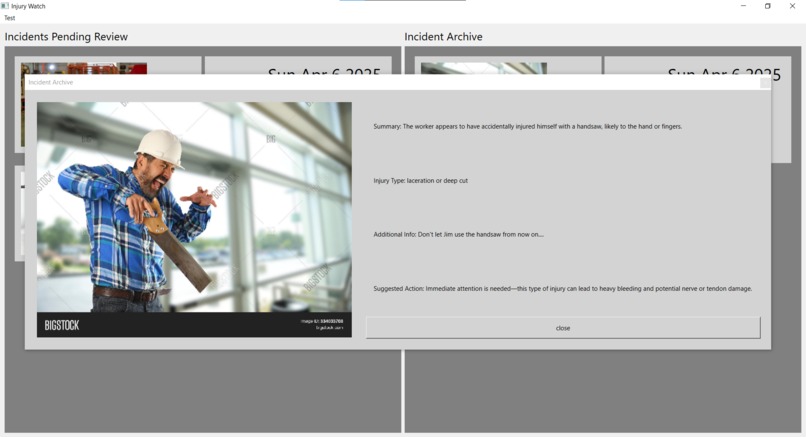
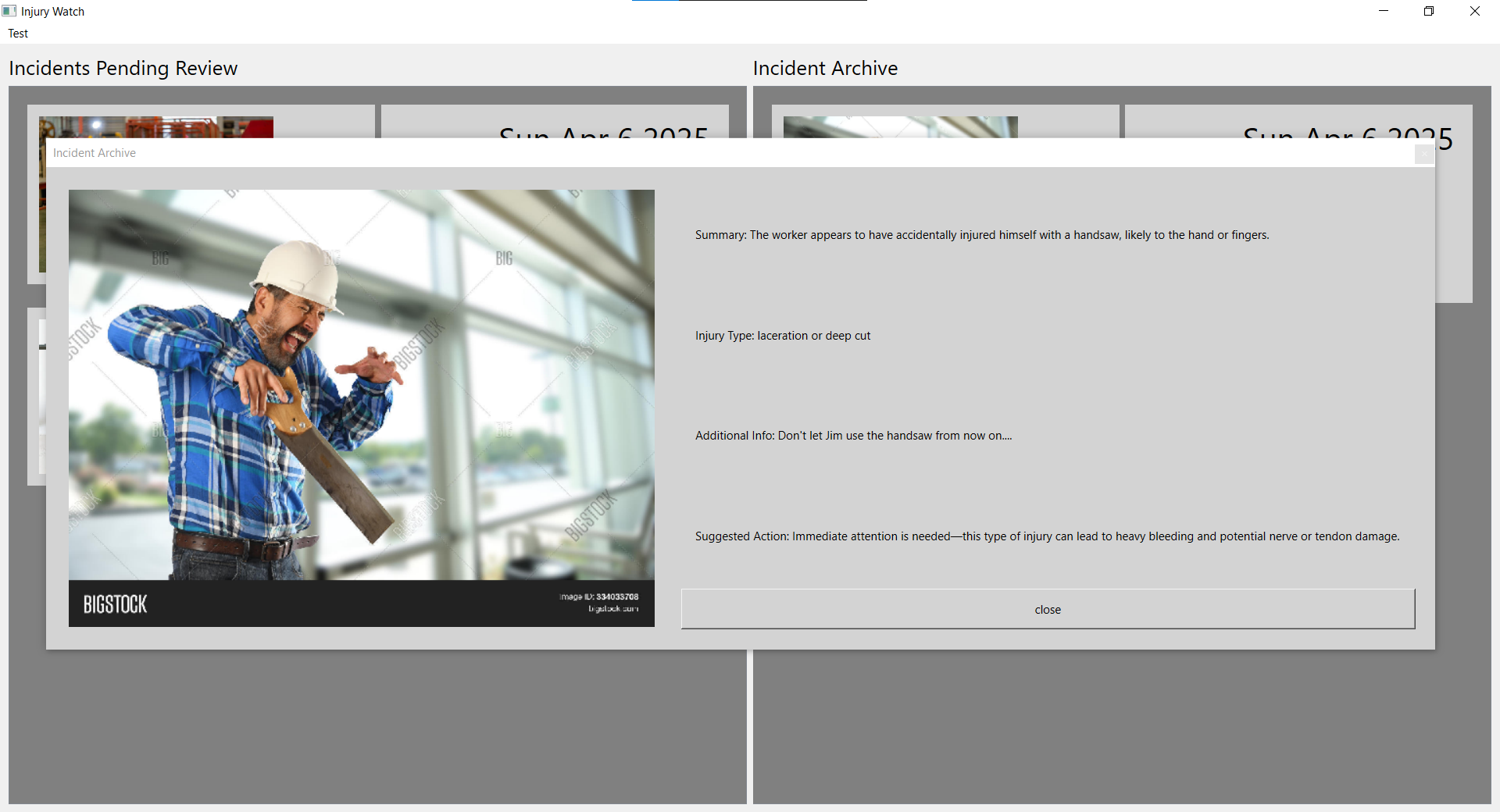
Window for Reviewing an Archived Report
Product Description
- Injury Watch takes screenshots of detected workplace accidents and processes them with ai to give a report of the injury, identify what type of injury it is and what suggested measures should be taken to treat the injury and prevent any further injury.
- We can’t eliminate workplace injuries entirely, but with this technology we can eliminate the confusion of how to handle such incidents. Injury Watch will be able to give nearby workers clear and concise instructions on how to treat the injured worker and how to clean up the area to avoid additional injuries.
- Injury Watch works with a list of pending injury reports, new reports can be added to this list at any time. An admin will look over each report to filter through real injuries and false positives, adding additional notes they believe to be important. After the injury is confirmed to be real and reported, an archive will be available to review which includes suggested actions to take.
Intro
Imagine you’re working late at an office job, everyone has gone home for the day as you stayed back to finish a project before the weekend. You get up from your chair to stretch for a bit and grab some water then WHAM, you trip over a loose wire you couldn’t see in the dark and there’s no one around to help with your fractured wrist. This is a reality for many of the 2.6 million who get injured at the workplace every year, but it doesn’t have to be all that bad. With Injury Watch, an administrator could’ve been notified about your injury as happened and requested aid on your behalf. Injury Watch doesn’t just report your injuries, it analyzes them using AI to determine the exact cause of your injury, how it should be treated, and how to prevent similar injuries from occurring.
Inspiration
I was inspired by the number of workplace injuries that take place every year. More than 2 million workplace injuries happen every year and many are not prepared to properly help a co-worker in the event of a serious accident.
What it does
The main program is a UI that waits for injury reports to come and notifies the admin of any pending reports. Once reviewed the admin can see an image and an AI generated summary of the injury, the admin use this can confirm the injury is real. Once confirmed the report goes into an archive that can be viewed at any time and generates suggestions of how to treat the injury and prevent further incidents from occurring
How I built it
I mainly built the program using PyQt, as well as ChatGPT for analyzing the images to generate the reports. First, I researched different AI model to see which one could analyze the images best, I Originally wanted to use DeepJavaLibrary (JDL) as it seemed perfect for analyze actions within an image, after hours of troubleshooting it’s Gradle Wrapper, I realized ChatGPT worked just as good. Next built the Qt app taking pieces from my previous Qt projects to build the user interface and linked the backend.
Challenges I ran into
The biggest issue for me was coming up with the project idea! I was two hours late for the hackathon introduction and this is my first hackathon so I was lost on what to work on. An automatic injury detector was only one of two ideas I sat on for about a hour until the idea eventually grew on me and I realized it was quite plausible.
Accomplishments that I'm proud of
I’m quite proud I was able to use my skills in Qt to make a function program in such little time, especially since I lost a lot of time trying to research ai models.
What we learned
During this hackathon I learned to keep my head up and not to worry about what can or can’t do, just to do. I also feel I became a lot faster and efficient with figuring out code as I was constantly looking up documentation for Qt and JDL as well as trying out some of the frameworks shown off at the workshops
What's next for Injury Watch
More proper AI implementation, due to time constraints I could only use ChatGPT to generate basic reports for each injury, I want to be able to use AI to order reports by severity and present more resources people can use. I also want to make the UI more presentable, it’s quite basic so far
Built With
- openai
- pyqt
- python

Log in or sign up for Devpost to join the conversation.