The Linear Algebra Calculator 2.0
“Linear problems are number one in all of science!” — Gilbert Strang
It started five years ago, when a new maths syllabus (or math syllabus ;) I won’t judge) required my high-school teacher, Mrs B, to introduce her class to the mysterious world of matrices: $$\begin{bmatrix}1 & 0 \\ 0 & 1\end{bmatrix}.$$ As an eleventh-grader, I had just learned a new thing called Python. As a school project, I made the Linear Algebra Calculator, a small Tkinter application that could perform matrix calculations and visualise the transformations represented by \(2\times 2\) matrices.
Mrs B was delighted and used the app across several lessons, experimenting with matrices and showing her students what the arrays of numbers actually did.
This week, I rediscovered the original script. I gave it to GPT-5.6 Sol in Codex, described what I wanted it to become, and let the agents get to work.
The result is the Linear Algebra Calculator 2.0, if you are a teacher looking to teach a class in linear algebra when school starts, I hope this helps!
What it does
LAC 2.0 is a modern, easy-to-use tool for teaching linear algebra through computation and geometry.
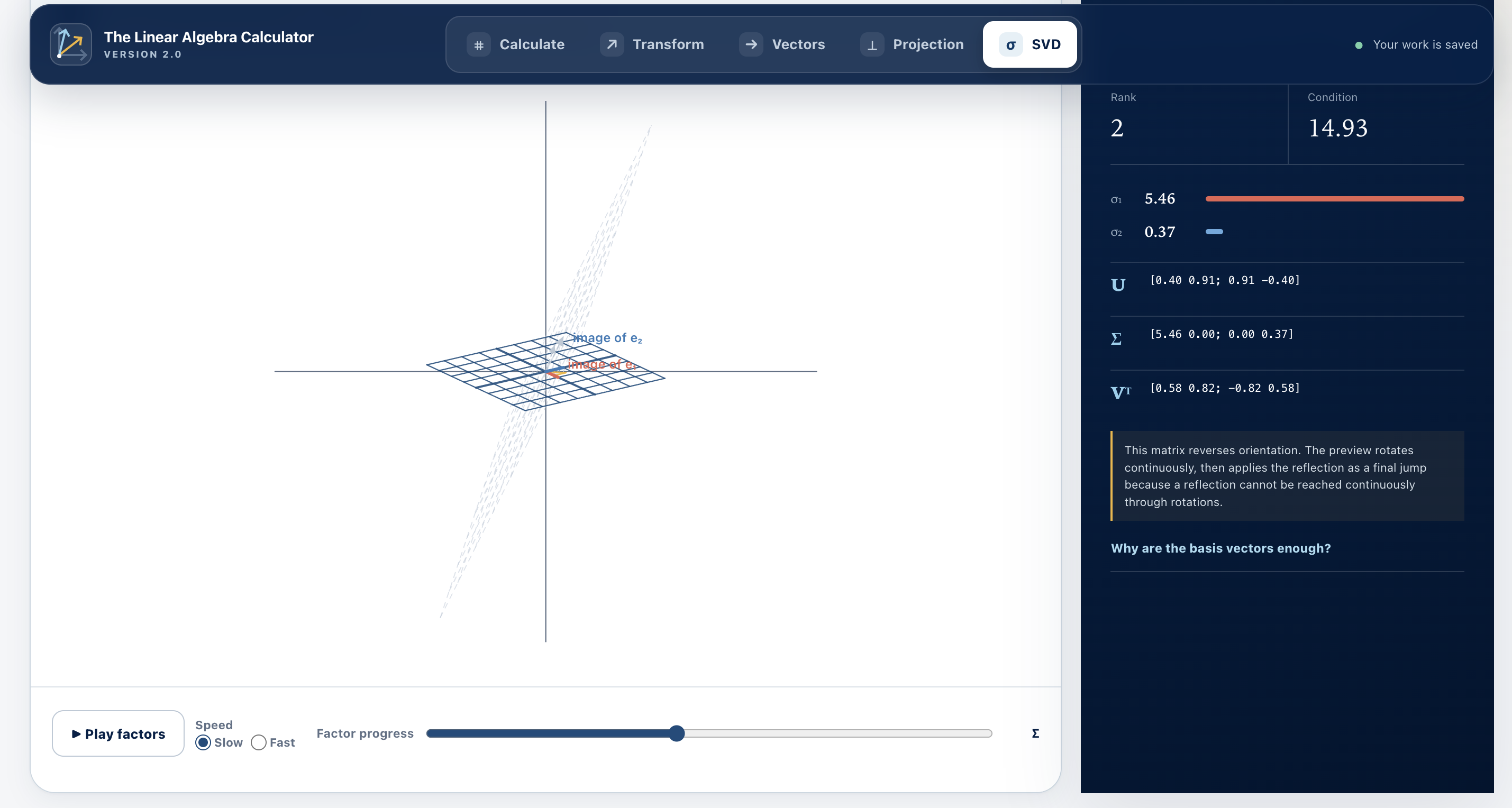
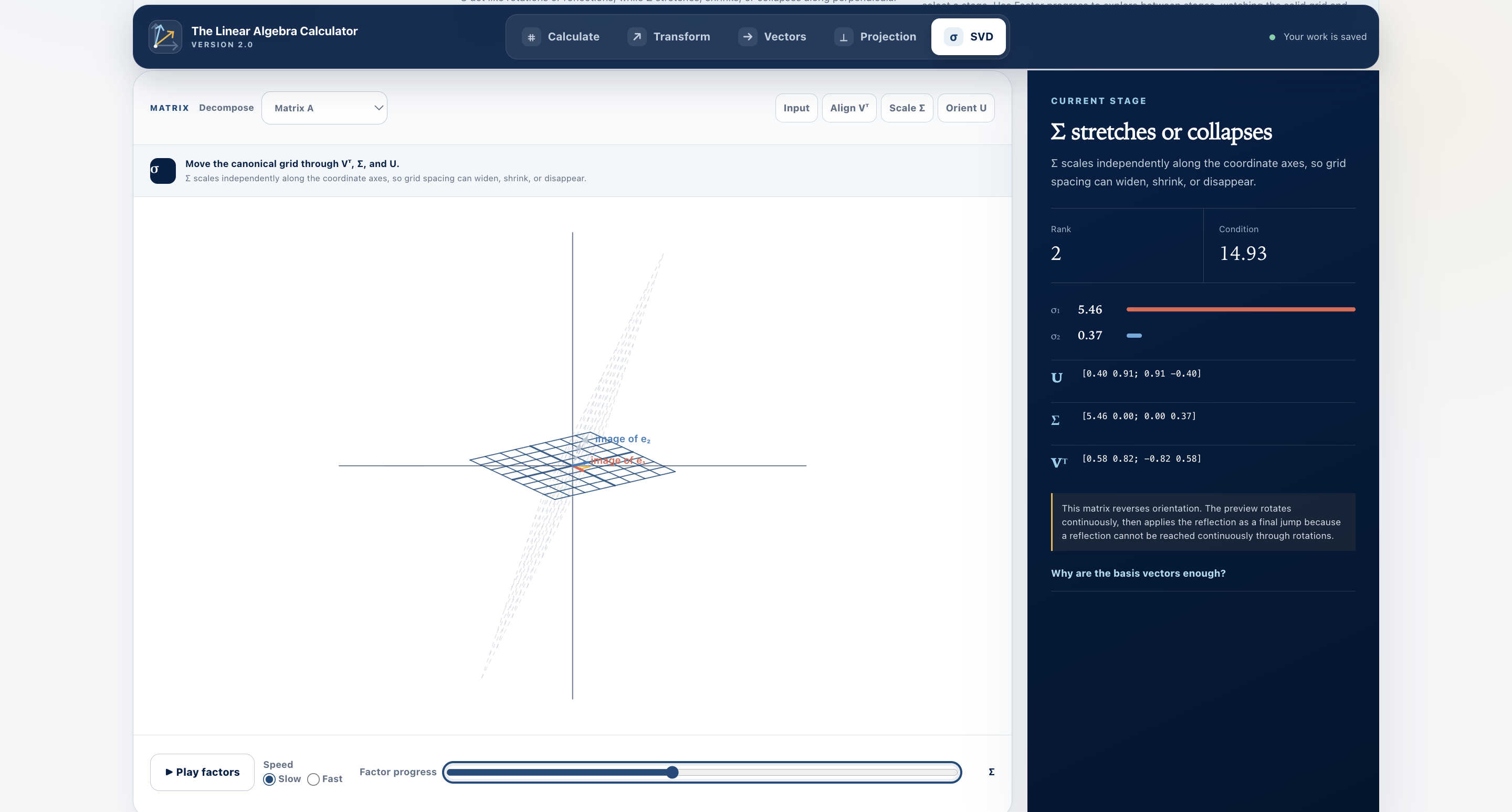
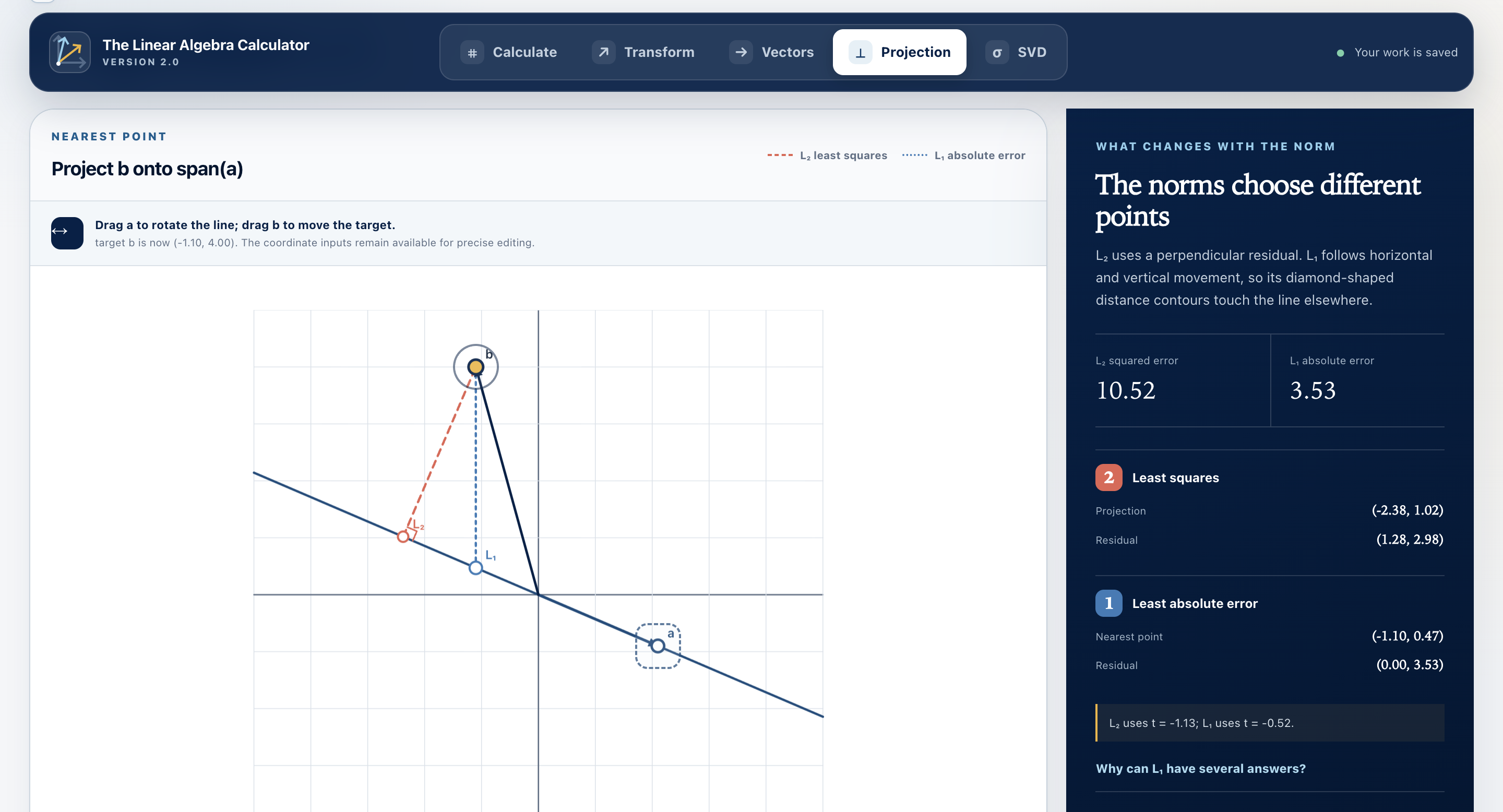
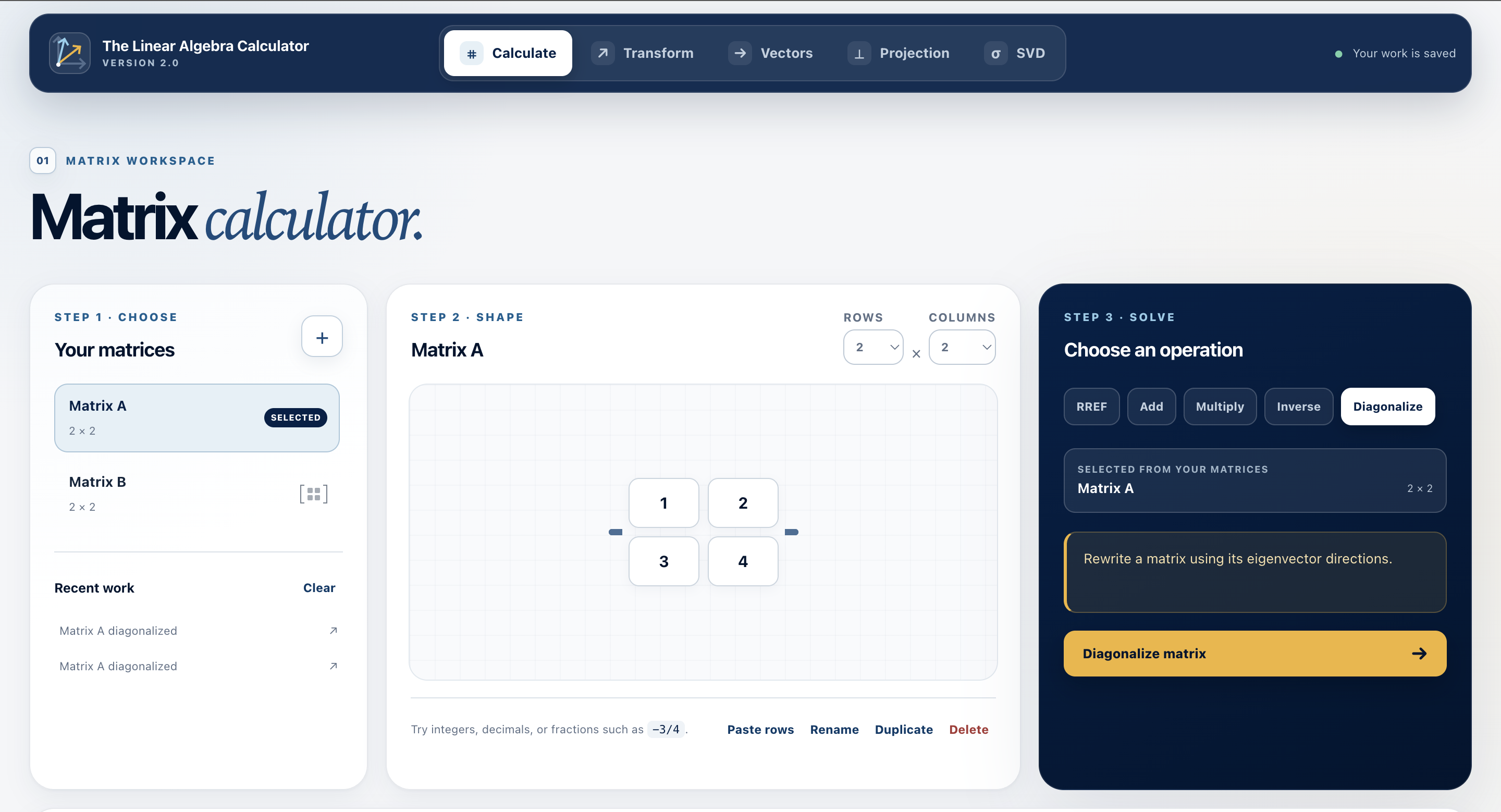
It performs the standard matrix operations one expects from a calculator, including addition, multiplication and diagonalisation. Its real strength, however, is its interactive visualisations. You can watch a singular matrix collapse the plane onto a line, see why eigenspaces are preserved by a transformation, and give the algebraic calculations their crucial geometric intuitions. As Strang puts it:
“Matrices act. They don’t just sit there!"
How it was built
This week, I gave Codex the original LAC script and a goal: transform this high school project into a polished, modern classroom application.
Codex inspected the existing program, proposed a modernisation plan, and began implementing it. The first run already produced a working product. From there, I directed further iterations: refining UI, adding new maths functionality, etc, based on my vision for the LAC. Codex was able to open an internal browser, and test the web app on its own, which was remarkable and saved me so much effort.
Apart from the original script, the new application was built entirely by GPT-5.6 Sol Ultra through Codex in this week.


Log in or sign up for Devpost to join the conversation.