-
-
-
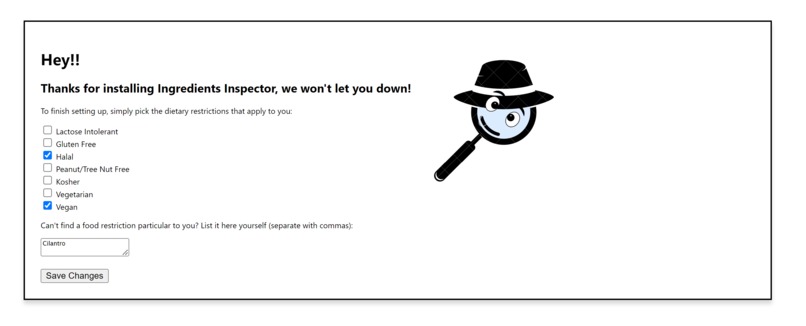
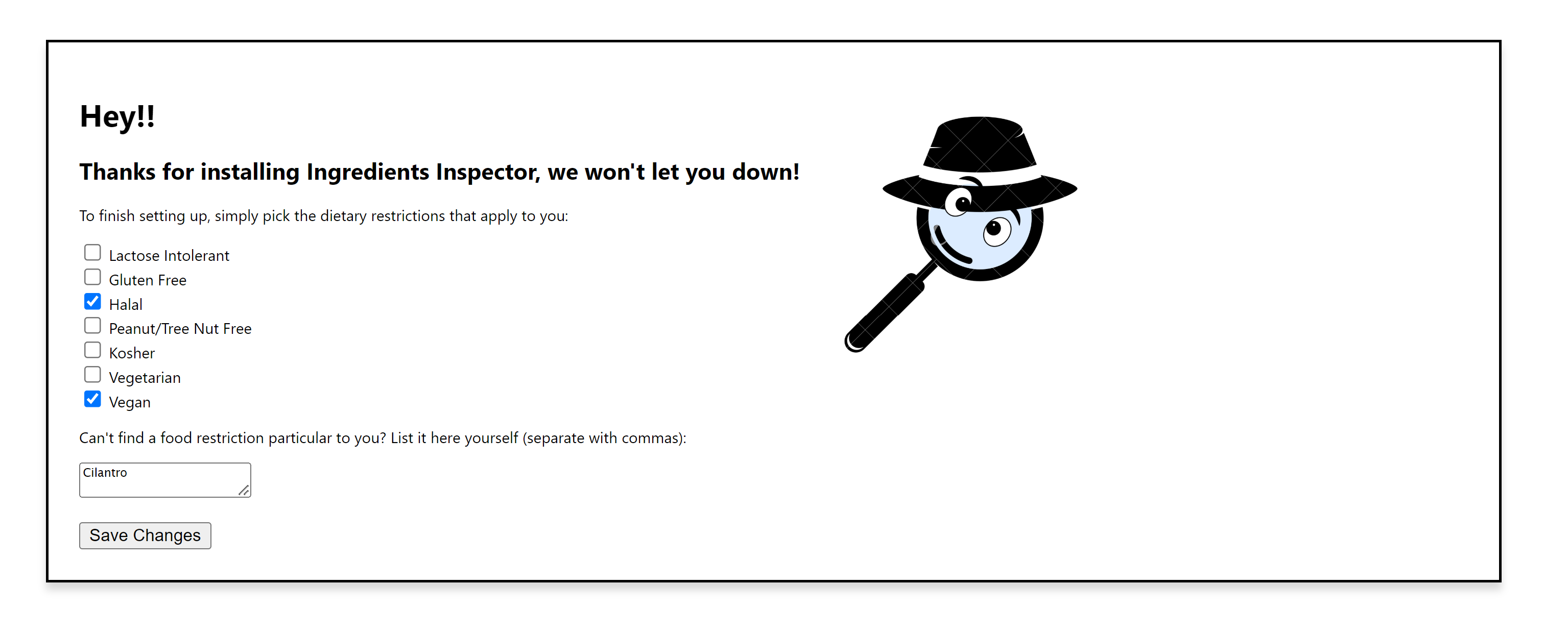
Dietary Preferences Menu
-
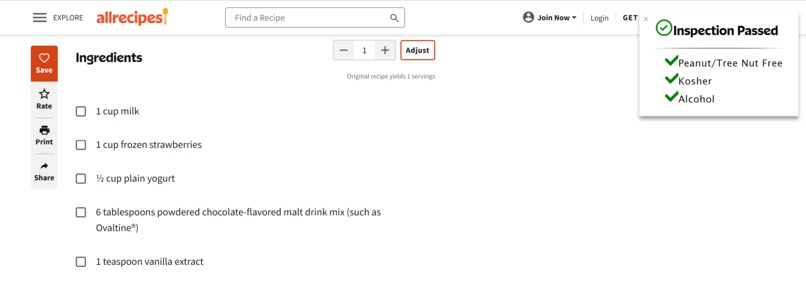
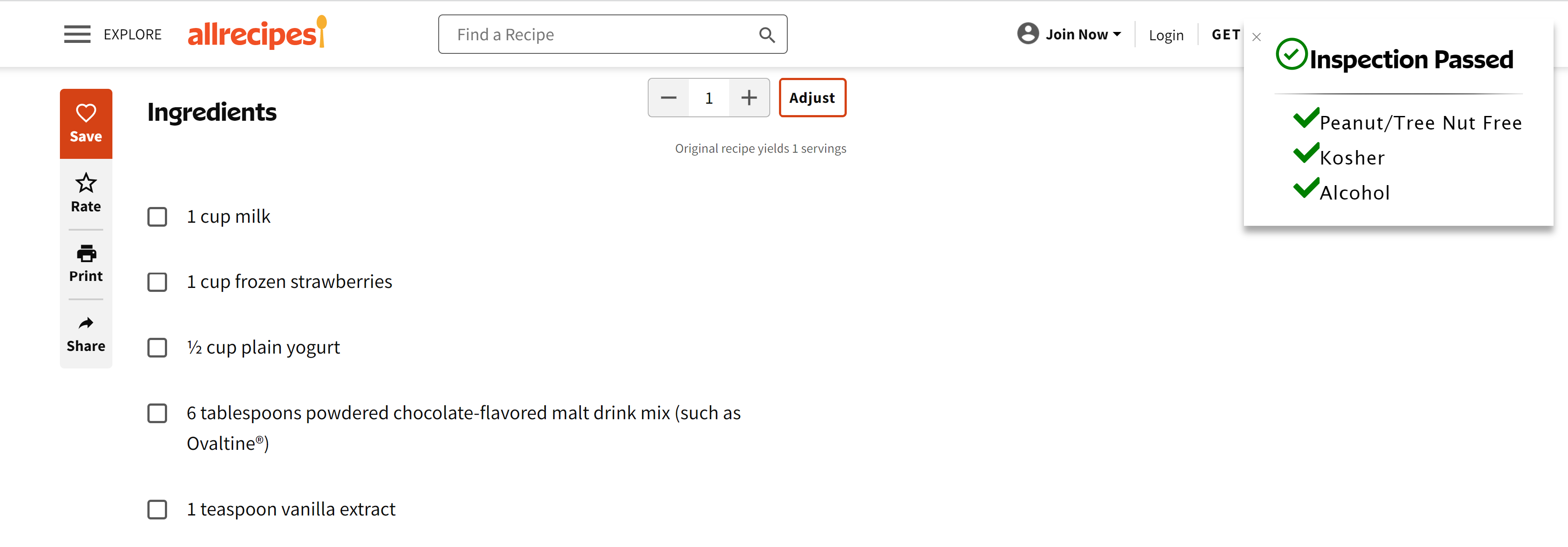
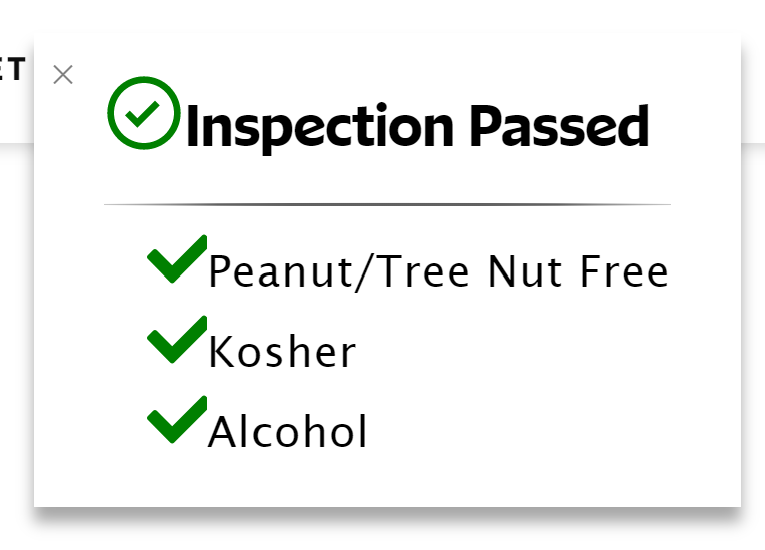
Example of a recipe the user can make, fitting within their food intolerances
-
-
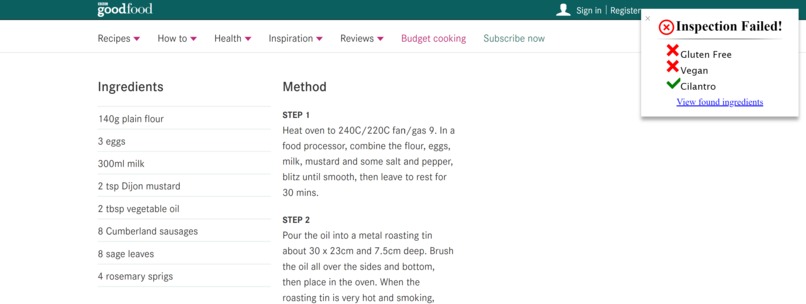
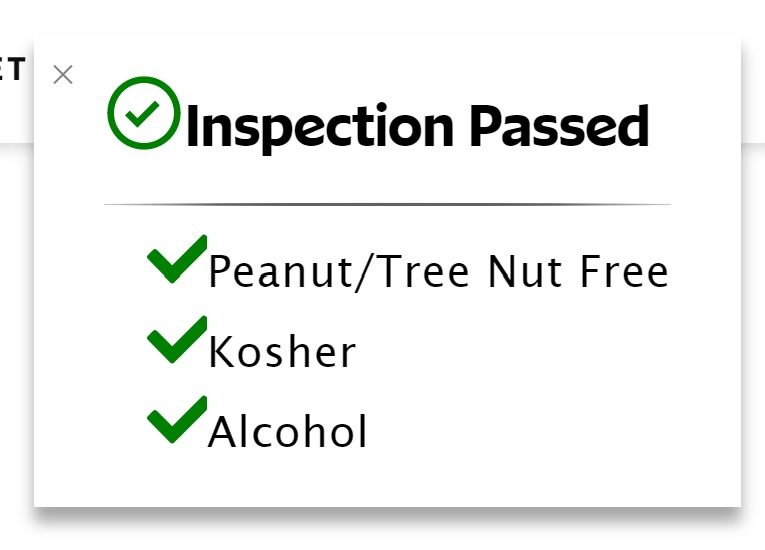
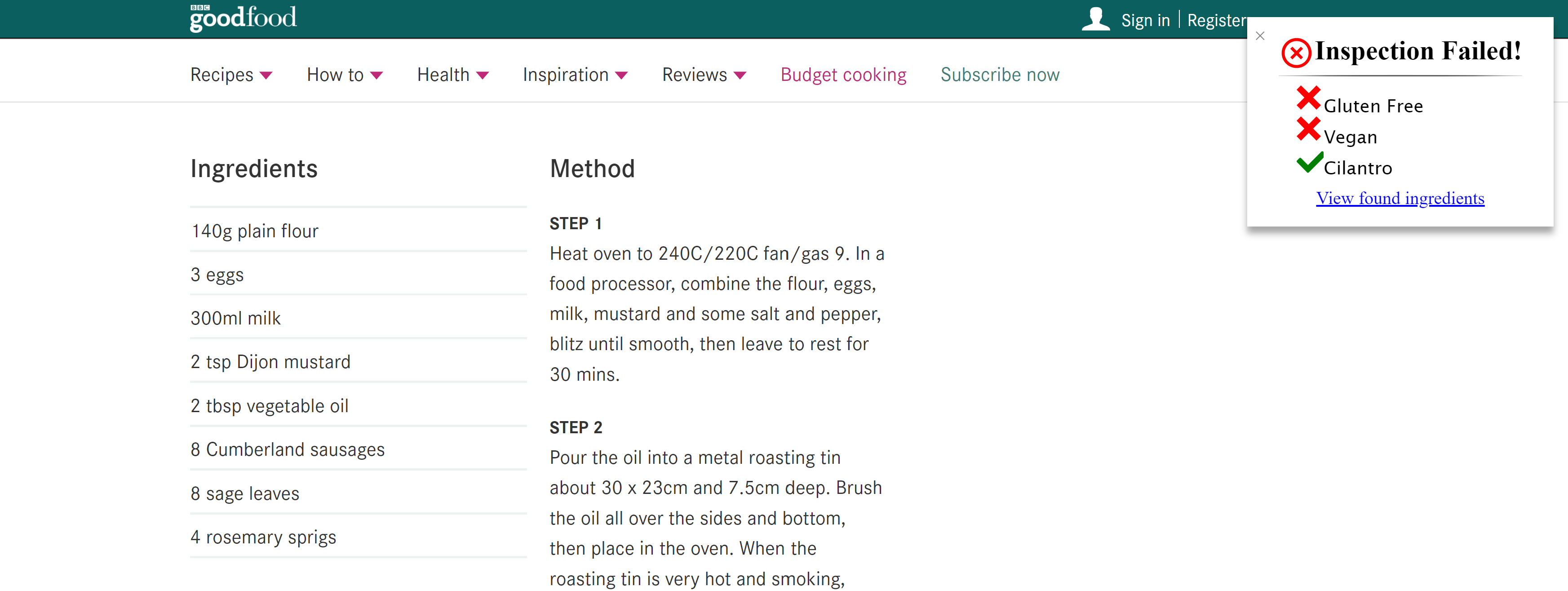
Example of extension detecting a recipe that fails the user's dietary restriction
-
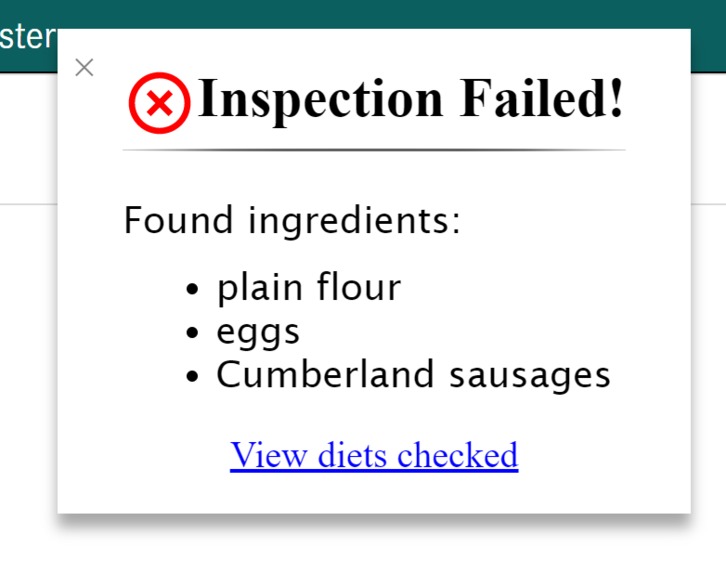
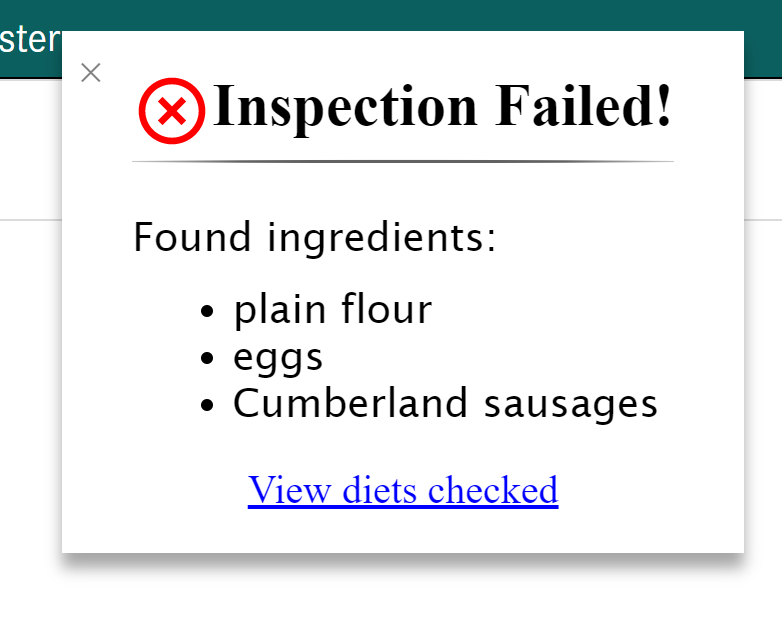
The extension also shows which ingredients cause the diet to fail
Inspiration
Have you ever browsed for recipes but needed a way to find out whether the recipe is right for you? This is a problem that many of us face nowadays, whether we are making a meal or cooking something for fun. In fact, many people have food allergies and are unable to find recipes that suit their needs. This inspired us to create Ingredient Inspector, a chrome extension that helps people to find recipes based on their dietary restriction(s).
What it does
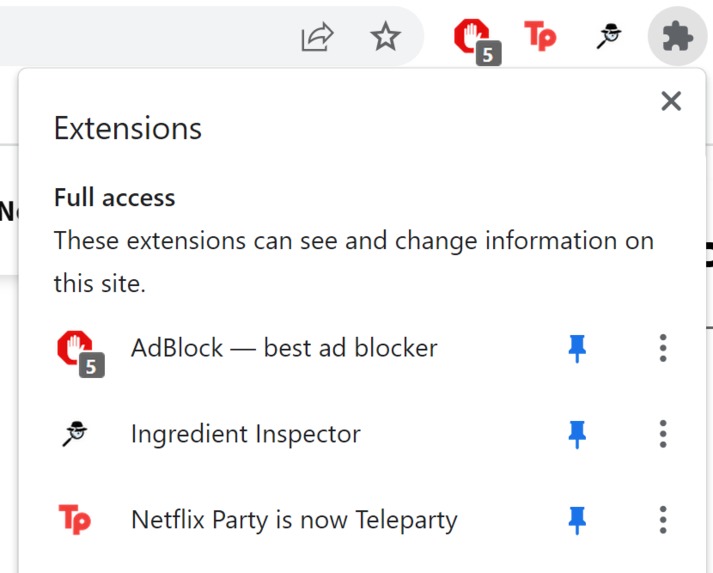
Ingredient Inspector is a browser extension meant to make it easier to find recipes that meet the user's dietary needs. Upon installation, the user has the choice to input their food preferences in the form of either predefined diets or specific ingredient intolerances. After navigating to any recipe website, the extension uses an API to parse through the ingredients. The extension then displays a popup in the top right corner stating if the recipe meets the user's specific dietary needs, thus saving the time needed to manually read through the ingredient list. If a recipe fails the inspection, the user has the ability to view the specific ingredients that don't align with their food preferences within the popup.
How we built it
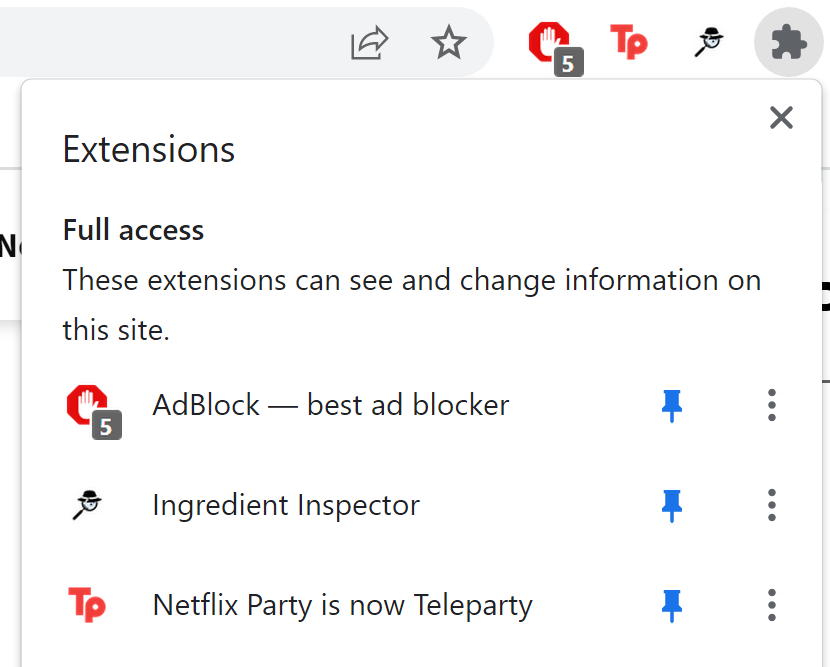
We decided to try something new and build a Google Chrome Extension. Even though it required basic knowledge of HTML, CSS, and JavaScript, it was fairly tricky since we had limited access to basic web APIs. Getting familiar with the Google Chrome Extensions API was a long process, especially since we tried to use the newest version (Manifest v3), we found that the public knowledge in this domain was fairly limited (StackOverflow answers were mostly oriented towards the deprecated v2) and even the official documentation was wrong.
In addition to programming, we needed to know what we wanted to program so we took to collaborative drawing-board programs such as Miro to draw out sketches of what the popups and settings would look like and how to style the user-flow.
Challenges we ran into
A part of our user-flow originally included opening a popup directly from the extension, as the documentation said it was possible, but after failing at that, we found numerous reports online of bug reports with that feature, so we needed to ditch that idea and work with a popup we would build in the host website.
We found SVG icons to use for our project but they needed to be properly resized/fitted to not stand out in our UI. We struggled to format the SVG's to function as bullet points or next to titles as icons because they weren't resizing correctly nor were they fitting inline with the surrounding text.
Since our team members were in different time zones, communicating all at the same time proved difficult, but by discussing and deliberating tasks to one another, we overcame that hurdle and managed to complete our project in time.
Accomplishments that we're proud of
Being able to create an extension that is able to read a website's data and report on it directly on top of said host website is definitely an achievement, especially under the fact that we managed to complete this in less than 2 days.
What we learned
We started this project off with a goal to learn more about how to make Chrome extensions and how they work. We left this project with a greater understanding of the structure of Chrome extensions we so easily go to download at the Chrome Webstore. The hard work and planning that goes into making such amazing things going off limited access to APIs is definitely a feat, and we have only scratched the surface.
What's next for Ingredient Inspector
Currently this extension is very raw as we had little time to scrap it together. Given more time, we could add support for more websites or diets, and even increase the functionality of the UI to make it more expressive. After solid testing of the extension through more edge cases, we might even publish to the Chrome Web Store.


Log in or sign up for Devpost to join the conversation.