-
-
digest.AI logo
-
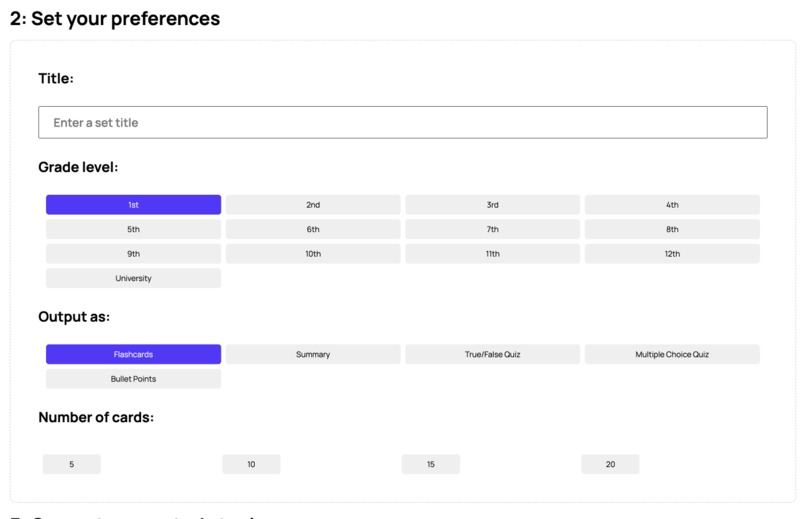
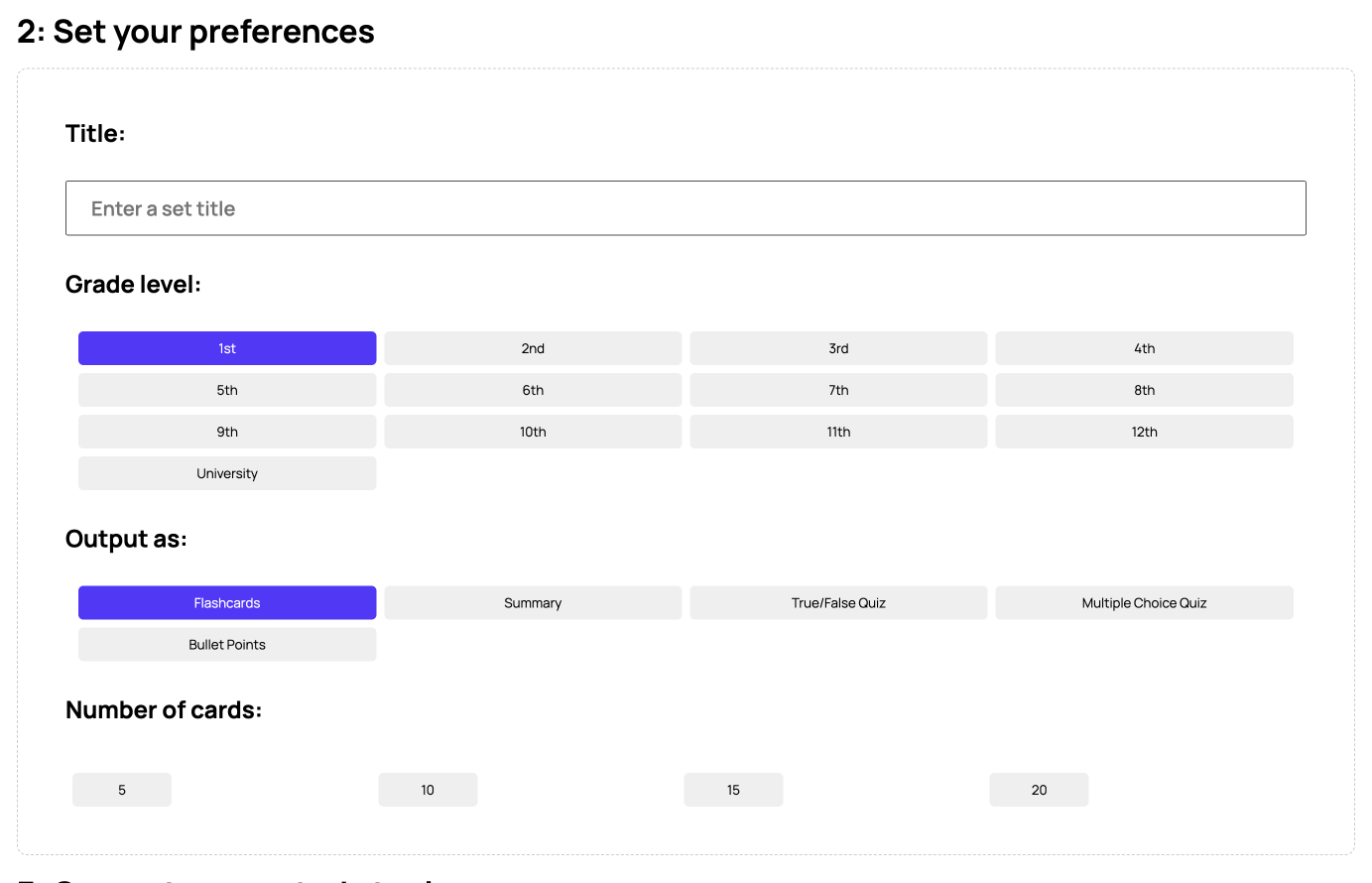
Users can customize their preferences for each of their AI-generated study tools.
-
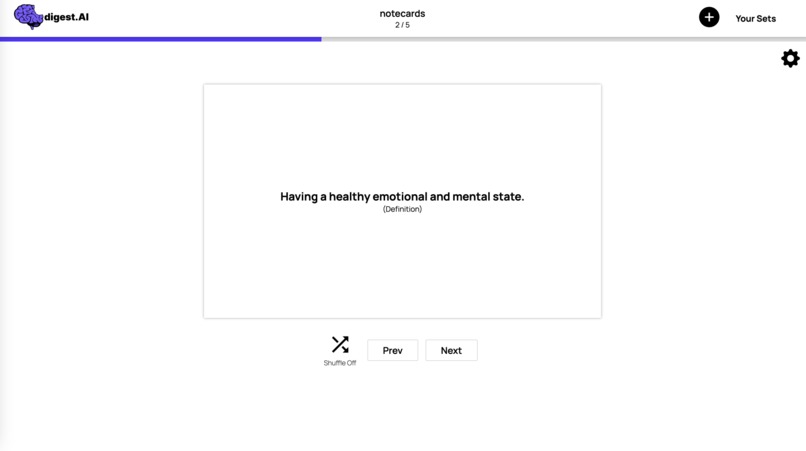
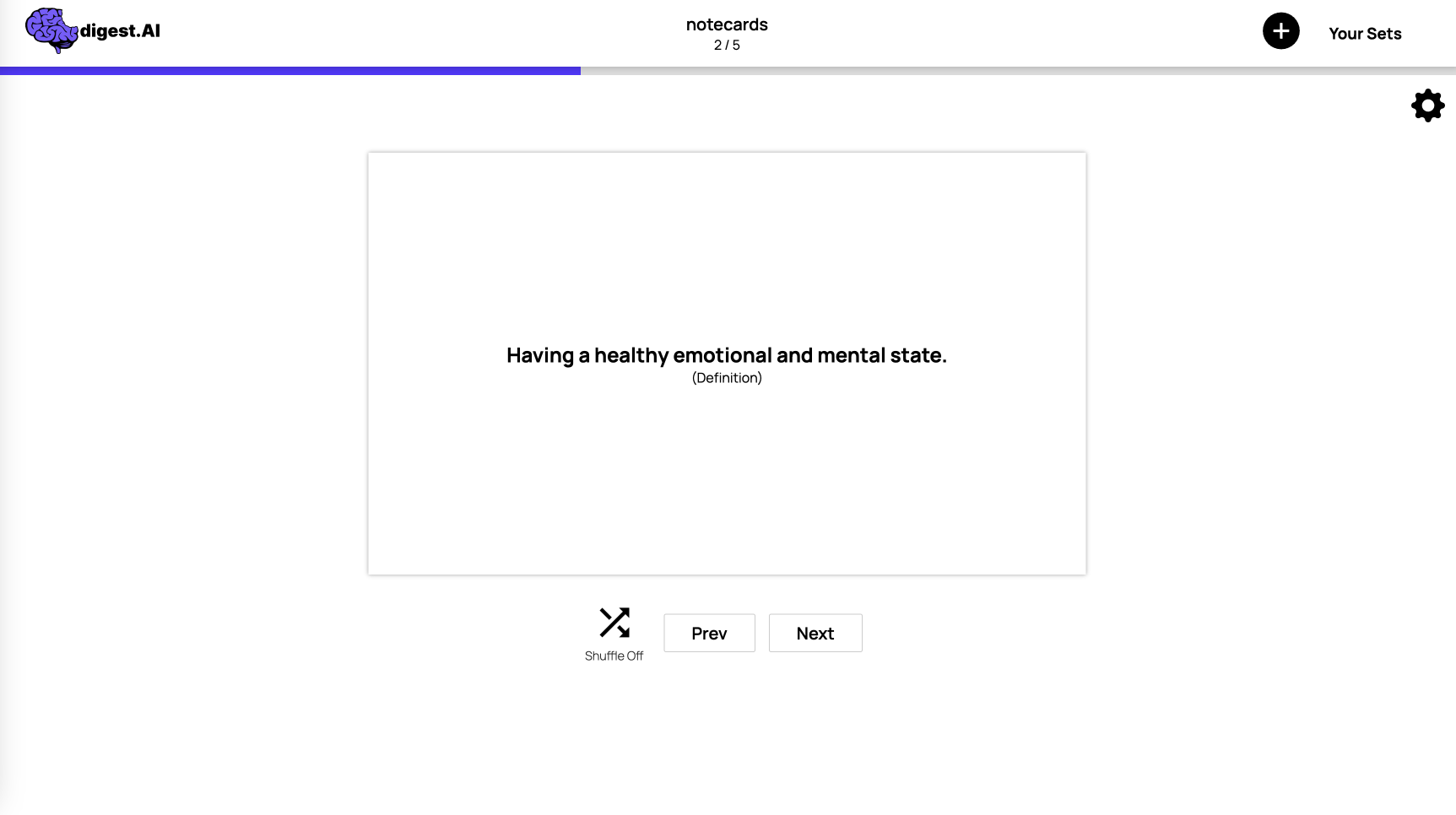
Once generated, users can actively study using their flashcard sets, quizzes, and summaries.
-
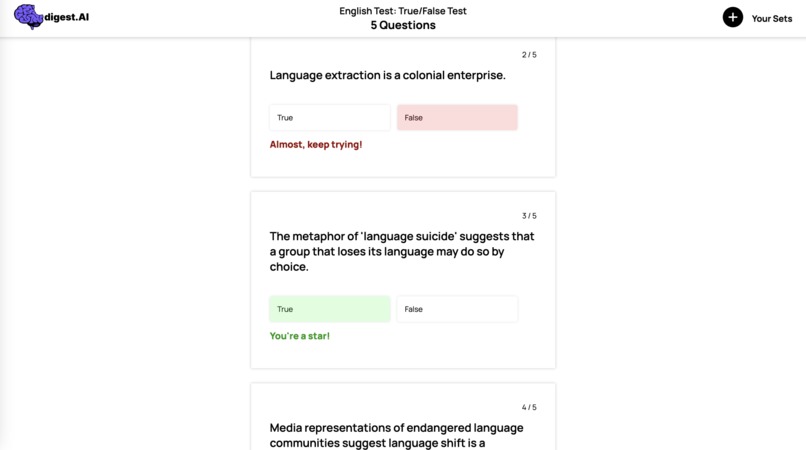
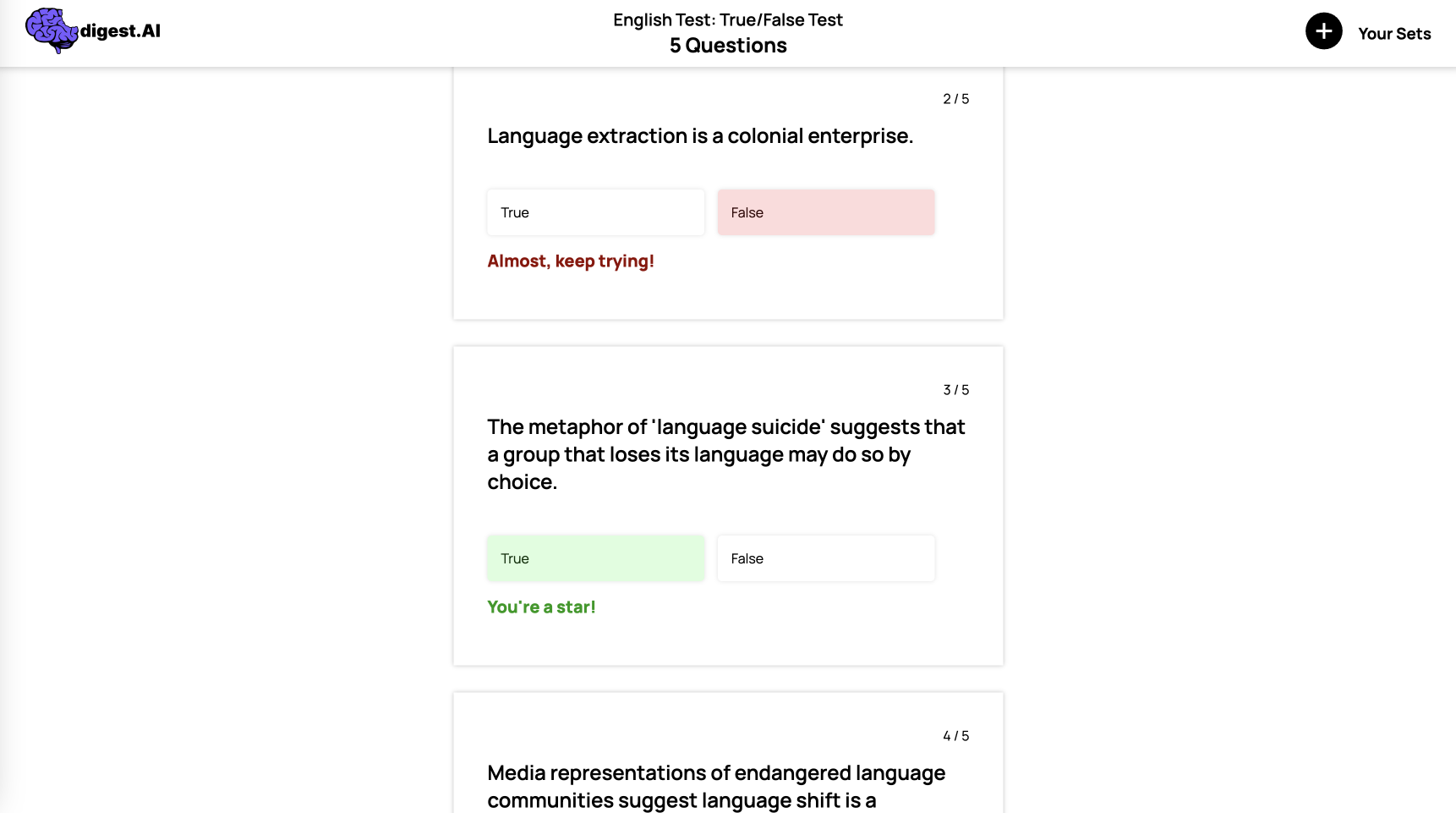
True or False quizzes are one of several possible options users have when creating their study sets.
-
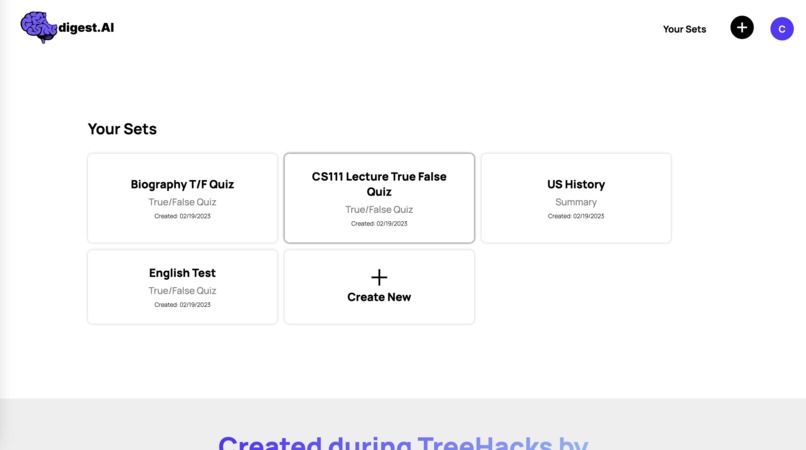
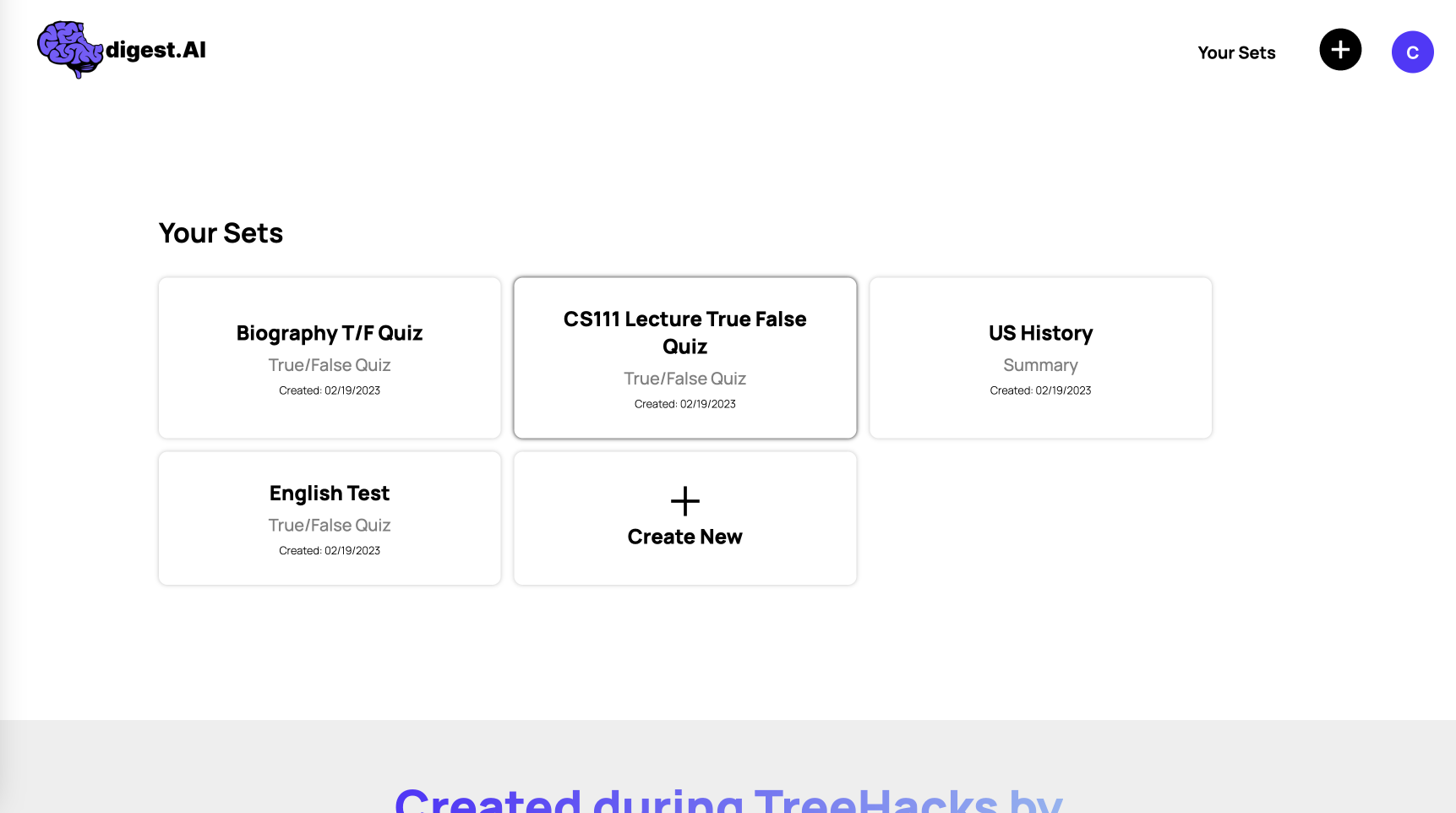
Users' study sets are saved to their account for later study sessions.
Overview
digest.AI is an NLP-powered study platform for learners of all ages. Users input their text, audio, or video file, customize their preferences, and receive their study tool in seconds.
Inspiration
As busy college students, we’re constantly trying to find time to study. Before nearly every midterm and final, both our classmates and ourselves scour the internet for premade Quizlets and study guides to review with. Added onto this is the frequent experience of lectures going in one ear and out the other. With advances in NLP and foundation models, most notably ChatGPT, we knew there had to be a better way — so we created digest.AI, an NLP-powered education platform for students to review textbook chapters, lecture videos, and nearly any other course content through AI-generated summaries, flashcard sets, and quizzes.
How it works
Sign-up: Users first sign up for digest.AI where their data is stored in Firebase — that way, they can come back to their saved library of study tools for future use and save time on generation.
User input: Students begin by inputting their course content in the form of a .pdf text file, .wav audio file, or .mp4 video file. At the same time, they set preferences for their desired reading level, study tool format, and length of study tool.
Data parsing: Once users have submitted their request, we then parse the input and prepare the data for an OpenAI Davinci API request. For PDFs, we use Optical Character Recognition (OCR) to convert the file into usable text. For WAVs, we use Google’s speech-to-text transcription API to transcribe the audio into raw text. And for MP4s, we developed an algorithm to build a time series of when slides transition during a lecture or presentation. Furthermore, our algorithm can distinguish between new slides and just added bullet points on the same slide. Once we had this time series, we used computer vision to scrape text from the video frames and then again used Google’s audio transcription API to gather speech data. We used that same time series to cut the audio data and contextualize the two as an input to OpenAI's API. Each of these data types result in clean text that are engineered to be understood and used by Davinci to create the best flashcards, summaries, and quizzes, in our learning tools.
Davinci: From there, we input our users’ text into our prompt-engineered Davinci prompts that request the study tool of their choosing. Each request specifies the output type, reading level, and how to follow our .JSON file structure. At this point, we have a neatly-formatted output ready to be displayed back to our users on digest.AI
Output Display: Davinci’s output is then passed back to our front-end where it’s parsed based on its .JSON format and displayed in an aesthetically pleasing format for our students. The server also caches transcribed versions of all content so that users can generate different questions and study guides almost immediately. These study sets are then saved for future use by students, along with their original data in case they’d like to regenerate new summaries, quizzes, or flashcards sets.
How we built it
The front end is built using react and stores user data in Firebase Cloud Storage. The back end is build in Python. We use Google's Pytesseract and Speech-to-Text recognition models to pull text data from the various input files. The slide change detection algorithm uses OpenCV2 to handle management of video frames and pixel distances. To connect the two, we used Flask to build an API that allows a user to submit a file and some generation parameters and receive their learning tool. Ngrok was used to forward a public address to our localhost.
Challenges we ran into
With so much data being funneled through repeated API calls, ML-models, and prompt requests, connecting each segment into a cohesive, full-stack product was the hardest part of our 36-hour weekend. Dealing with various API call limits (Google and Open AI limited the input size and/or frequency of requests) was another large issue. Furthermore, there was a lot of effort spent on prompt engineering and getting the OpenAI model to output specific content in a specific JSON format that could be imported into the front end.
What we learned
For a team of 3/4ths beginner coders, nearly everything was a learning lesson this weekend. Decomposing such a large problem into data preprocessing, ML, front-end back-end integration, and UI/UX design was a fascinating process We each gained both experience in full stack development and an appreciation for the power of foundational language models. While digest.AI is ultimately a simplistic, user-friendly product to the students that use our platform, building this product revealed to us the behind-the-scenes intricacies that make and support the products we use every day.
Accomplishments that we're proud of
The slide detection and combination of visual and audio data in videos was an involved and intense task that took many iterations to get right. Figuring out the right thresholds to set to detect slide changes and working with the speech and vision APIs took a while to figure out. Furthermore, none of us have had experience with front-end back-end integration but we were able to get that to work as well.
What's next for digest.AI
We see lots of room for further development for digest.AI. For teachers and students alike, we plan on developing shareability of study tools to boost collaboration and further reduce time wasted creating and searching for study guides. Our next step would be to generate embedding vectors for each of the truncated documents and use those to find similar-topic documents to generate quizzes and study tools from. We’d also like to add integrations into Zoom and Slack where meetings can automatically be transcribed and summarized for those that miss, or as reminders for any attendees — Microsoft recently added this feature to Microsoft Teams so it’s only a matter of time before a team does the same for Zoom. Lastly, for usability, we’d like to add the ability to edit and combine study tools to add to the flexibility and customizability of our platform.
Special Thanks
to the entire TreeHacks 2023 team and all the developers, designers, and researchers that made this project possible.
Built With
- css
- davinci
- figma
- firebase
- flask
- google-web-speech-api
- javascript
- ngrok
- ocr
- openai
- opencv
- pydub
- pytesseract
- python
- react


Log in or sign up for Devpost to join the conversation.