-
-
Ingenuity
-
demo
Inspiration
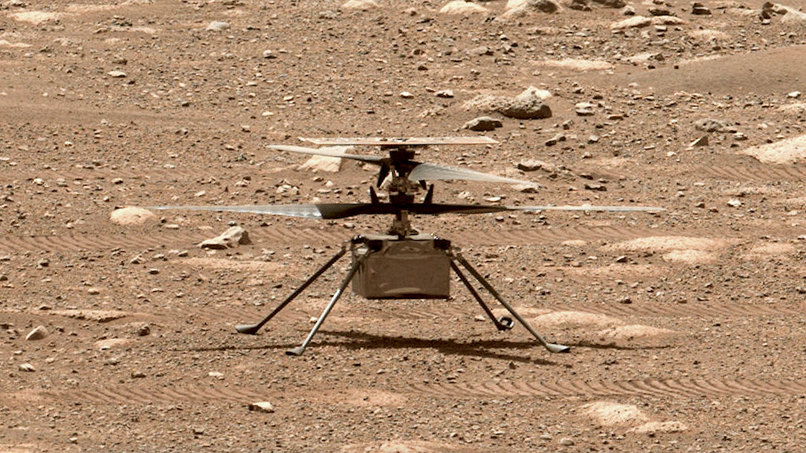
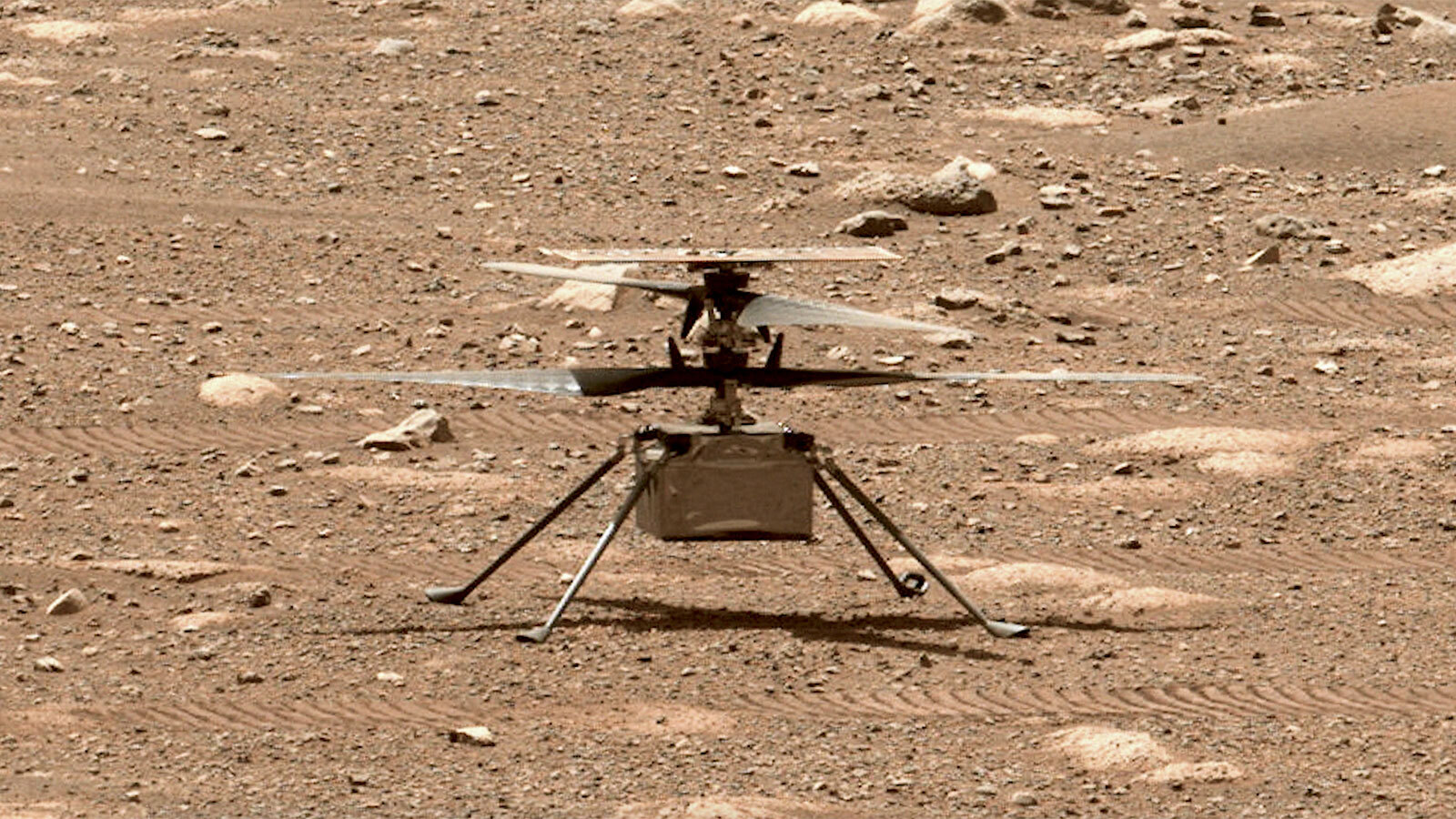
Our project was inspired by NASA’s Ingenuity helicopter, which showed how autonomous flight can support exploration on Mars. We wanted to recreate that idea in a simulator by showing how a drone could take off, move through a Martian environment, collect telemetry, and respond to challenges like low atmosphere, wind drift, and obstacles.
What it does
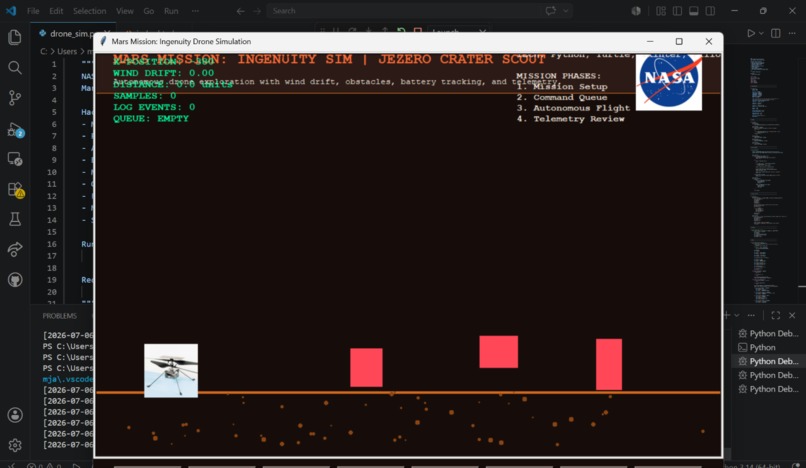
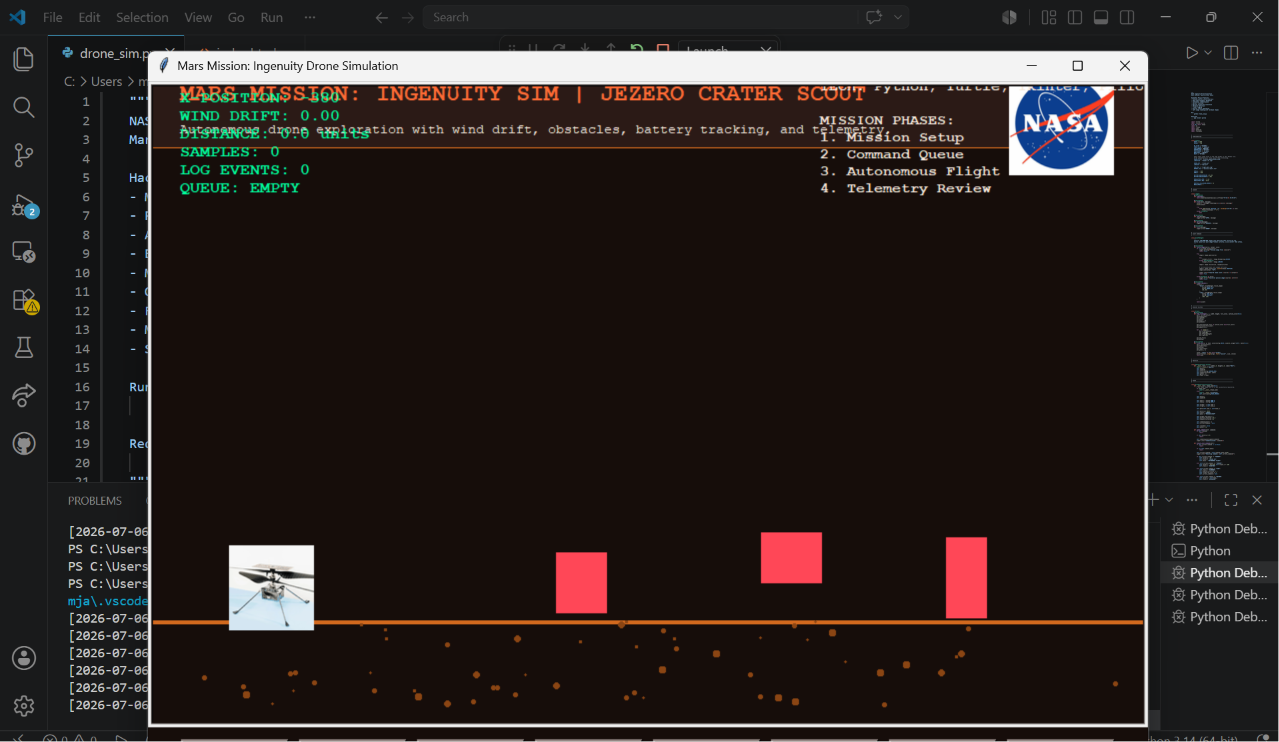
Ingenuity - Martian Physics Simulator is an interactive Mars drone simulation. The drone can take off, move forward, scan terrain, return home, land, recharge, and run a full autonomous mission. The simulator includes real-time telemetry such as battery level, altitude, mission status, wind drift, distance traveled, collected samples, and command queue. It also includes obstacle detection, flight logs, and mission report generation.
How we built it
We built the simulator using Python, Turtle graphics, Tkinter, and Pillow. Python controls the main simulation logic, Turtle creates the visual drone environment, Tkinter powers the button-based mission controls, and Pillow processes the drone images so they can be displayed and animated. We also created a matching website using HTML and CSS to explain the project, its features, and the real-world connection.
Challenges we ran into
One major challenge was making the drone image work correctly in Turtle, especially because Turtle does not naturally support rotating image shapes. We solved this by creating multiple rotated image frames and switching between them to make the drone appear like it is spinning during takeoff. We also had to fix overlapping telemetry text, organize the interface into cleaner panels, and make sure the program would not crash if image files were missing.
Accomplishments that we're proud of
We are proud that we created a working simulation with both manual controls and an autonomous mission mode. We also added realistic mission features such as battery drain, wind drift, altitude tracking, obstacle detection, real-time telemetry, flight logs, and mission reports. Another accomplishment was connecting the simulator to a polished website so the project feels complete and easy to explain during a demo.
What we learned
We learned how to connect programming, physics, and space exploration into one interactive project. We also learned more about how autonomous systems work, especially when communication delay or environmental risk makes direct control difficult. On the technical side, we learned how to manage image assets, animate objects in Turtle, organize code into classes, and create a better user interface for a simulation.
What's next for Ingenuity - Martian Physics Simulator
Next, we would like to add a more advanced physics engine with gravity, lift, drag, and stronger Martian atmosphere modeling. We would also add a larger Mars map, more obstacles, better path planning, and a scoring system for mission success. In the future, the simulator could include AI-based route decisions, more realistic terrain scanning, and a 3D version of the Martian environment.
We will also make a better UI, so NASA can implement this for their engineers in Houston.


Log in or sign up for Devpost to join the conversation.