-
-

Logo
-
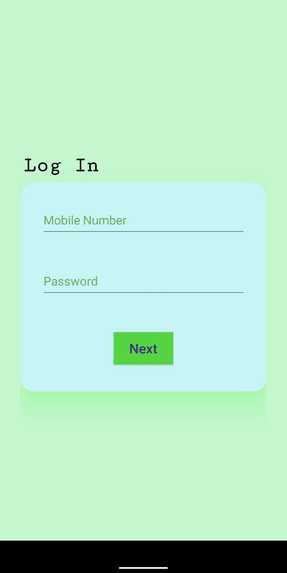
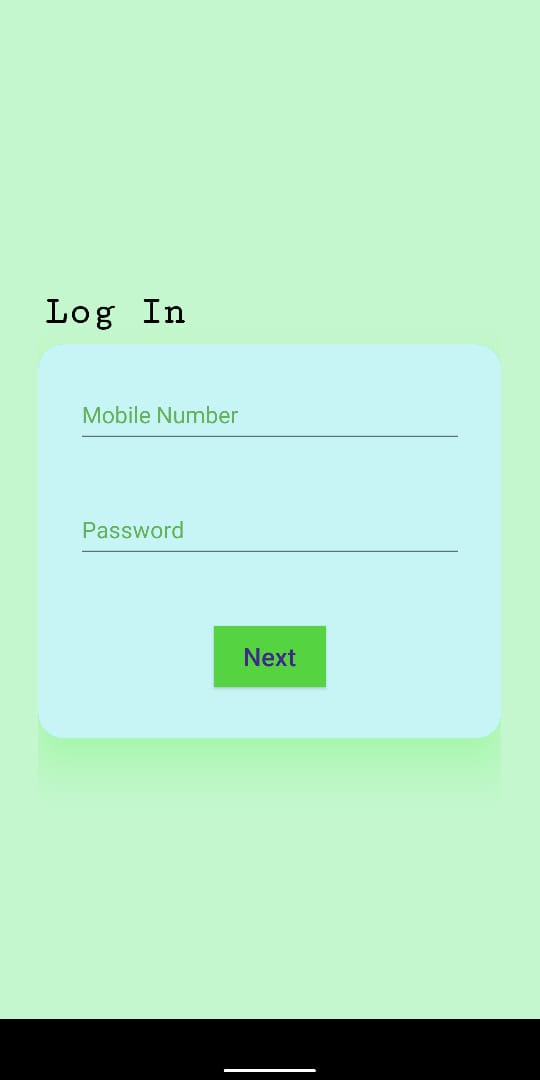
Login Page for Vendor
-
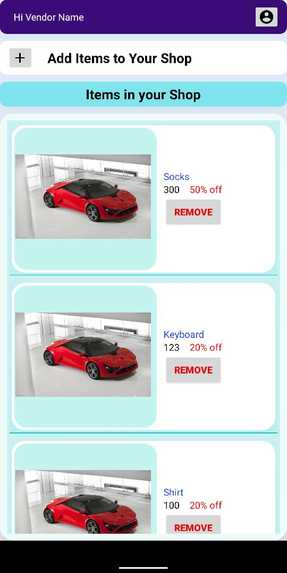
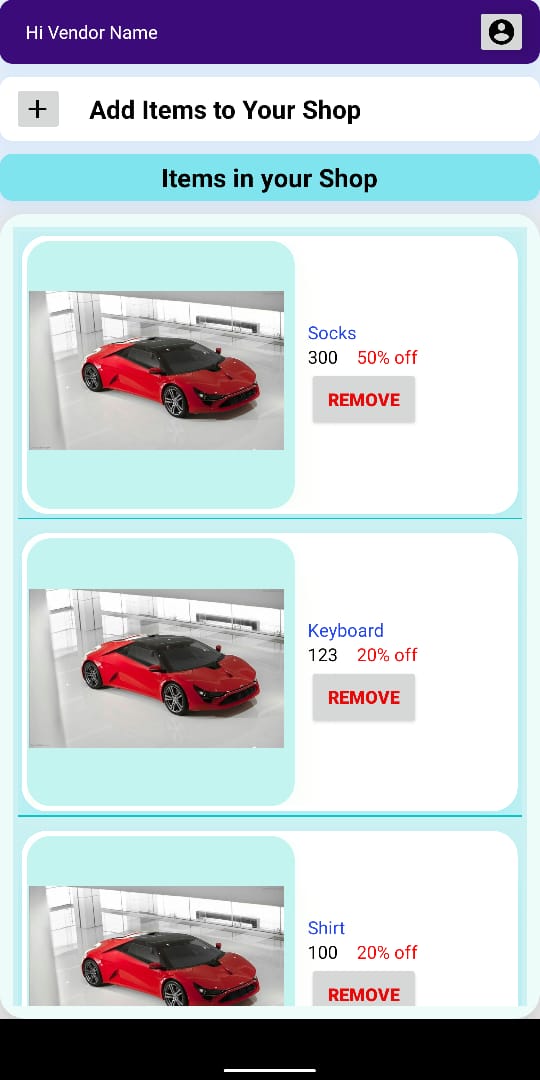
List of all products in Vendor's shop
-
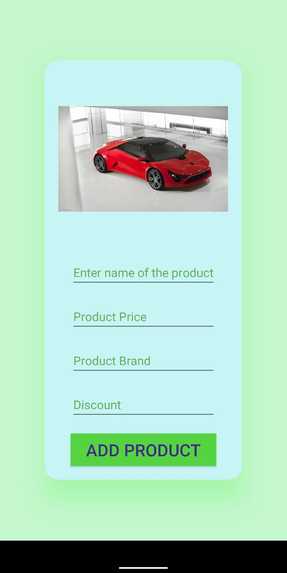
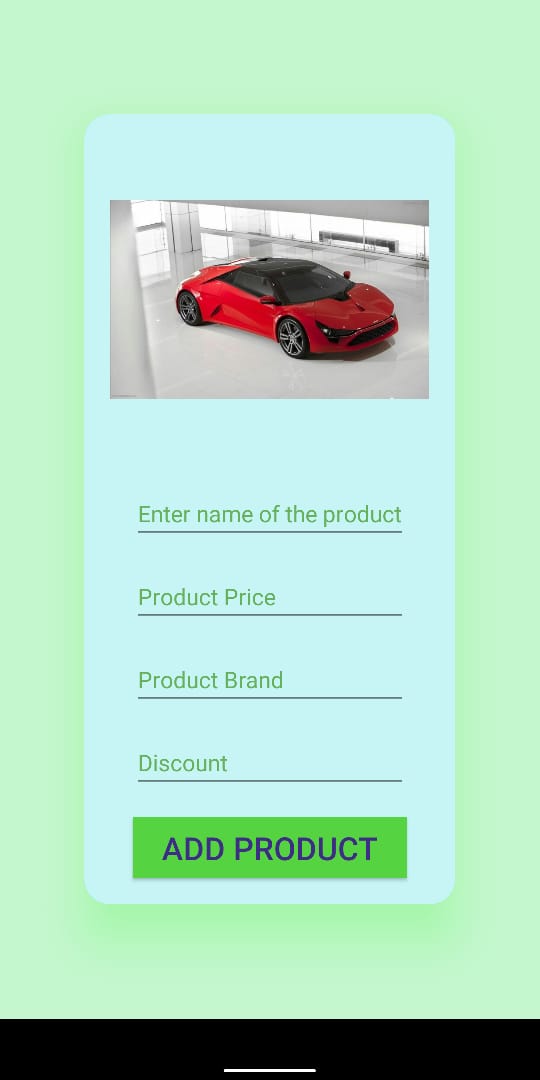
Form for Vendor to upload new product in the shop
-
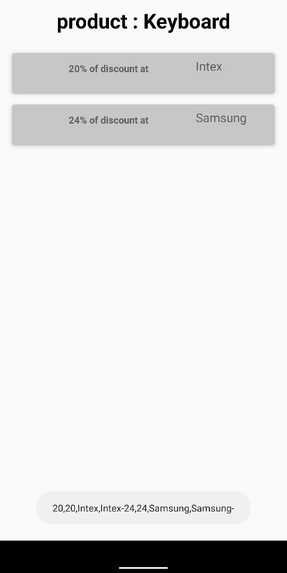
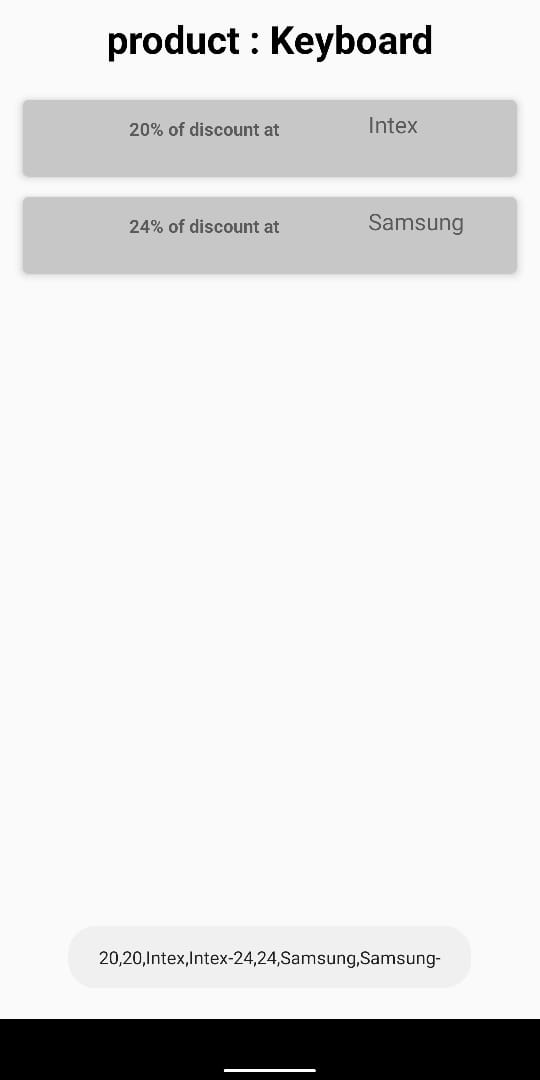
Deals available on customer's page
-
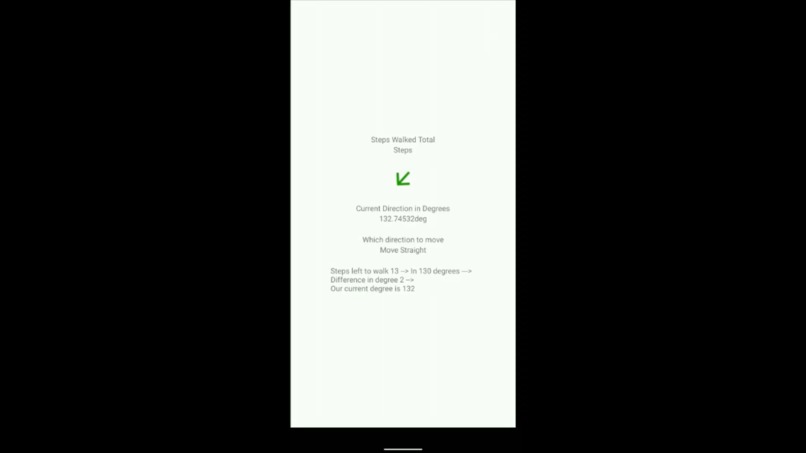
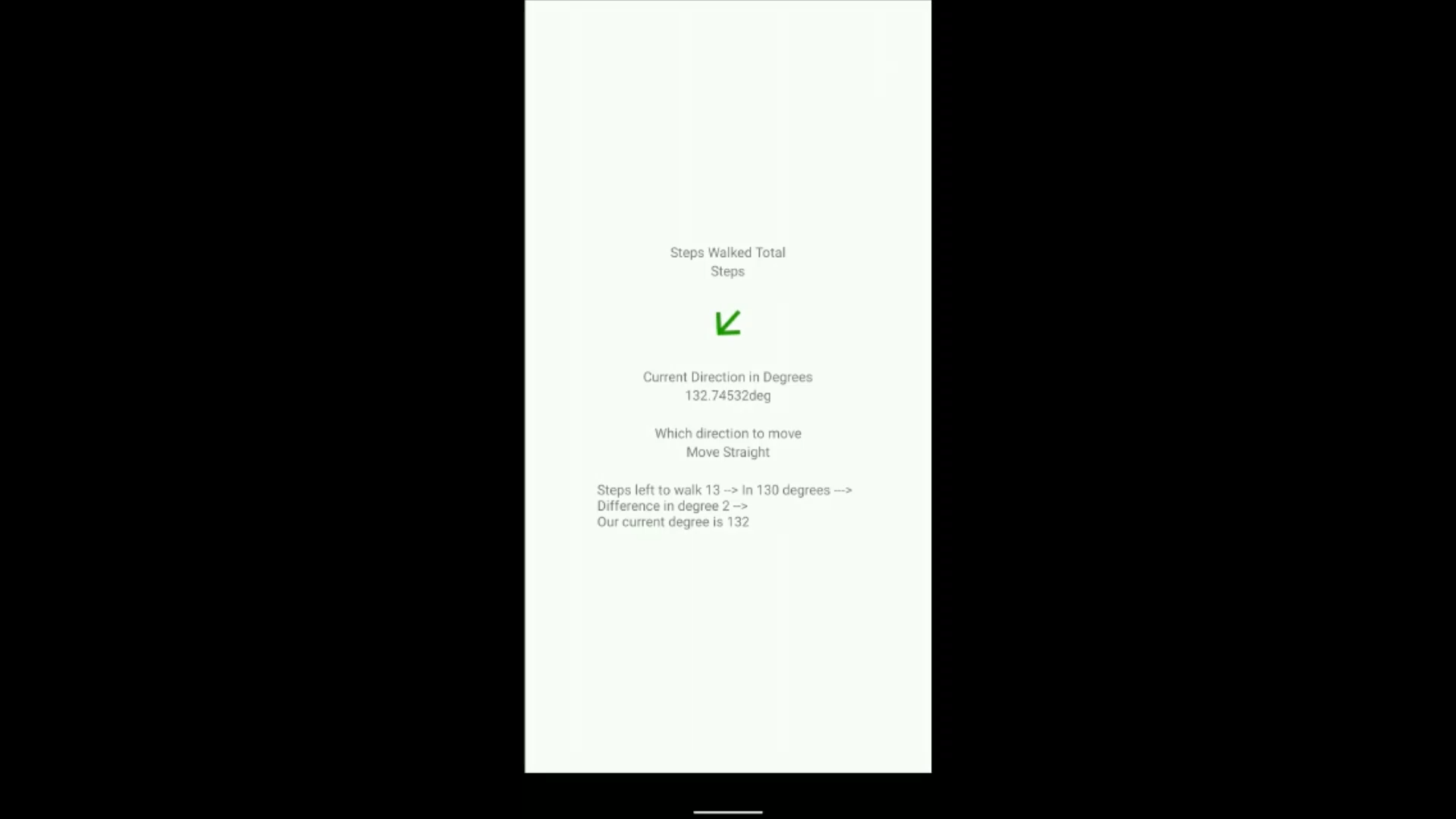
App guiding user to move in particular direction
-
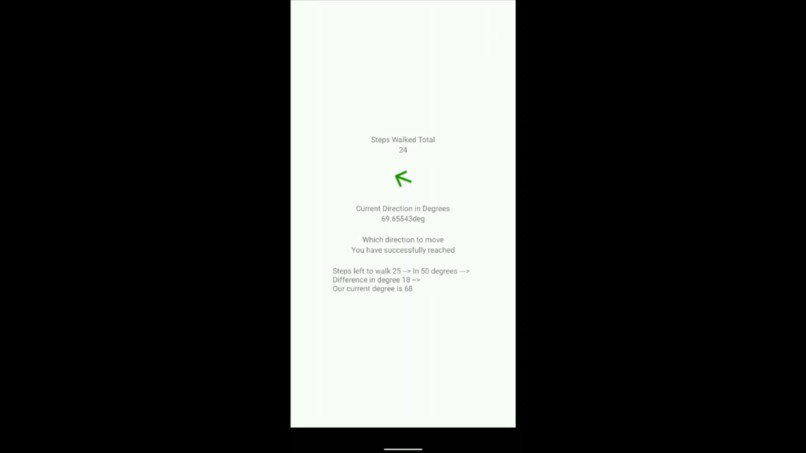
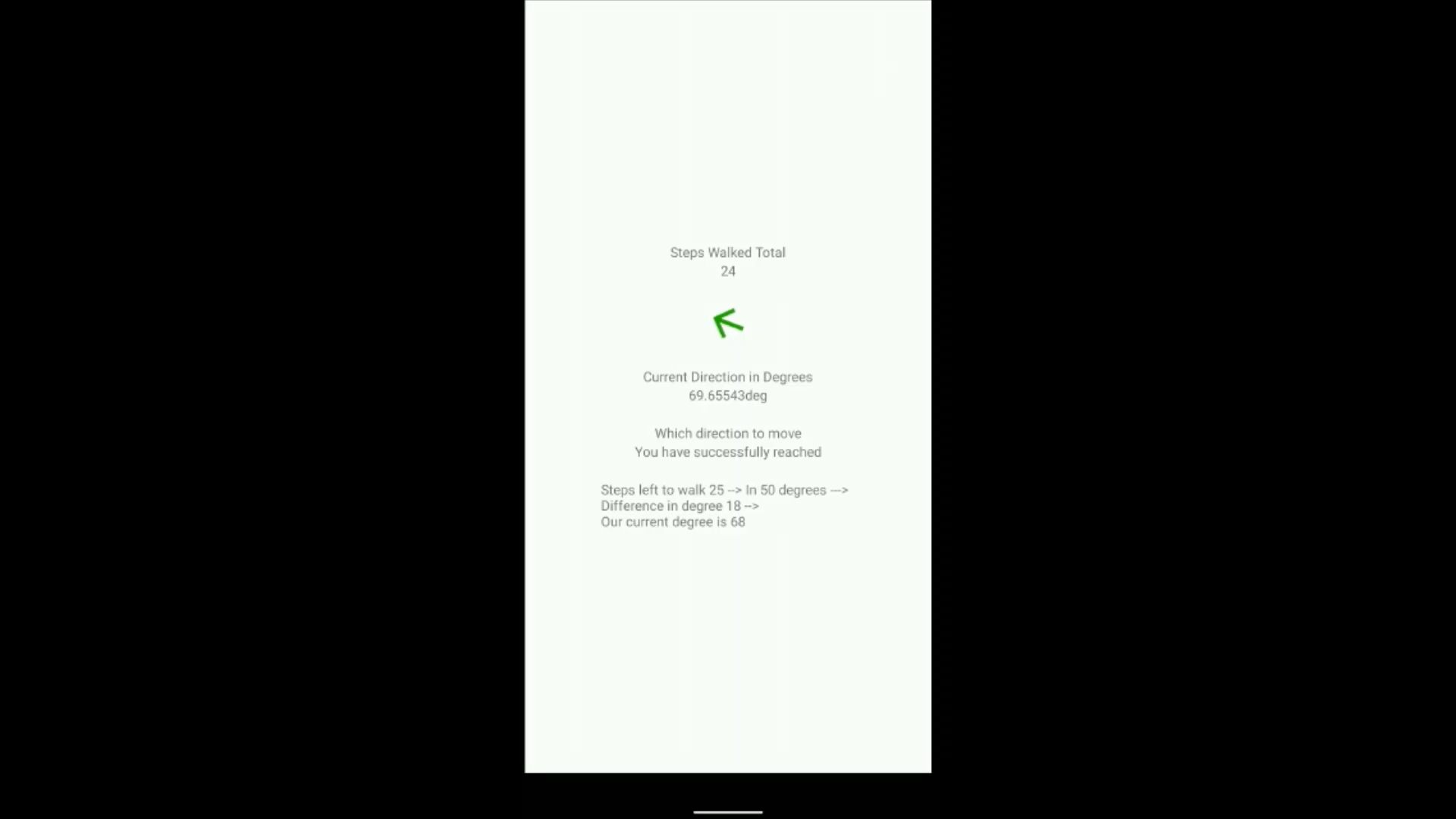
App notifying user that he has reached his destination

Inspiration
Customers in the shopping mall face difficulties in locating the correct shops for finding the suitable product due to the size of the mall and the navigation challenges.
This also affects the shops which are not able to reach the right customers, the business also getting affected as customers are not easily finding it.
Let's suppose you want to buy jeans from a mall. You get there and saw lots of jeans shops. You just randomly get in there and purchased one. But when you reached home and show the jeans to your friend, but your friend says he bought the same jeans from the same mall but from a different shop. This is the communication gap that our application resolves.
When we visit any other university, there are chances we do not get to the right classrooms unless guided by others.
We can also use in ZOO, to locate animals.
I got this idea on checking the EchoAR documentation, there was a listed indoor navigation approach. But since I was not using ARCORE, I had to do some modifications to the hack.
What it does
The application asks the user to select the item he wants to buy, then he can select the best deal for that item, and then he needs to scan the QRCode nearby, which will let the application know the user's location inside the mall (starting point) and the destination point is already given as input while selecting the shop having the best deal activity. The app will guide you using directional arrows on your screen towards your destination.
How I built it
It uses inertial sensors to implement the navigation feature. These are inbuilt in most of the devices. It uses the Google GMS API, which enables us to detect steps and directions using magnetometer sensor. You might have used a Compass application on your device that lets you know the directions. The same tech is used to identify in which direction the user is moving. Suppose that I have to move 15 steps in 130 degrees, so I have stored data in a hashmap in the format [data_from_QR]+[shop_id] and 130_15 Also to detect multiple floors of the mall, barometer sensor can be used in that case. But that also works on high-end devices. So many devices cannot use that feature. So the application will be like, You can have as many features until your device is supporting that. Also, have created Restful Service using PHP and using volley library, collected response. This helped in Login and Sign up and fetching the products from the shops.
Challenges I ran into
First tried to complete this project using Augmented Reality, I checked the Measure App on playstore, which works like measuring the distance between 2 points using a device camera only. But during the development of this project, I found that ARCORE supported devices are very less so it wouldn't be a product that can be used by most other people Then I figured out that it can be done using Intertial Sensors too. And they are supported from Android 7.0. And there are very few people using devices below that. So studied how to implement that and how its algorithms work. Checked on the internet about other existing solutions on Indoor Navigation, and found most of them use Bluetooth/ Beacons, etc, but due to time constraints and to build a cost-effective solution, used this approach. The second challenge was there was no free indoor map SDK, so I used a HASHMAP to store the path and direction to that shop efficiently.
Accomplishments that I'm proud of
The existing solutions for indoor navigation are using Beacons/Bluetooth or drawing magnetic fields on the floors of the mall. But my hack will be more beneficial in terms of cost-effective and lesser use of hardware equipment. Per beacon, it will cost around $45-$50, and there will be a lot of them needed to be installed in the mall. And also many people are complaining about data privacy these days and GPS systems take their location and send it to their servers, but in this application, no data of yours will be shared outside this application.
What I learned
During the hack, I searched a lot on navigation and the limitations of GPS systems. working of inertial sensors, and improved logic thinking of managing steps left to cover and how much to turn in what direction, etc. Also in the video part, used Unity Engine to create a scene and used standard assets as the models
What's next for Indoor Navigation System
I will be adding Augmented Reality to this application and this will be an optional feature. If the device is supported with ARCORE, then it will allow using that feature otherwise it will implement the tracking showing the text only as it is working currently.


Log in or sign up for Devpost to join the conversation.