-
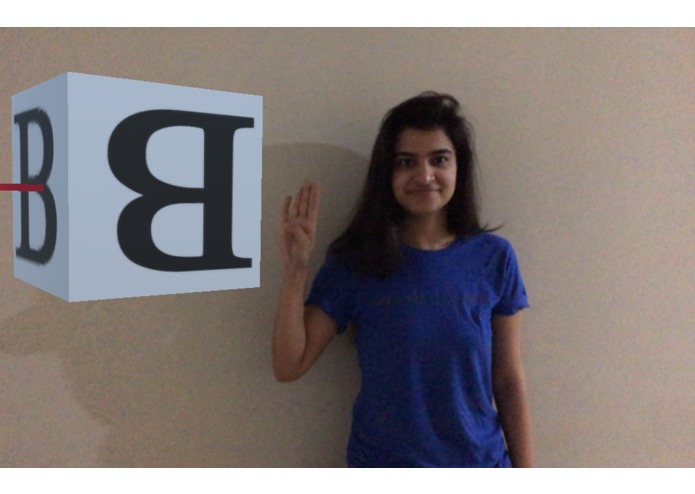
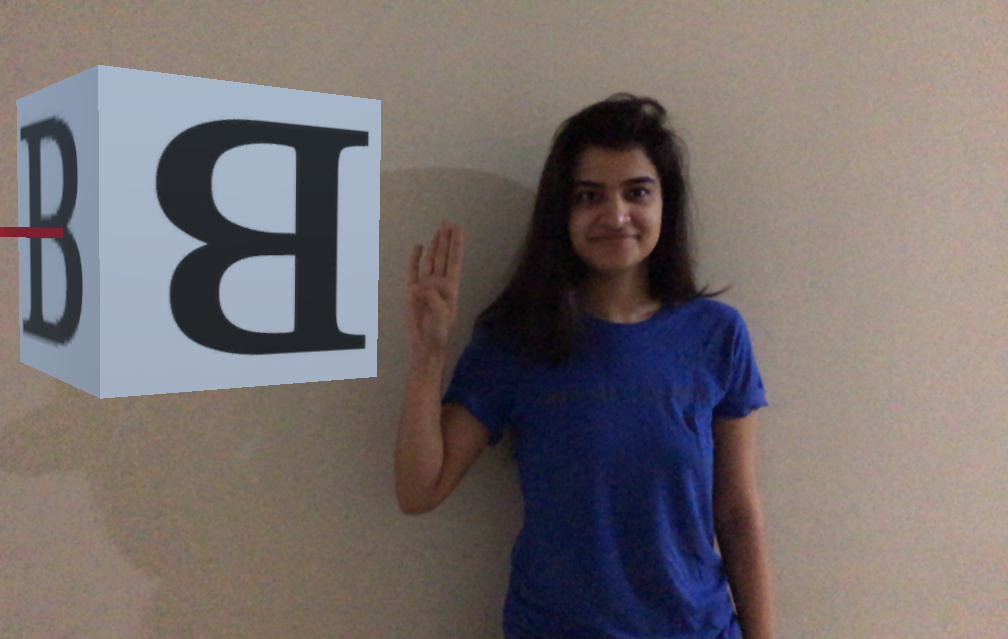
Real-time overlay of the identified character on phone's camera stream in an augmented reality environment
-
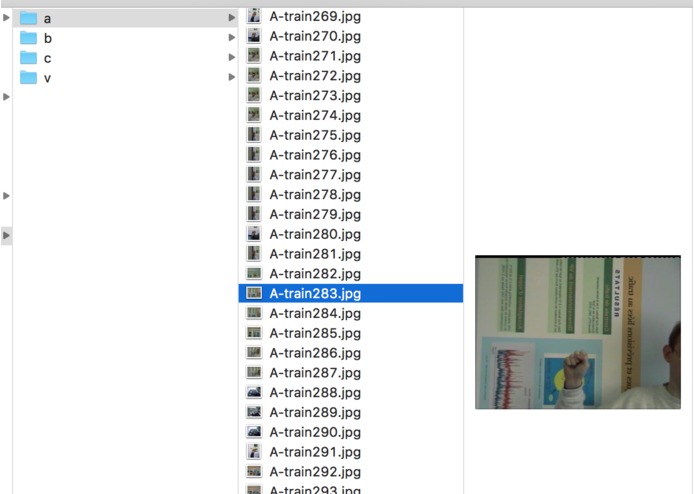
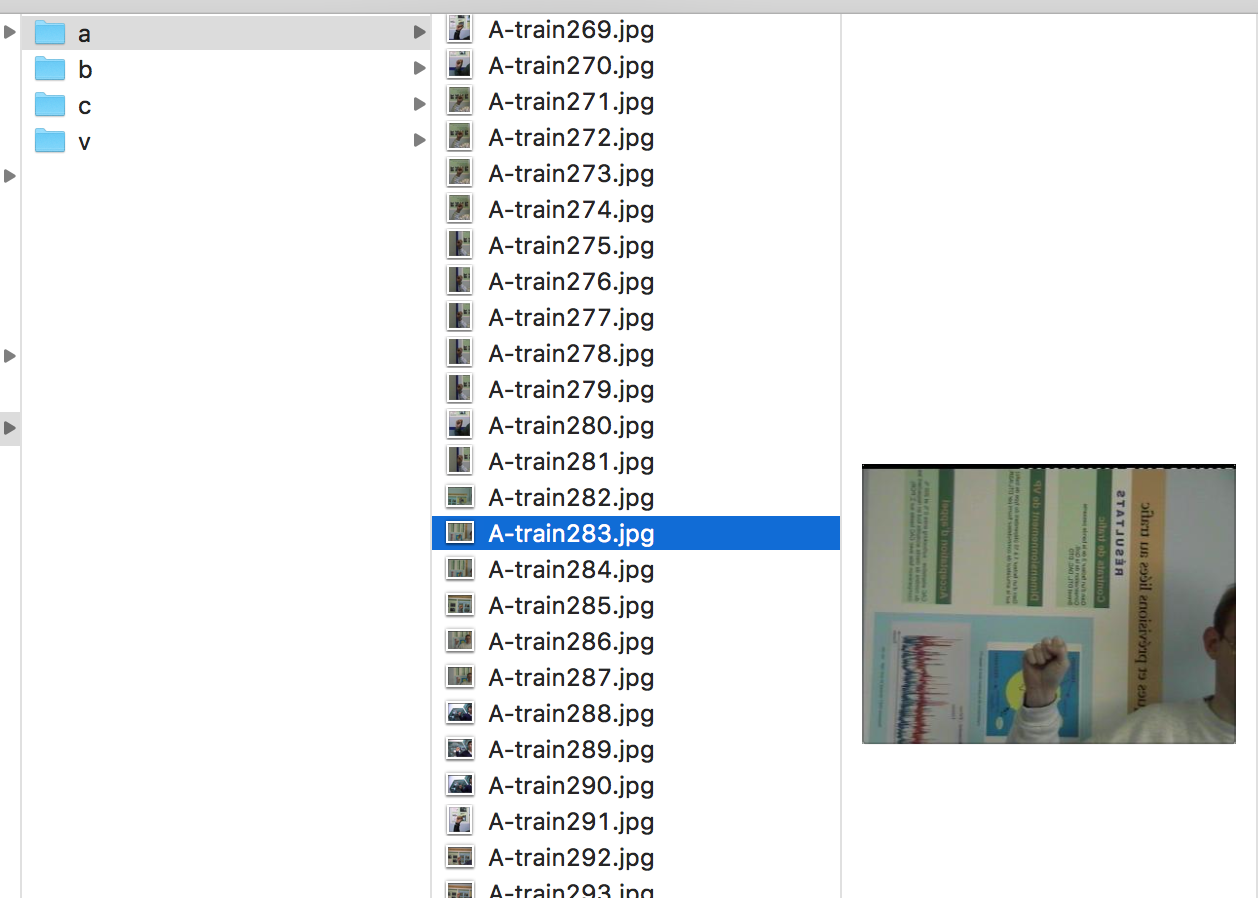
Training Dataset
-
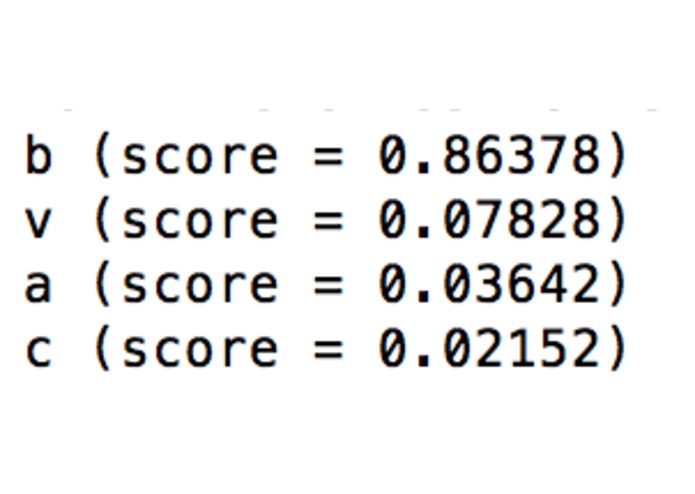
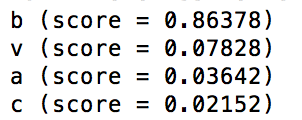
Backend - tensorflow's image classification results
Inspiration
USA has several deaf communities having 250k+ sign language users. We want to bridge the gap between vocal and mute.
What it does
The person who wants to understand sign language opens our app and points it towards the person talking in ASL (American Sign Language). The app captures the frame and sends it to the server. The server then analyzes this frame for the ASL character via pre-trained model and sends back the corresponding English language alphabet. This alphabet is placed in the augmented-reality environment next to the person in real-time.
How we built it
- Augmented reality environment and user interactions - Unity, ARKit
- Machine Learning model training for image classification - Tensorflow, Python
- Client-Server Communication - Python, UDP
- Client app - iOS
- ASL image training dataset - https://sites.google.com/site/autosignlan/source/image-data-set
- AR API Library for using ARKit - https://github.com/Unity-Technologies/experimental-ARInterface
Challenges we ran into
- Finding the relevant dataset and vastness of language. We finally trained only for characters 'A', 'B', 'C' and 'V'.
- Finding a working API to capture image from AR camera in real-time.
- Making the AR environment more presentable in given time frame.
Accomplishments that we're proud of
- Be able to use so many different tools in <24 hours.
- Be able to come up with a prototype on a smaller dataset.
What we learned
- Used ARKit and tensorflow for the first time.
- Learnt some ASL ourselves.
What's next for Inclusion - Talking with those who don't 'talk'
- Making environment more presentable.
- Training model for more characters/gestures.
- Reduce latency while transmitting and processing image.
Built With
- augmented-reality
- image-classification
- machine-learning
- tensorflow
- unity

Log in or sign up for Devpost to join the conversation.