-
-
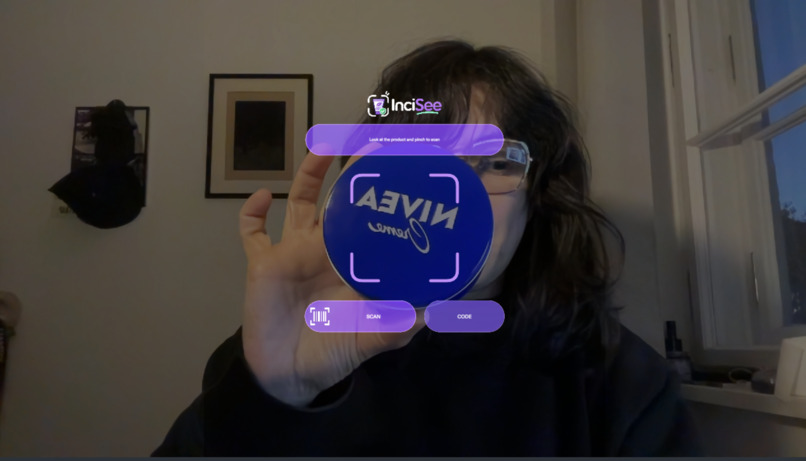
Scan Product
-
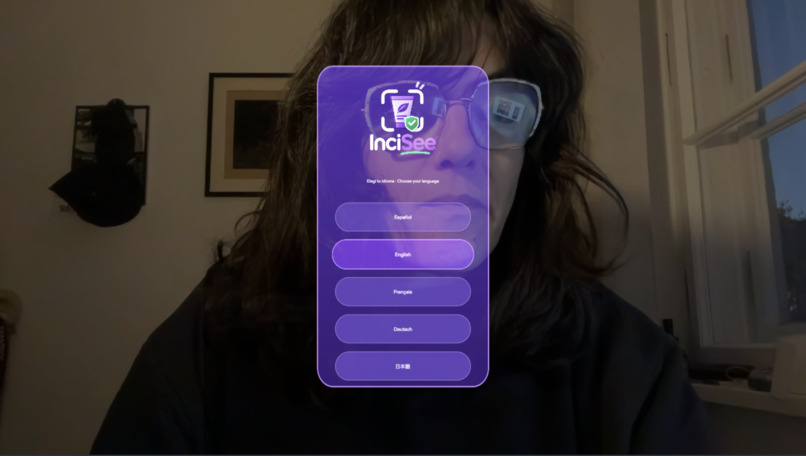
Choose Language
-
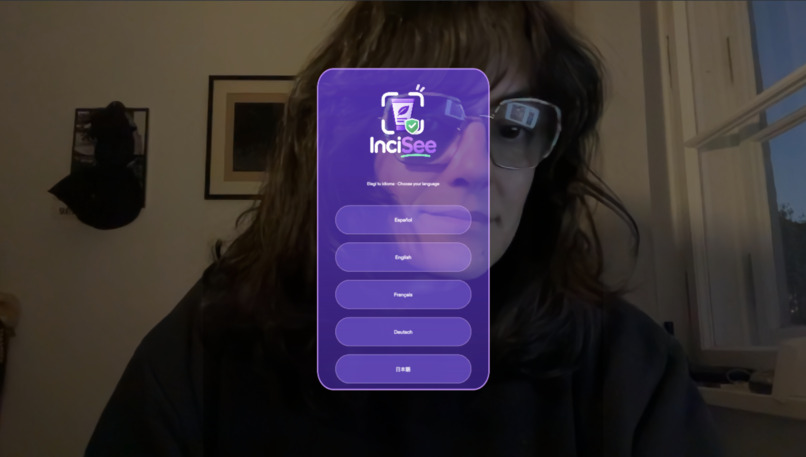
Language
-
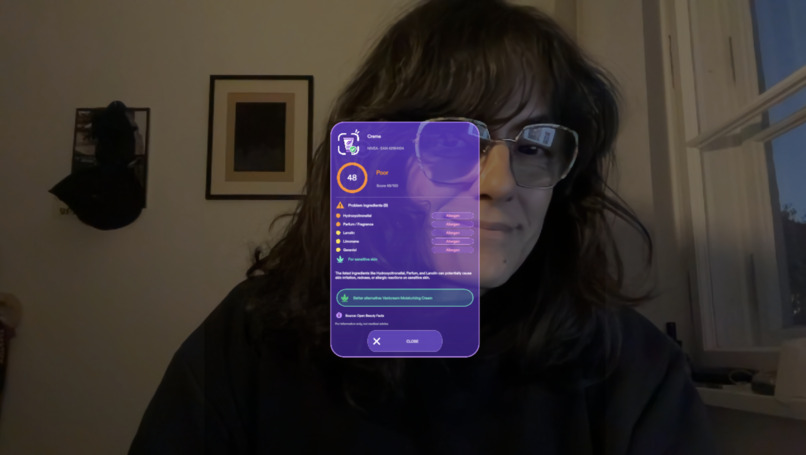
Product detail
Inspiration
I have sensitive skin. In the beauty aisle, I end up holding a product in one hand and a phone app in the other, eyes down on a screen. This is exactly the kind of task glasses can do better. The camera already sees what I see, the answer can sit right next to the product, and my hands stay free.
What it does
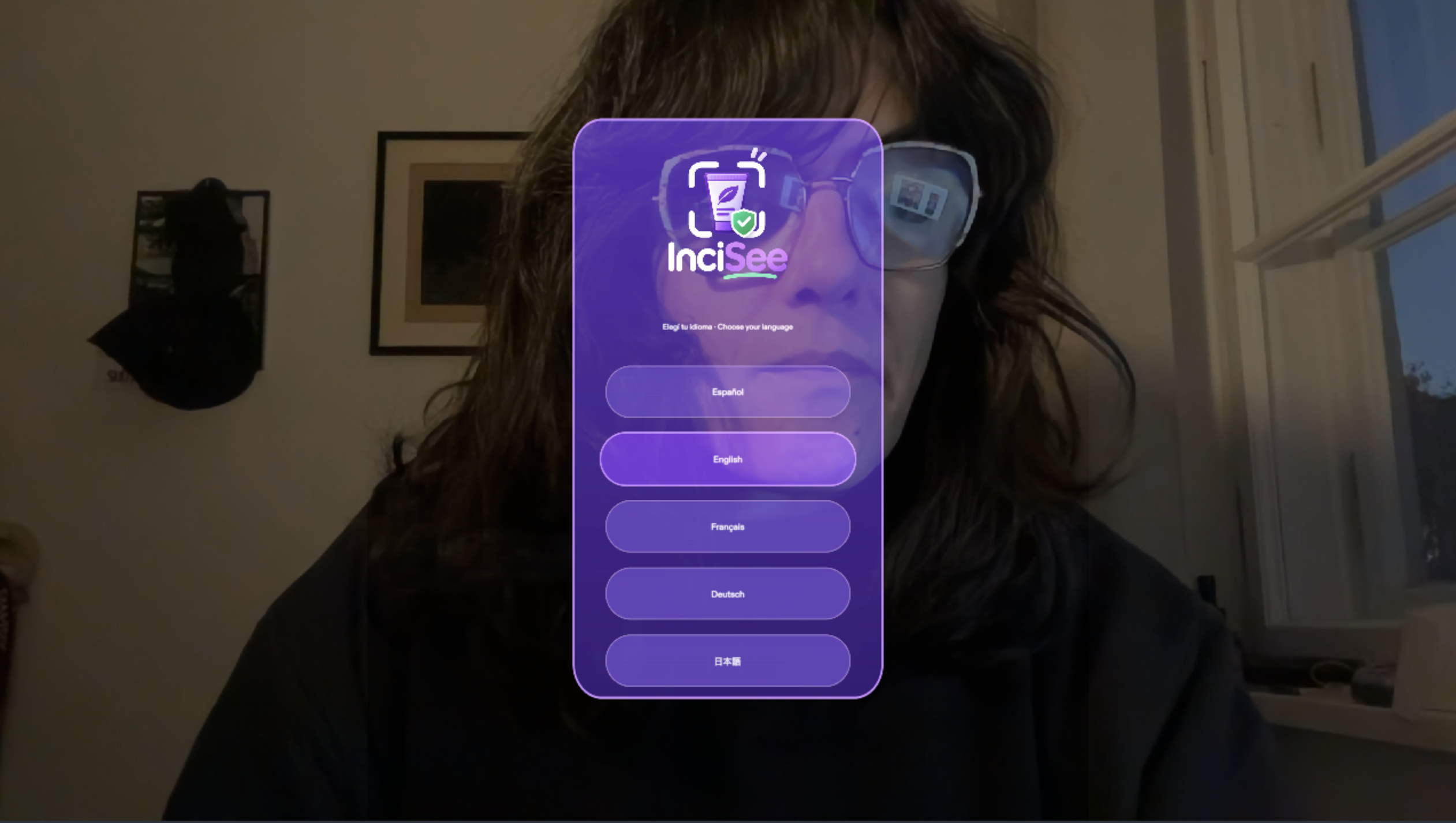
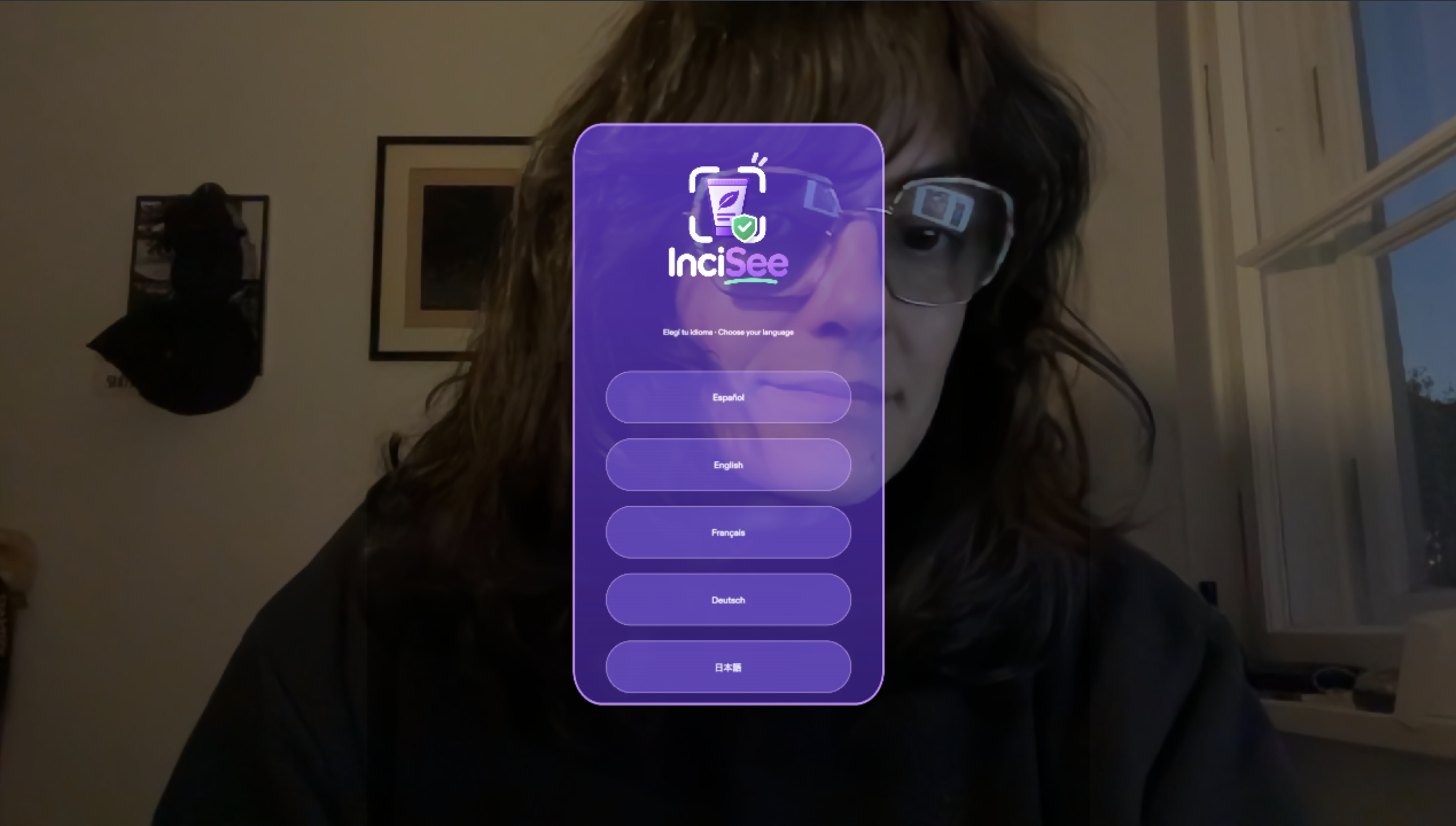
- Choose a language. Español, English, Français, Deutsch, and 日本語 are available.
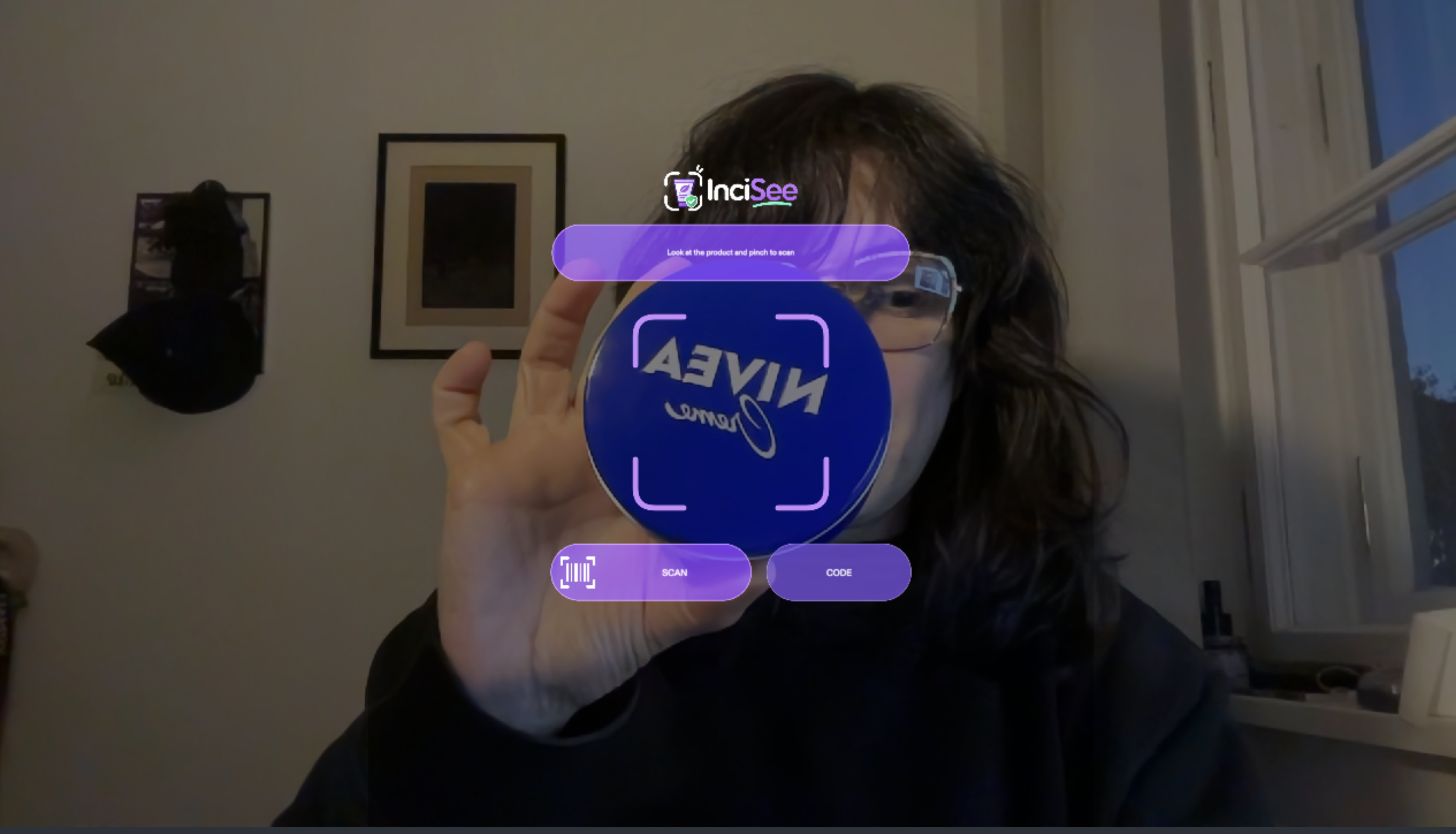
- Scan a product. Look at a product and pinch with either hand, or press SCAN. If the barcode is too small, press CODE and type it on the AR number pad.
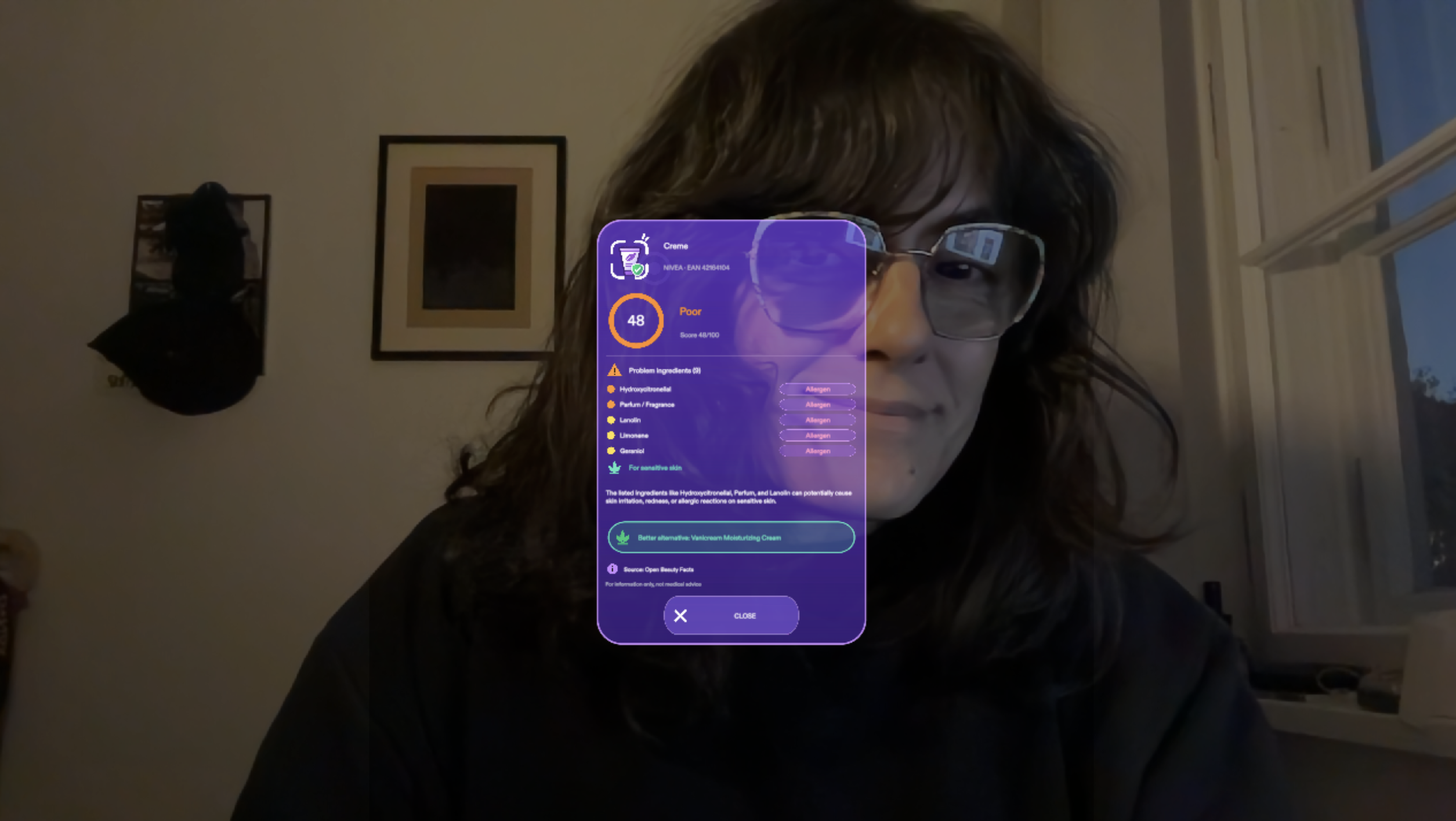
- See the verdict. A card appears beside the product with a 0–100 score and its color, each problem ingredient (tagged as an allergen, irritant, heavy metal, or endocrine disruptor, and rated by risk), what the product can do to sensitive skin, a better alternative, and where the data came from.
- No made-up data. If no real ingredient list exists, InciSee says so. It also recognizes accessories that have no ingredient list, such as press-on nails and lashes.
- The UI moves with you. The scan frame follows your gaze. The card follows your view lazily, and you can grab it and move it.
How I built it
- Planning. I started with the Devpost Learn skill pack, which interviewed me and wrote the design brief in
devpost/design-brief.md. Then Claude Code built the Lens in Lens Studio 5.23 through Snap's CLAD plugin and the Lens Studio MCP. - Reading the product. Gemini, called through the Remote Service Gateway, reads the barcode, the brand, the name and any ingredient list printed on the package. Barcodes are checked with their GTIN check digit; when the check fails, the Lens crops the barcode, boosts its contrast and reads it again.
- Real ingredient sources. The Lens tries, in order: Open Beauty Facts by barcode, the list printed on the package, Open Beauty Facts by name, and INCIDecoder. UPCitemdb gives a name when only a barcode is known.
- Deterministic scoring. A rule table gives the score, so the same product always gets the same result. The table is based on EU Cosmetics Regulation 1223/2009, the 26 fragrance allergens, SCCS opinions and the EU endocrine-disruptor lists. Gemini only writes the plain-language explanation.
- Testing. LEAF scenarios cover the main flow. I also tested the Lens on real Spectacles hardware.
Challenges I ran into
- Consistent scores. At first the AI gave the same cream 30 in one session and 60 in another. Moving the scoring into fixed rules, plus an on-device cache, made results repeatable.
- Barcodes. A barcode seen through glasses is small and often in low light. The check-digit validation and the zoomed re-read fixed most misreads.
- Ingredient data. Most products have no list in open databases. Adding INCIDecoder, and following its domain move by hand, made real lookups work.
- Additive display. Dark colours turn transparent on the glasses, so the InciSee purple panels had to be brighter than the mockups.
Accomplishments that I'm proud of
- InciSee is a complete product, not a demo. It has onboarding in 5 languages, two ways to enter a product, honest "not found" states, and a branded UI that stays readable on an additive display.
What I learned
- Good AR shares your view and leaves your hands free. Everything that didn't serve the "look and pinch" moment was cut.
- Let AI read, not judge. Rules give users answers they can trust.
- Design for the display you ship on, not for the mockup.
What's next
- Personal allergen profiles, such as "warn me about fragrance".
- Comparing two products side by side on the shelf.
- More regional ingredient databases.
Built With
- clad
- claude
- lensstudio
