-
-
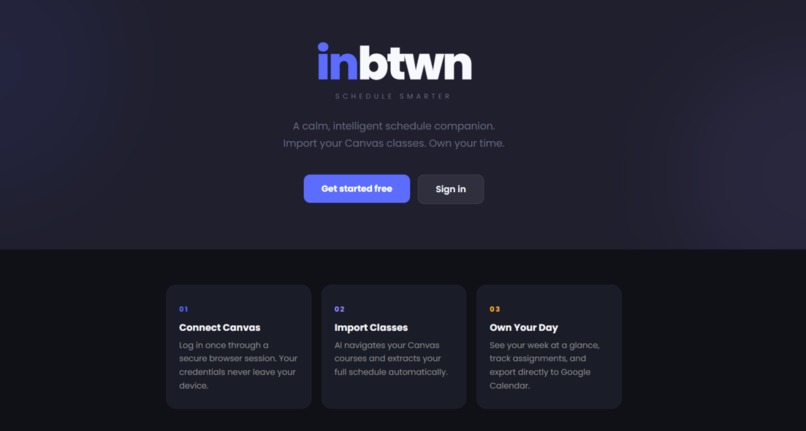
inbtwn HomePage
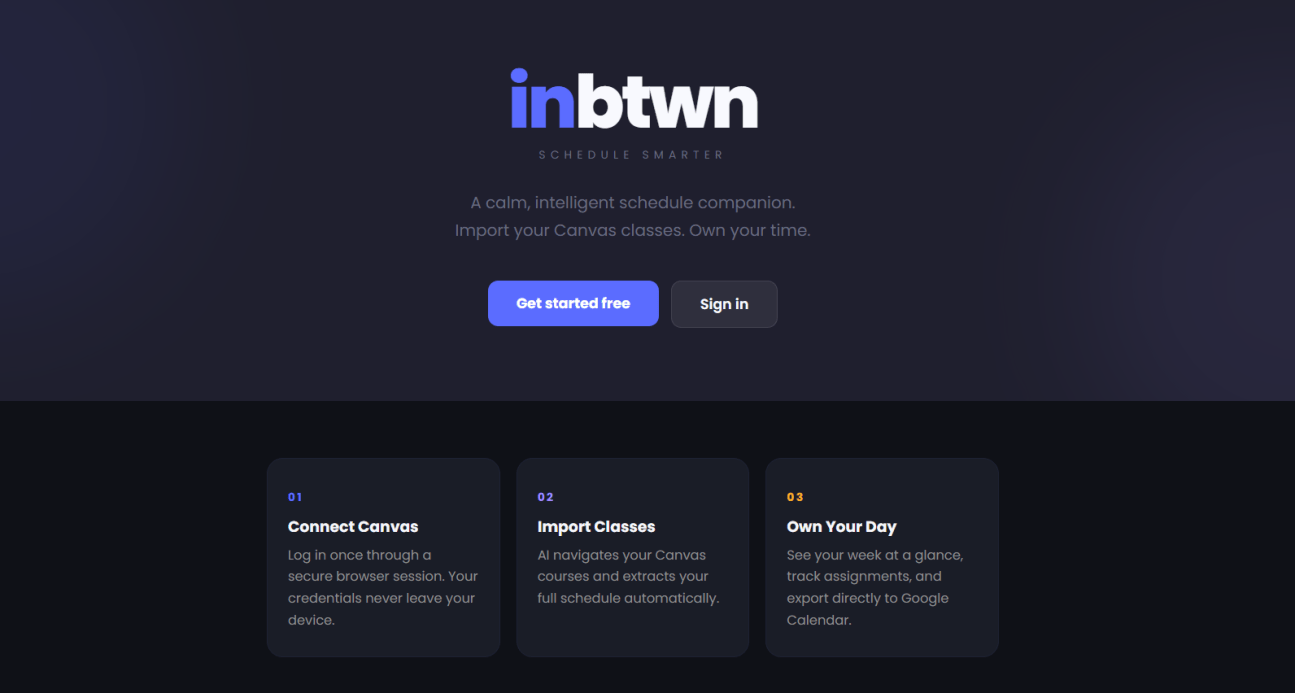
Inspiration
As UCSD students, we found ourselves flipping through Canvas, Google Calendar, and mental math to figure out when to leave for our next class. With a campus this big, walking from Seventh College to Center Hall takes 22 minutes; nobody wants to be late to their mandatory discussion because they overestimated how much time they had. We wanted one tool that brings all our daily to-dos together and calculates the time for us, so we can do that final little task before leaving our dorm and still make it to our class on time. We focus on small tasks that fit into 15-minute pockets and recommend when to do them based on your class schedule and walking time between locations. The name inbtwn is all about making the most of those little in-between moments between classes.
What it does
inbtwn is an AI-powered schedule companion for college students. You log into Canvas once through a secure cloud browser, and our AI agent navigates your courses to extract:
- Class schedules
- Assignment deadlines and point values
- Syllabus content, instructor info, external links
- Final and midterm exam dates
From there, inbtwn:
- Generates walking time buffers between classes using real Google Maps walking data for every UCSD building pair. If your lecture ends at Peterson and your next class is at York Hall, it knows that's a 14-minute walk and blocks that time on your calendar.
- Exports to Google Calendar via OAuth2
- Breaks assignments into AI-generated milestones — paste in the rubric and get actionable steps with spread-out due dates.
- Lets you edit your schedule with natural language — type "cancel Monday OH" or "move lecture to CENTR 101" in the chat, review the proposed change, and apply it.
- Sends email reminders when it's time to leave for class or when a todo is due.
How we built it
This app was entirely vibecoded. We used claude code and cursor.
The stack is Next.js 16 with the App Router, React 19, TypeScript, and Tailwind CSS v4. Data lives in JSON files for development and MongoDB for production.
The Canvas scraping uses Browser Use, an AI browser automation platform. We create a cloud browser session, the user logs into Canvas through an iframe, then our agent (bu-mini model) navigates every course page, follows external links, and returns structured JSON.
For the walking time system, we sourced a complete distance matrix from the Google Maps Distance Matrix API covering all 15 major lecture halls, 9 residence halls, and 2 landmarks. This is baked into the app as static data for efficiency. Location strings from Canvas (like "PETER 108") are fuzzy-matched to canonical building names via an alias map.
The AI features route through OpenRouter, which lets us use Claude Sonnet 4 for milestone generation and assignment extraction, and Gemini 3 Flash for the chat editor (where speed matters more than depth). The chat system sends the user's full class/assignment/todo context to the LLM with a structured action schema, and the UI shows "Apply / Dismiss" buttons before any change is committed.
For calendar export, we support two paths: Google OAuth2, with Browser Use automation as a fallback.
Challenges we ran into
Partway through the hackathon some members of the team ran out of claude code usage, so we had to sign up to cursor for the student trial as an alternative. This was annoying because we had people failing the student verification.
Canvas scraping was sometimes unpredictable and slow. Browser Use also had an issue which we thought was on our end and made things hard.
Merging was pretty complicated, since we had multiple people working on the project at the same time sending PRs with thousands of lines that touched various parts of the codebase. We relied on Claude to do the merging, but some stuff still got lost. Some people also had divergent branches which made it hard to work on the code.
The cleanup code isn't perfect so we would sometimes run out of browser use sessions and have to manually close them.
Accomplishments that we're proud of
- Working Canvas importation, Google Calendar exportation, and email reminders
- Collects all of the user’s assignments, midterms, finals, projects, etc.
- Necessary information for all of the users’ classes is implemented into their calendar
- Accounts for the distance between the user’s classes
- Automatic task-time / to-do tasks time block suggestions
- Multi-Feature: Focus Mode, To-Do Lists, User-Personalized Settings
What we learned
AI browser automation is powerful but fragile. The Browser Use agent can navigate complex SSO flows, but it needs very specific instructions (click, don't navigate; use form fields, don't construct URLs) and a bail-out strategy for some login walls.
Static data beats API calls for campus-specific features. Baking the walking time matrix into the app eliminates latency, API costs, and rate limits. The data only changes when buildings are added.
- localStorage is underrated for user preferences in a hackathon. No database migration, no API endpoints — just JSON.parse(localStorage.getItem(...)) with a default fallback.
- Prompt engineering is iterative. Our scraper prompt went through ~10 revisions: adding schedule entry rules, example JSON with realistic data, explicit instructions about day-of-week format, location codes, assignment extraction, and which external sites to skip.
What's next for Inbtwn
- Real-time reminders — a background scheduler that sends "leave now" emails based on your actual walking time, not just a static offset.
- Multi-campus support — the walking time system is modular. Adding another campus means generating a new distance matrix and alias map.
- Shared schedules — see when your friends are free by comparing calendars, with walking-time-aware meetup suggestions ("you're both near Geisel at 2pm").
- Mobile app — push notifications for leave reminders, quick todo completion, and at-a-glance schedule view.
Built With
- browseruse
- gemini
- google-calendar
- nextjs
- react
- tailwind
- typescript
- vultr


Log in or sign up for Devpost to join the conversation.