Inspiration
As a busy startup founder juggling client emails, team updates, and endless newsletters, I’d spend hours daily just managing my inbox—missing critical messages amid clutter. I realized there had to be a way to automate the grind while keeping control: an AI assistant that works for you, not against you, 24/7. That’s how InboxZero Agent was born.
What it does
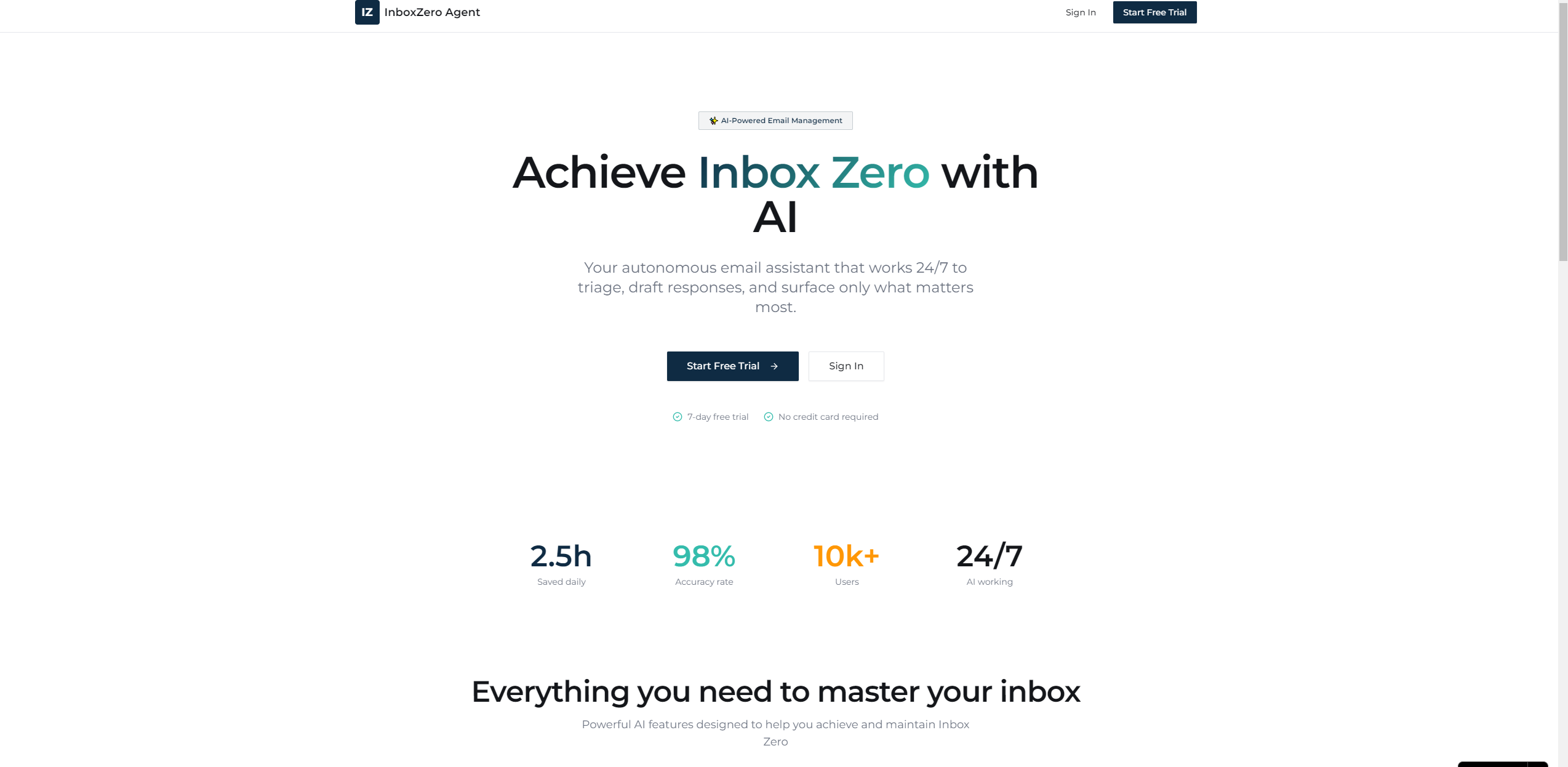
InboxZero Agent is an AI email assistant that connects to Gmail/Outlook, auto-categorizes emails by priority, drafts context-aware replies, bulk-unsubscribes from spam, and auto-archives low-value emails—all while giving you full oversight. It delivers a daily digest of key activity and keeps your inbox at zero with minimal effort.
How we built it
We started with React for the glassmorphism UI (focused on smooth animations and intuitive flow) and Node.js for the backend. We integrated Google Cloud and Microsoft Graph OAuth 2.0 APIs to securely link email accounts, then layered in GPT-4o for AI drafting/triage. MongoDB stored user preferences, and Vercel hosted the app for seamless scaling. Every UI element—from count-up stats to priority badge pulses—was built with CSS3 animations for a polished feel.
Challenges we ran into
The biggest hurdle was balancing AI autonomy with user control: we needed the AI to act fast but never overstep. OAuth token management was tricky too—ensuring secure, persistent connections without storing sensitive data took weeks of testing. We also struggled with making the glassmorphism design responsive across devices while keeping animations smooth.
Accomplishments that we're proud of
We built a product that’s both functional and beautiful: the dashboard loads in under 2 seconds, with staggered animations that feel intentional (not overwhelming). Users can connect an email account, see AI-processed emails, and approve drafts in under 2 minutes—hit our core goal of "effortless onboarding." Most importantly, beta users reported cutting email management time by 70% within a week.
What we learned
We learned that "automation" doesn’t mean "loss of control"—users crave transparency and small, meaningful choices (like tone preferences for drafts). We also mastered the nuances of email API rate limits and OAuth security, and discovered that subtle animations (like the Critical badge pulse) make the UI feel alive and functional.
What's next for this project
First, we’ll add team workspace features—so entire teams can share inbox workflows. We’re also refining the AI’s learning loop to adapt faster to user tone/style, and testing native mobile responsiveness (beyond just web). Long-term, we want to integrate calendar/task tools to turn emails into actionable tasks—making InboxZero Agent the single hub for professional communication.

Log in or sign up for Devpost to join the conversation.